No items found.
Skip to main content

Automatic Airspace Highlighting

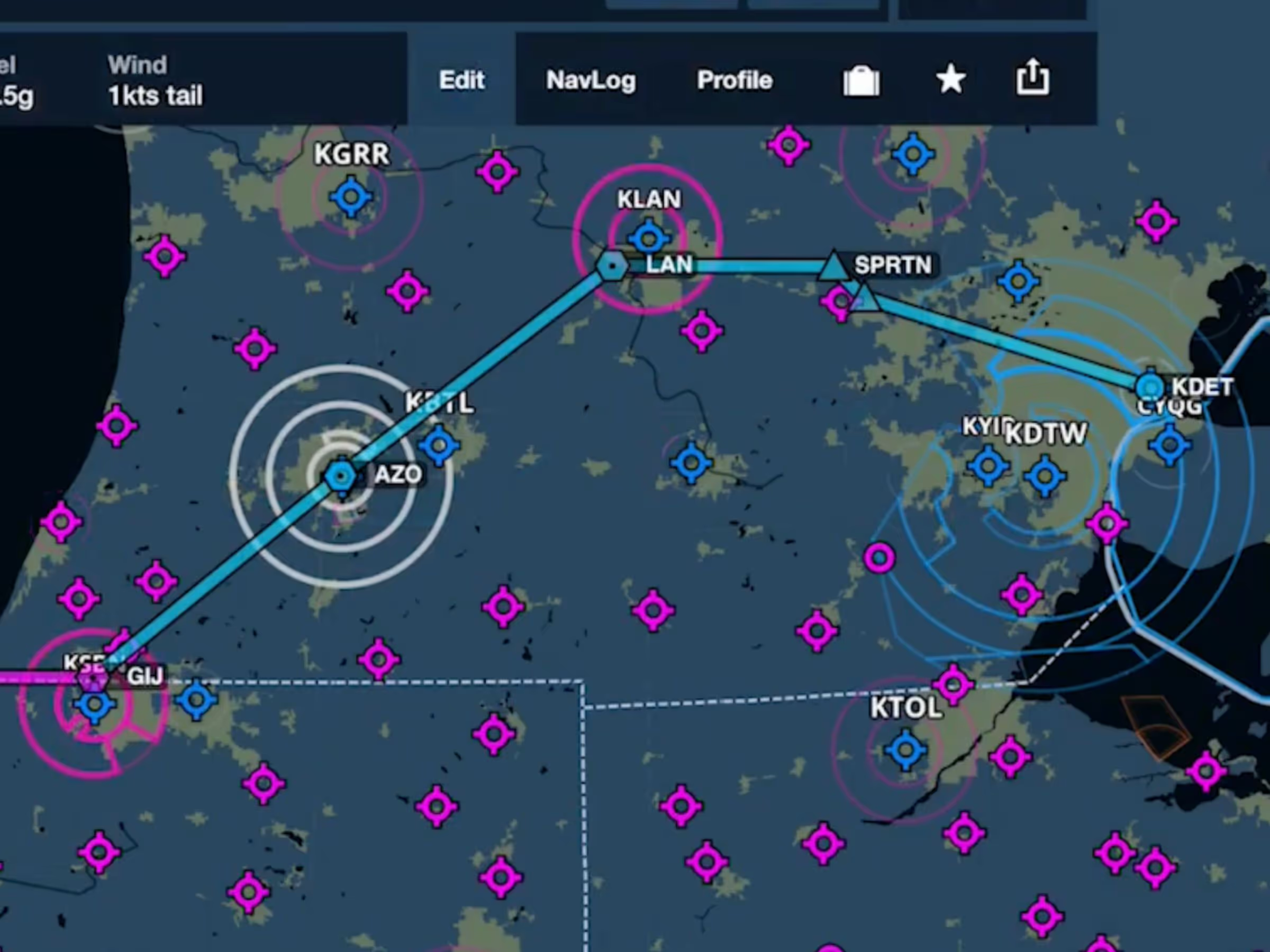
ForeFlight’s Aeronautical Maps now highlight airspace along your route while dimming other airspace.

No images available to display.
back
next

ForeFlight’s data-driven Aeronautical Maps now highlight airspace along your route while dimming other airspace, making it easy to focus on the airspaces that matter for your flight. ForeFlight automatically highlights any airspace within +/- 1,000 feet of your altitude and within 1-nautical mile on either side of your route. Adjust your route or altitude, and ForeFlight smoothly updates the on-screen depiction.

ForeFlight considers the flight’s climb, cruise, and descent trajectory to highlight nearby airspace. Once in flight, ForeFlight uses your current altitude to determine which airspaces to highlight, and looks ahead to highlight airspace along your current heading, even if not directly on your route.

https://youtu.be/1M7IdDKb4sA

Release notes

Release notes

  • Automatically highlights airspace near the aircraft or along the route of flight and dims all other airspace to reduce clutter on the map.
  • Highlights airspace within an altitude of +/- 1,000’ and a 1-nautical mile corridor of your planned route of flight.
  • Considers the flight’s climb, cruise, and descent trajectory to highlight nearby airspace.
  • Works in both planning mode on the ground and in flight.

Support

Support

FAQs
Finden Sie Antworten auf Ihre Fragen
Leitfaden anzeigen
Das vollständige ForeFlight-Handbuch
Videothek
ForeFlight-Videos – alle an einem Ort
Kaufberatung
Wählen Sie den richtigen Tarif