No items found.
Skip to main content
October 2018

Map & Navigation Enhancements

Display custom content on the Maps view, overlay a SID/STAR procedure on the map, and more.

No images available to display.
back
next
  • Tap on SID/STAR procedure bubbles in the Route Editor to find the new “Show Plate” action, which will open the plate in the Plates view, or overlay it on the map if it supports geo-referencing and you have an Essential plan or higher.
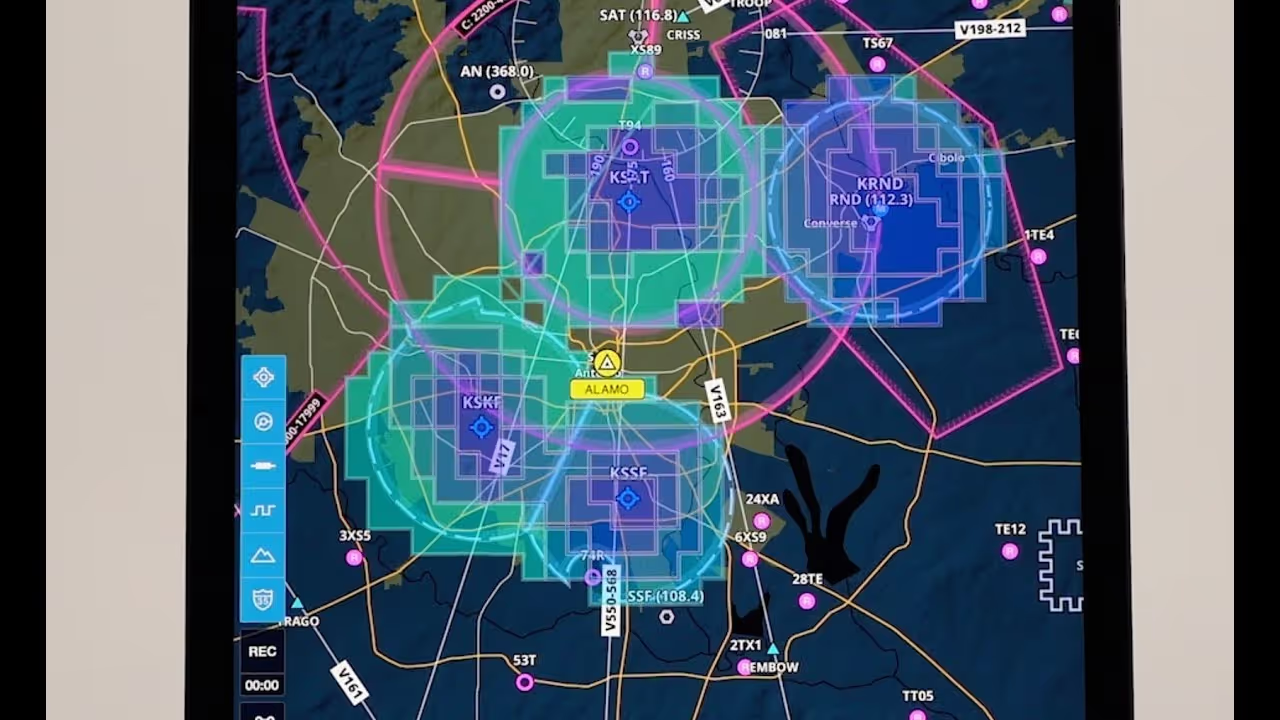
  • Display multiple user content files on the map at once by selecting them from the Layer Selector, including .mbtiles user charts and .kml user map layers.

Click here for more information on how to create and use custom content files.
Release notes

Release notes

  • Tap on SID/STAR procedure bubbles in the Route Editor to find the new “Show Plate” action, which will open the plate in the Plates view or overlay it on the map if it supports geo-referencing and you have an Essential subscription or higher.
  • You can now display multiple user content files on the map at once by selecting them from the Layer Selector, including .mbtiles user charts and .kml user map layers. Visit foreflight.com/user-content for more information on how to create and use these files.

Support

Support

FAQs
Finden Sie Antworten auf Ihre Fragen
Leitfaden anzeigen
Das vollständige ForeFlight-Handbuch
Videothek
ForeFlight-Videos – alle an einem Ort
Kaufberatung
Wählen Sie den richtigen Tarif