No items found.
Skip to main content
May 2026

AGL Alert Altitudes

Receive prominent altitude callouts as you descend to land with new configurable options.

No images available to display.
back
next

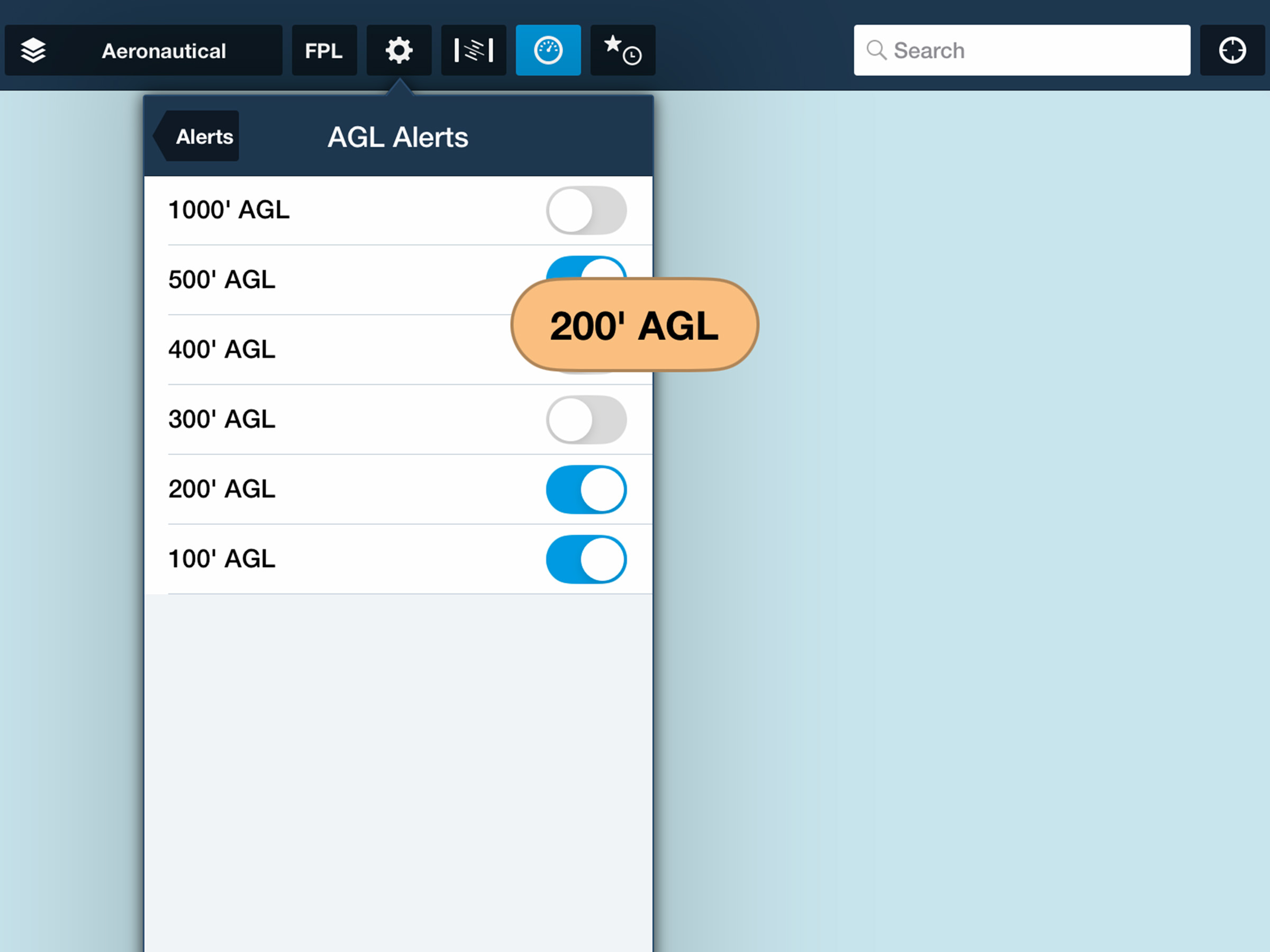
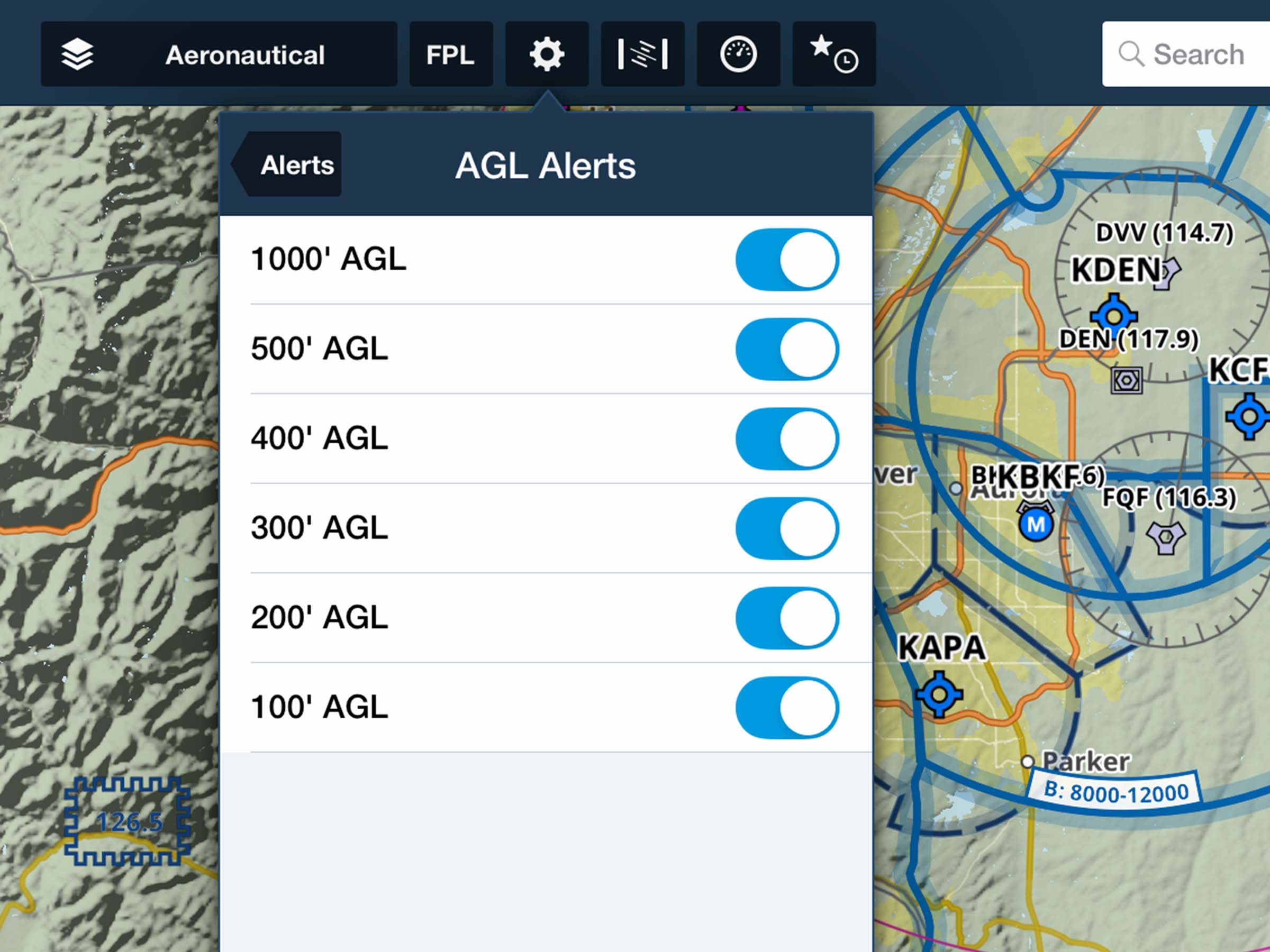
Configure multi-stage altitude callouts during your approach with expanded options for AGL alerts. Navigate to Map Settings > Alerts > AGL Alerts (or More > Settings > Alerts > AGL Alerts) to enable audio and visual warnings for up to six different altitudes: 1000’, 500’, 400’, 300’, 200’, and 100’. To reduce unnecessary noise, alerts only trigger when descending through each configured altitude and must first be “armed by climbing at least 1000 feet above the selected alert setting during flight.
Release notes

Release notes

  • Receive prominent altitude callouts as you descend to land with new configurable options in addition to the default 500 foot AGL alert. 
  • Access AGL Alerts settings in Map Settings > Alerts > AGL Alerts, or in More > Settings > Alerts > AGL Alerts.
  • Enable AGL Alerts for up to six different altitudes (in feet): 1000’, 500’, 400’, 300’, 200’, and 100’.
  • AGL Alerts will only trigger when you descend through each altitude, not while ascending, and only if you had previously “armed” each alert by reaching an altitude at least 1000 feet above each AGL Alert setting.

Support

Support

FAQs
Find answers to your questions
Pilot's Guide
The complete ForeFlight handbook
Video Library
ForeFlight videos all in one place
Buying Guide
Choose the right iPad and plan