No items found.
Skip to main content
July 2021

Background Downloads Setting

Disable background downloads to prevent interruptions from slow internet connections.

No images available to display.
back
next

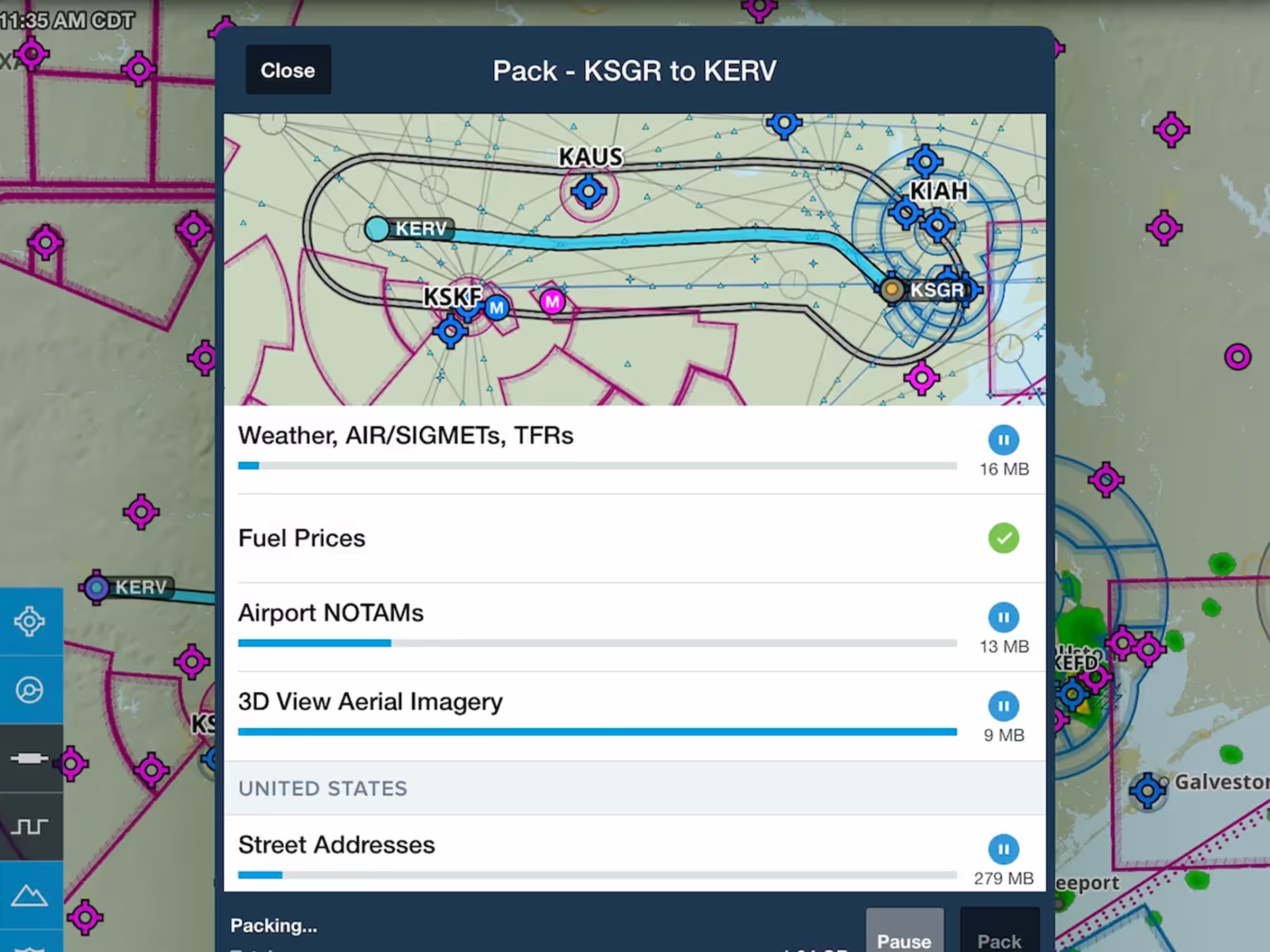
Optionally disable background downloads to prevent them from being interrupted and restarting due to a slow or spotty internet connection. The switch to disable Background Downloads is available in More > Settings > Downloads, just below the Automatic Downloads setting switch.
Release notes

Release notes

  • Optionally disable background downloads to prevent them from being interrupted and restarting due to a slow or spotty internet connection.
  • The switch to disable Background Downloads is available in More > Settings > Downloads, just below the Automatic Downloads setting switch.
Support

Support

FAQs
Find answers to your questions
Pilot's Guide
The complete ForeFlight handbook
Video Library
ForeFlight videos all in one place
Buying Guide
Choose the right iPad and plan