No items found.
Skip to main content
July 2026

One-Finger Zoom

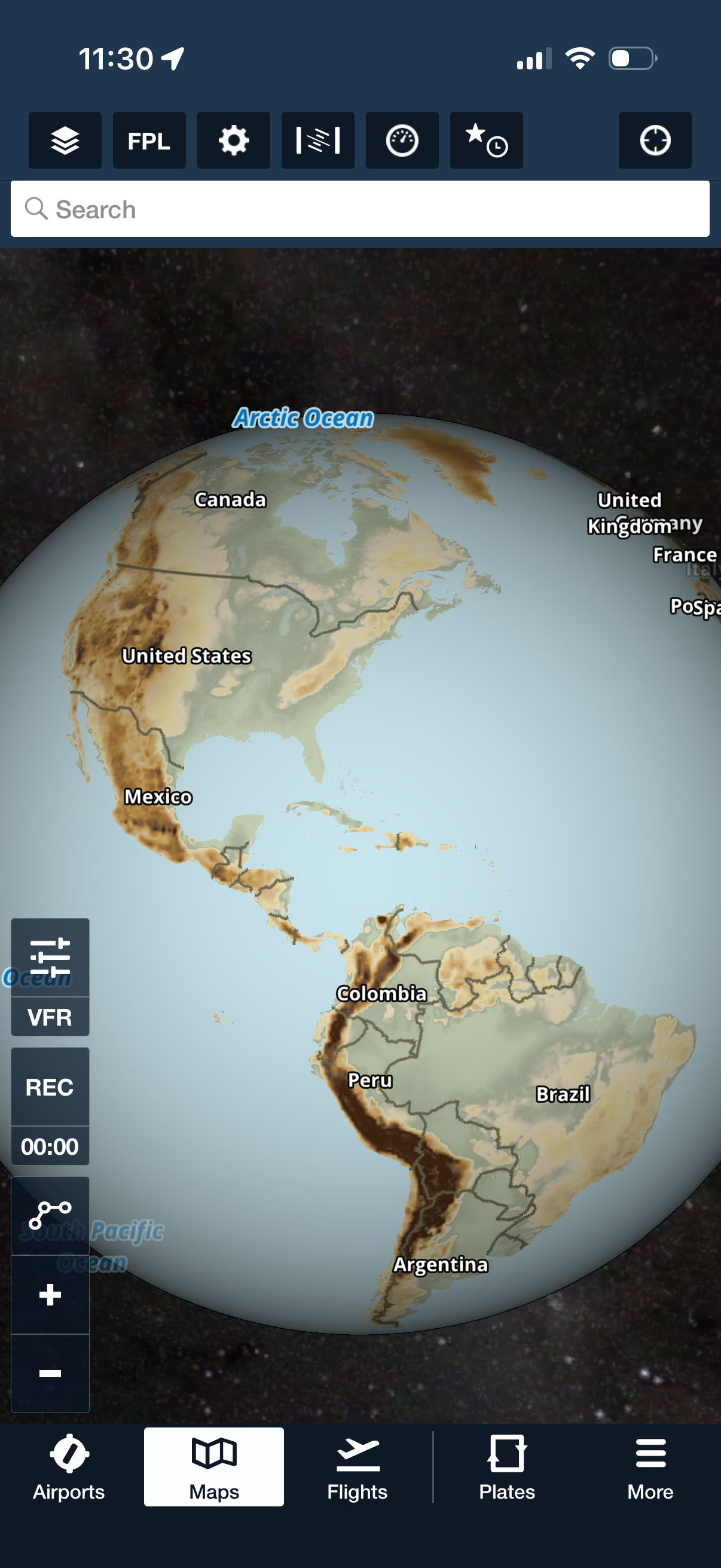
Zoom in and out of the map using a one-finger gesture.

No images available to display.
back
next

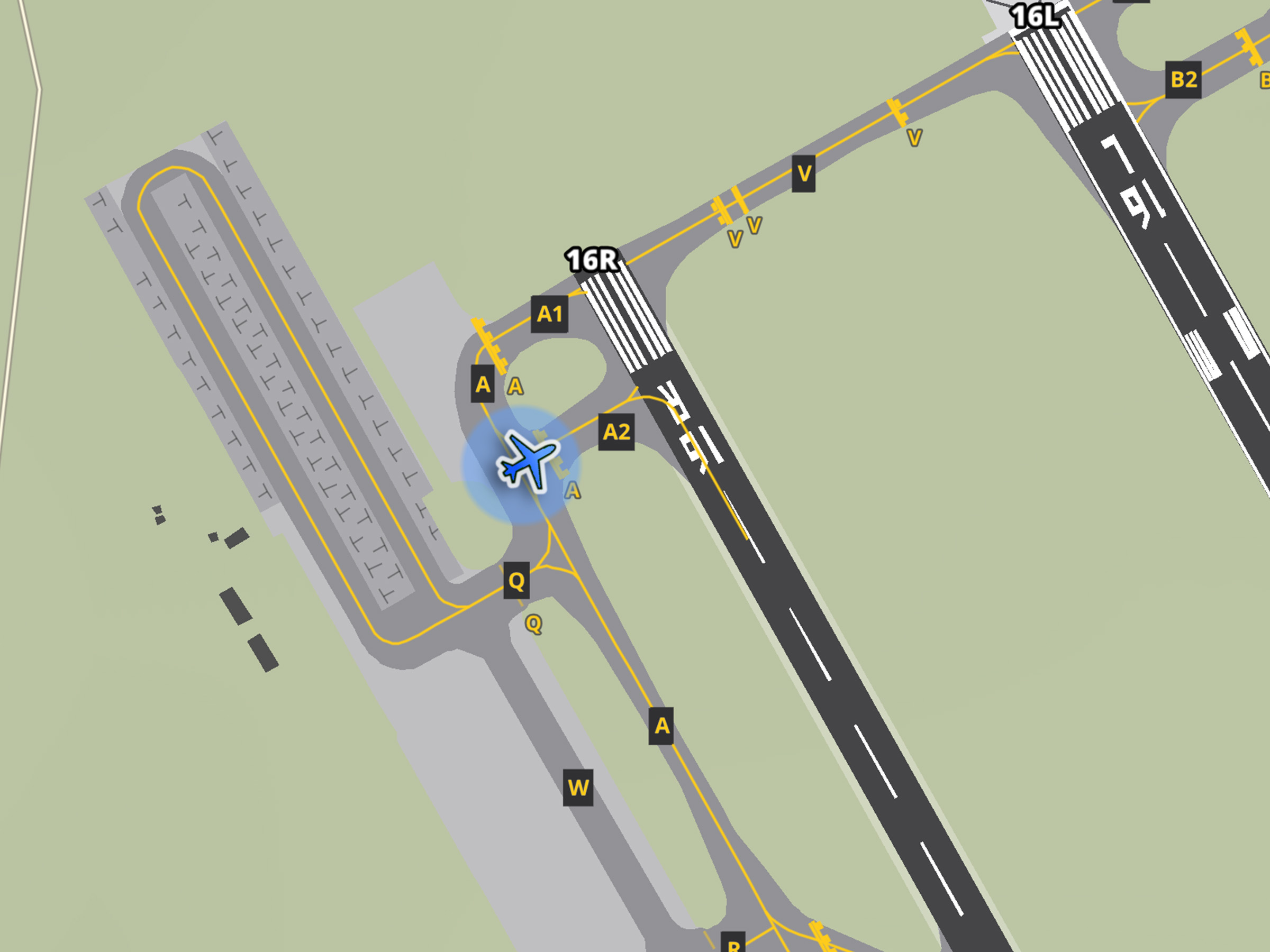
Quickly zoom in or out of the map with a simple double-tap, then drag your finger up or down to adjust the zoom level. One-Finger Zoom provides a reliable alternative to pinch-to-zoom on iPad and simplifies map navigation when holding an iPhone with one hand.

One-Finger Zoom is available with all ForeFlight subscription plans on iPad and iPhone.
Release notes

Release notes

  • Easily zoom in and out of the map by double-tapping and then dragging your finger up or down, perfect for one-handed control on iPhone and an alternative to the pinch-zoom gesture on iPad.

Support

Support

FAQs
Find answers to your questions
Pilot's Guide
The complete ForeFlight handbook
Video Library
ForeFlight videos all in one place
Buying Guide
Choose the right iPad and plan