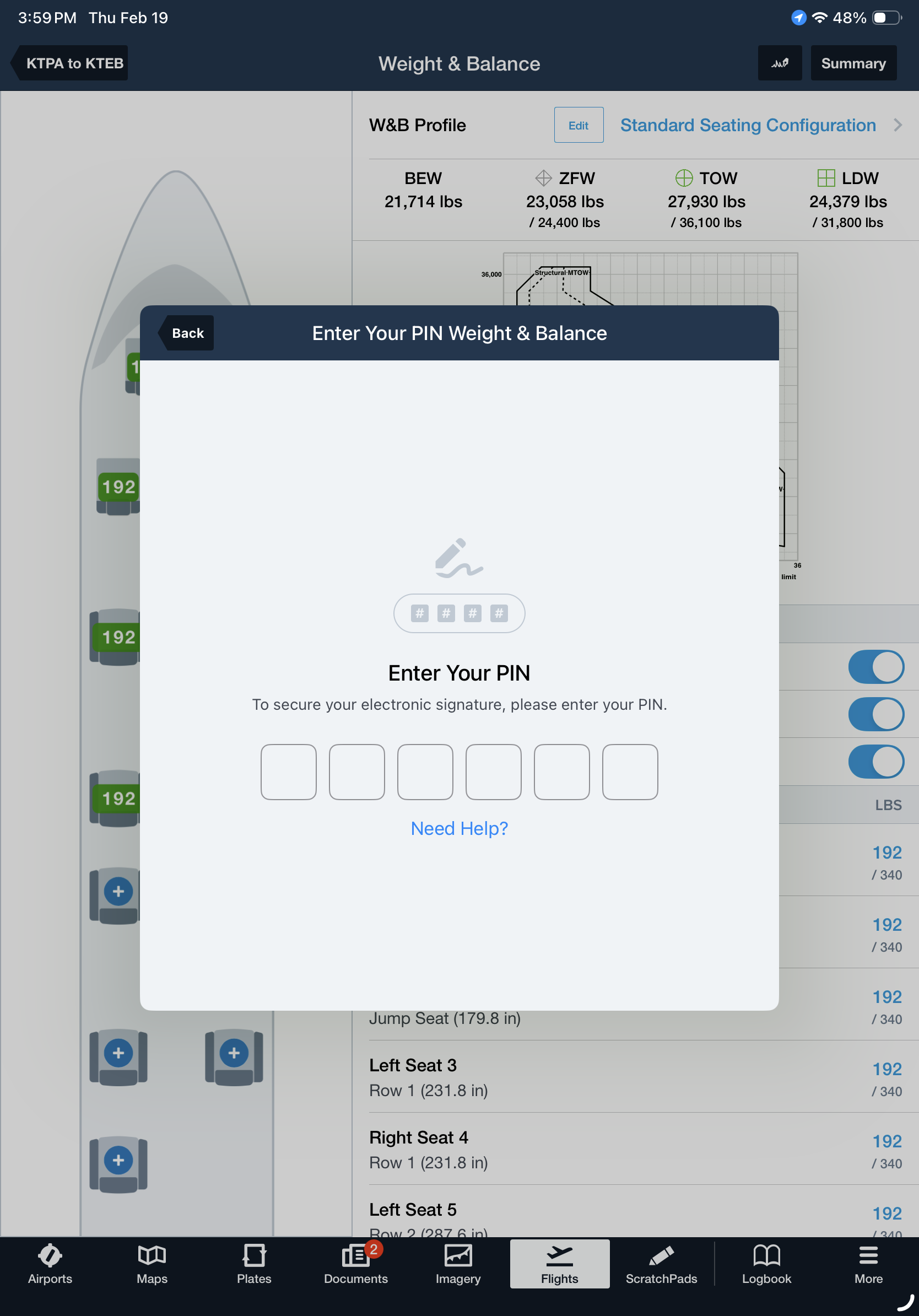
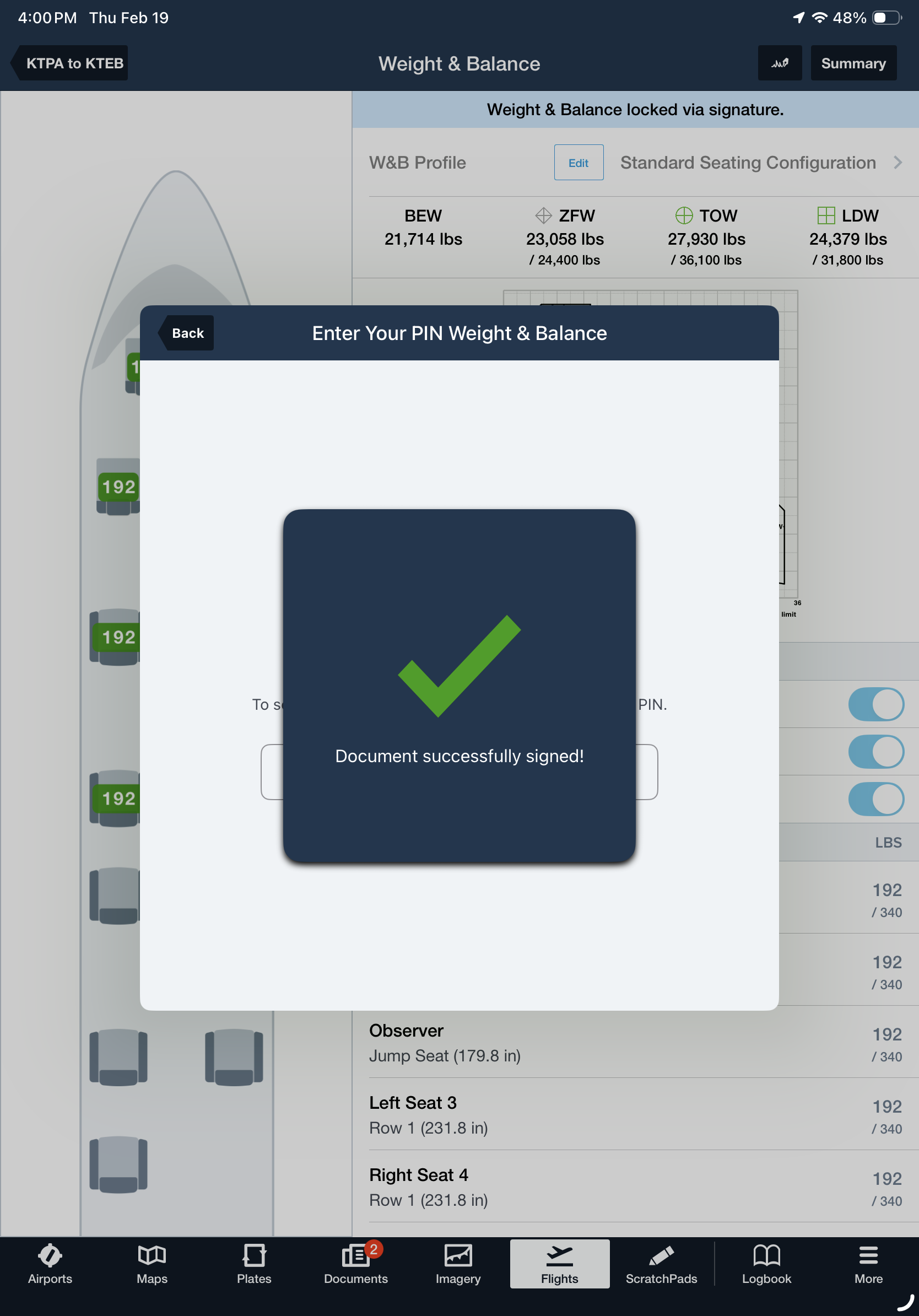
Electronically sign and lock a flight’s Weight & Balance load summary with a secure PIN code for fast, compliant record keeping. Navigate to More > Account > Pilot Signature & PIN to add your electronic signature and configure a secure 6-digit PIN code.
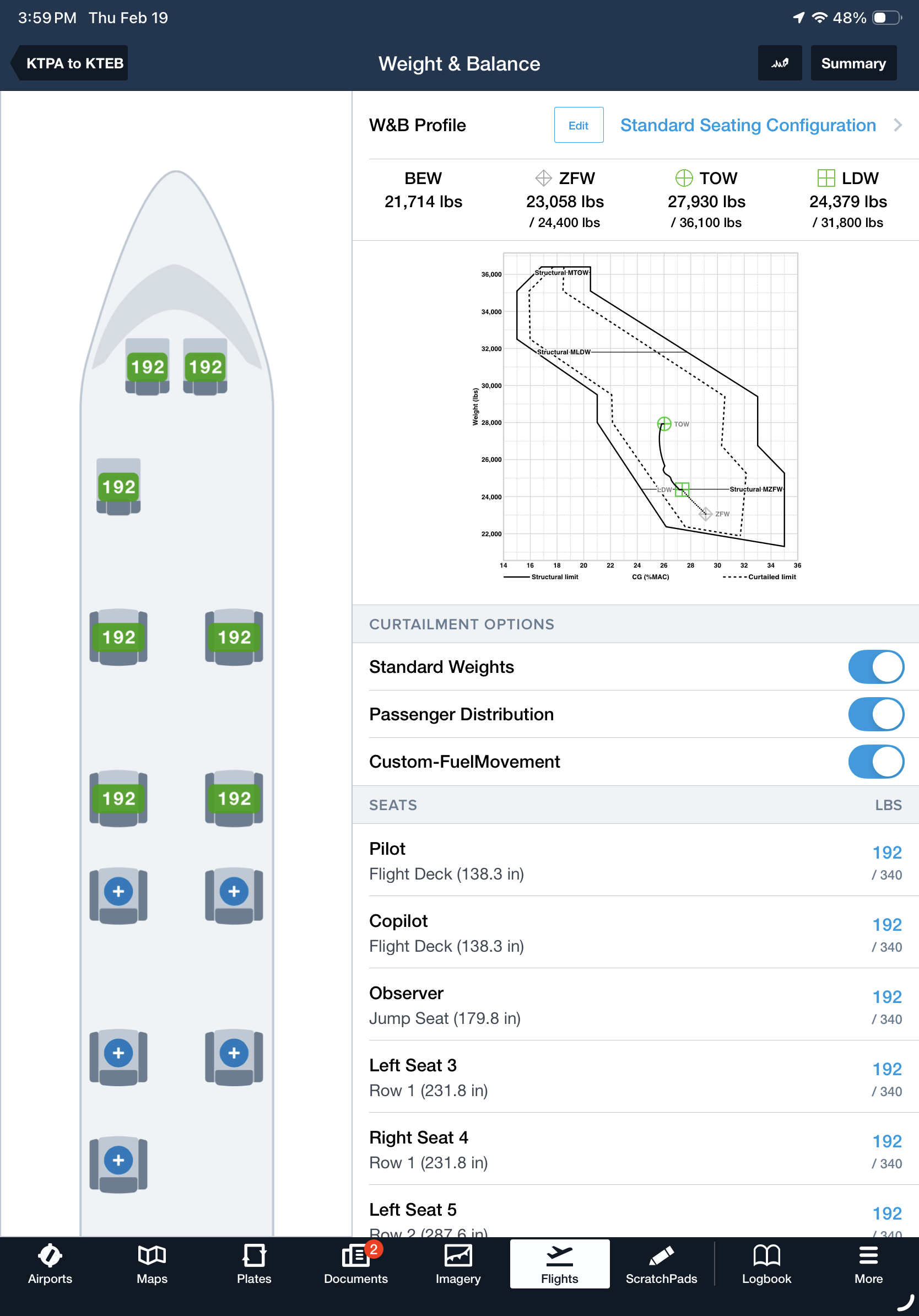
Once your flight is planned and calculations are complete, tap the signature button in the top-right of the W&B and enter your PIN to apply your signature. This locks the W&B view from further edits and automatically adds your signature to the W&B Summary document. If you have any last-minute changes, tap the signature button again to remove your signature and unlock the W&B view so you can update your calculations.
E-Sign Weight & Balance is available with the Active Navlog add-on for Business Performance subscription plans.