No items found.
Skip to main content
November 2026

Enhanced Traffic Icons

Identify nearby traffic more easily with realistic icons based on reported aircraft types.

No images available to display.
back
next

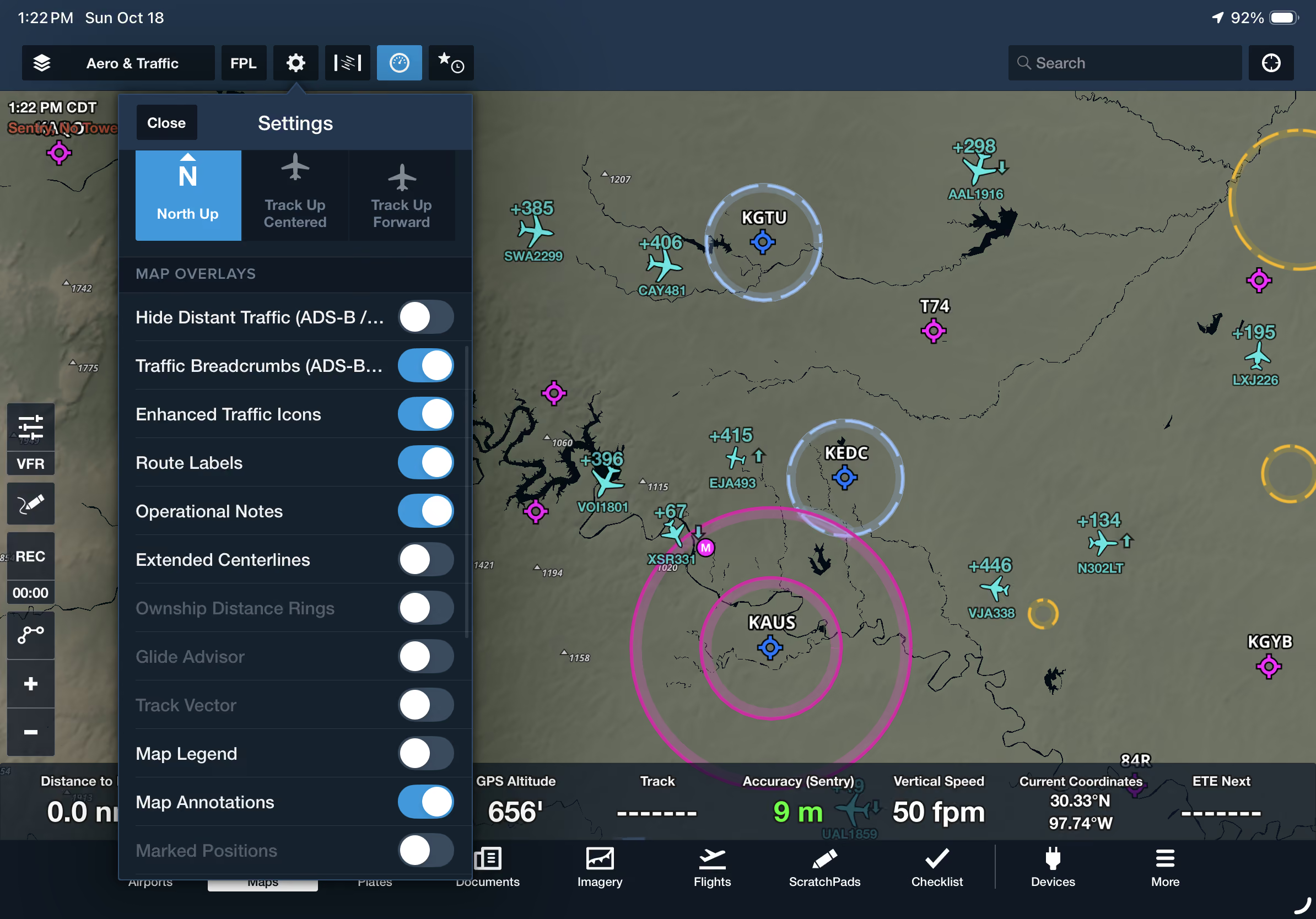
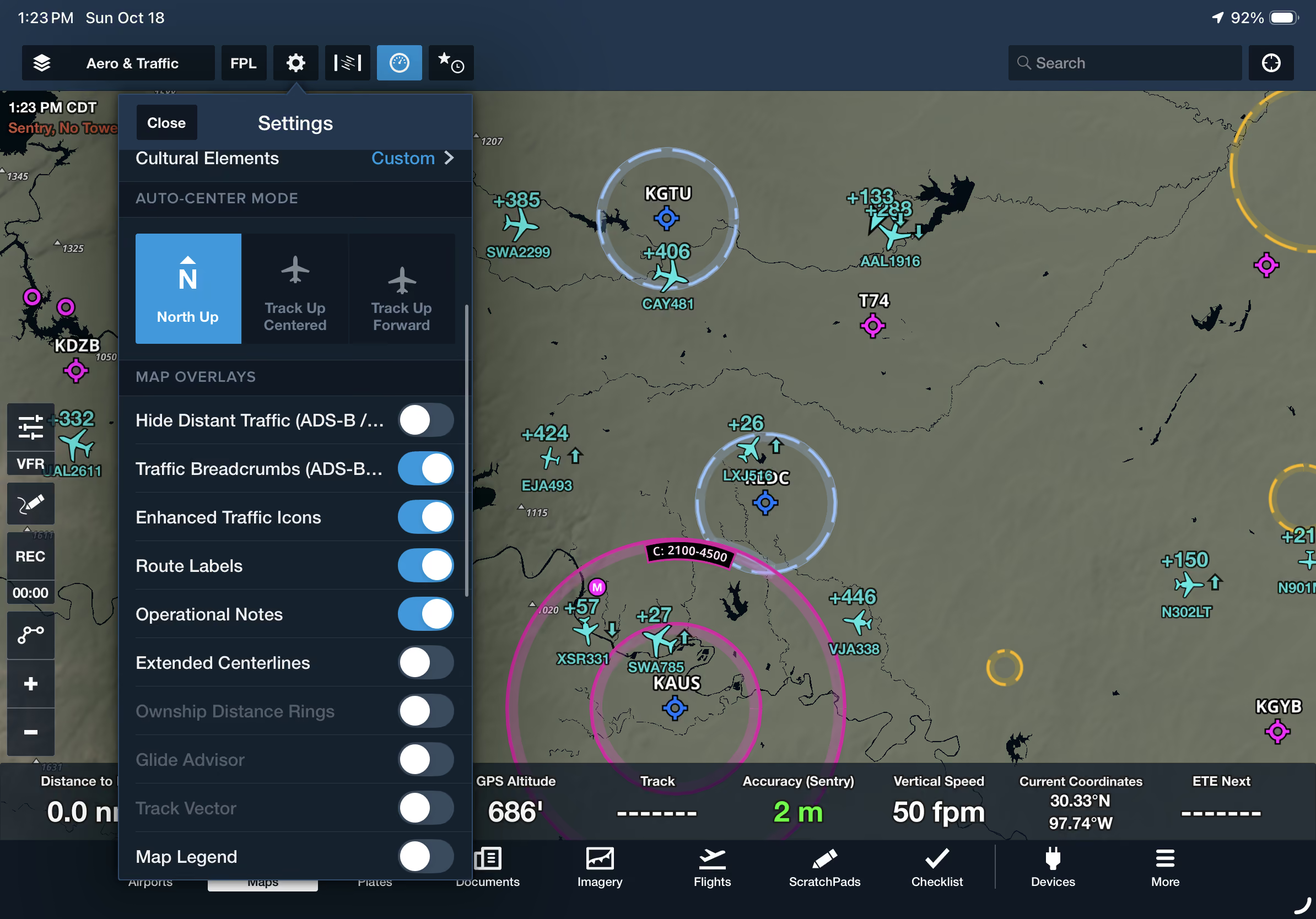
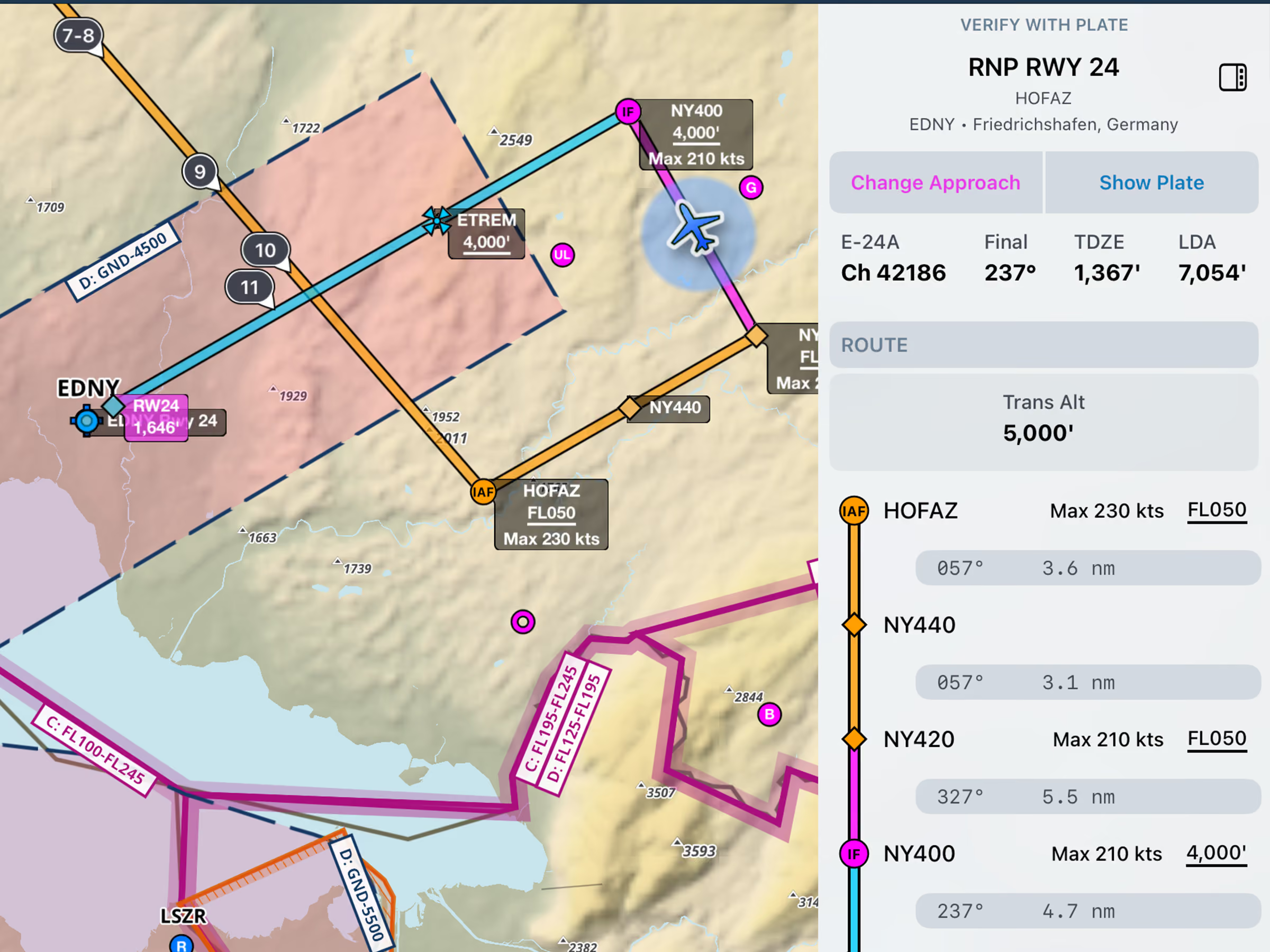
Improve your traffic awareness with enhanced icons that make it easier to distinguish between different aircraft types on the map. When connected to an ADS-B IN or FLARM receiver, enable Enhanced Traffic Icons in Map Settings to replace generic traffic arrows with more recognizable aircraft icons, including commercial airliners, private jets, single-engine piston aircraft, and more, when aircraft type information is available.

Enhanced Traffic Icons are available with ForeFlight Essential subscription plans and above.
Release notes

Release notes

  • Change how traffic targets appear in ForeFlight based on their reported aircraft type.
  • Enable the Enhanced Traffic Icons toggle in the Map Settings menu while connected to an ADS-B IN or FLARM receiver to replace the generic traffic icon arrow with more realistic icons representing commercial airlines, private jets, single-engine pistons, and other aircraft types, when this information is available.
  • This setting is available with ForeFlight Essential subscription plans and above.
Support

Support

FAQs
Find answers to your questions
Pilot's Guide
The complete ForeFlight handbook
Video Library
ForeFlight videos all in one place
Buying Guide
Choose the right iPad and plan