Clean up a backlog of draft Logbook entries quickly and easily with the ability to select multiple entries at once for bulk deletion or approval. Click Select at the top of All Drafts & Requests to get started.

Bulk select draft entries in Logbook with options to approve or delete all.
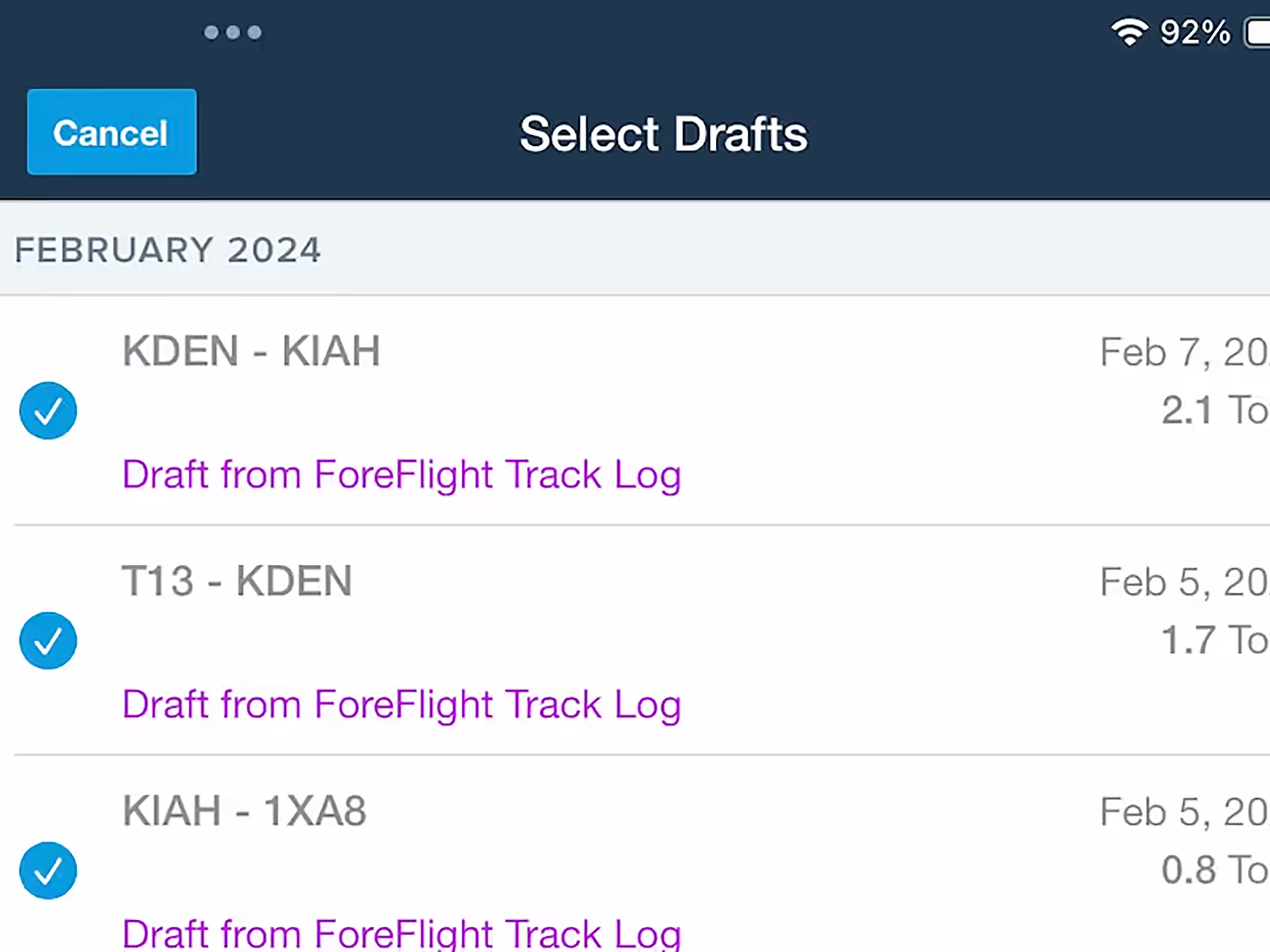
Clean up a backlog of draft Logbook entries quickly and easily with the ability to select multiple entries at once for bulk deletion or approval. Click Select at the top of All Drafts & Requests to get started.
.avif)
Trip Support customers can view service statuses and uploaded documents for each trip leg directly in Flights.
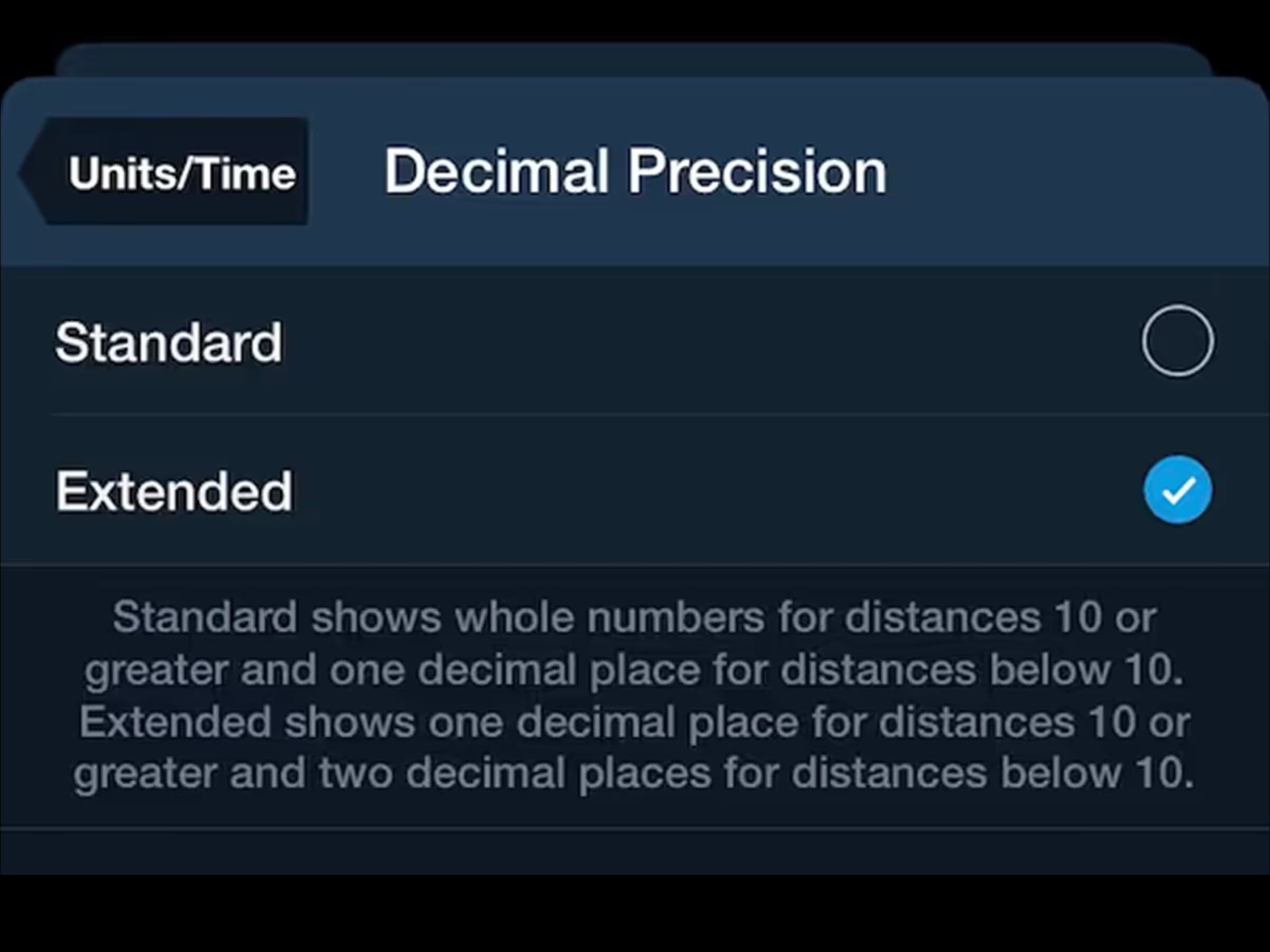
Add extra decimal precision to distance values in the Instrument Panel and XTRK in Synthetic Vision.
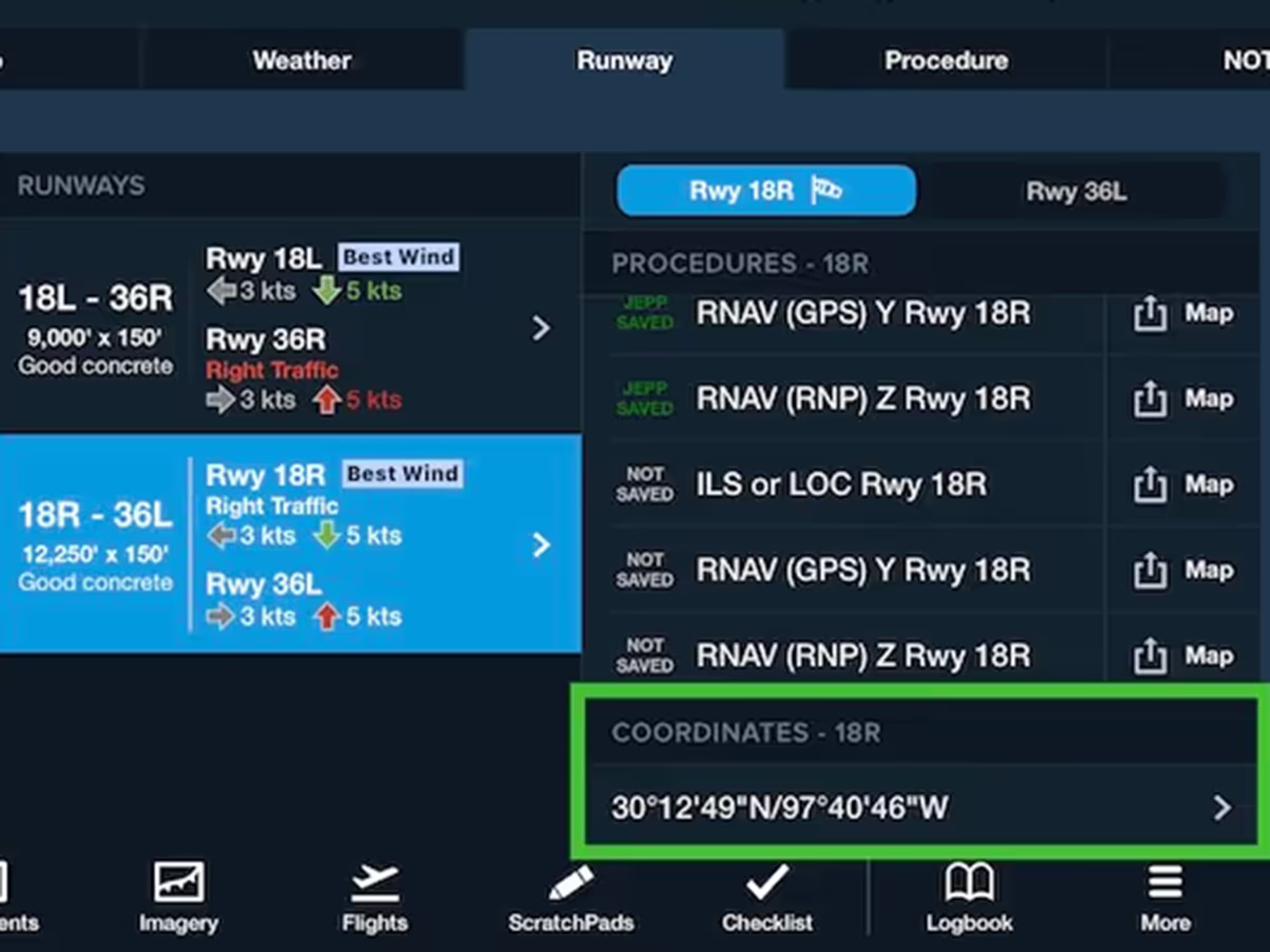
View and copy runway threshold coordinates from the Runway Details view or any airport popup on the Map.
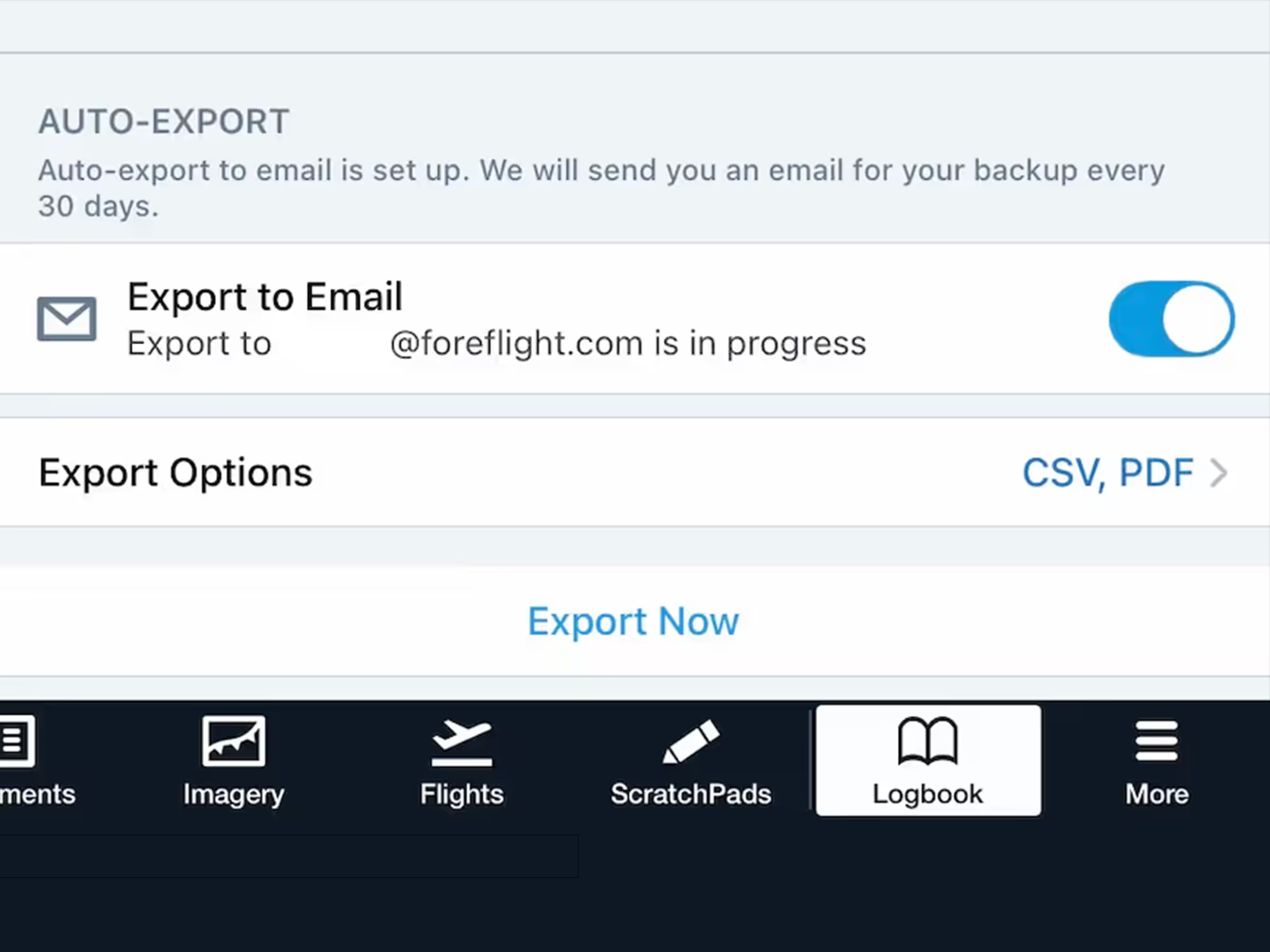
Protect your Logbook with automatic monthly exports sent to your email.


