No items found.
Skip to main content
November 2022

Route Filing Remarks

Edit waypoint-specific route elements like Delays/STAYs and add ATC remarks directly in the Filing Form.

No images available to display.
back
next

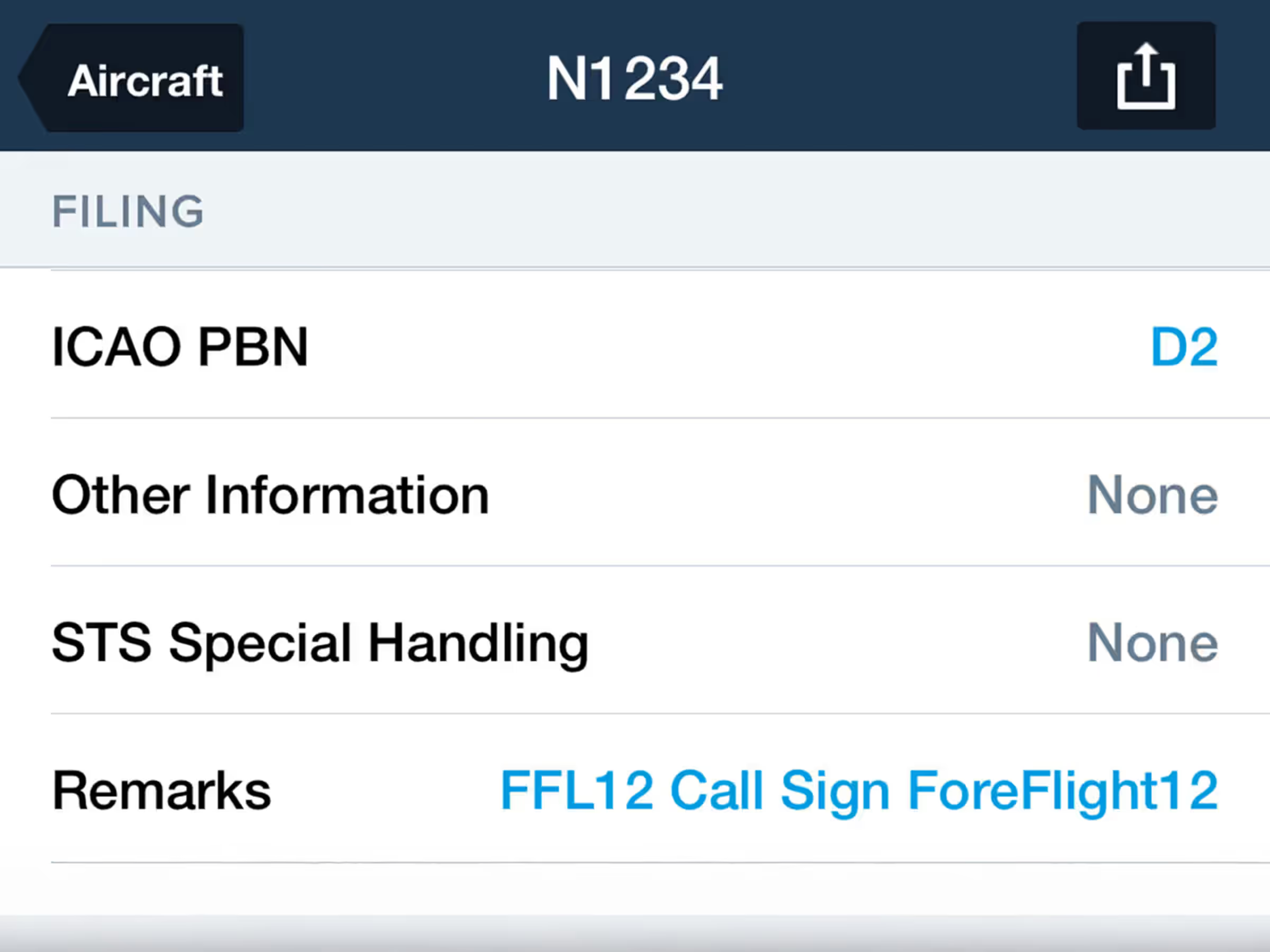
Edit mid-route adjustments like Delay/STAYs and associated remarks directly in ForeFlight’s streamlined flight plan form before filing your flight plan, so you don’t have to return to the Maps view to edit them.

After planning a flight that includes mid-route adjustments with remarks and sending it to Flights, tap Proceed to File in the bottom right and scroll to the Remarks/Other Information section to view and edit the Delay/STAY details and associated remarks.

Military Flight Bag customers can also edit and add remarks to MFB-specific mid-route adjustments like Aerial Refueling Tracks, MTRs, and Enroute Fuel Changes using the same form.
Release notes

Release notes

  • Edit mid-route adjustments like Delay/STAYs and associated remarks directly in ForeFlight’s streamlined flight plan form prior to filing your flight plan so you don’t have to return to the Maps view to edit them.
  • After planning a flight that includes mid-route adjustments with remarks and sending it to Flights, tap Proceed to File in the bottom right and scroll to the Remarks/Other Information section to view and edit the Delay/STAY details and associated remarks.
  • Military Flight Bag customers can also edit and add remarks to MFB-specific mid-route adjustments like Aerial Refueling Tracks, MTRs, and Enroute Fuel Changes using the same form.

Support

Support

FAQs
Find answers to your questions
Pilot's Guide
The complete ForeFlight handbook
Video Library
ForeFlight videos all in one place
Buying Guide
Choose the right iPad and plan