ClearNOTAMs
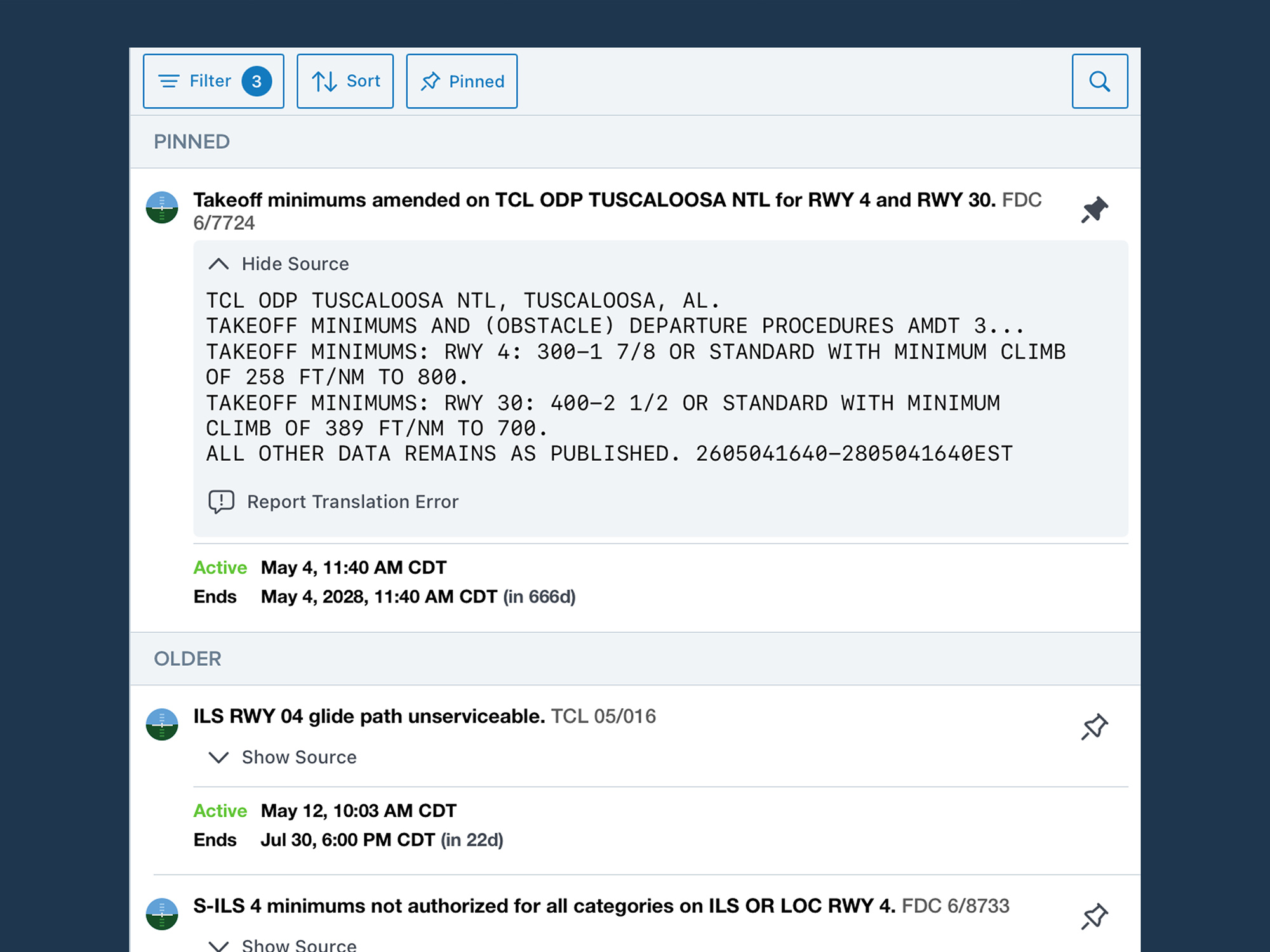
- Easily review NOTAMs before a flight with reliable AI translations that convey the essential meaning of every NOTAM in plain English, with the original text only a tap away.
- Translated NOTAMs are available throughout ForeFlight Mobile and ForeFlight Web in all places you view NOTAMs, except for the PDF Briefing format.
- Tap “Show Source” below any translated NOTAM to compare it side-by-side with the original text to verify the translation’s accuracy. In the rare case of an inaccurate translation, a built-in “Report Error” button allows you to seamlessly notify ForeFlight staff of the error.
- ClearNOTAMs works alongside the enhanced NOTAM interface described below, making it easier to review, prioritize, and understand the information that matters most during your briefing.
- ClearNOTAMs is available with all individual ForeFlight subscription plans as a limited-time preview, and will subsequently be available with Premium, Business Performance, MFB Performance, and MFB One subscription plans.
NOTAM Interface Improvements
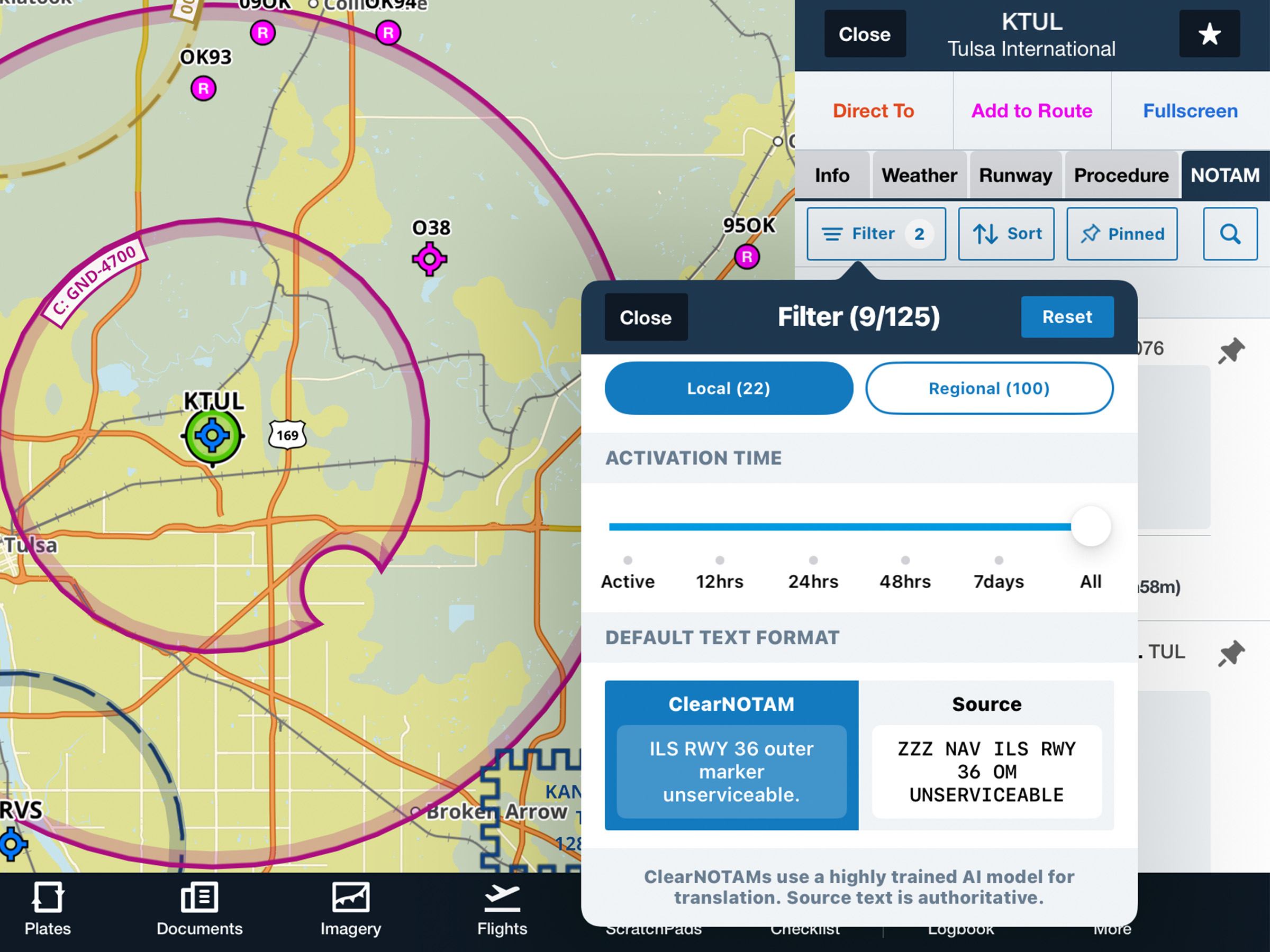
- Find the NOTAMs you care about faster with new filtering, sorting, and organization tools.
- You can view the new NOTAM interface improvements from the NOTAM tab in the Airports view or by tapping the airport on the map.
- Filter NOTAMs by category, source, activation time, and more to narrow the list.
- Sort NOTAMs by category, recency, effective time, and more, then pin important NOTAMs to the top of the view or collapse less important NOTAMs with a double-tap.
- The enhanced NOTAM interface is available with all ForeFlight subscription plans.
Flights: Mobile Clearance
- Skip the clearance calls and get to the runway faster by requesting, reviewing, and accepting your IFR departure clearance entirely within ForeFlight at a growing number of U.S. airports.
- The option to request your mobile clearance will become available 30 minutes prior to your filed departure time at the bottom of the Flights view.
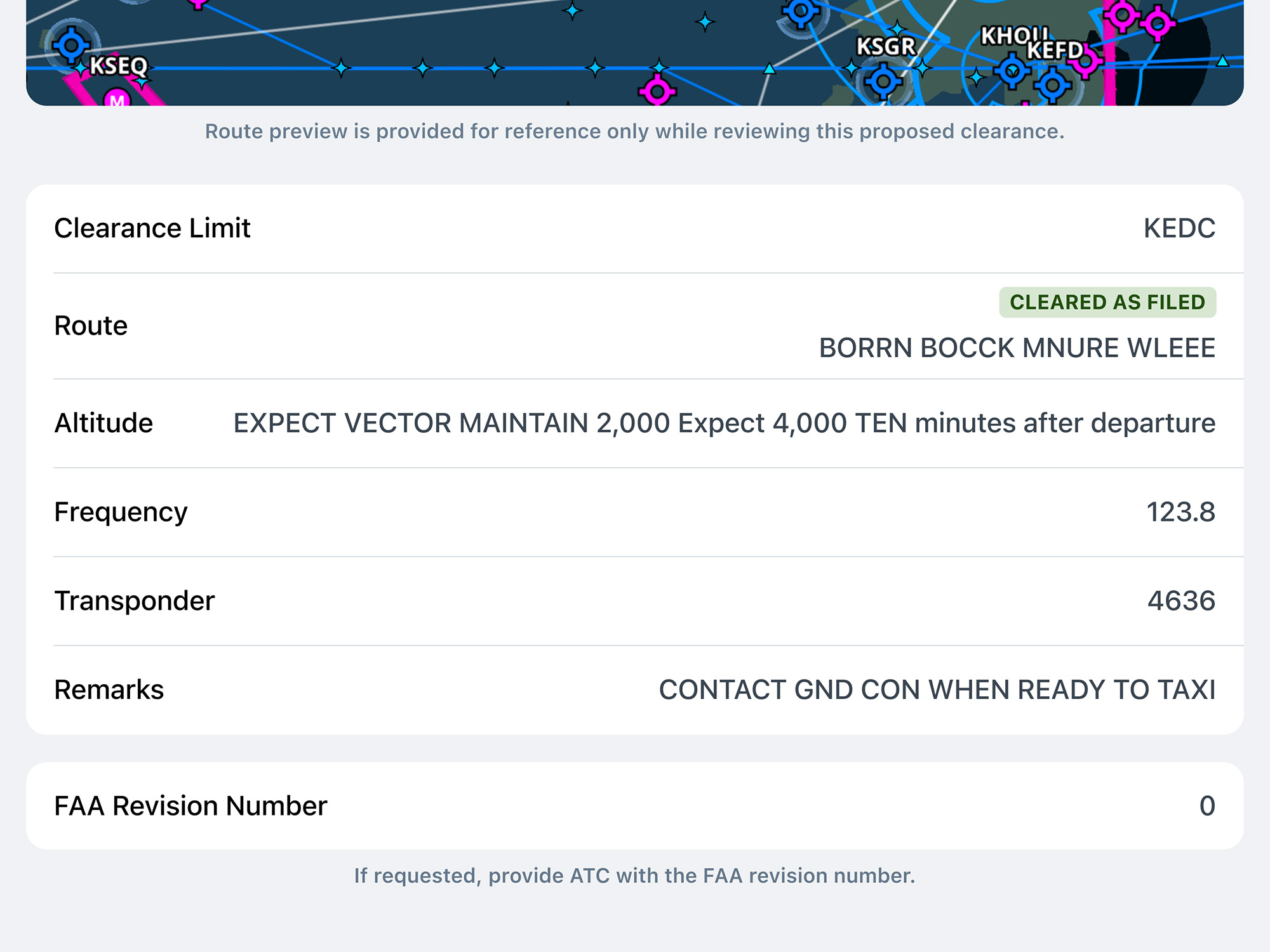
- ForeFlight will automatically notify you when ATC returns your clearance, including the full route string and an inset map depiction, after which you’ll have five minutes to review it and either accept or reject it.
- Mobile Clearance is available for all customers initially at several airports primarily in southeast Texas, Kansas, and Wisconsin, and will be enabled at more airports by the FAA over time.
ForeFlight AI Connector
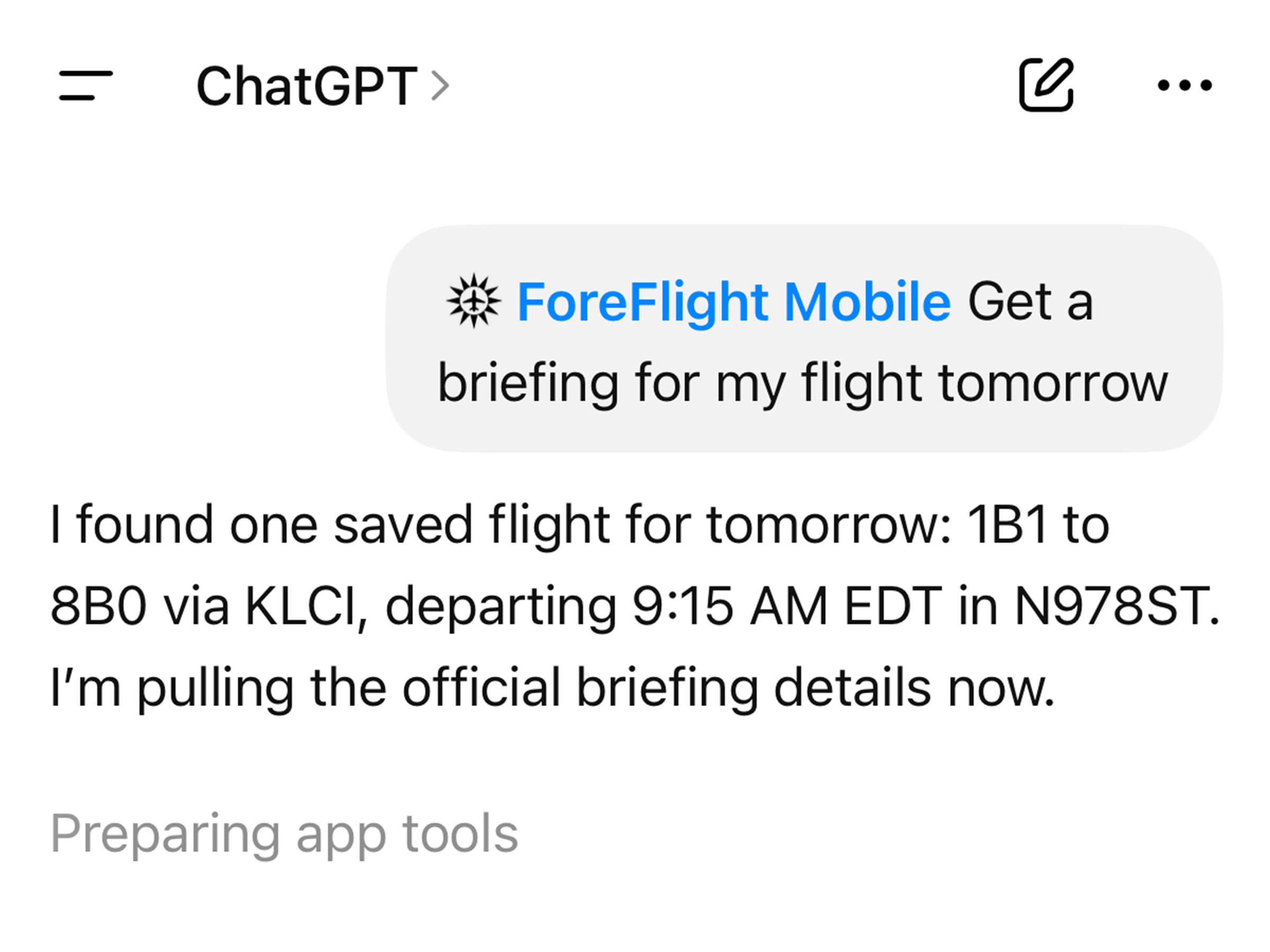
- Connect ForeFlight to ChatGPT to discover new ways to plan, brief, and more, all grounded in your own ForeFlight data.
- Search for ForeFlight Mobile in the ChatGPT Plugin Directory to add the plugin and authenticate with your ForeFlight account. ChatGPT can then access data from your account and ForeFlight such as flight, aircraft, Logbook, and performance data, current and forecast weather, and more in response to your prompts.
- Available to all individual ForeFlight subscribers as an open preview.
Maps: Enhanced Airport Diagrams
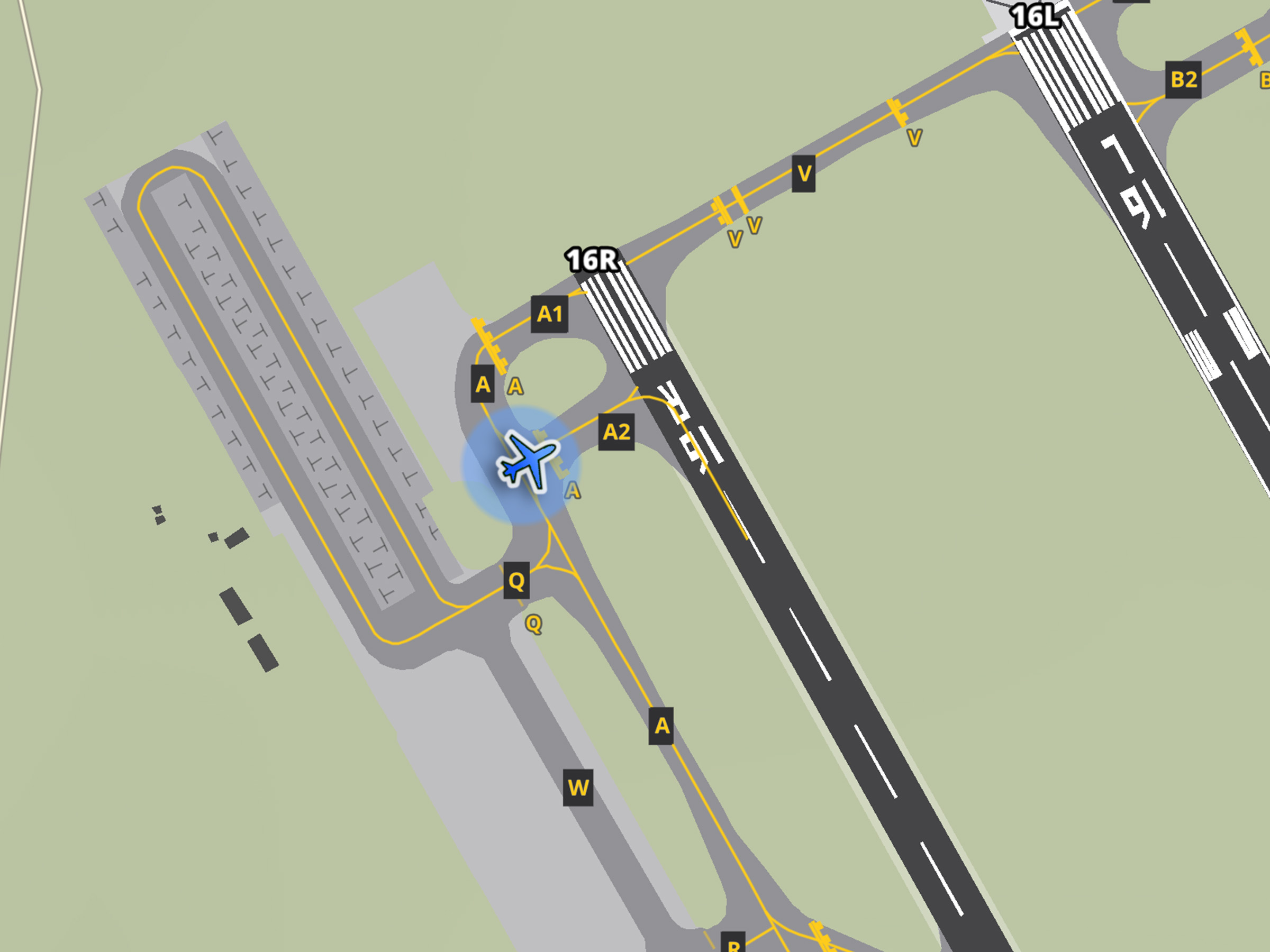
- Improve your situational awareness while taxiing with highly-detailed diagrams for over 1,200 airports globally depicting yellow centerlines and hold short bars, tie-down locations, gate labels, and more. Simply zoom into ForeFlight’s Aeronautical Map layer to view the enhanced diagrams.
Maps: Progress Report Guidance
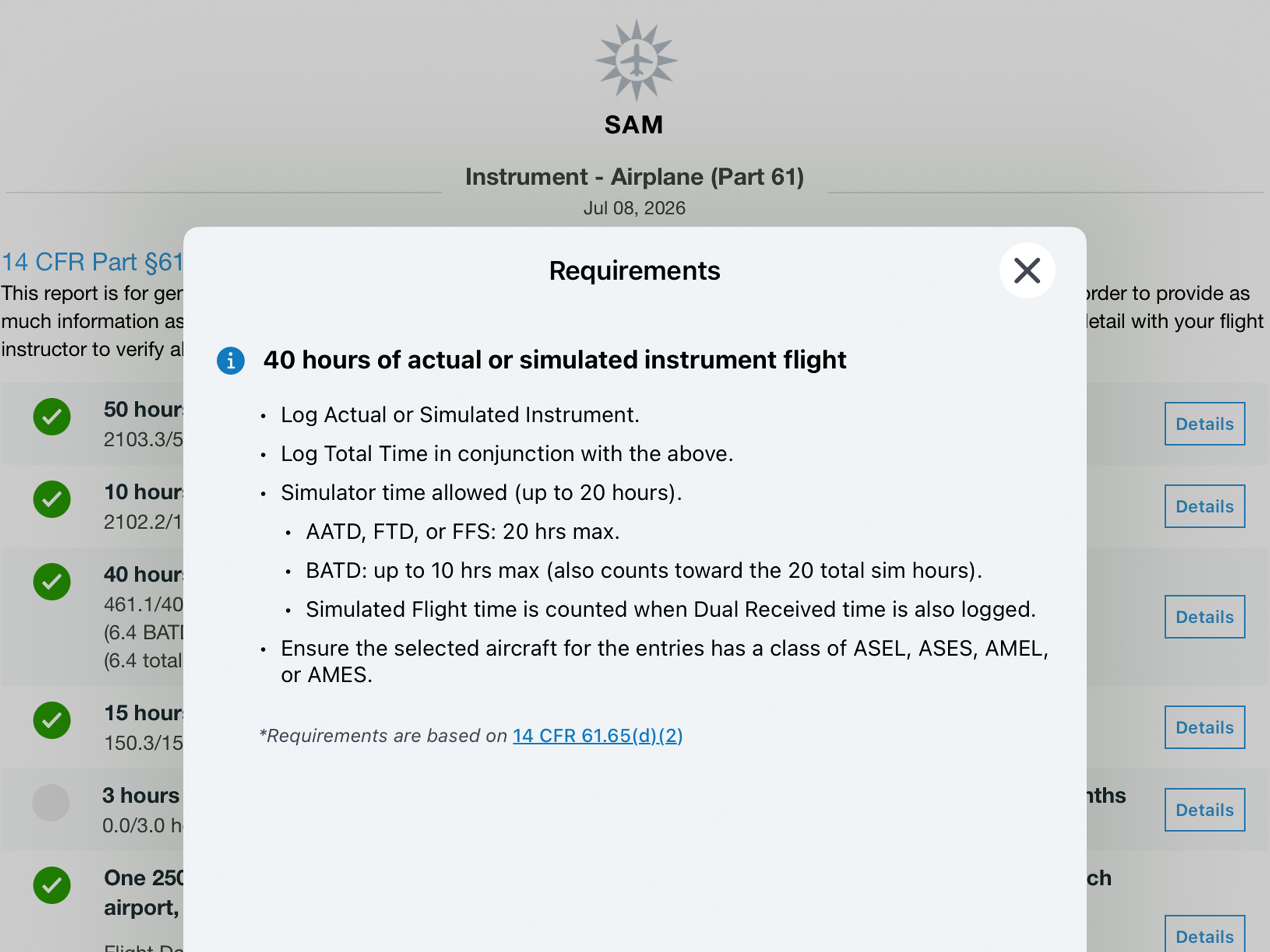
- Understand progress reports more easily with clear breakdowns of each requirement, guidance on how to log qualifying time, and links to the published regs. Tap Details next to each requirement to learn more.
Maps: One-Finger Zoom
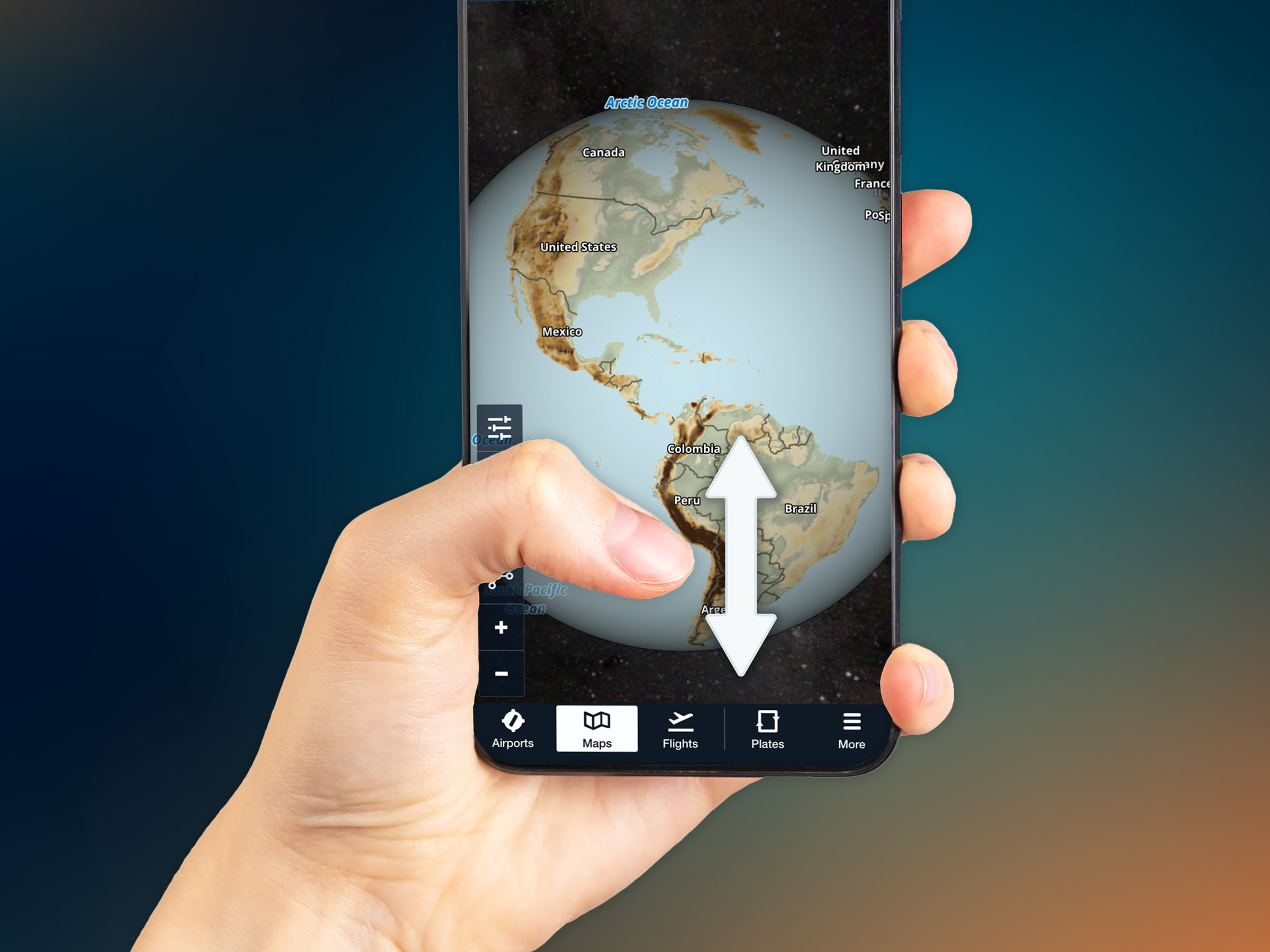
- Easily zoom in and out of the map by double-tapping and then dragging your finger up or down, perfect for one-handed control on iPhone and an alternative to the pinch-zoom gesture on iPad.