See where night has fallen around the world as well as the real-time day/night boundary directly on the map. Enable the new overlay in Map Settings > Day/Night Overlay.

See global day/night boundaries in real-time with the Day/Night map overlay.

See where night has fallen around the world as well as the real-time day/night boundary directly on the map. Enable the new overlay in Map Settings > Day/Night Overlay.

Upload documents wirelessly from Microsoft OneDrive to all your devices.
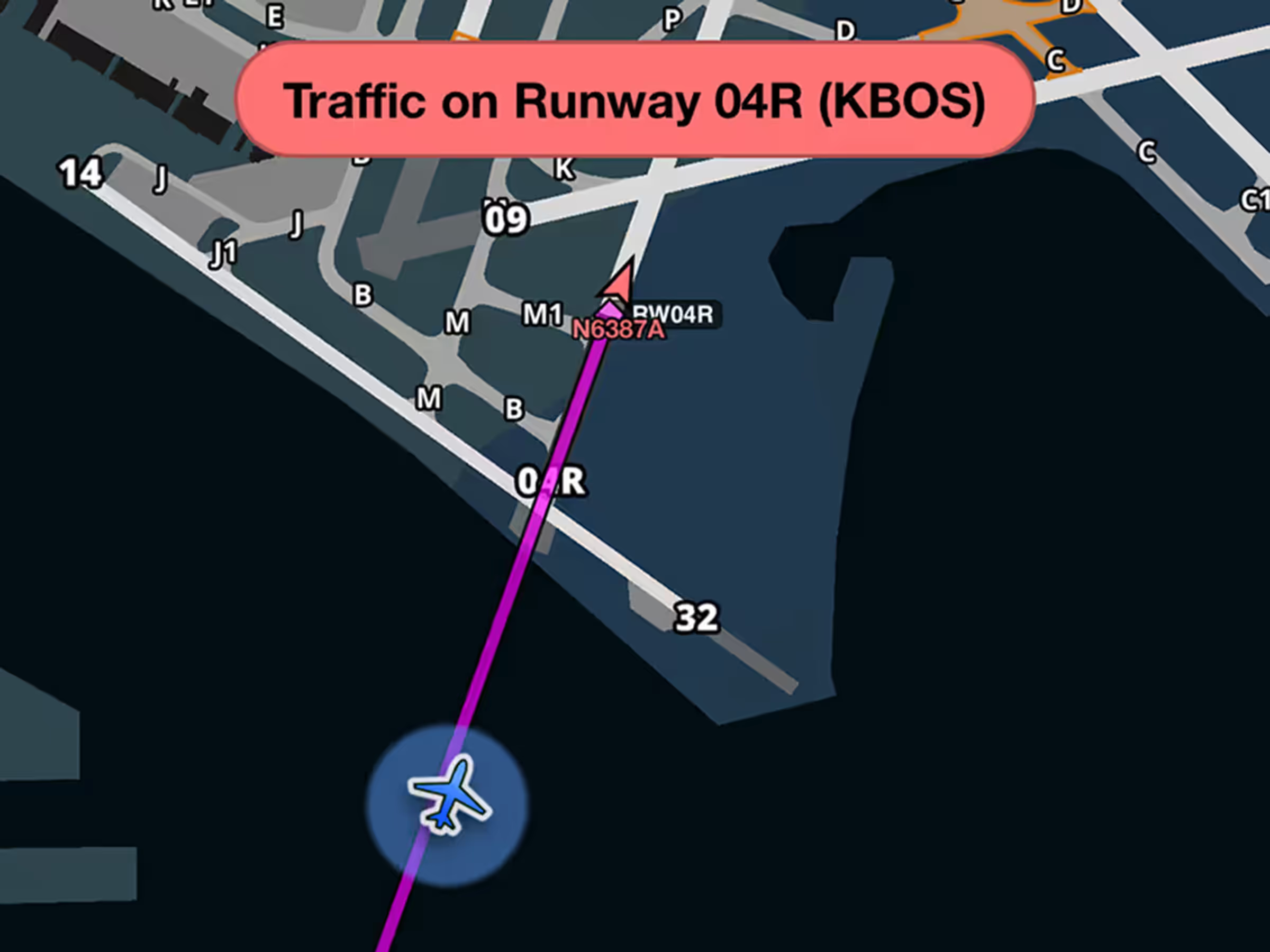
Get runway safety alerts during approach when aircraft are on or approaching your runway.
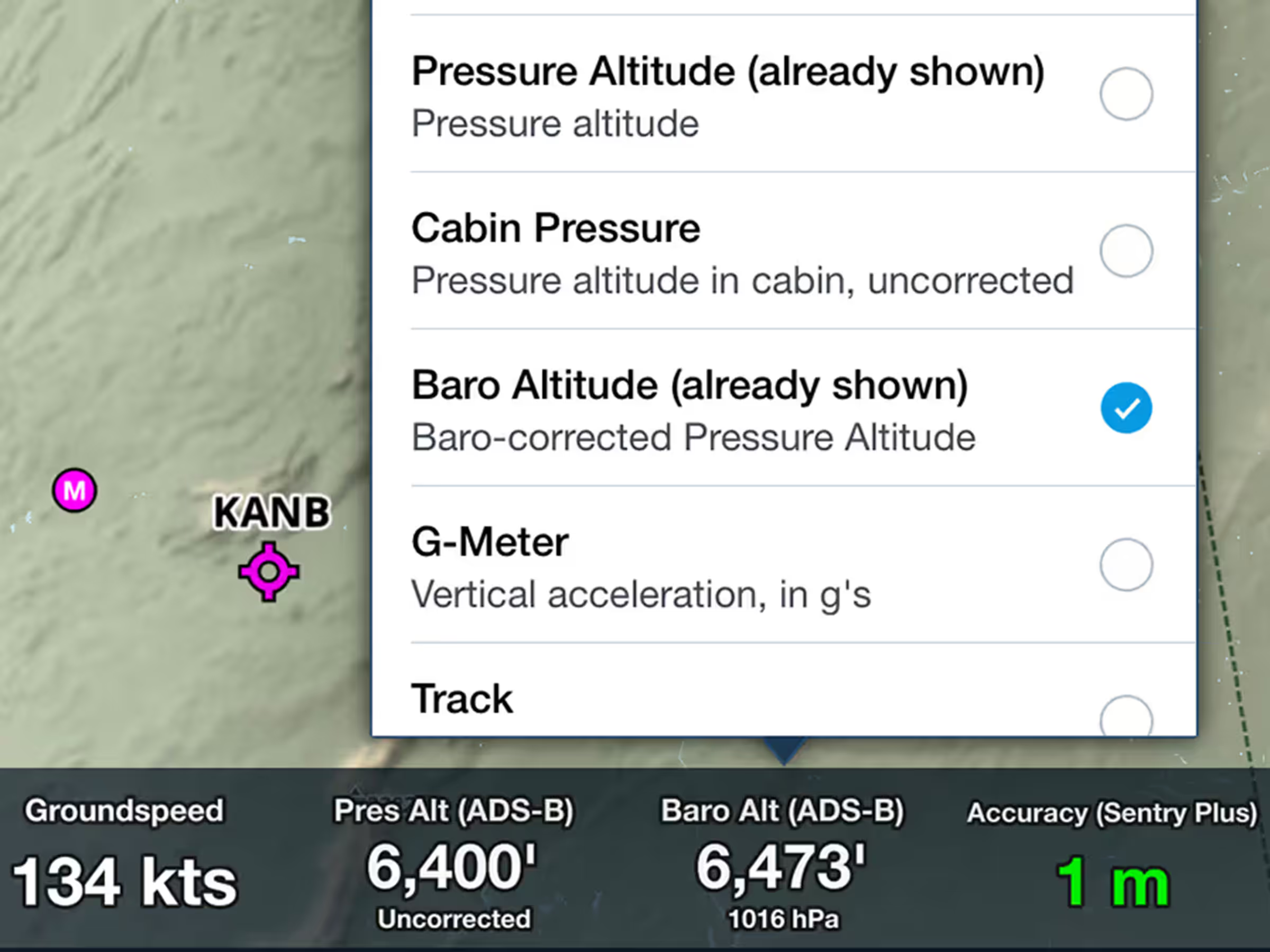
View corrected barometric altitude based on pressure readings and nearby METAR data.
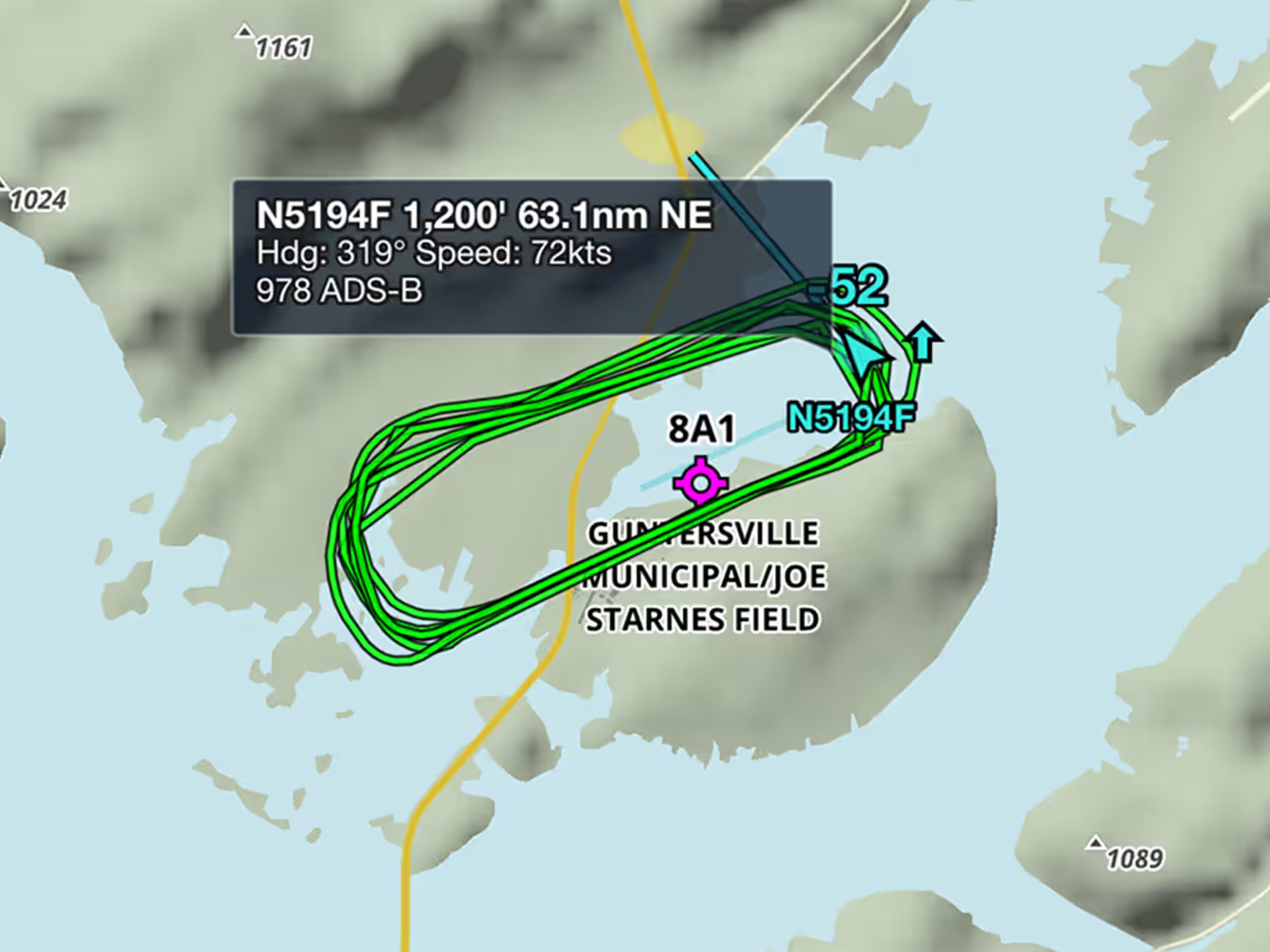
View recent flight paths of nearby aircraft to see which runways and procedures are in use.


