No items found.
Skip to main content
April 2021

Link Multiple Jeppesen Accounts

Connect or combine multiple Jeppesen accounts for expanded chart coverage and greater flexibility.

No images available to display.
back
next

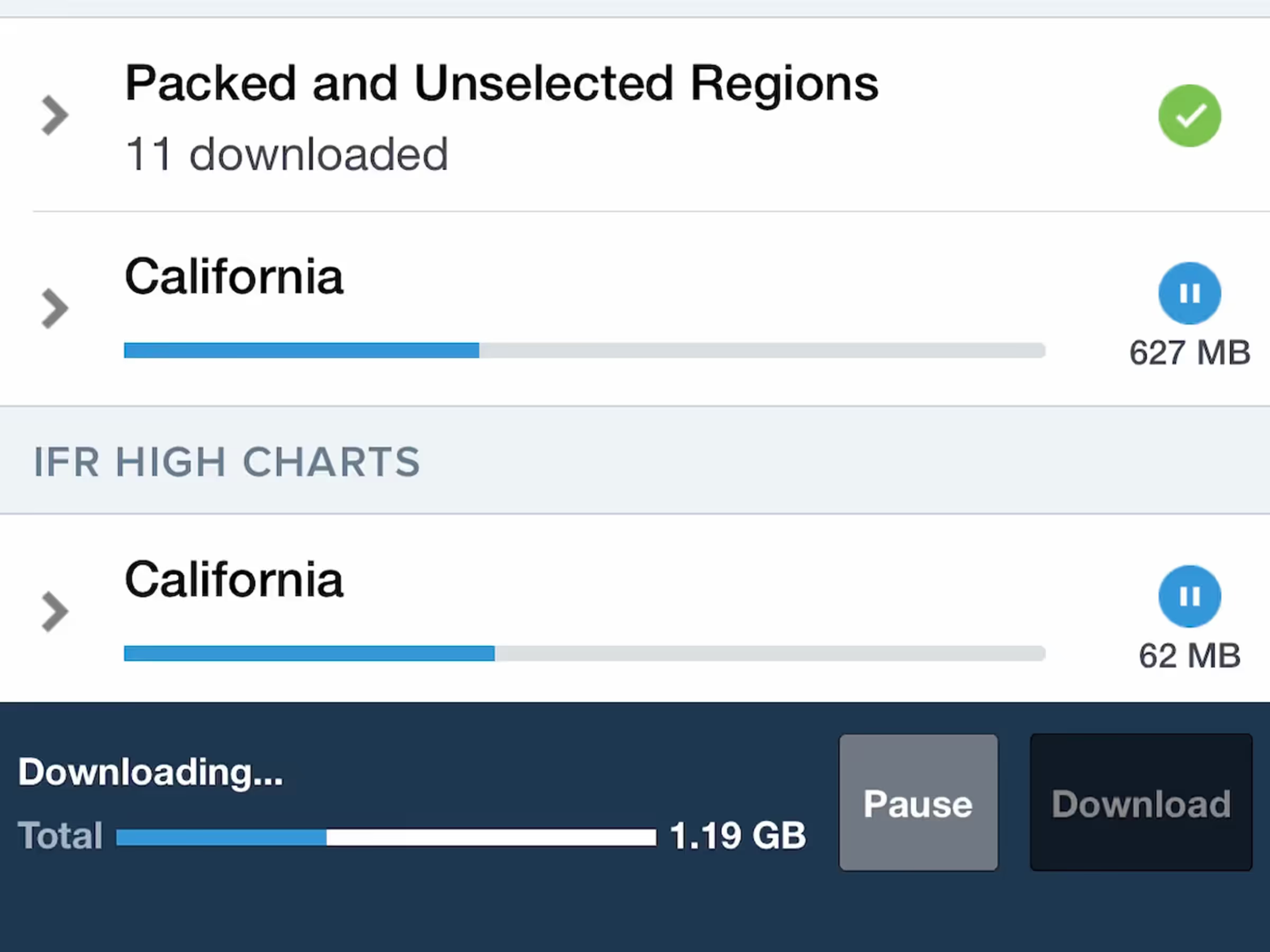
Connect more than one Jeppesen account in ForeFlight for expanded access to chart coverages, or combine linked coverages with those purchased through ForeFlight for even greater flexibility. Individual customers can sign into multiple Jeppesen accounts by tapping “Add Jeppesen Account” in More > Jeppesen after adding the initial account. ForeFlight Business account administrators can sign into and manage multiple Jeppesen accounts on the web here.

Learn more about Jeppesen charts in ForeFlight at foreflight.com/jeppesen.
Release notes

Release notes

  • Connect more than one Jeppesen account in ForeFlight for expanded access to chart coverages, or combine linked coverages with those purchased through ForeFlight for even greater flexibility.
  • Individual customers can sign into multiple Jeppesen accounts by tapping “Add Jeppesen Account” in More > Jeppesen after adding the initial account. ForeFlight Business account administrators can sign into and manage multiple Jeppesen accounts on the web at plan.foreflight.com/account/jeppesen.
  • Individual customers can also combine their chart coverages from a linked Jeppesen account with those purchased through ForeFlight, allowing access to special coverages that may not be available through ForeFlight and enabling more flexible chart management.
  • Learn more about Jeppesen charts in ForeFlight at foreflight.com/jeppesen.
Support

Support

FAQs
Find answers to your questions
Pilot's Guide
The complete ForeFlight handbook
Video Library
ForeFlight videos all in one place
Buying Guide
Choose the right iPad and plan