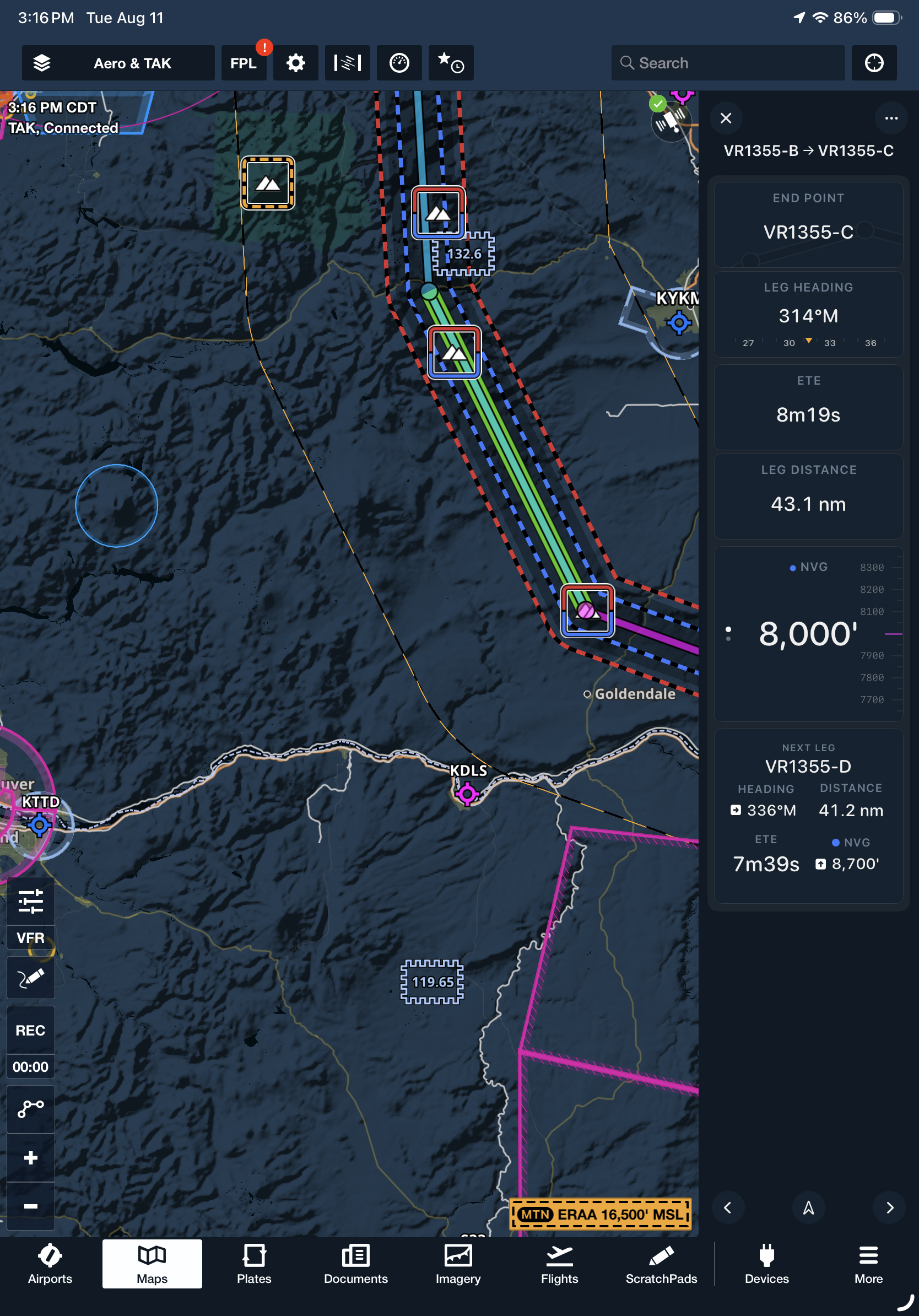
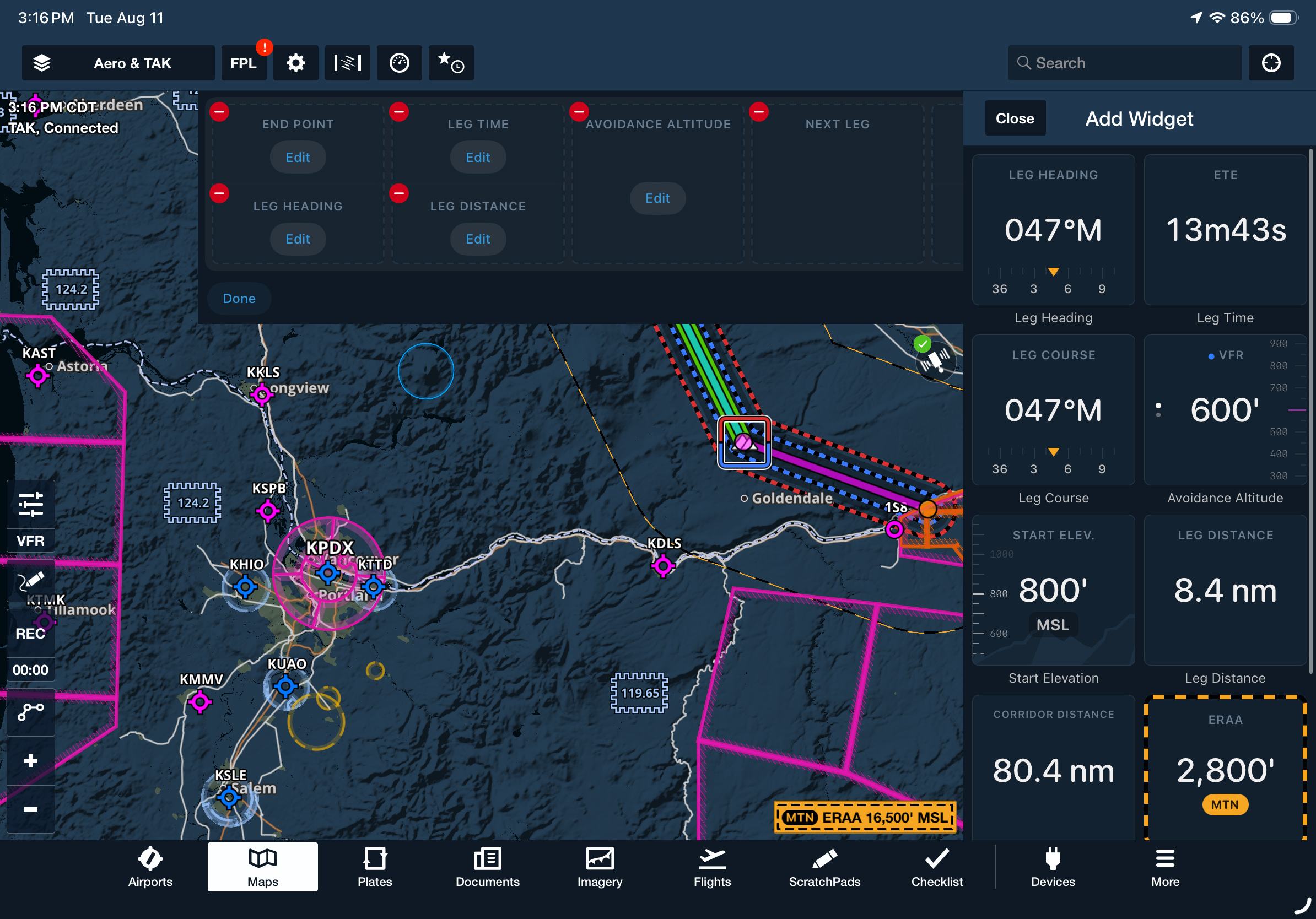
Replace static doghouses with a responsive panel that keeps key Low Level Corridor information close at hand. After creating a corridor, tap the Dynamic Corridor Panel button beneath the toolbar to display details for your current leg, including its end point, heading, estimated time enroute, and leg distance.
Tap Edit Panel to choose from ten available widgets, use the three-dot menu to reposition the panel on the screen, or swipe and use the arrows along the bottom to review another leg.
The Dynamic Corridor Panel is available with ForeFlight MFB One subscription plans.