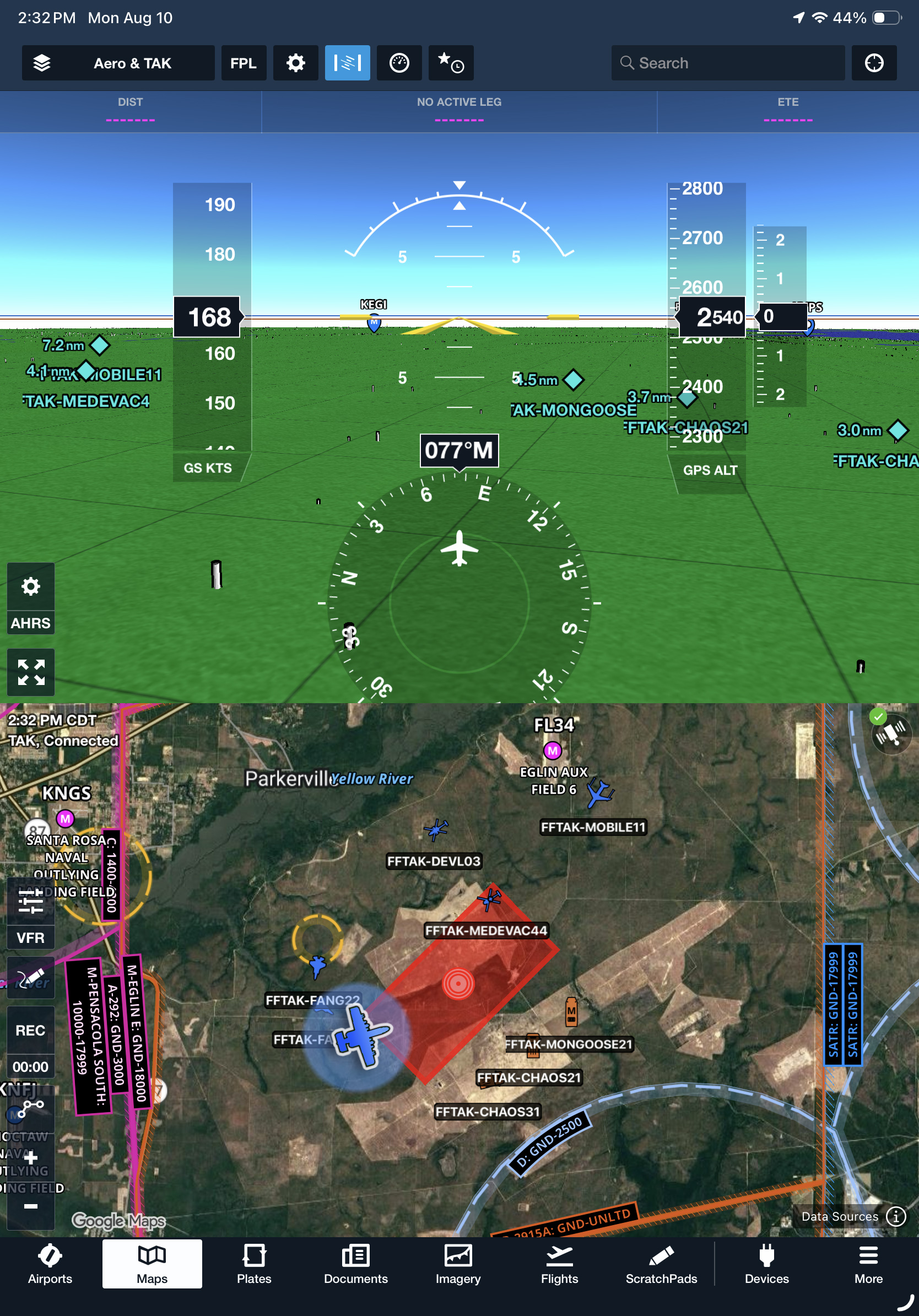
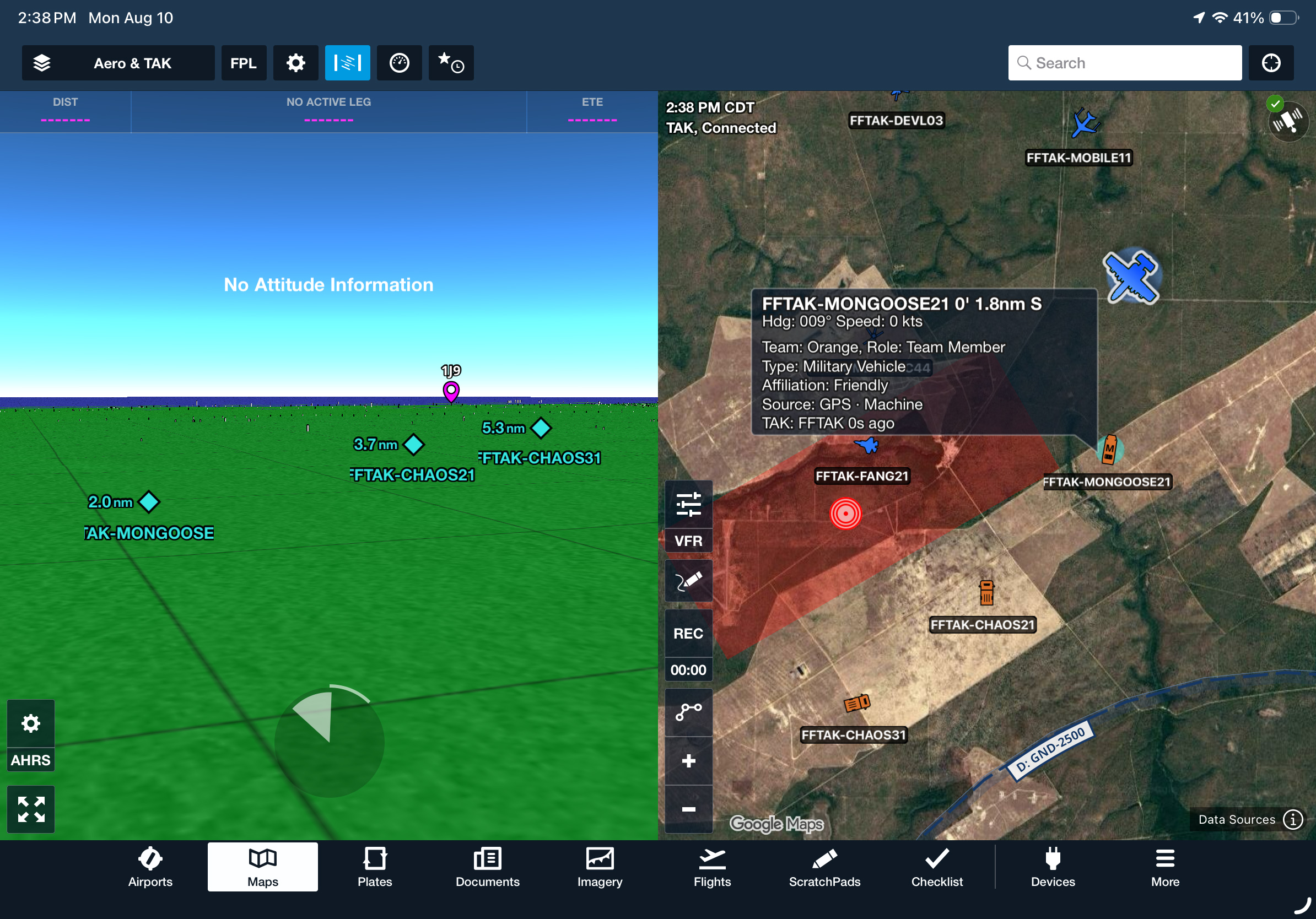
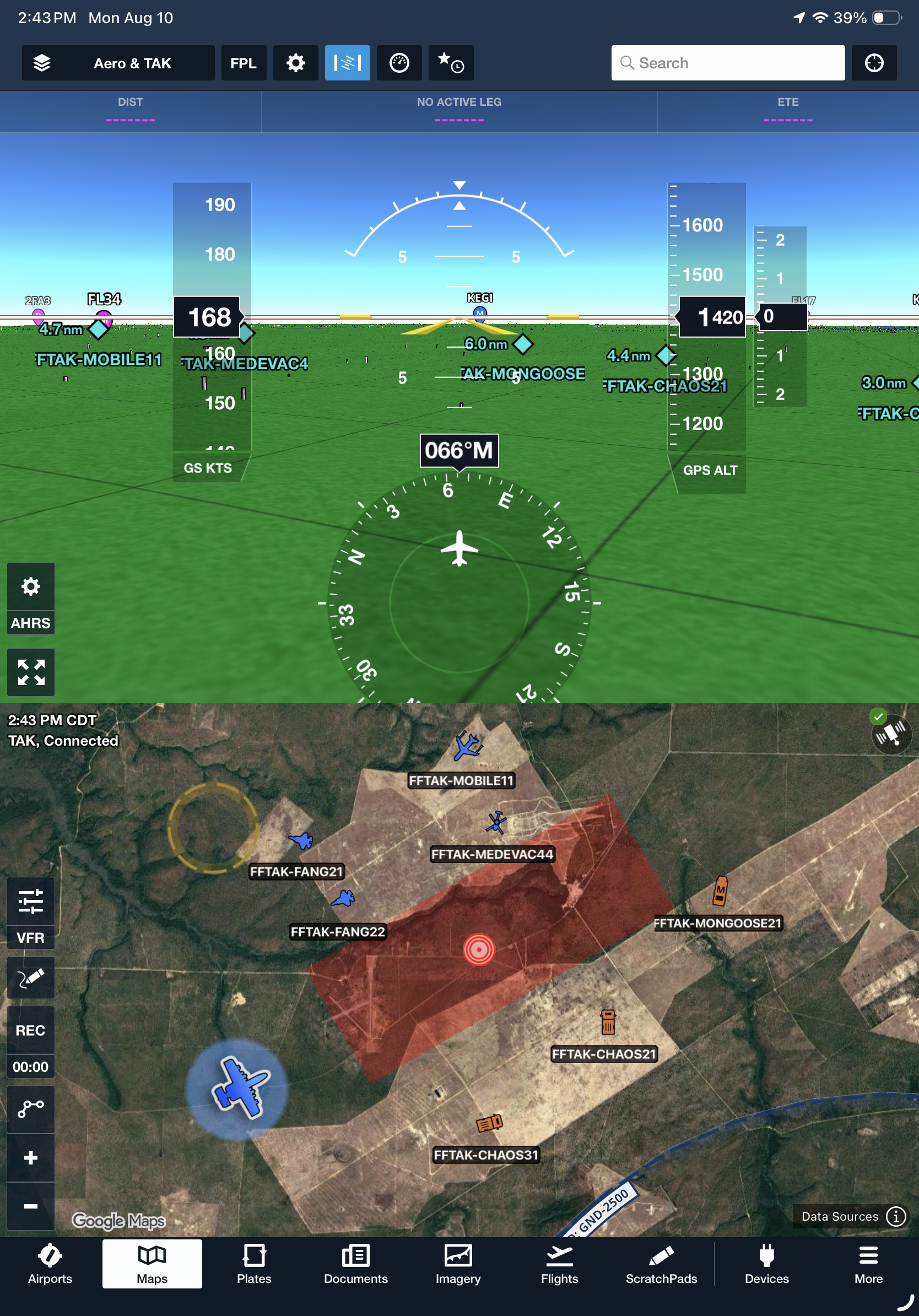
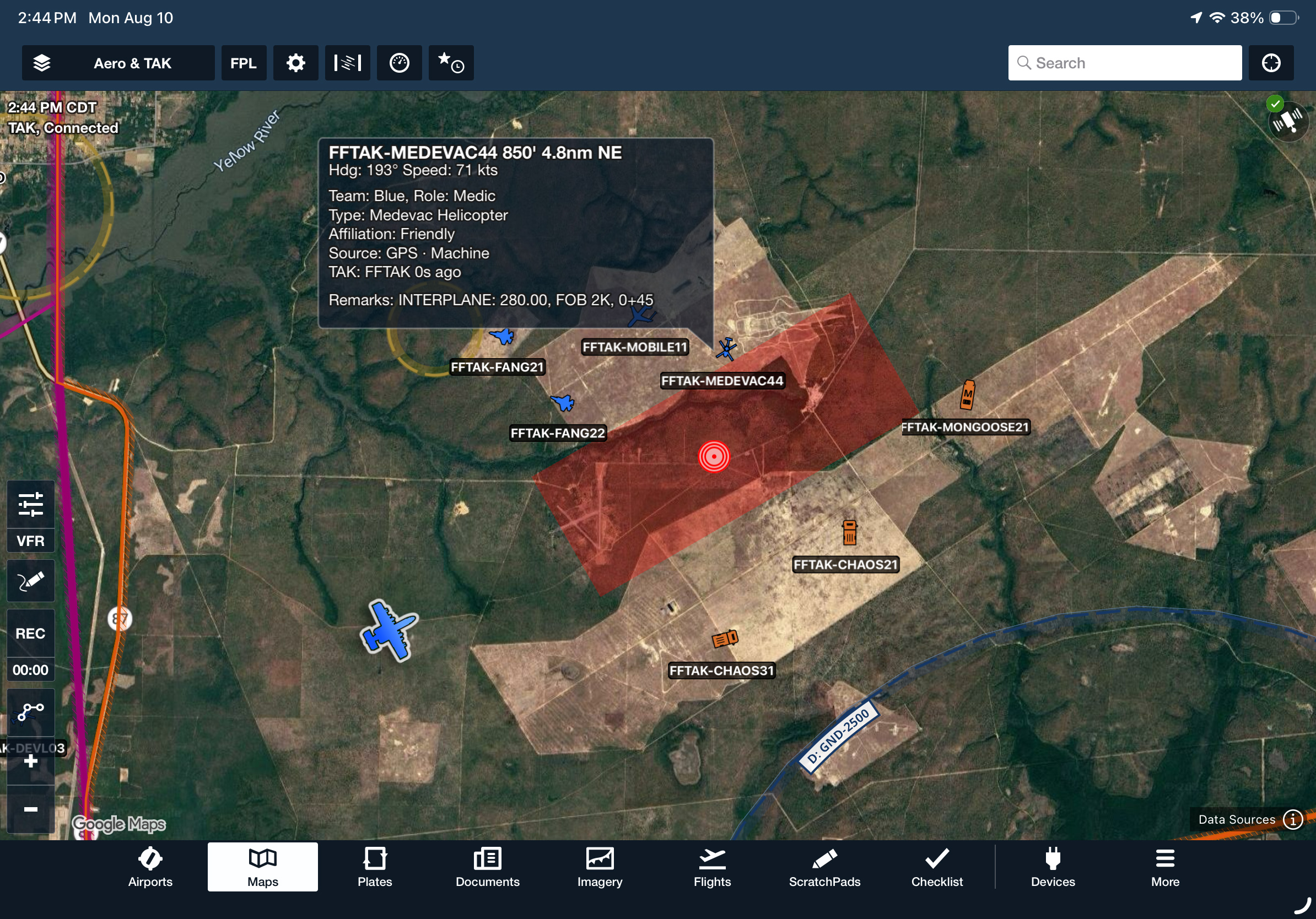
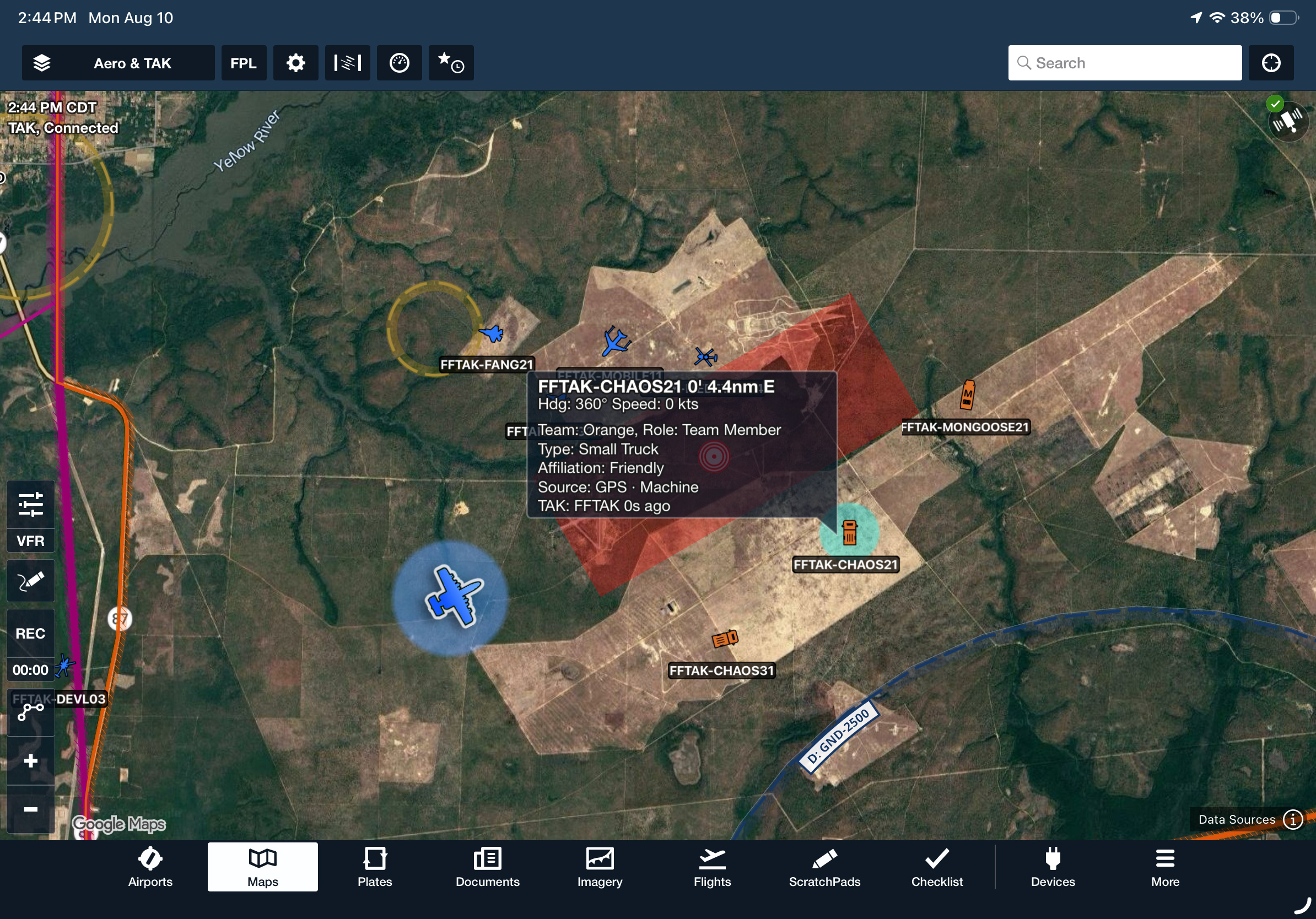
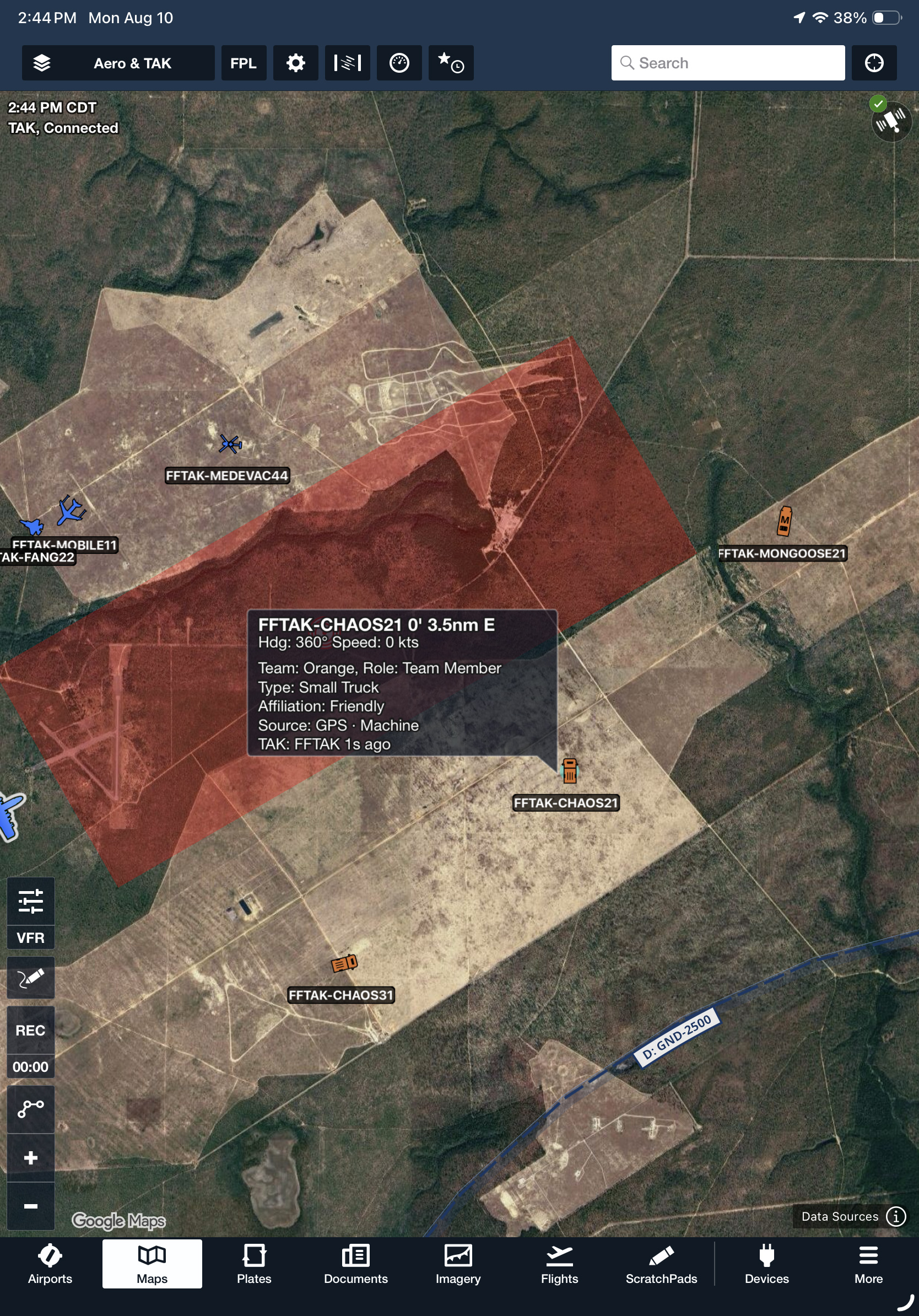
Connect ForeFlight Mobile to one or more TAK servers to stream your position with the network and display other TAK-connected assets as live traffic on your map. Add servers manually in More > Devices > TAK using the server address, port, and credentials, or import a TAK connection package to create a read-only connection that begins syncing immediately.
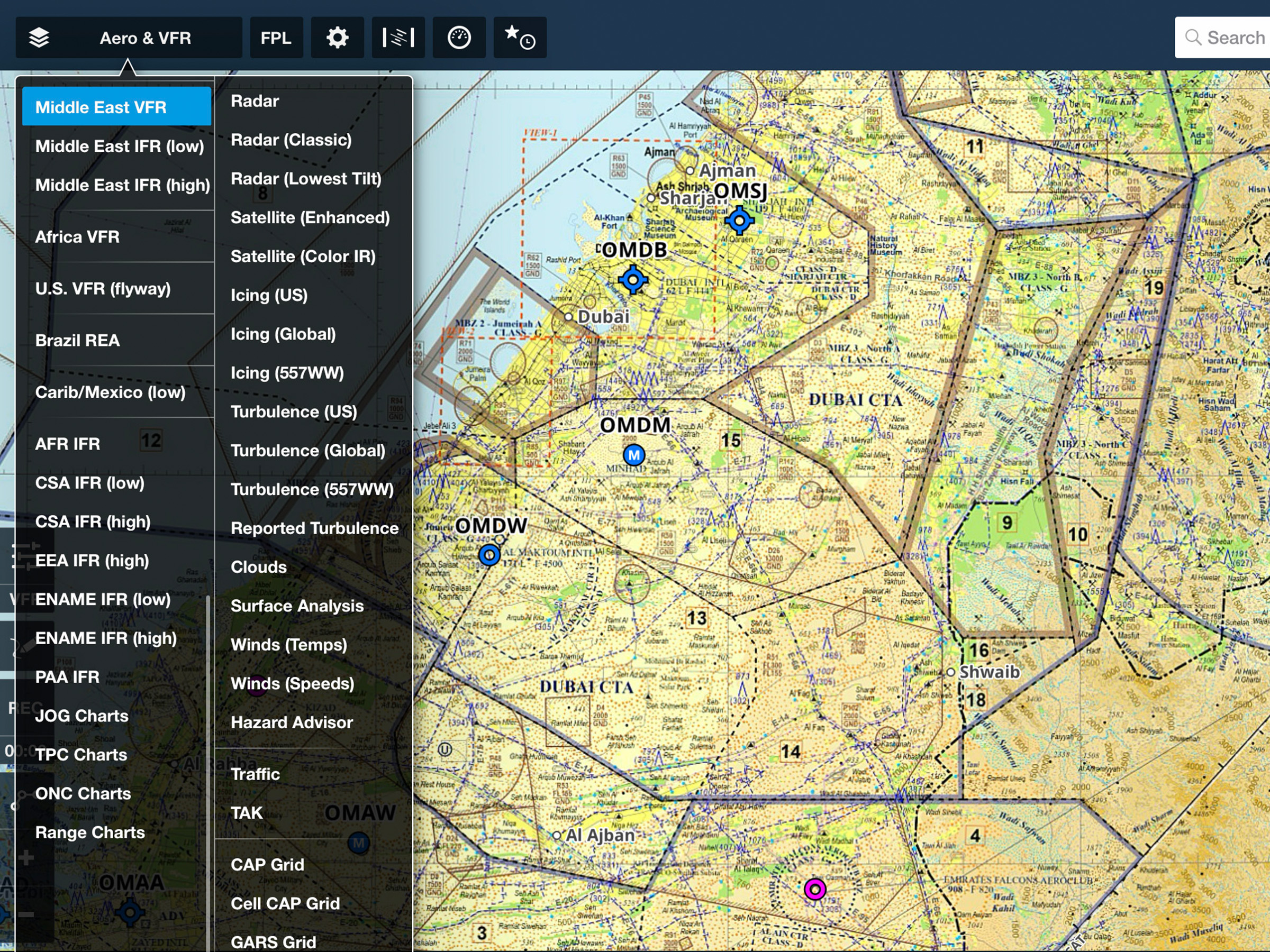
Configure your callsign, team, role, display type, color priority, set color priority by team assignment or affiliation, and control per-server send and receive toggles in TAK Settings. Enable the TAK map layer to display a TAK server count alongside any ADS-B or device traffic status.
ForeFlight TAK is available with ForeFlight MFB One subscription plans.