No items found.
Skip to main content
September 2026

Lessons Added to Sporty’s ForeFlight Power Users Training

New interactive lessons cover Emergency Glide Mode, Mobile Clearance, Map Annotations 2.0, and ClearNOTAMs.

No images available to display.
back
next

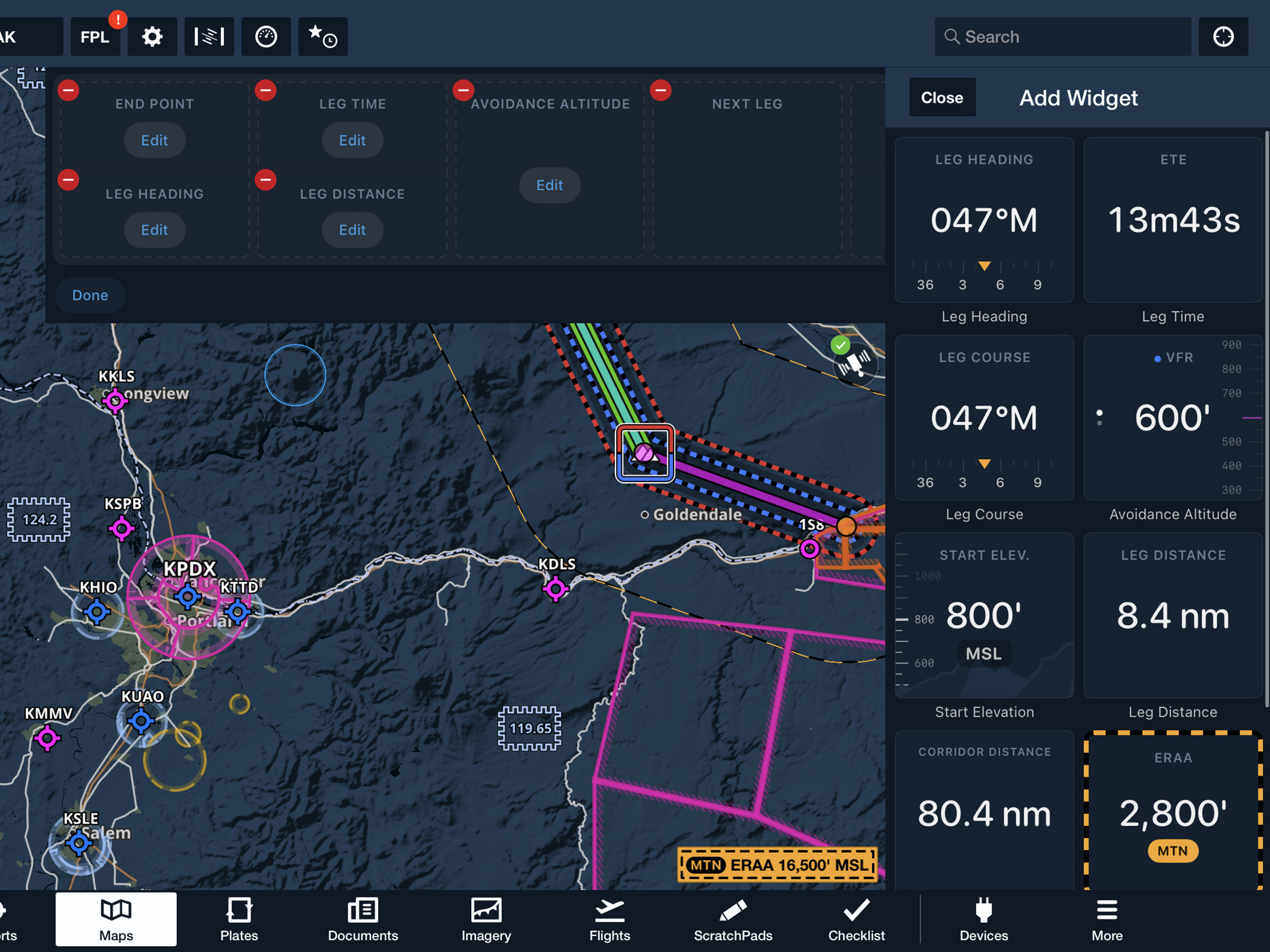
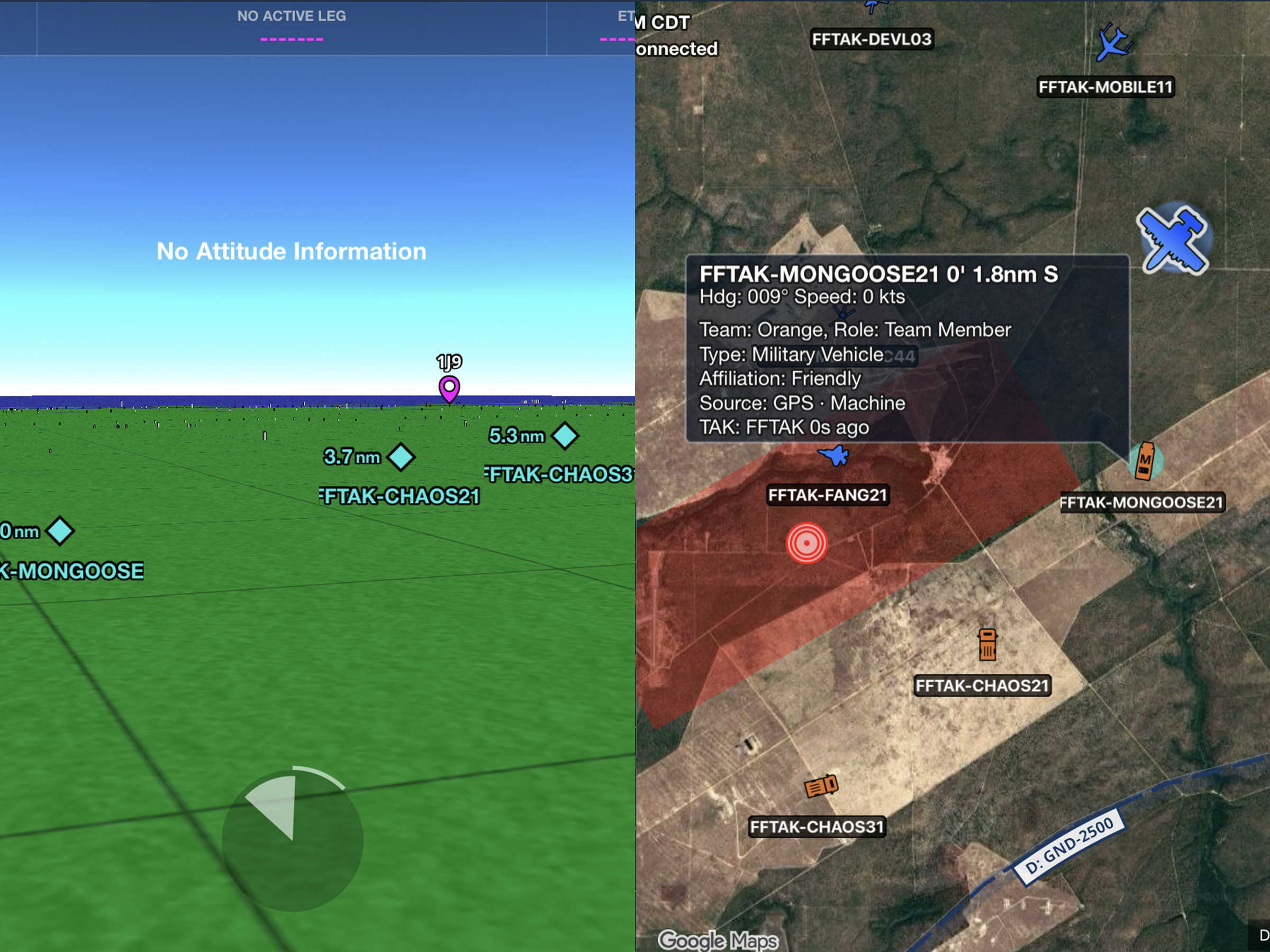
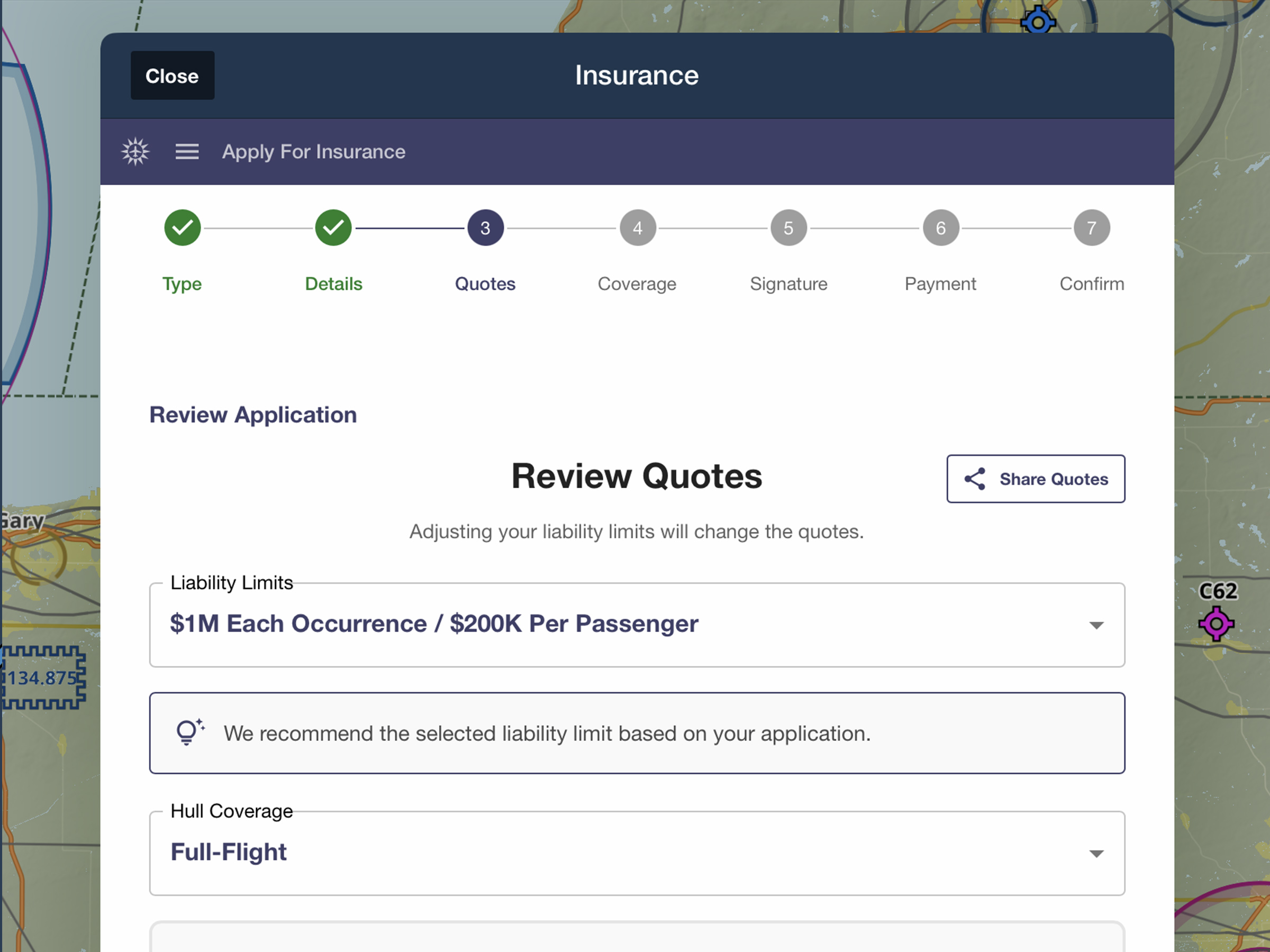
Build familiarity with four new ForeFlight features before putting them to work in the cockpit with ForeFlight Power Users Training. Developed by ForeFlight’s Customer Education team, each interactive lesson mimics workflows in the ForeFlight app so you can practice at your own pace, repeat lessons as needed, and follow along on your iPad or iPhone to build muscle memory. The new lessons cover:

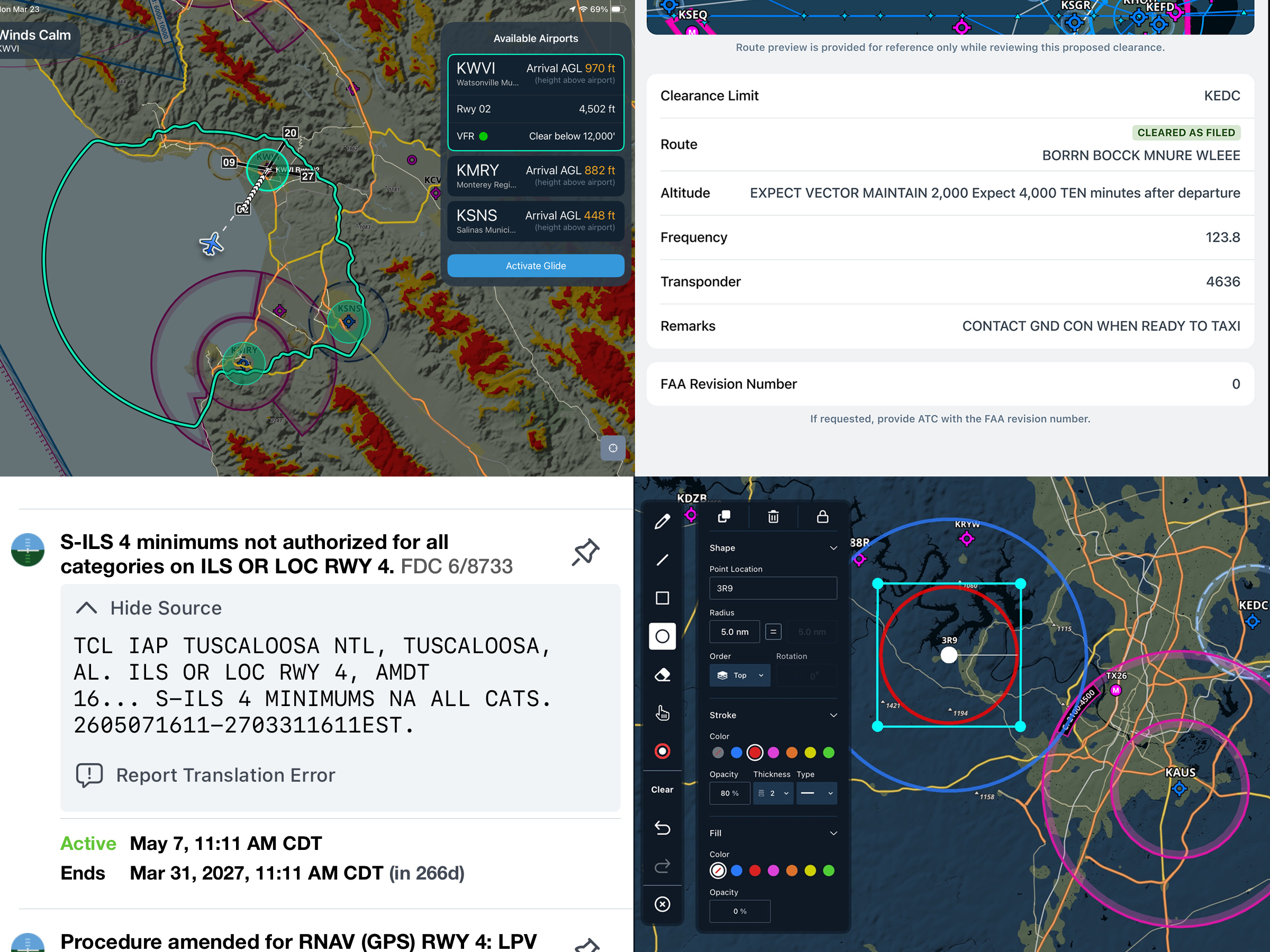
  • Emergency Glide Mode: Identify the safest place to land in the event of engine failure.
  • Mobile Clearance: Request, review, and accept your IFR departure clearance directly in ForeFlight.
  • Map Annotations 2.0: Draw, edit, and format custom shapes directly on the Map view.
  • ClearNOTAMs: Read plain-language NOTAM summaries while keeping the original coded text one tap away.

These new lessons join more than eight hours of interactive training designed to help you get more out of ForeFlight and sharpen the workflows you use in everyday flying.

ForeFlight Power Users Training is available through Sporty’s and includes FAA WINGS credit.
Release notes

Release notes

Course Highlights:

Interactive Learning Environment - Each lesson is created by ForeFlight’s expert Customer Education team and designed to mimic the actual function of the ForeFlight app. Using Sporty’s interactive platform these lessons not only demonstrate realistic near-real time workflows, but are done at your own pace and are repeatable as needed.

Master Routine Workflows - Learn all of the different ways ForeFlight can be integrated into your flying in a safe, controlled, and interactive learning environment.

Advanced Features - Learn the best way to use Route Advisor, Procedure Advisor, Dynamic Procedures, Takeoff and Landing Performance, Enhanced Glide Tools, Map Annotations,  Advanced En Route Tools, and more.

Walkthrough Emergency Features - The Interactive Learning modules walk you through ForeFlight’s emergency features in a controlled environment so that in the unlikely event of an emergency, it's not the first time you’re experiencing and interacting with them.

Stay Current on New Features - ForeFlight updates frequently, releasing new features and functions regularly. Use ForeFlight’s Interactive Learning to stay on top of the latest features and functions.

Try a free course Demo here.

Learn more about the ForeFlight Power Users course and other Sporty's courses at https://courses.sportys.com/training/portal/home/courses.

Support

Support

FAQs
Find answers to your questions
Pilot's Guide
The complete ForeFlight handbook
Video Library
ForeFlight videos all in one place
Buying Guide
Choose the right iPad and plan