18.7
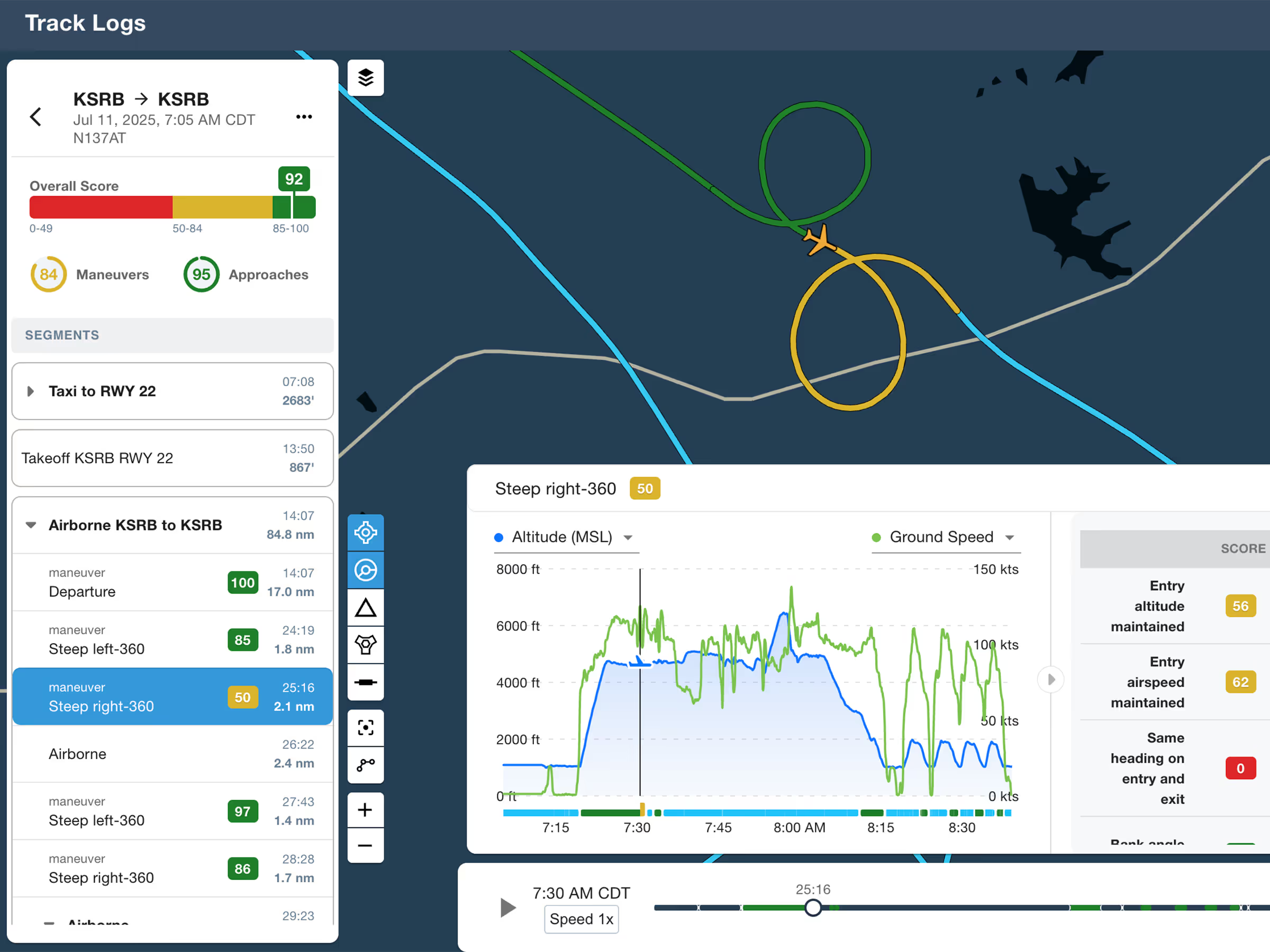
ForeFlight Debrief
Review flights with automatic Track Log segmentation, scoring, and 3D playback on both mobile and web.

Explore the latest ForeFlight features and browse past release notes to stay updated on new tools, enhancements, and improvements.
Review flights with automatic Track Log segmentation, scoring, and 3D playback on both mobile and web.
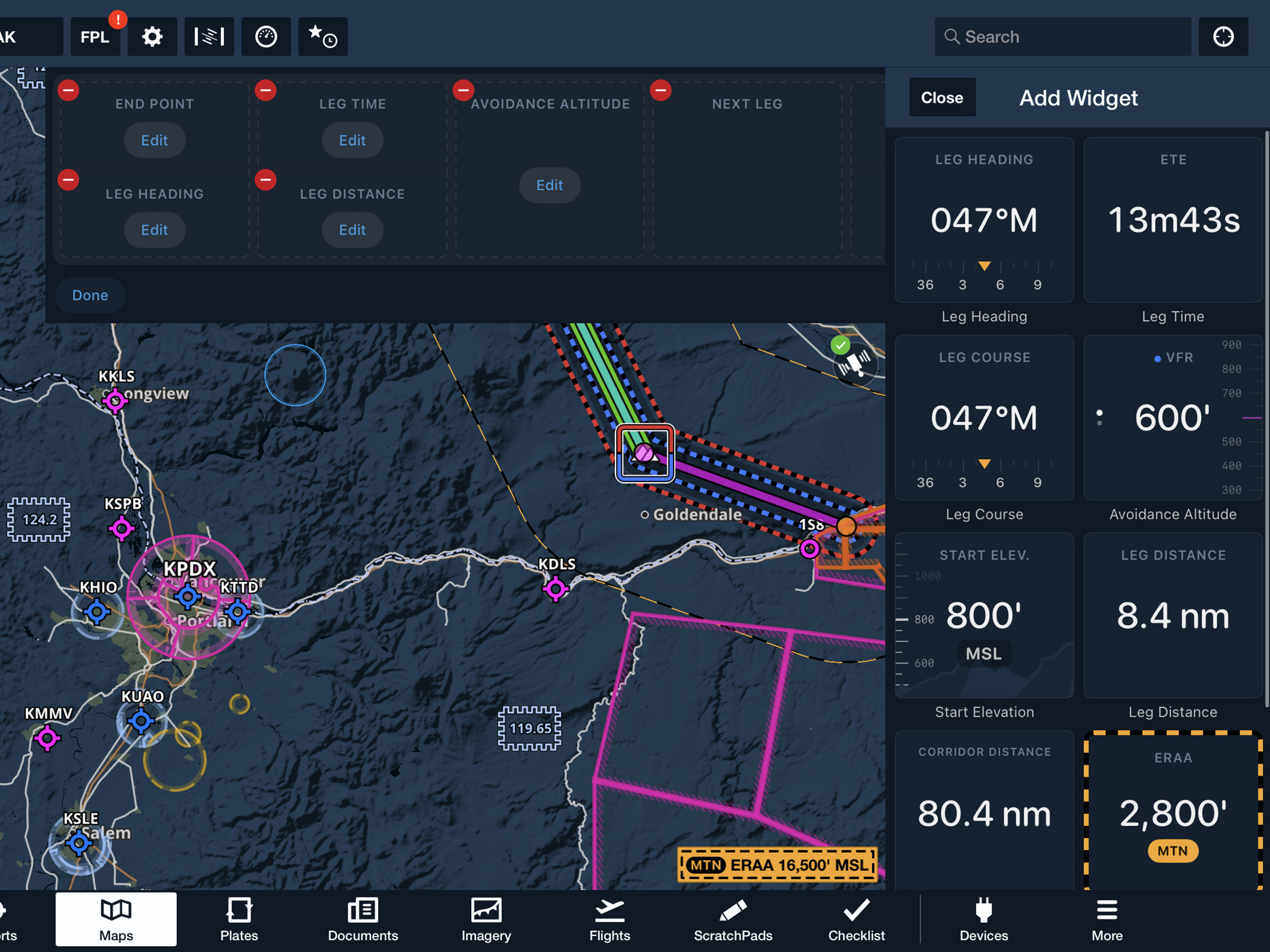
View current-leg details at a glance with a customizable information panel for Low Level Corridors.
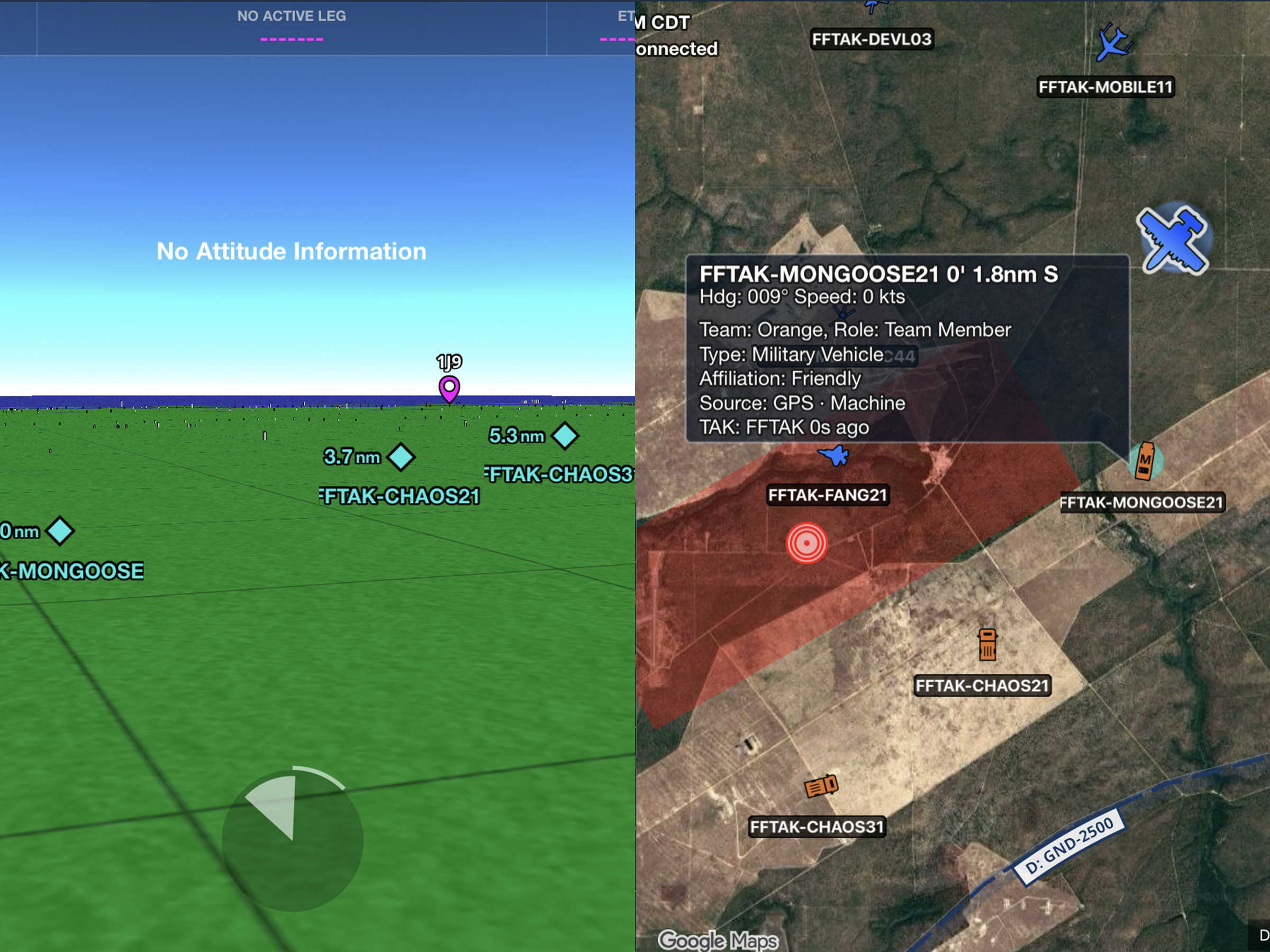
Connect to TAK servers to share your position and view other connected assets as live traffic on the map.
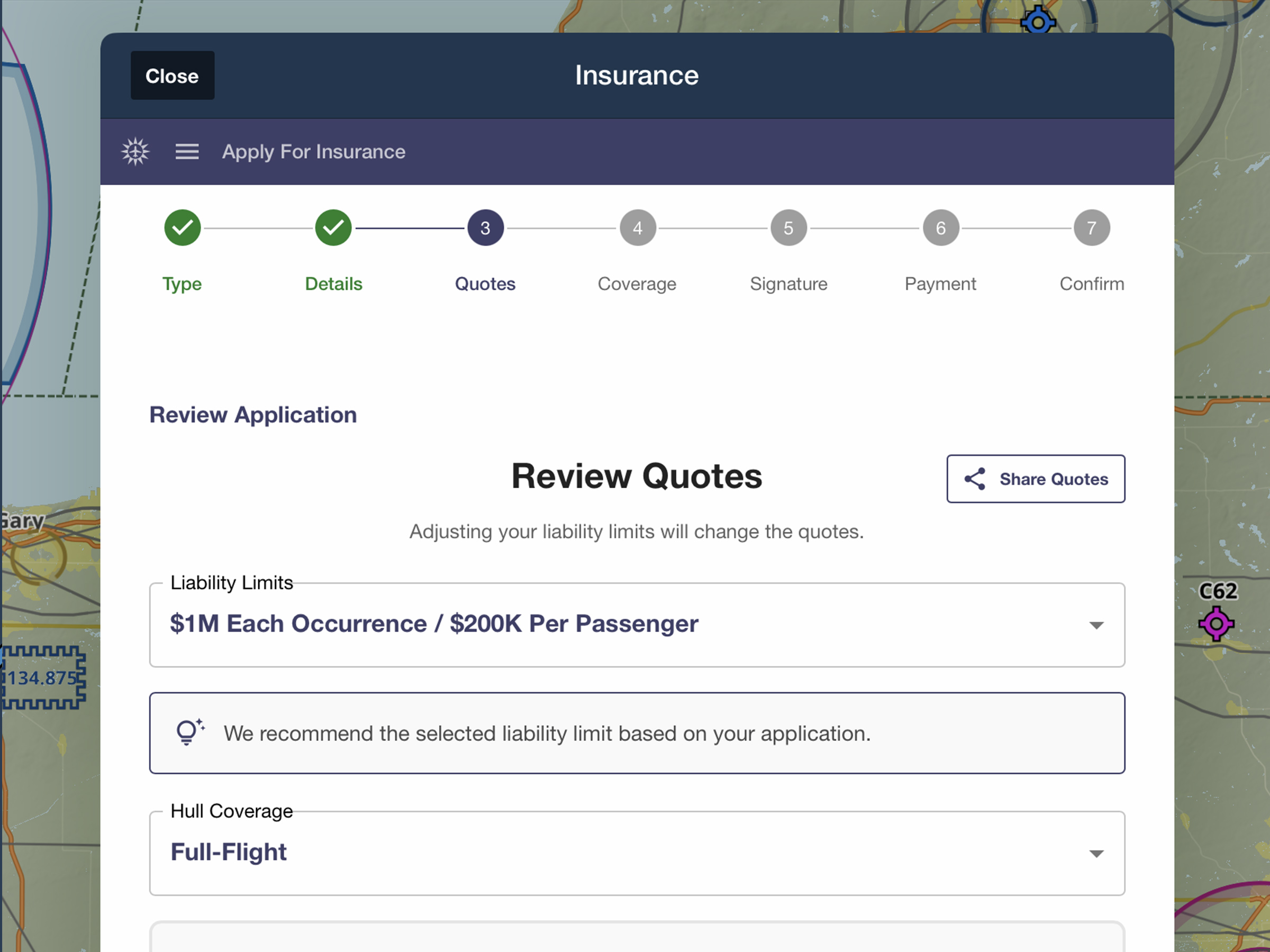
Quote, compare, purchase, and manage aviation insurance directly in ForeFlight.
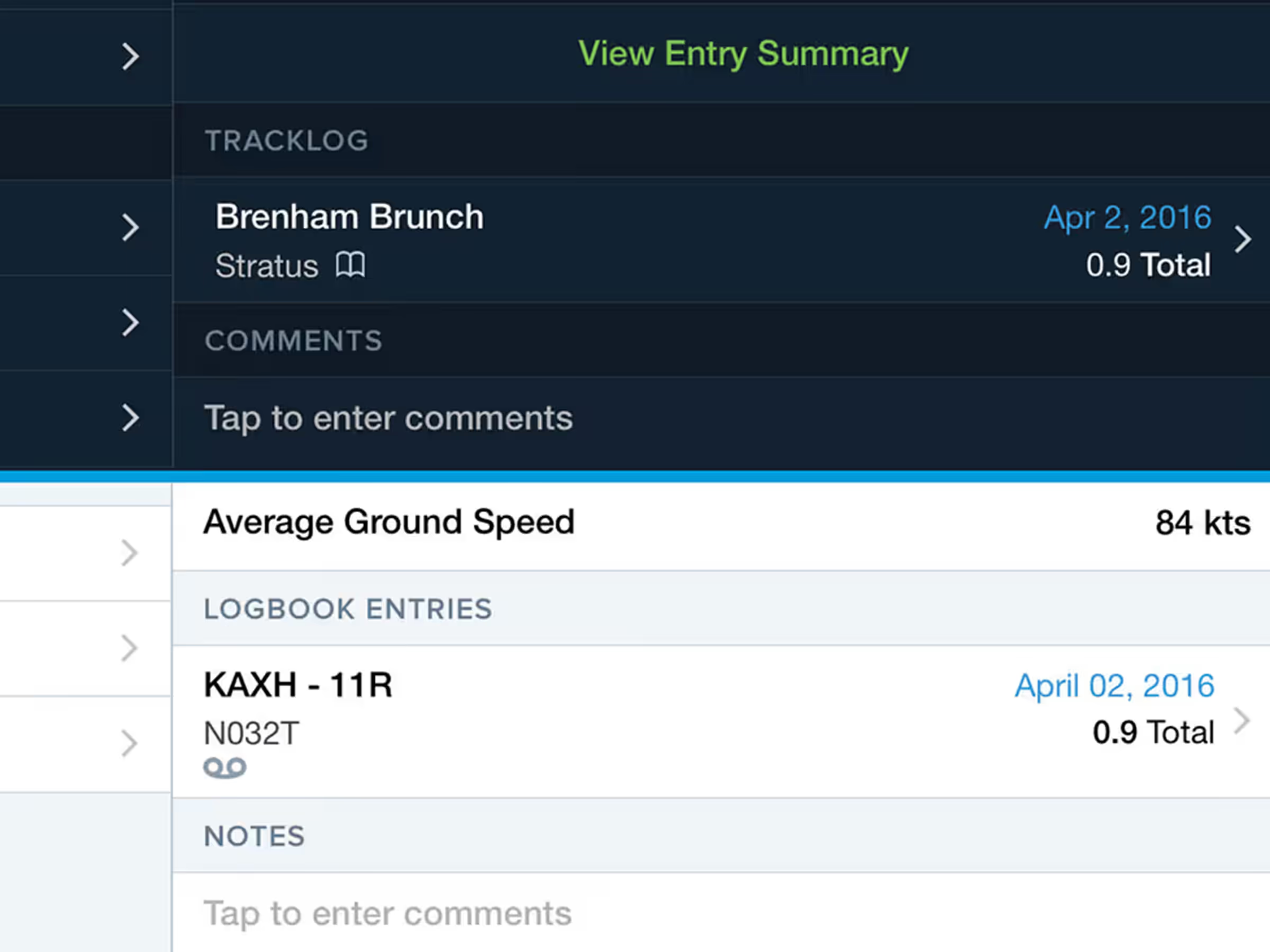
Associated Logbook entries and recorded Track Logs now include links to view the details of the other.
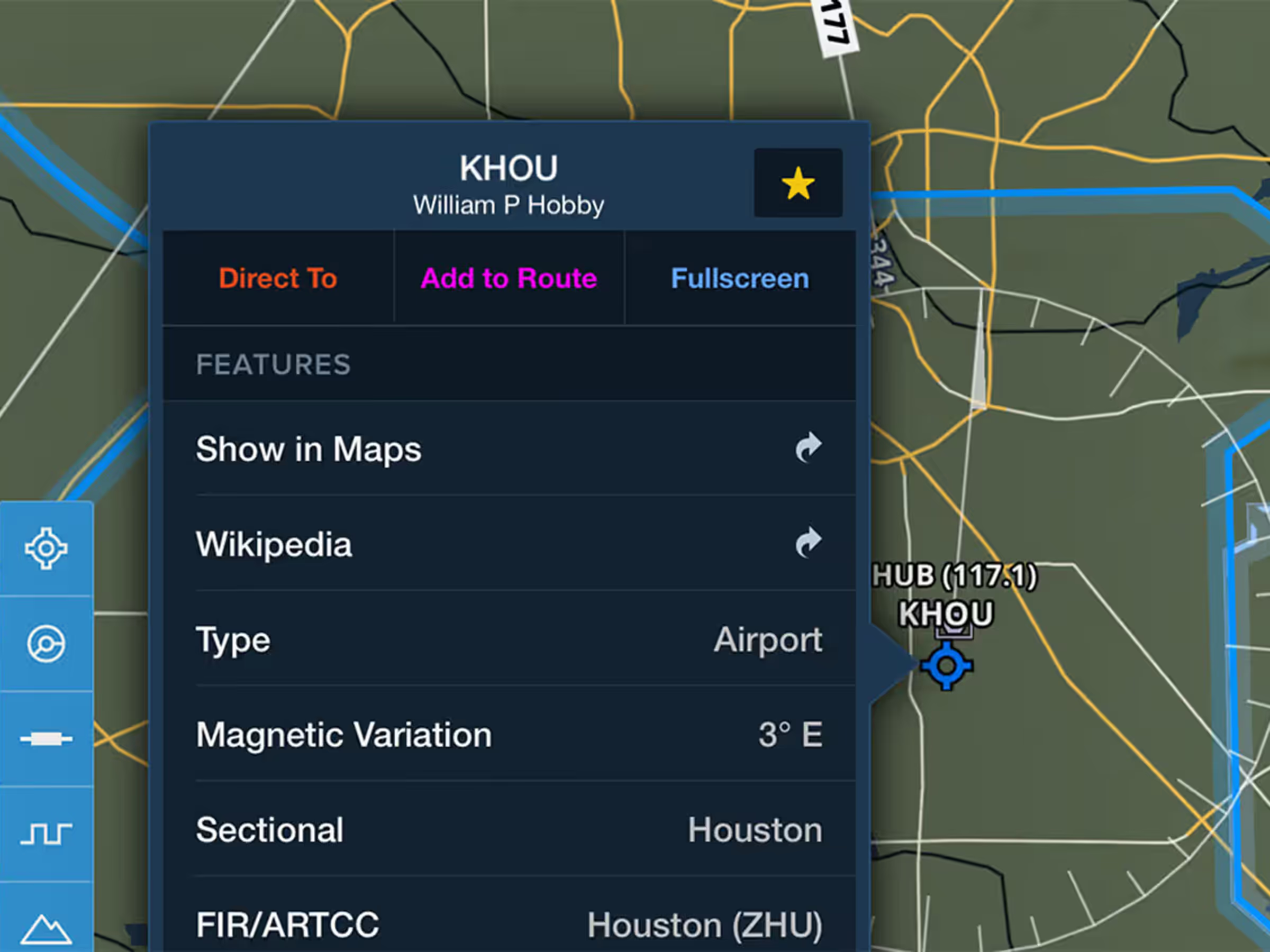
Airport details now include links to view the airport in the Apple Maps app or the airport’s Wikipedia page.

A new alert calls out the runway and your distance from it on short final.
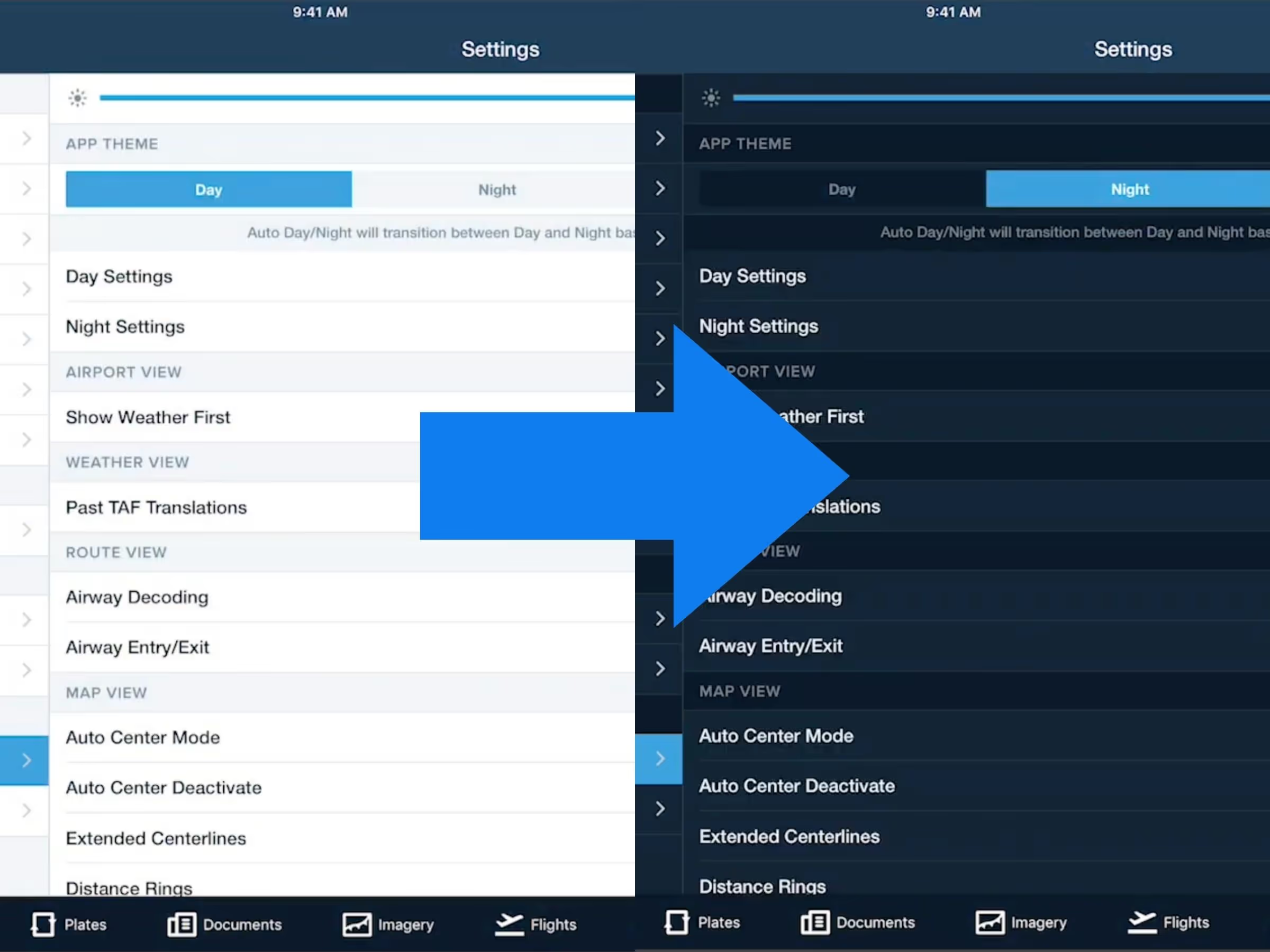
ForeFlight will automatically transition between the Day and Night themes at sunrise and sunset.

This release also includes a number of noteworthy improvements to flight planning and filing workflows.
.avif)
View organized track systems for select regions when planning oceanic flights.
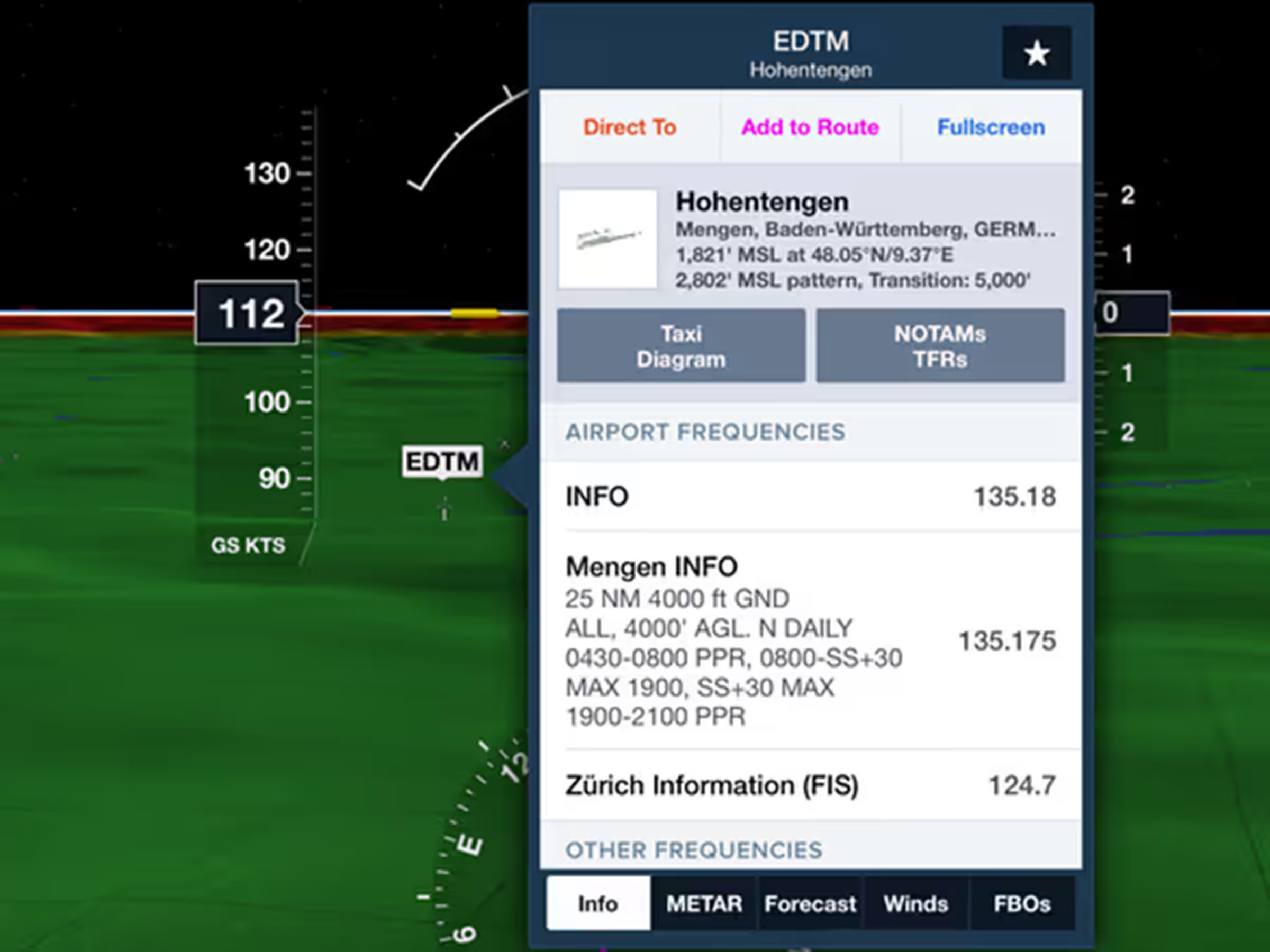
Airport markers in the Synthetic Vision view are larger for better visibility.
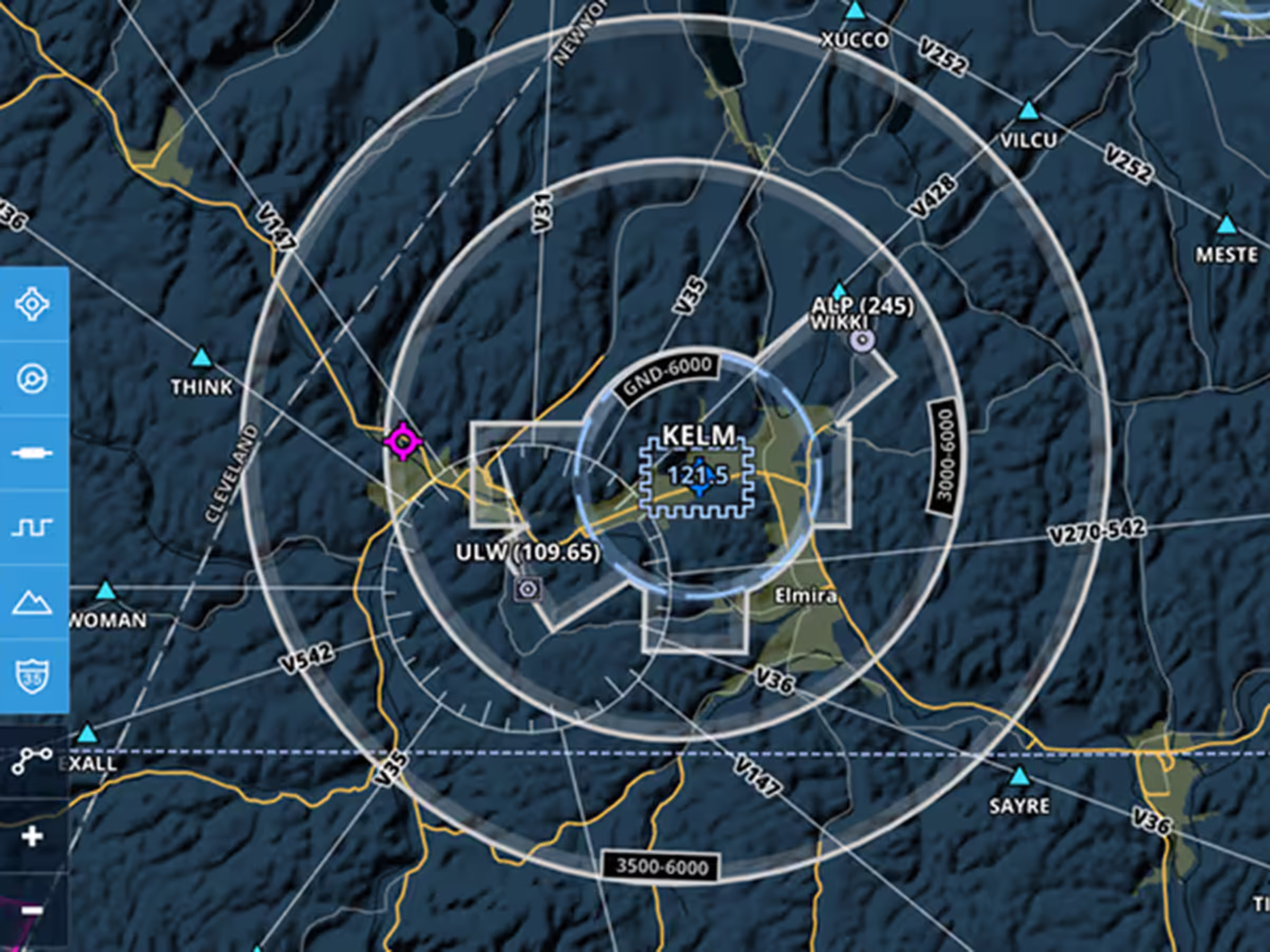
Instantly declutter the map with filters for airports, airspace, terrain, and more directly on the Map Layer.
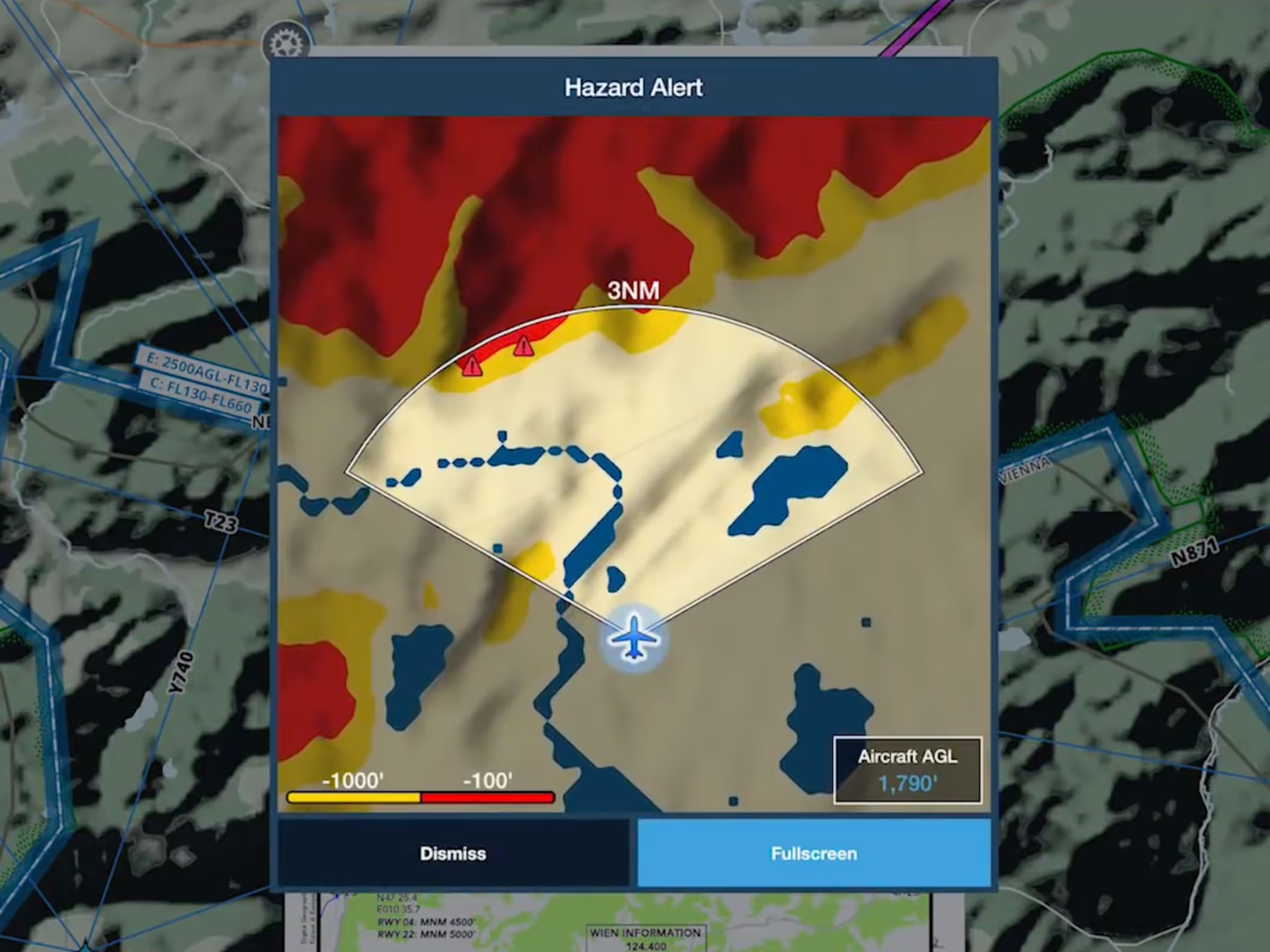
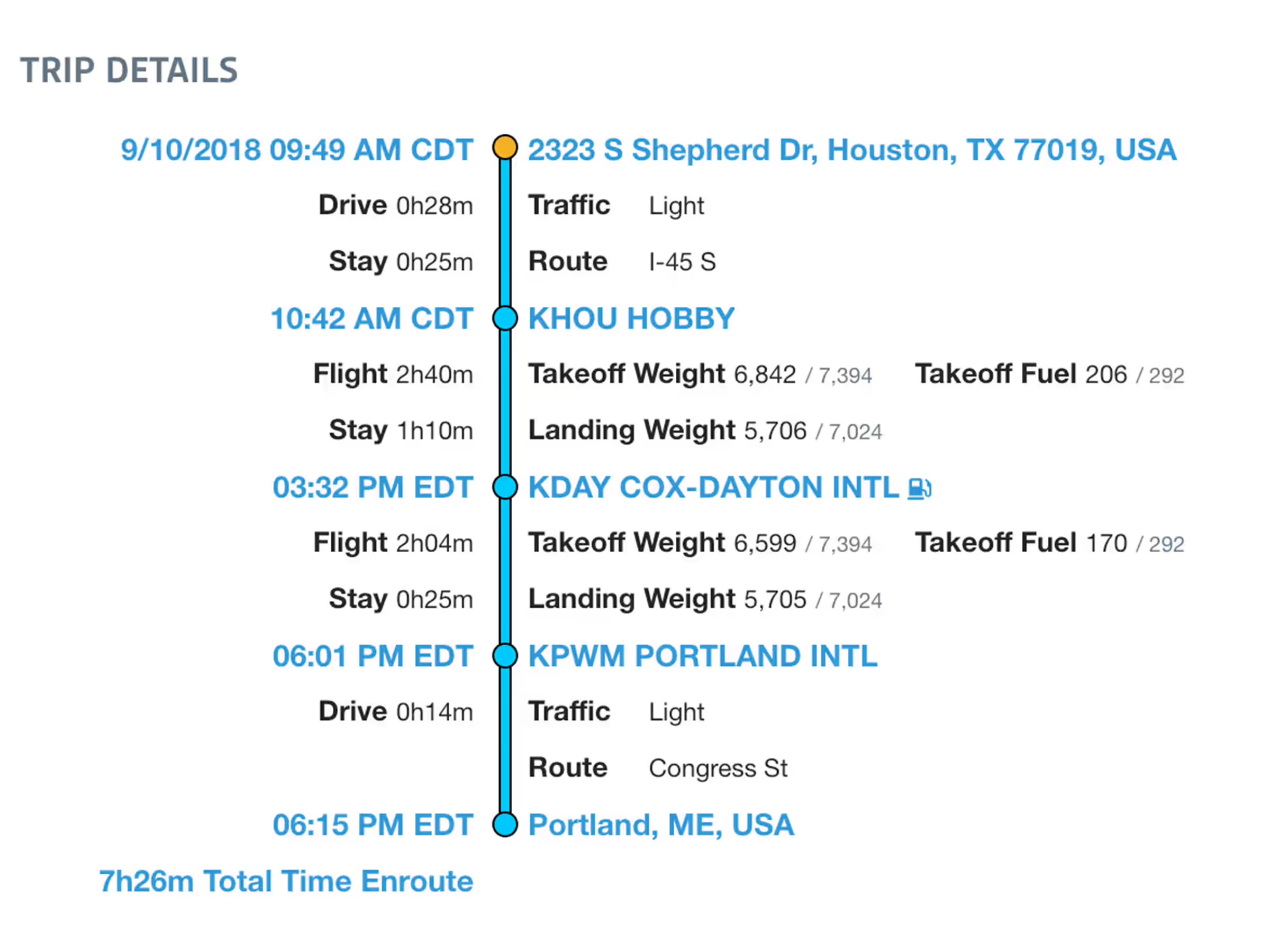
Schedulers and pilots can now more easily plan and prepare for upcoming flights with Trip Assistant.

See a side view of controlled, MOA, SUA, and TFR airspaces along your planned route.
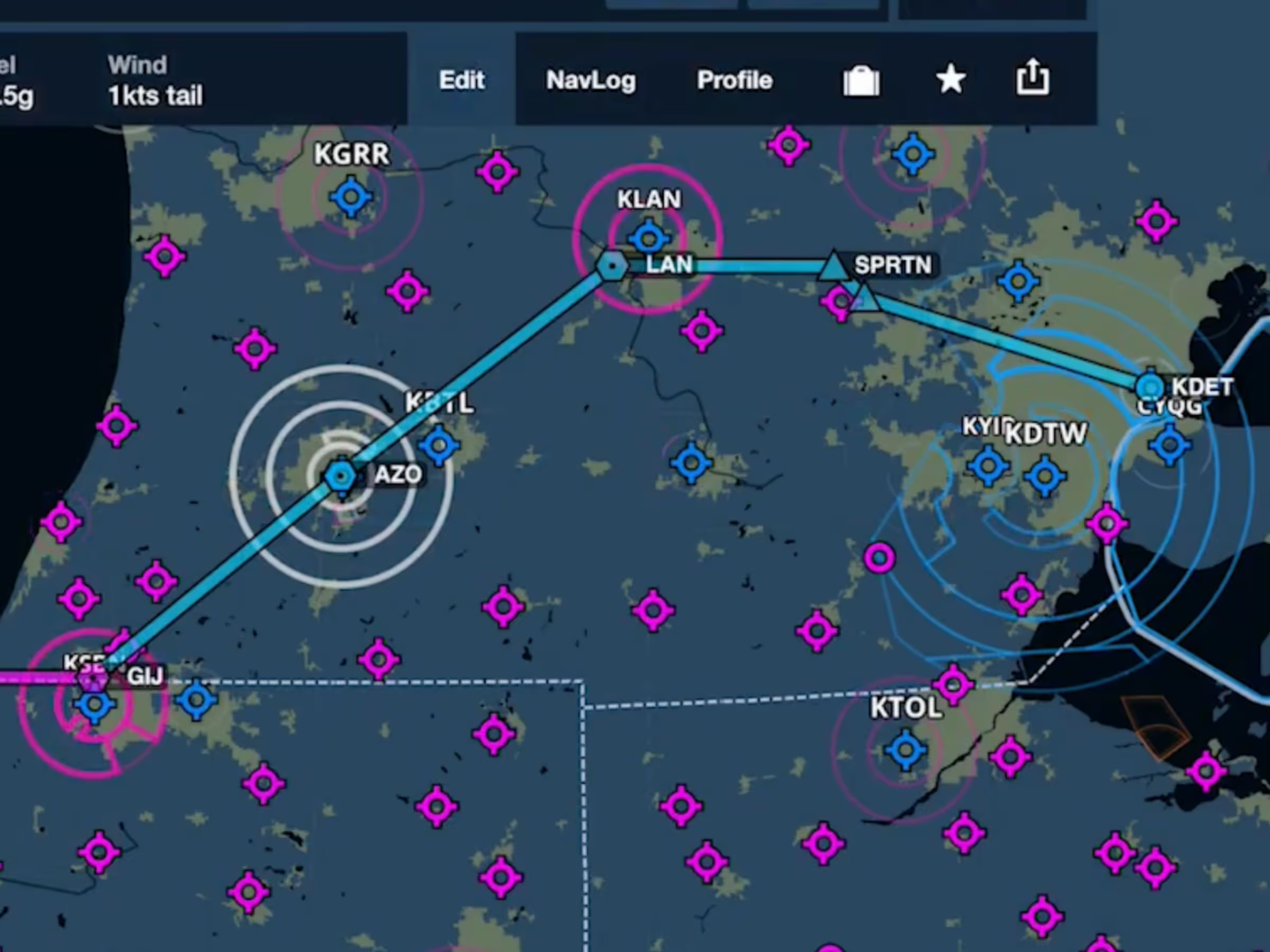
ForeFlight’s Aeronautical Maps now highlight airspace along your route while dimming other airspace.
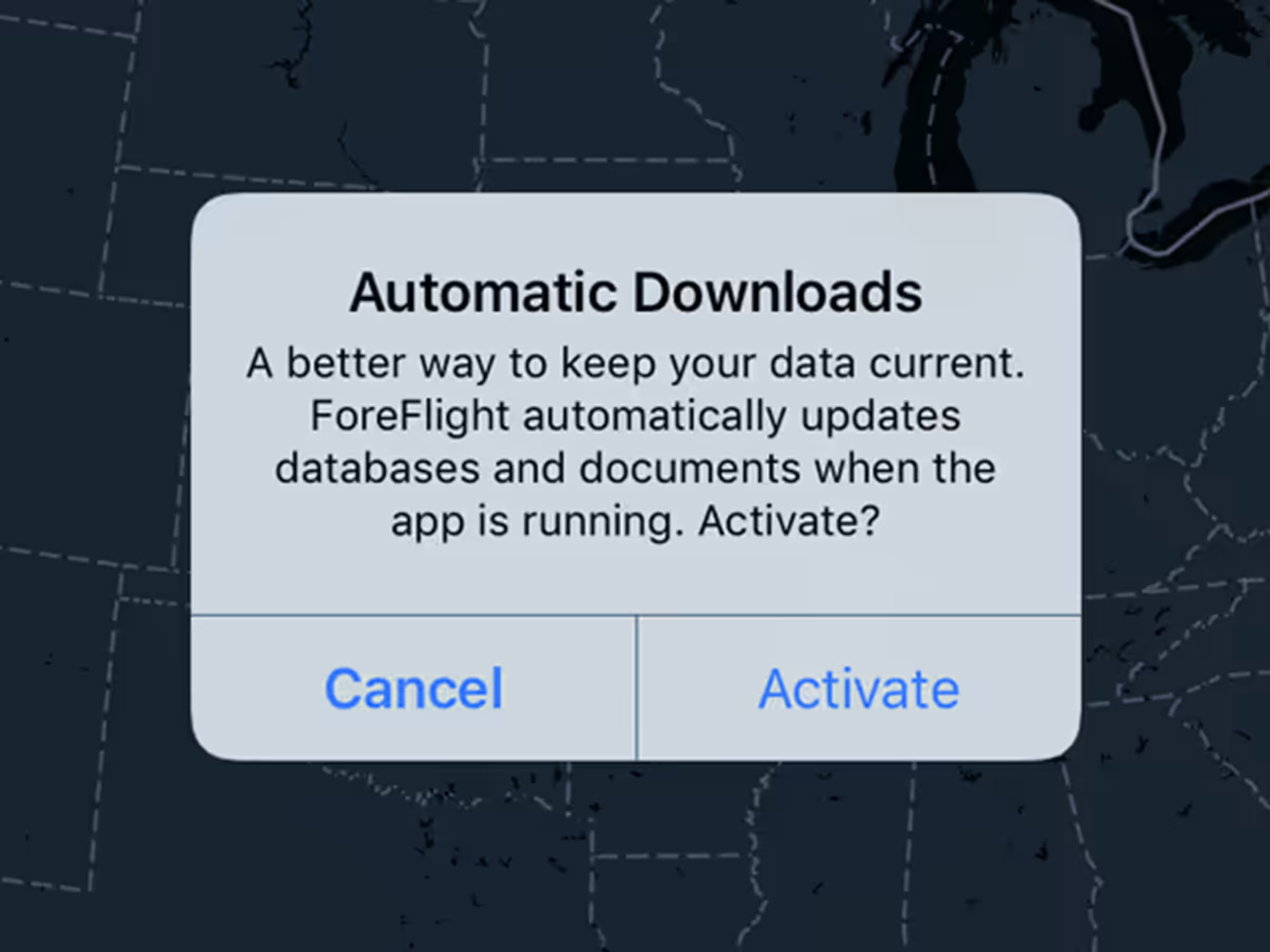
Eliminate the little red notification on the More tab without having to tap anything.
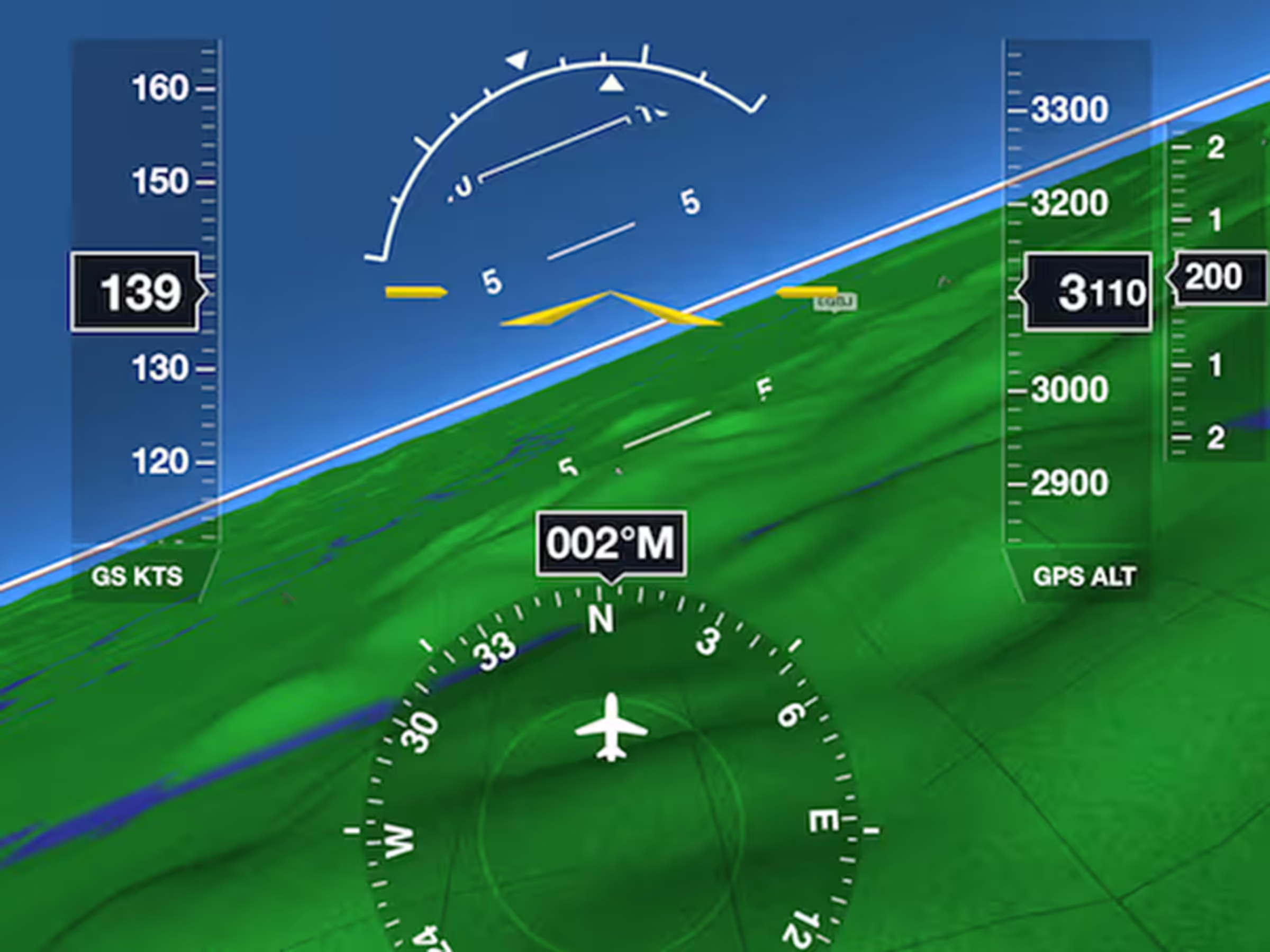
Third-party devices can transmit live inflight data to ForeFlight Mobile using the GDL 90 Extension.