





New features built for every aviation community

FLIGHT LOGGING

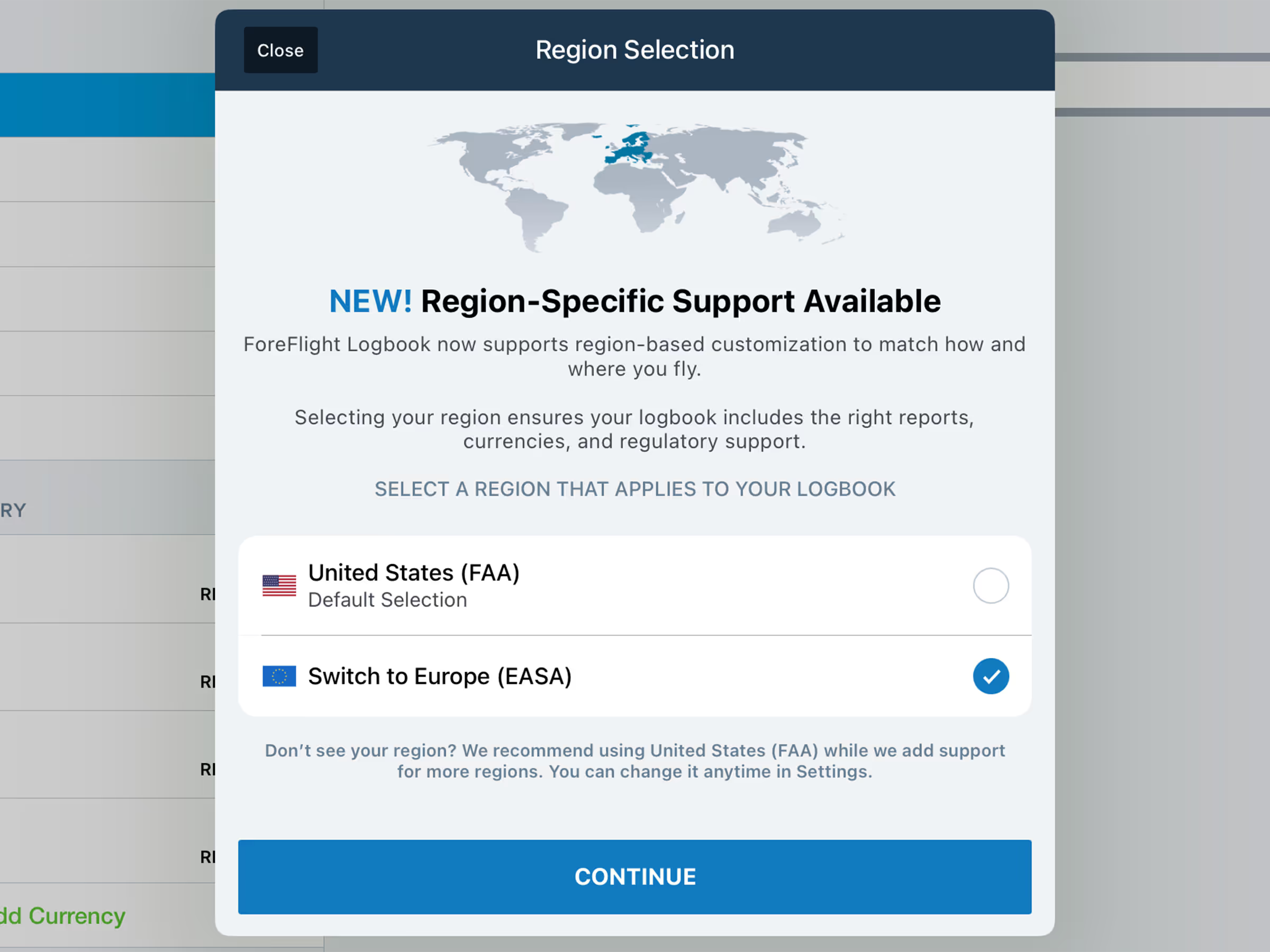
European Logbook Support

European pilots can now seamlessly log their flights, track recency, and generate detailed reports right in ForeFlight in accordance with European standards.

Intuitive tools for integrated logging

ForeFlight’s powerful Logbook capabilities are now tailored for European support, with updated fields that match European-specific terminology for times, tags, aircraft, recencies, reports, and more.

Automatic flight logging

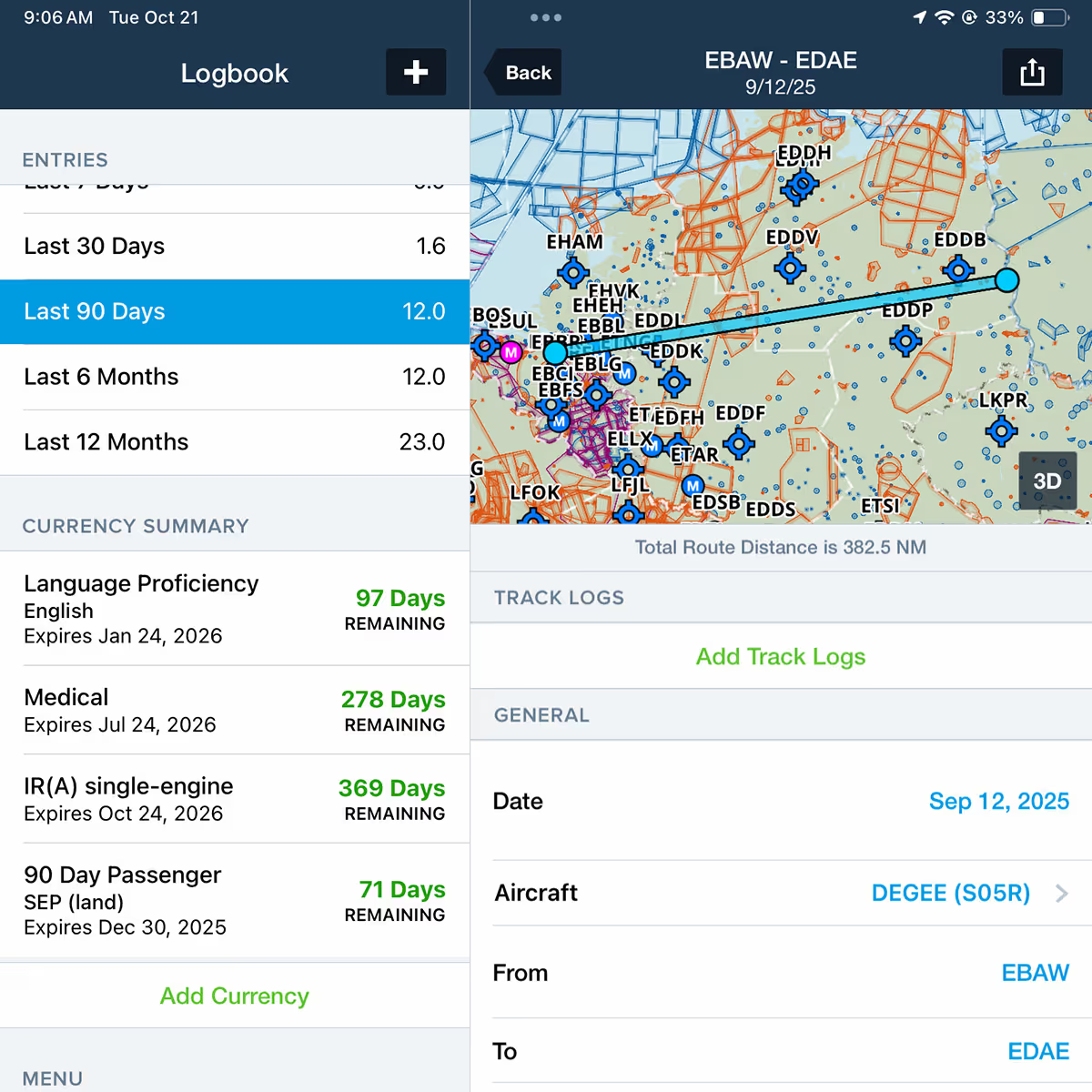
Streamline your logging with automatic flight logging that creates a draft entry from your track logs, pre-filling key fields like flight time, airports, and route so you can simply review and approve to add to your logbook.

Effortless recency tracking

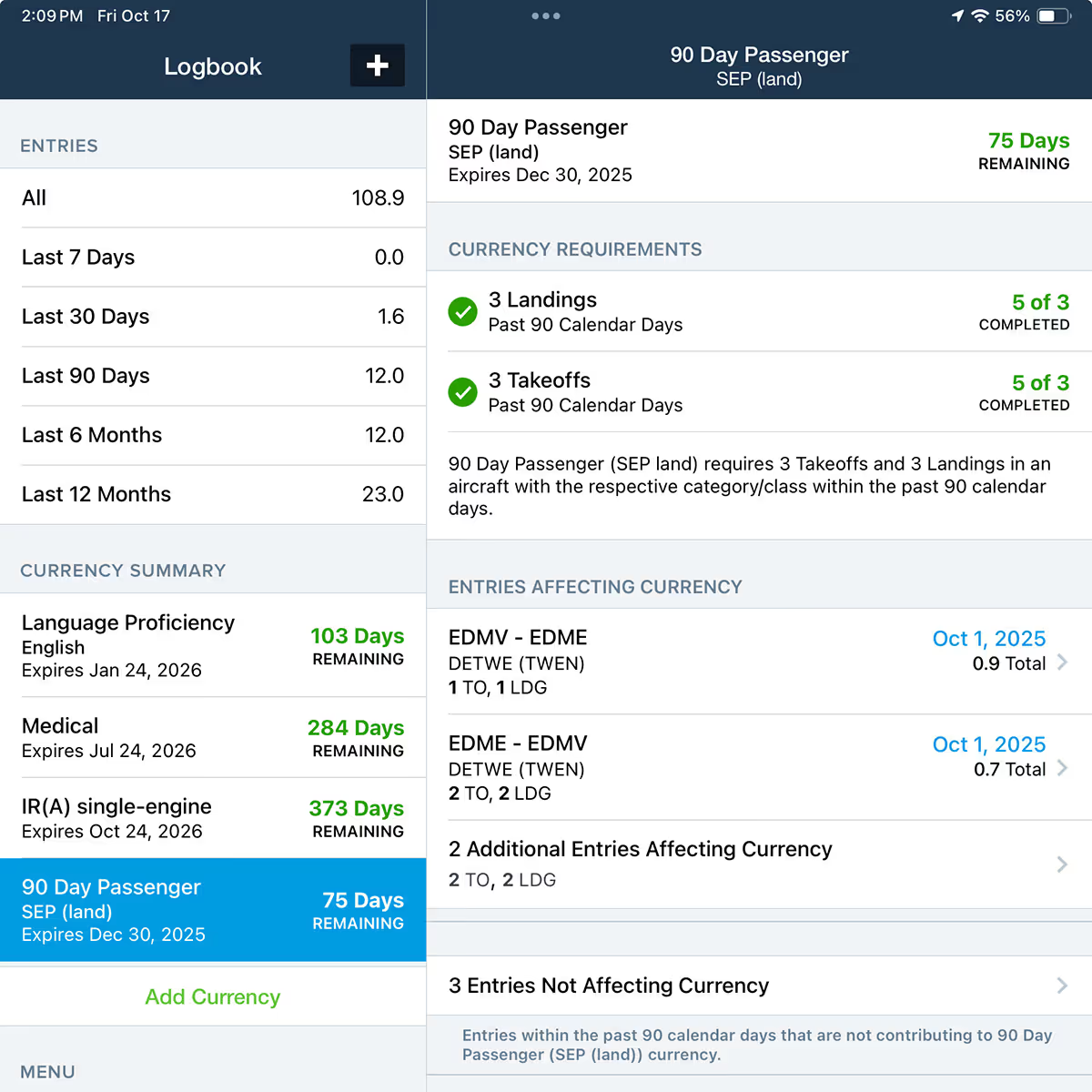
Monitor upcoming expirations and proficiency checks, with an at-a-glance Currency Summary section showing the number of days remaining until expiration, including recency and validity tracking for EASA pilots. Each currency item highlights requirements, displays contributing flights, and automatically flags errors, so you can quickly make corrections to stay up to date. For an even more convenient reminder, add the Currency Widget to your device’s home screen.

Extensive reporting

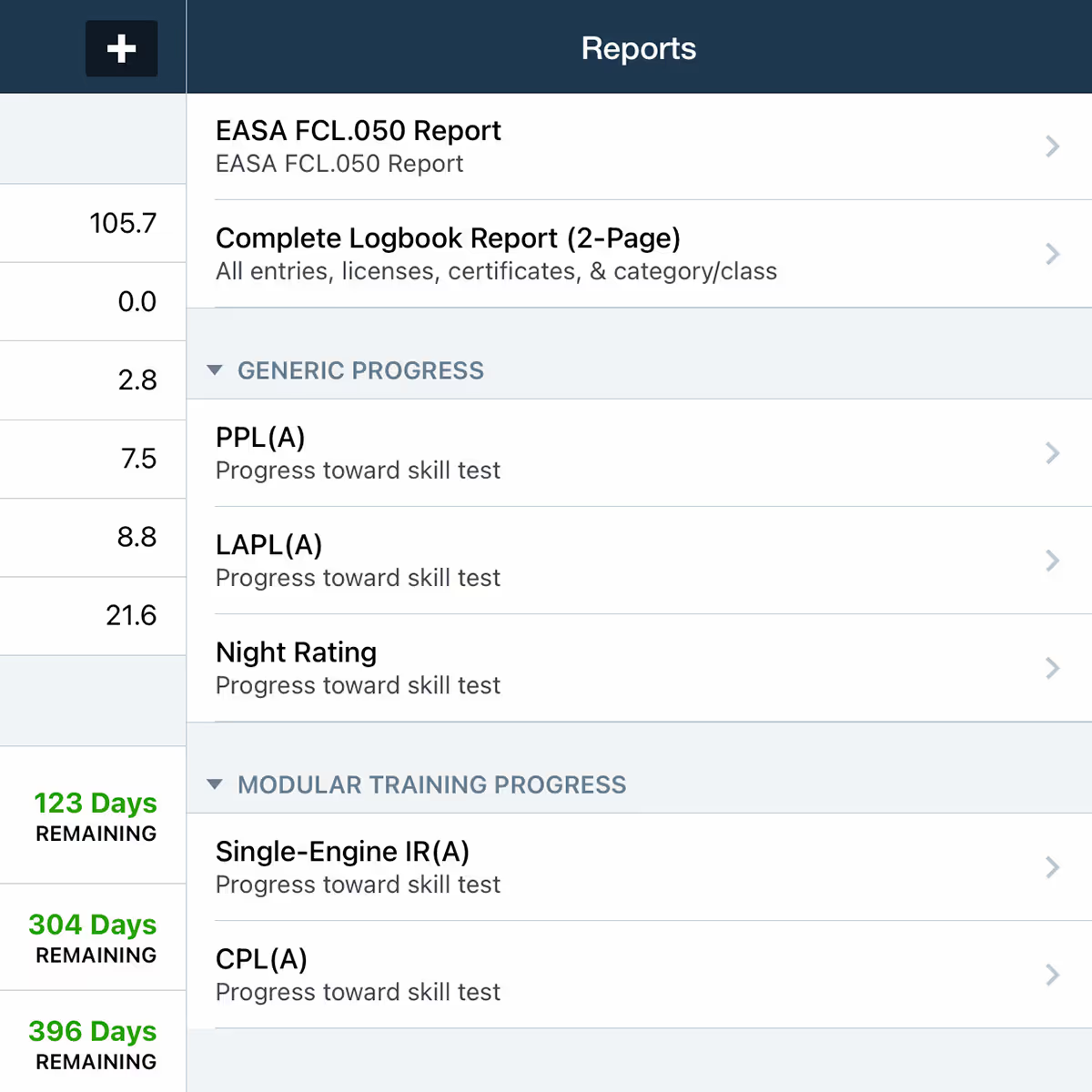
Generate and export detailed reports ranging from FCL.050 documents to skill test progress reports such as PPL, LAPL, Night ratings, and more.

Intuitive tools for integrated logging

ForeFlight’s powerful Logbook capabilities are now tailored for European support, with updated fields that match European-specific terminology for times, tags, aircraft, recencies, reports, and more.

Automatic flight logging

Streamline your logging with automatic flight logging that creates a draft entry from your track logs, pre-filling key fields like flight time, airports, and route so you can simply review and approve to add to your logbook.

Effortless recency tracking

Monitor upcoming expirations and proficiency checks, with an at-a-glance Currency Summary section showing the number of days remaining until expiration, including recency and validity tracking for EASA pilots. Each currency item highlights requirements, displays contributing flights, and automatically flags errors, so you can quickly make corrections to stay up to date. For an even more convenient reminder, add the Currency Widget to your device’s home screen.

Extensive reporting

Generate and export detailed reports ranging from FCL.050 documents to skill test progress reports such as PPL, LAPL, Night ratings, and more.

European Logbook Support FAQS

Can I have both FAA and EASA regions active at once?

You cannot access both at once. However, you can switch between the United States and the Europe region, which doesn’t remove or overwrite data.

After switching regions, some of my qualifications, recencies, and aircraft information are missing. What happened?

We recommend updating your aircraft and qualifications with your European licenses and ratings to ensure reports and recencies best reflect your flight time and experience.

What happens to my data when I switch regions?

Changing your region only alters how your information is displayed. Your logbook data is always securely stored within ForeFlight's servers. For an added layer of protection, choose to have your Logbook exported to your email every 30 days for easy record keeping.

Which subscription plans include European Logbook support?

European Logbook support is available for all ForeFlight customers.

What if my region isn't listed under the region selector?

If your region is not listed, we recommend using the United States (FAA) region while we add support for new regions.

How do I update my Logbook Region?

Navigate to Logbook > Settings > Logbook Region to select your support region, and begin tracking, logging, and reporting in accordance with European standards.

PROCEDURE PLANNING

Dynamic Procedures Enhancements

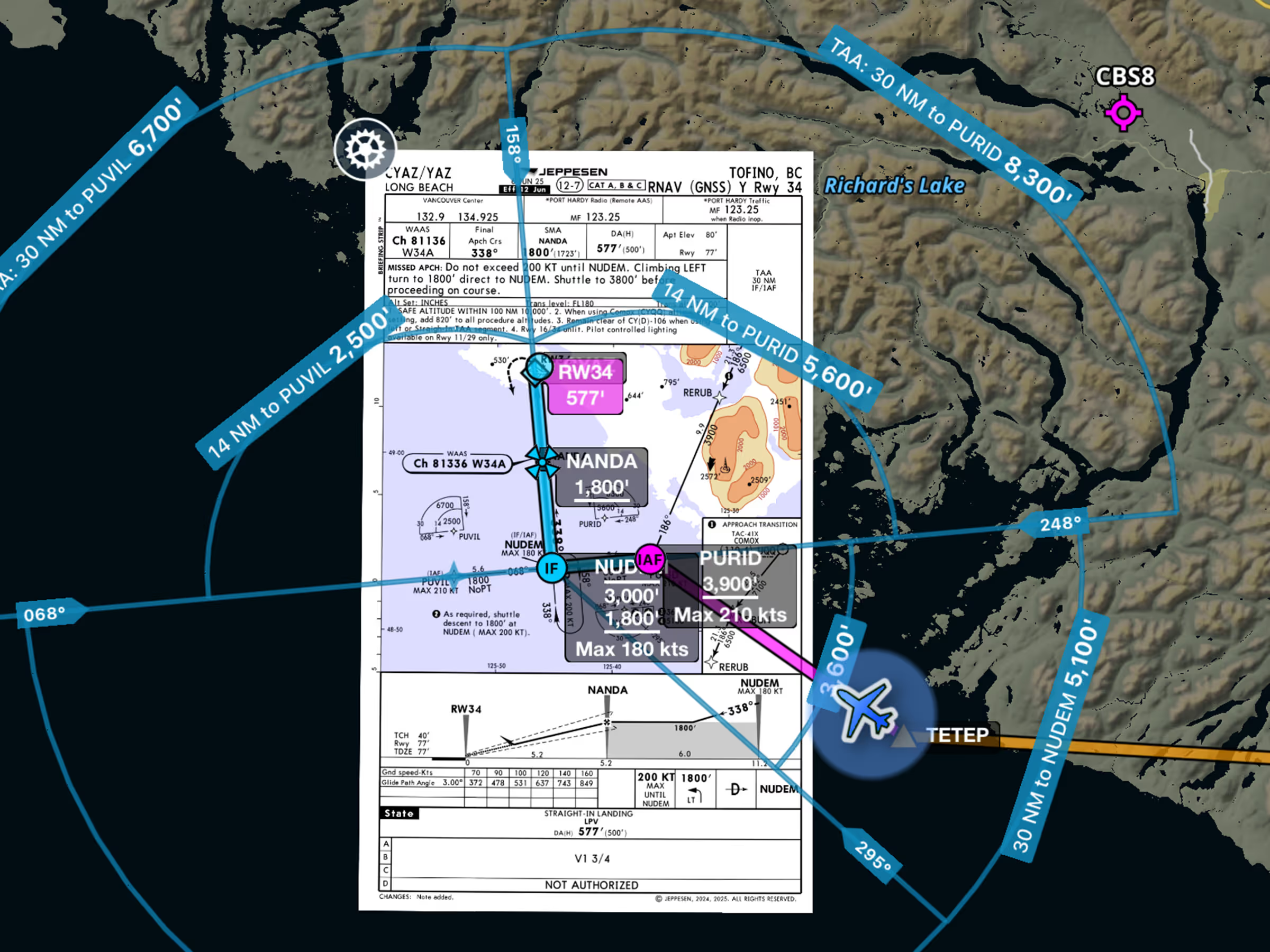
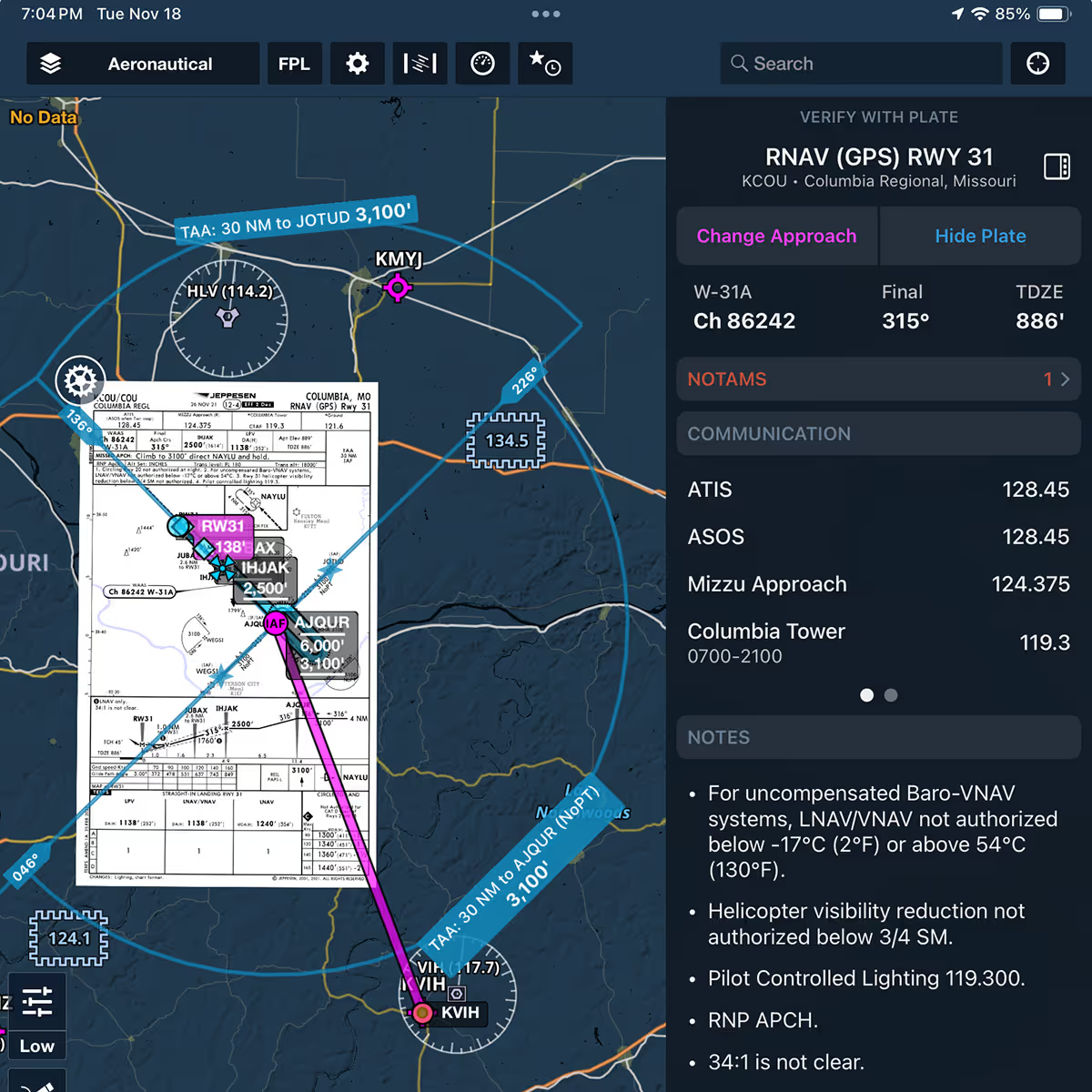
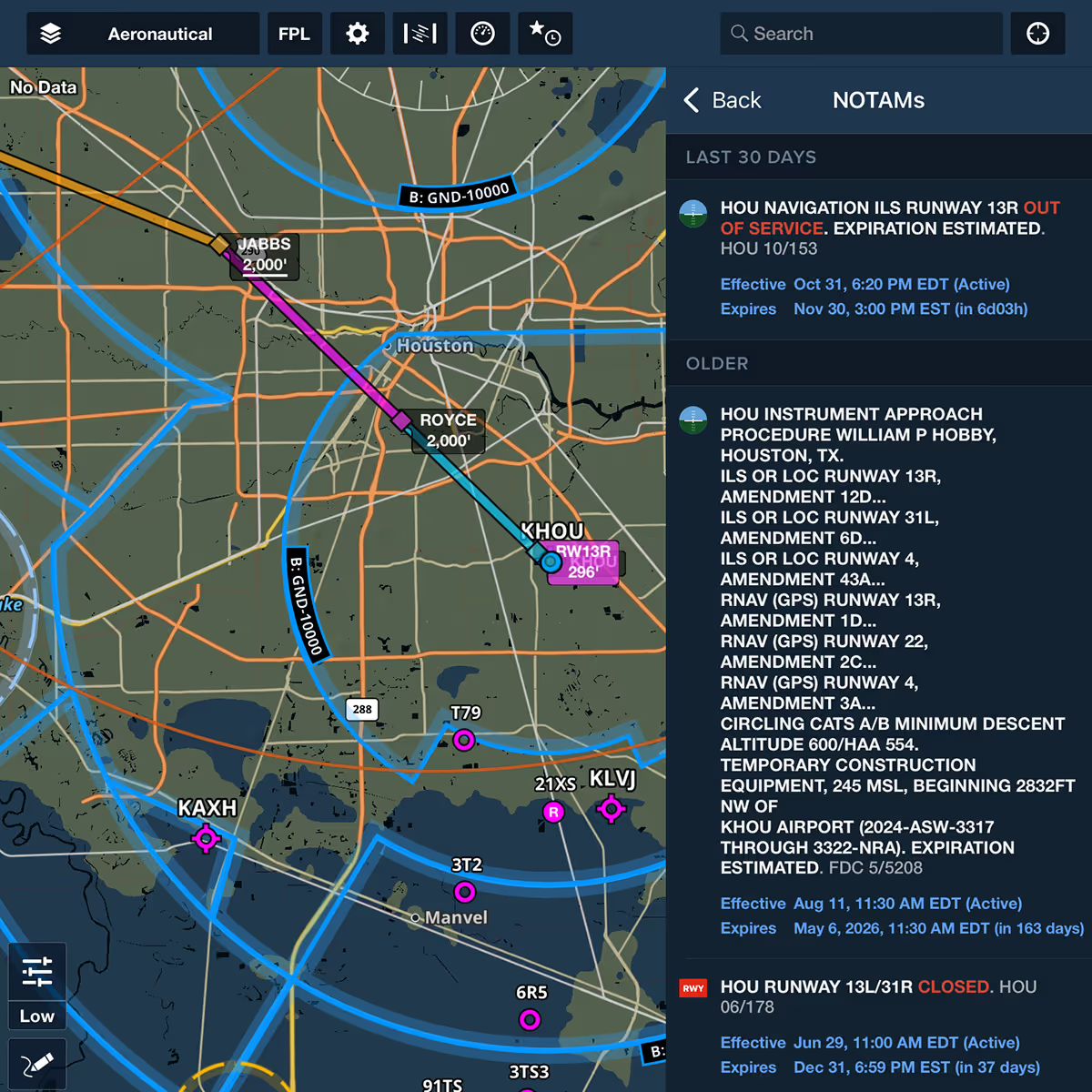
Access more critical approach information at your fingertips. The Dynamic Procedures sidebar now features TAAs drawn directly on the map to help you easily find approved descent altitudes, along with active NOTAMs for your selected approach.

TAAs on the Map

Easily find approved descent altitudes on an instrument approach with TAAs drawn directly on the map to seamlessly transition from enroute to approach.

NOTAMs in the Sidebar

View active NOTAMs for your selected airport and approach directly in the Dynamic Procedures sidebar, ensuring you never miss critical information as you brief and fly your approach.

TAAs on the Map

Easily find approved descent altitudes on an instrument approach with TAAs drawn directly on the map to seamlessly transition from enroute to approach.

NOTAMs in the Sidebar

View active NOTAMs for your selected airport and approach directly in the Dynamic Procedures sidebar, ensuring you never miss critical information as you brief and fly your approach.

MAP LAYERS

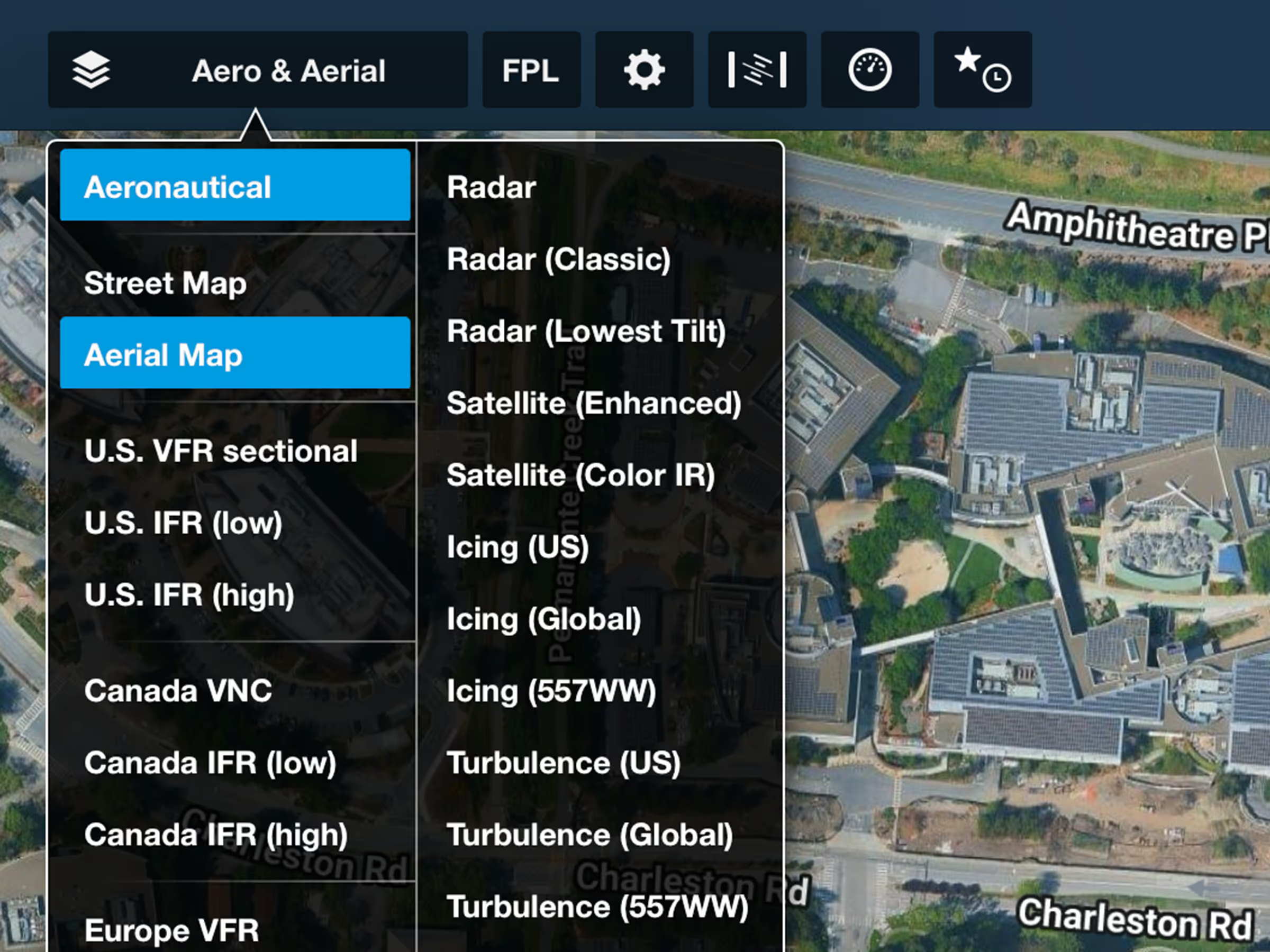
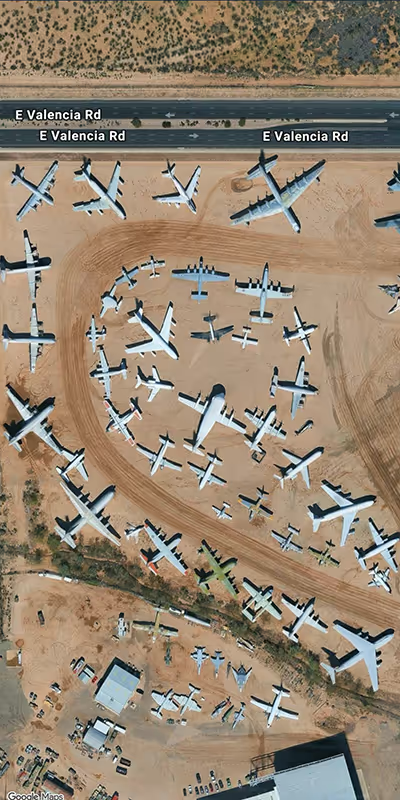
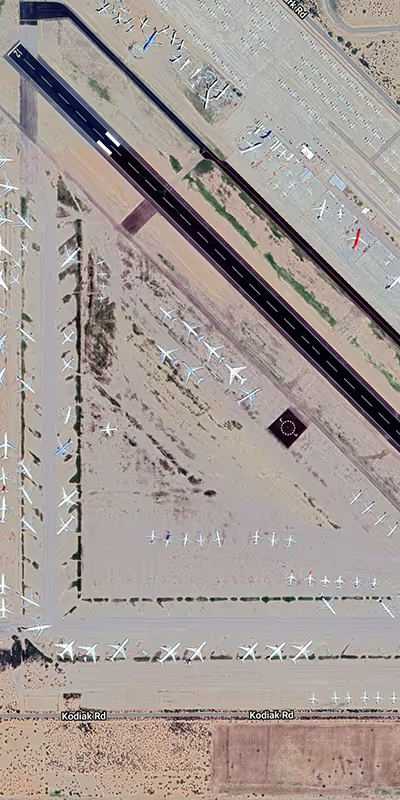
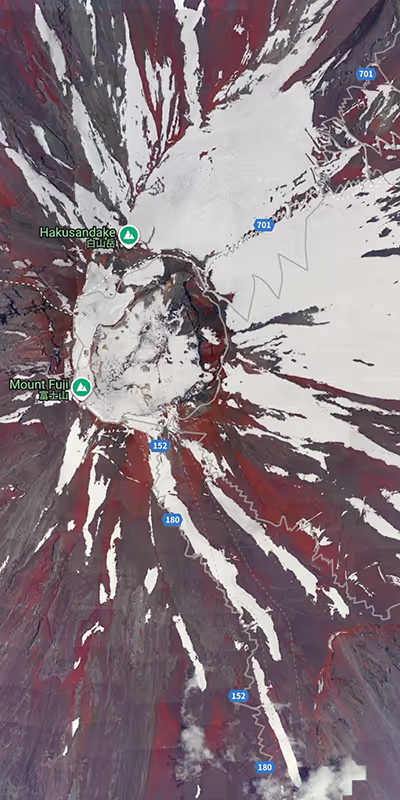
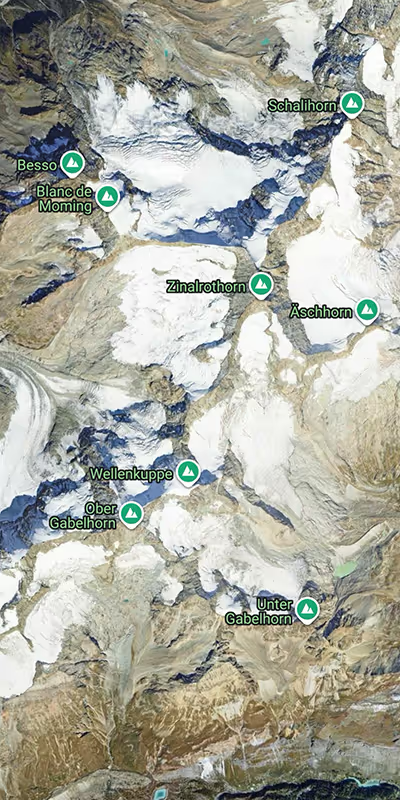
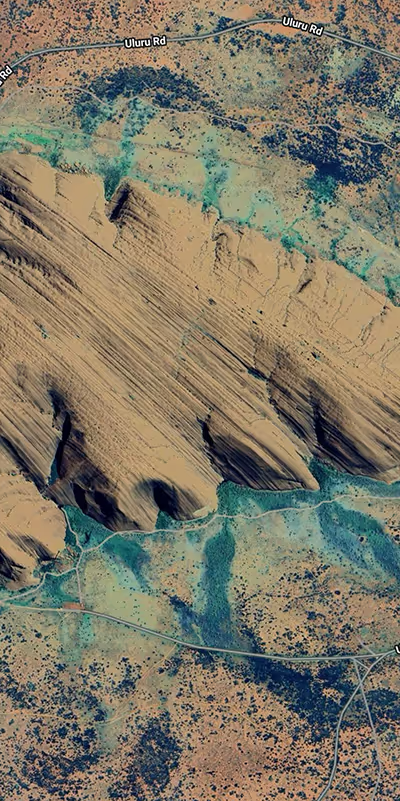
Google Aerial Imagery

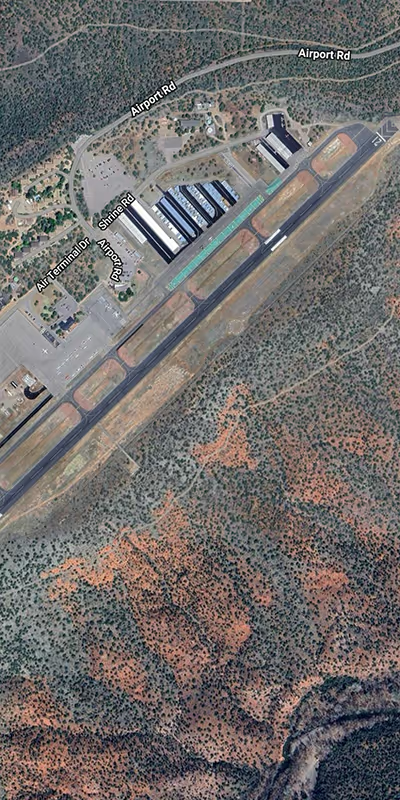
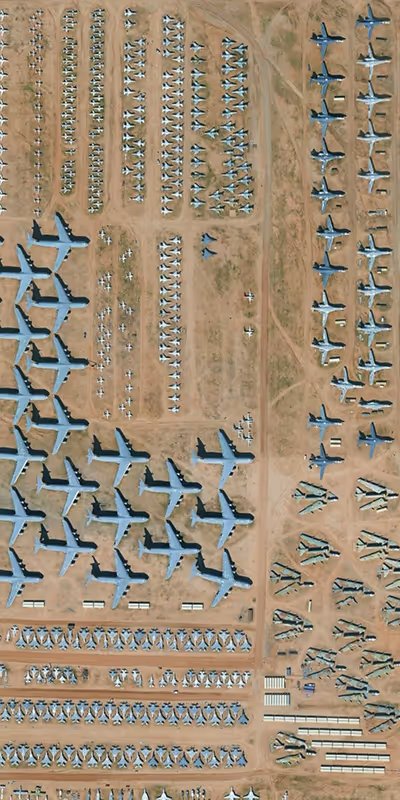
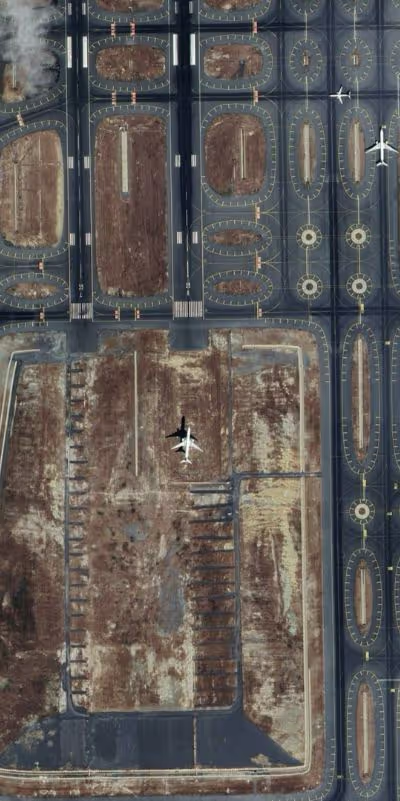
Plan with higher-quality and more frequently updated views of Earth with ForeFlight’s Aerial map layer, 3D views, and more, powered by Google’s satellite imagery.

FLIGHT INSTRUCTORS

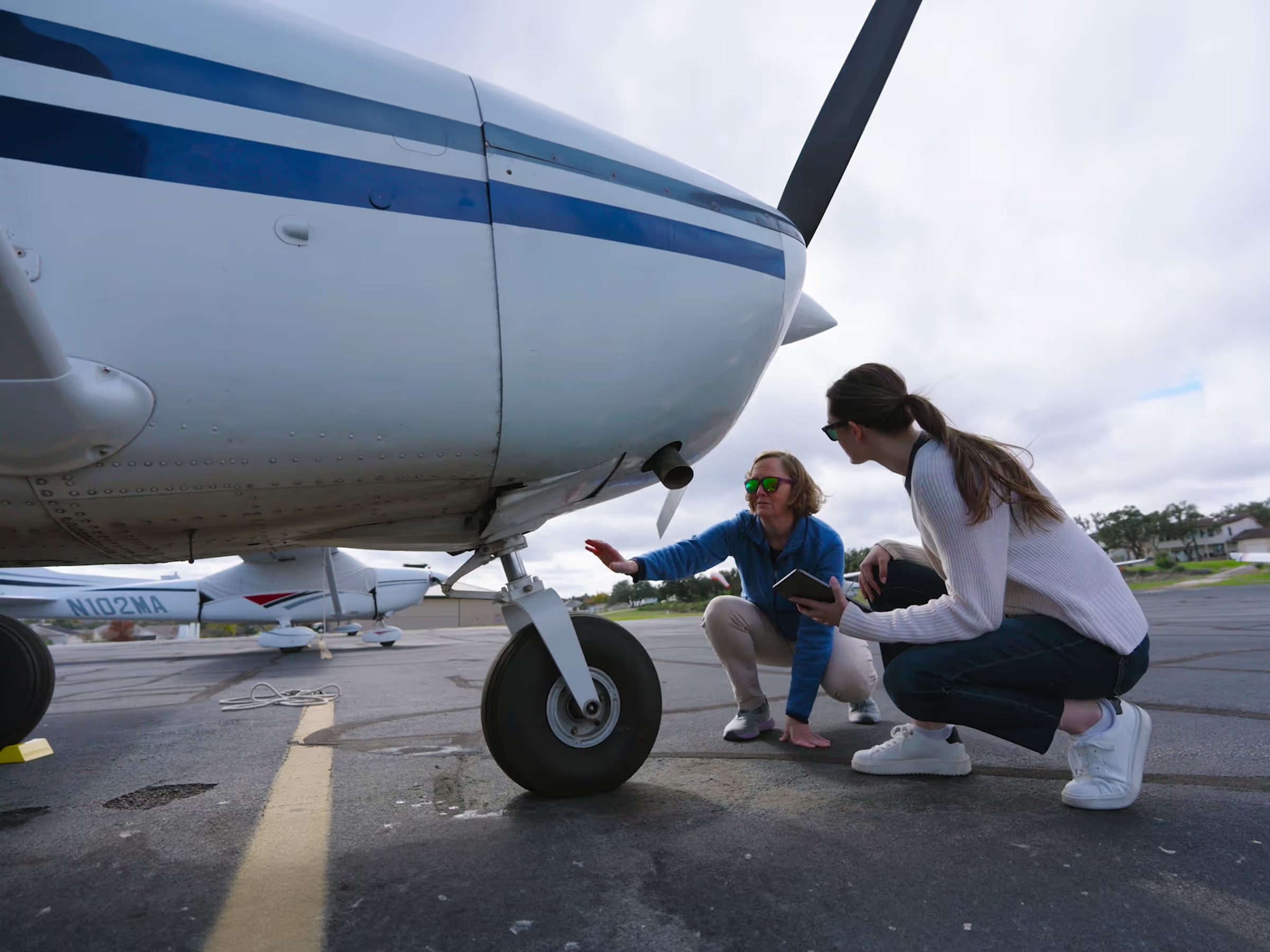
CFI Referral Program

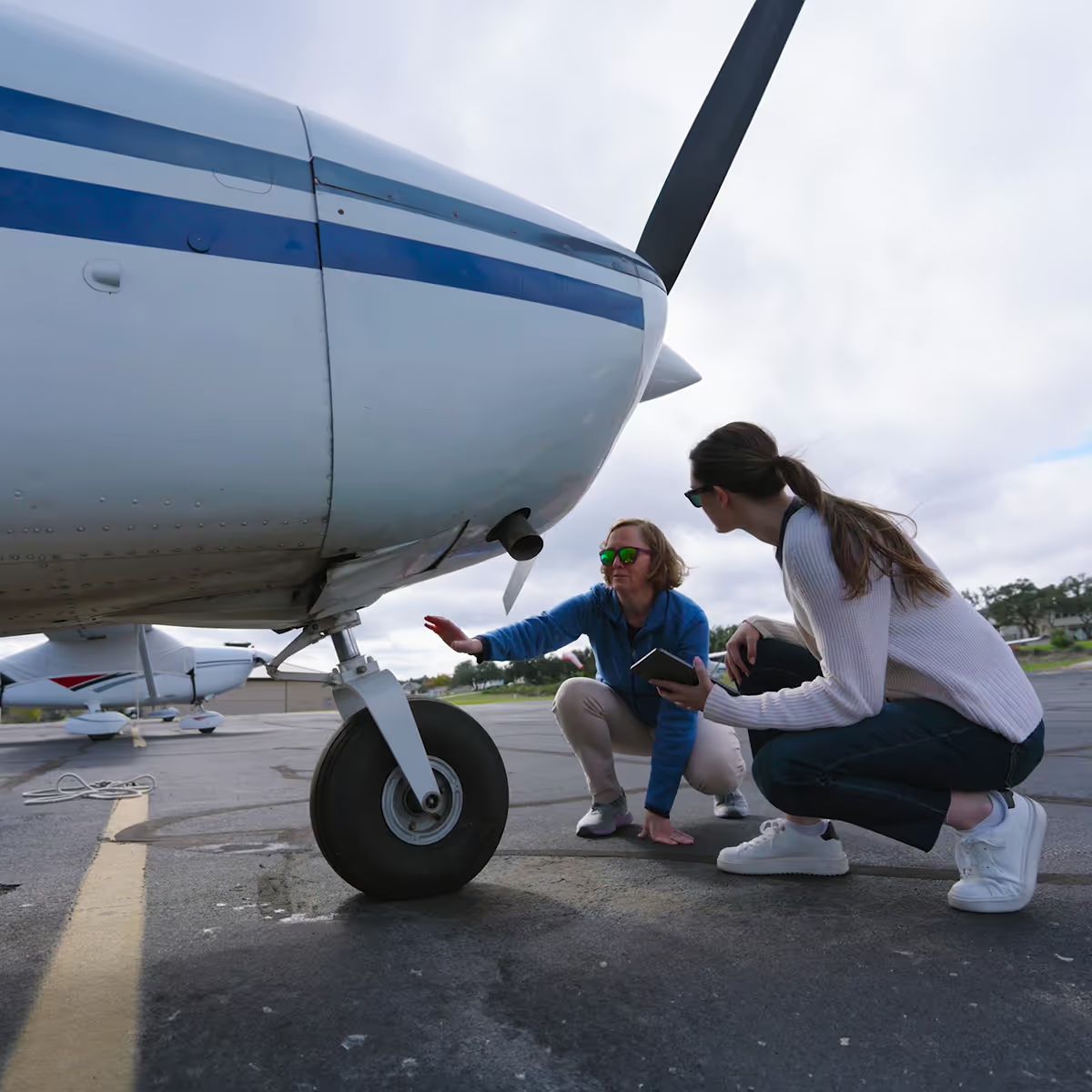
ForeFlight’s CFI Referral Program makes it easy for instructors to save on their subscriptions while supporting students. Active CFIs can earn up to 100% off their ForeFlight subscription when they invite eligible students to start flying with ForeFlight. Get started earning rewards by going to Logbook > Instructor Tools.