18.7
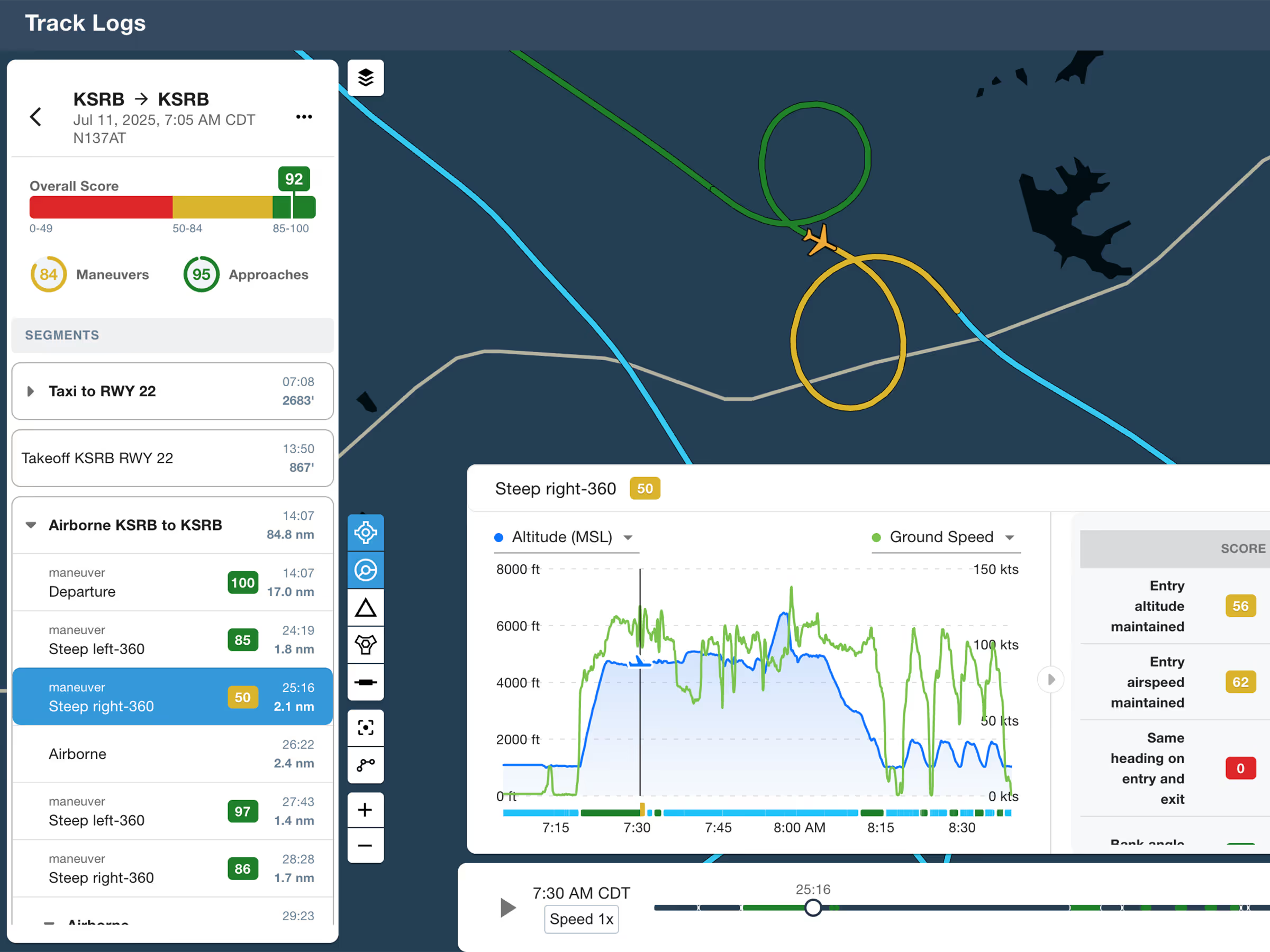
ForeFlight Debrief
Review flights with automatic Track Log segmentation, scoring, and 3D playback on both mobile and web.

Explore the latest ForeFlight features and browse past release notes to stay updated on new tools, enhancements, and improvements.
Review flights with automatic Track Log segmentation, scoring, and 3D playback on both mobile and web.
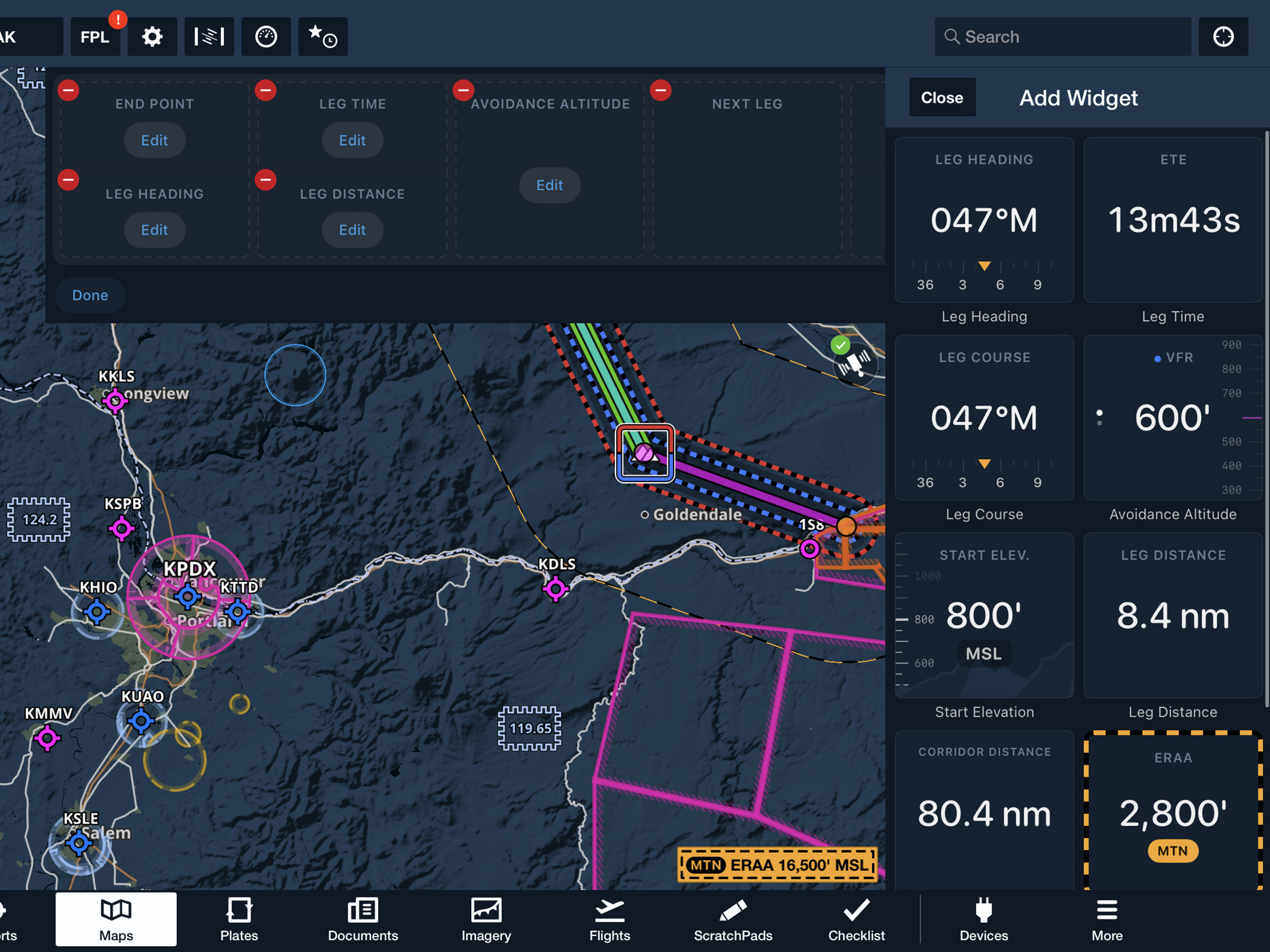
View current-leg details at a glance with a customizable information panel for Low Level Corridors.
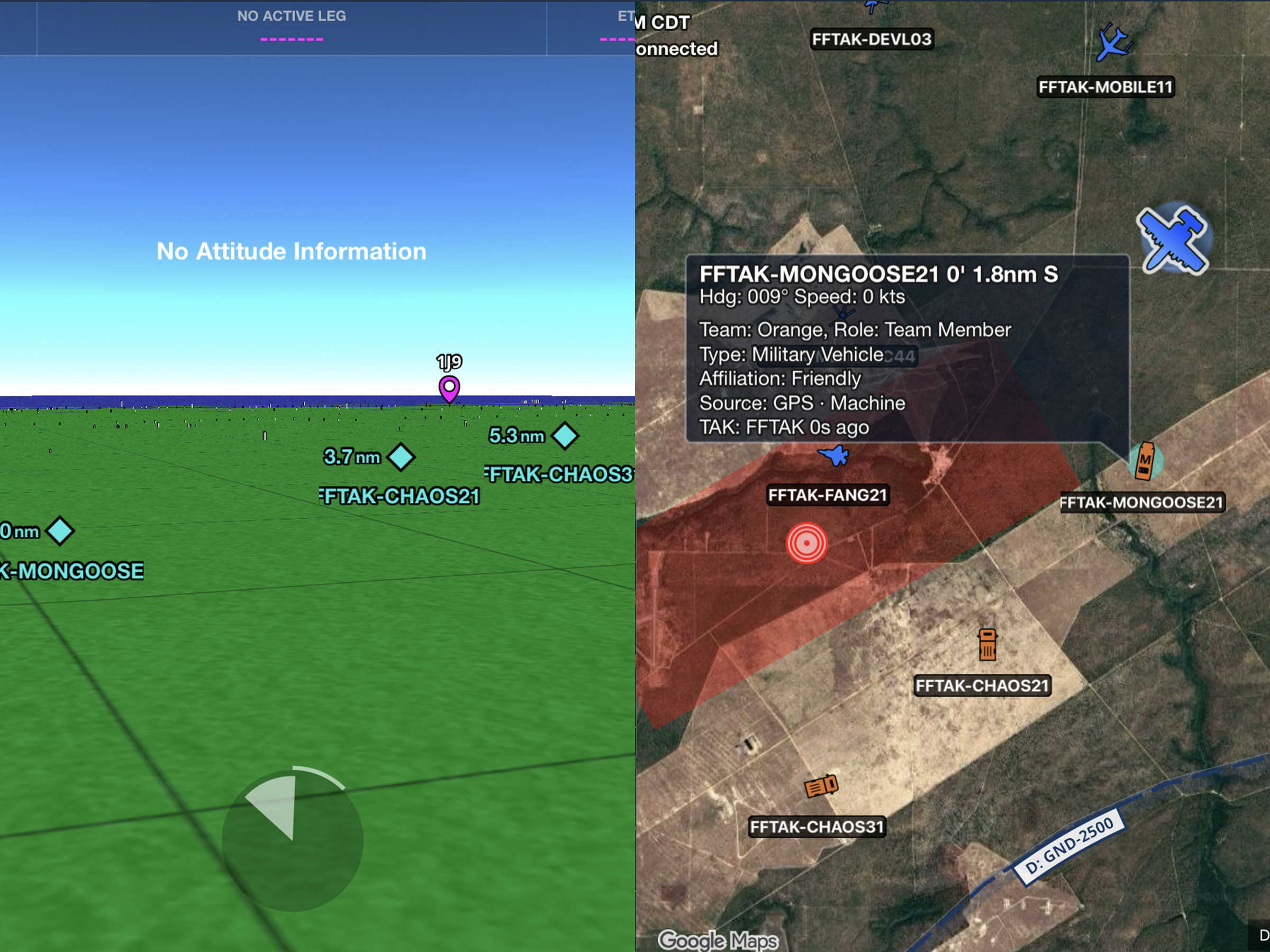
Connect to TAK servers to share your position and view other connected assets as live traffic on the map.
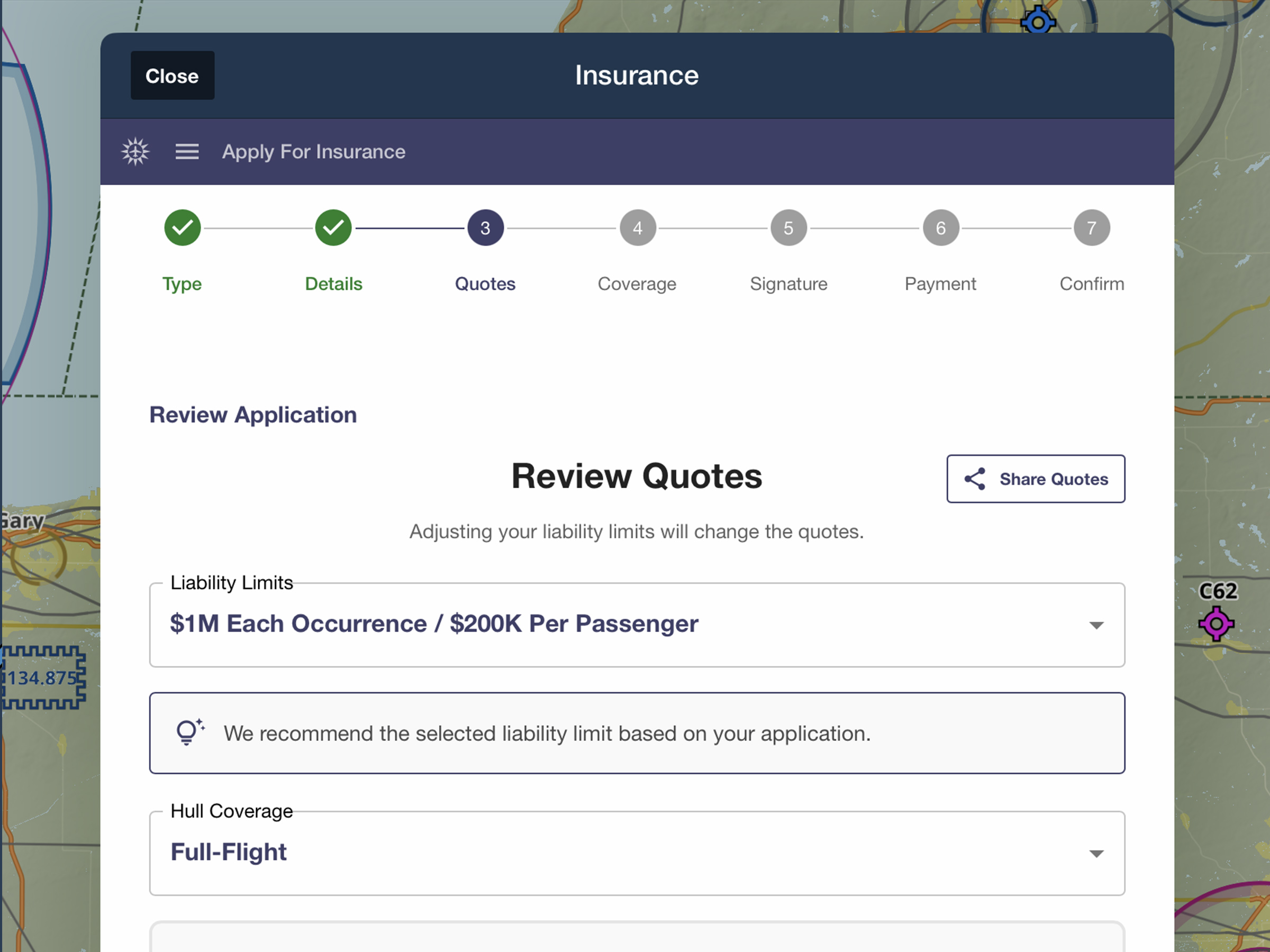
Quote, compare, purchase, and manage aviation insurance directly in ForeFlight.
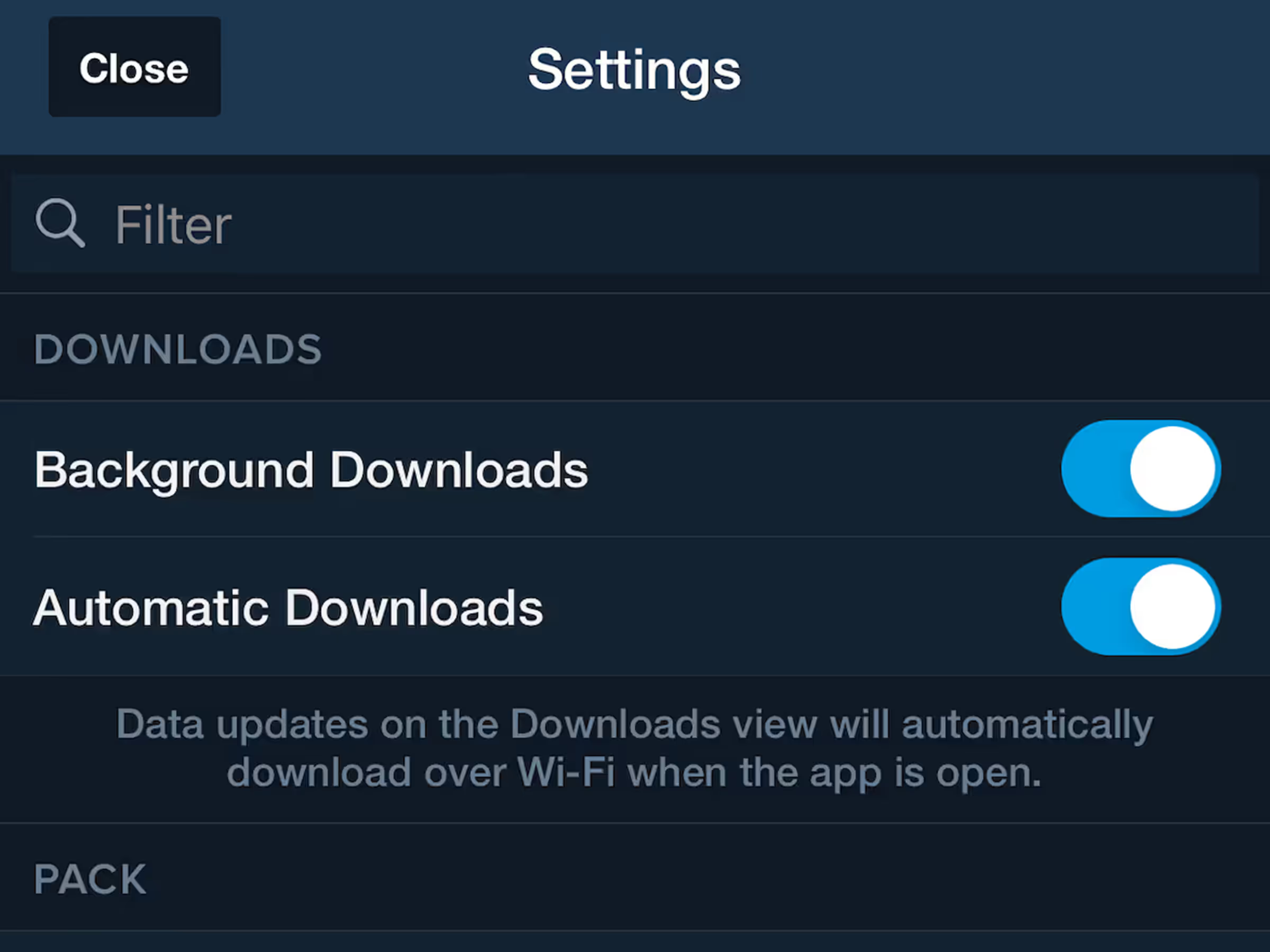
Disable background downloads to prevent interruptions from slow internet connections.
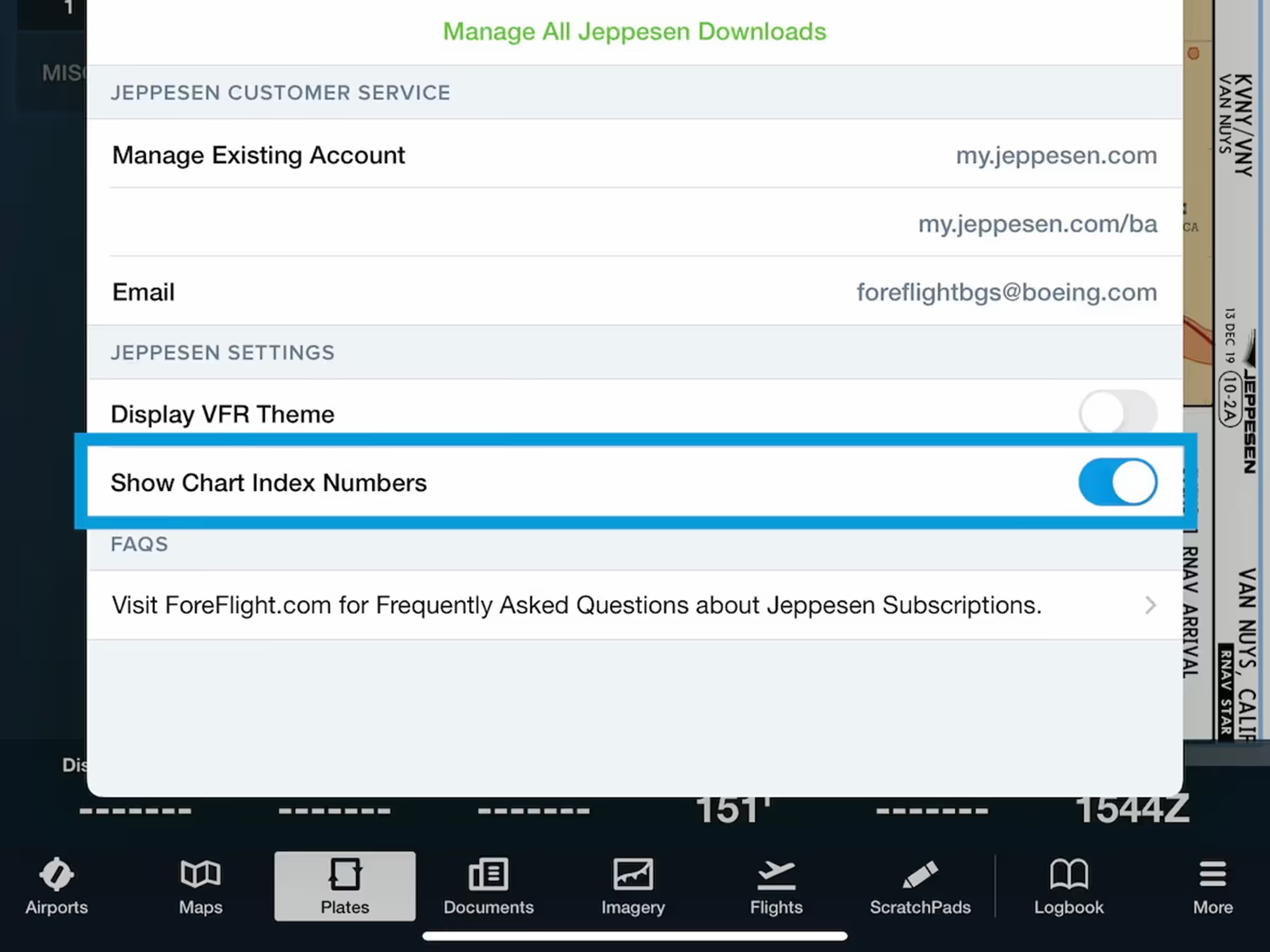
View chart index numbers alongside names for faster identification of Jeppesen procedures.
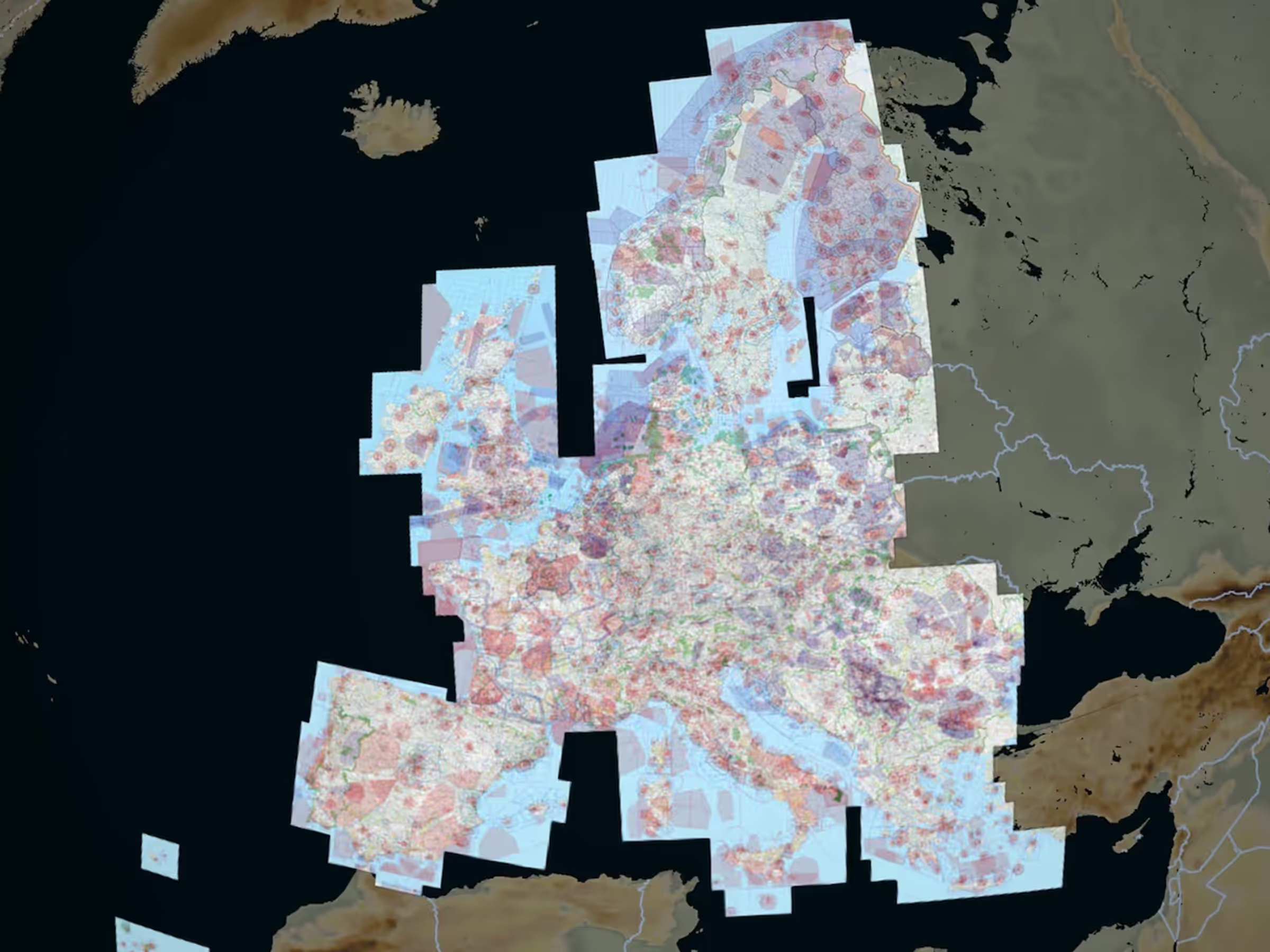
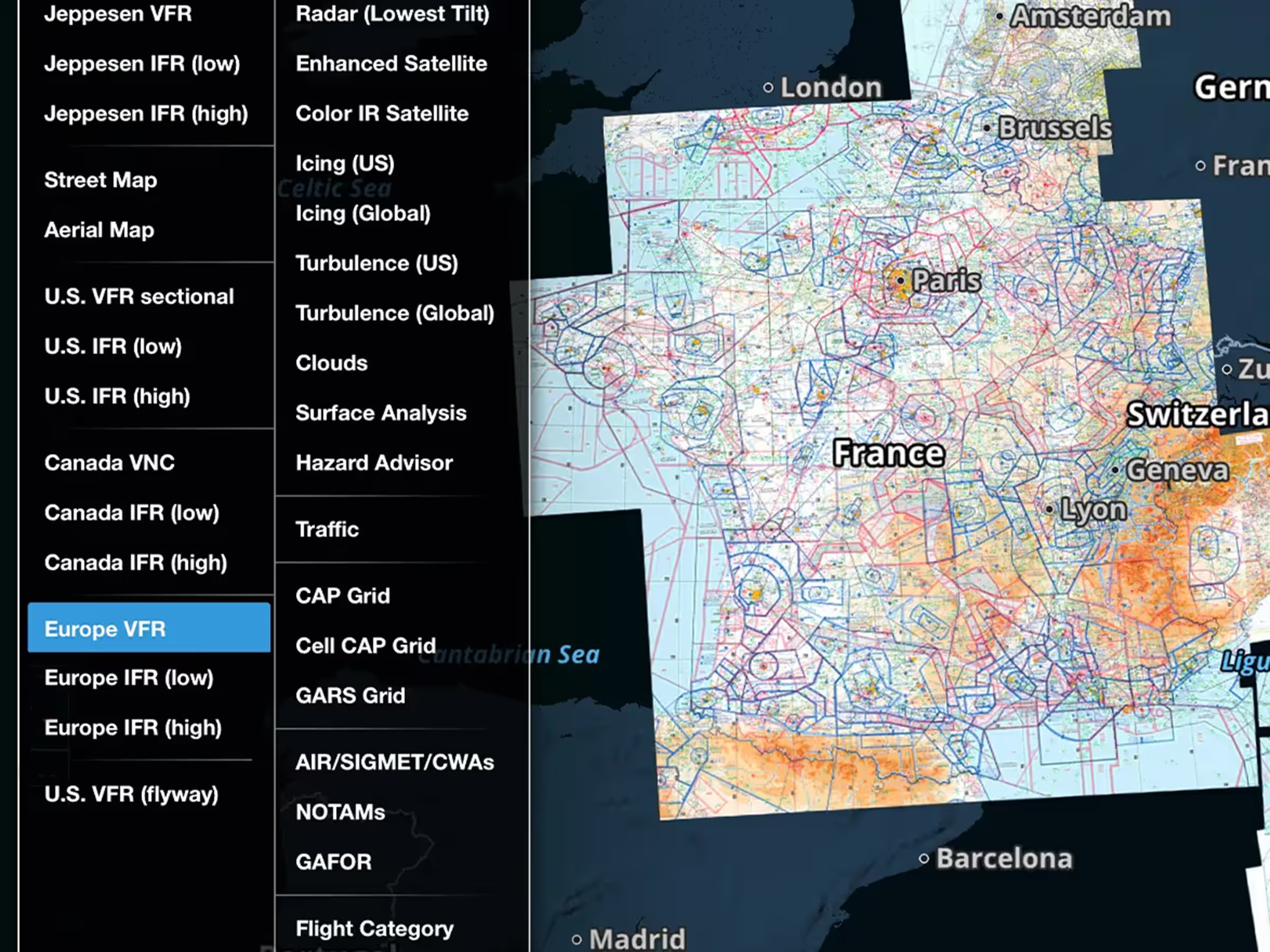
Access new Rogers Data VFR 500k charts for Serbia and the Baltics as European subscription add-ons.
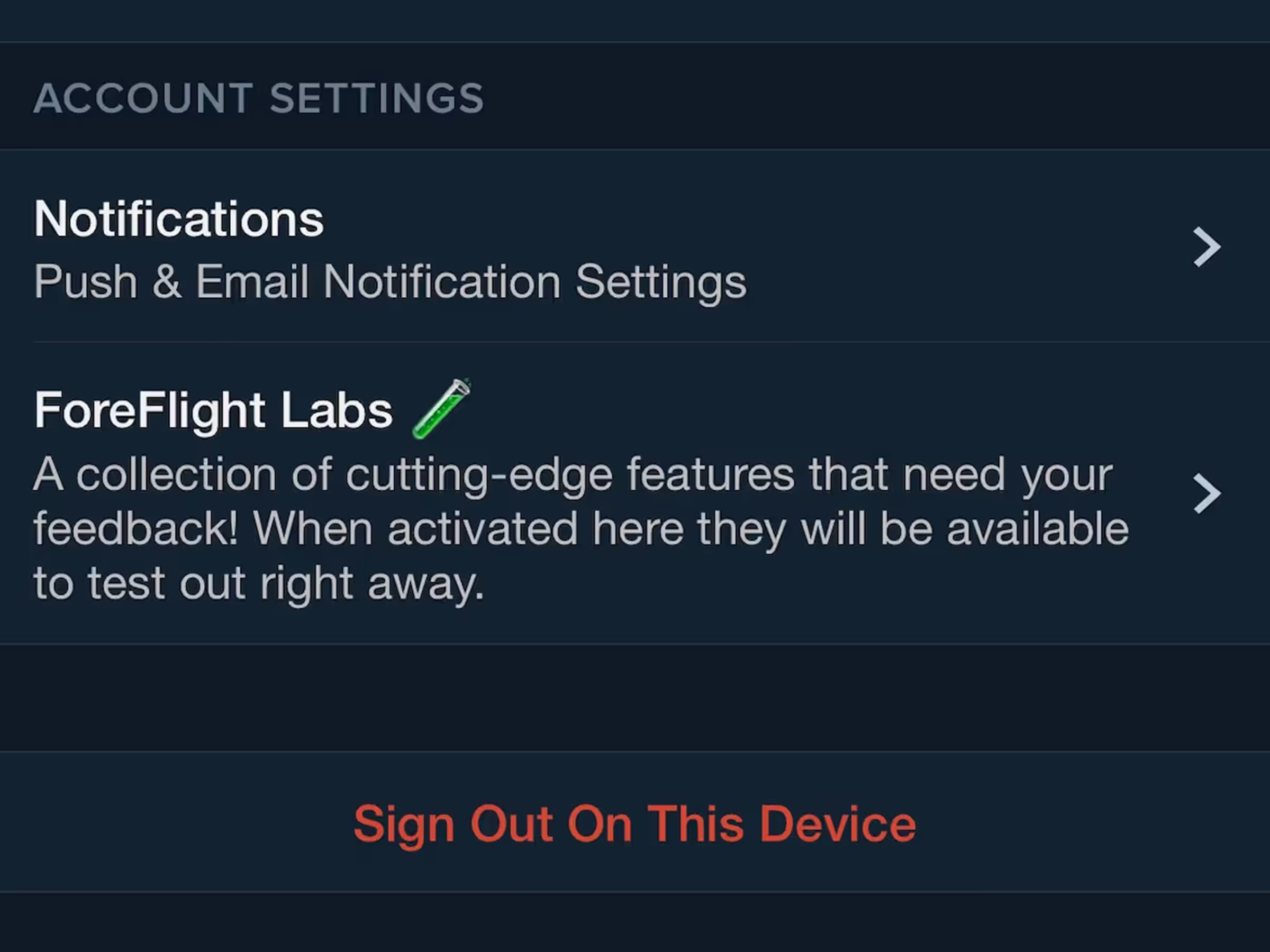
Opt-in to marketing notifications about feature releases, subscription offers, events, and training.
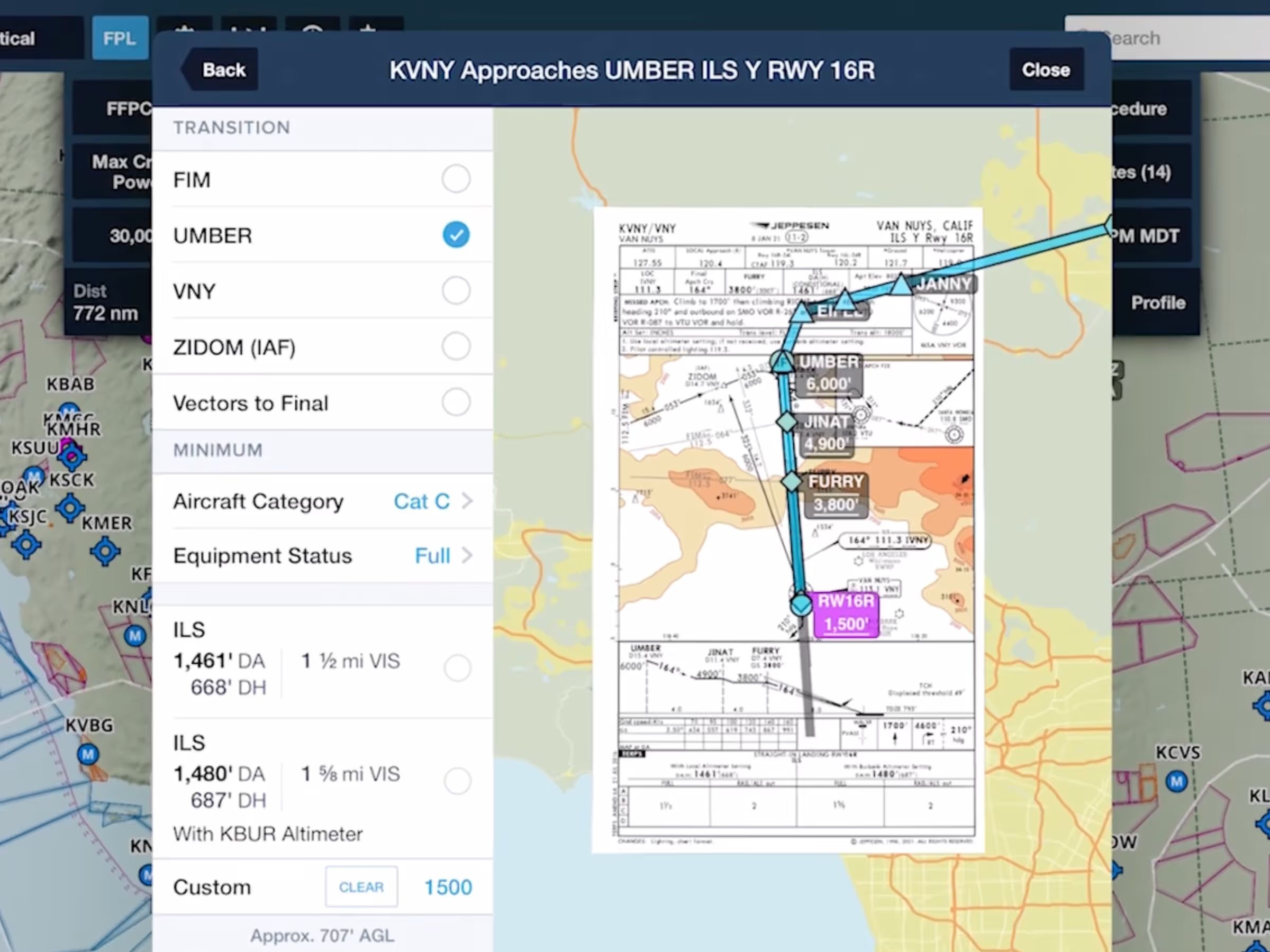
Find and display approach minimums on your route to reduce risk with Augmented Procedures.

Military Flight Bag formats U.S. aerial refueling tracks more neatly and simplifies ATC filing.
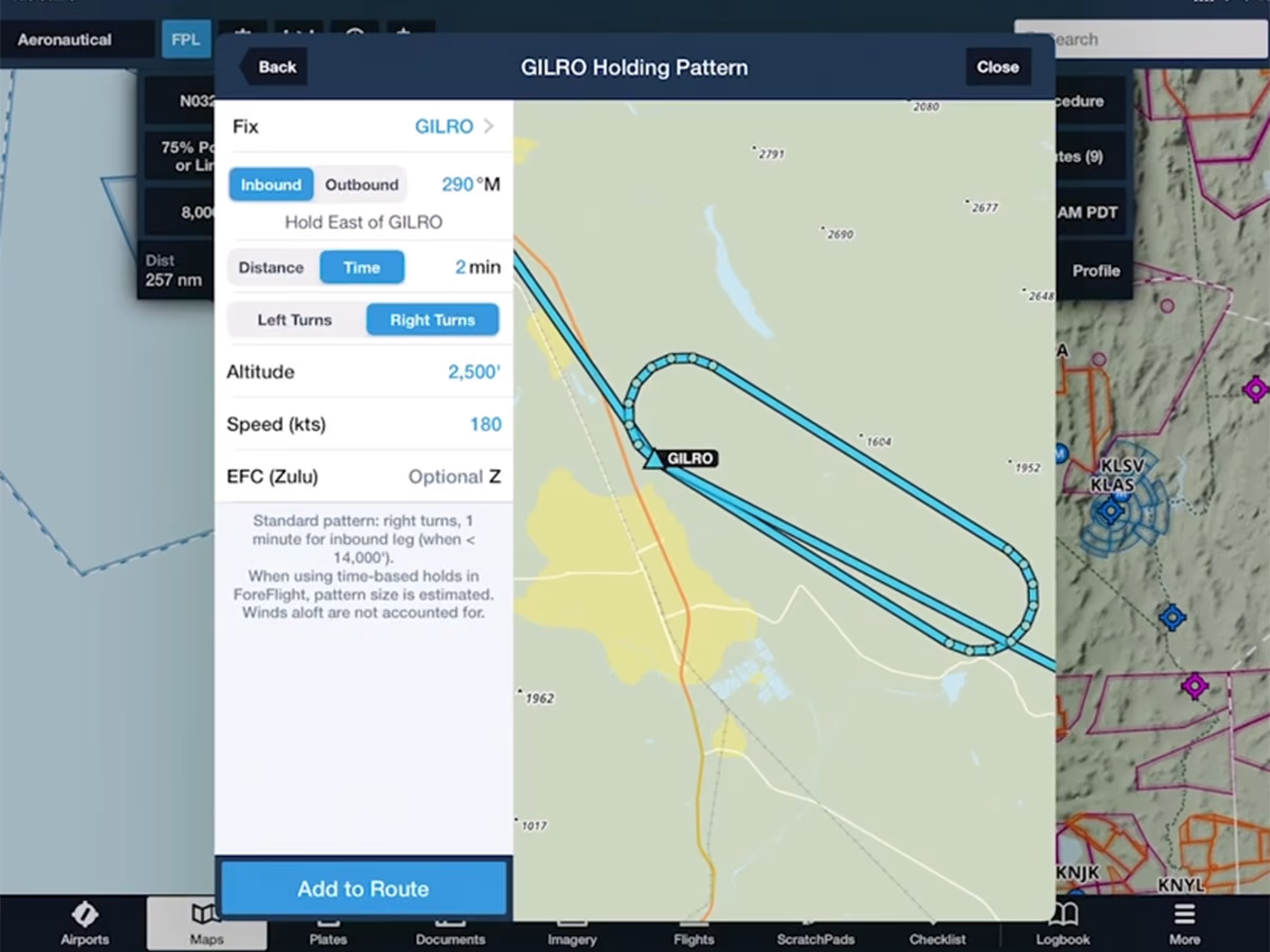
Quickly add a holding pattern anywhere in your route with flexible parameters and automatic entry selection.

View EOP ground tracks and instructions in Runway Analysis for better flight planning visualization.
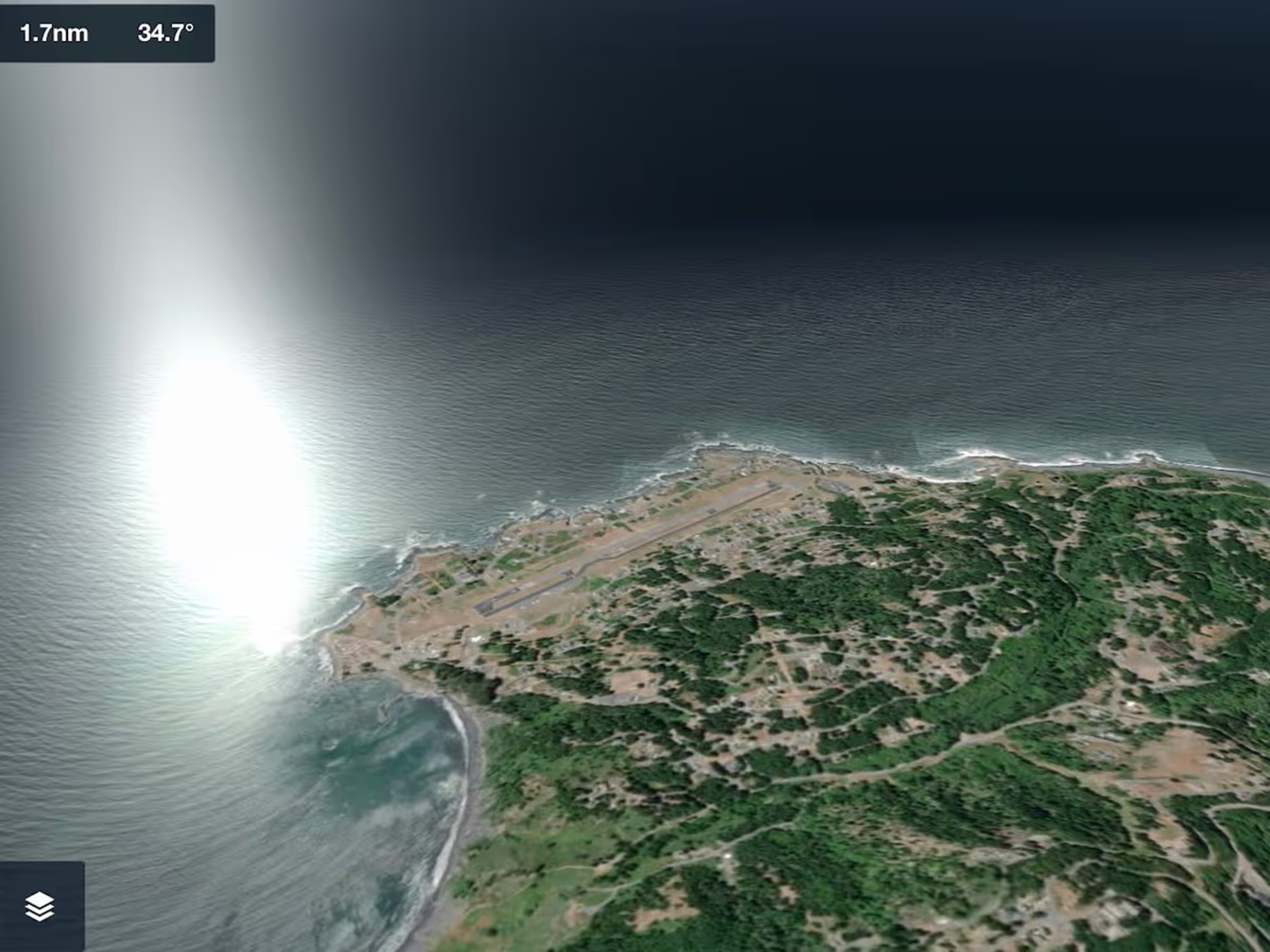
3D View adds sunlight reflections on ocean water, improved sky coloring, and more across all 3D View modes.
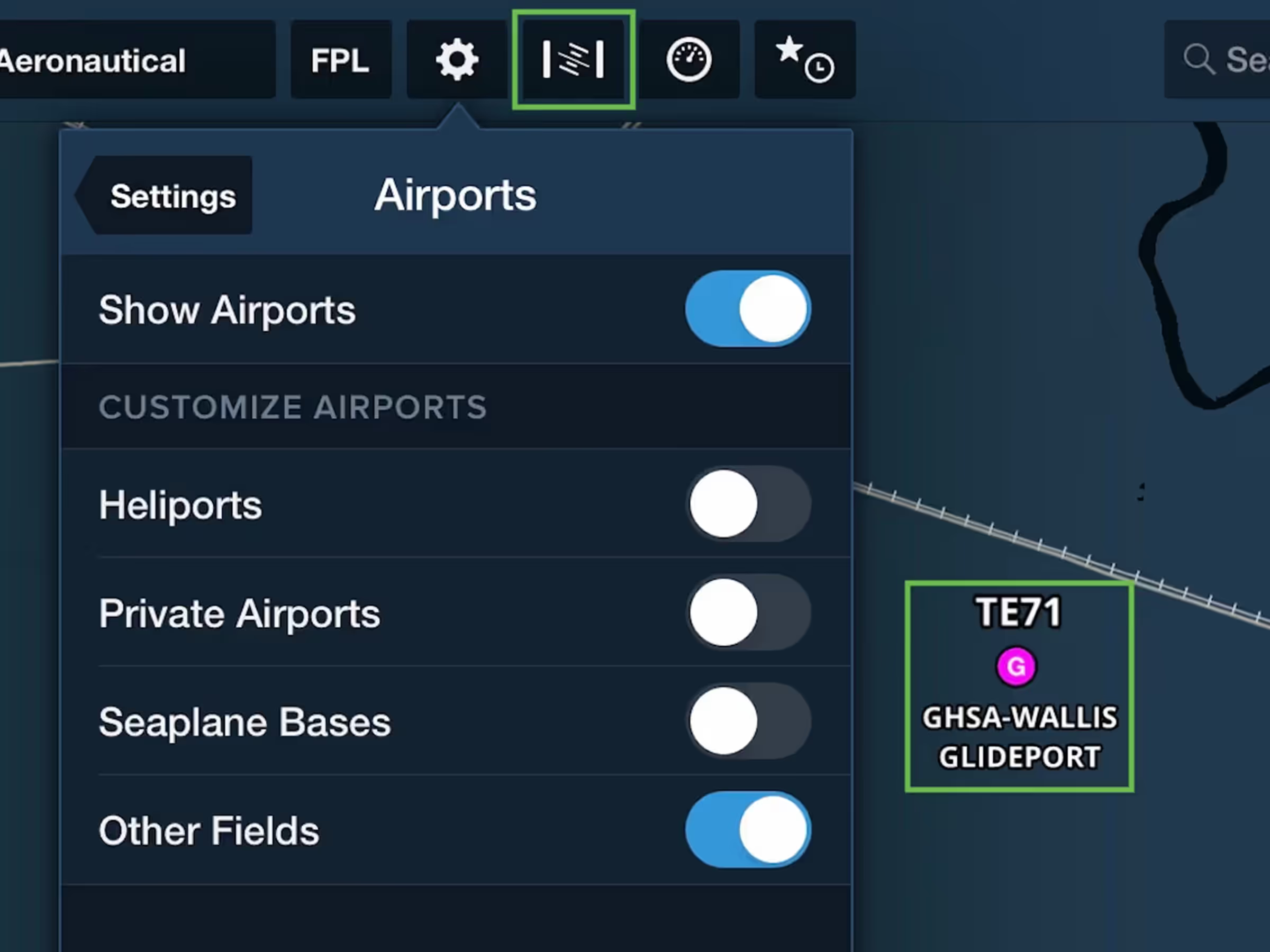
Aeronautical Map layer adds glider and balloon fields, TACAN navaids, plus a new Synthetic Vision button.
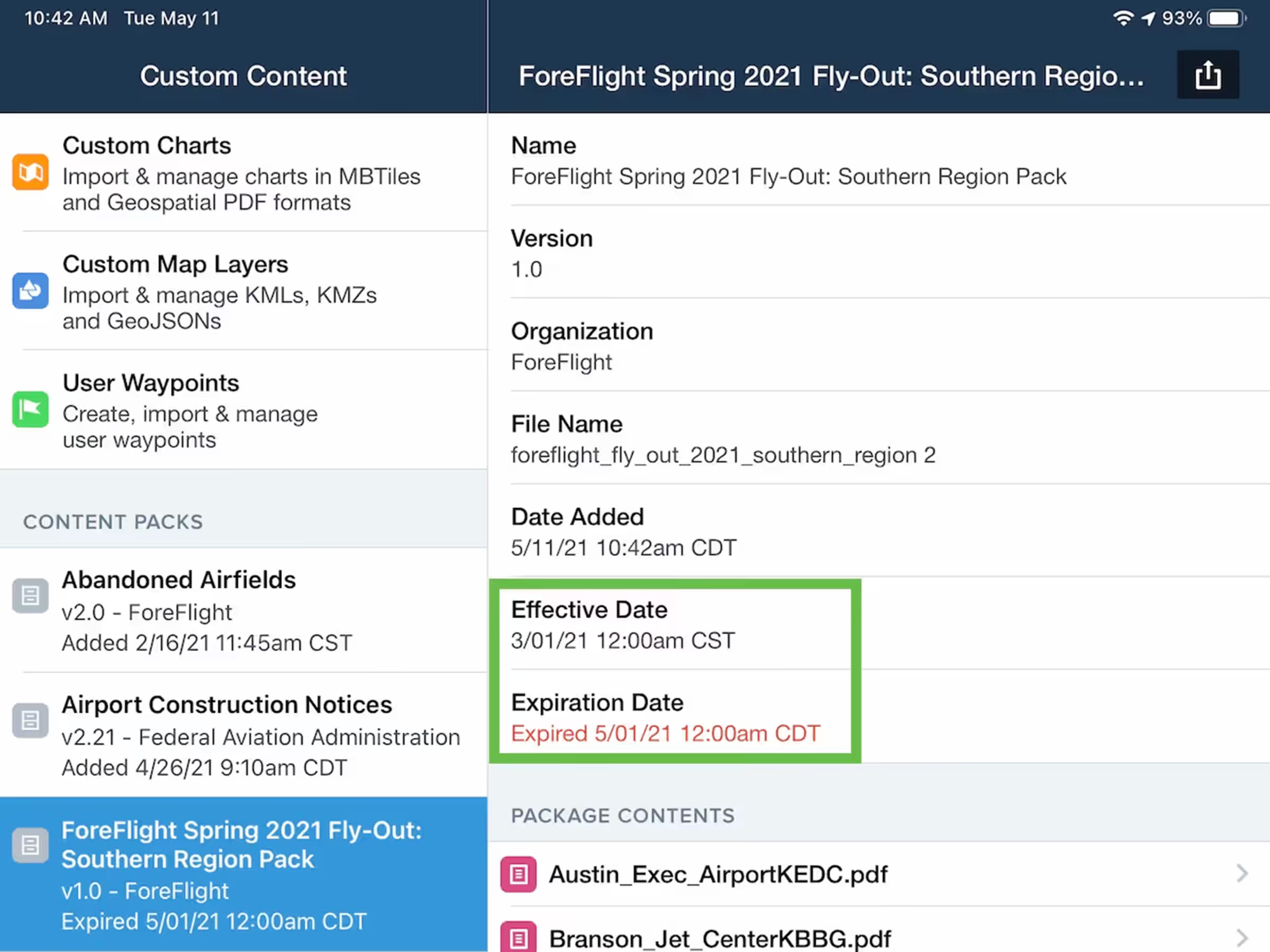
Add effective and expiration dates to Content Packs to display warnings for expired content.
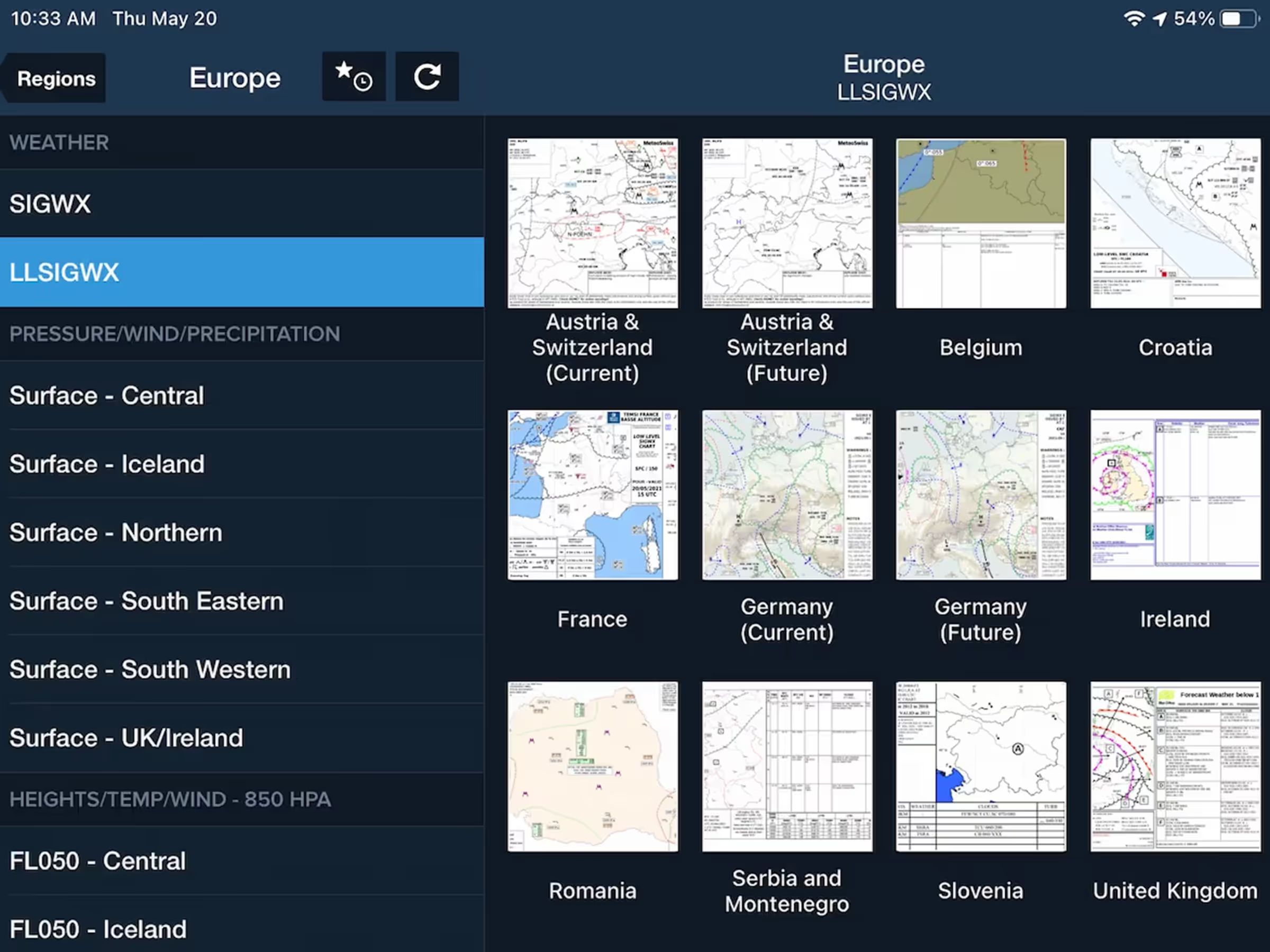
Access extended European coverage with standard and low-level SIGWX charts in Imagery view.
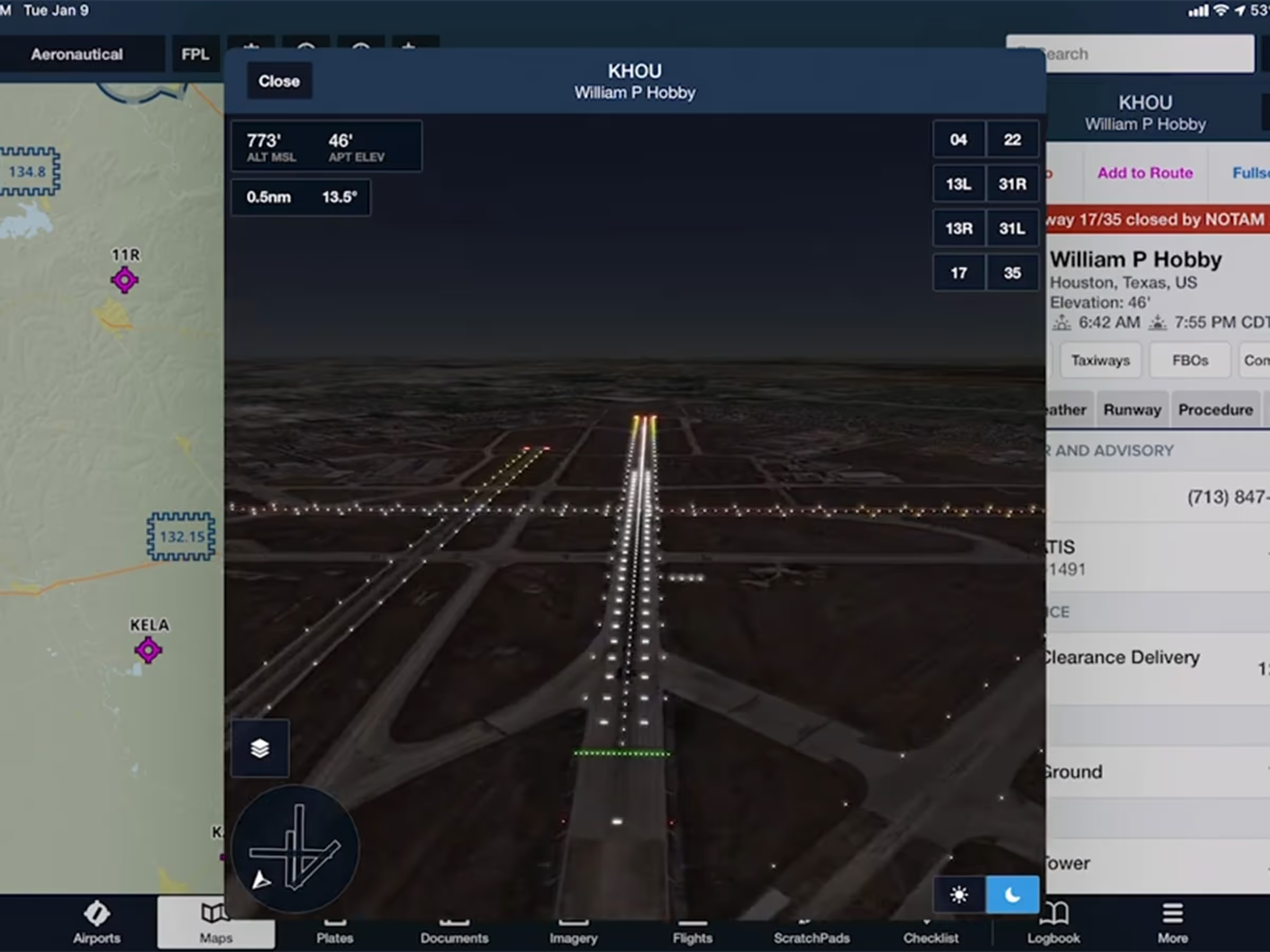
Use Day/Night modes and realistic Runway Lights in Airport 3D to prep for night approaches.
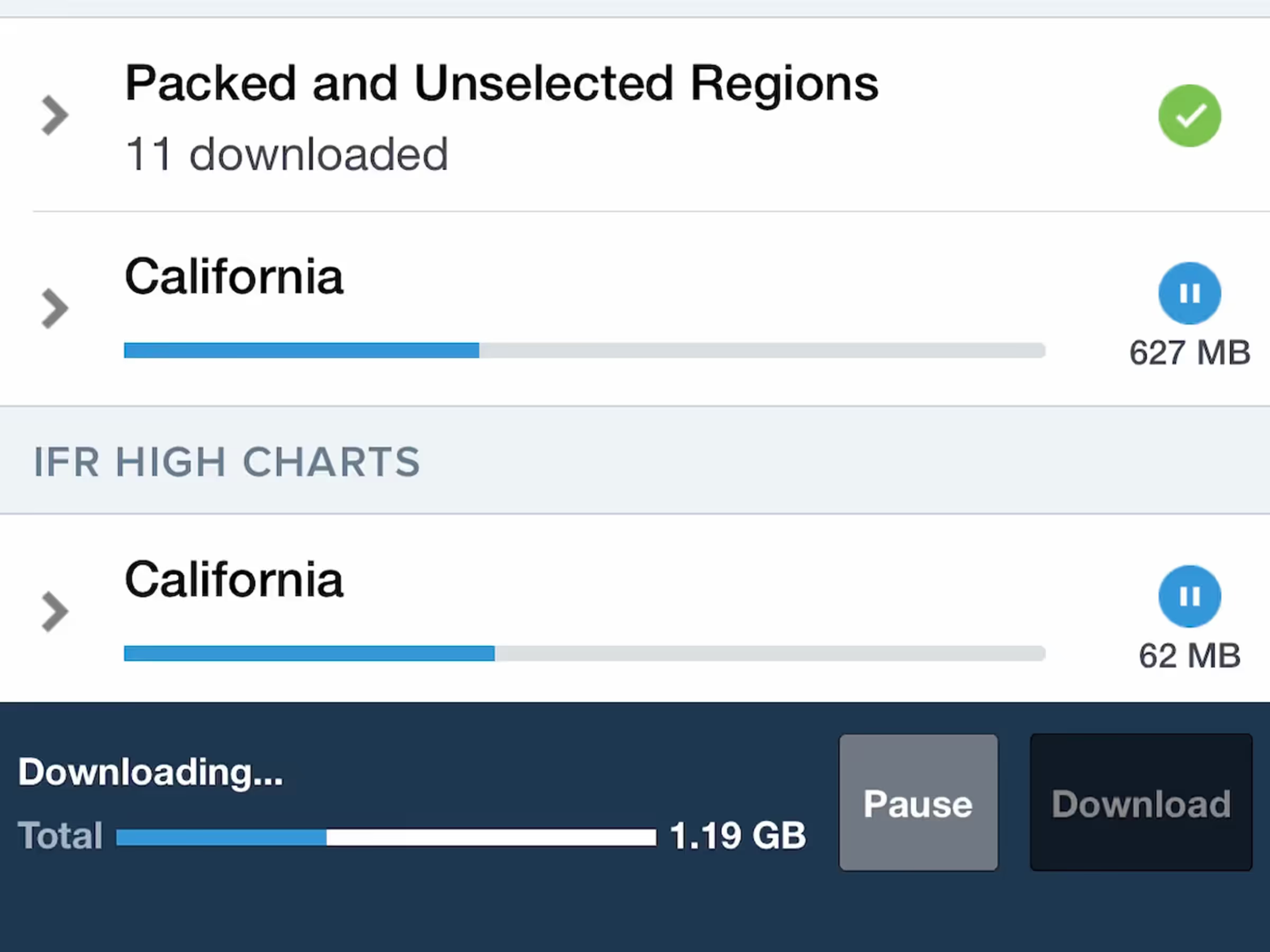
Download charts and data without needing to keep the ForeFlight app open.
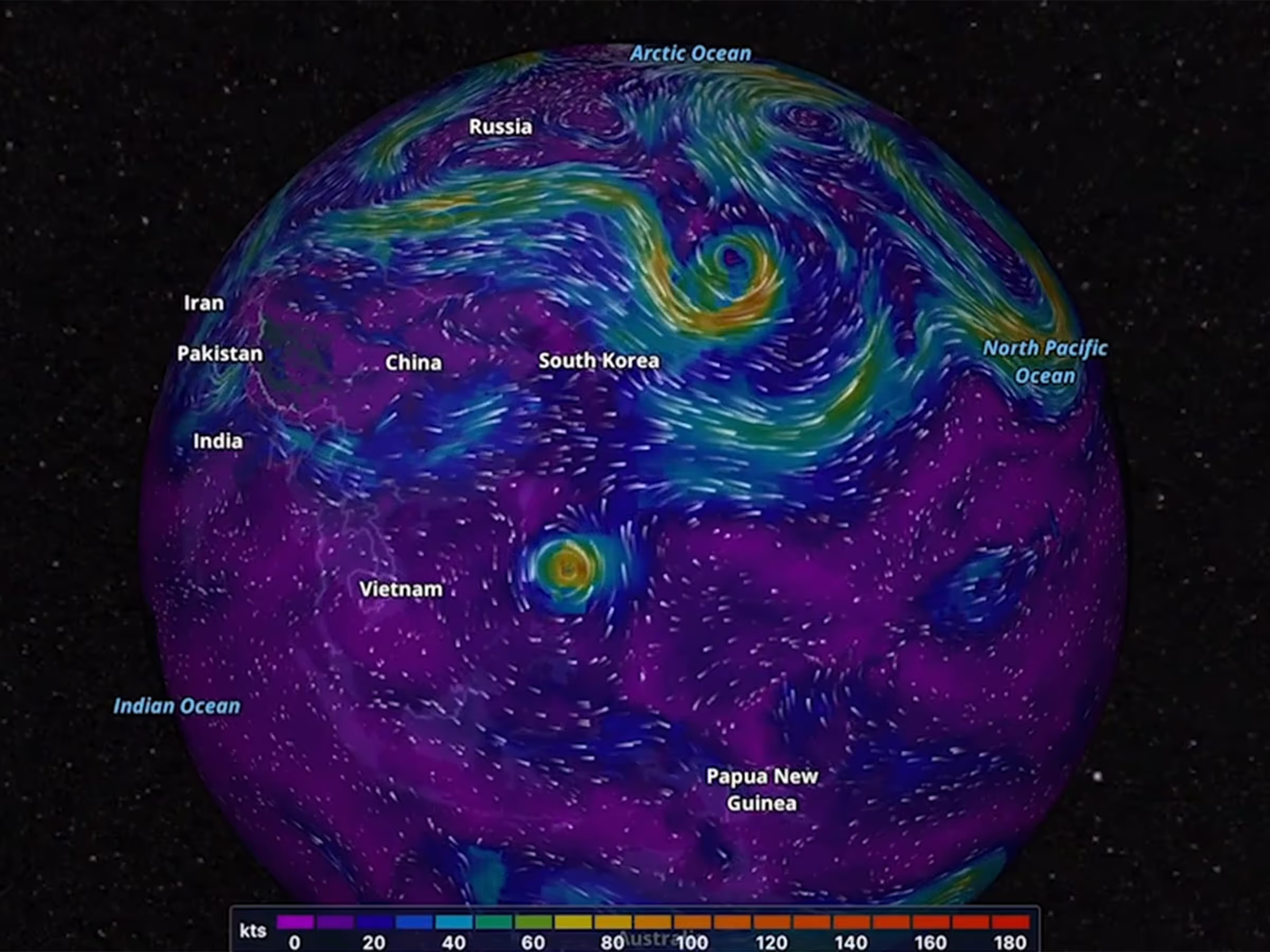
View forecast wind speed, direction, and temperature worldwide with animated layers at high altitudes.


Place Labels have expanded to include over 1.4 million labels for cities, parks, bodies of water, and more.
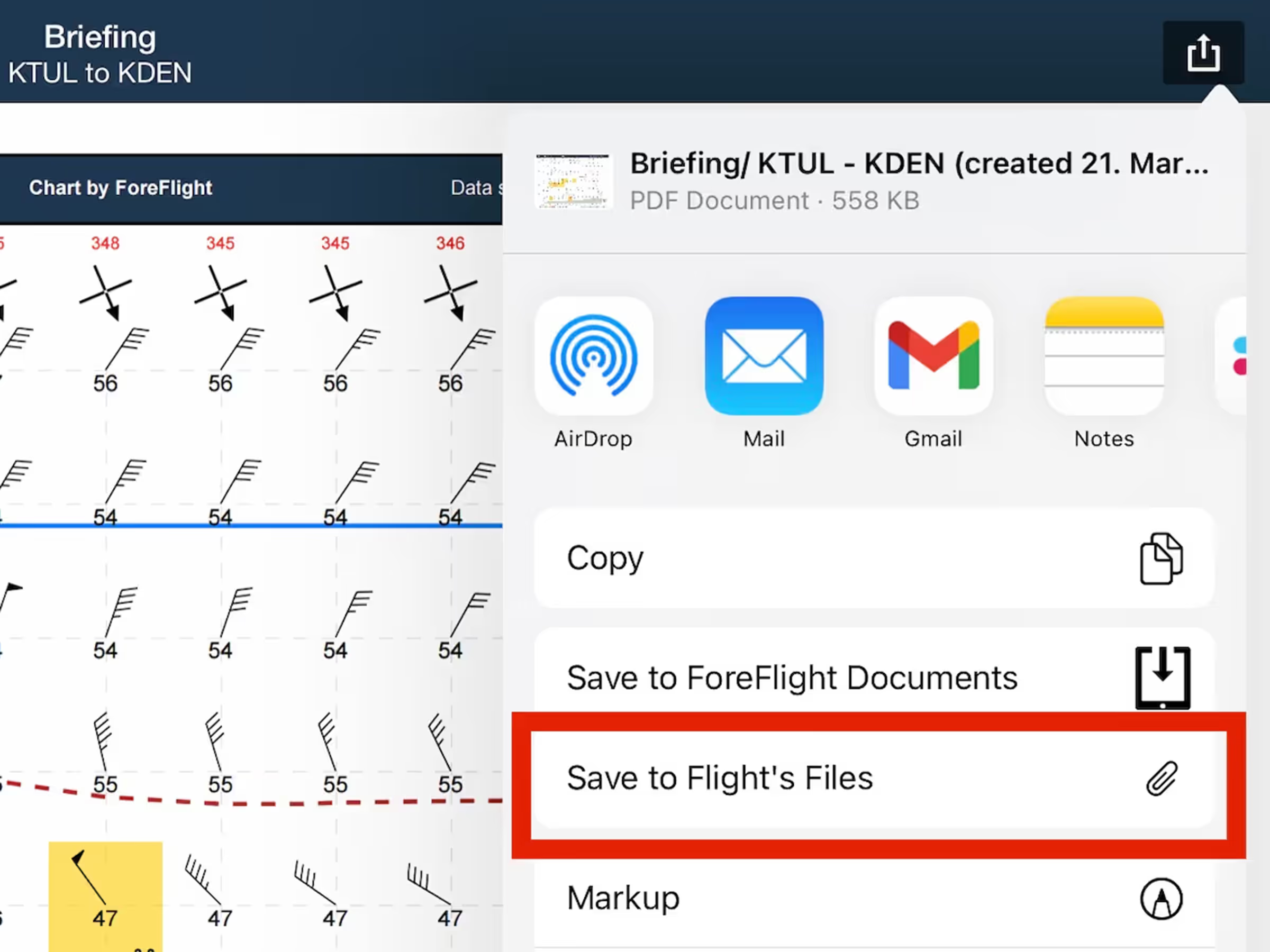
Save a flight’s Navlog, Briefing, or filing form to its Files menu for inflight access and record keeping.
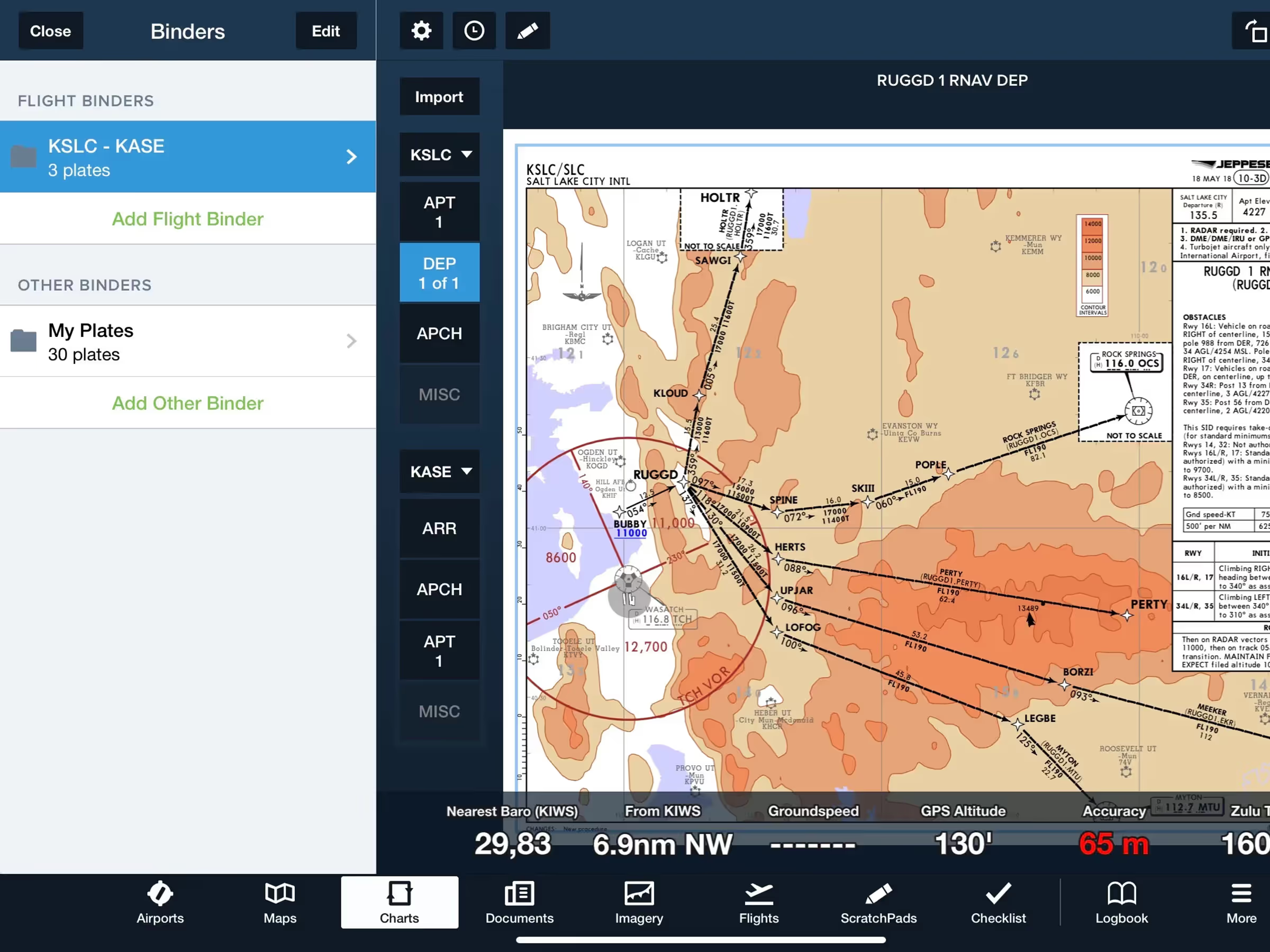
Flight Binders organize plates by category for seamless planning and inflight experience.