18.7
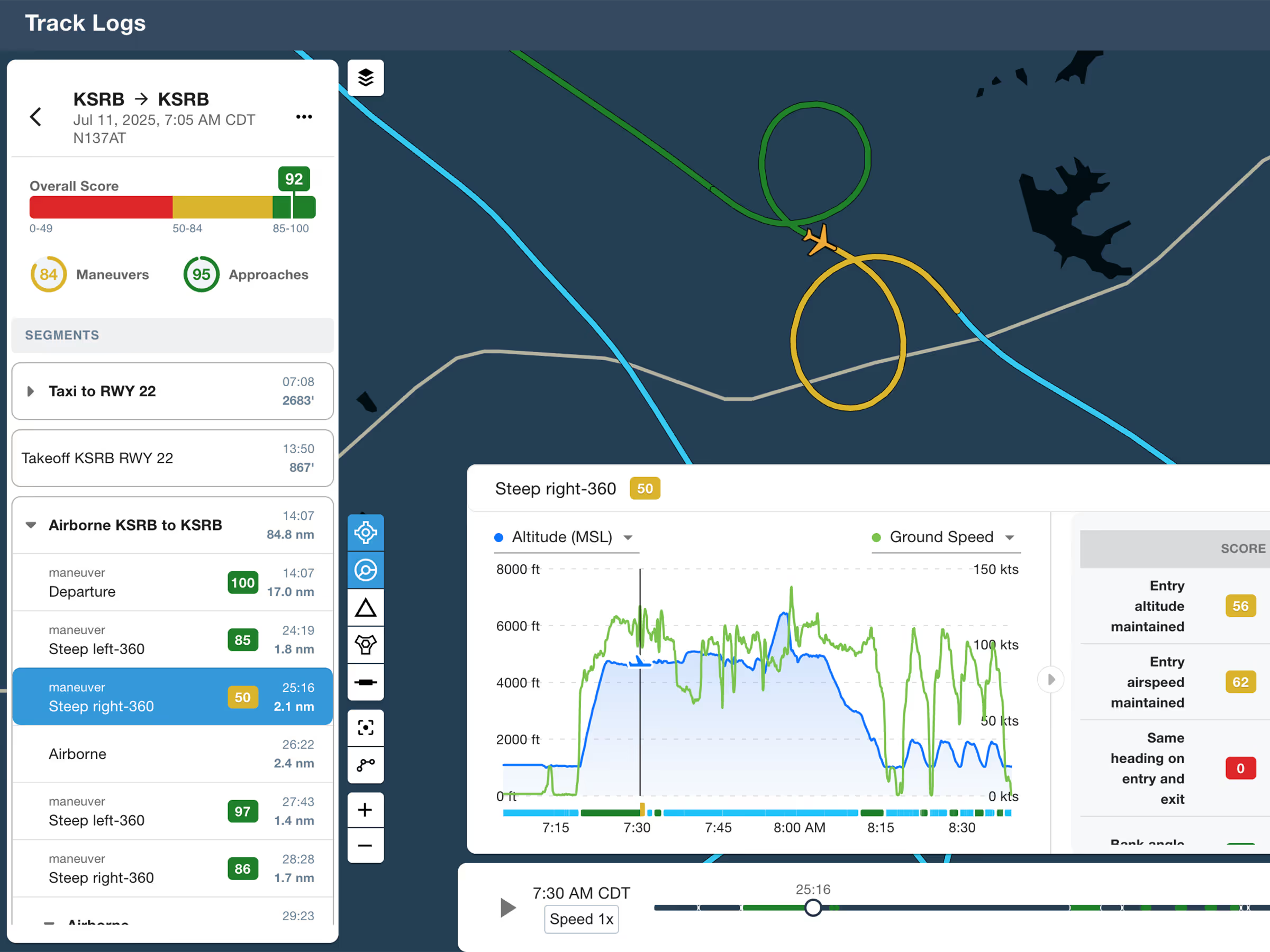
ForeFlight Debrief
Review flights with automatic Track Log segmentation, scoring, and 3D playback on both mobile and web.

Explore the latest ForeFlight features and browse past release notes to stay updated on new tools, enhancements, and improvements.
Review flights with automatic Track Log segmentation, scoring, and 3D playback on both mobile and web.
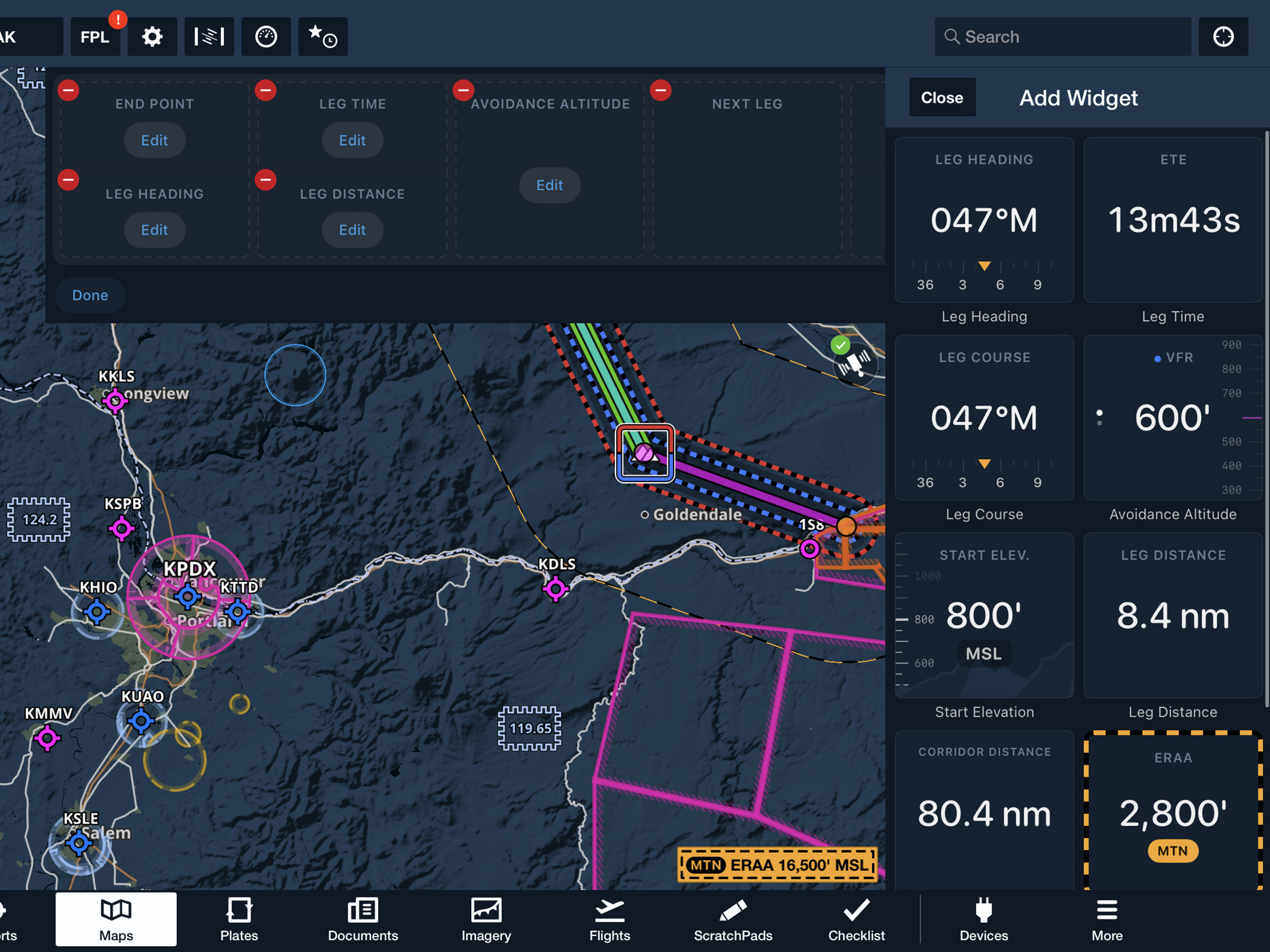
View current-leg details at a glance with a customizable information panel for Low Level Corridors.
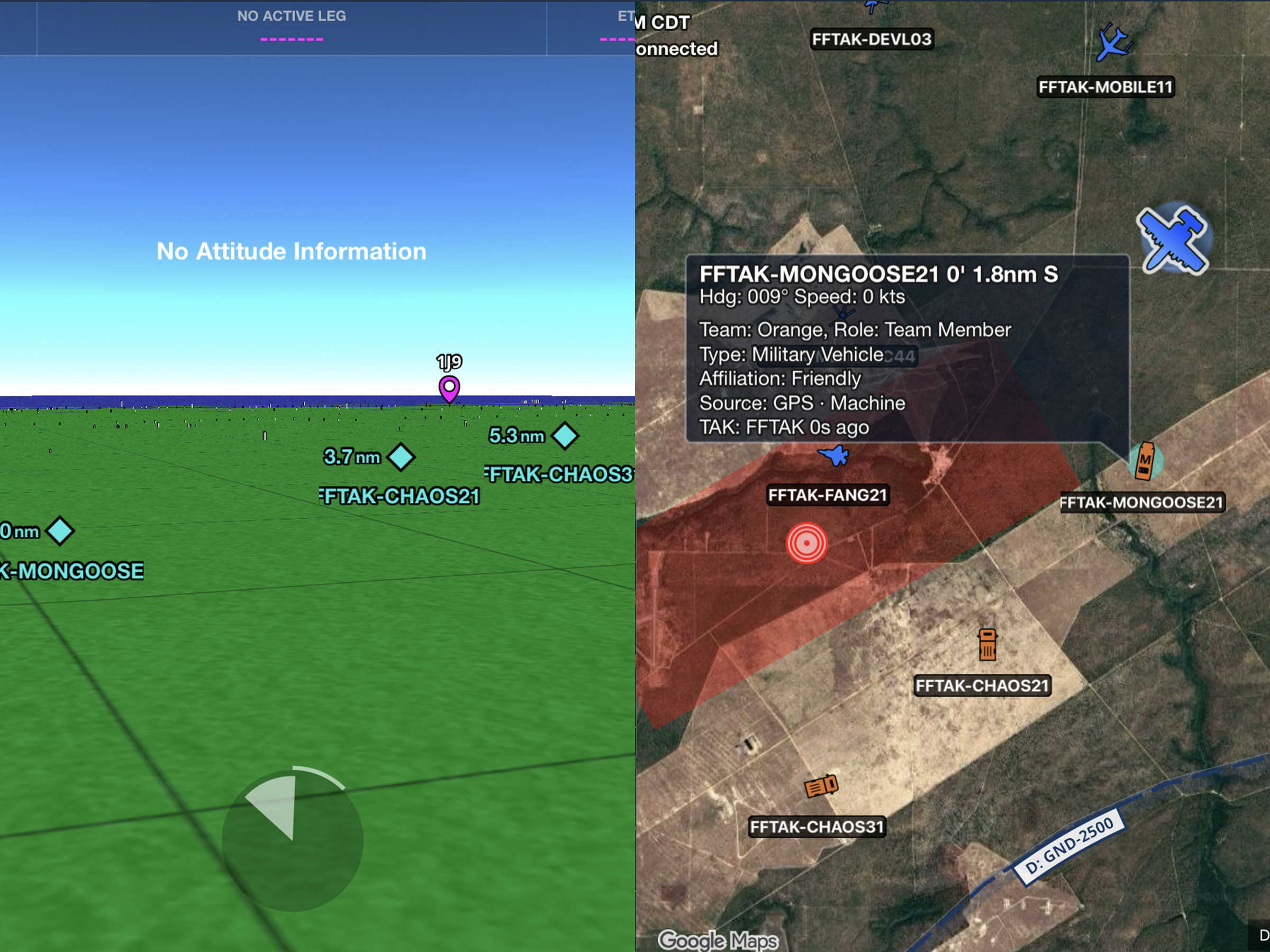
Connect to TAK servers to share your position and view other connected assets as live traffic on the map.
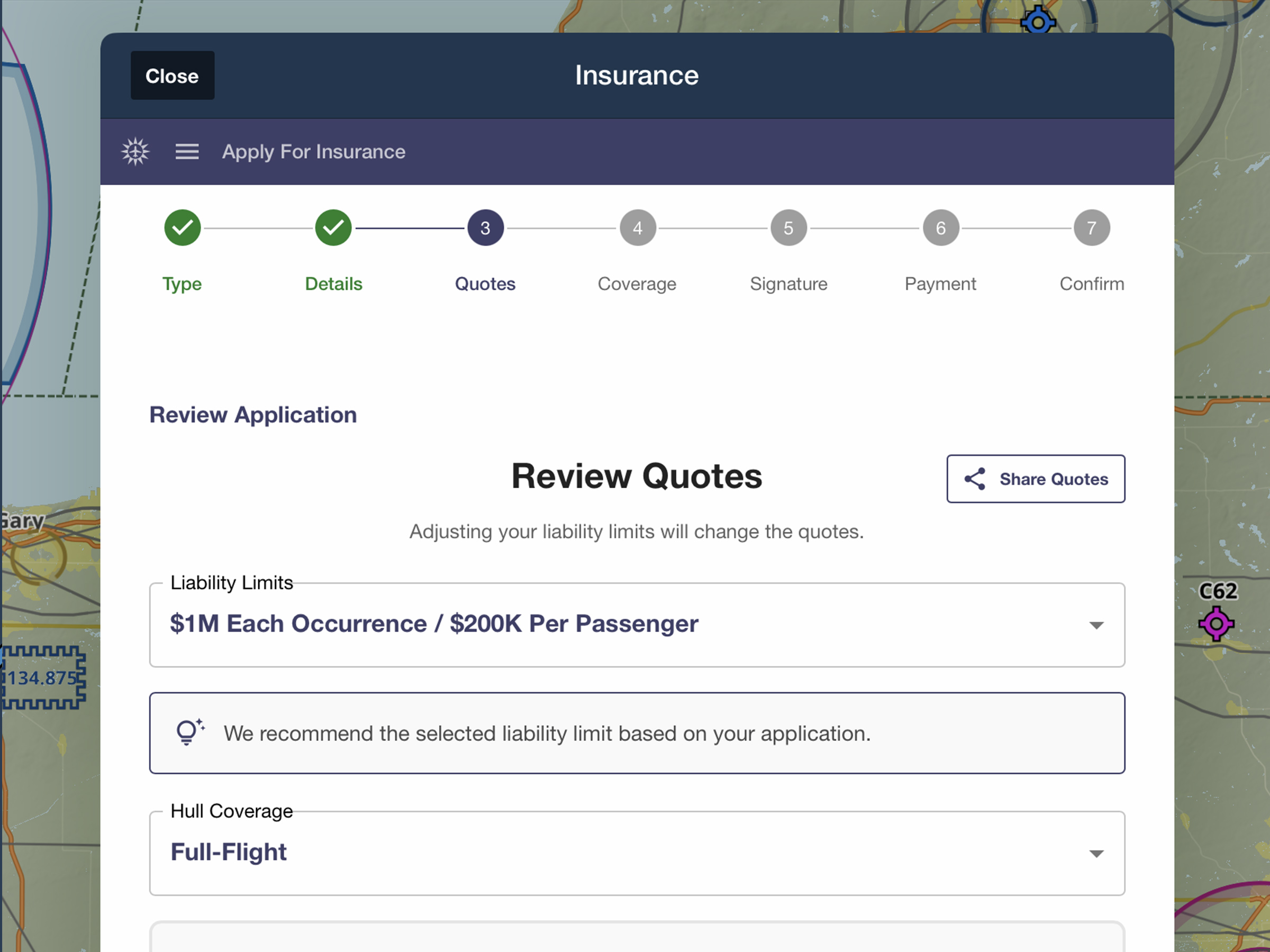
Quote, compare, purchase, and manage aviation insurance directly in ForeFlight.

The Imagery view better organizes non-US/Canada weather products by combining Europe, S. America, and Mexico

Access information for various elements and layers in a new semi-permanent sidebar within the Maps view.

Rename imported documents directly in ForeFlight to keep your files organized across Drives and Binders.
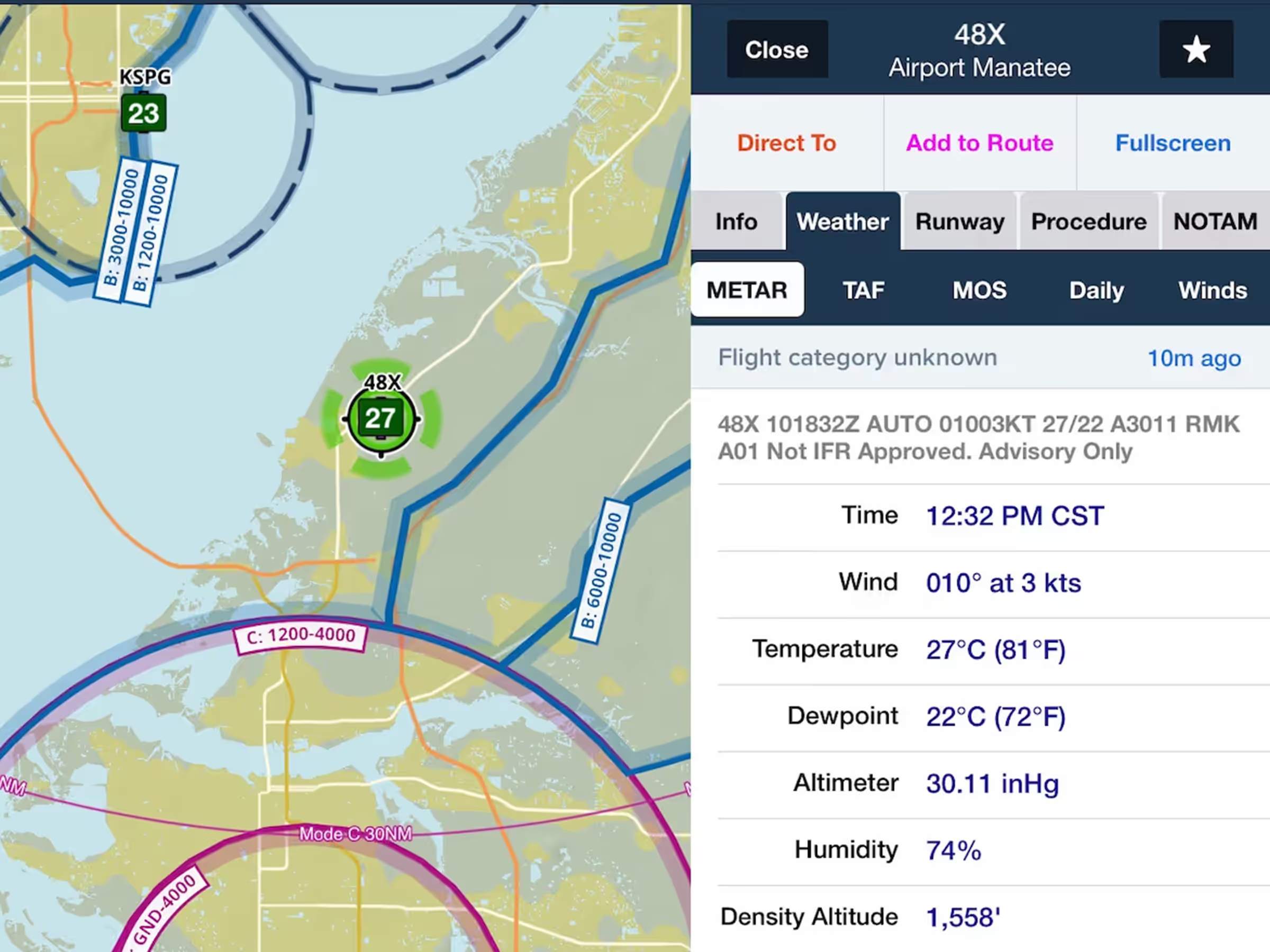
Access METARs from SayWeather advisory stations at small airports and heliports without certified AWOS.
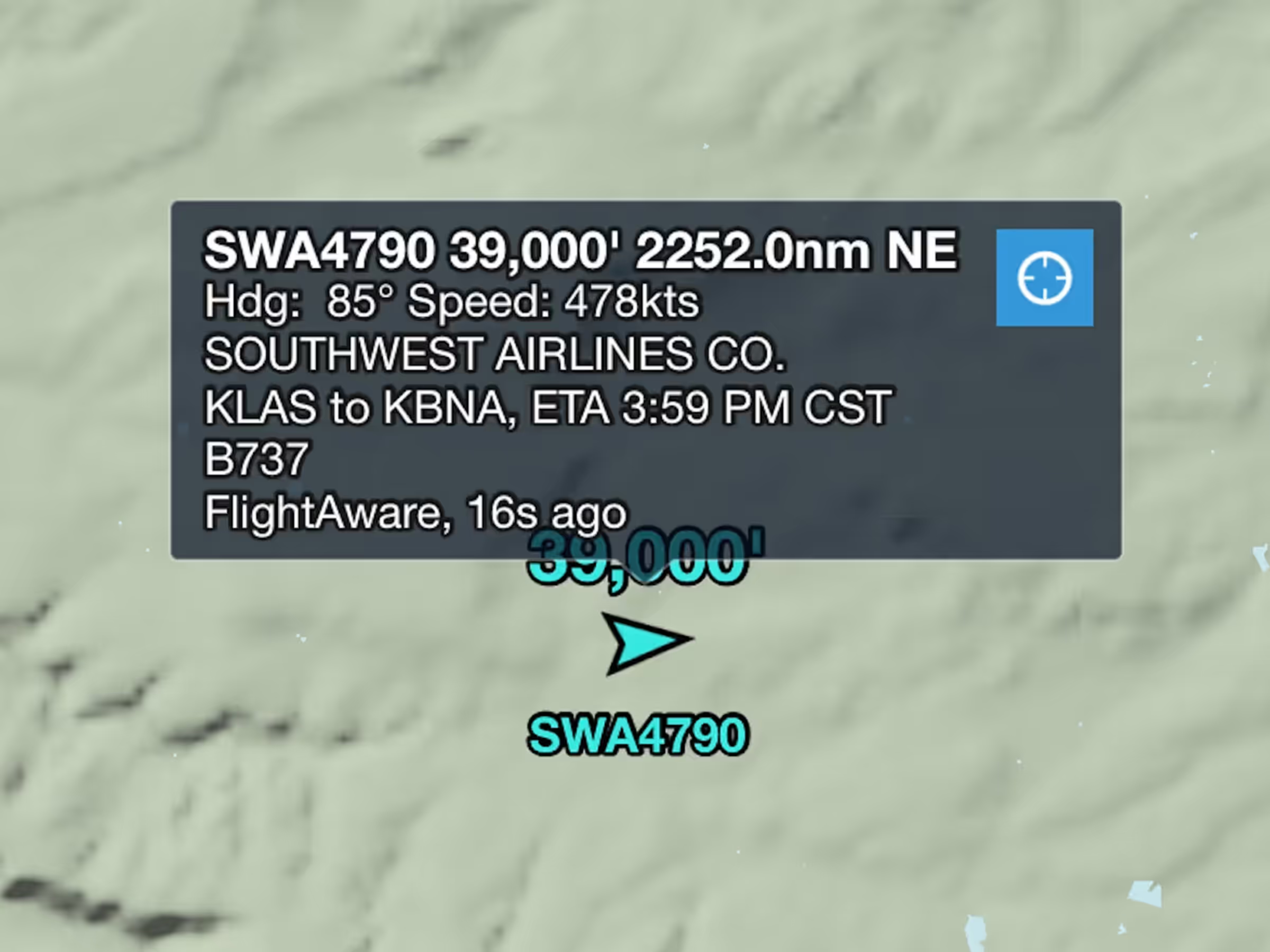
Easily keep track of any Internet Traffic target with the new Auto-Center button.
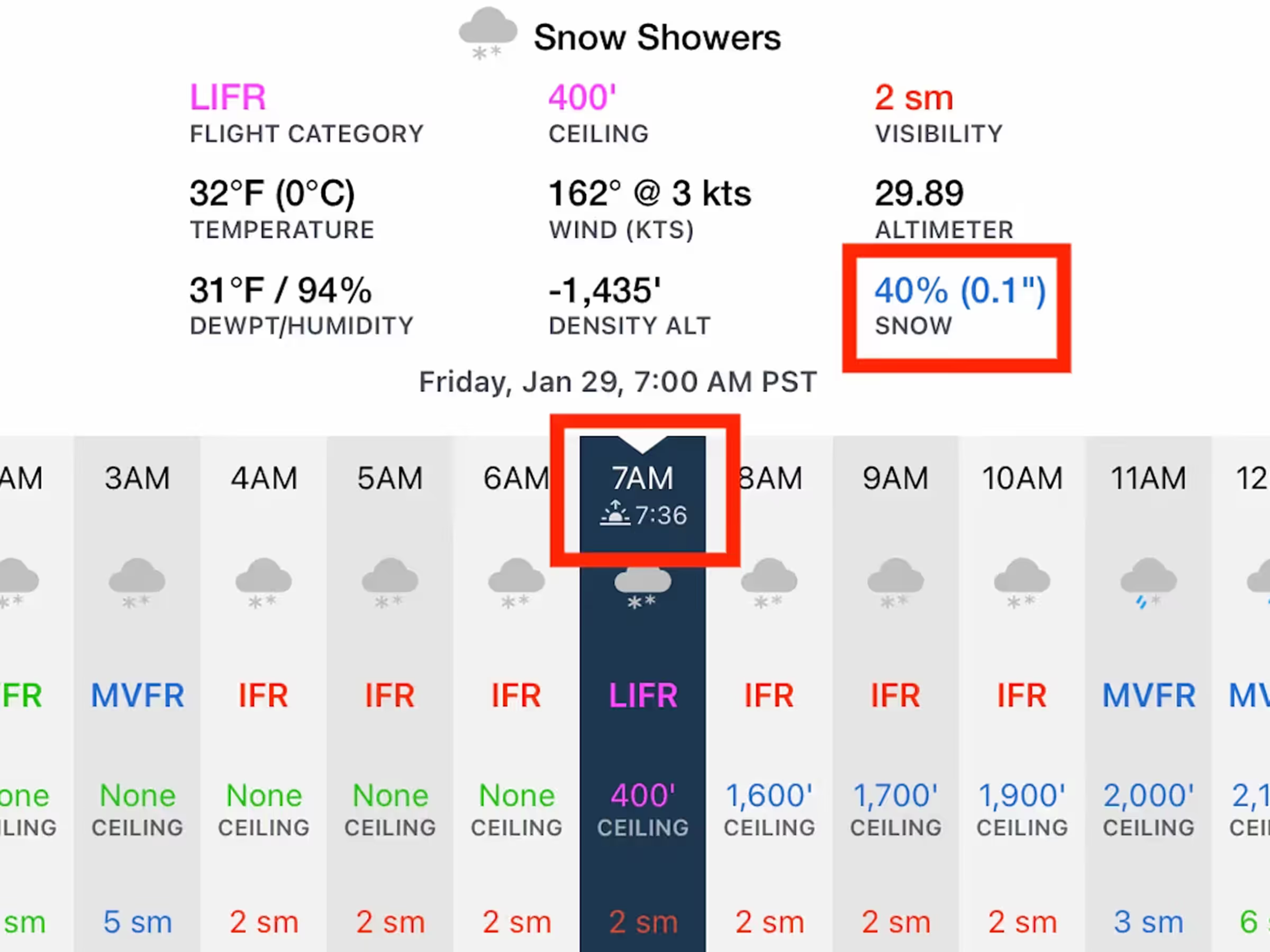
See the forecast quantity of precipitation per hour in Daily/Hourly Weather.
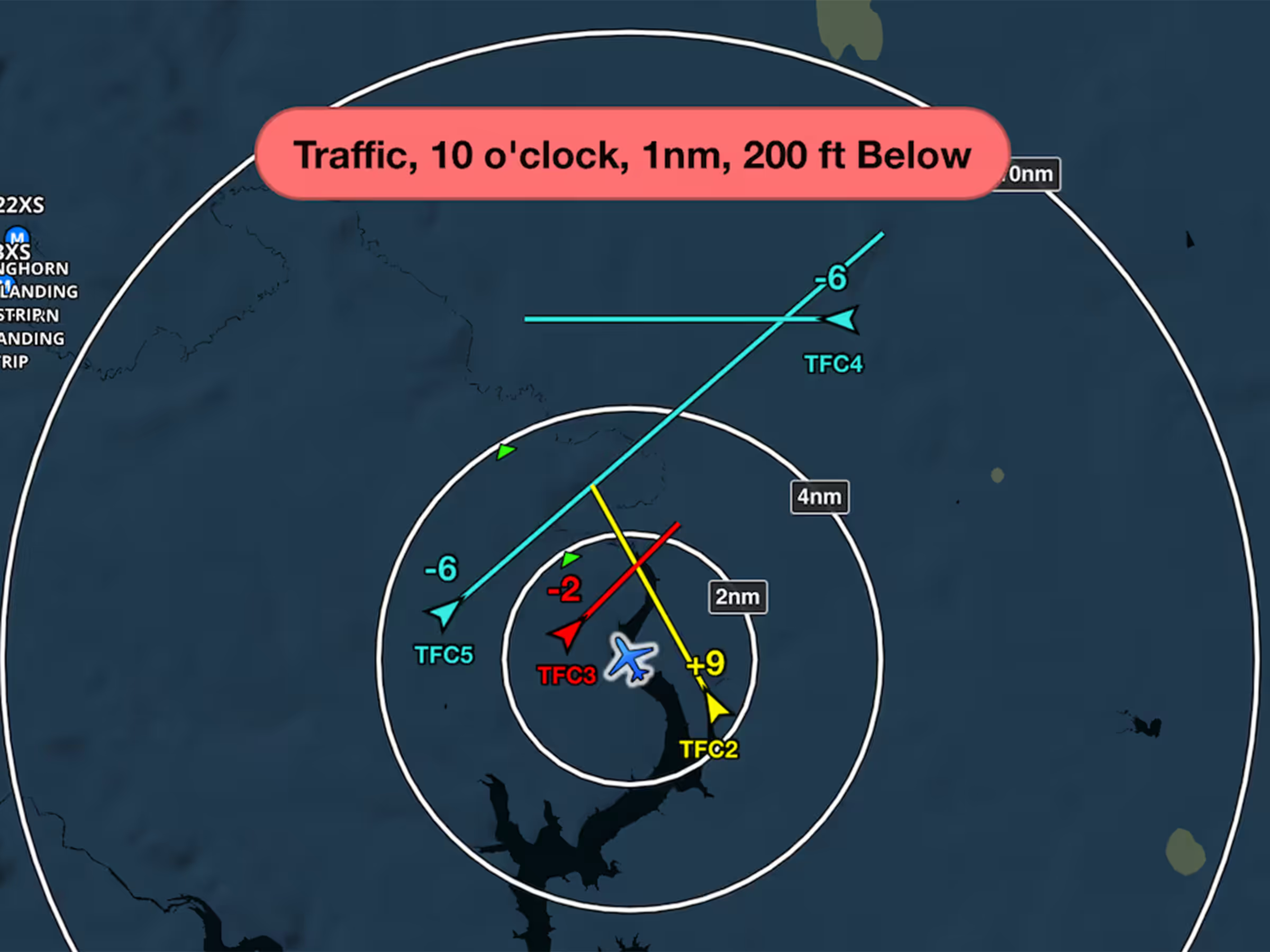
Inflight Traffic Alerts now appear earlier with two alert levels for better awareness and avoidance.
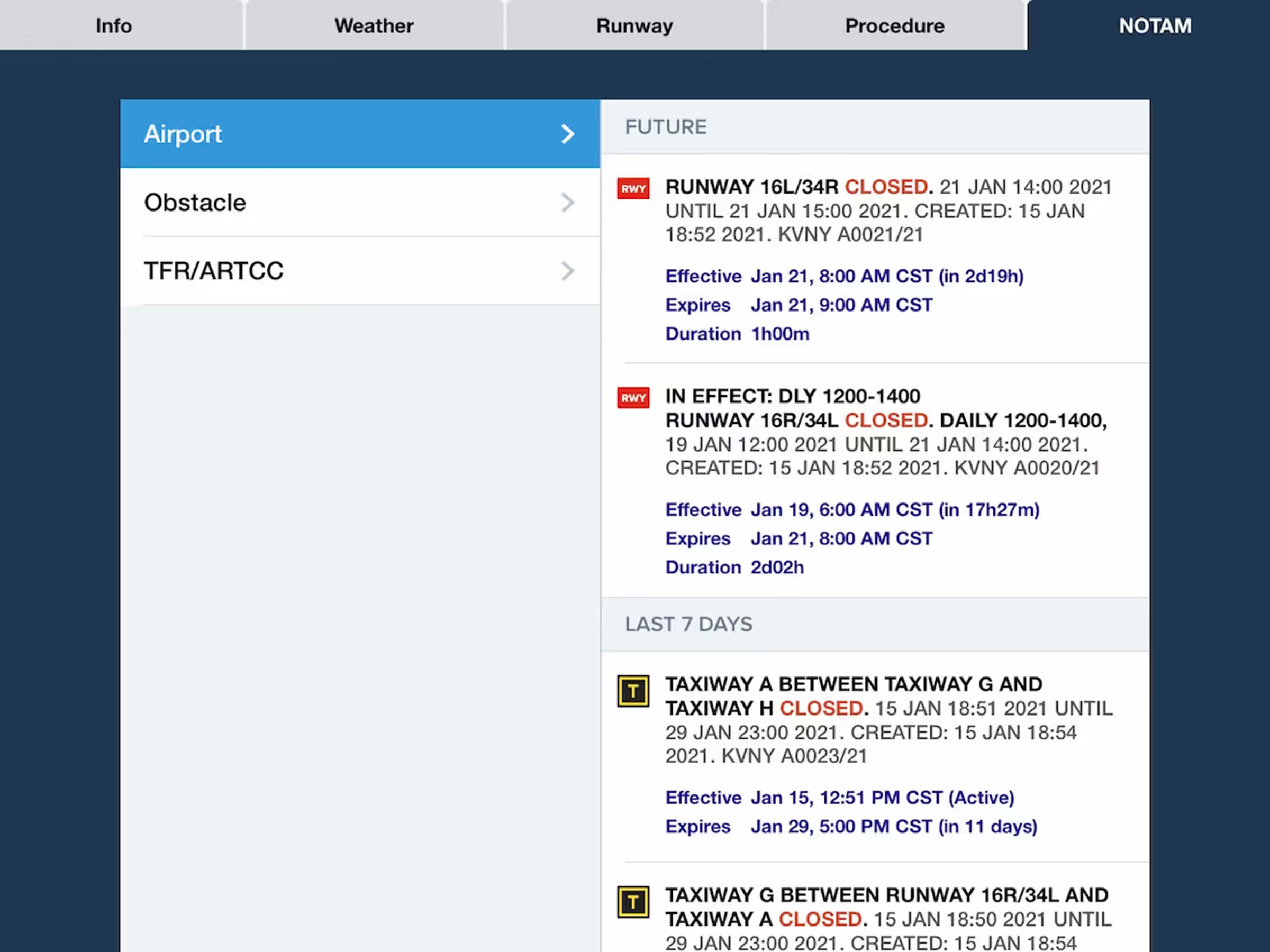
ForeFlight now uses Jeppesen-sourced NOTAMs for greater accuracy and global coverage.
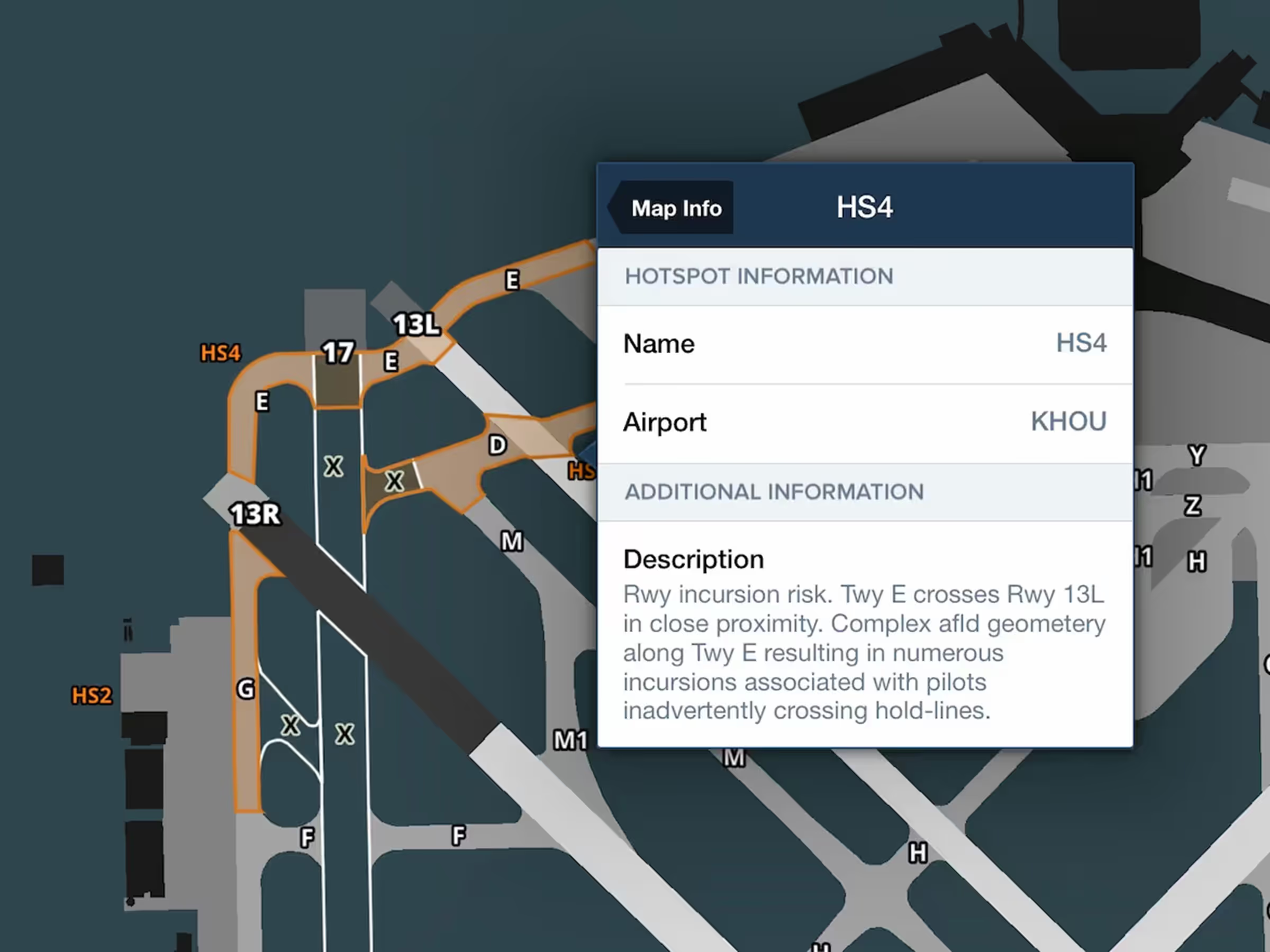
Tap on airport hotspots on the Aeronautical Map to view each one’s description.
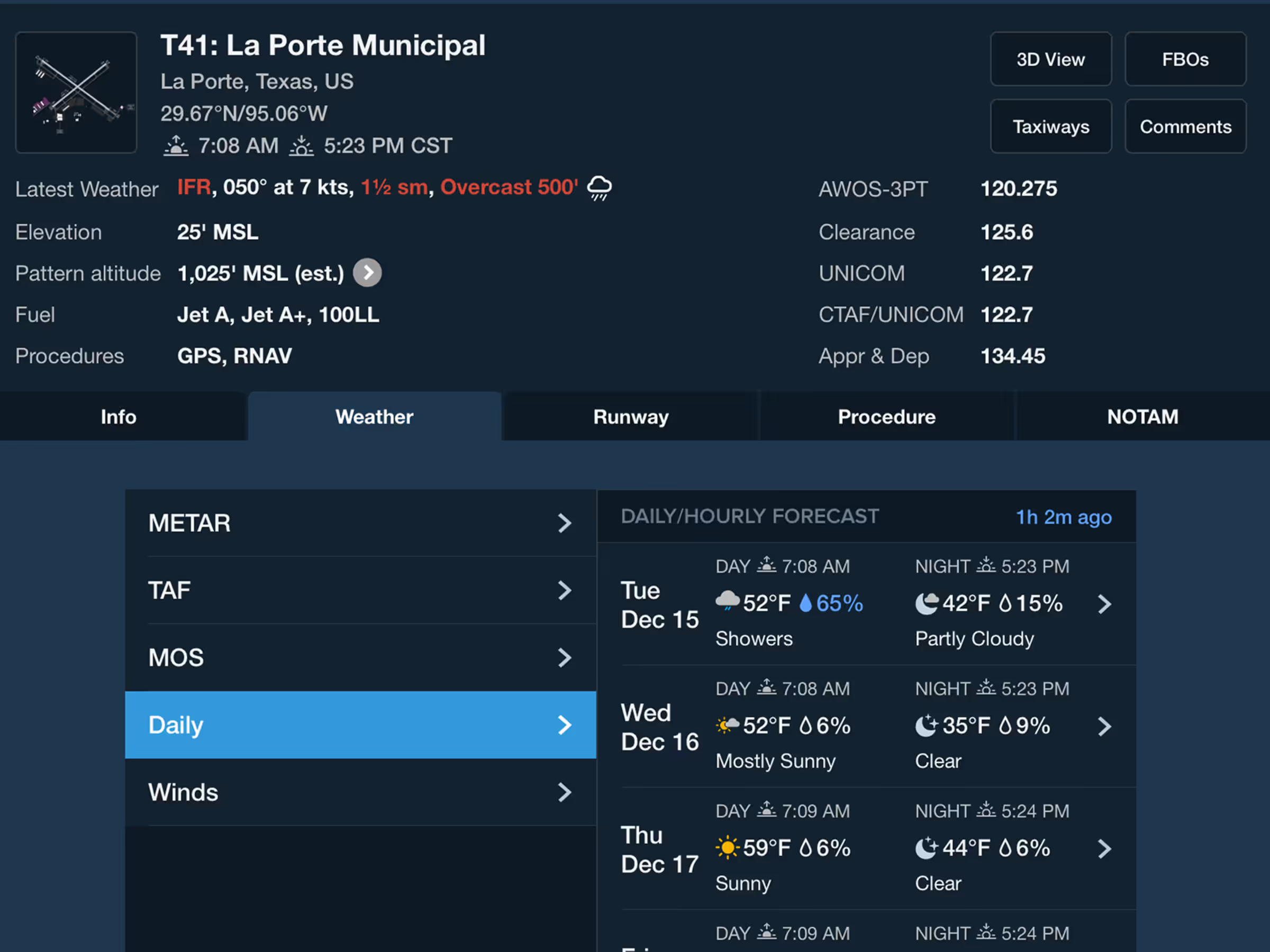
Get a detailed 10 day, hour-by-hour forecast for anywhere in the world.
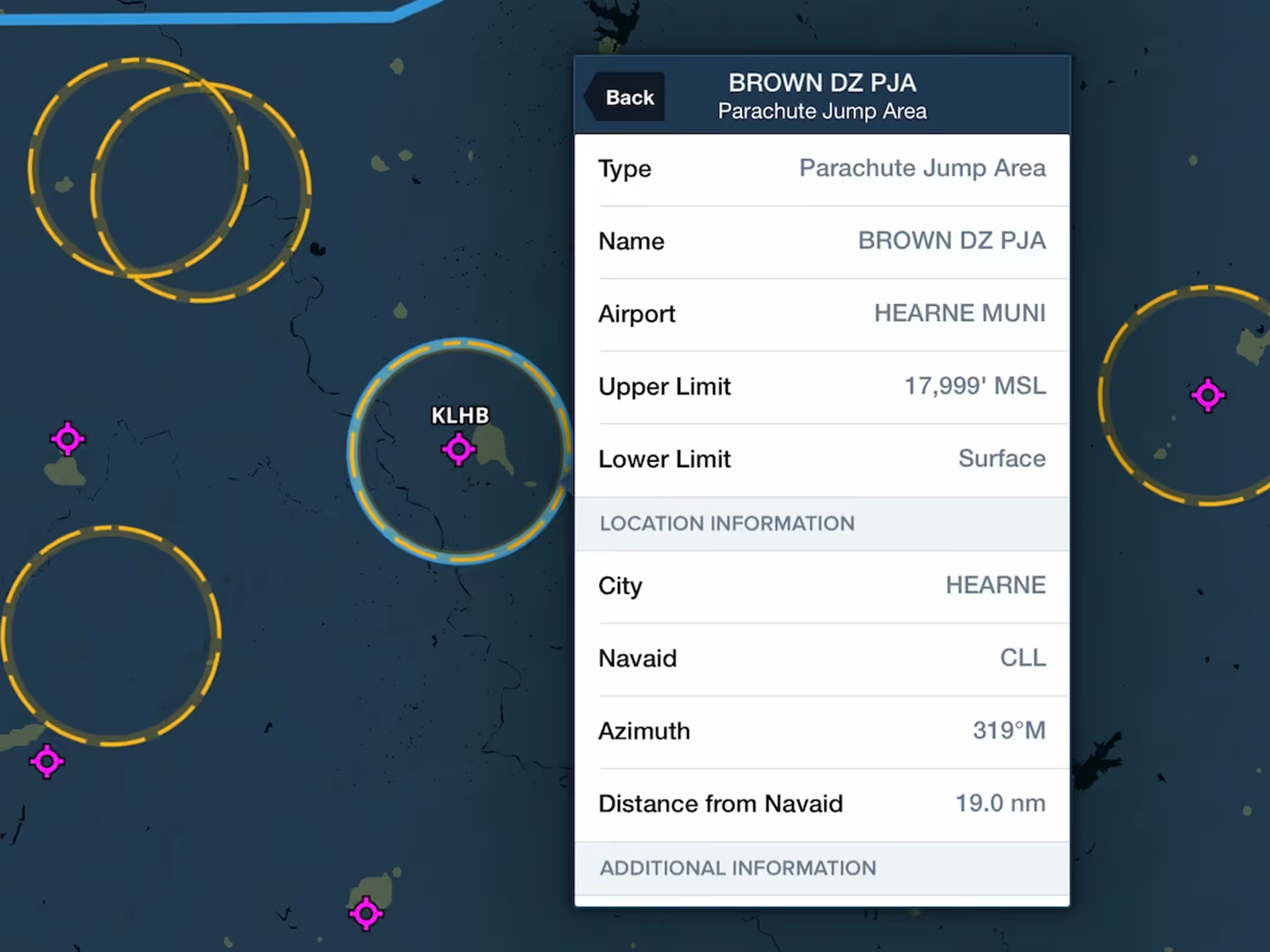

ForeFlight’s High Resolution Basemap displays more mountain peak markers for enhanced hazard awareness.
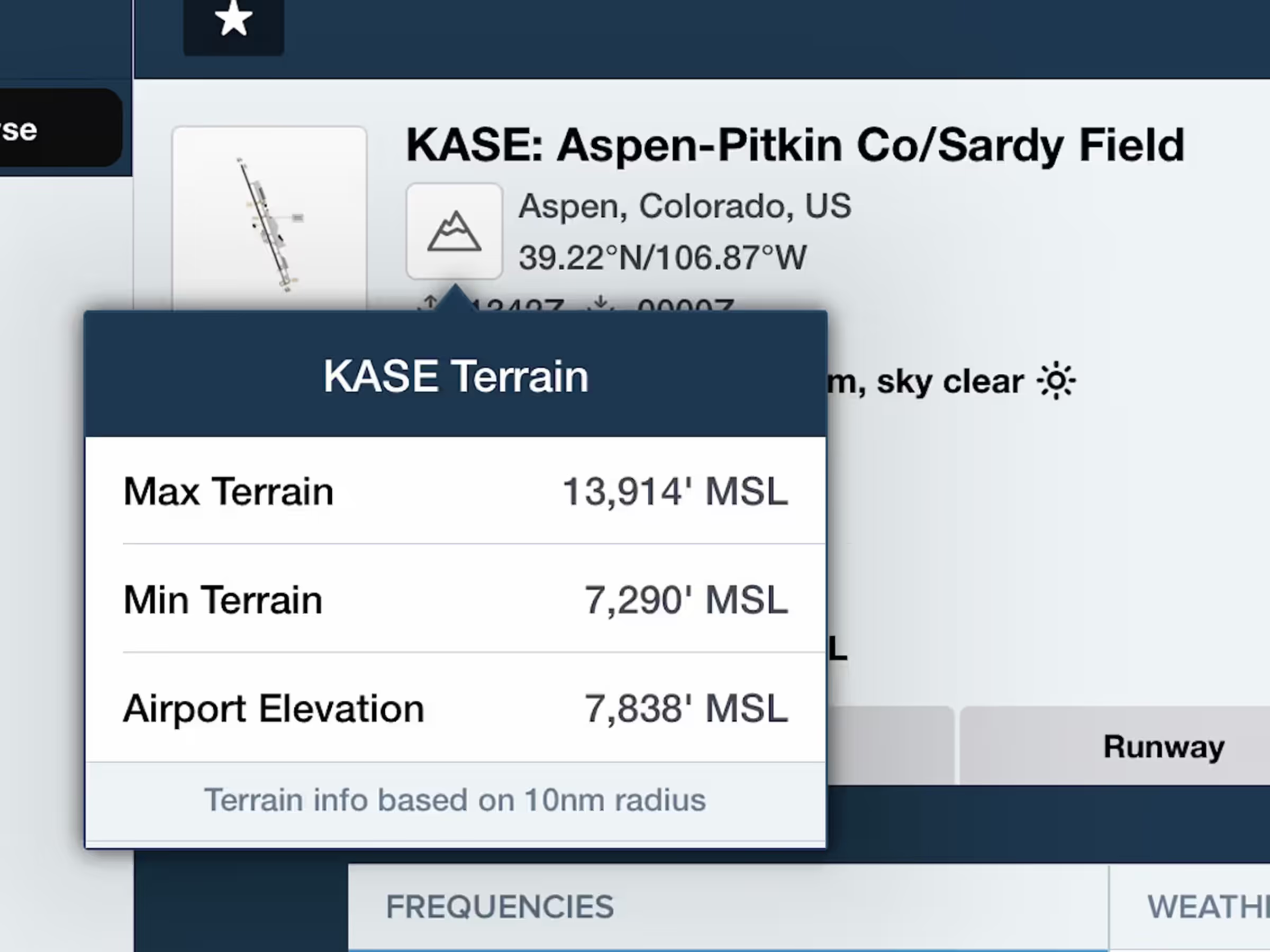
Get a sense of the terrain variations near an airport by tapping the new Terrain button.
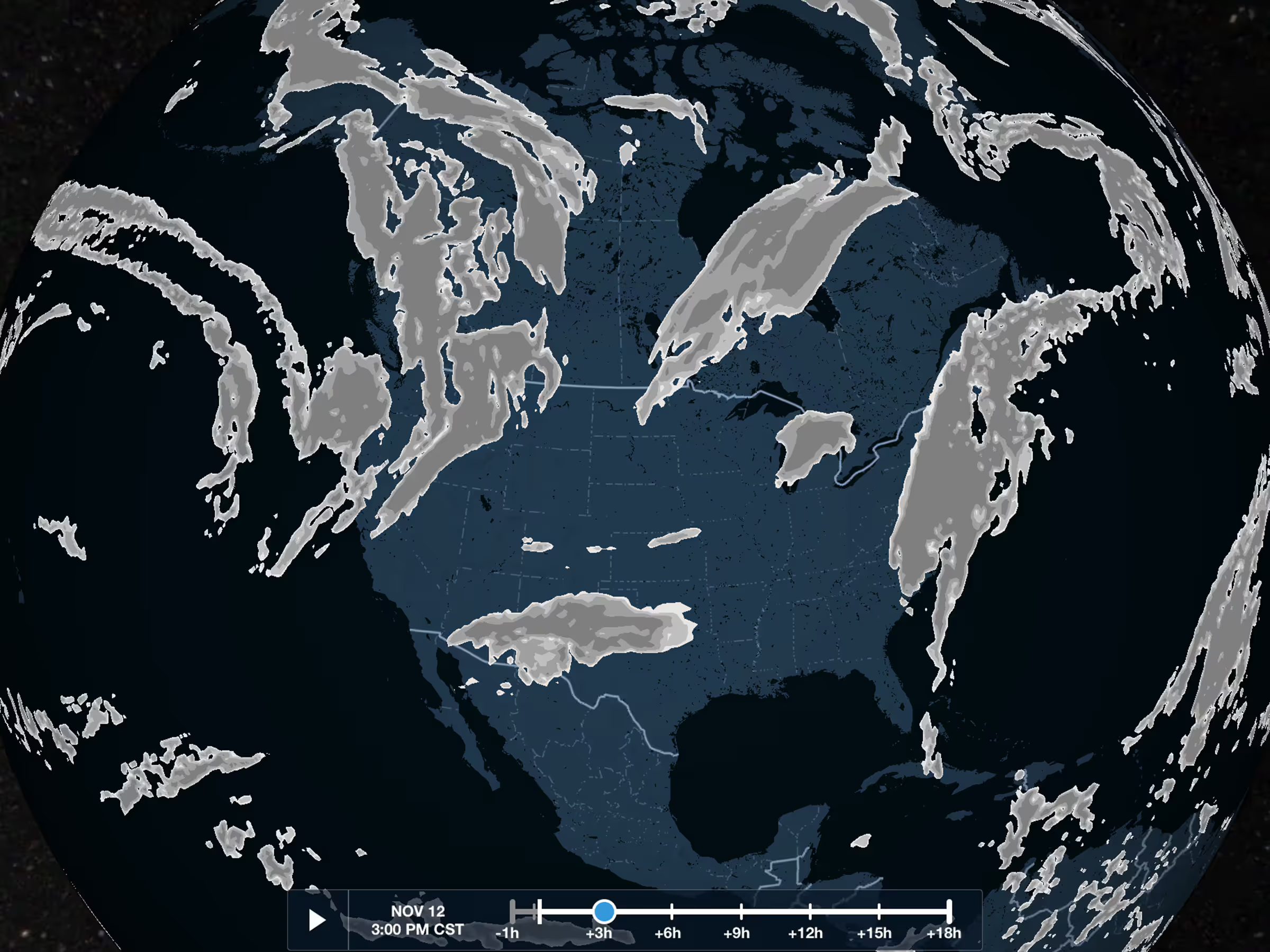
View global forecasted cloud coverage with the Clouds map layer.

Get the full picture with cloud coverage forecasts in Profile View and 3D Preview.
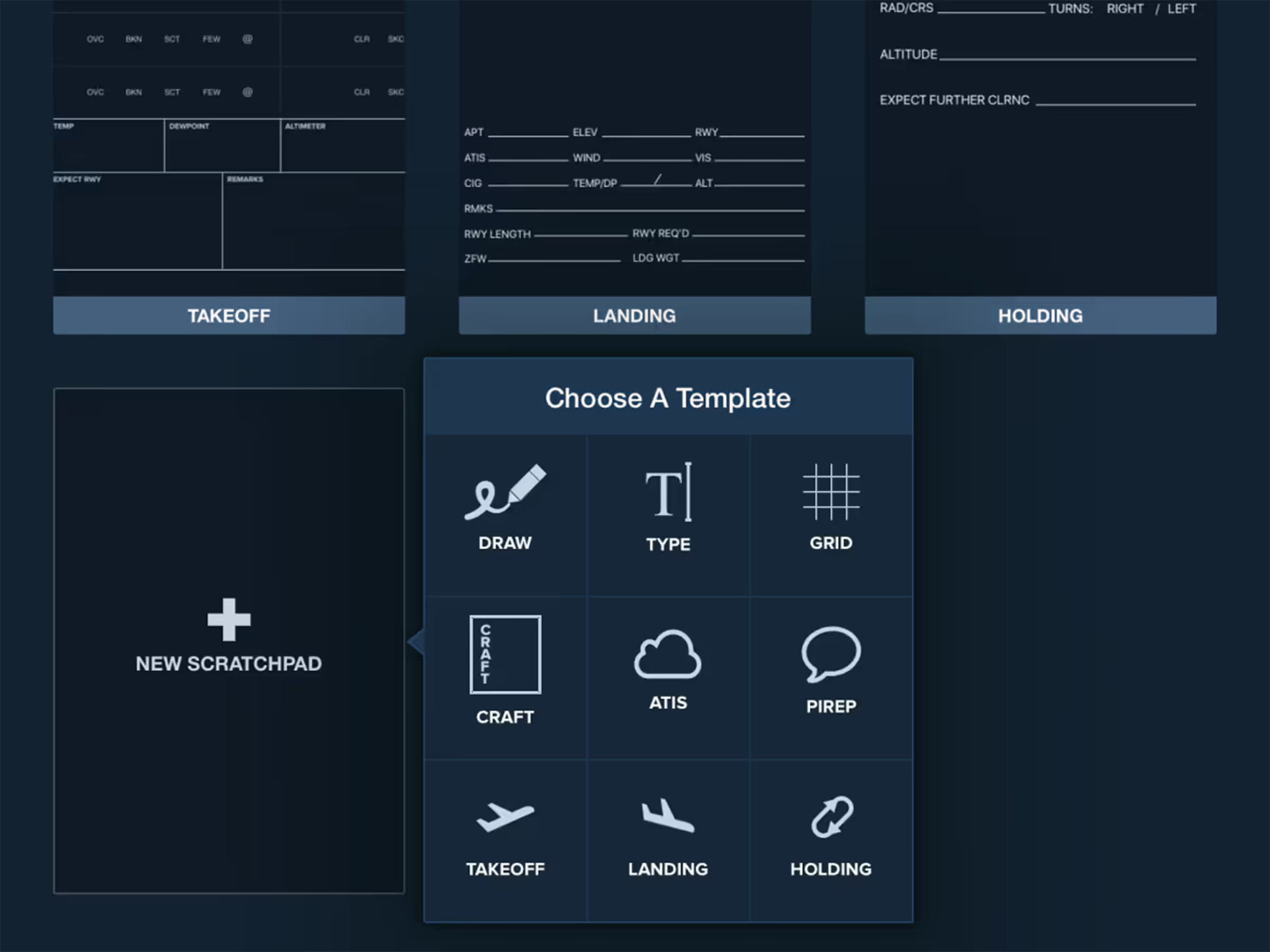
Record important flight information during takeoff, landing, and holding with ScratchPad Templates.