18.7
ForeFlight Debrief
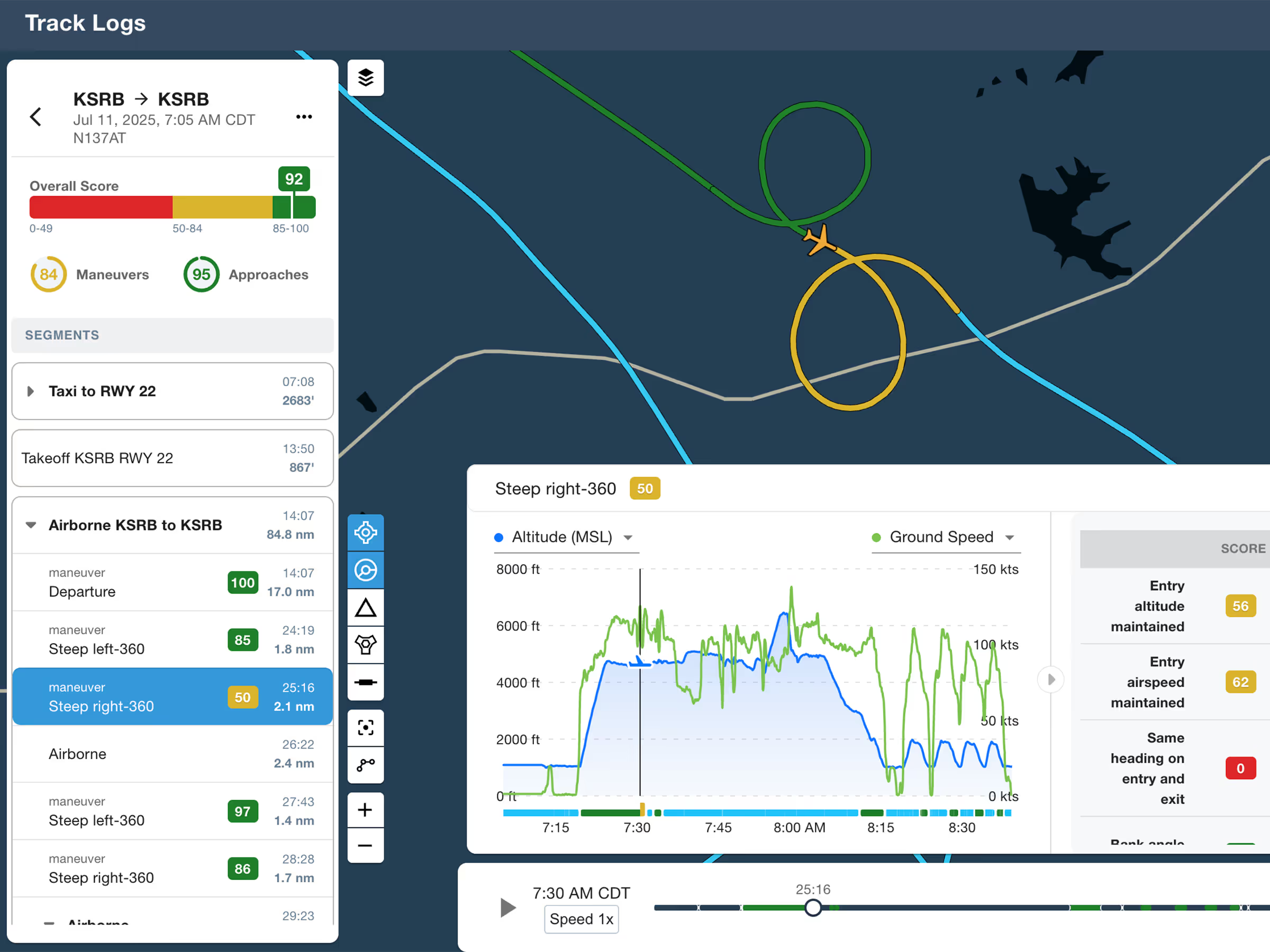
Review flights with automatic Track Log segmentation, scoring, and 3D playback on both mobile and web.

Explore the latest ForeFlight features and browse past release notes to stay updated on new tools, enhancements, and improvements.
Review flights with automatic Track Log segmentation, scoring, and 3D playback on both mobile and web.
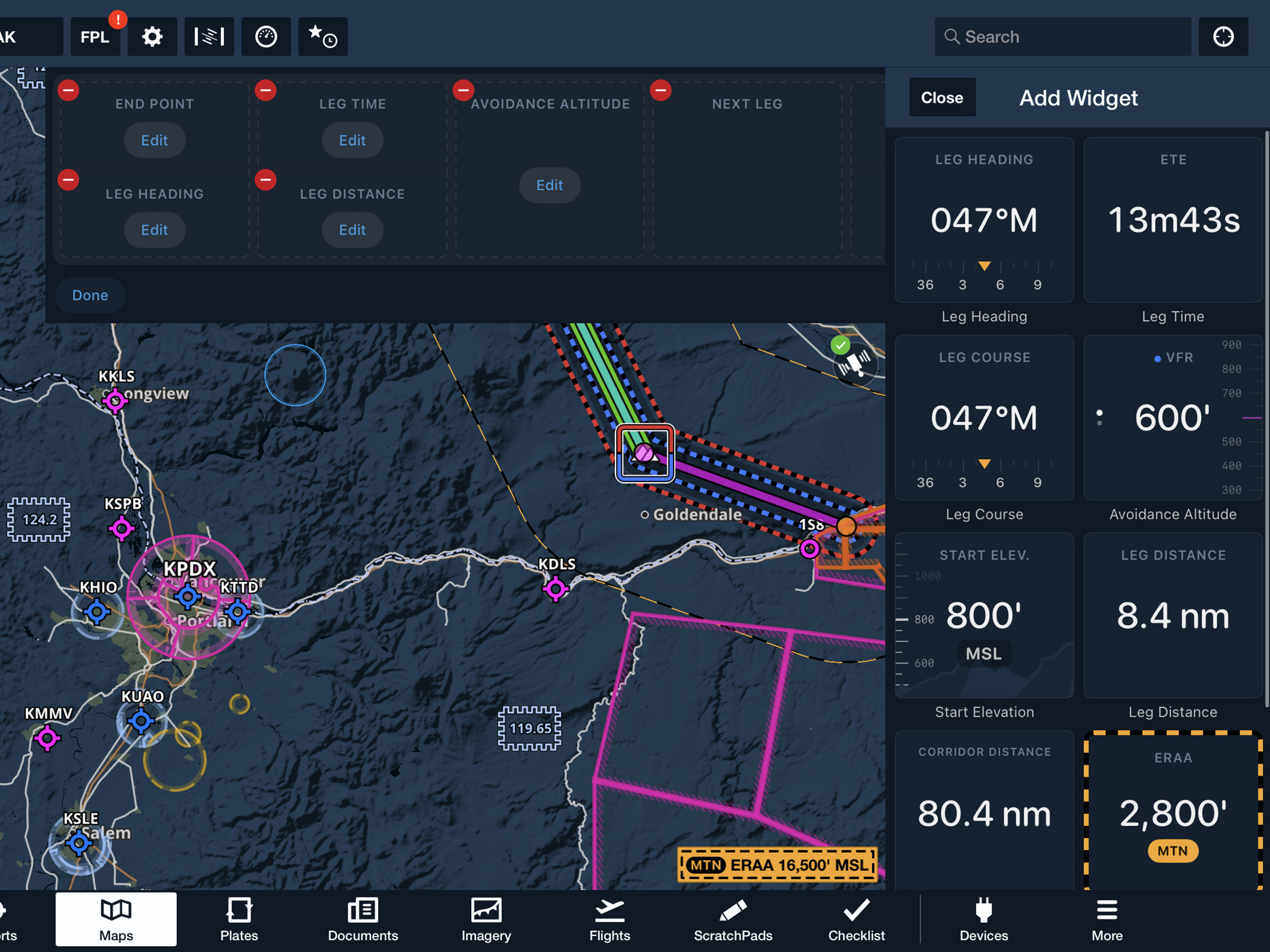
View current-leg details at a glance with a customizable information panel for Low Level Corridors.
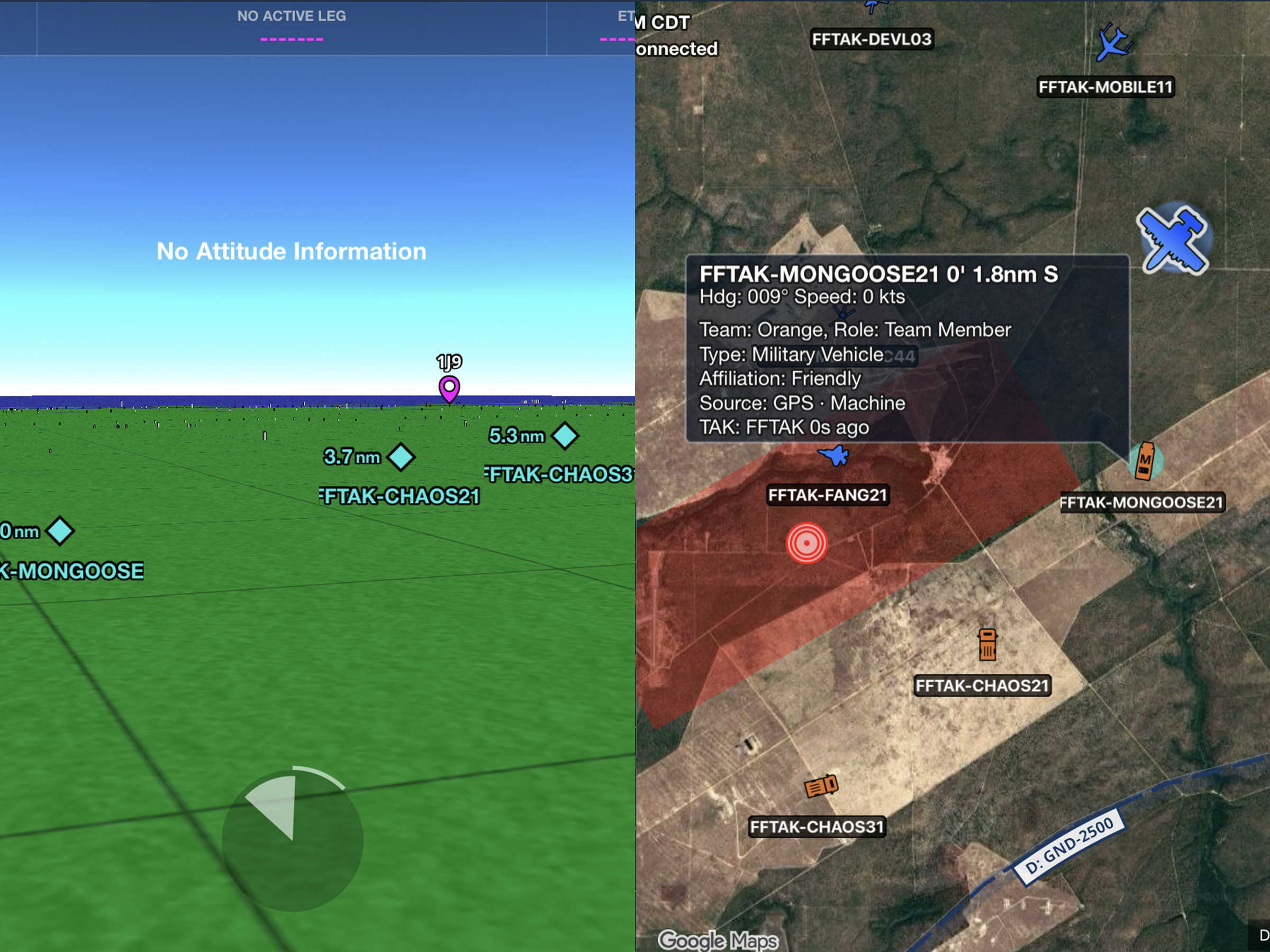
Connect to TAK servers to share your position and view other connected assets as live traffic on the map.
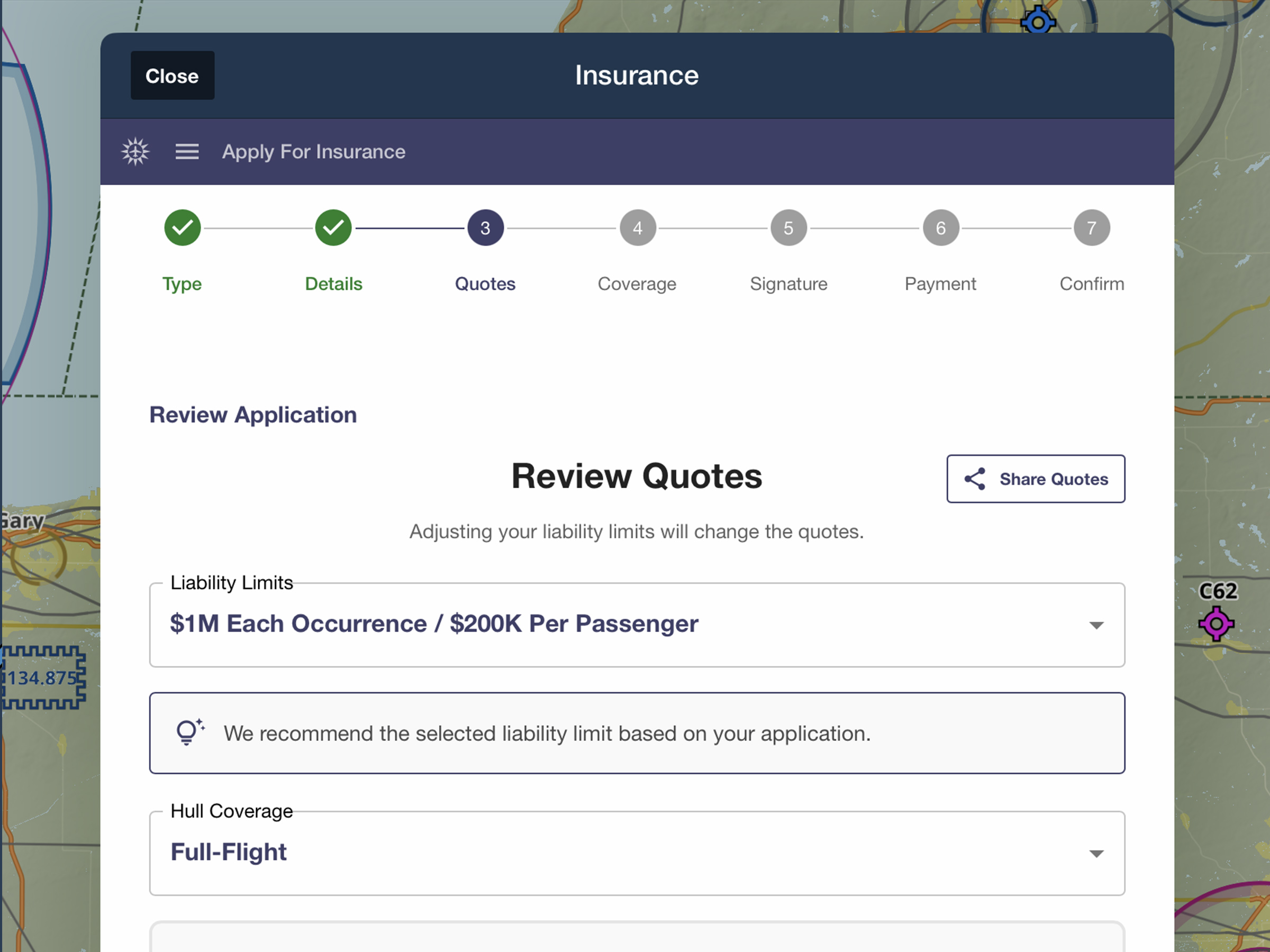
Quote, compare, purchase, and manage aviation insurance directly in ForeFlight.
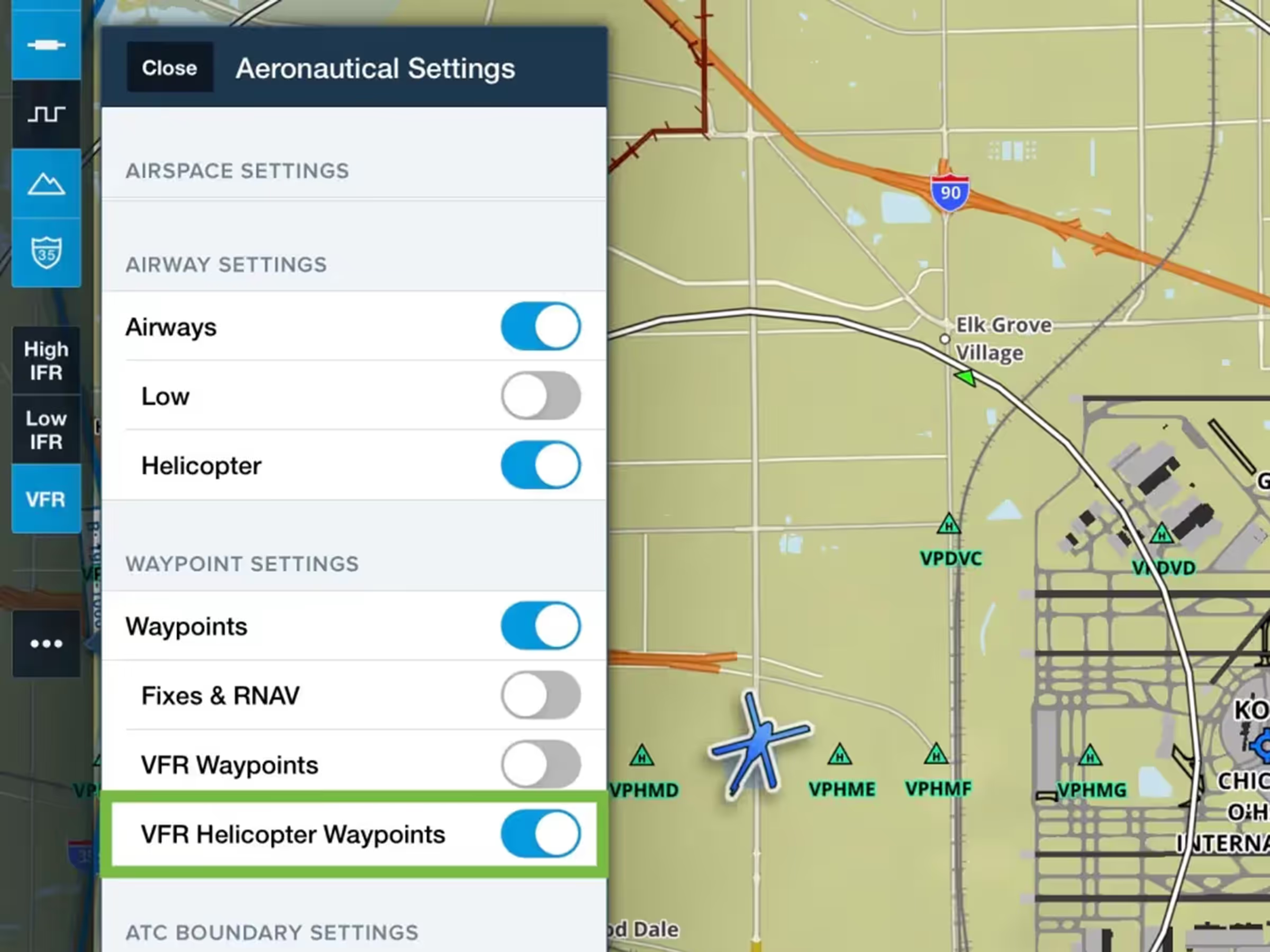
Control helicopter-only VFR waypoint visibility in VFR Aeronautical Mode.
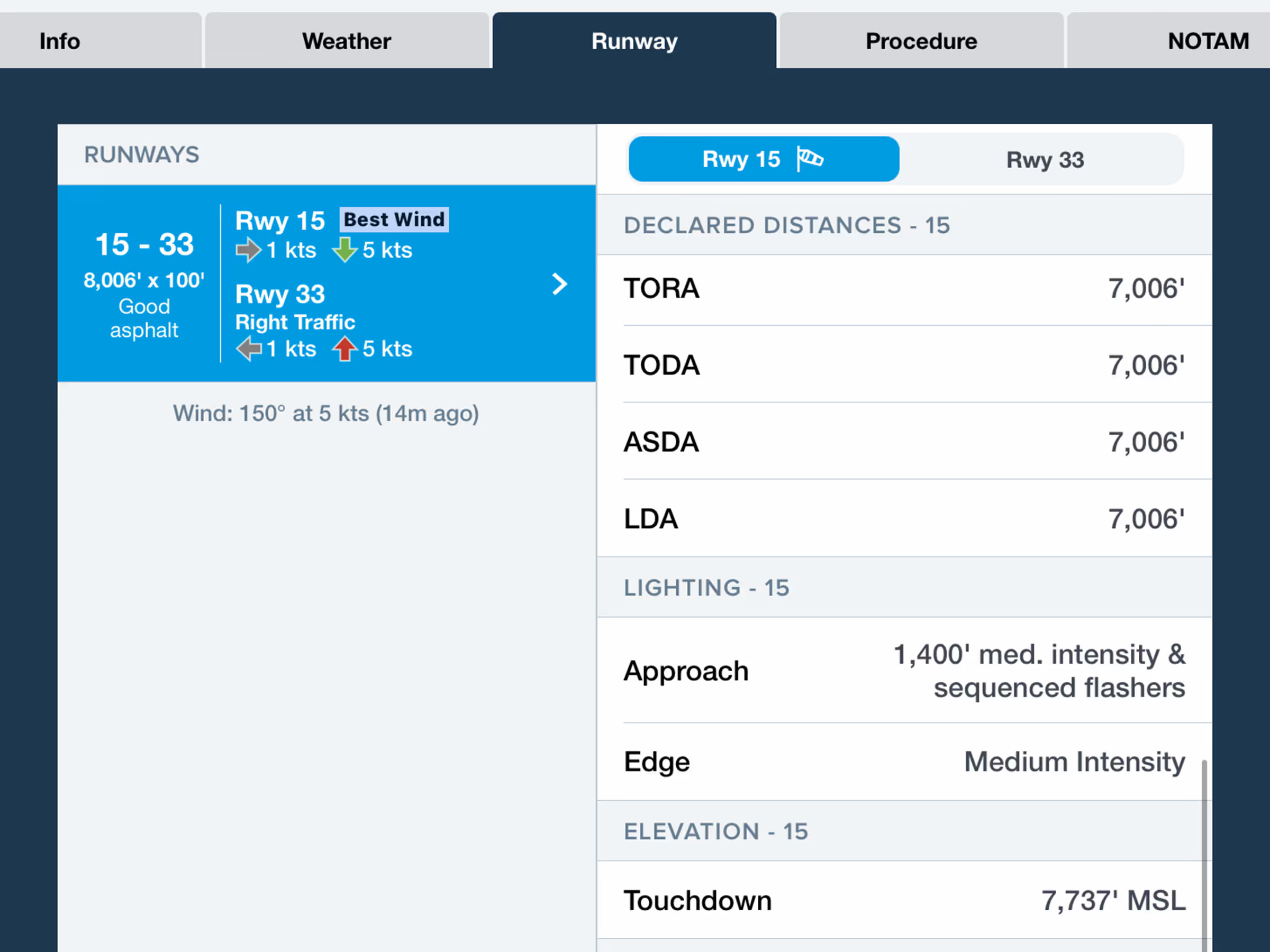
Find runway declared distances (TORA/TODA/ASDA/LDA) with new toggle in runway details.
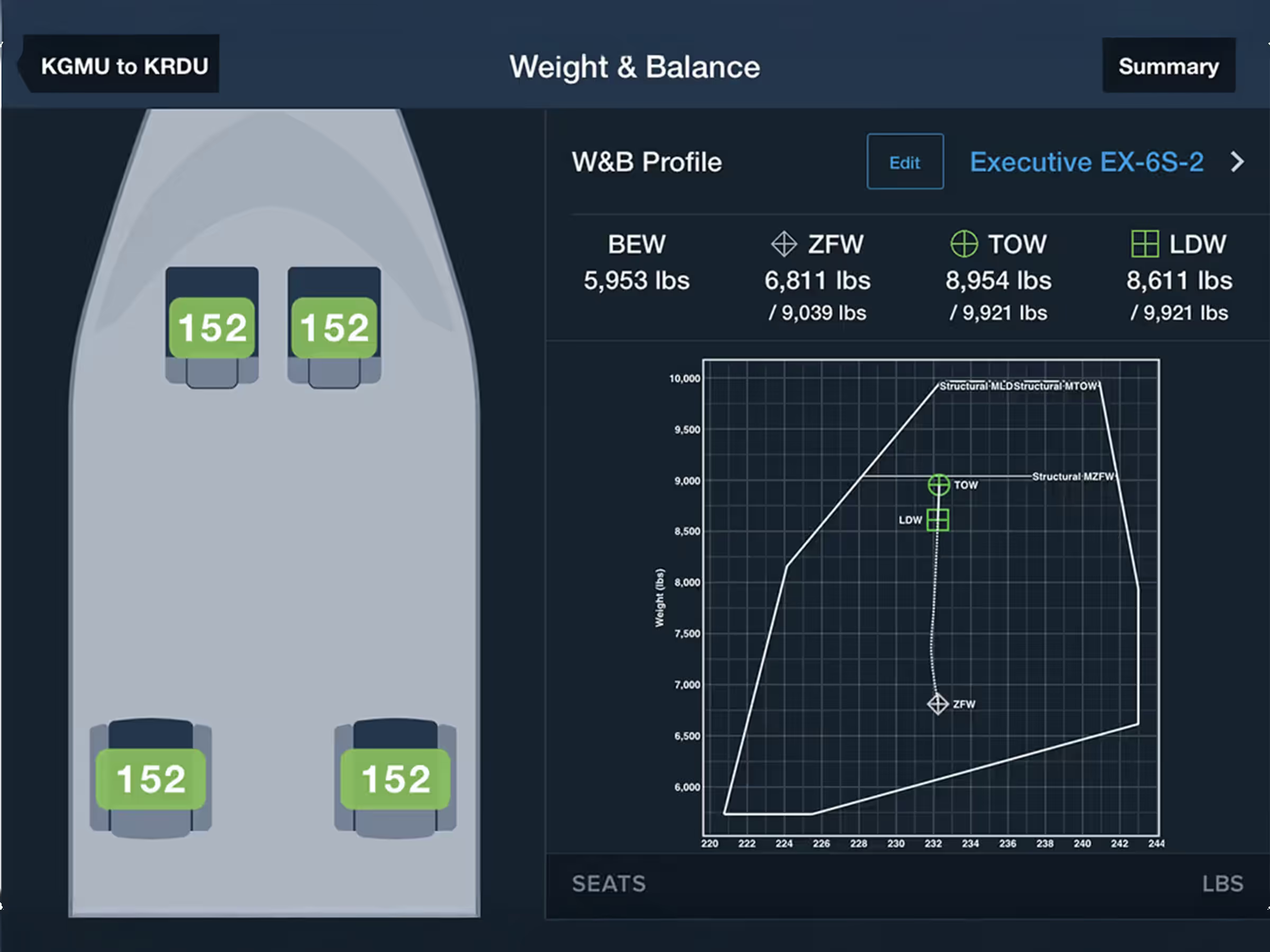
Plan W&B with an interactive cabin layout to easily enter passenger and payload details.
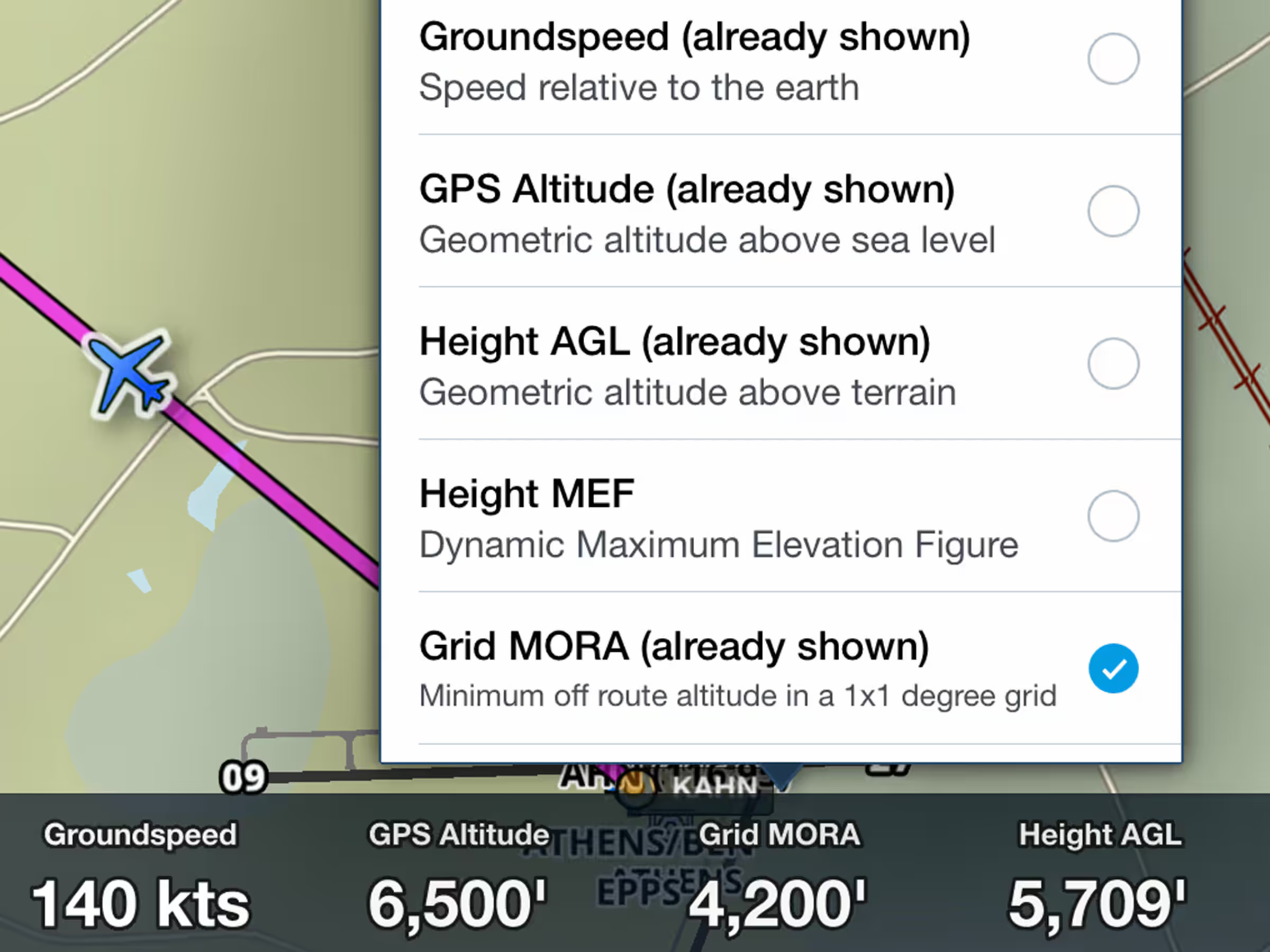
View minimum off-route altitude at your location in the Instrument Panel.

Create and file flight plans with helicopter-only airways alongside IFR Low airways.

Fly Mexico with official VFR charts showing local geographical and aeronautical details.
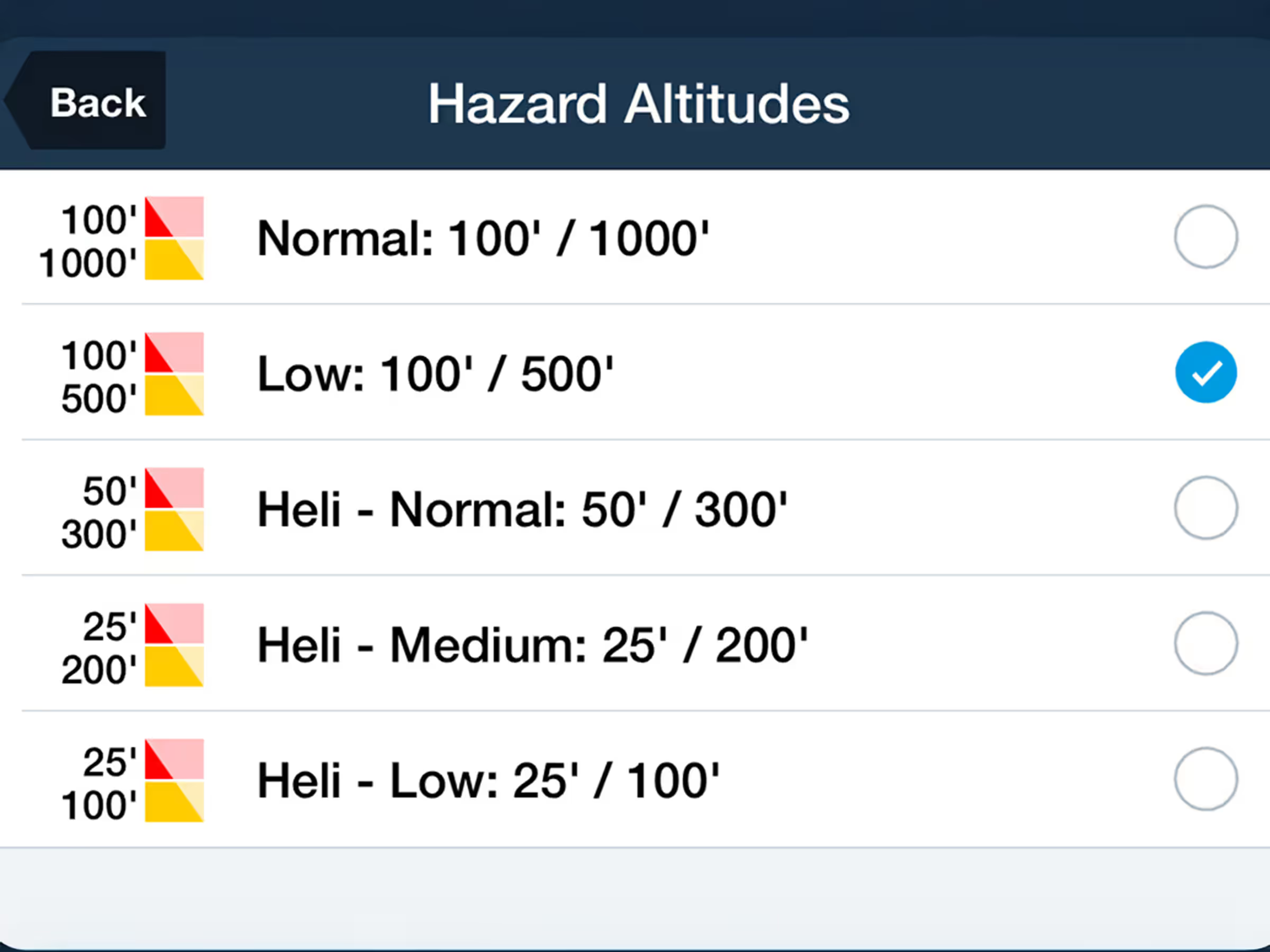
Plan with precision at lower altitudes using new 100' and 500' Hazard Altitude options.
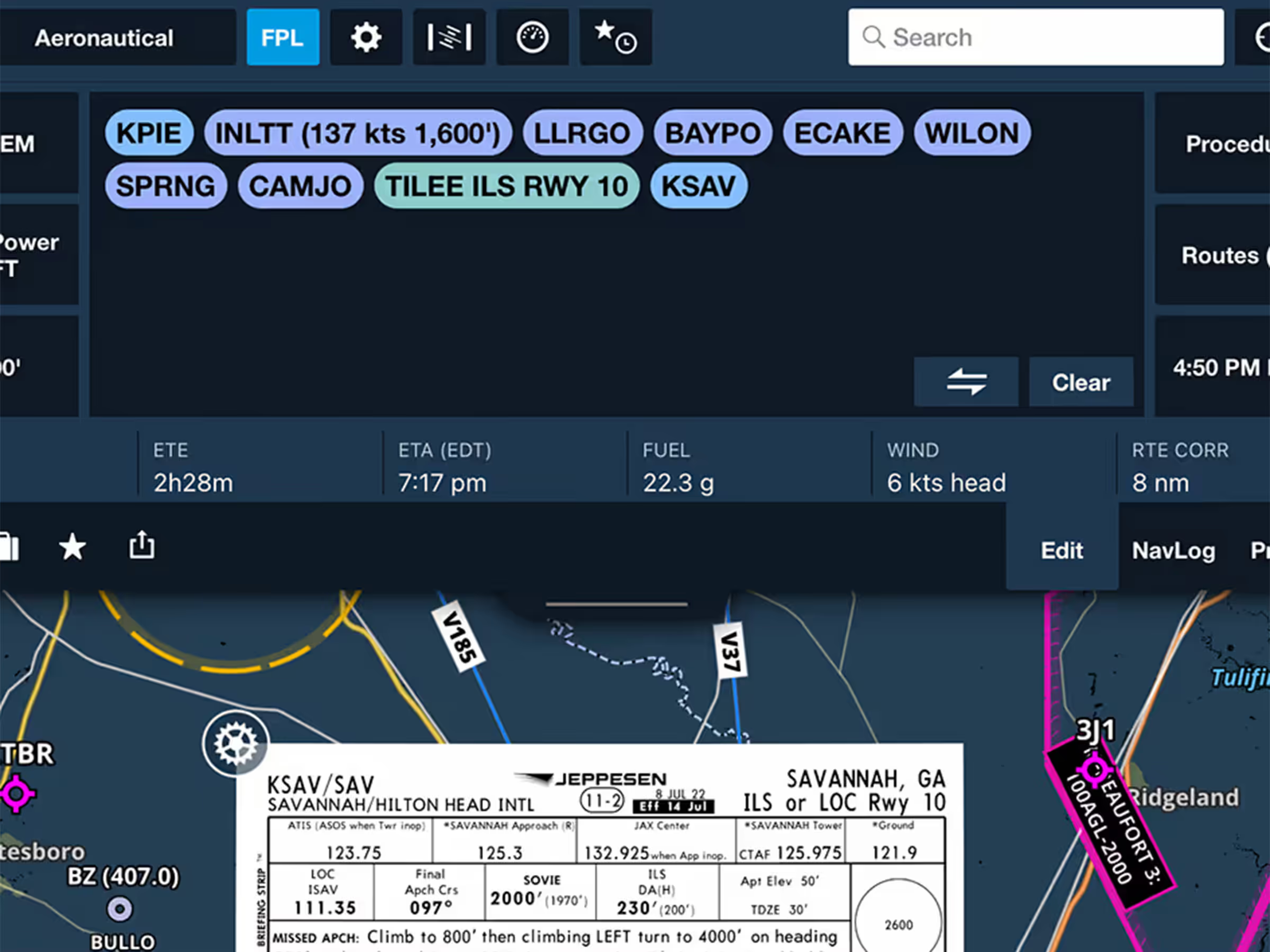
New FPL drawer strip shows key flight info with resizable view for better information display.
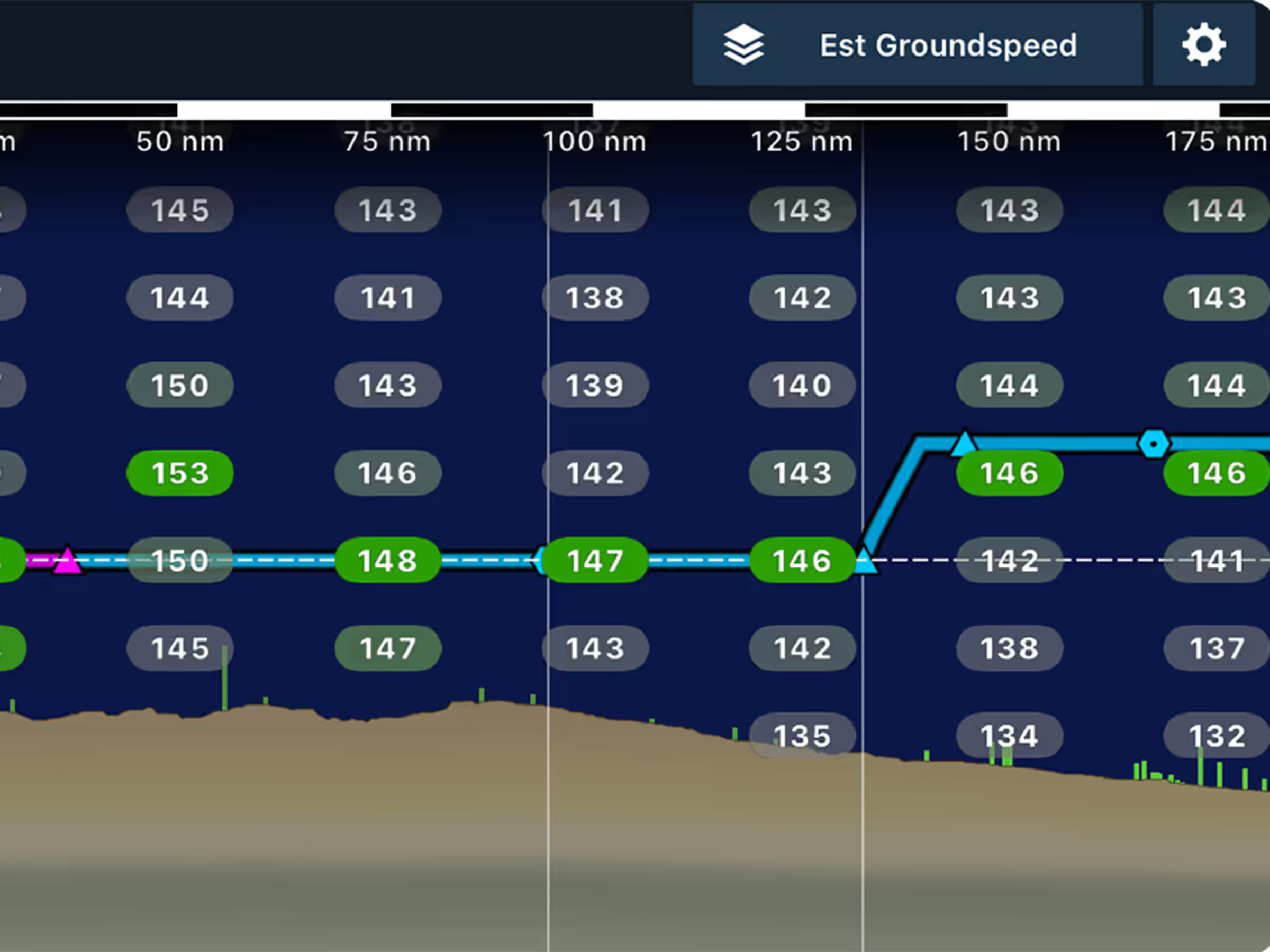
Enhance planning with head/tailwind and ground speed layers in Profile View.

New VFR chart add-ons for Northern Africa, Northern Middle East, and Japan.
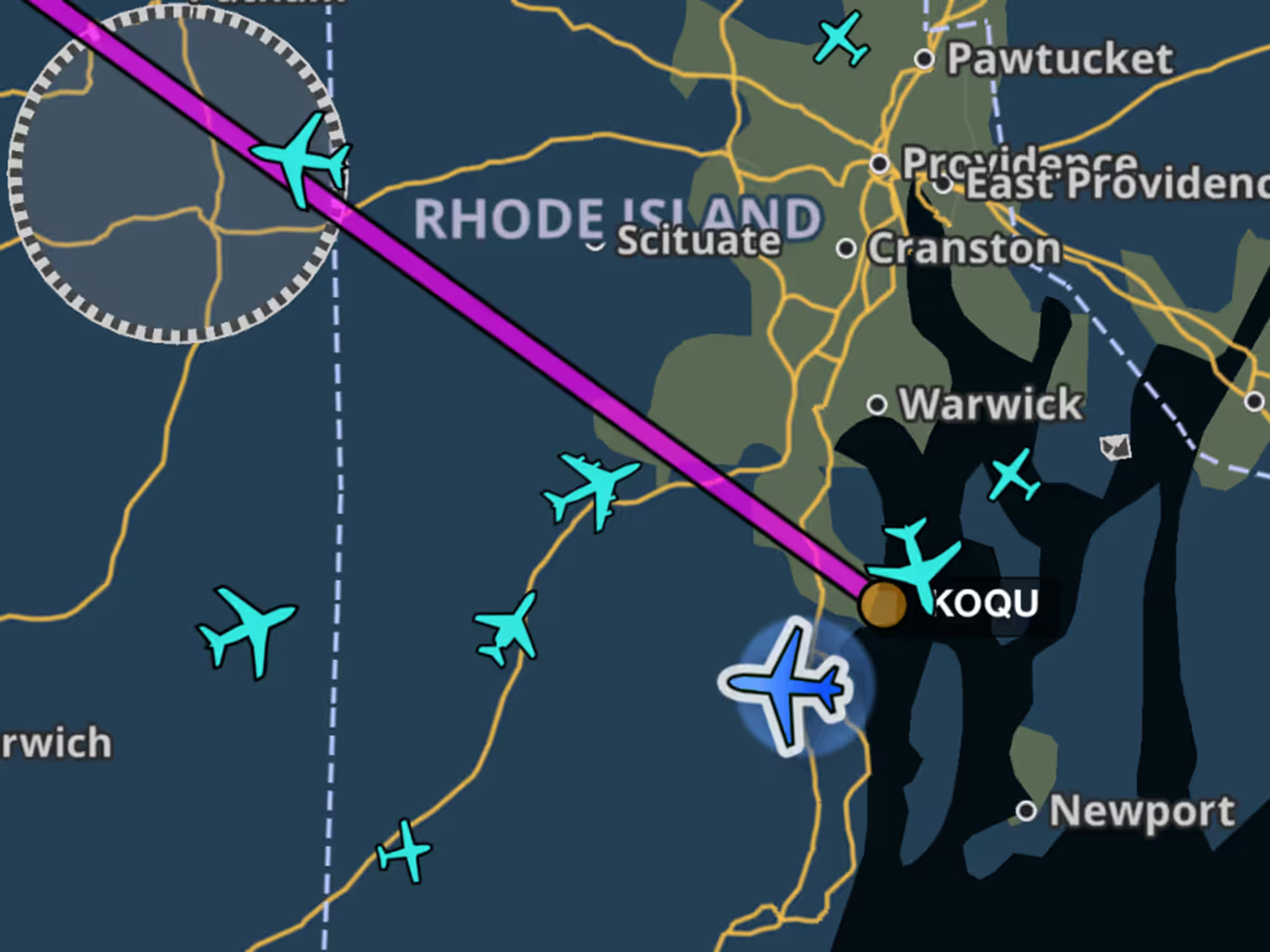
New Map Settings toggle shows aircraft types on the map using ADS-B traffic.

Added intermediate turbulence categories showing periods of lower severity with moments of higher intensity.
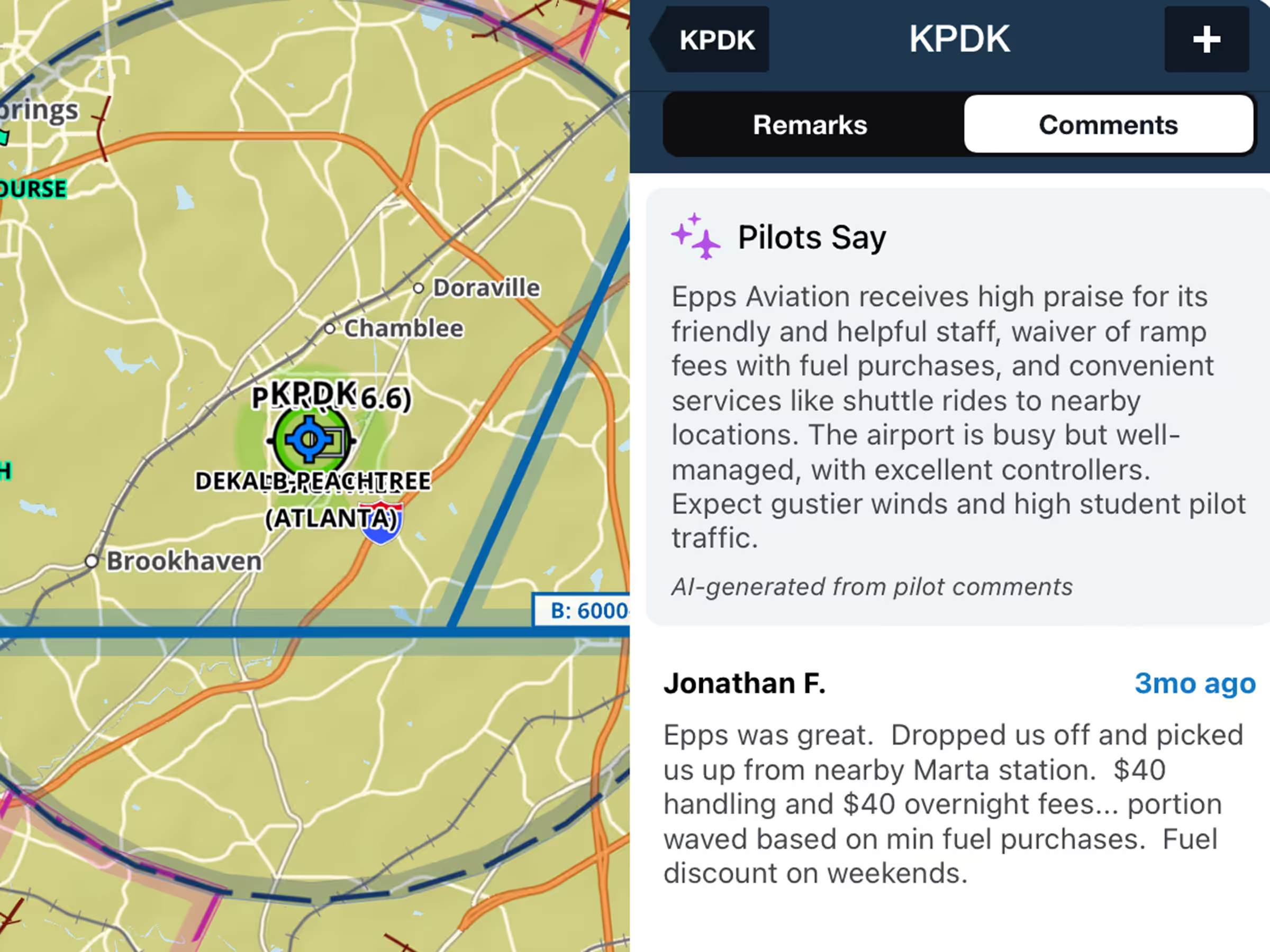

Customize VFR, IFR, or both waypoint types on the Aeronautical Map in VFR Mode.
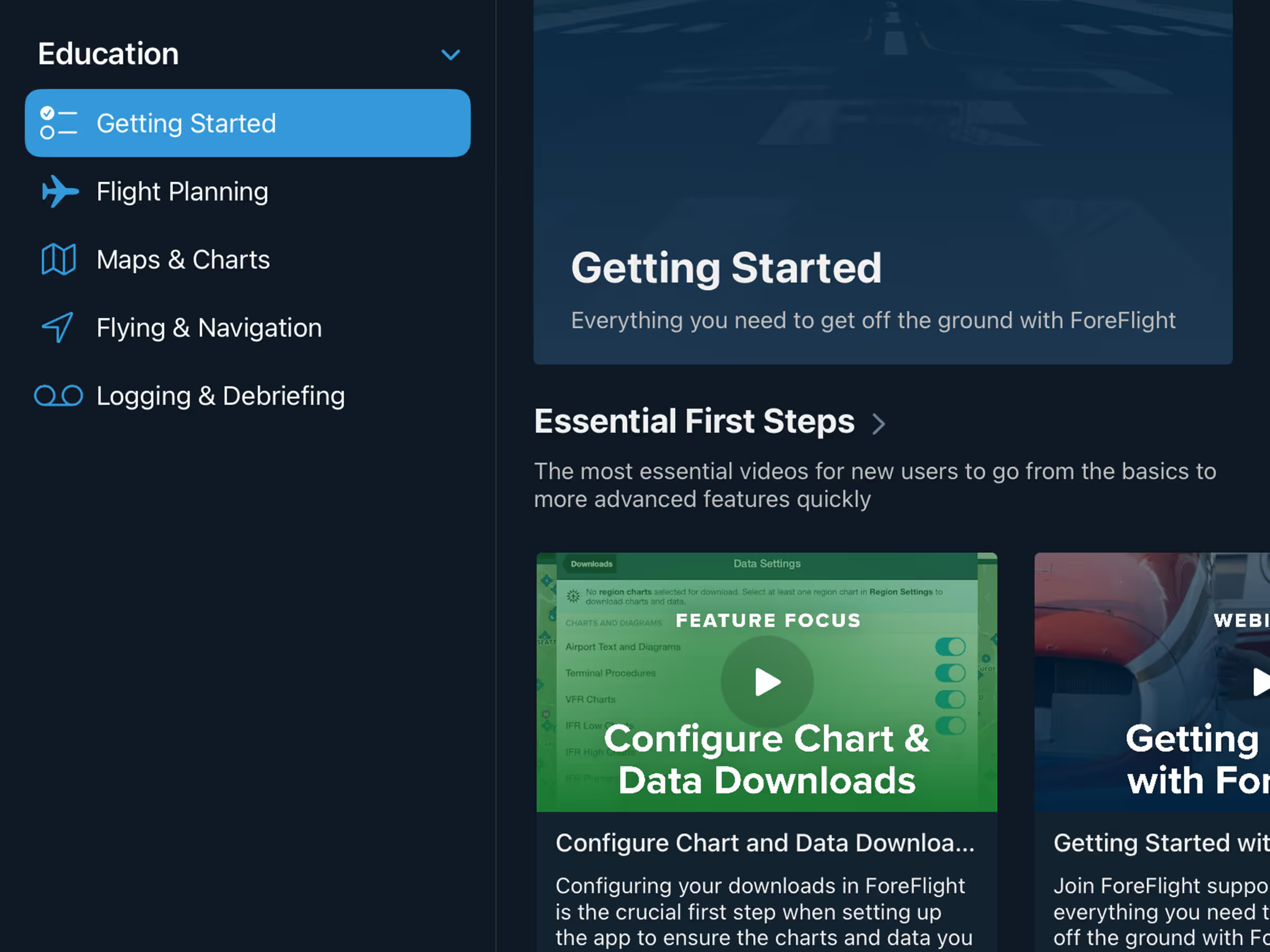
Find fly-ins and aviation events with the new Discover tab featuring AOPA and EAA events.
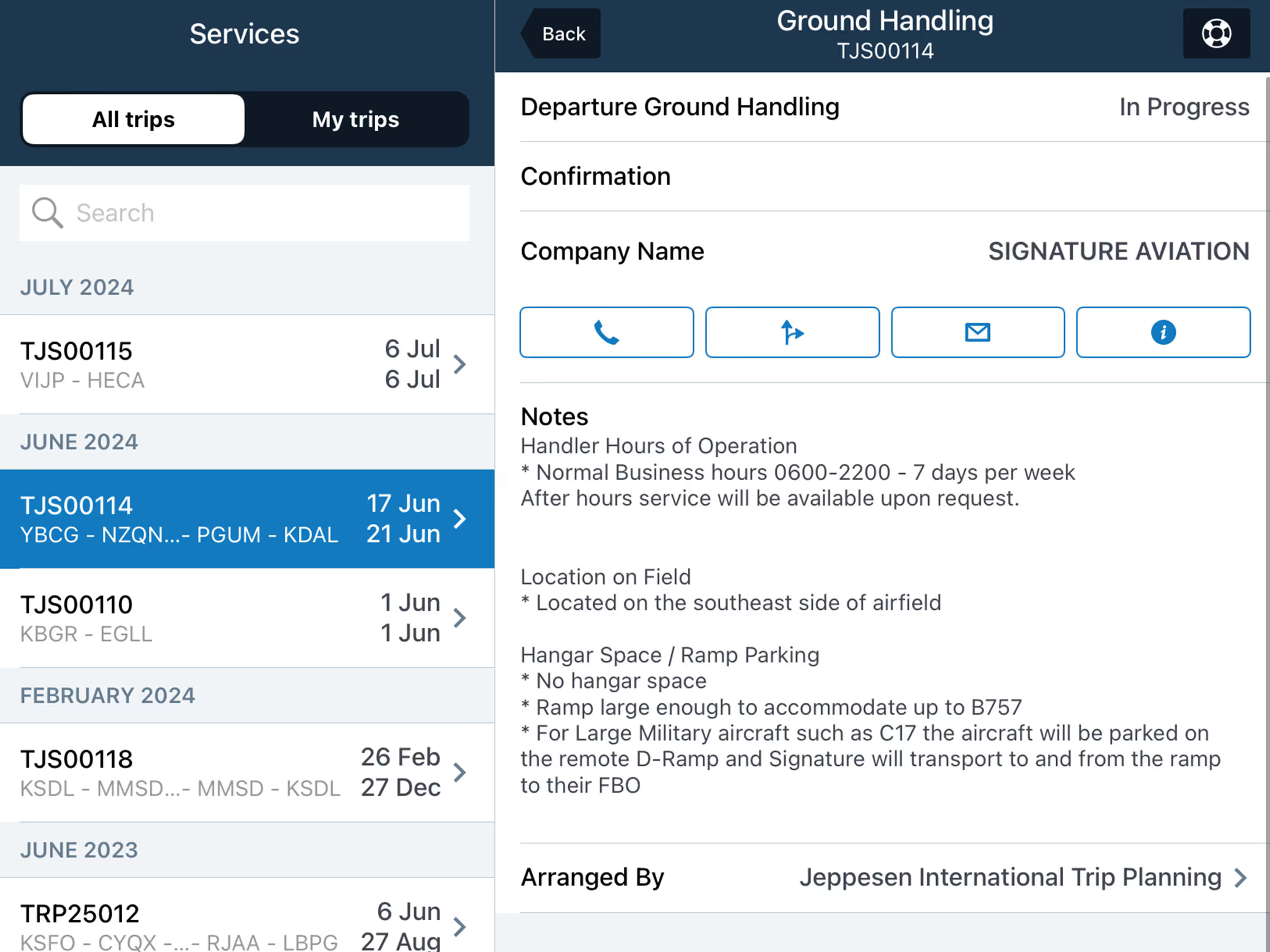
Track Trip Support services in-app with details on trip legs, crews, passengers, and service status.