18.7
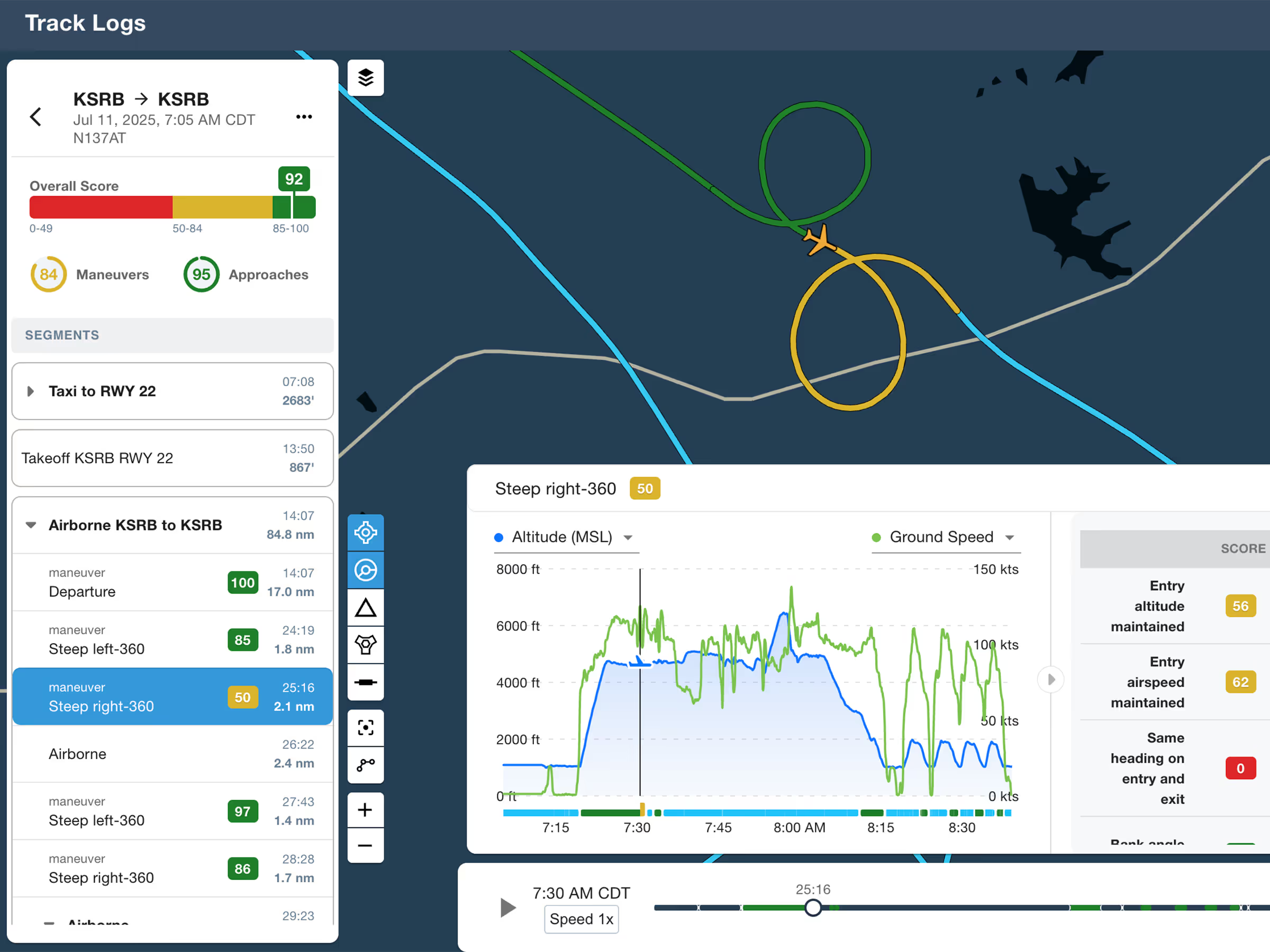
ForeFlight Debrief
Review flights with automatic Track Log segmentation, scoring, and 3D playback on both mobile and web.

Explore the latest ForeFlight features and browse past release notes to stay updated on new tools, enhancements, and improvements.
Review flights with automatic Track Log segmentation, scoring, and 3D playback on both mobile and web.
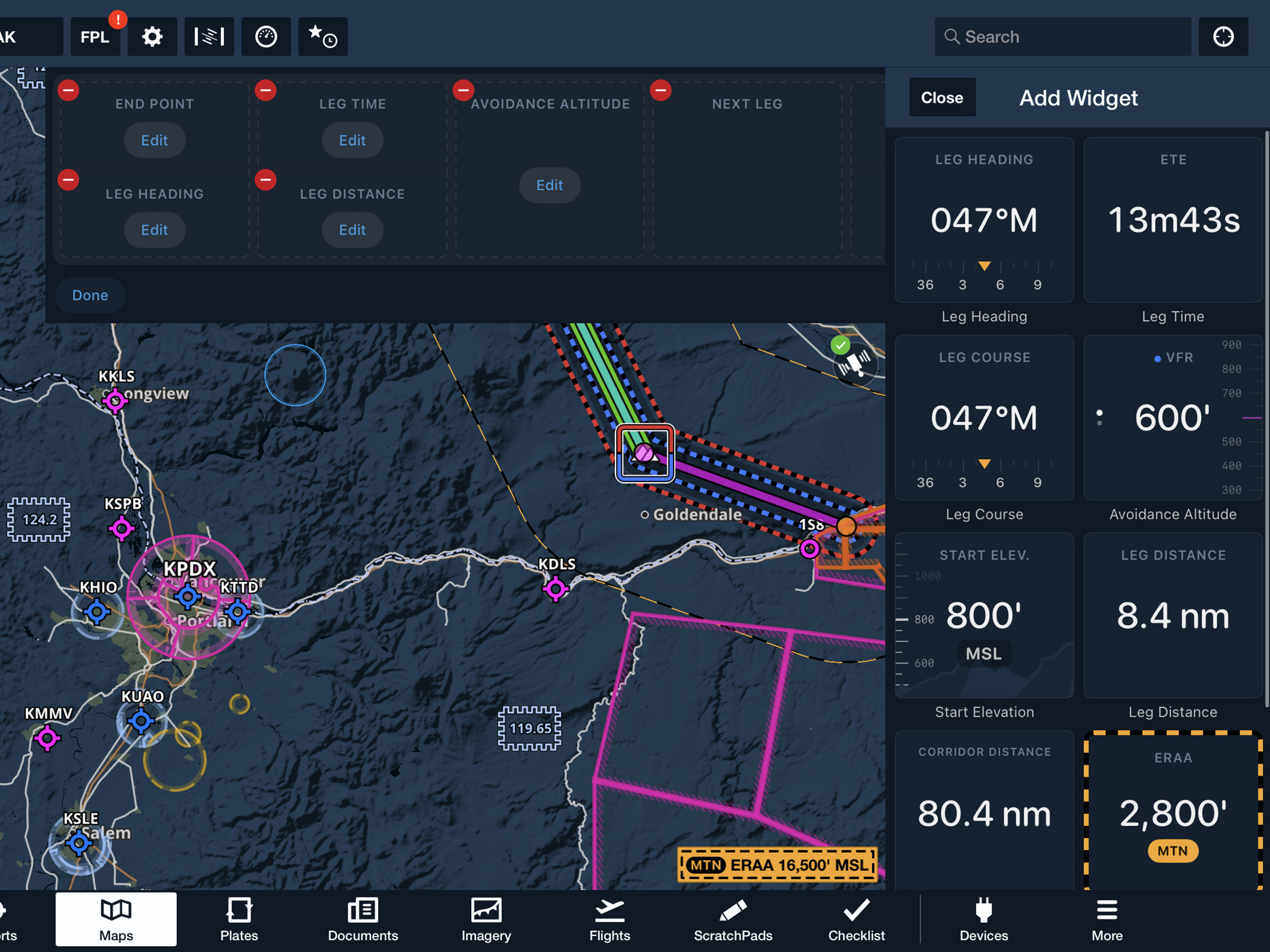
View current-leg details at a glance with a customizable information panel for Low Level Corridors.
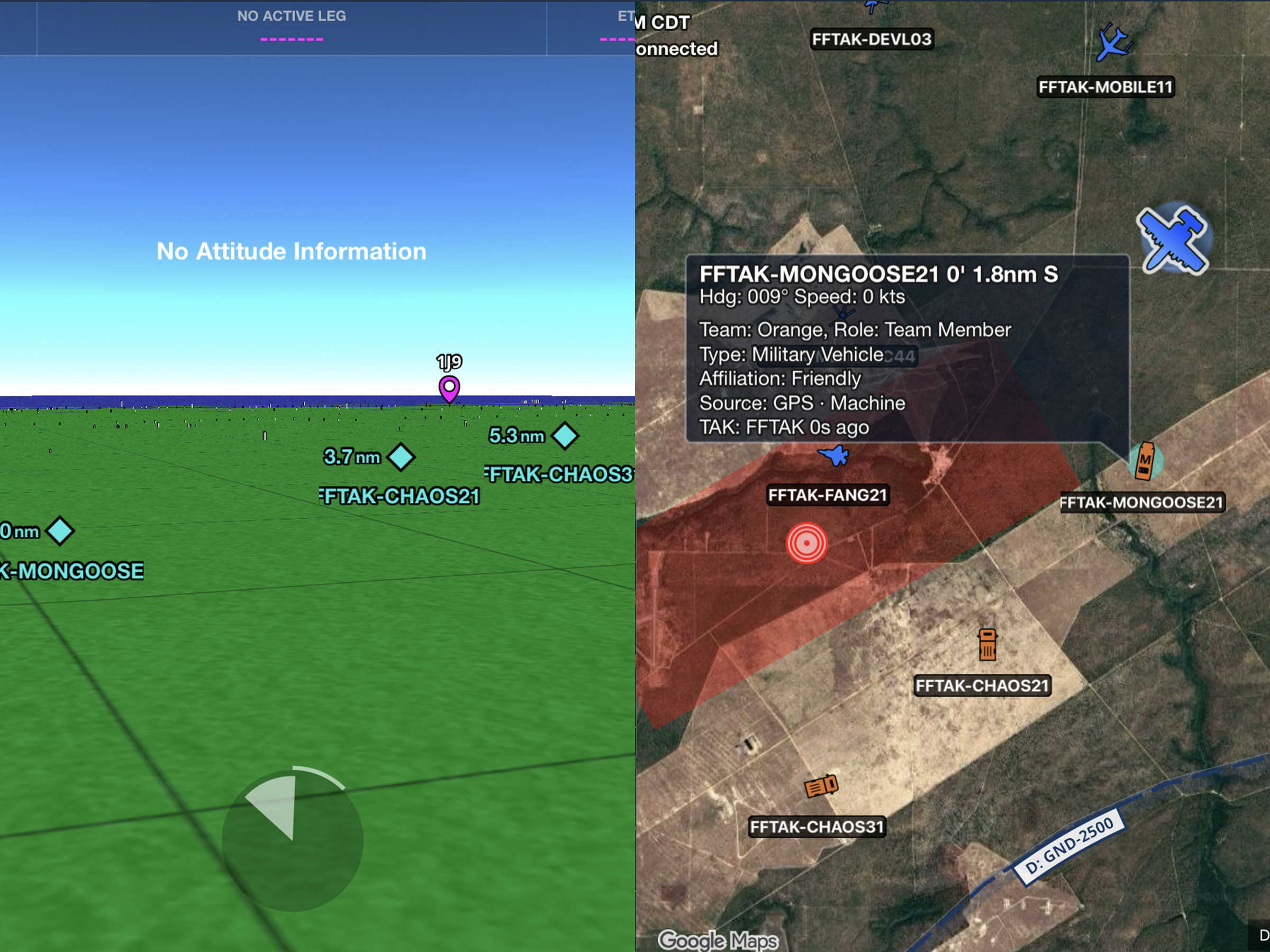
Connect to TAK servers to share your position and view other connected assets as live traffic on the map.
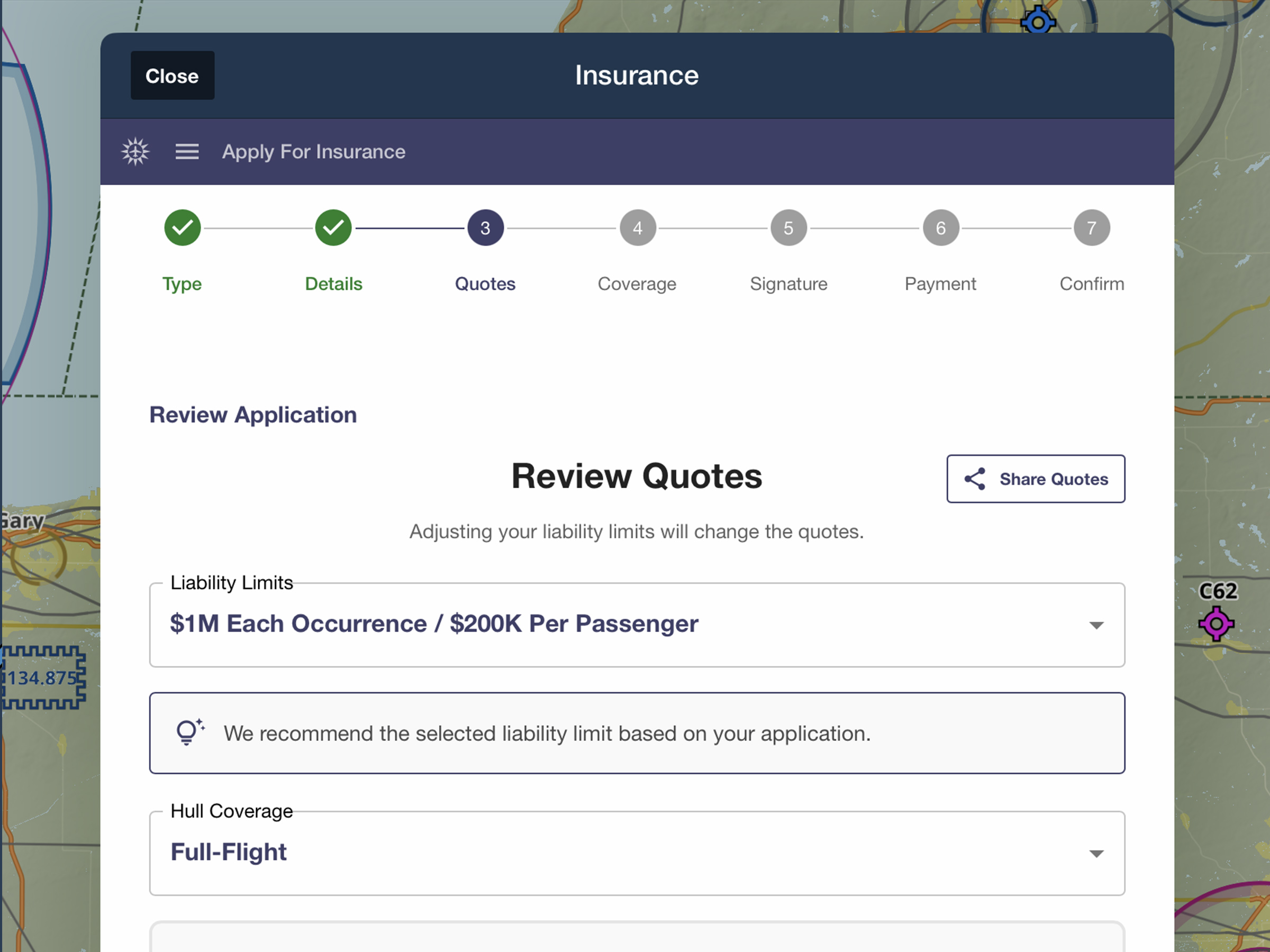
Quote, compare, purchase, and manage aviation insurance directly in ForeFlight.
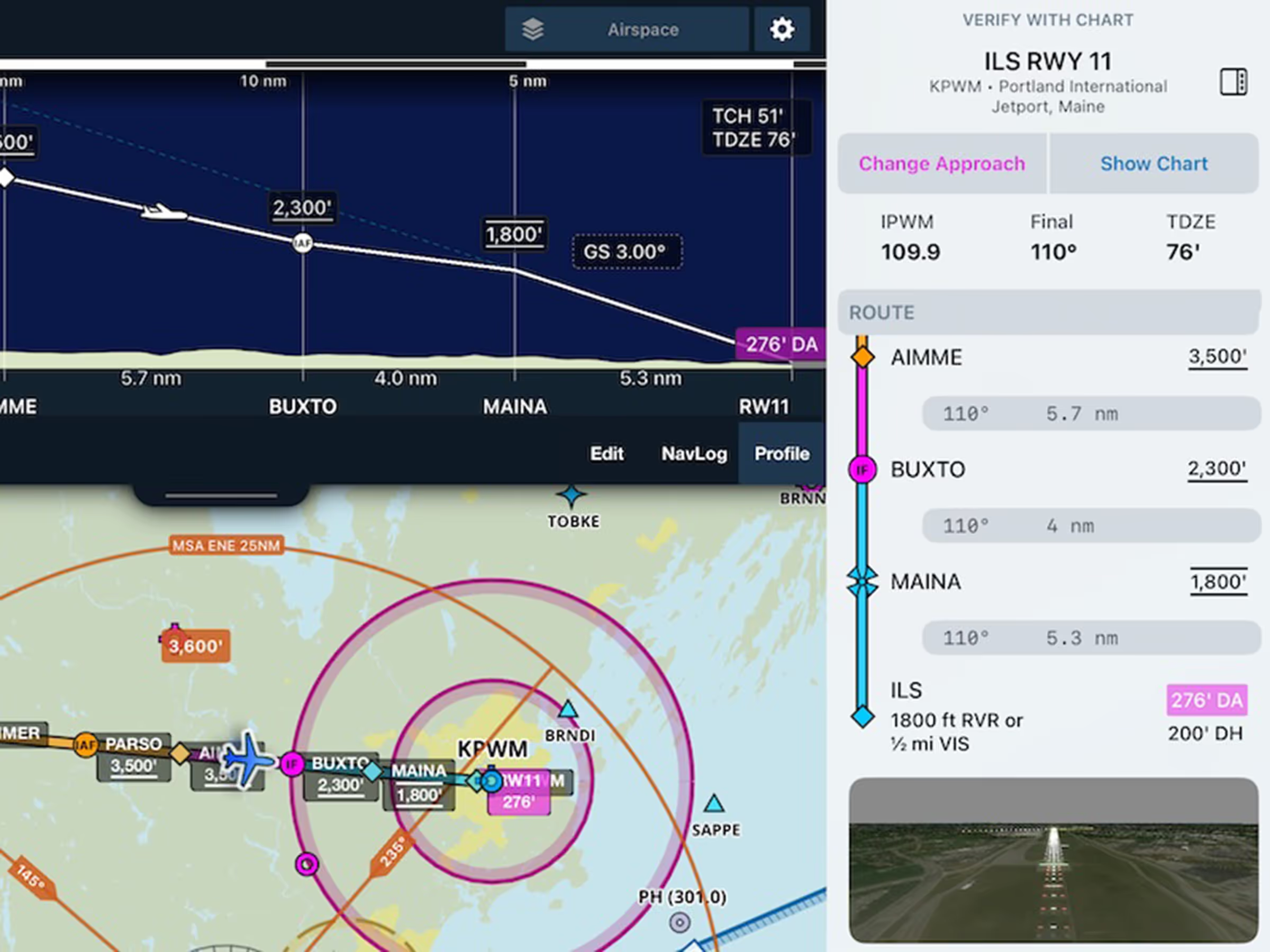
Go beyond charts with a procedures sidebar, MSA displayed on map, vertical descent in Profile View, and more.
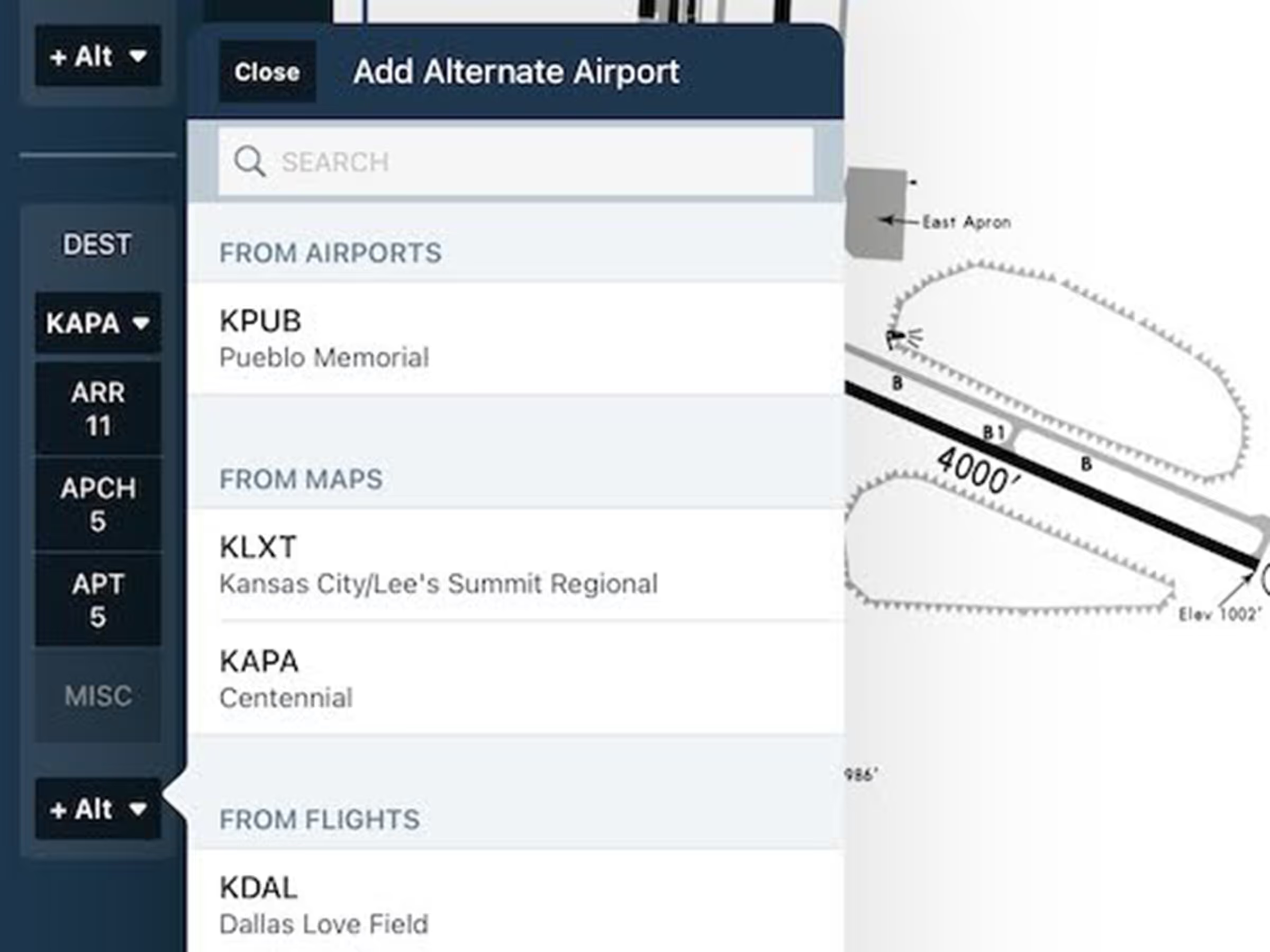
Add alternate charts with just a few taps so you're ready when workload is high and time is short.
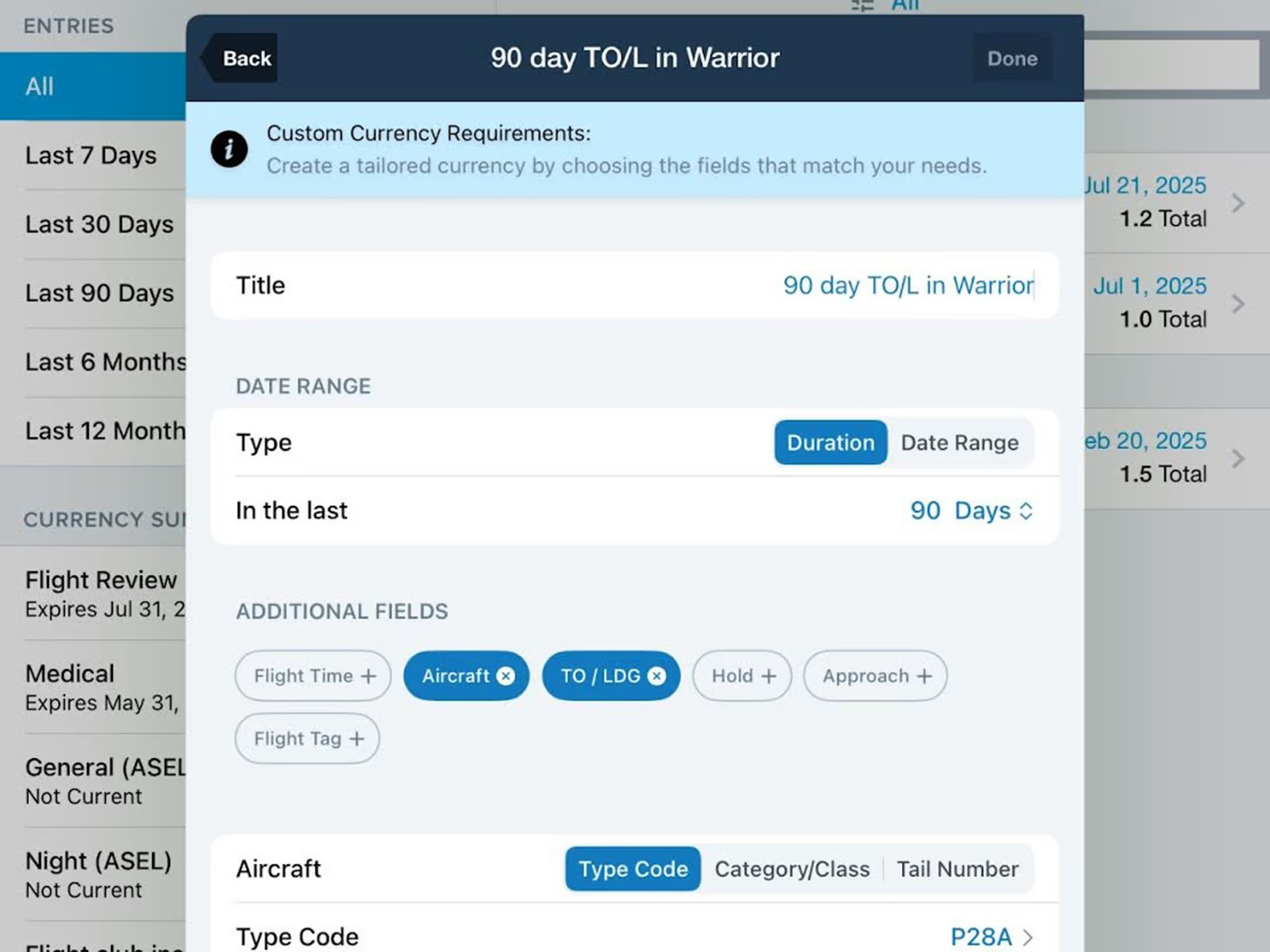
Track personal minimums, insurance requirements, and more with Custom Currencies in Logbook.
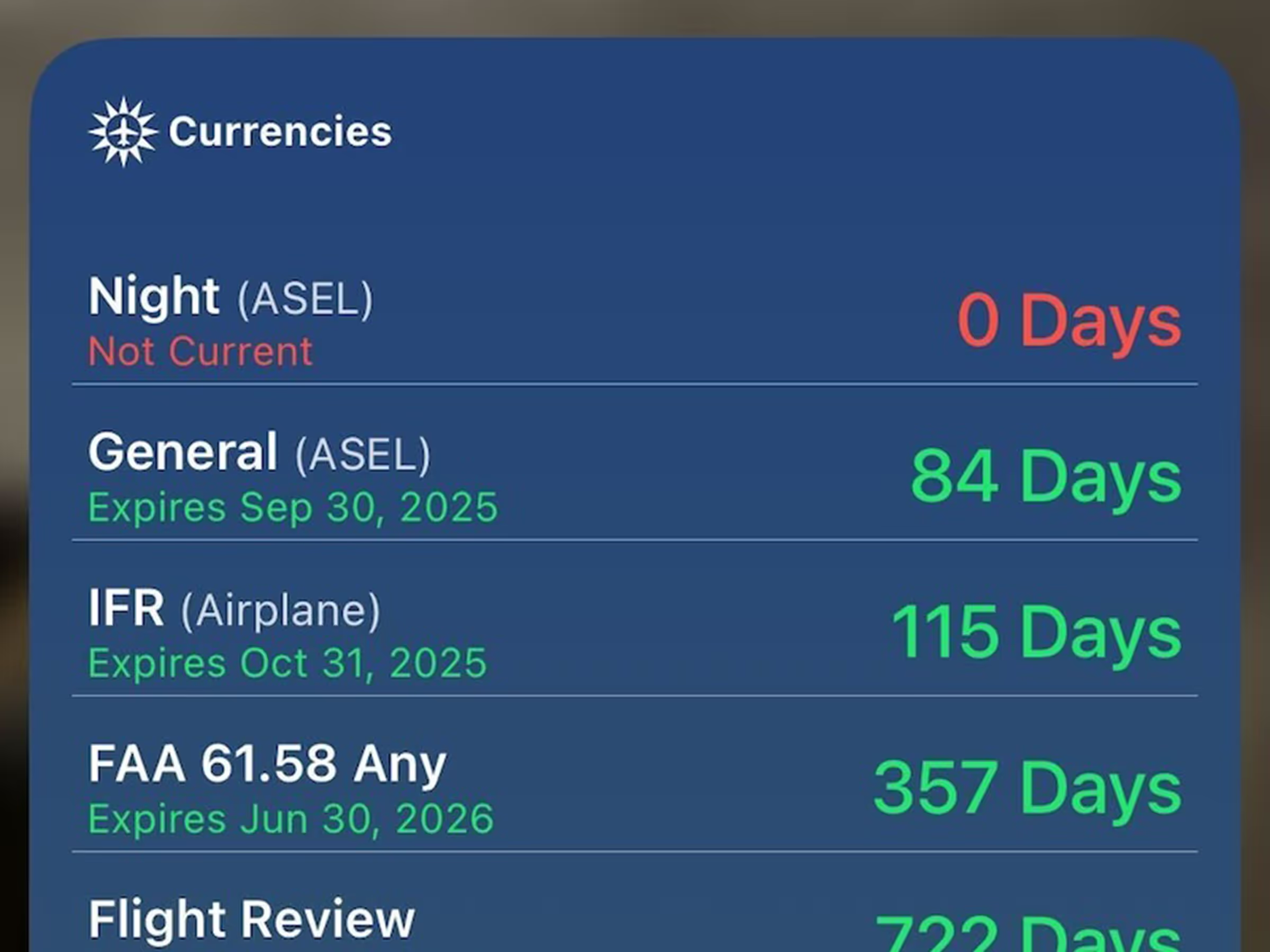
.avif)
Active Graphical NOTAMs with moderate severity are colored yellow to help visually distinguish them.
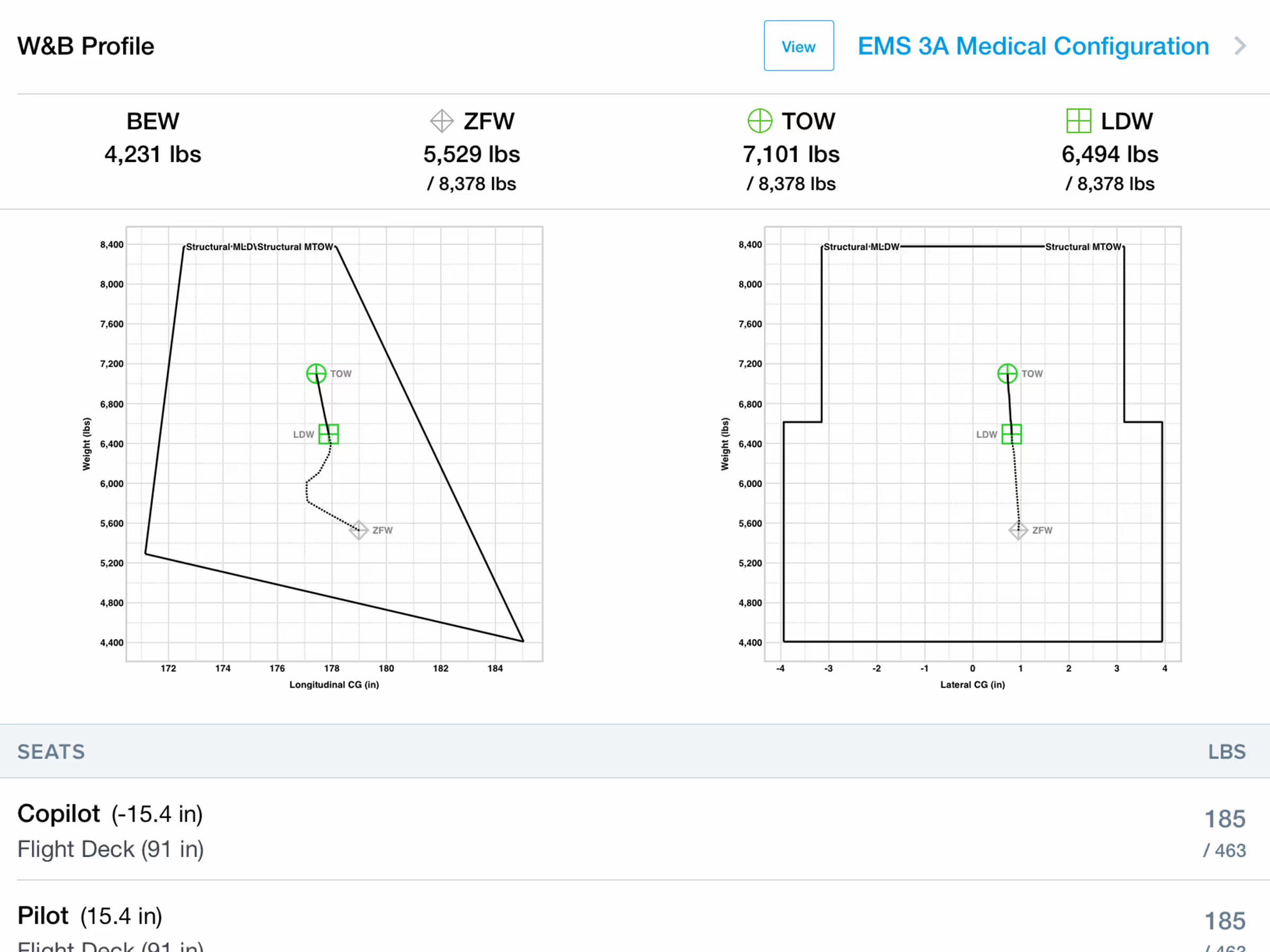
Access expanded helicopter-specific weight and balance support.
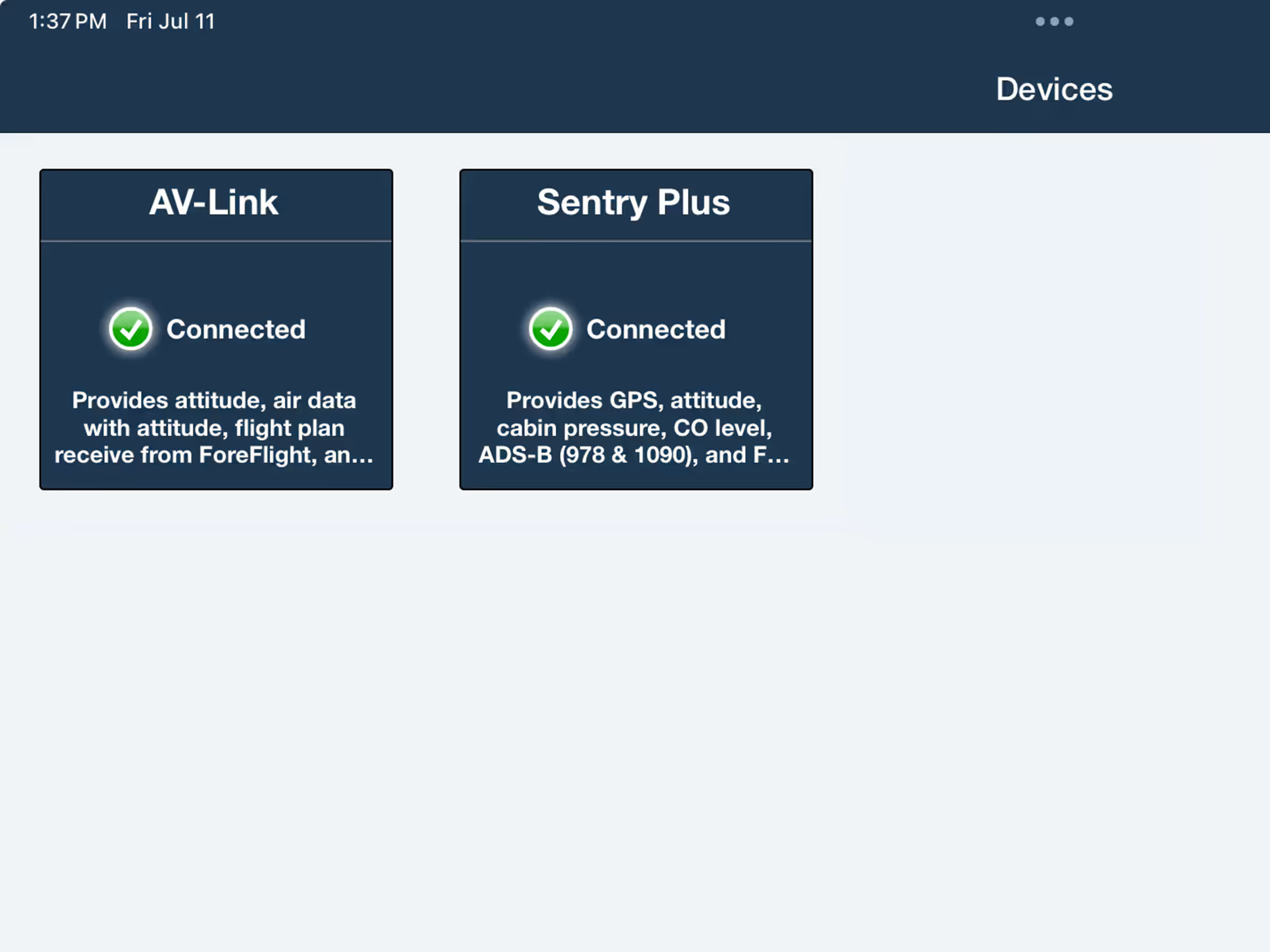
Wirelessly connect to uAvionix AV-30 to send route updates and receive live flight data,
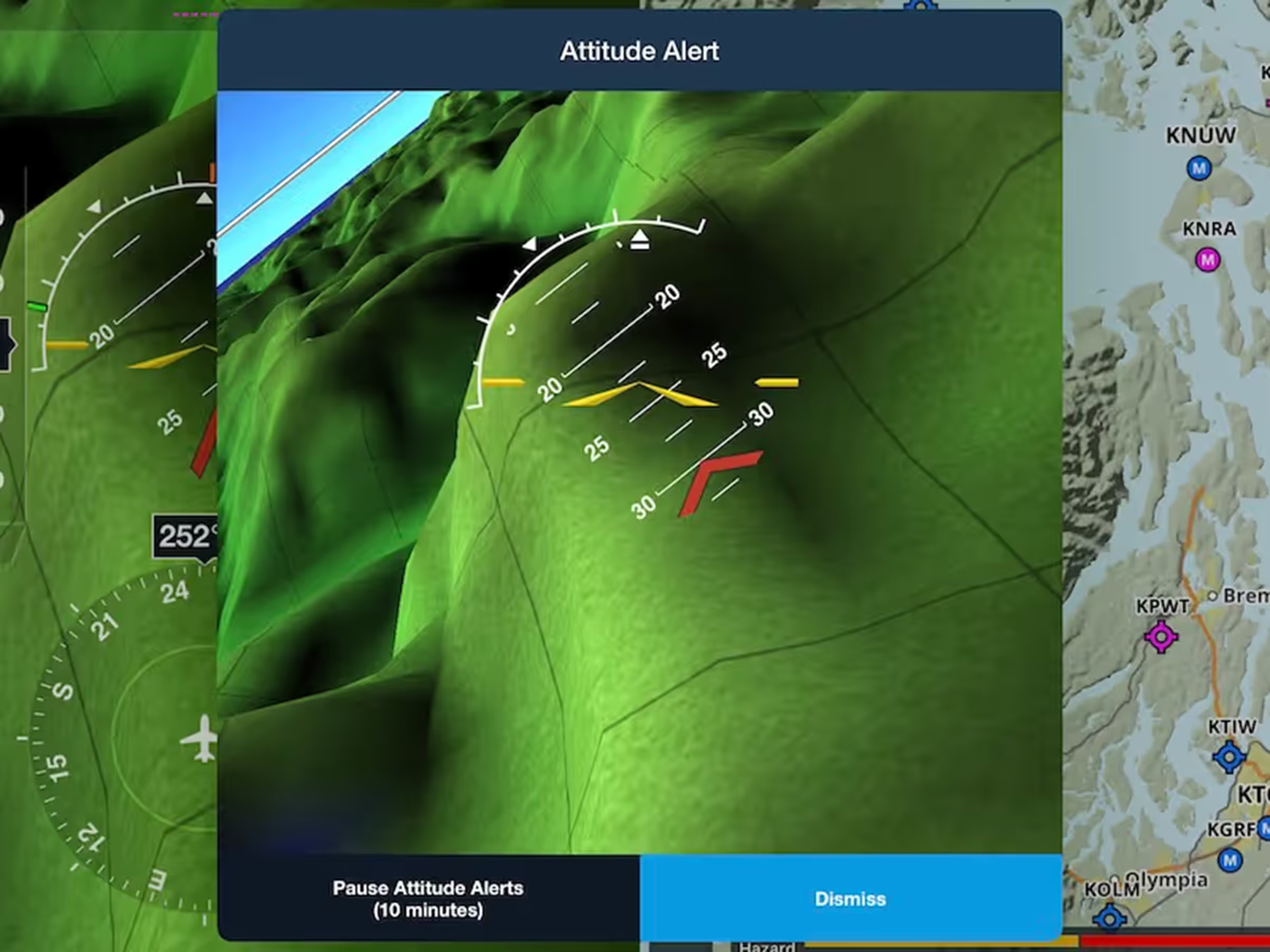
Get alerted to recover from dangerous attitudes when connected to a certified attitude source in flight.
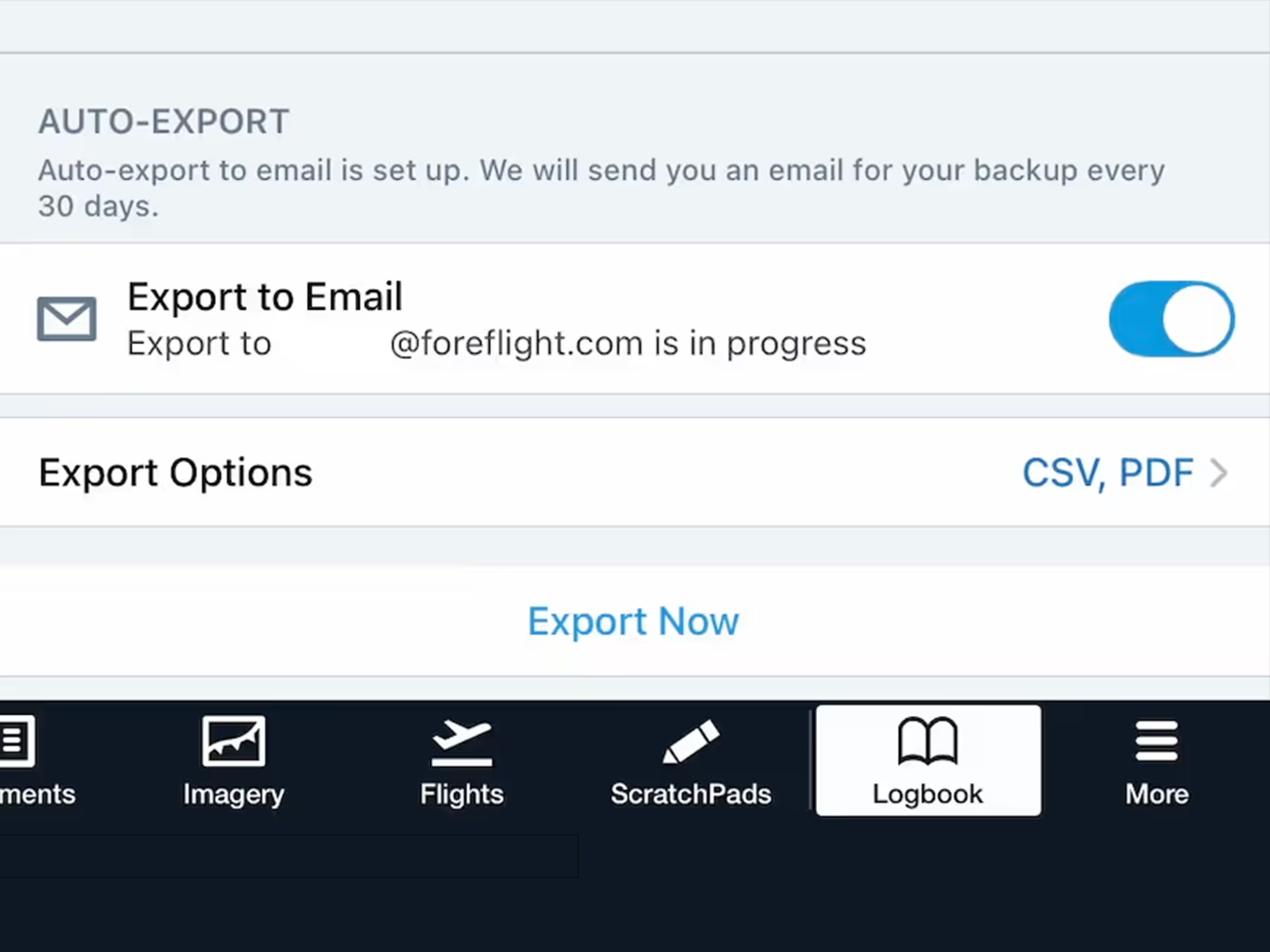
Protect your Logbook with automatic monthly exports sent to your email.
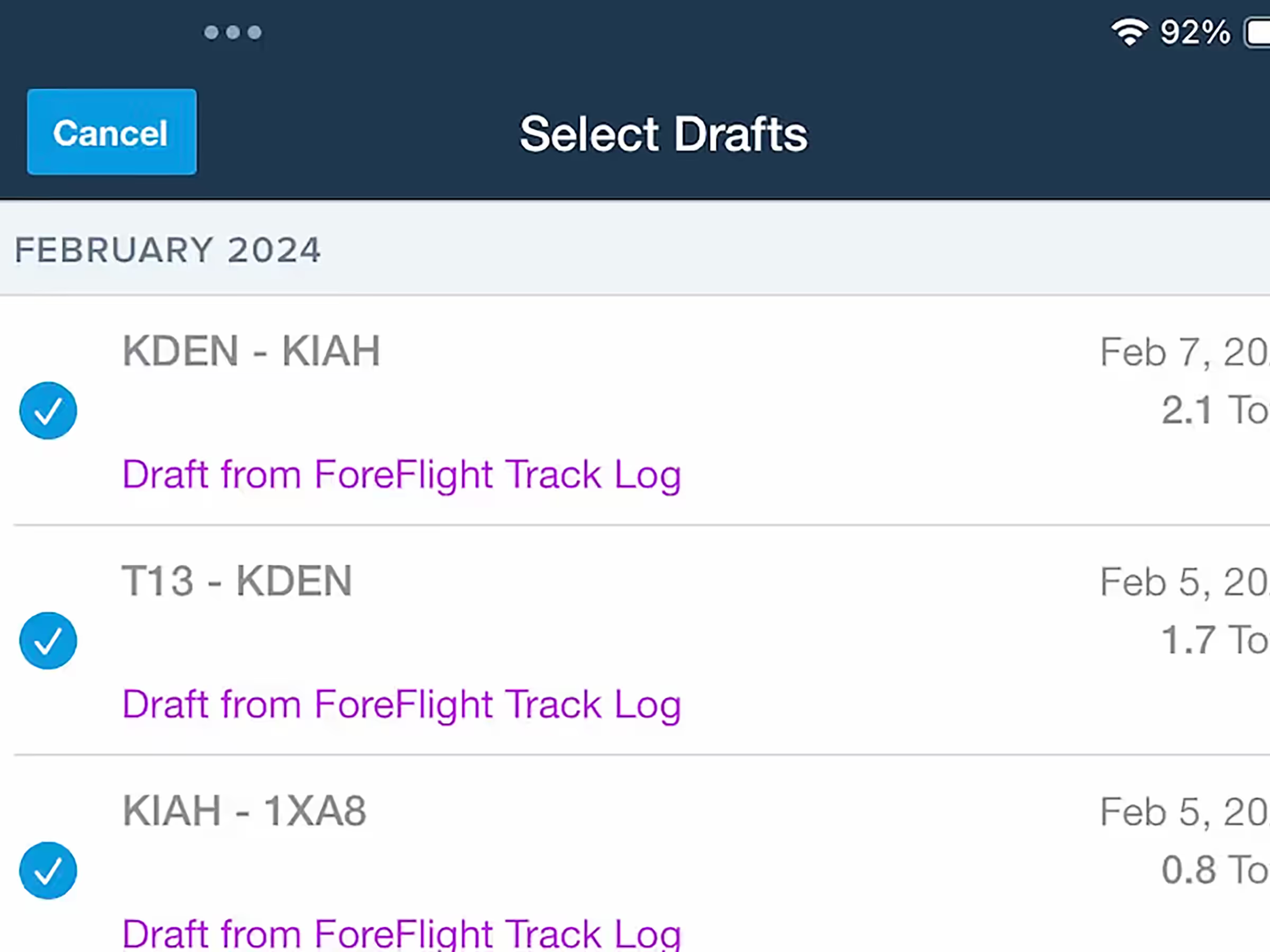
Bulk select draft entries in Logbook with options to approve or delete all.
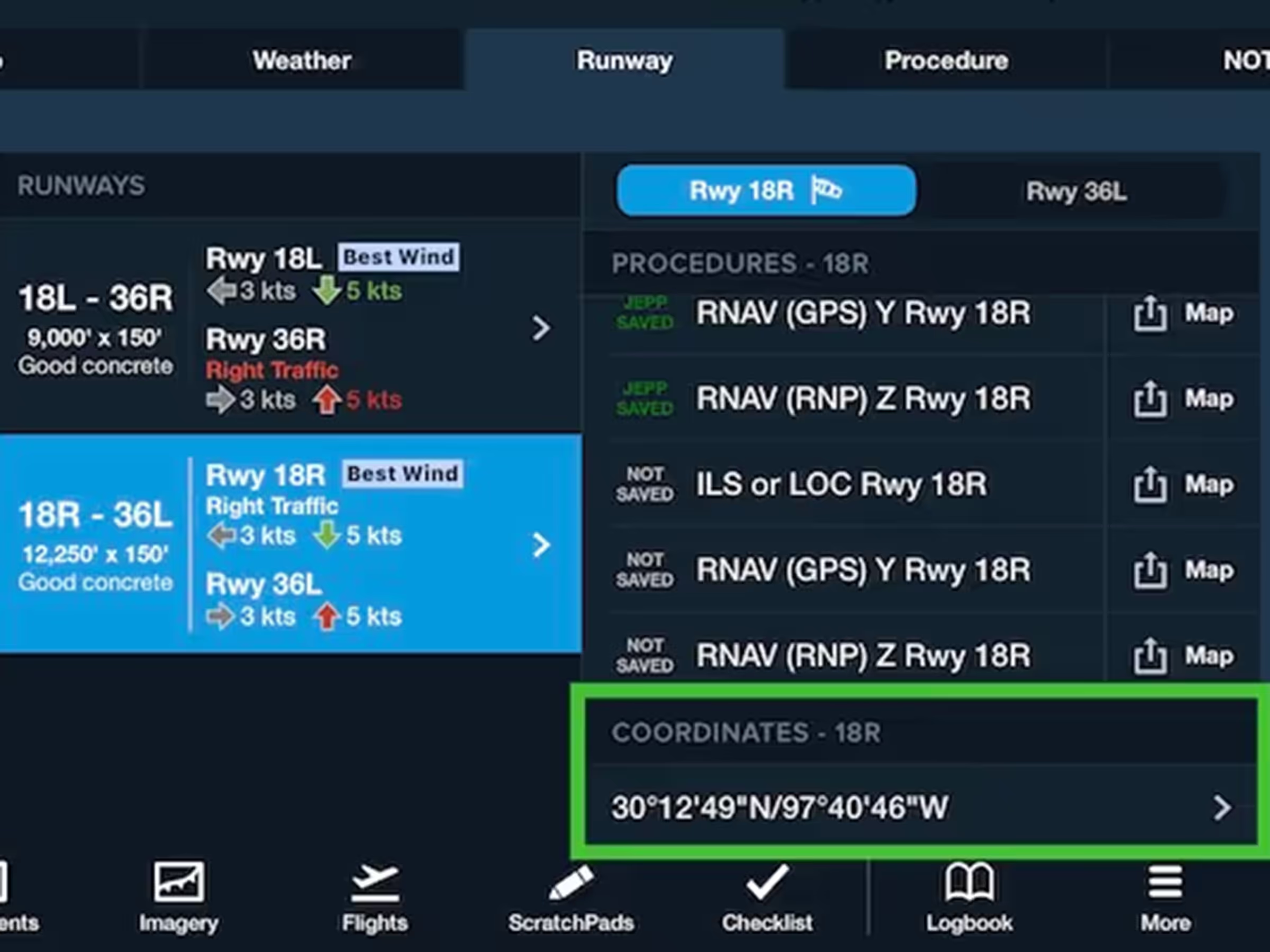
View and copy runway threshold coordinates from the Runway Details view or any airport popup on the Map.

Get real-time visibility and runway insights from weather cameras across the U.S. and Canada.
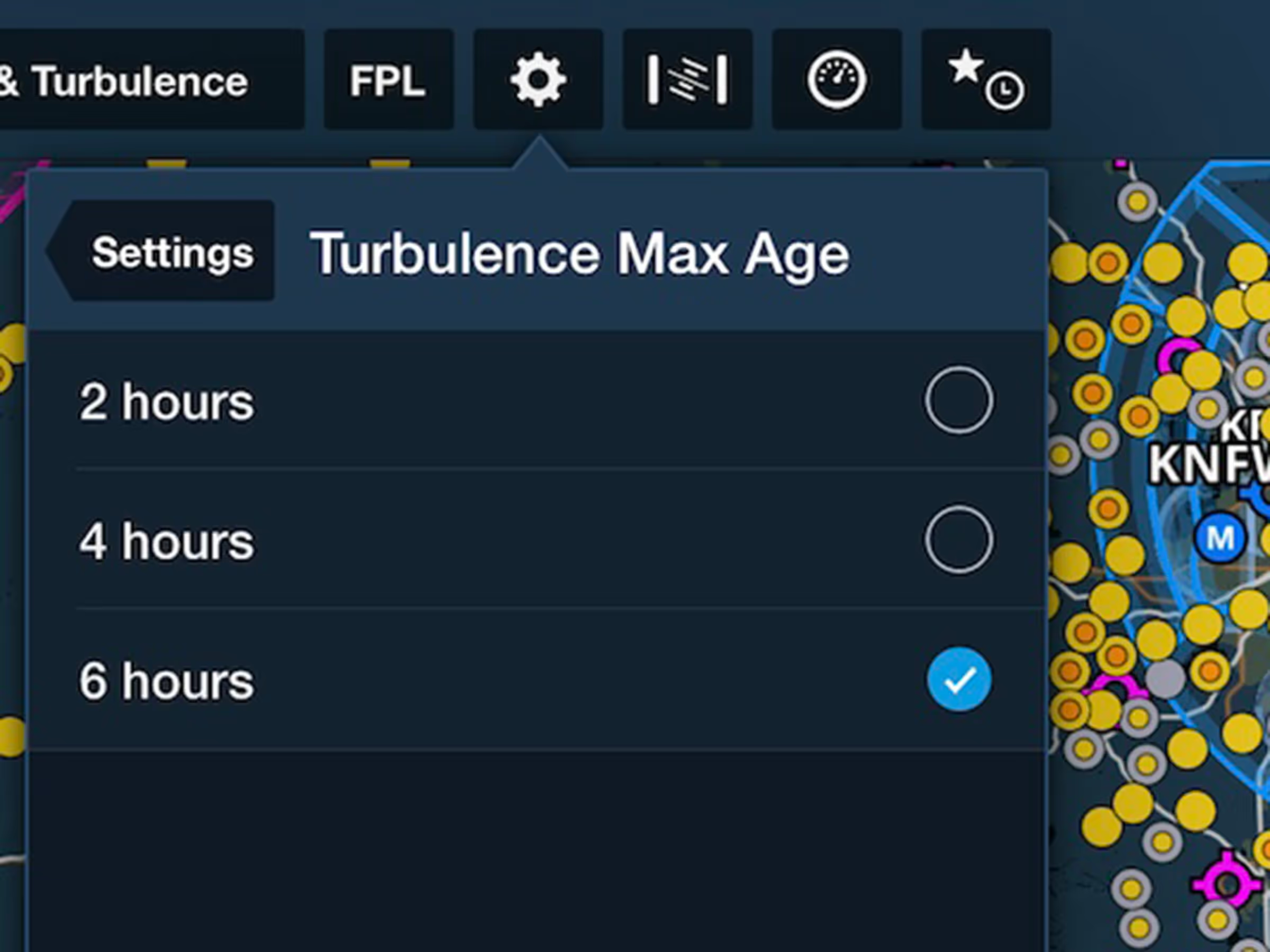
Declutter your map by limiting turbulence reports to 2, 4, or 6 hours old.

Easily access airport information in ForeFlight Web with the new Airport Tab.
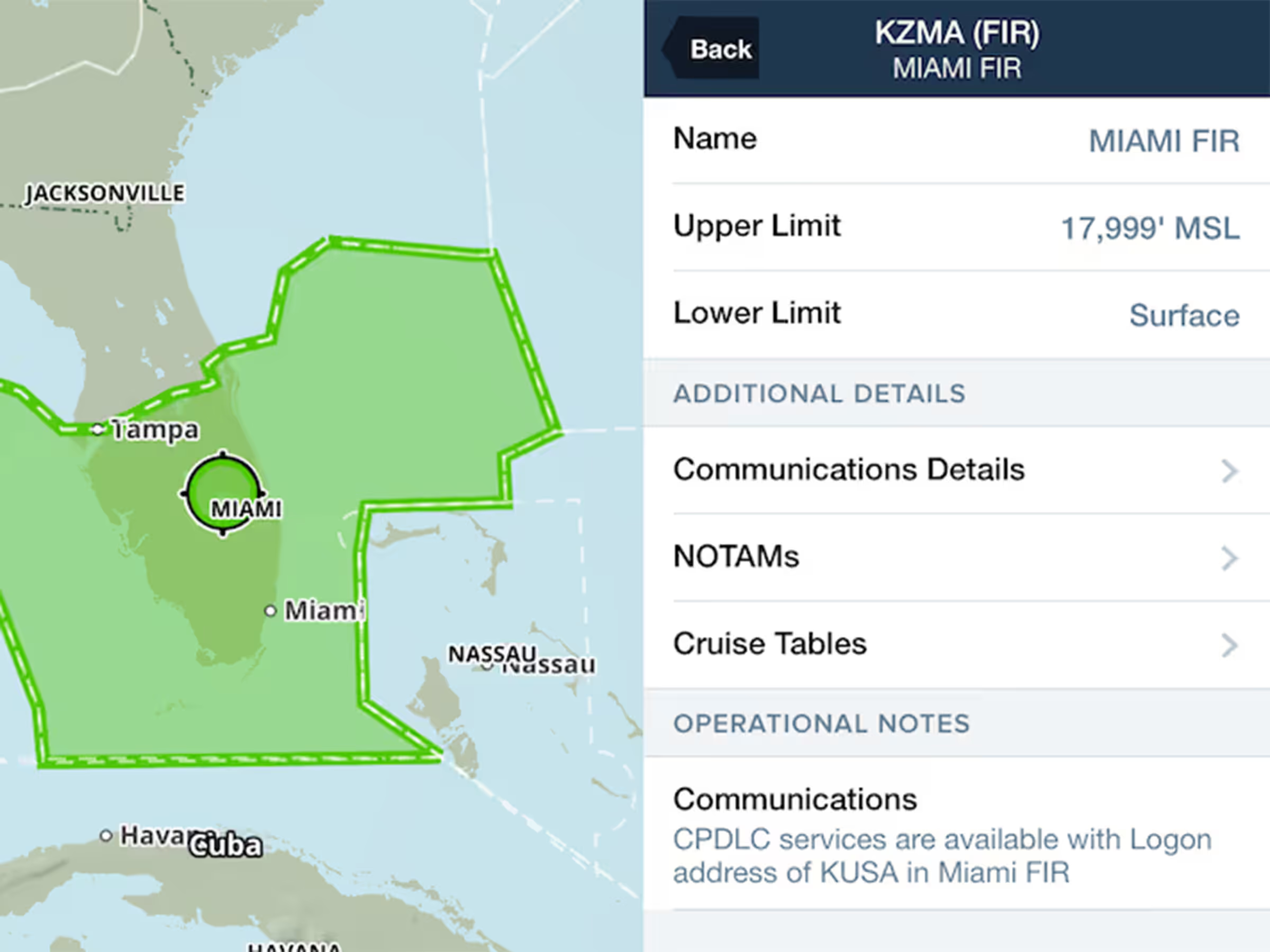
Quickly view FIR and UIR NOTAMs within each region’s Airspace Detail view.

New charts to identify areas with potentially dangerous levels of ice water at high altitude.