18.9
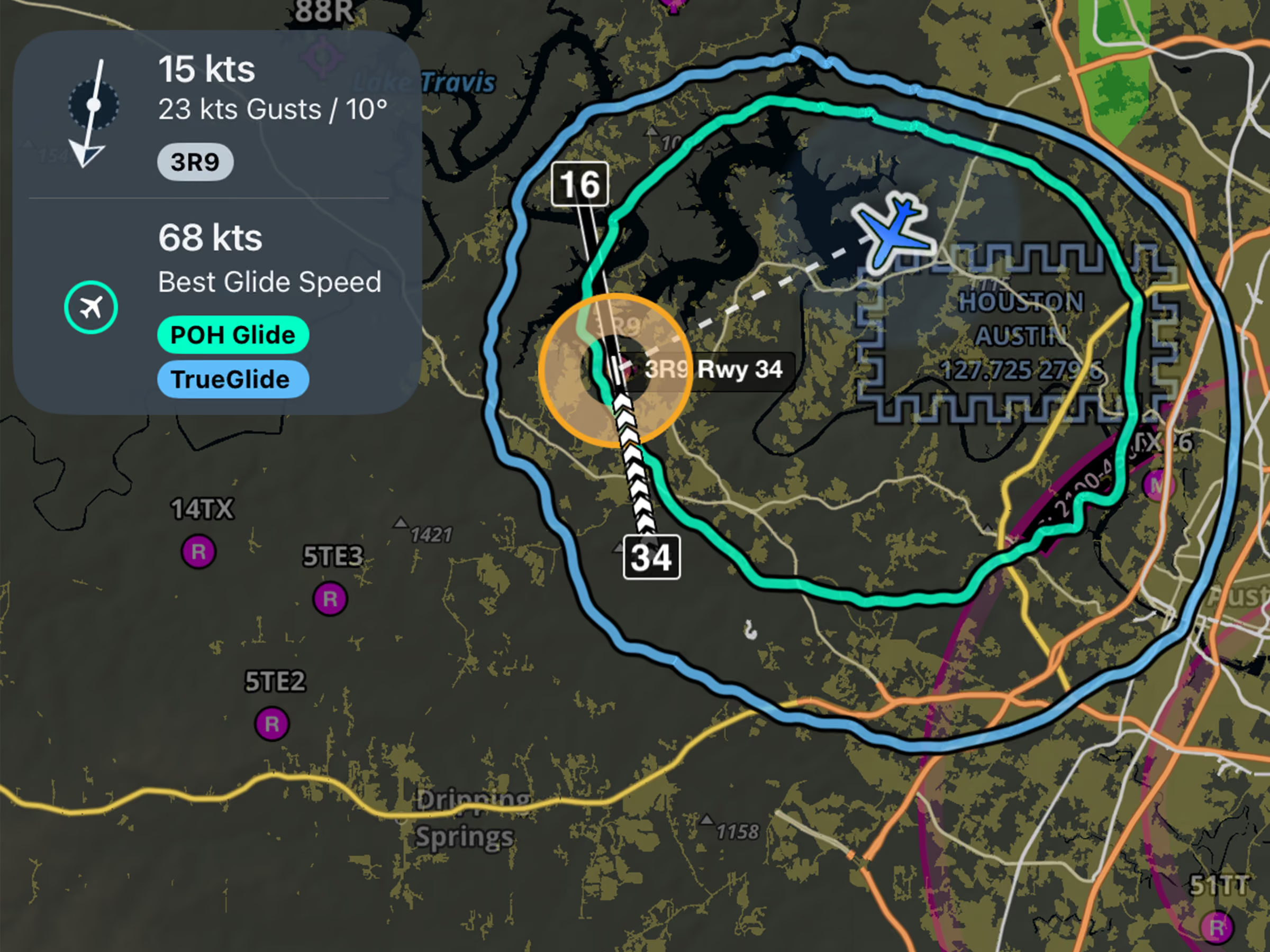
Emergency Glide Mode: TrueGlide
See a more realistic glide range based on your actual descent performance and wind conditions.

Explore the latest ForeFlight features and browse past release notes to stay updated on new tools, enhancements, and improvements.
See a more realistic glide range based on your actual descent performance and wind conditions.
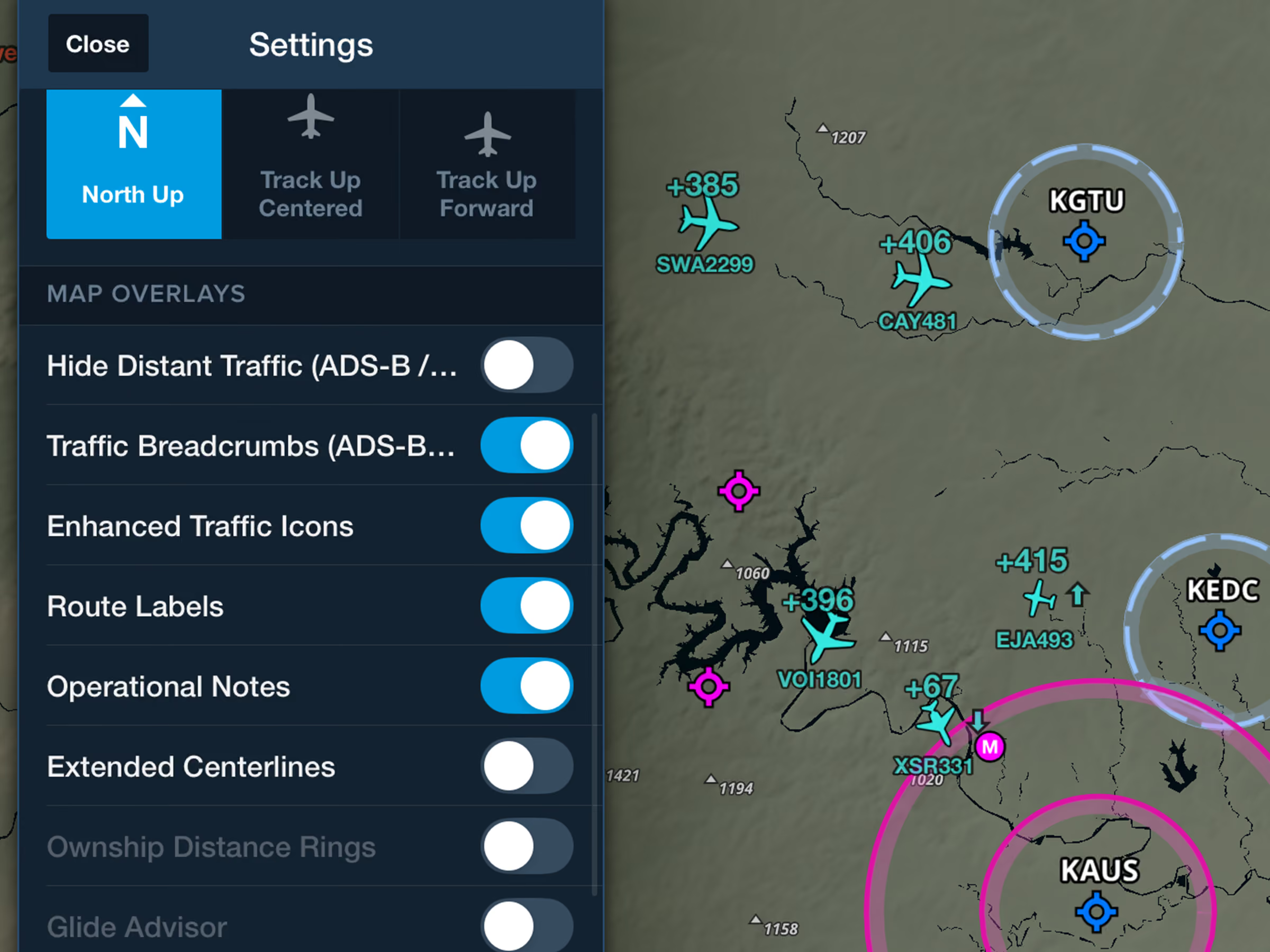
Identify nearby traffic more easily with realistic icons based on reported aircraft types.
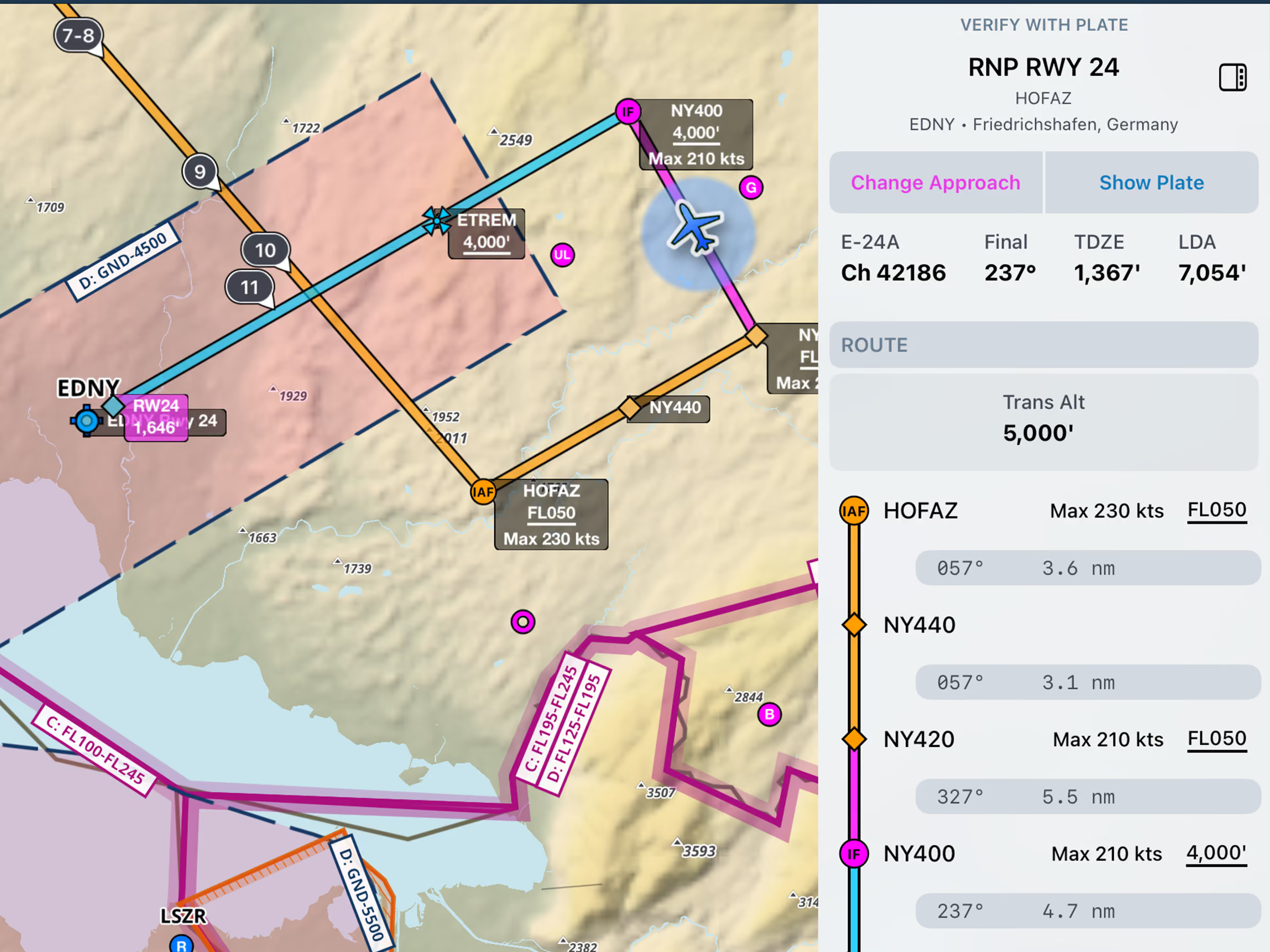
View runway LDA or total length and airport transition altitude or level in the Dynamic Procedures sidebar.
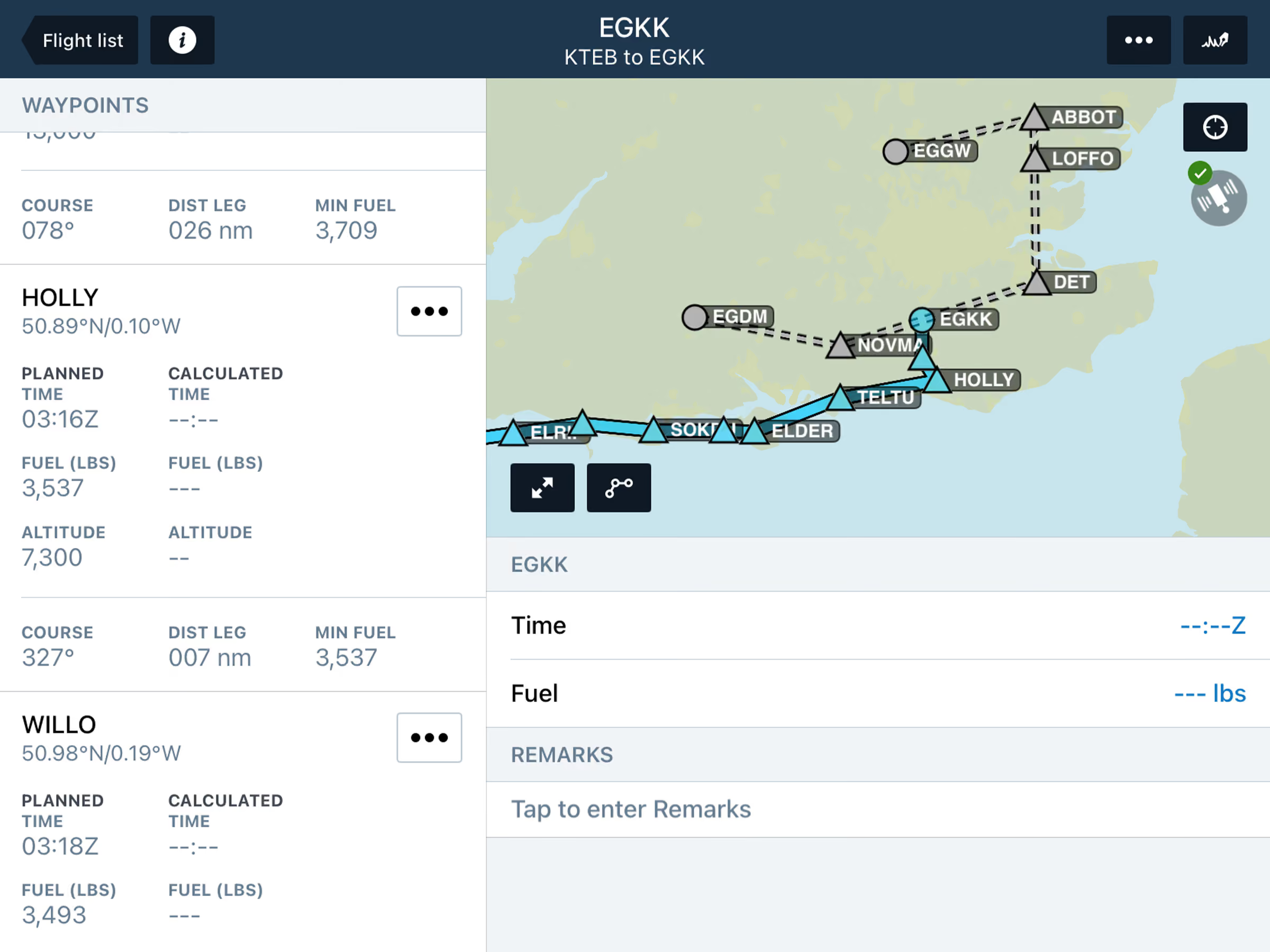
View planned alternates and filed routes in Active Navlog, with flexible diversion options during flight.
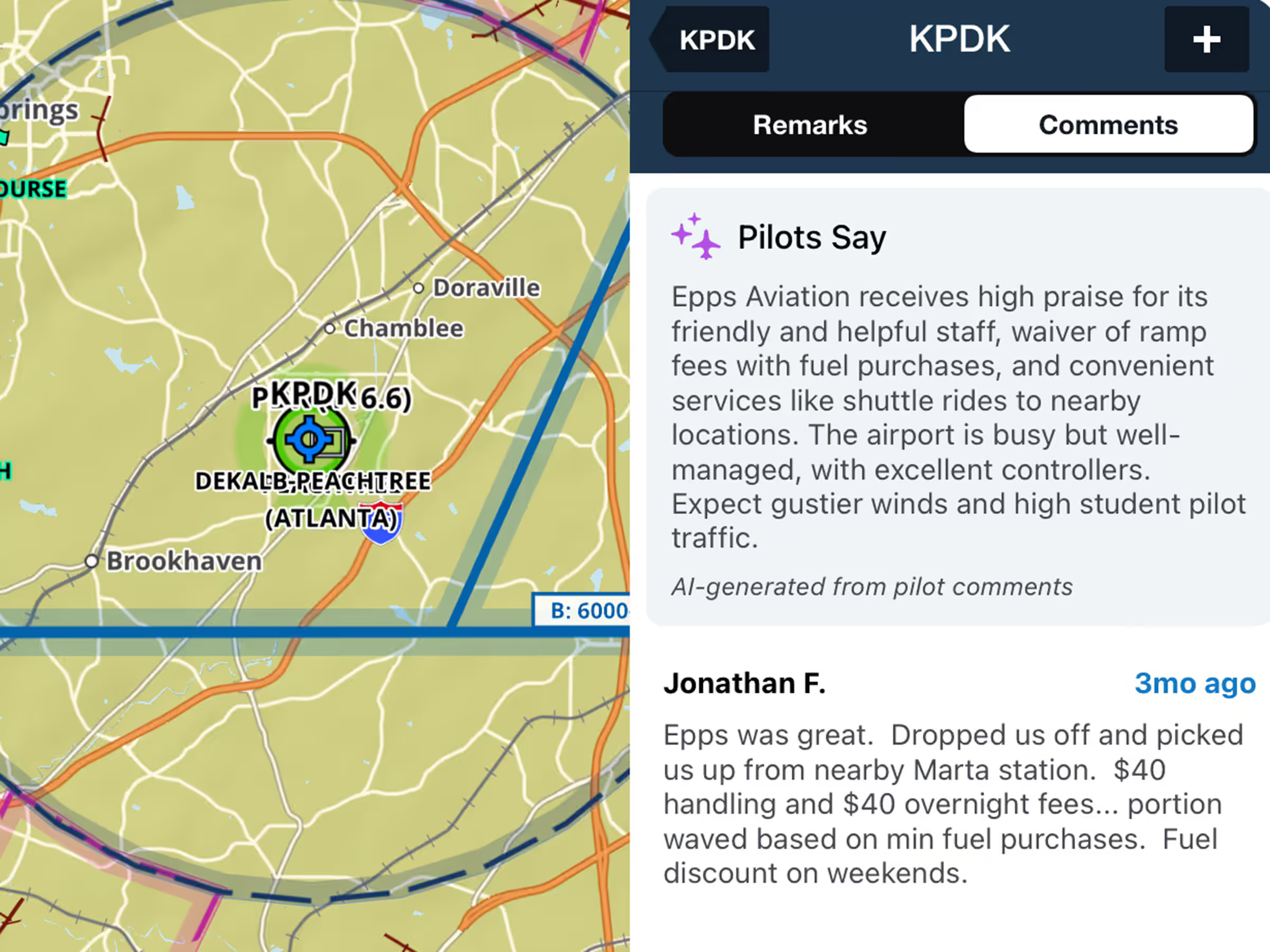

Customize VFR, IFR, or both waypoint types on the Aeronautical Map in VFR Mode.
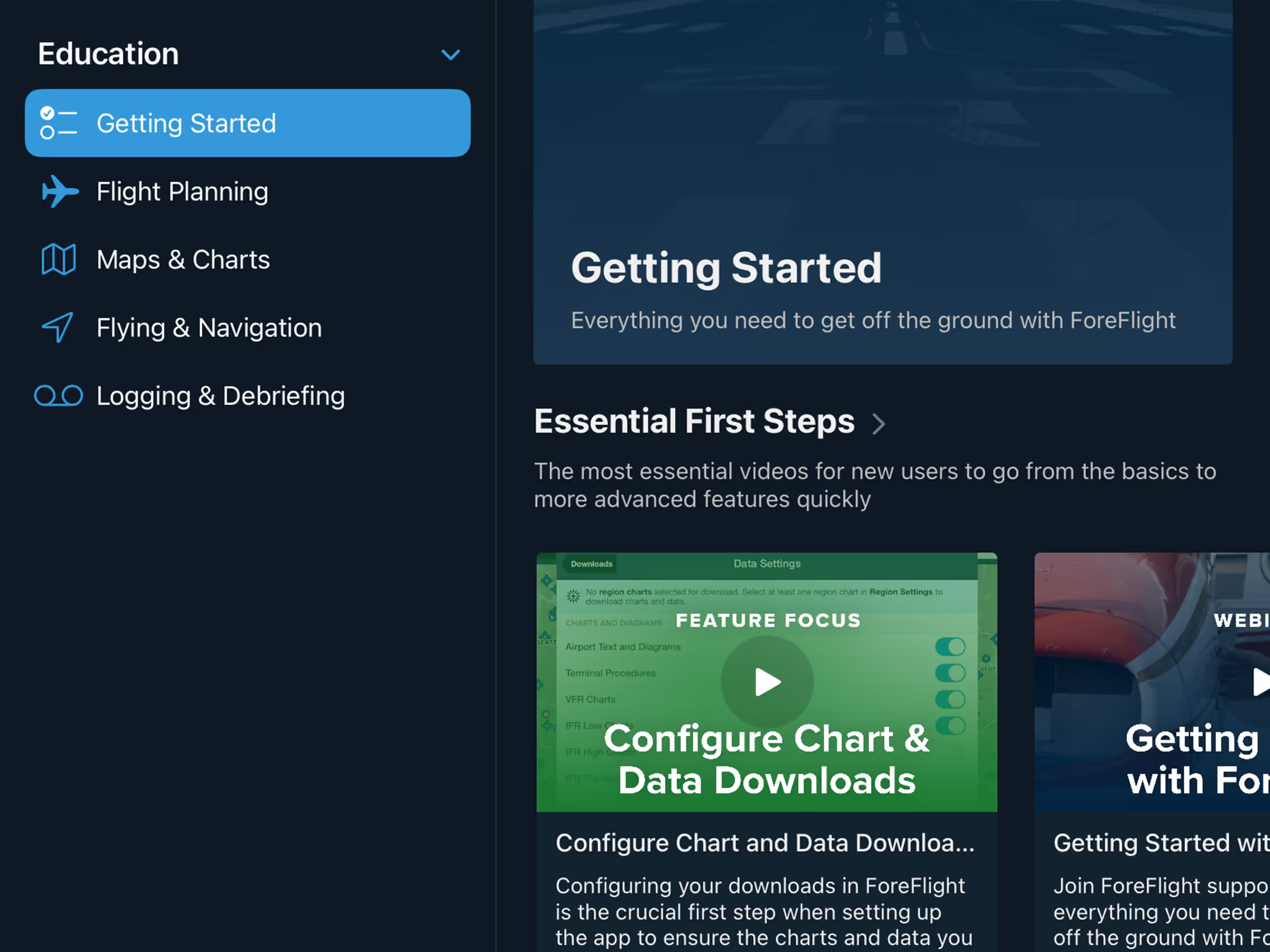
Find fly-ins and aviation events with the new Discover tab featuring AOPA and EAA events.
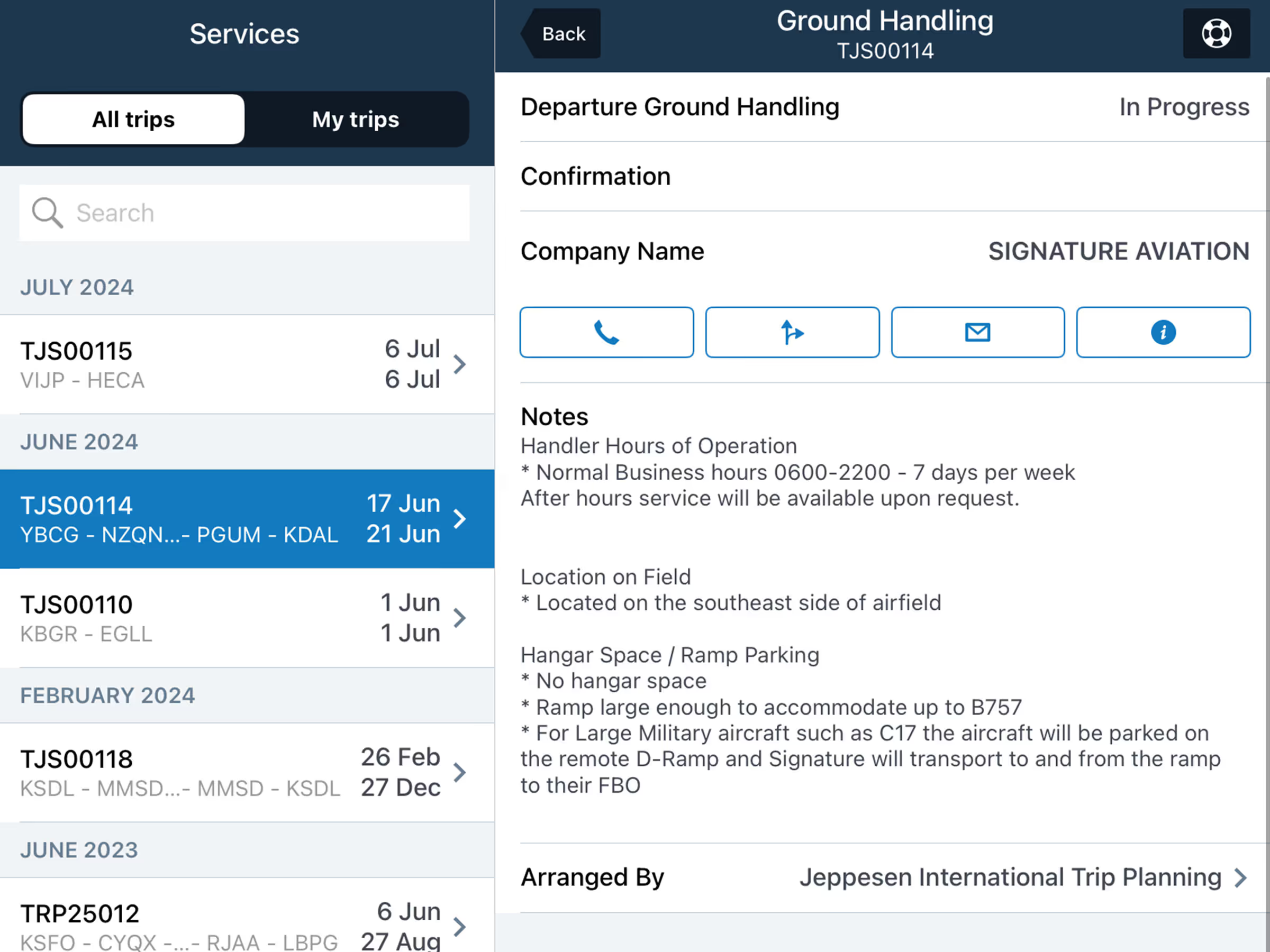
Track Trip Support services in-app with details on trip legs, crews, passengers, and service status.
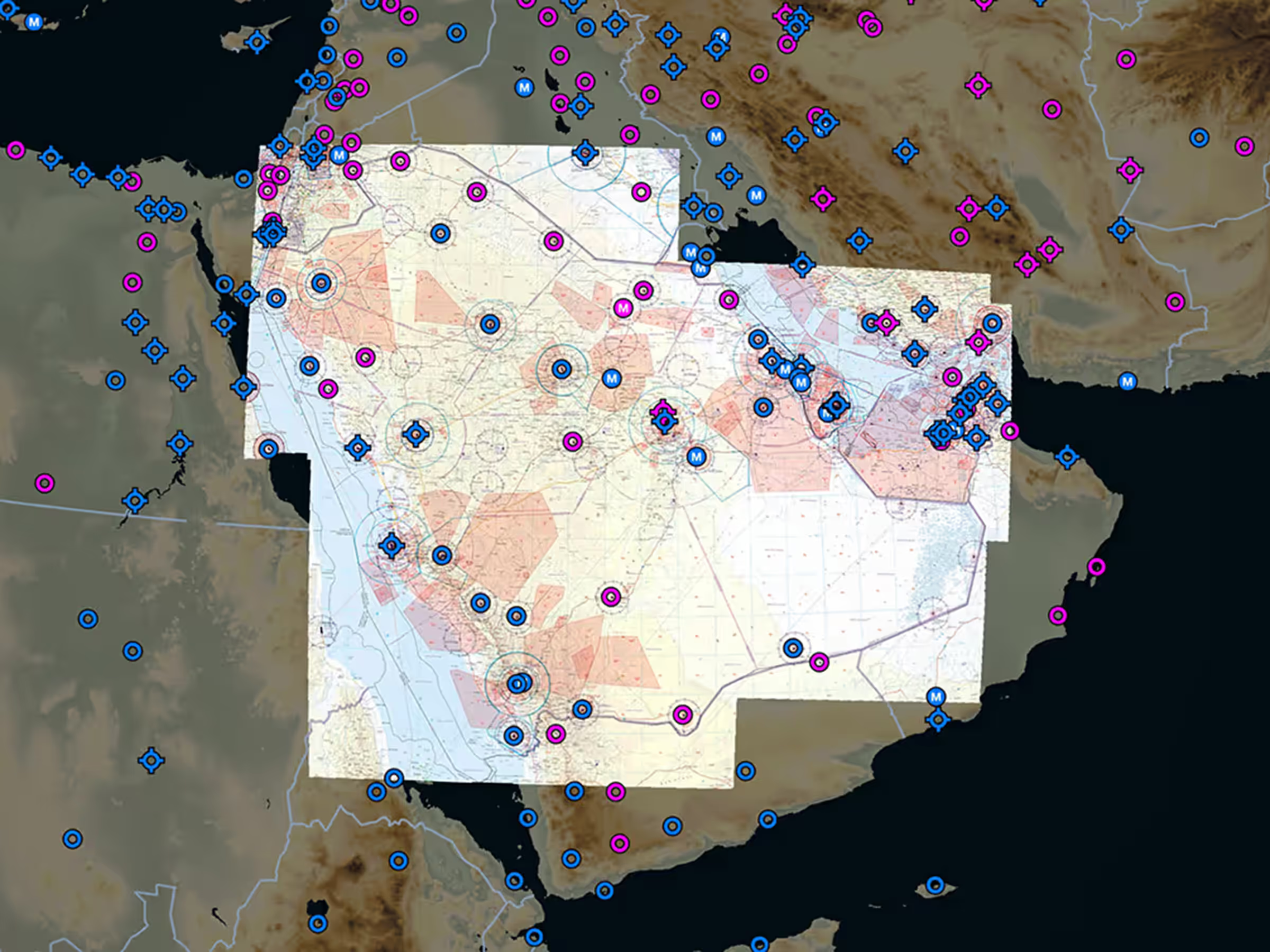
New Middle East VFR charts cover Saudi Arabia, UAE, Bahrain, and Qatar.

New South Africa VFR charts cover Johannesburg and Cape Town Special Rules Areas.
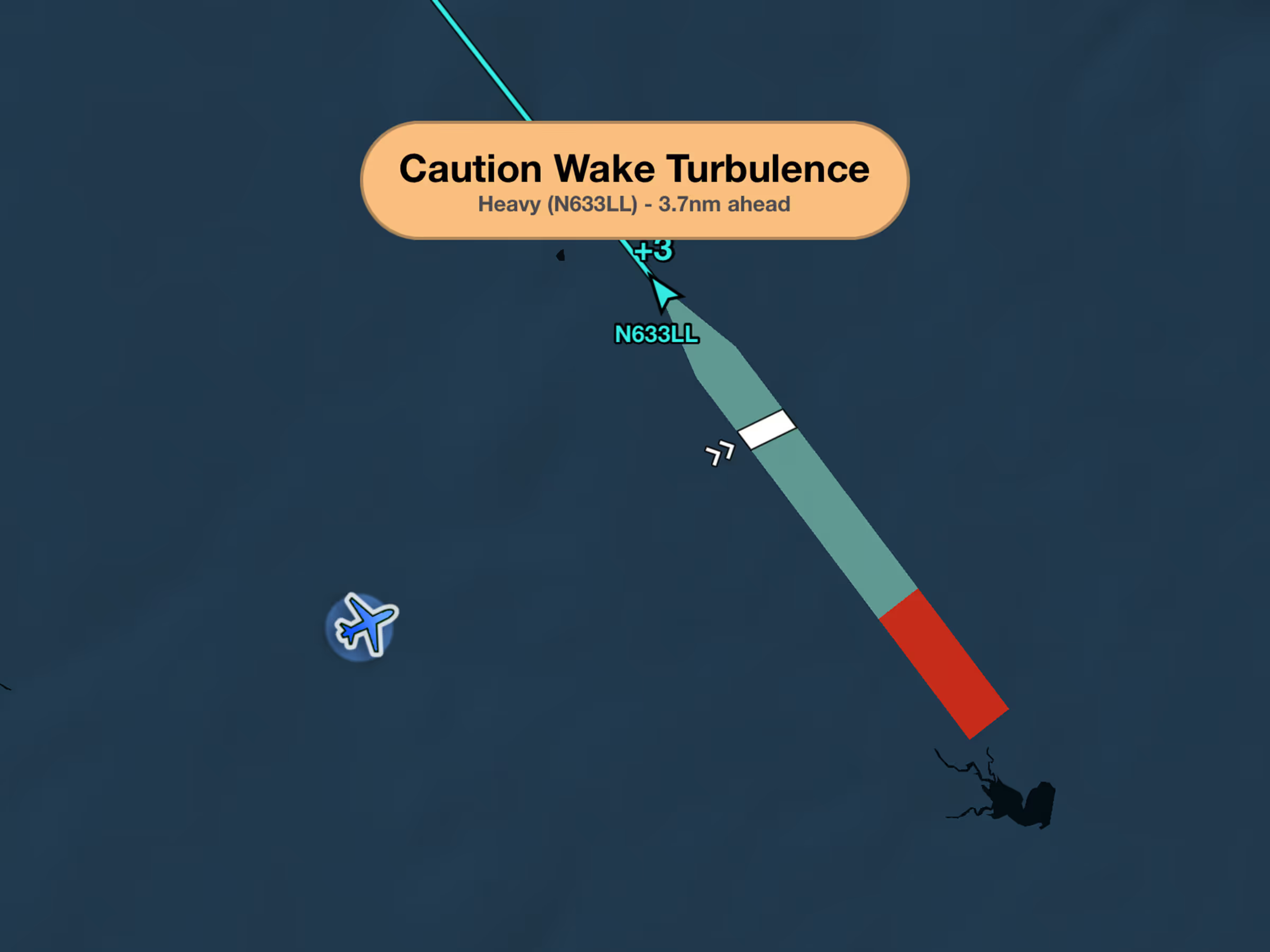
Get wake turbulence alerts with ADS-B/FLARM showing wake position and relative altitude.
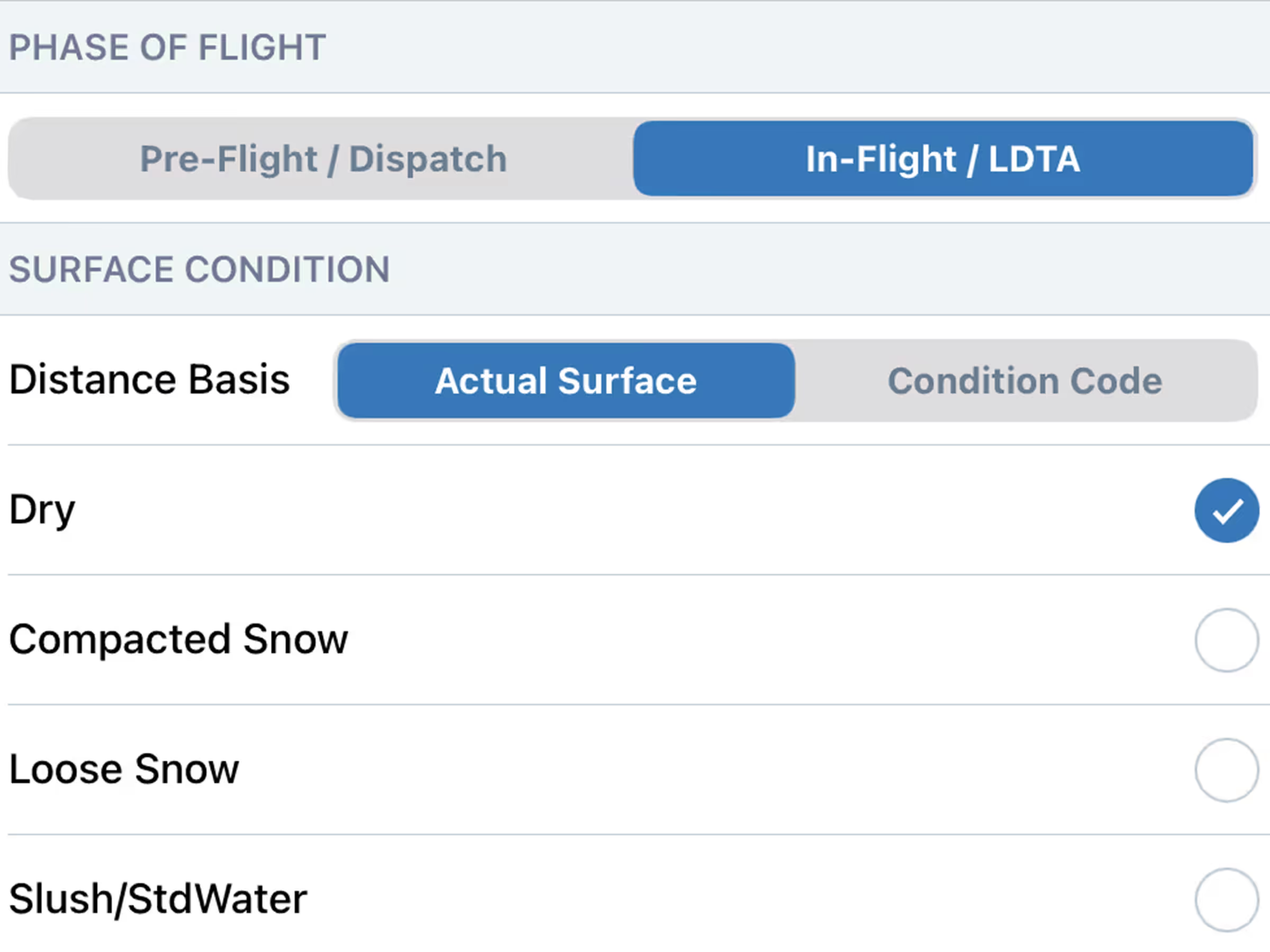
Calculate landing distance during pre-flight and before arrival for better SOP compliance.
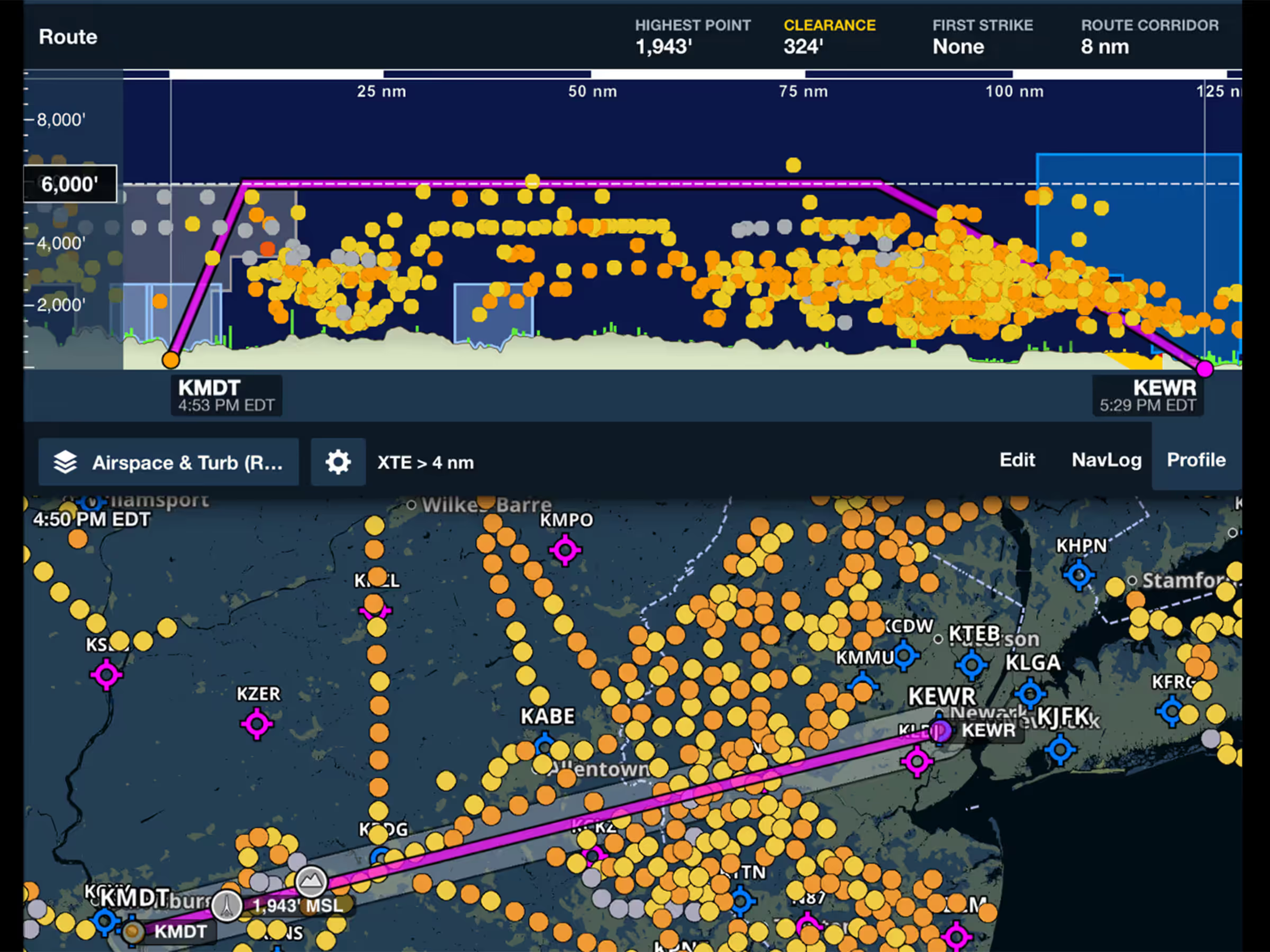
View real pilot reports of smooth air or turbulence with color-coded intensity indicators.

Get printer-friendly takeoff and landing briefings with critical Runway Analysis information.
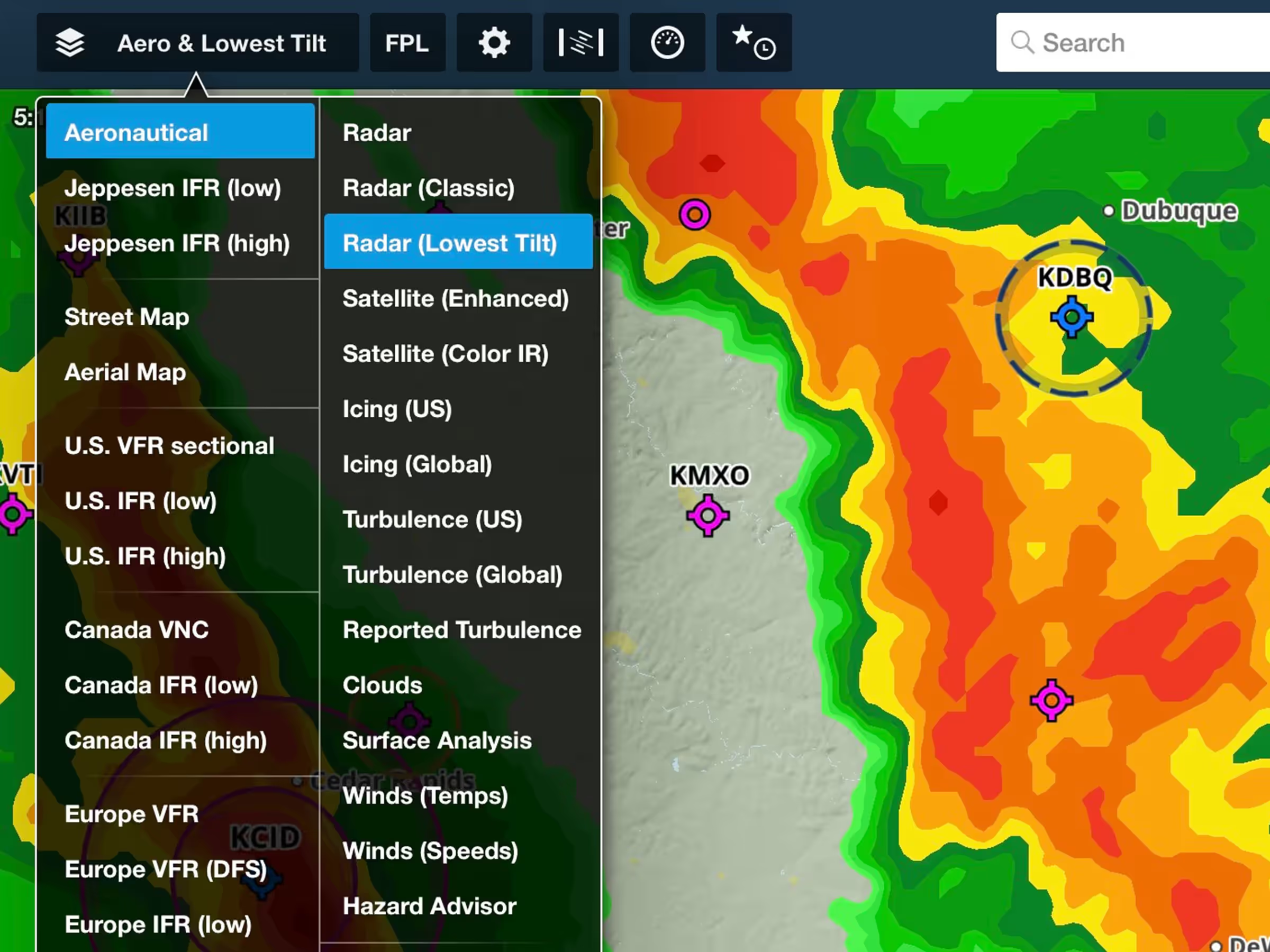
See ground precipitation with improved map layer featuring lower latency and better resolution.

A consolidated settings container for aeronautical map toggles and settings, optimizing space.
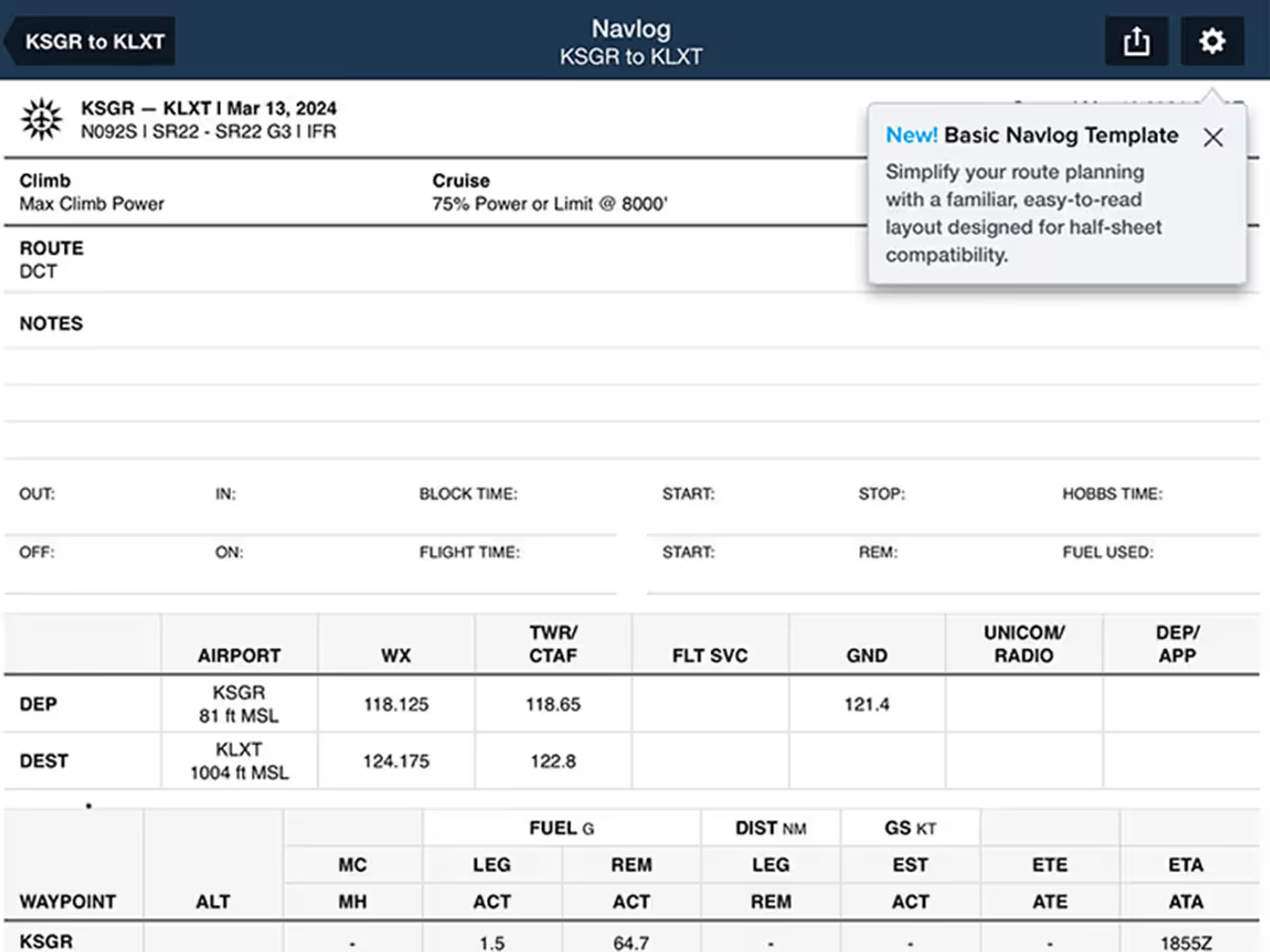
New Basic Navlog template gives VFR pilots a cleaner, traditional format.
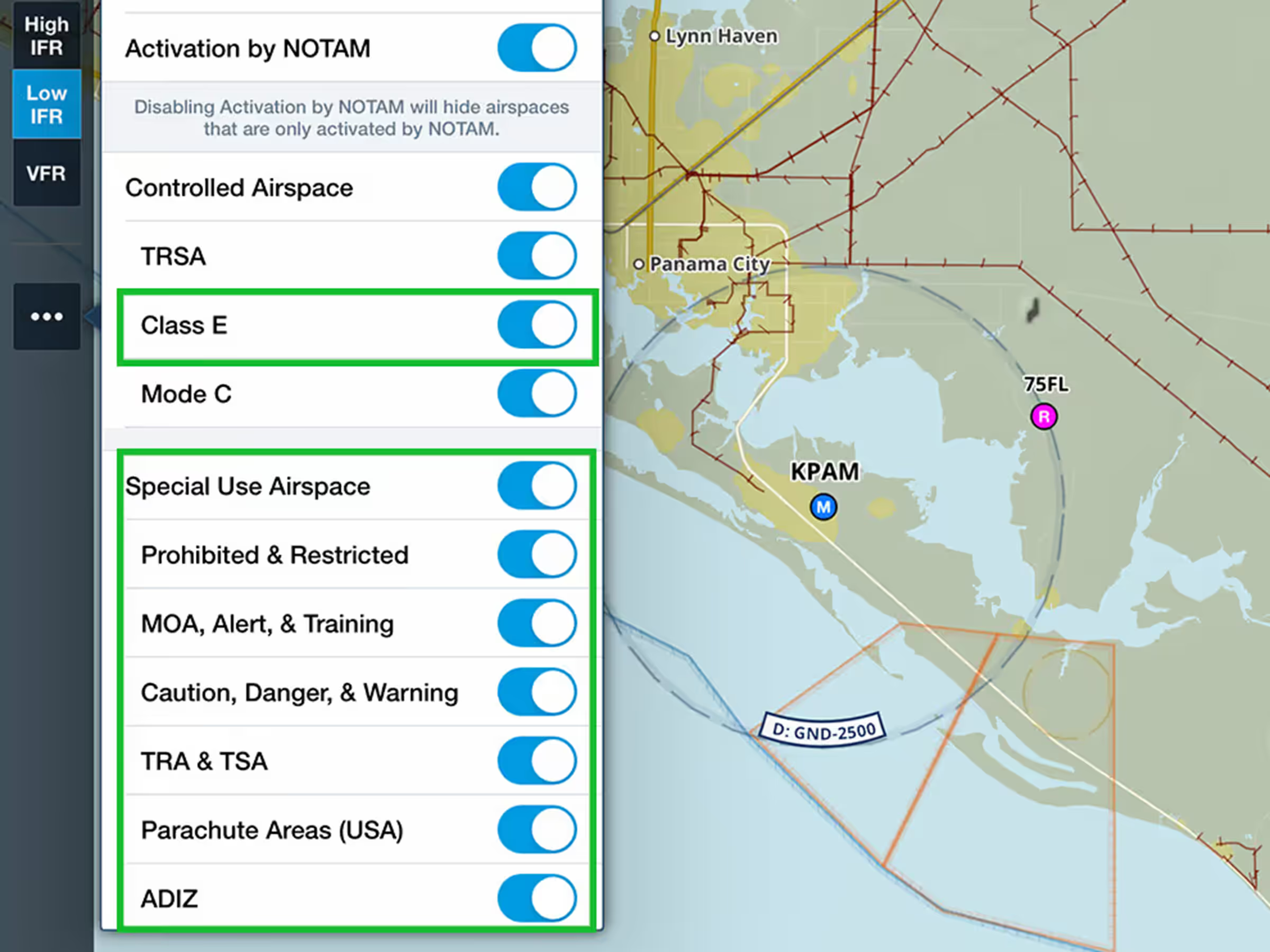
Control airspace display with global Class E filtering and detailed Special Use Airspace options.
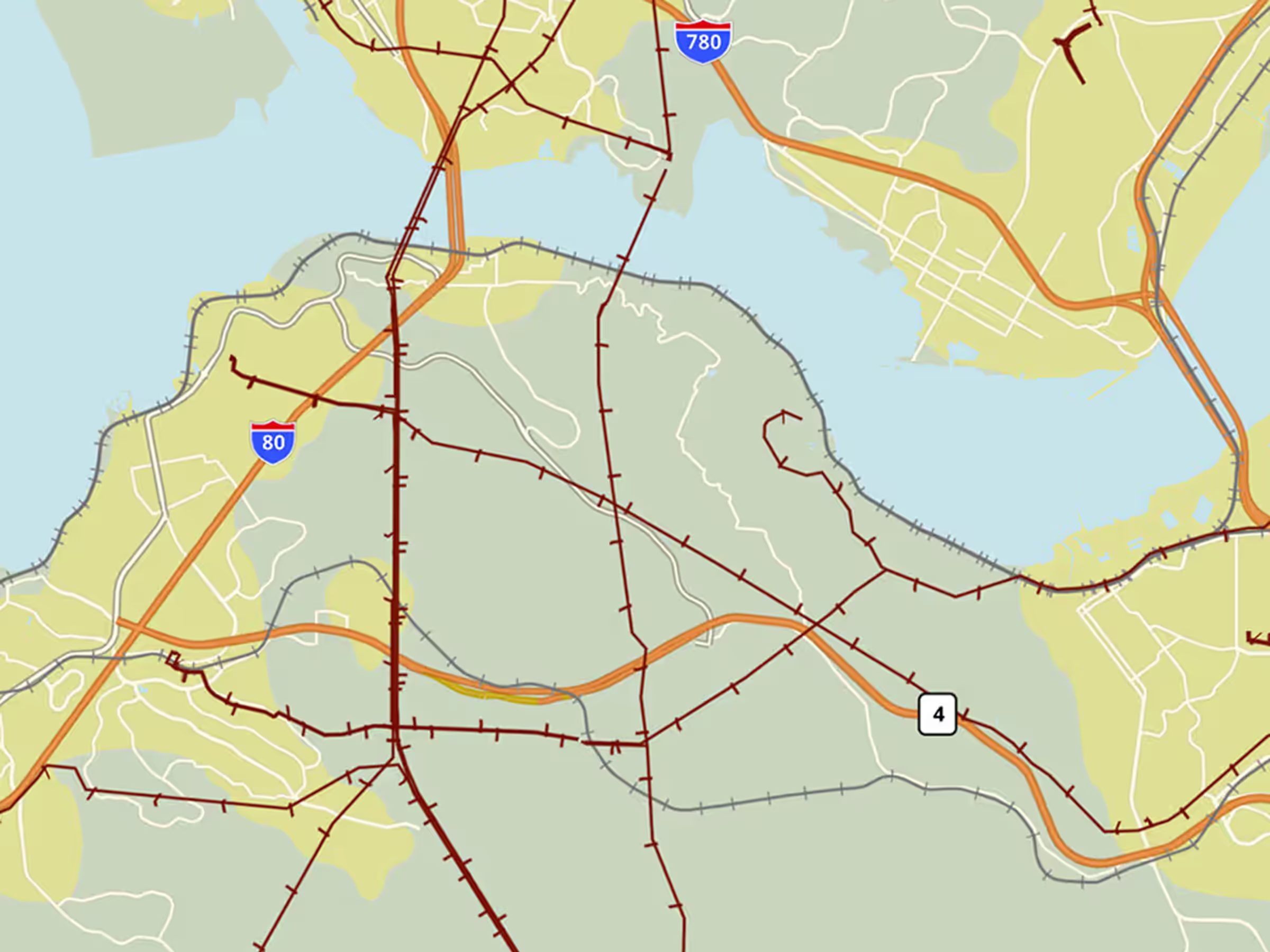
View global power lines on the Basemap shown as maroon lines with hash marks.
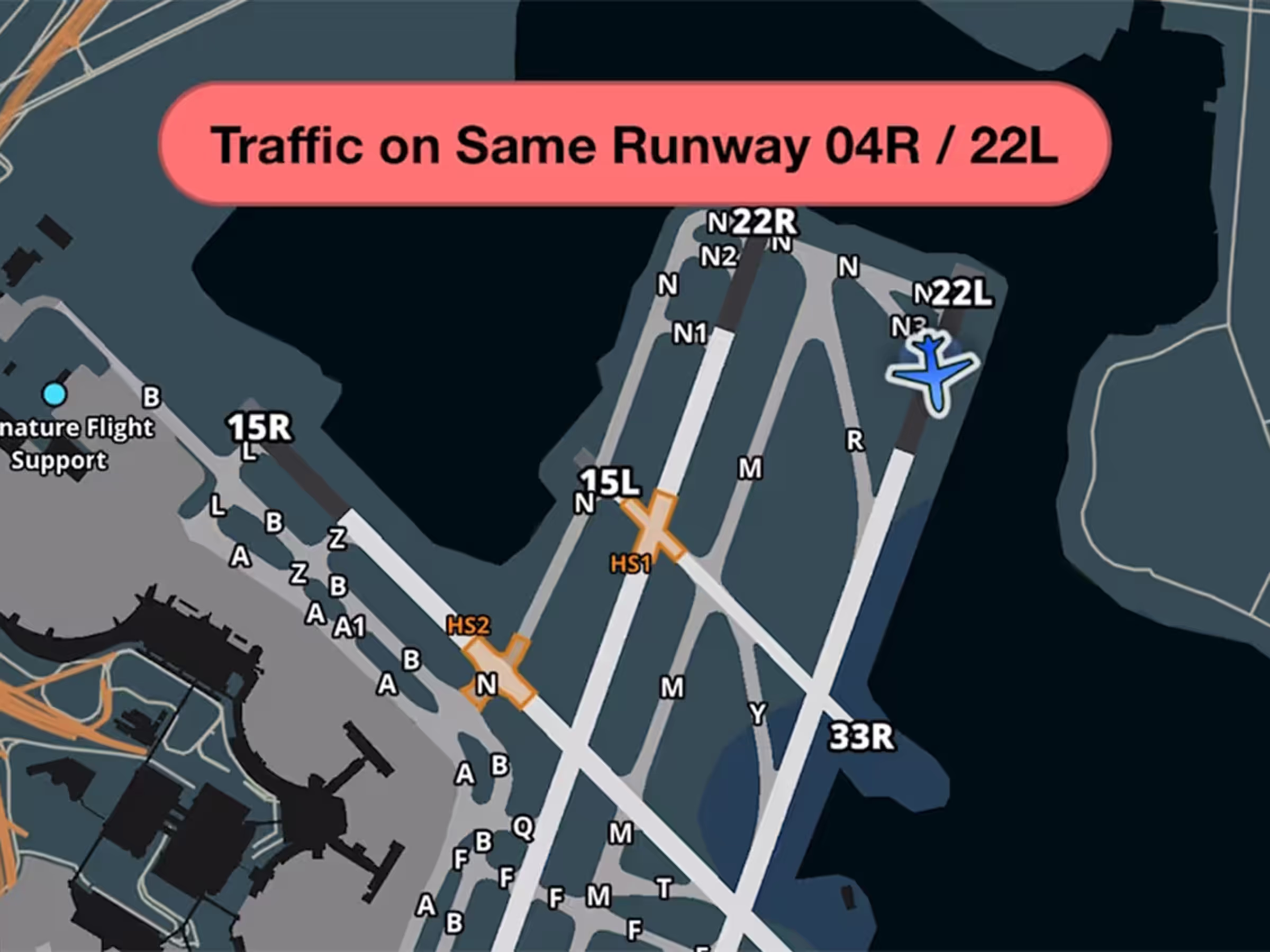
Get runway safety alerts when other aircraft occupy your runway.

Get RMZ frequencies in controlled airspace alerts for more convenient reference.

Instructors can review student comments before signing remote logbook entries.
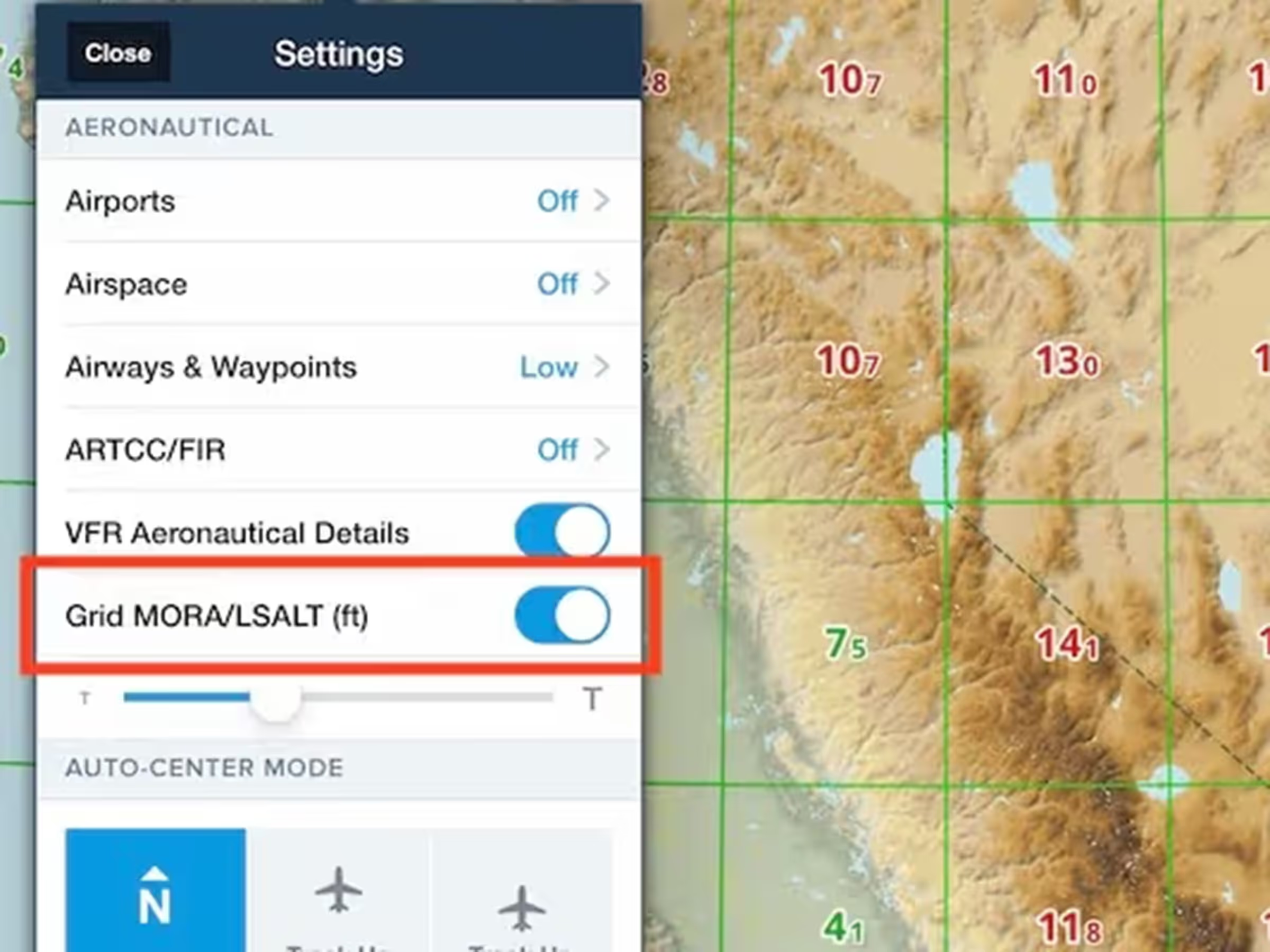
View minimum safe altitudes along your route with MORA/LSALT grid on the map.