18.9
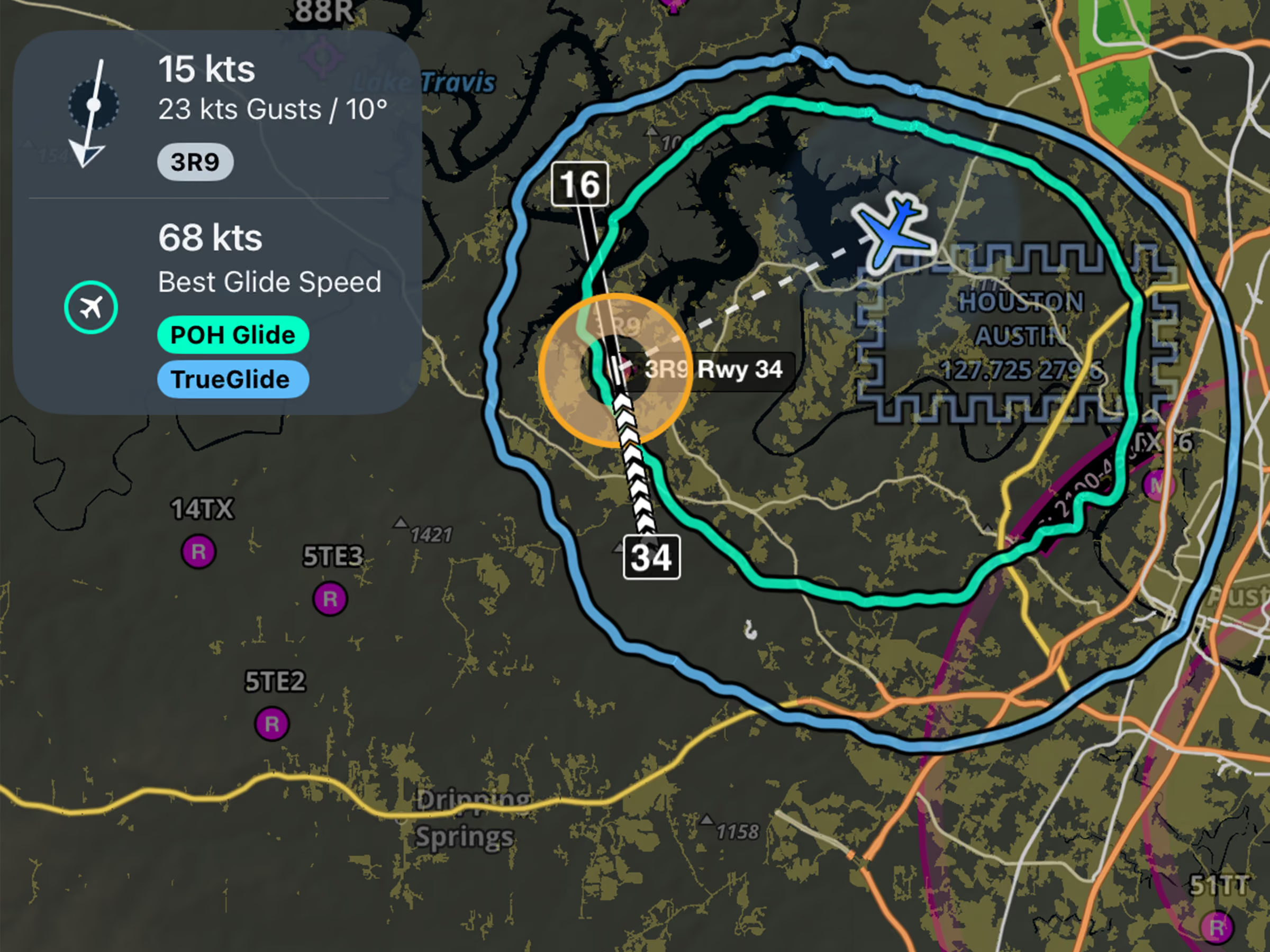
Emergency Glide Mode: TrueGlide
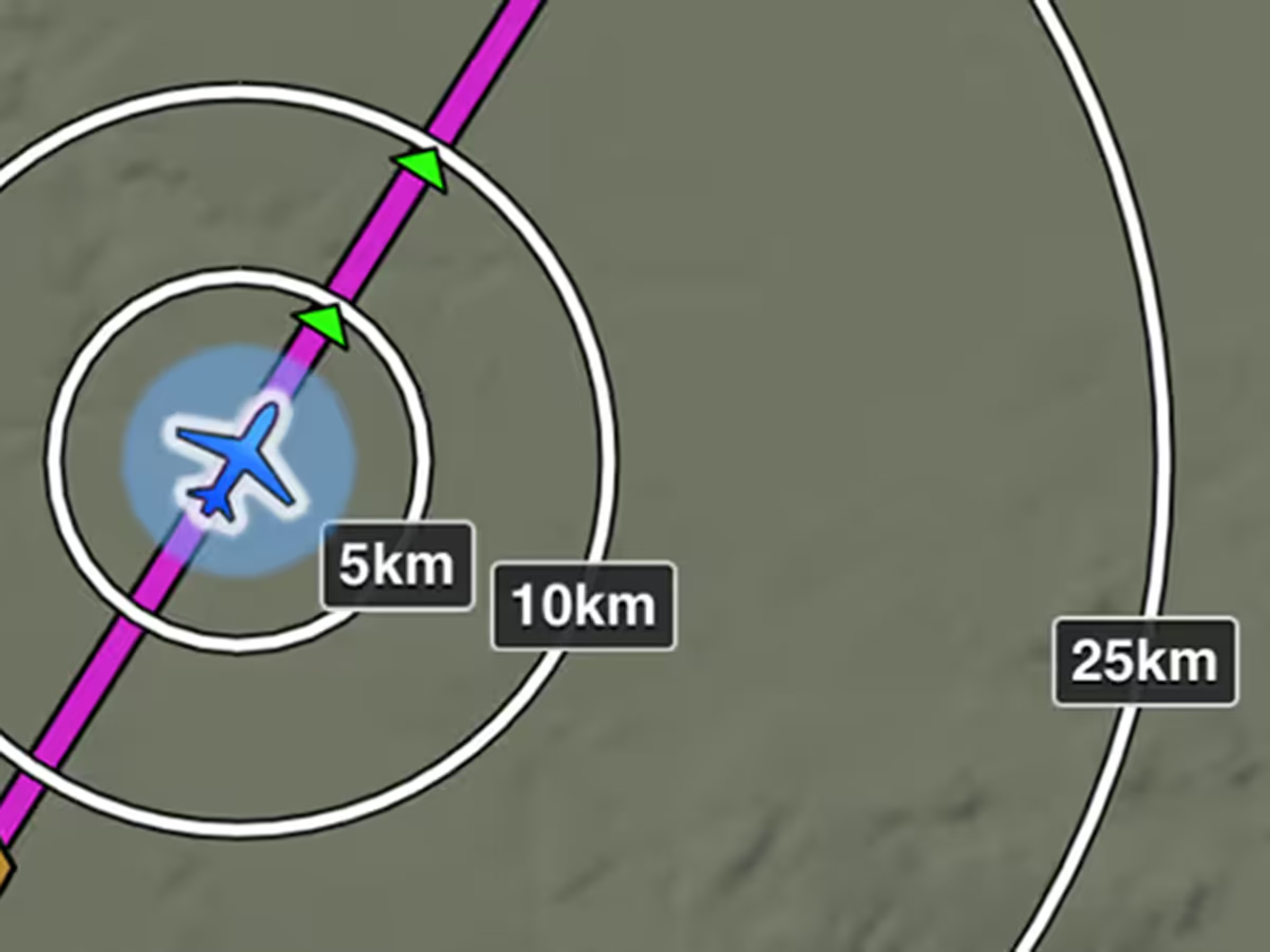
See a more realistic glide range based on your actual descent performance and wind conditions.

Explore the latest ForeFlight features and browse past release notes to stay updated on new tools, enhancements, and improvements.
See a more realistic glide range based on your actual descent performance and wind conditions.
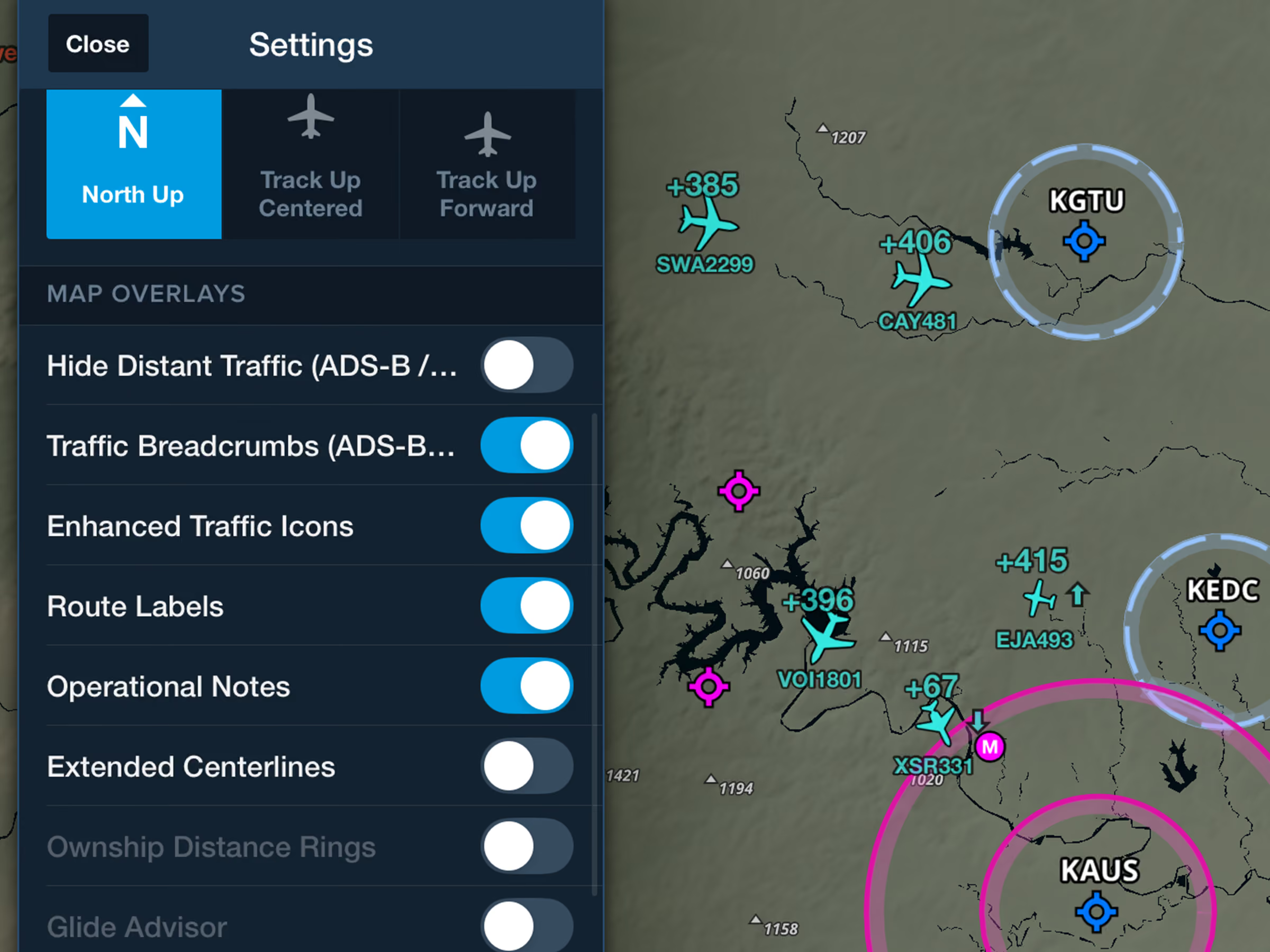
Identify nearby traffic more easily with realistic icons based on reported aircraft types.
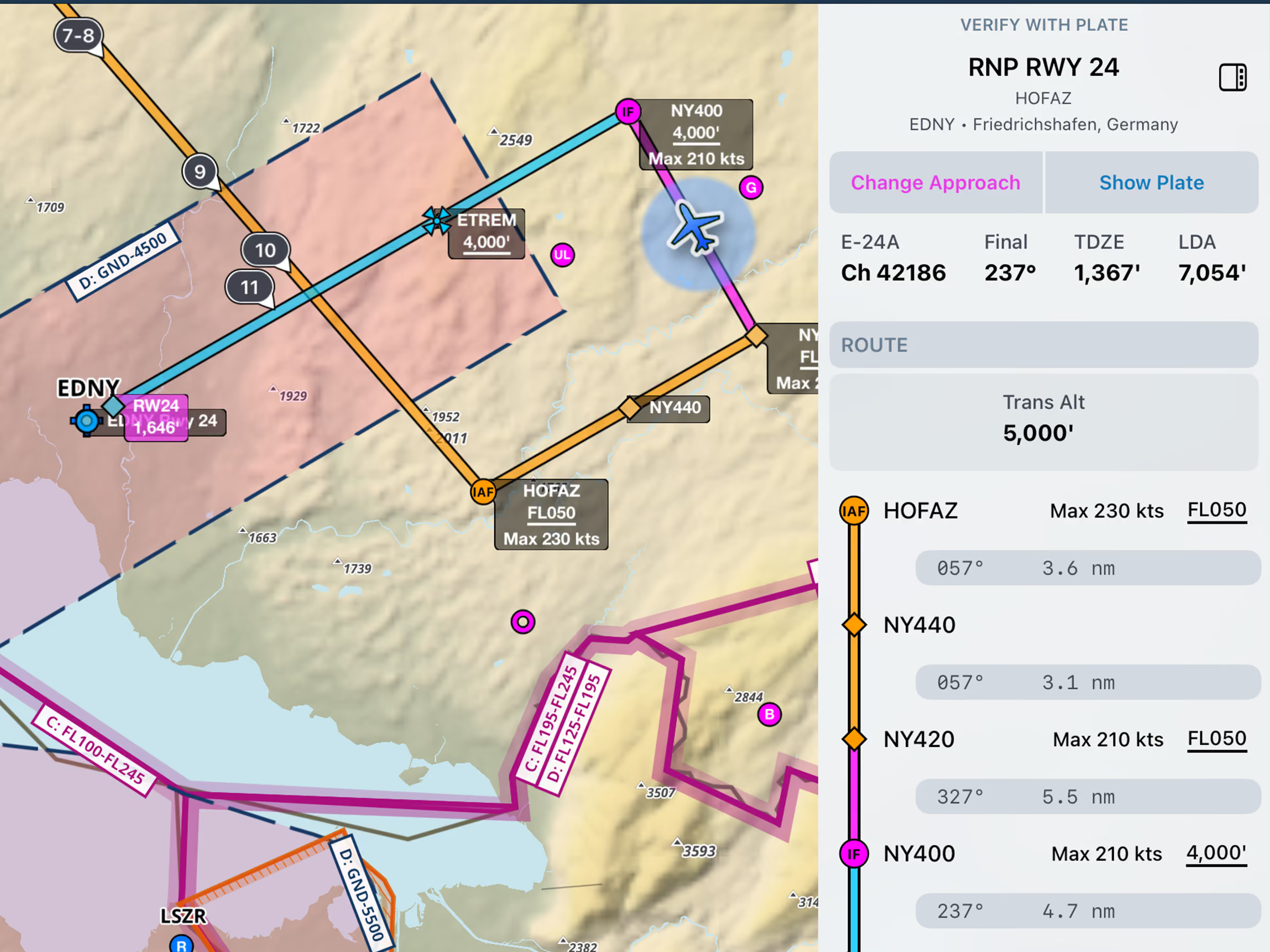
View runway LDA or total length and airport transition altitude or level in the Dynamic Procedures sidebar.
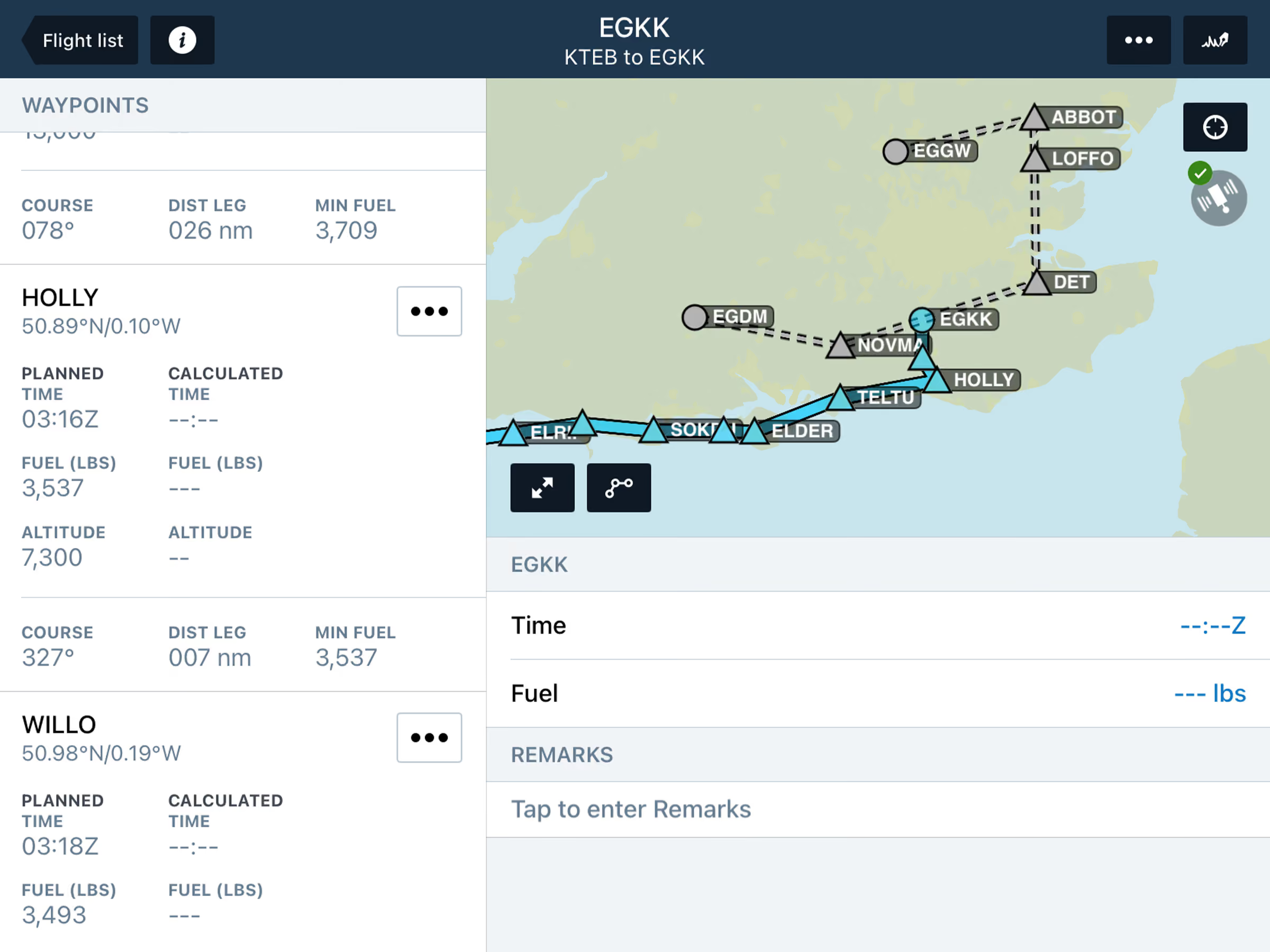
View planned alternates and filed routes in Active Navlog, with flexible diversion options during flight.

Display bearing and track using Magnetic or True North for Ruler, Synthetic Vision, and Cockpit Instruments.
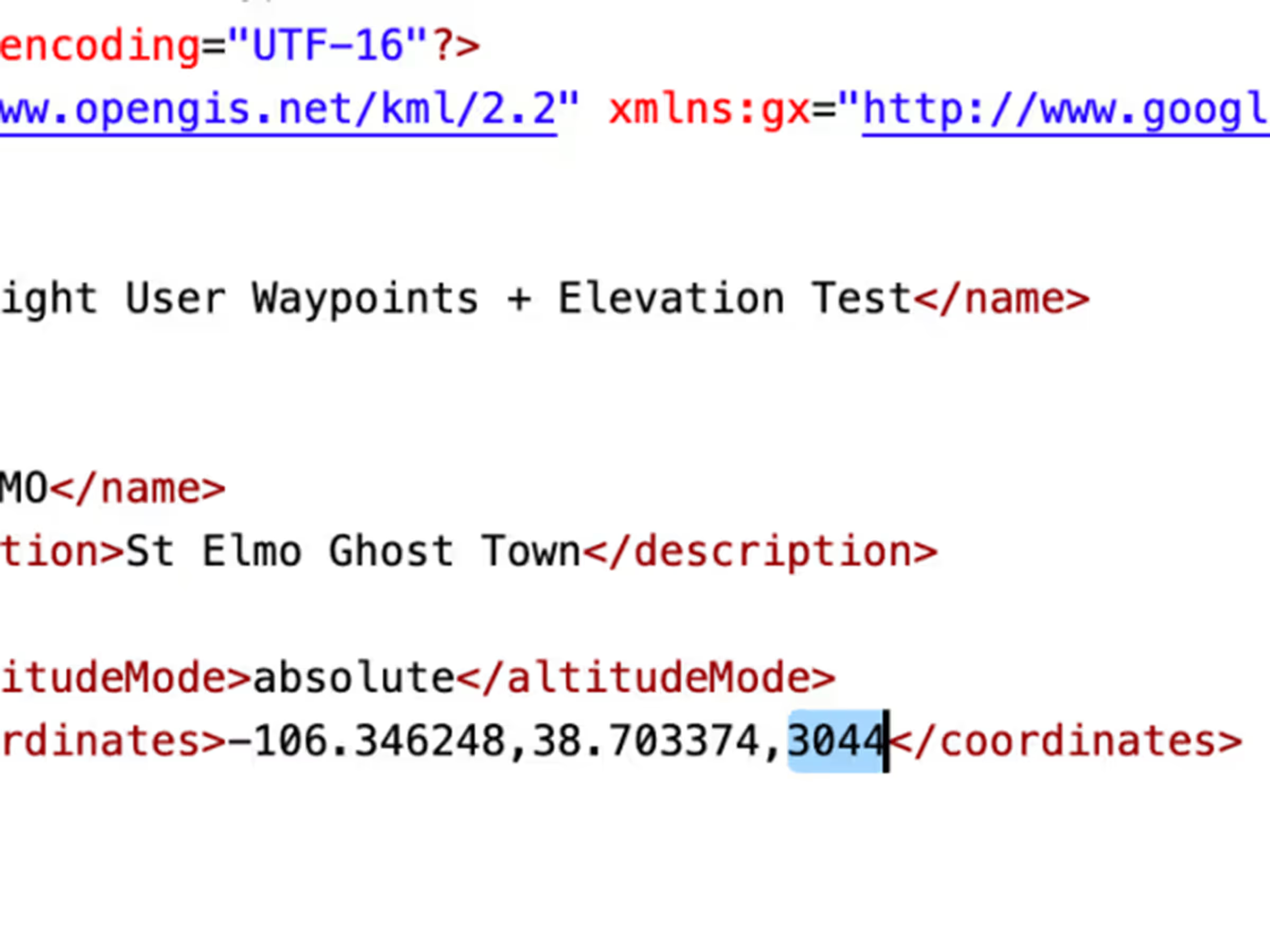
Add elevations to User Waypoints for accurate climb/descent metrics and Profile View depictions like airports.
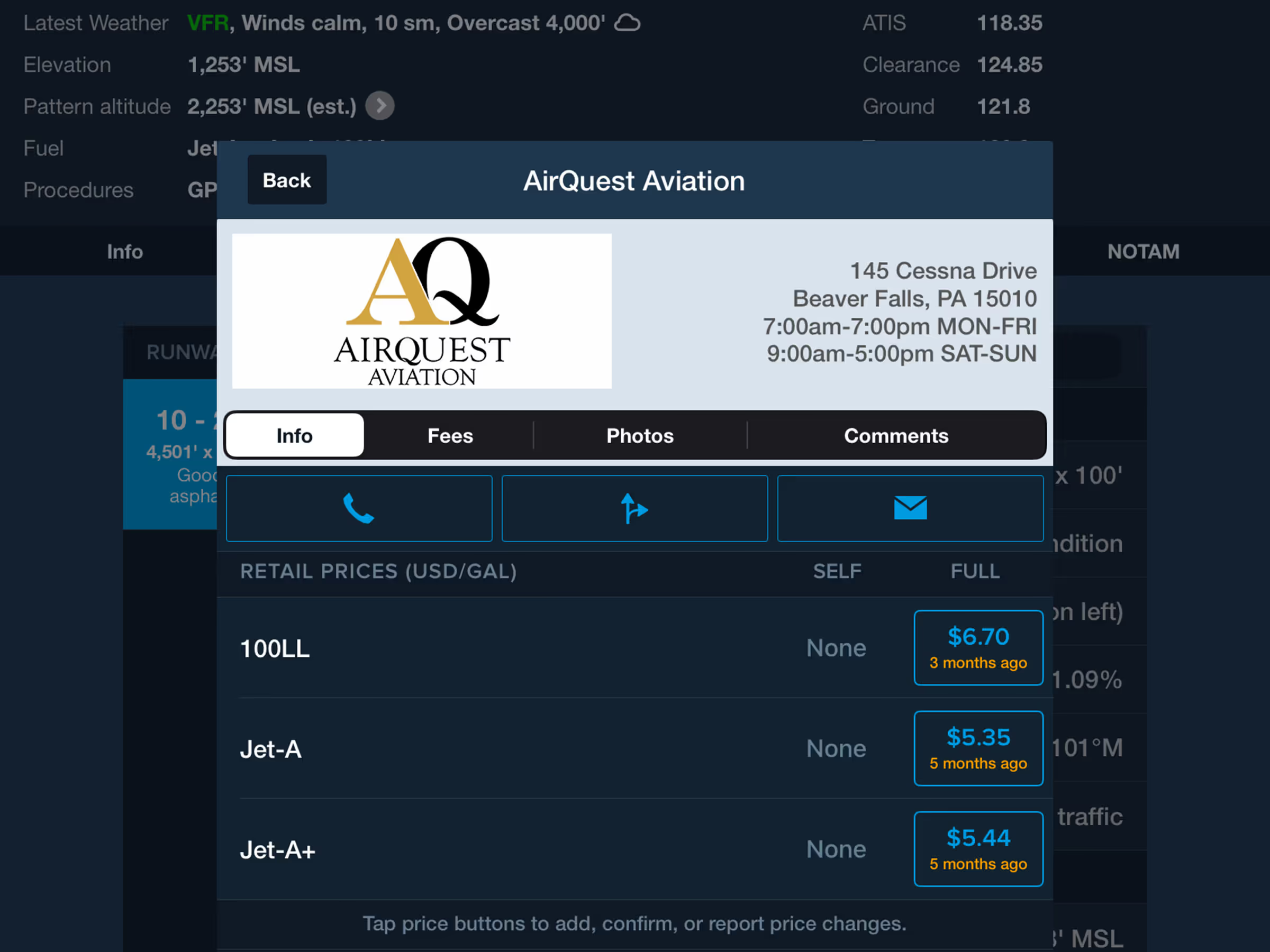
The fuel price table in an FBO’s detail view now only displays fuel types that are actually offered.
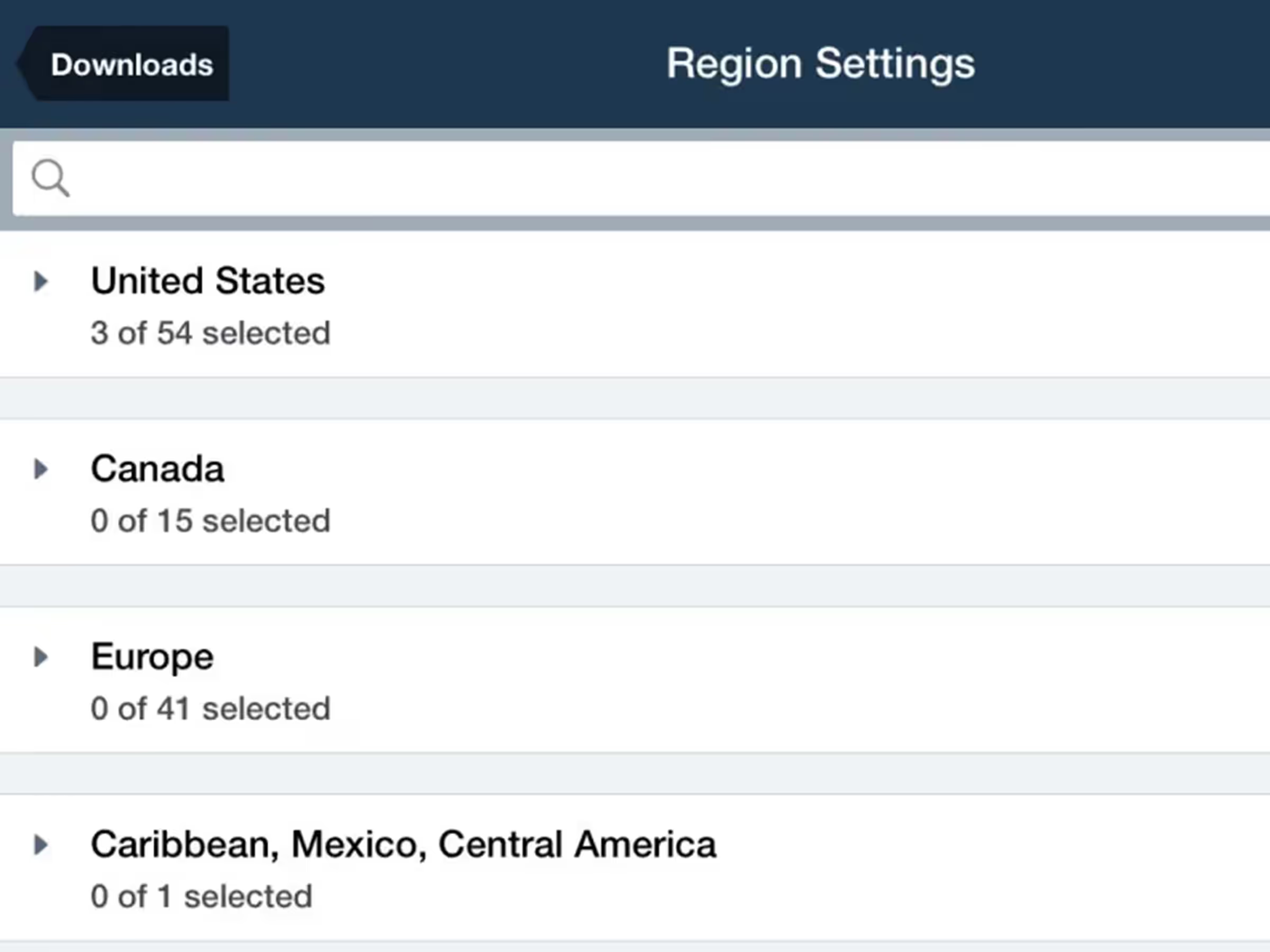
Configure downloads faster with separated Data/Chart and Region selection menus.
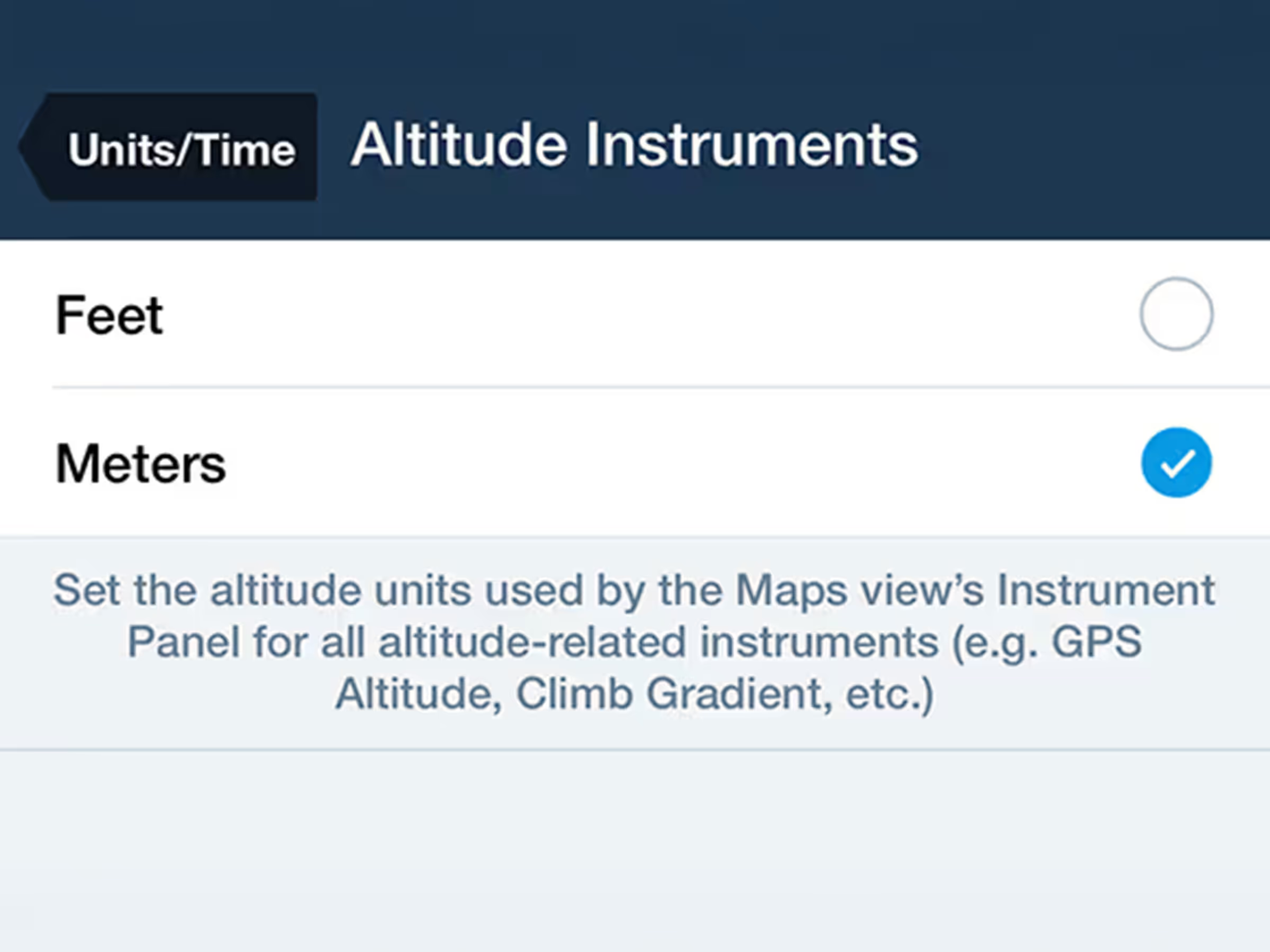
Customize altitude display units in the Map's Instrument Panel.
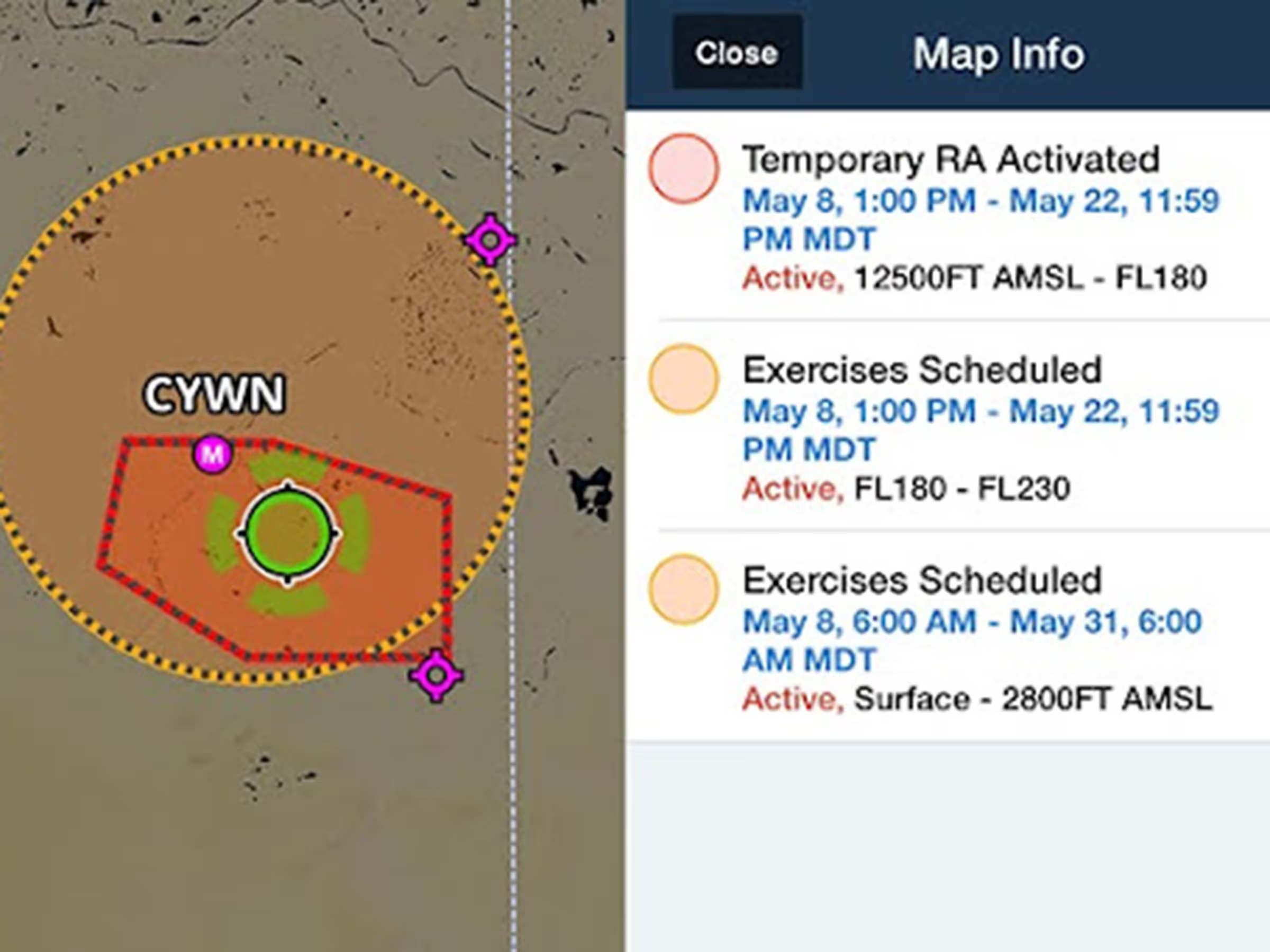
View color-coded global Graphical NOTAMs with filters for Exercises, Controlled Airspaces, and Obstacles.

Visualize and plan enroute altitude changes at key waypoints to avoid terrain, weather, and airspace.
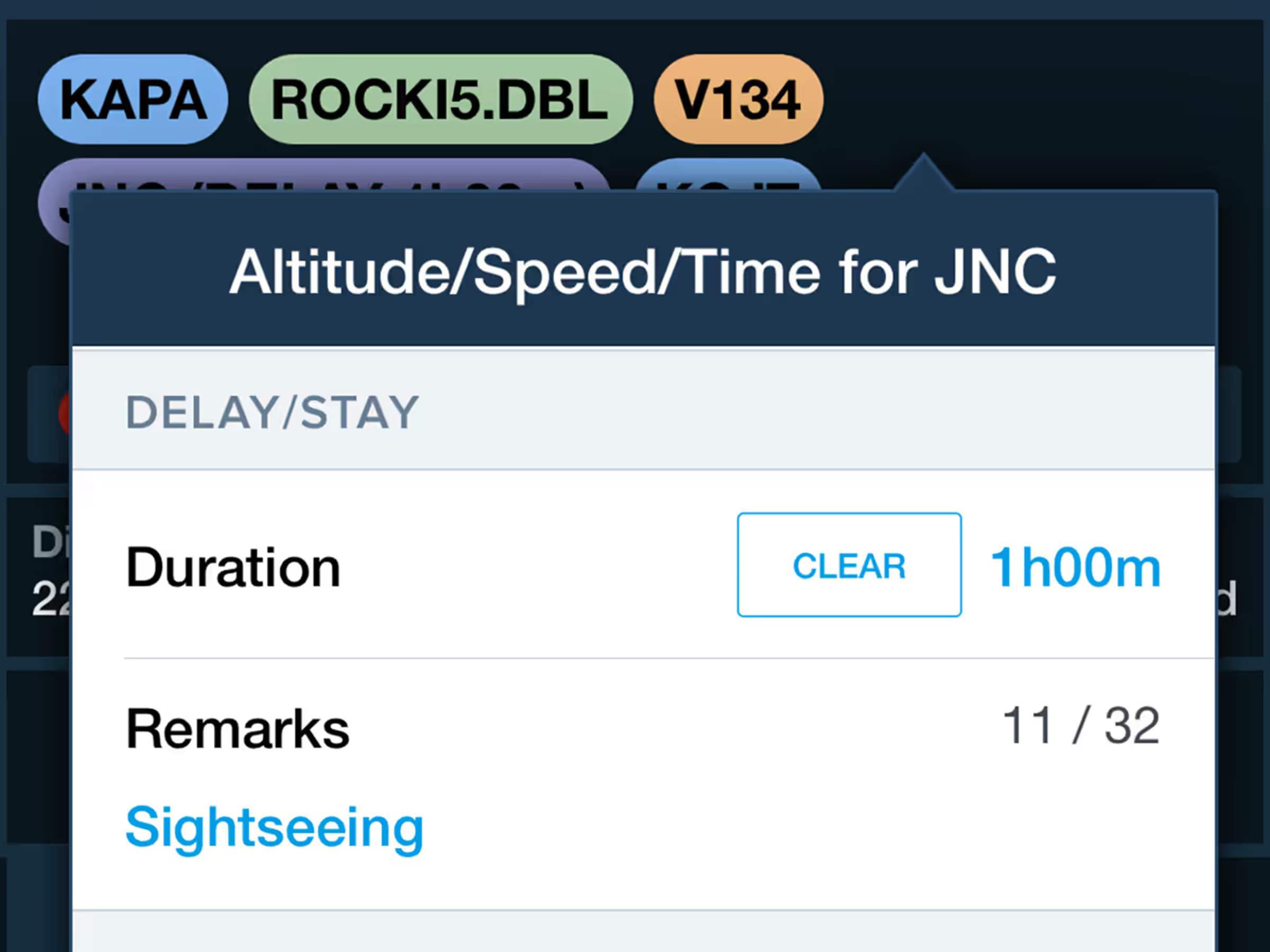
Incorporate enroute delays into flight plans with automatic regional formatting at specific waypoints.
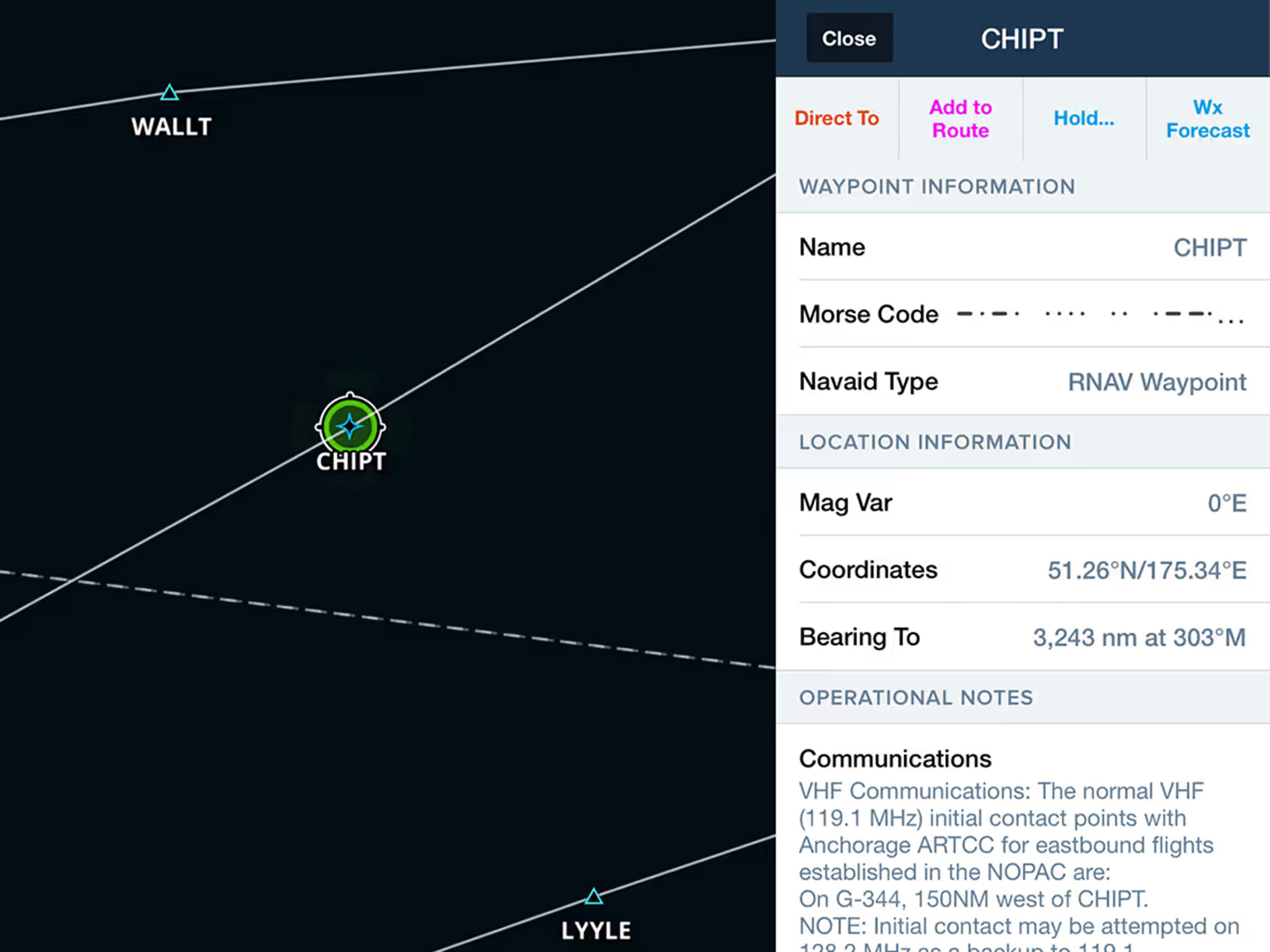
Access Jeppesen-sourced Operational Notes for airways, waypoints, navaids, and airspace.
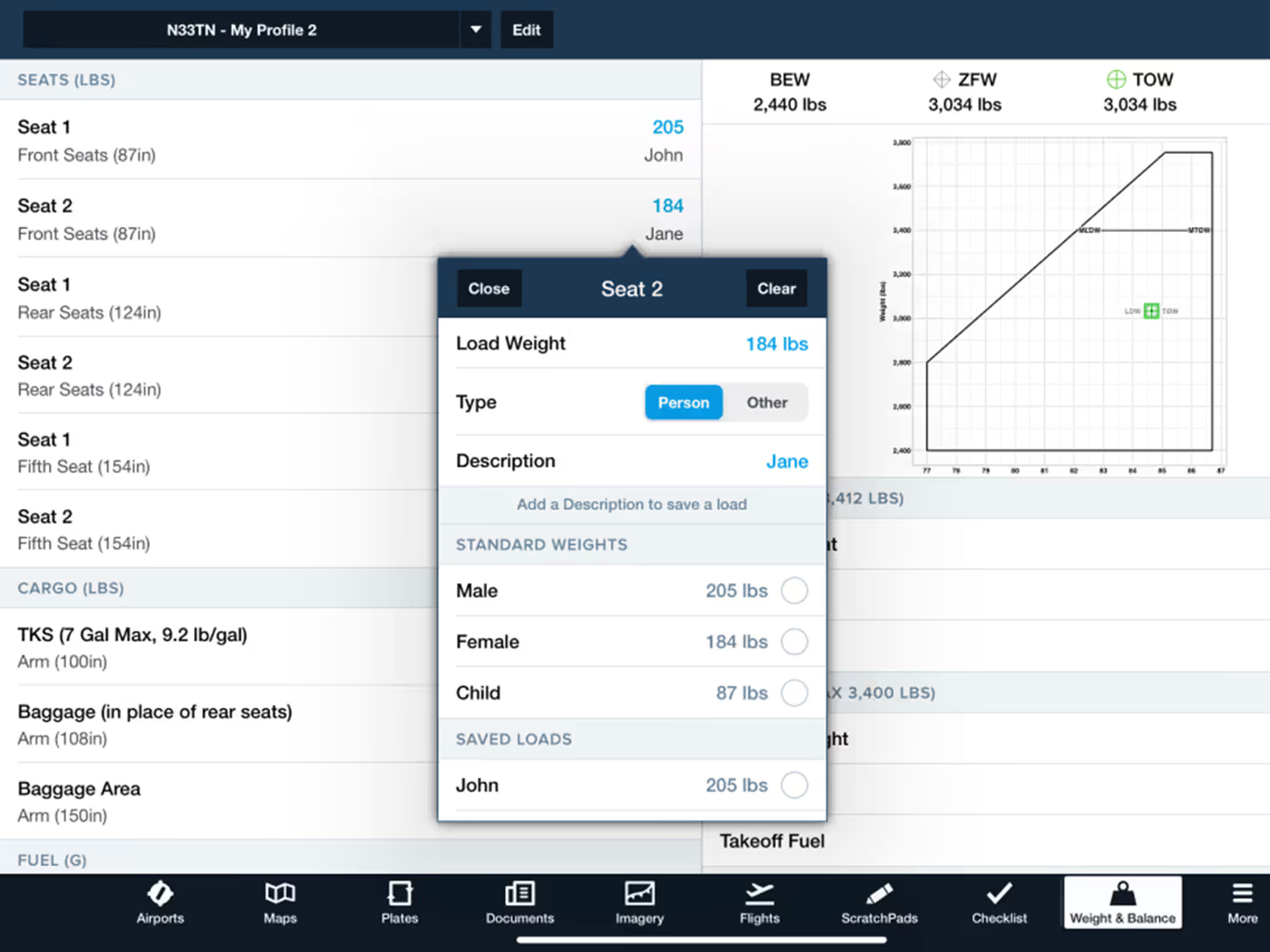
Easily create and edit Weight & Balance profiles with enhanced interface, standard weights, and saved loads.
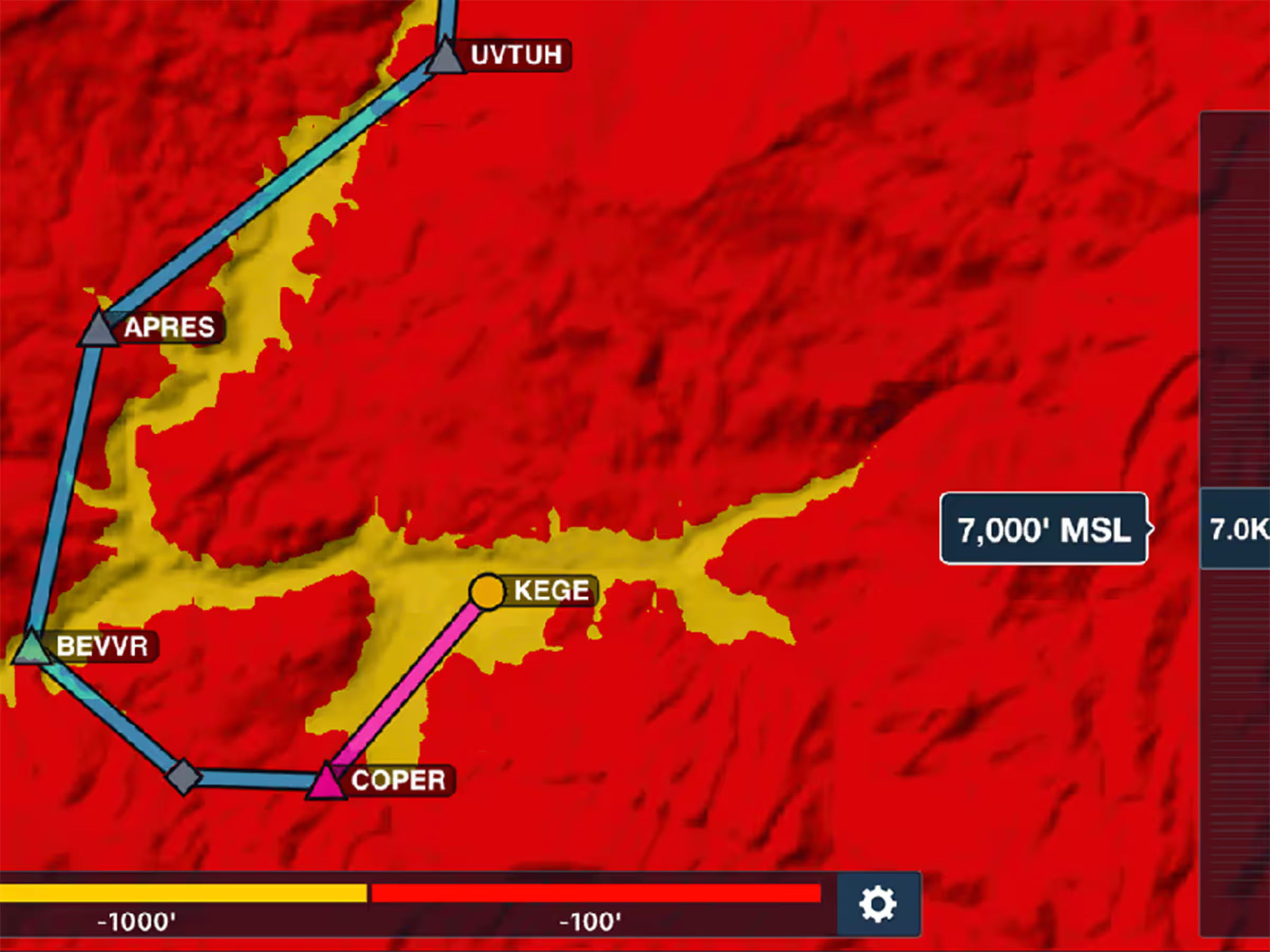
Control Hazard Advisor's altitude to evaluate routes through terrain and visualize different height options.
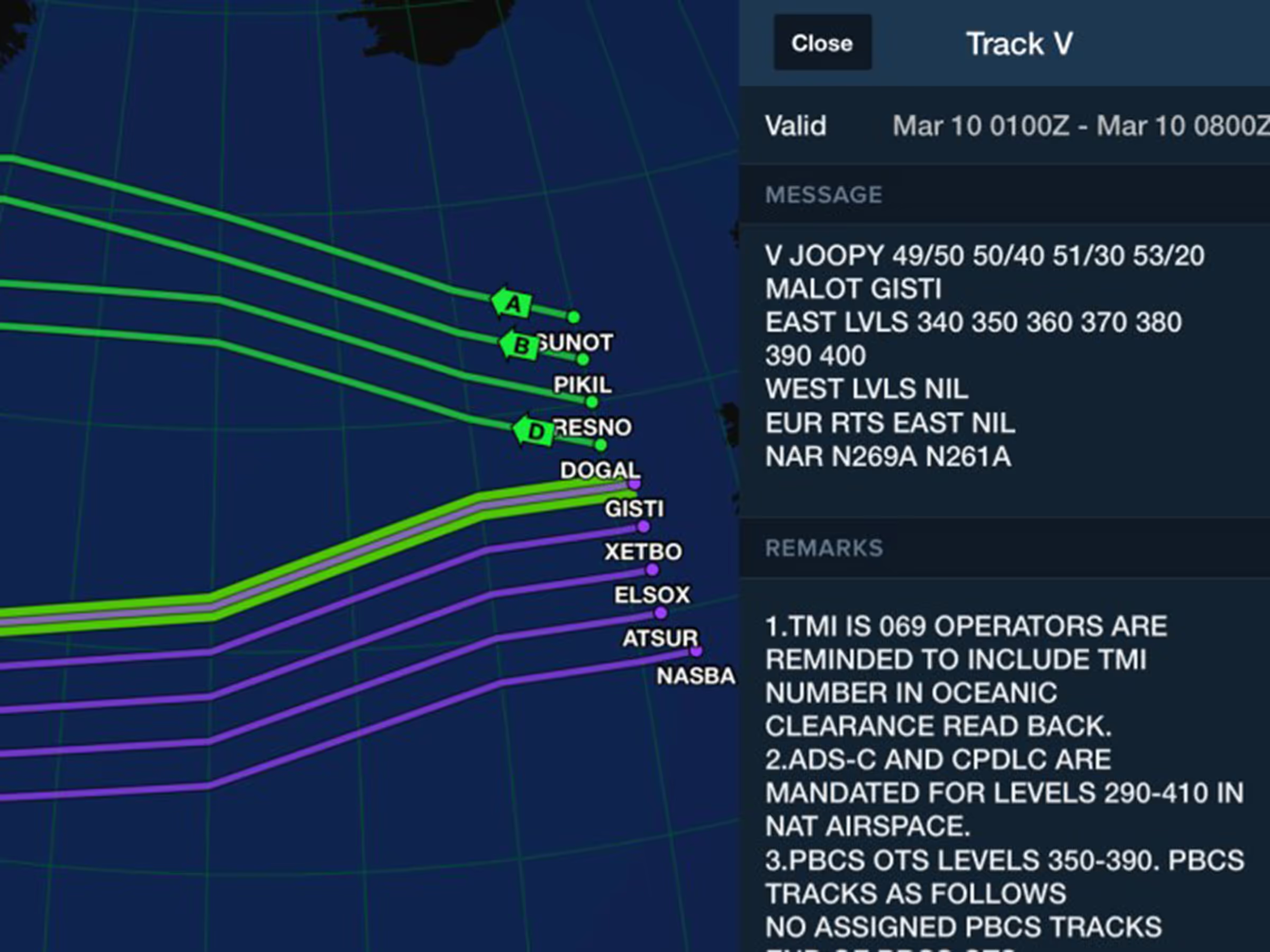
View and plan with North Atlantic, Pacific, and Australian organized tracks on Jeppesen IFR charts.
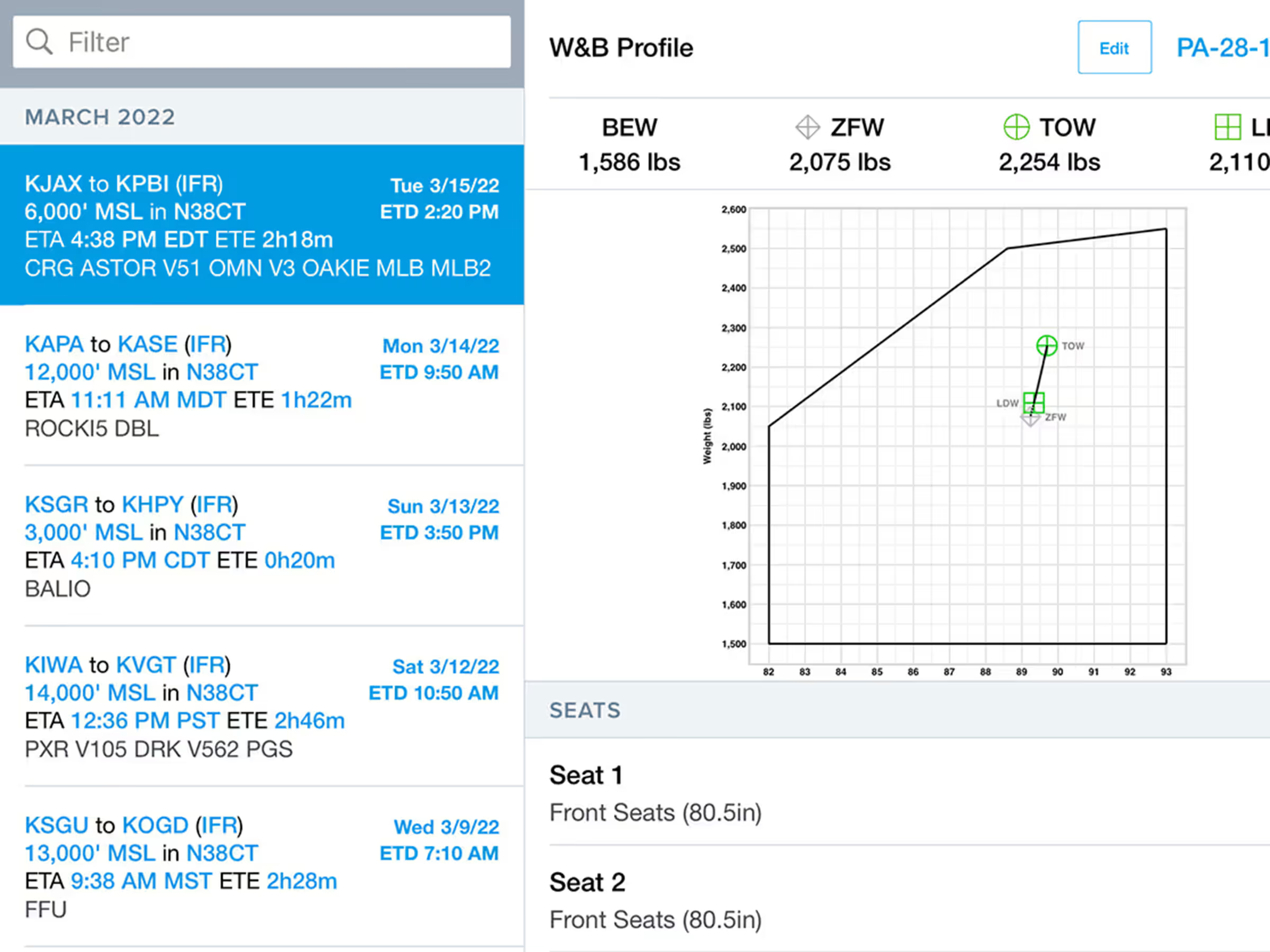
Integrate Weight & Balance with flight planning for accurate calculations and access to the load manifest PDF.