
Flying & Navigation
Hazard Awareness
No sneak peaks with ForeFlight's powerful terrain and obstacle avoidance features.

Watch our latest videos and featured playlists to learn tips, tricks, and best practices for using ForeFlight like a pro.
No sneak peaks with ForeFlight's powerful terrain and obstacle avoidance features.

Plan and fly with industry-leading IFR charts, airport diagrams, and more in ForeFlight.

Get the full weather picture, from up-to-the-minute radar and satellite to global forecast layers.

Learn about powerful and underutilized features, whether you're brand new or a ForeFlight veteran.
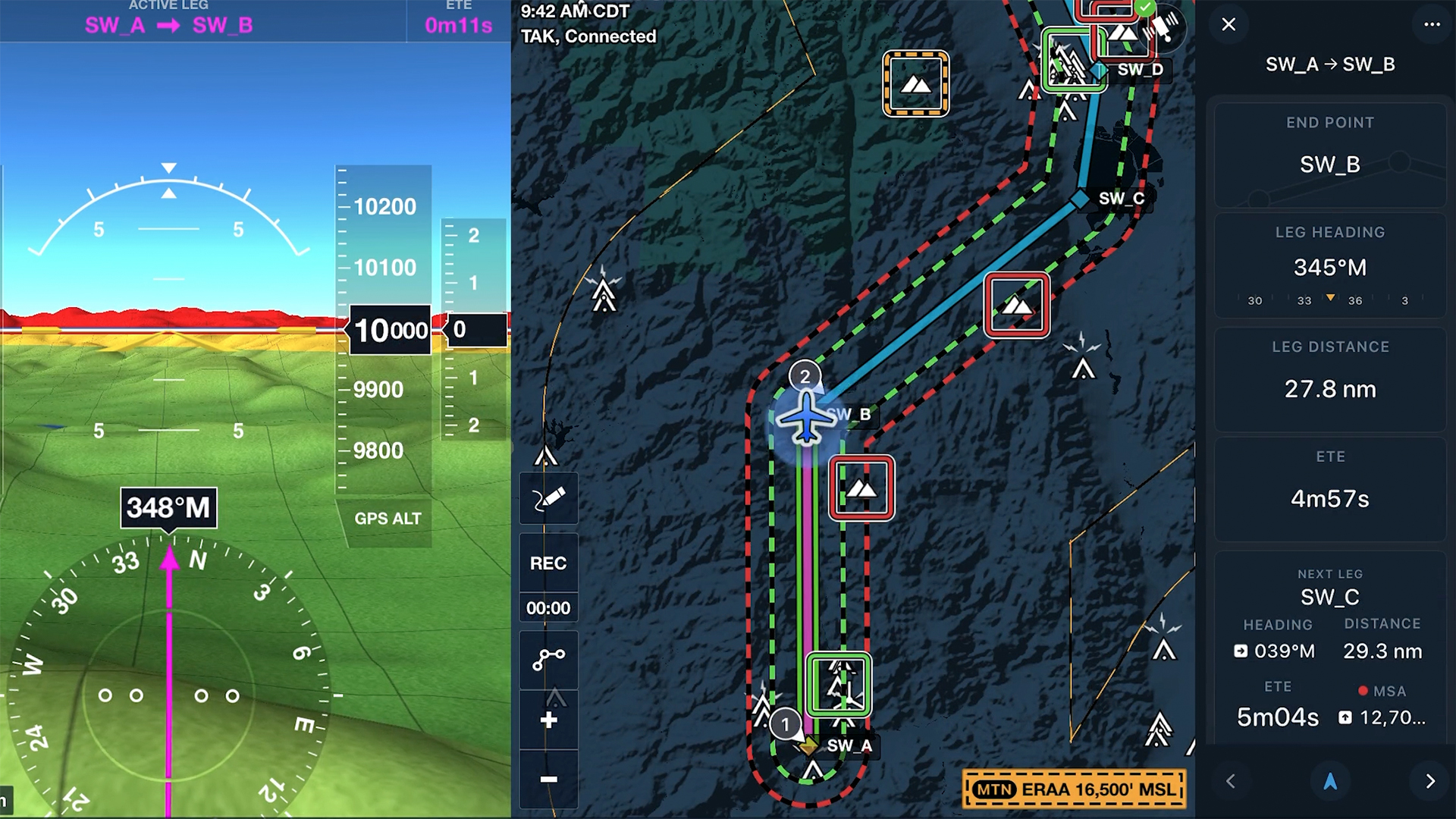
Replace static doghouses with the Dynamic Corridor Panel, showing Low Level Corridor end point, heading, ETE, and leg distance. Available with ForeFlight MFB One plans.
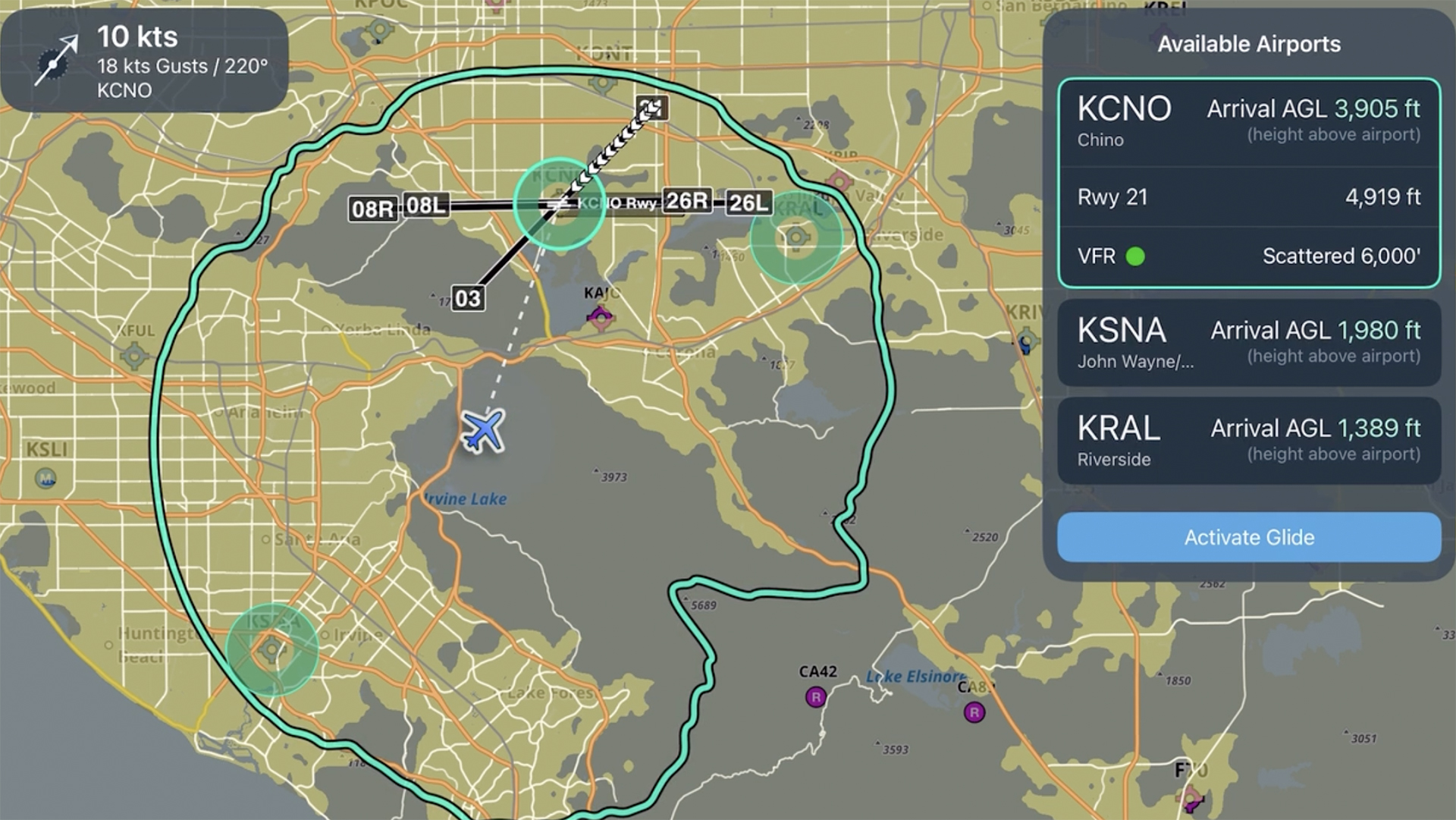
Learn how to set up and use Emergency Glide Mode to quickly identify landing options during an engine-out or inflight emergency.
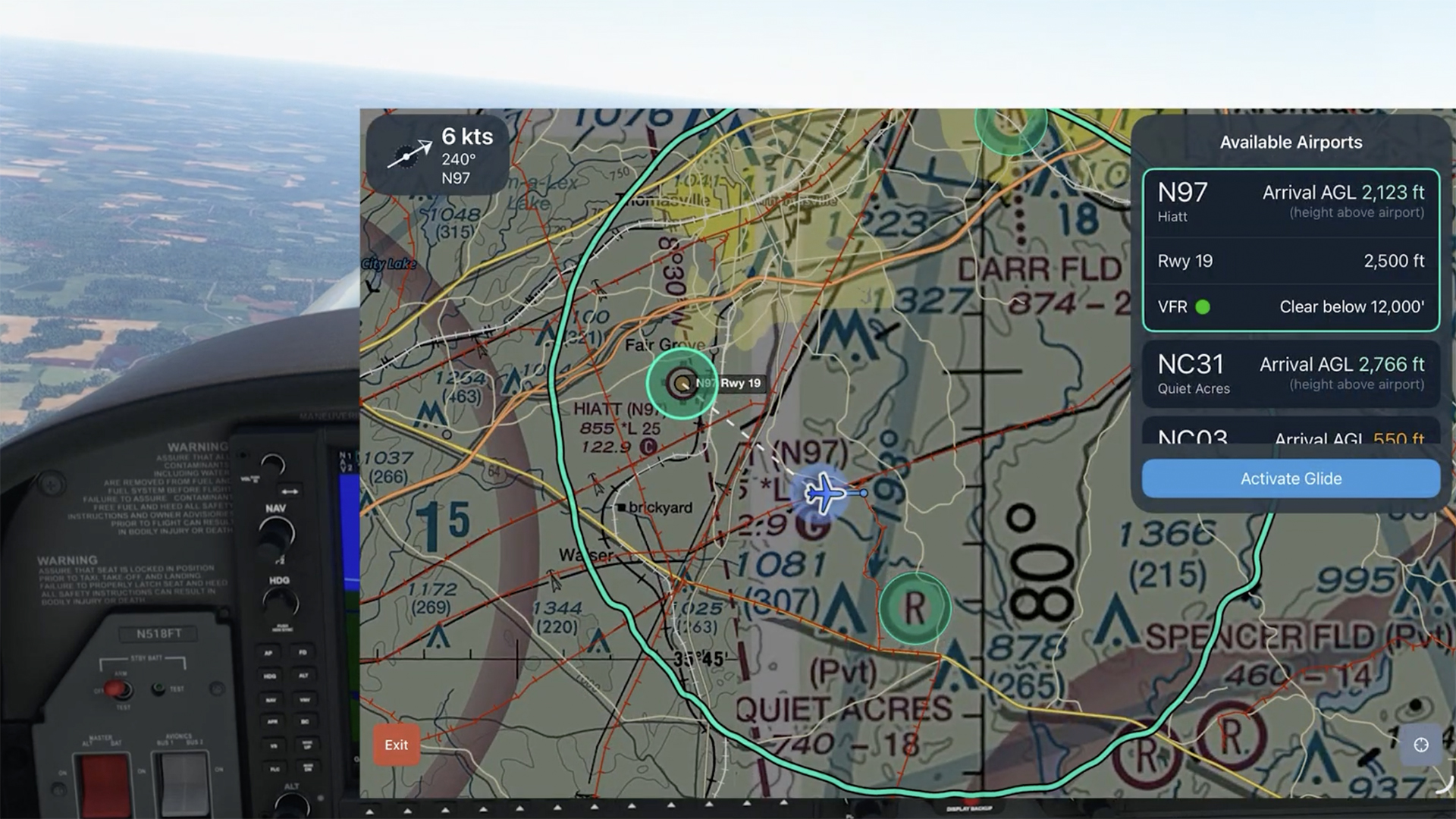
See how Emergency Glide Mode helps identify landing options within glide range during an engine-out scenario.
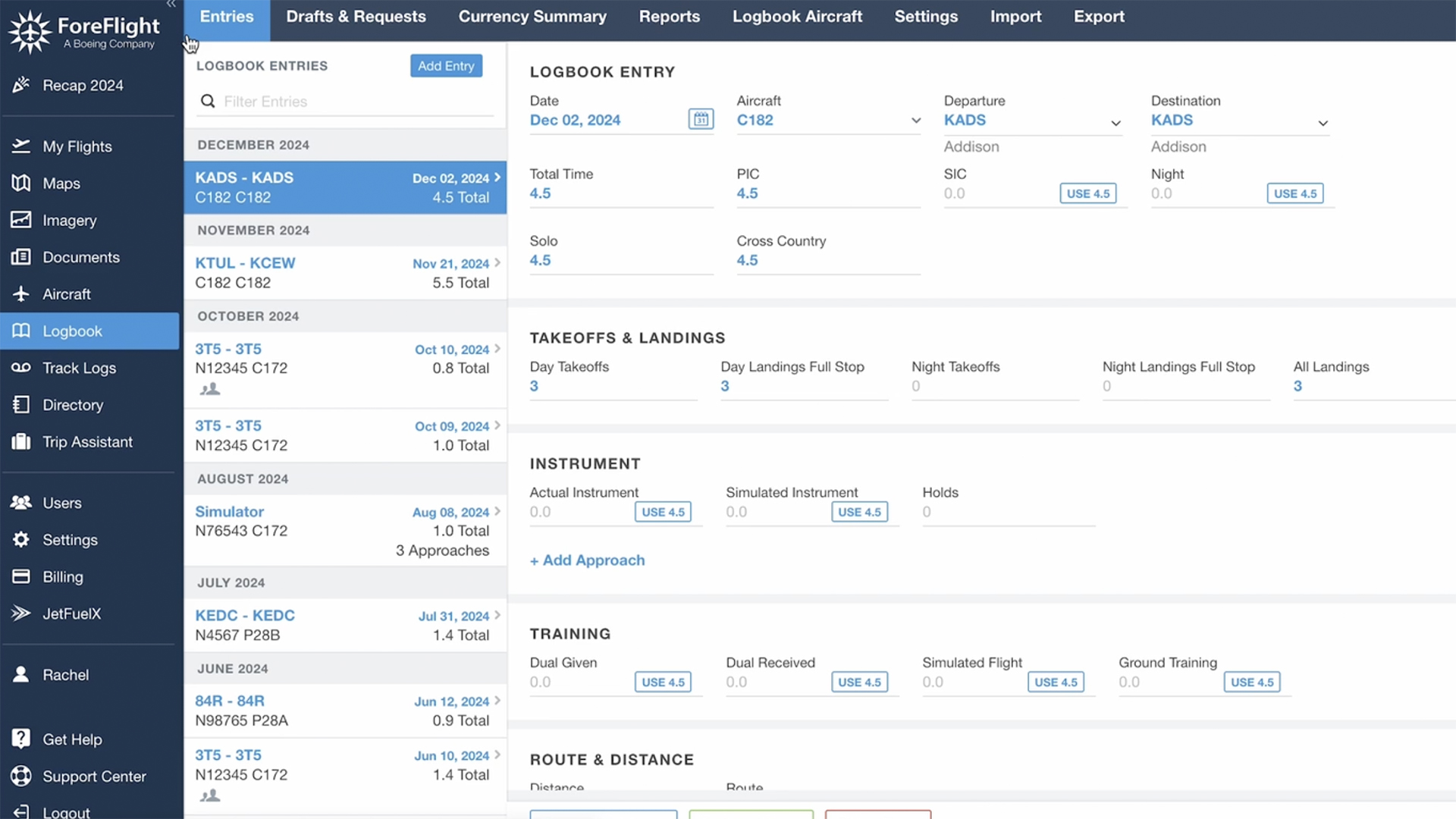
Learn how to use ForeFlight Logbook, import flight data, auto-record with track logs, edit flight details, and more in this quick walkthrough.
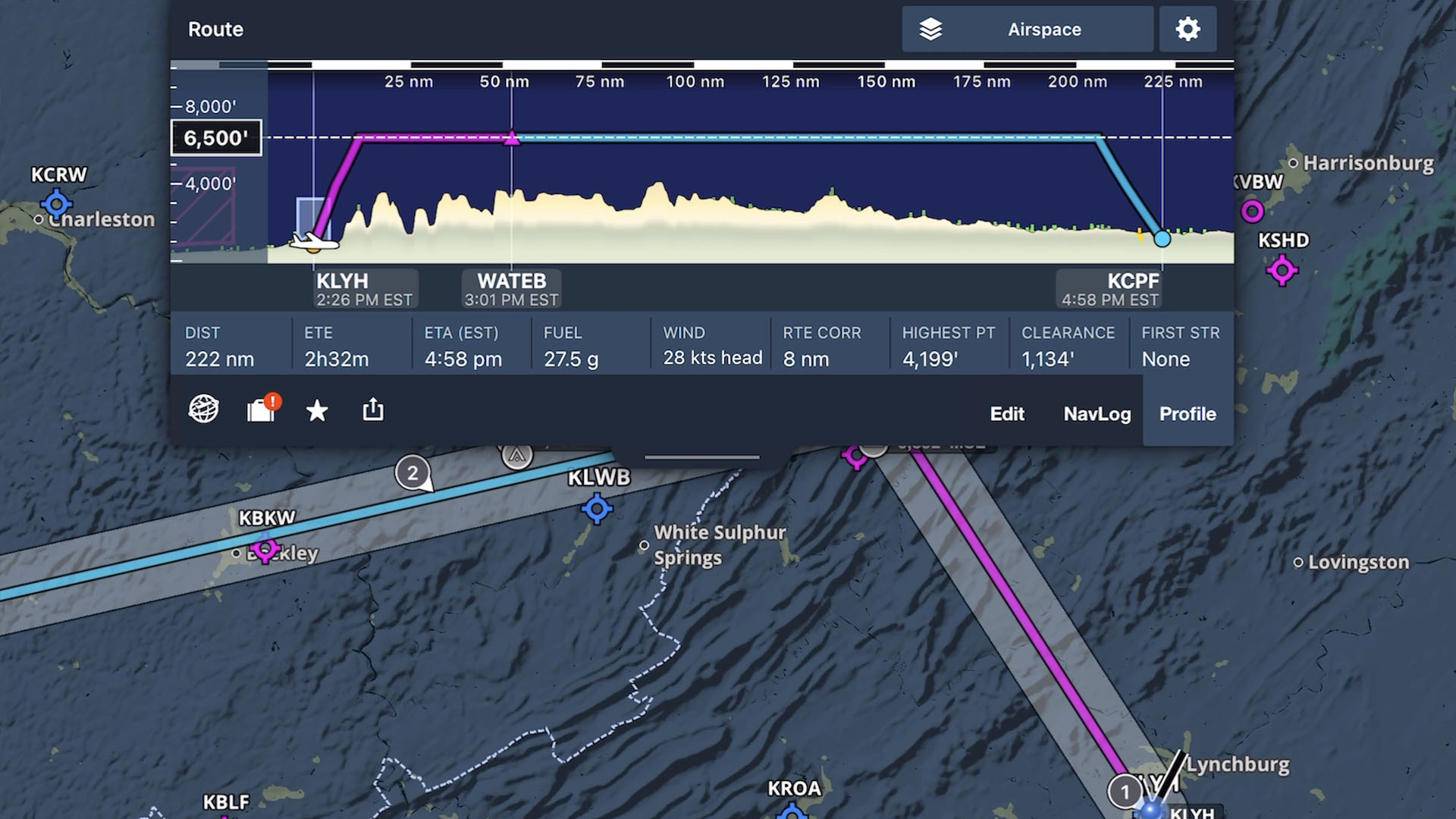
Learn how to create a flight plan in ForeFlight, from setting up your route to using performance tools, and more.
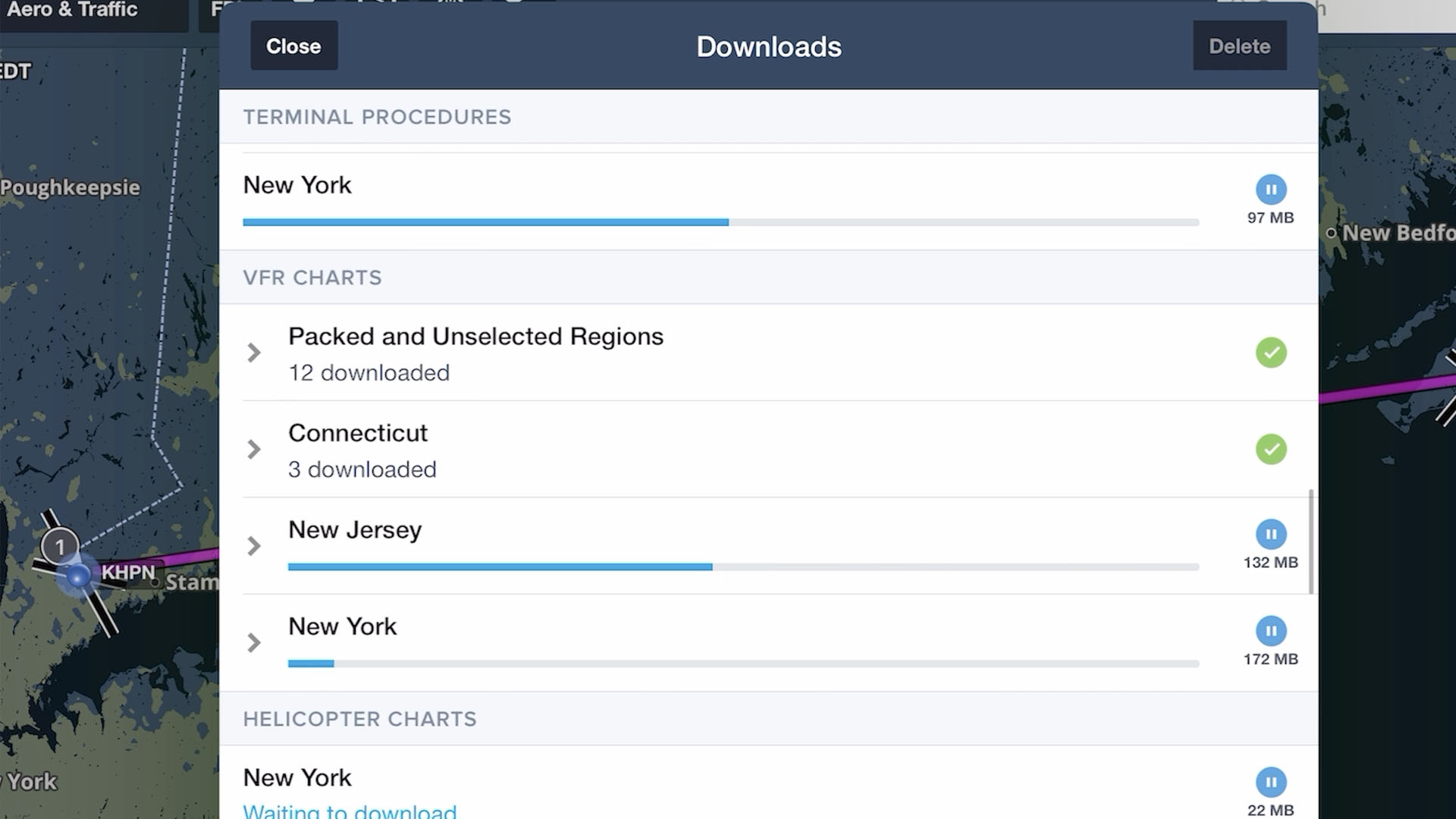
Learn how to download charts and data for offline use and set up your aircraft profile so your ForeFlight app is ready for any flight.
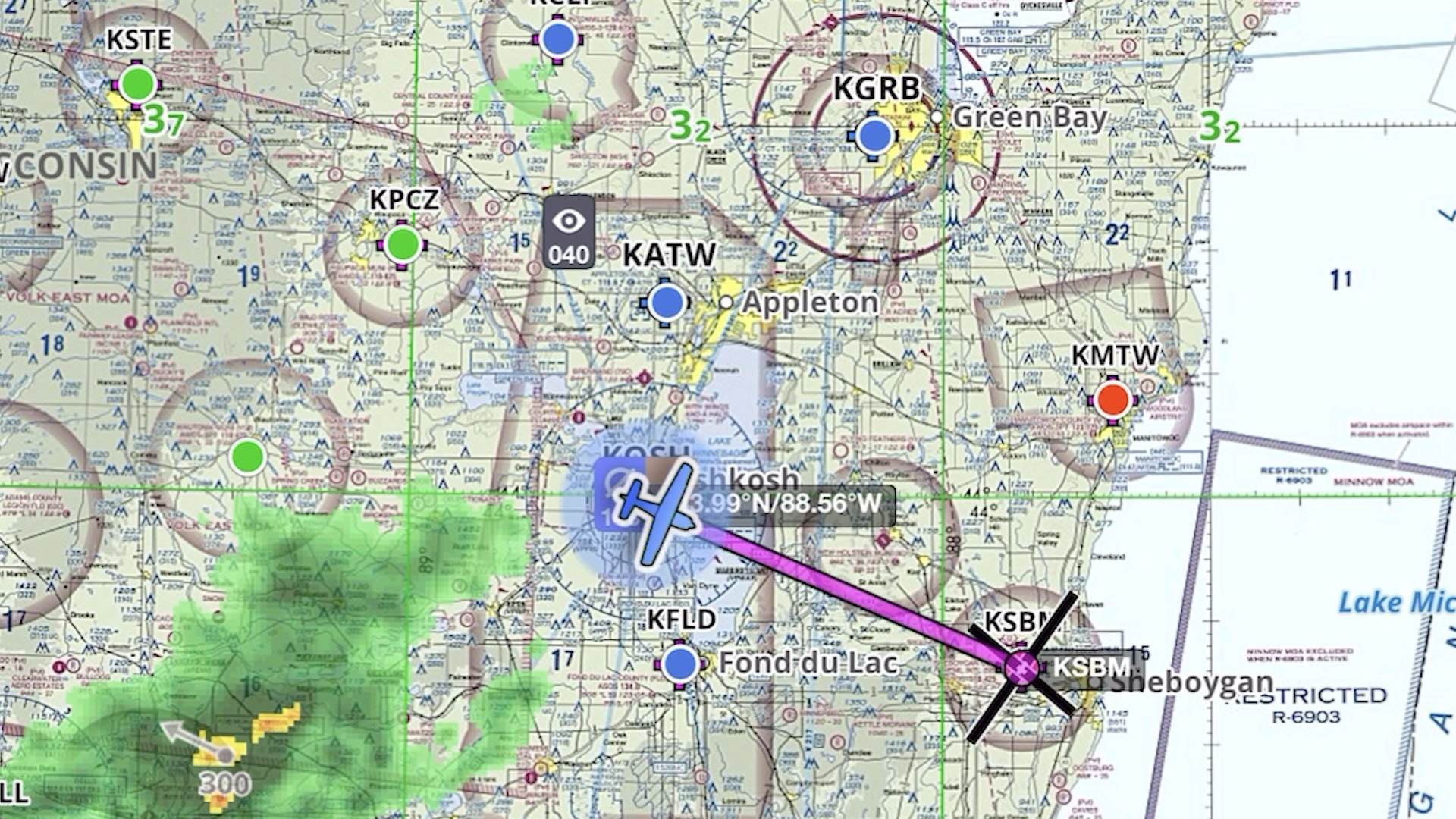
Learn how to use the Maps view in ForeFlight, including map layers, weather, traffic, and settings to customize your map.
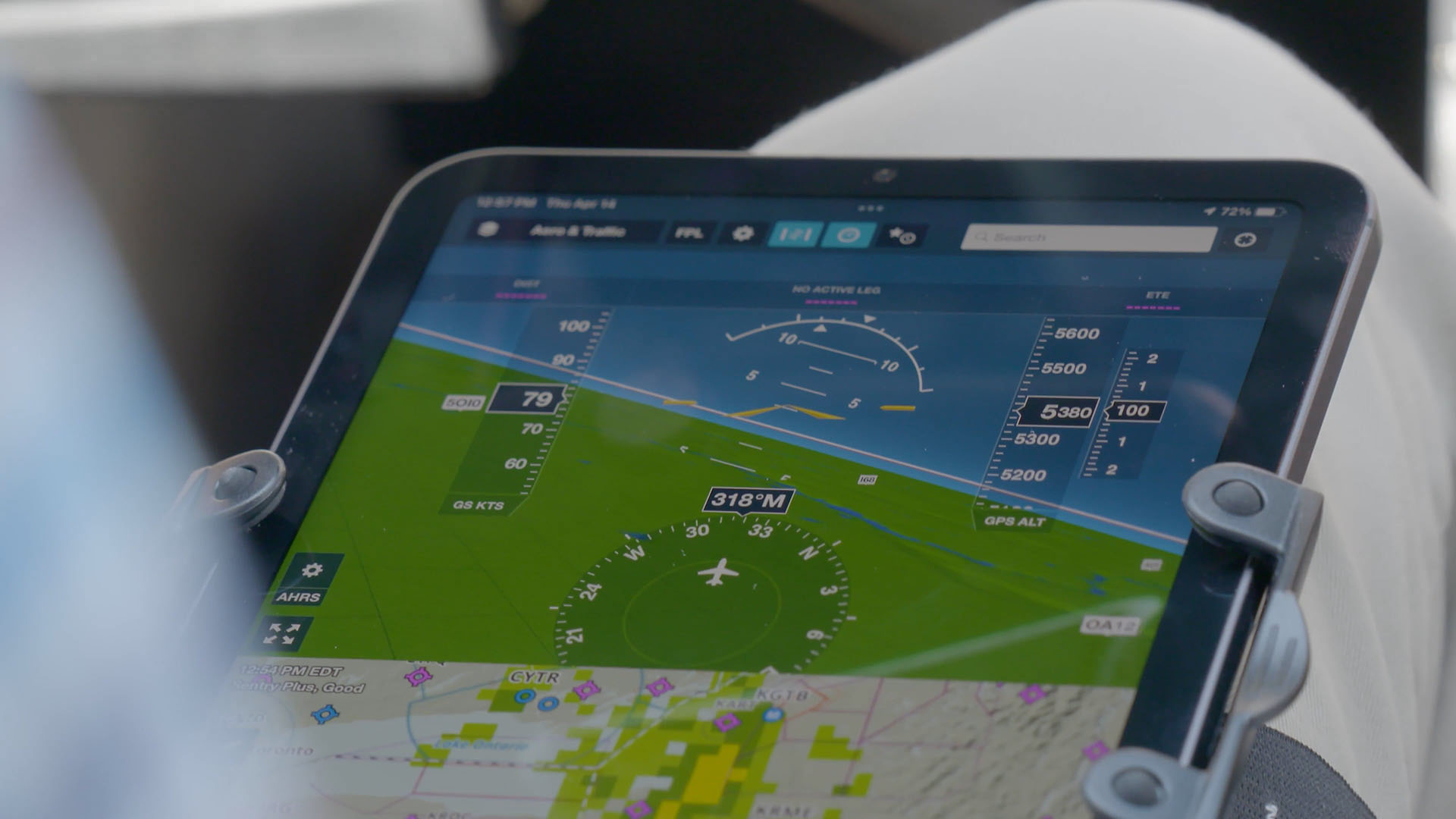
New to ForeFlight? This video walks you through initial setup, the main tabs in the app, and basic map gestures to get you started using the app.
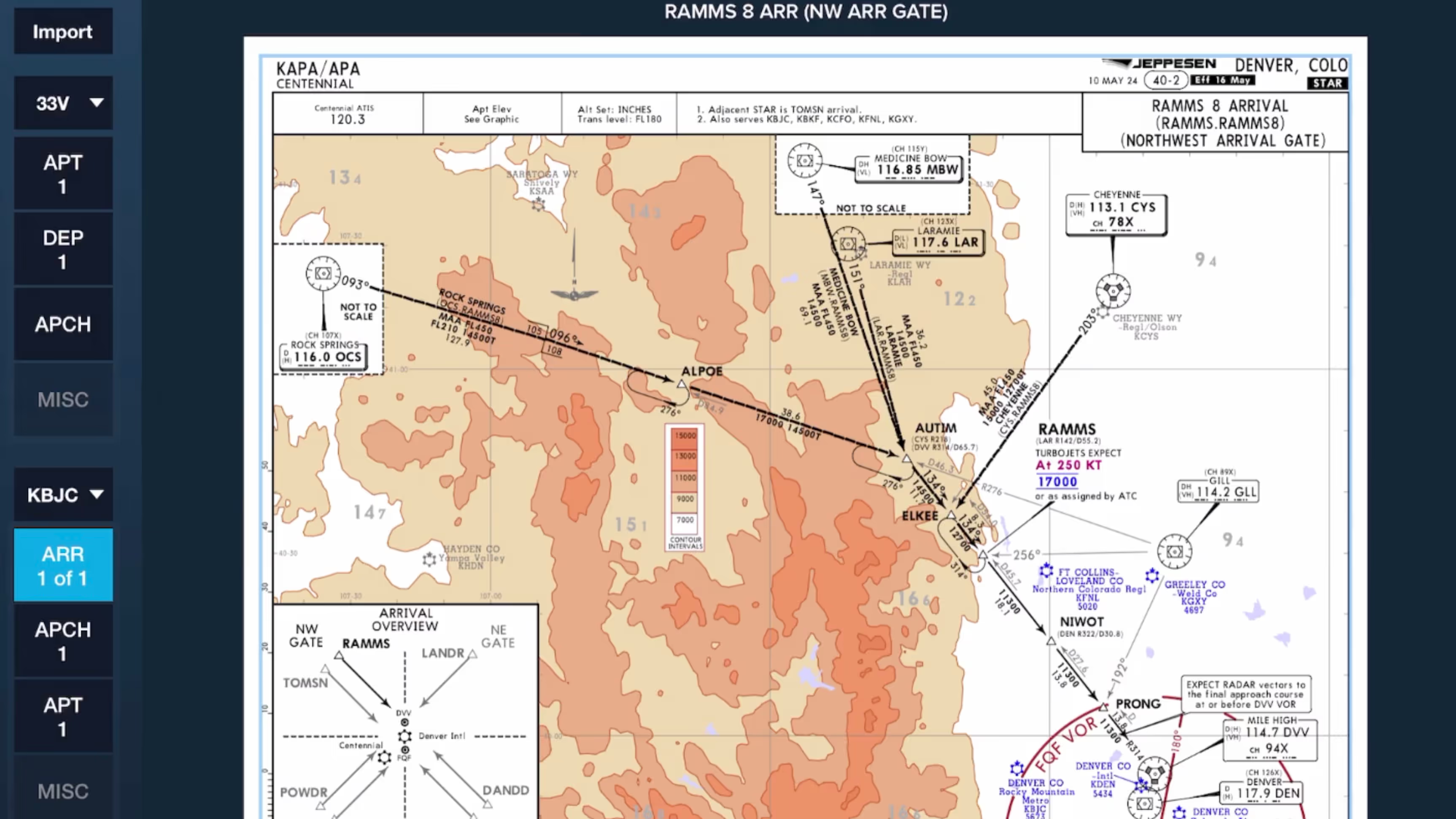
Learn to use ForeFlight’s Flight Binders to organize Jeppesen charts for any flight and navigate between plates easily using the 3-finger swipe gesture in this real-world flight demonstration.
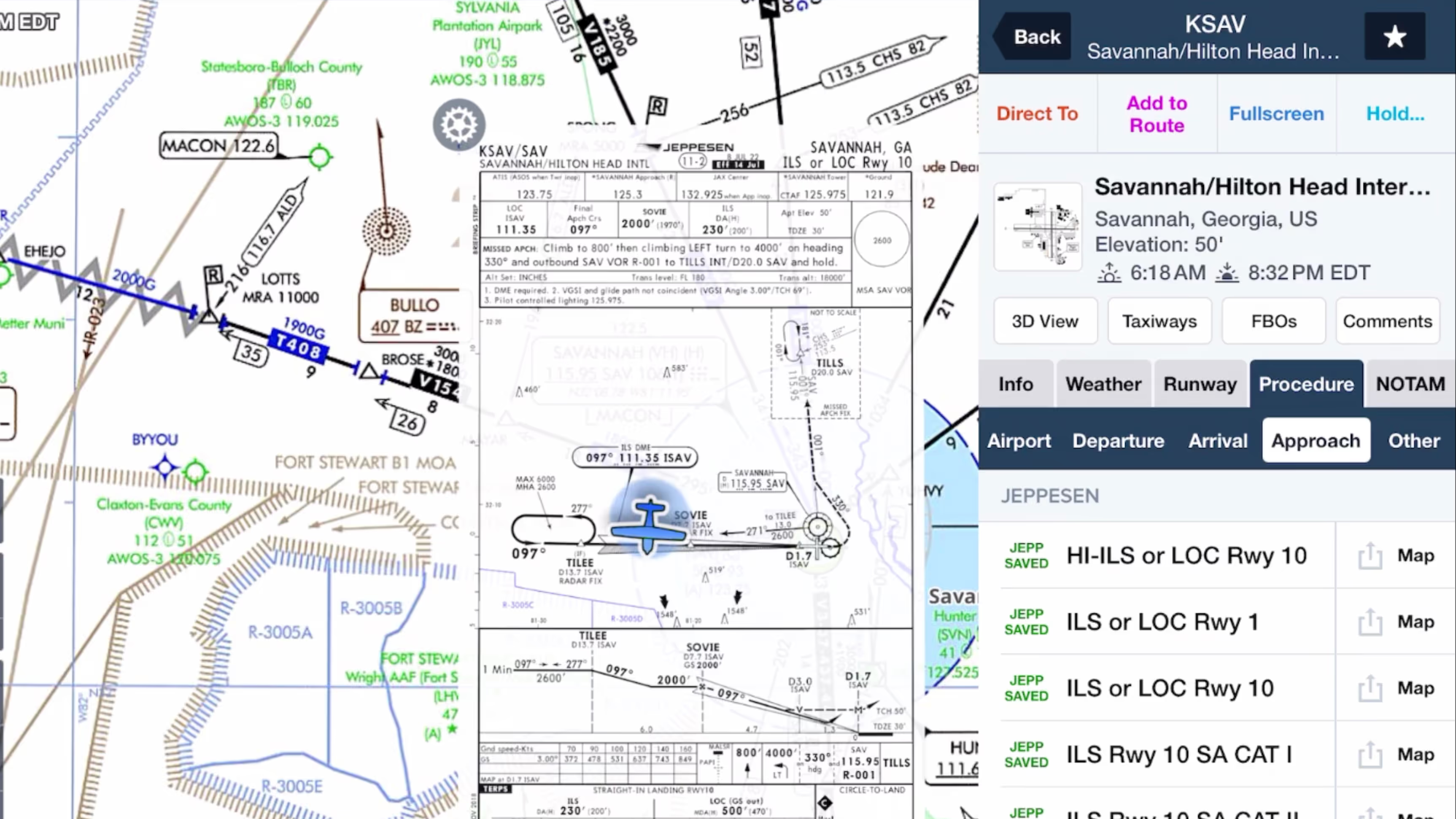
Why do pro pilots prefer Jeppesen over FAA plates, and what makes them valuable for GA pilots? Find out in this FlightInsight video comparing chart formats and key benefits of Jeppesen plates.

Discover how Jeppesen charts became the aviation standard, what sets their format apart, and how their features simplify IFR flying for General Aviation pilots in this FlightInsight collaboration.
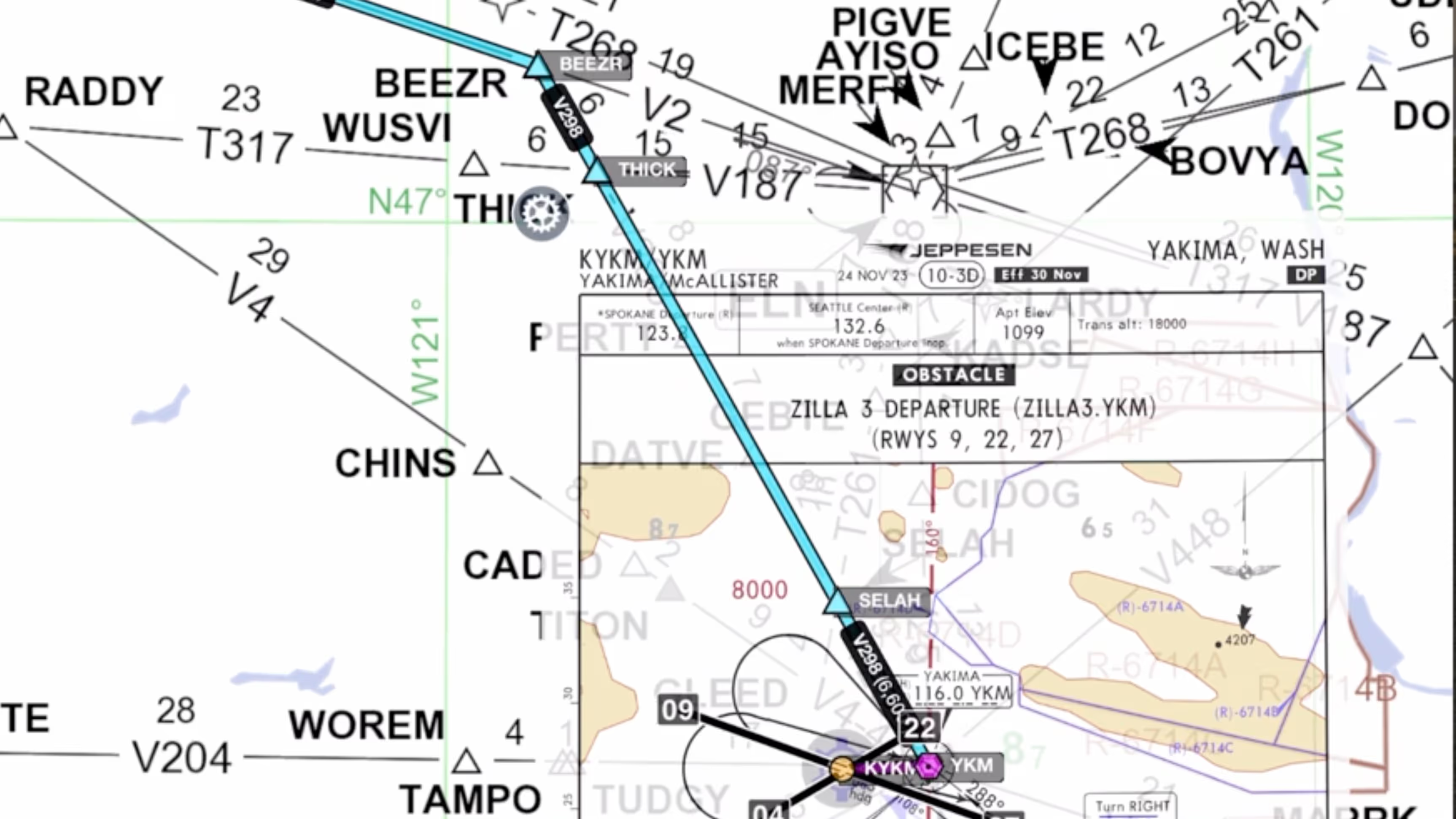
Explore how Jeppesen’s SID and STAR charts outperform FAA versions with terrain data, georeferencing, and more—plus a look at their data-driven IFR enroute charts with FlightInsight.

Jeppesen airport diagrams offer more clarity and detail than FAA taxi charts. See how they enhance taxi briefings with rich data, frequencies, and filing info in this video from FlightInsight.

Checklist Speak allows you to complete your checklists more efficiently by having ForeFlight read them to you.
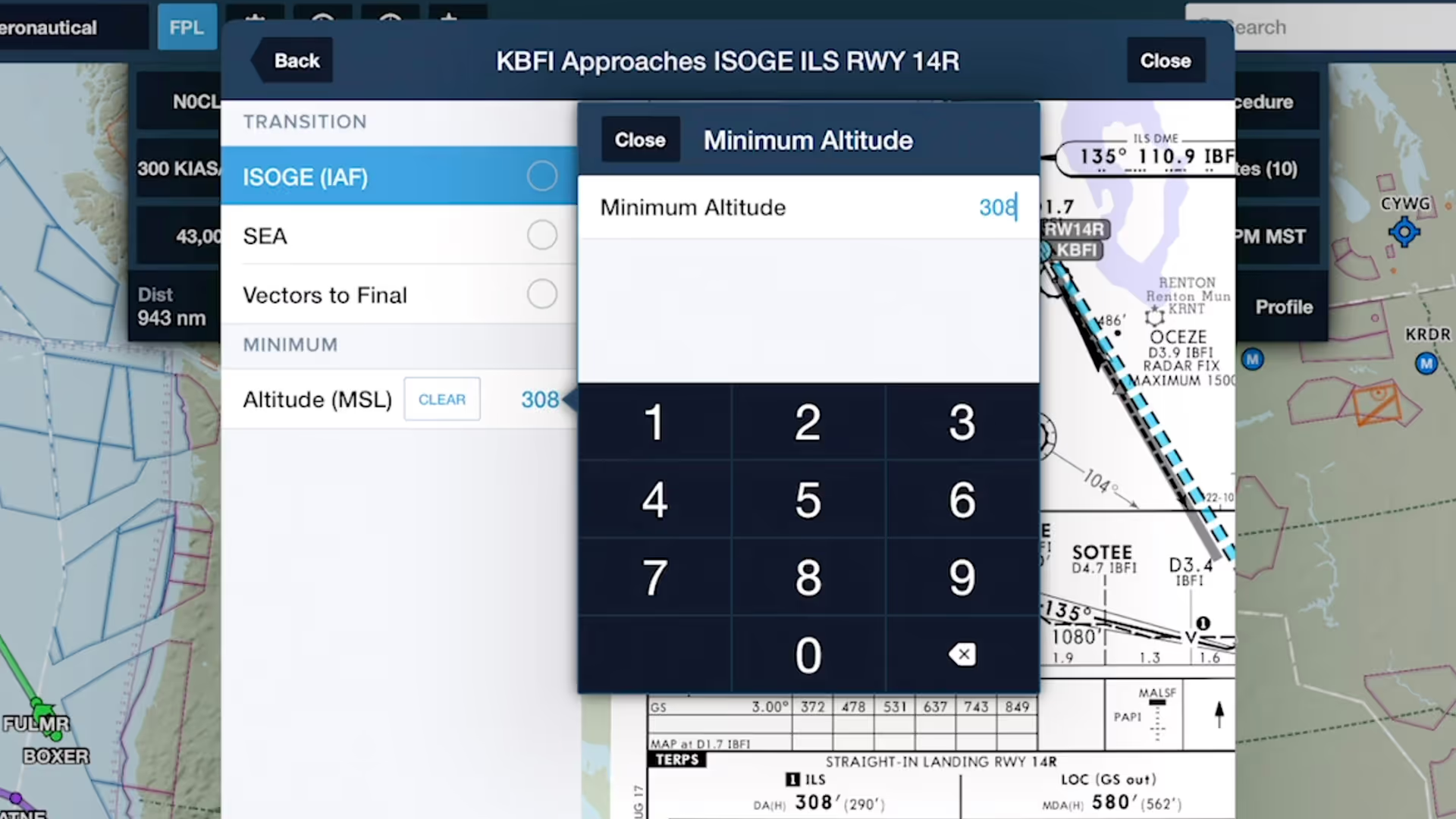
Specify an altitude minimum in Procedure Advisor when adding an IFR approach to your route to display the minimum directly on the map for quick reference during final approach.
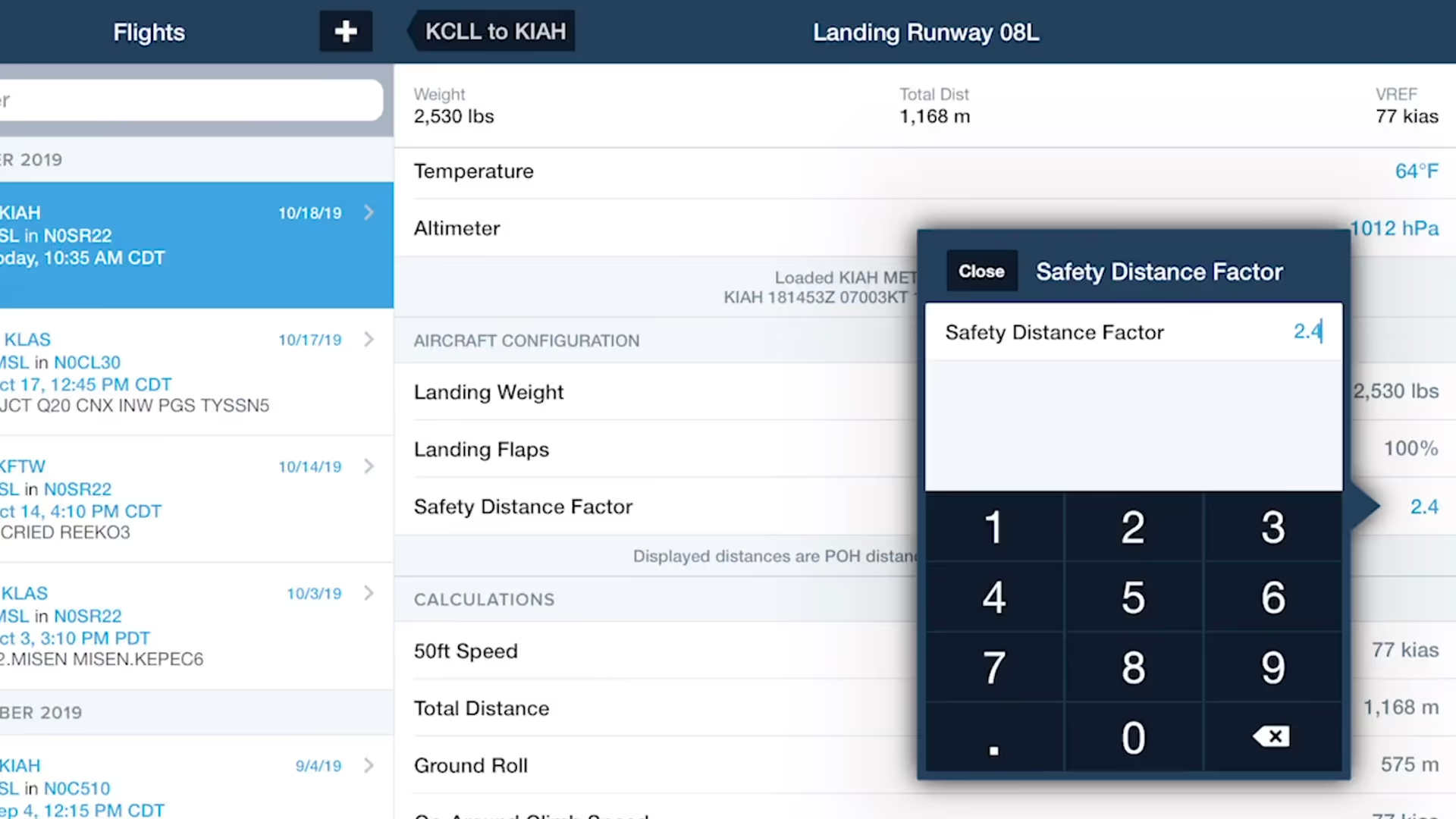
ForeFlight's TOLD feature for pistons allows you to specify a safety distance factor to produce more conservative runway performance calculations in response to runway conditions or other factors.
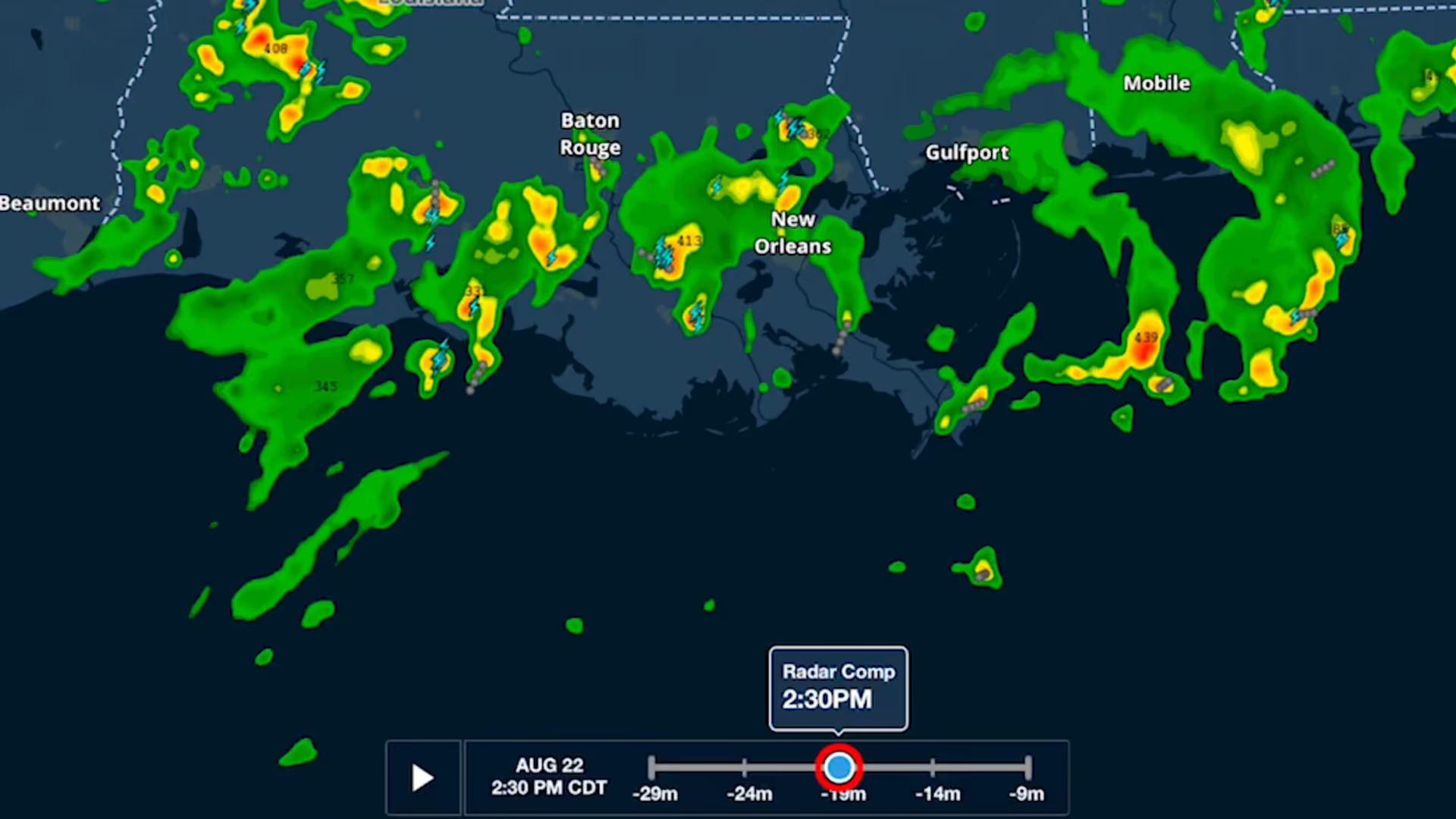
ForeFlight's weather layers use an interactive time slider tool that provides more control when viewing and animating weather timestamps.
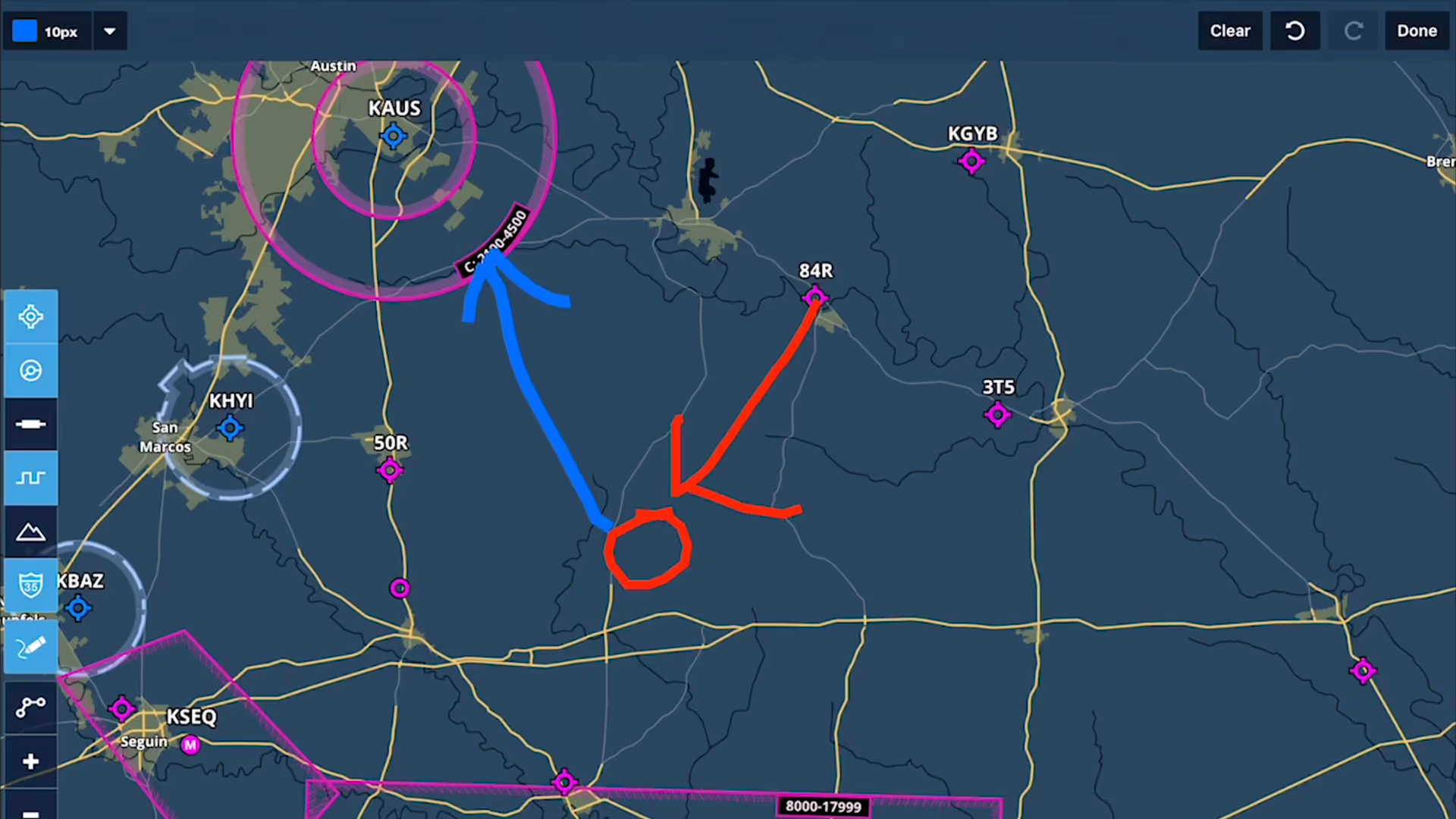
Take notes on the fly and mark up charts using ForeFlight's Map Annotations feature. Tap the Annotations buttons on the Maps view to enter Drawing Mode, and use a finger or stylus to draw on the map.
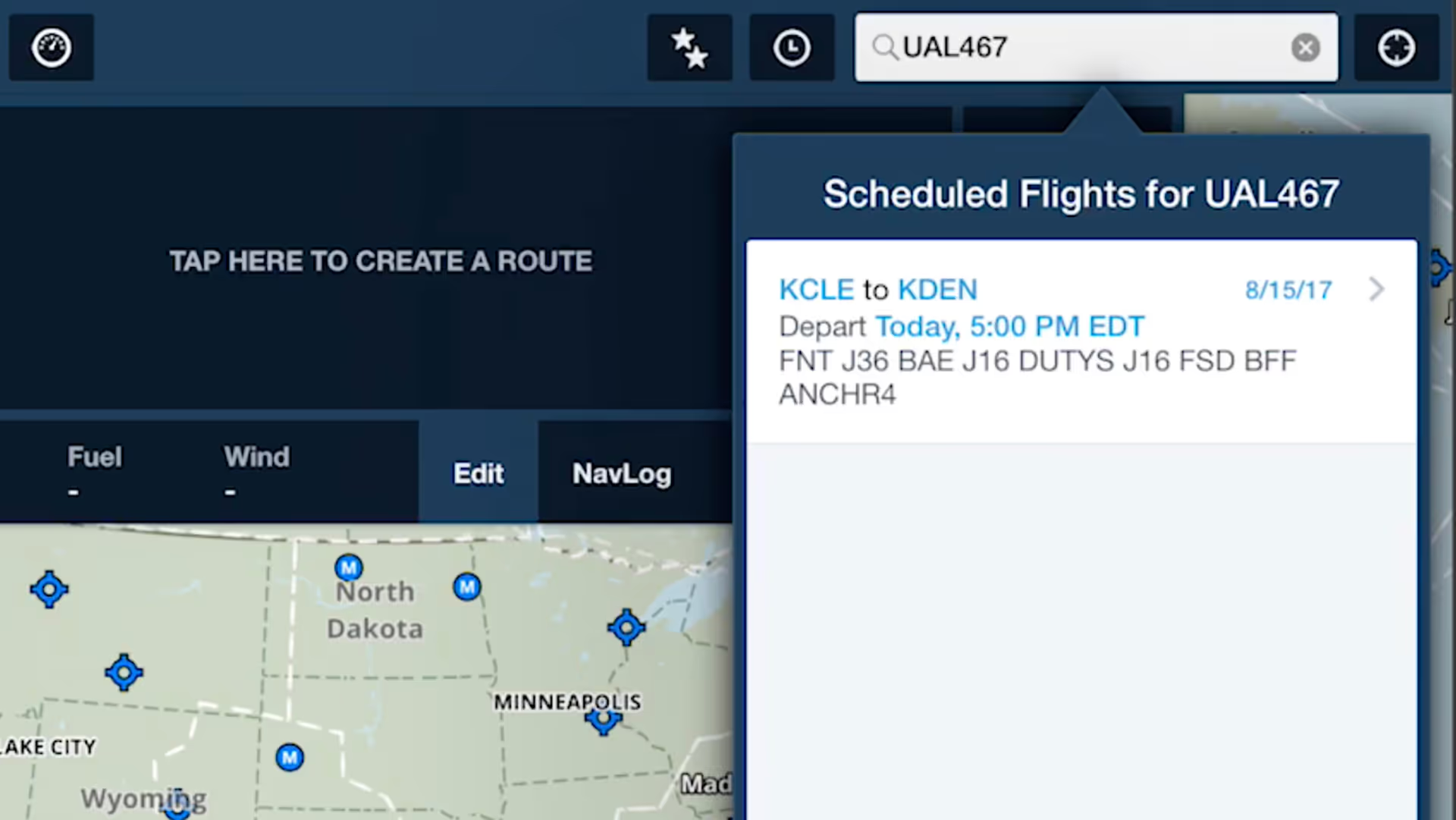
ForeFlight allows you to search for aircraft tail numbers, call signs, and flight numbers on the Maps view to see recently filed flight plans and load them into your route.
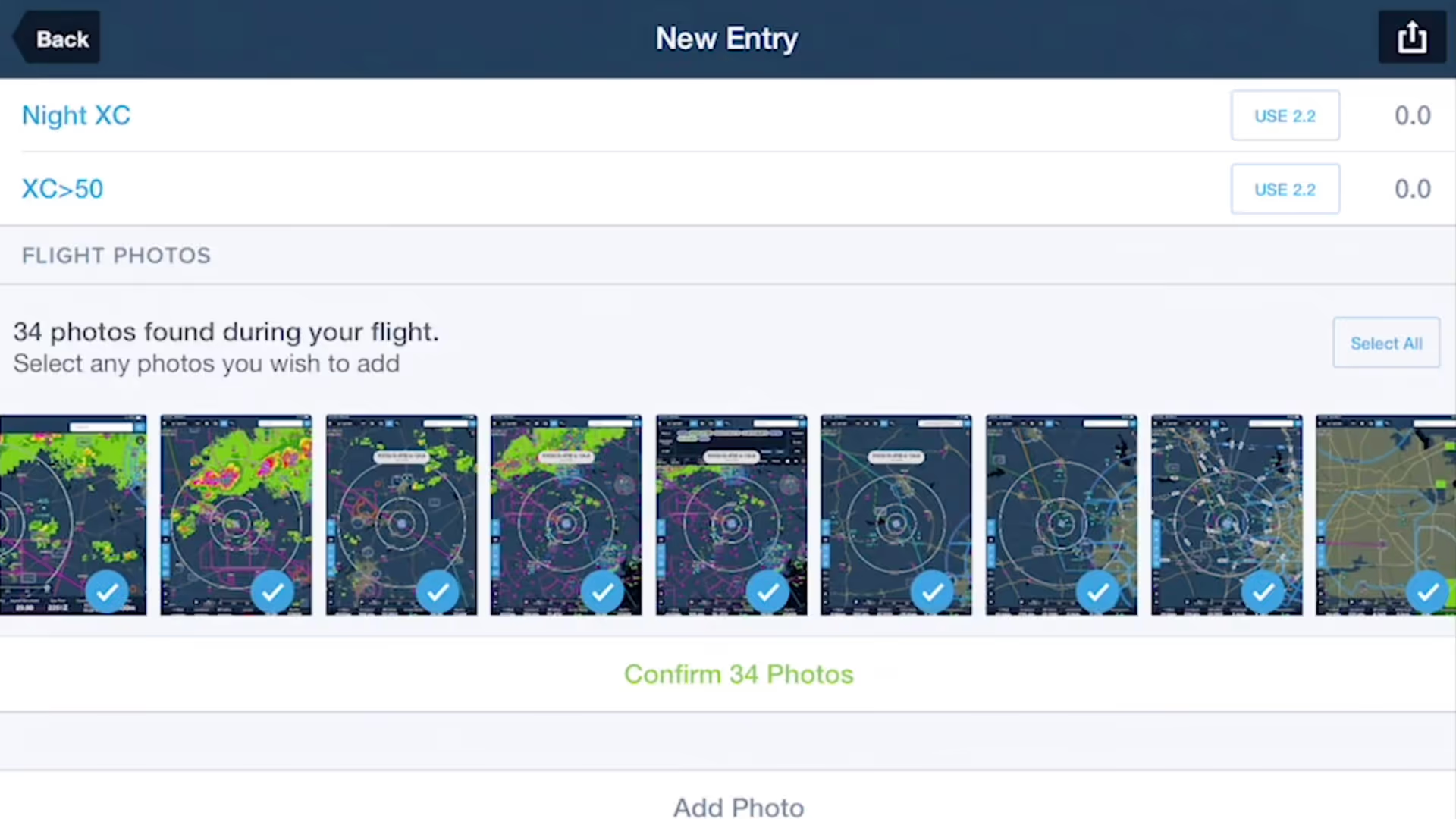
ForeFlight's Logbook can automatically suggest photos that you took during a flight so you can quickly review and add them to new Logbook entries.
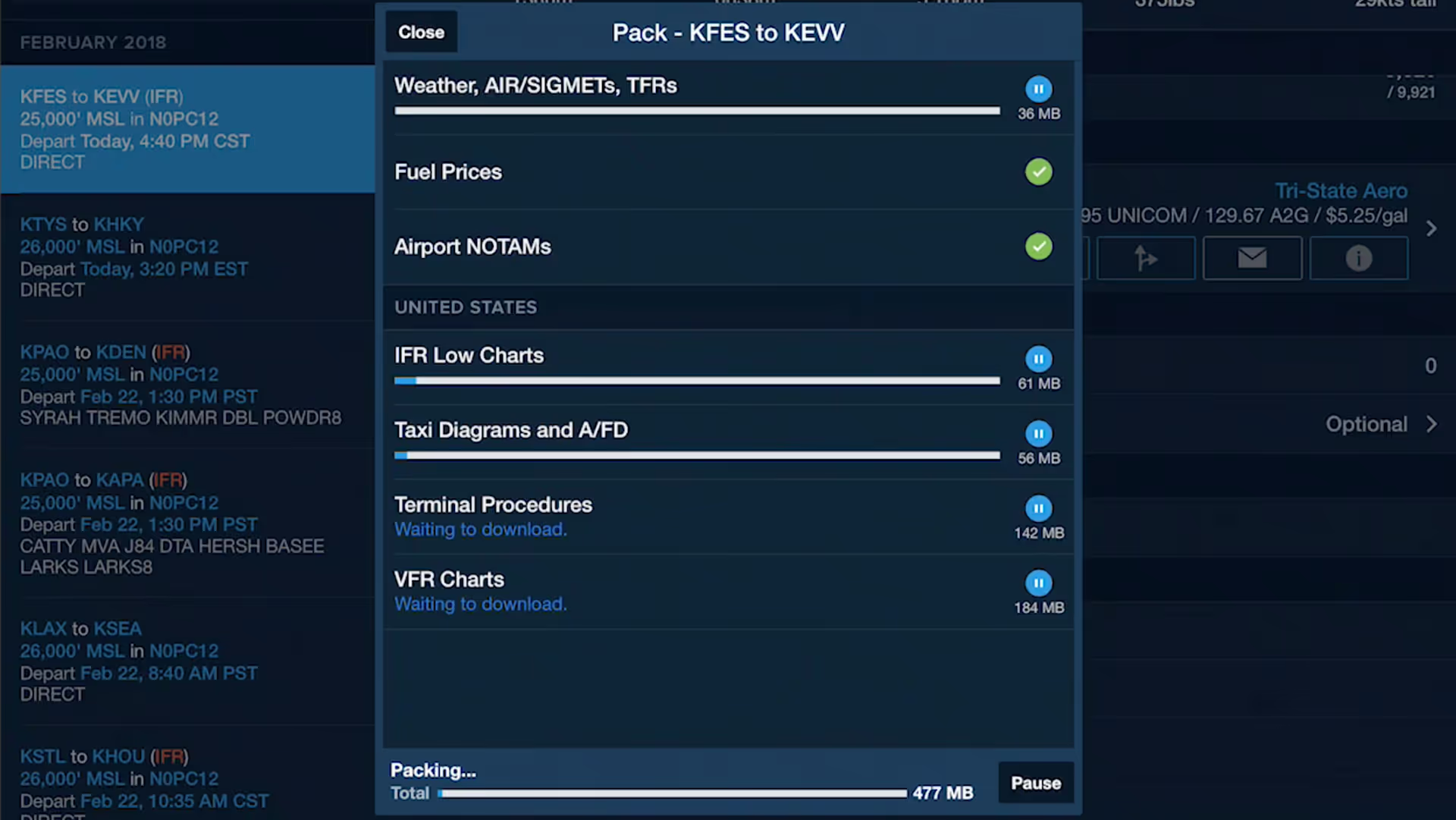
The Pack feature for downloading charts and weather before a flight is available on the Flights view, making it more accessible as part of ForeFlight's planning workflow.
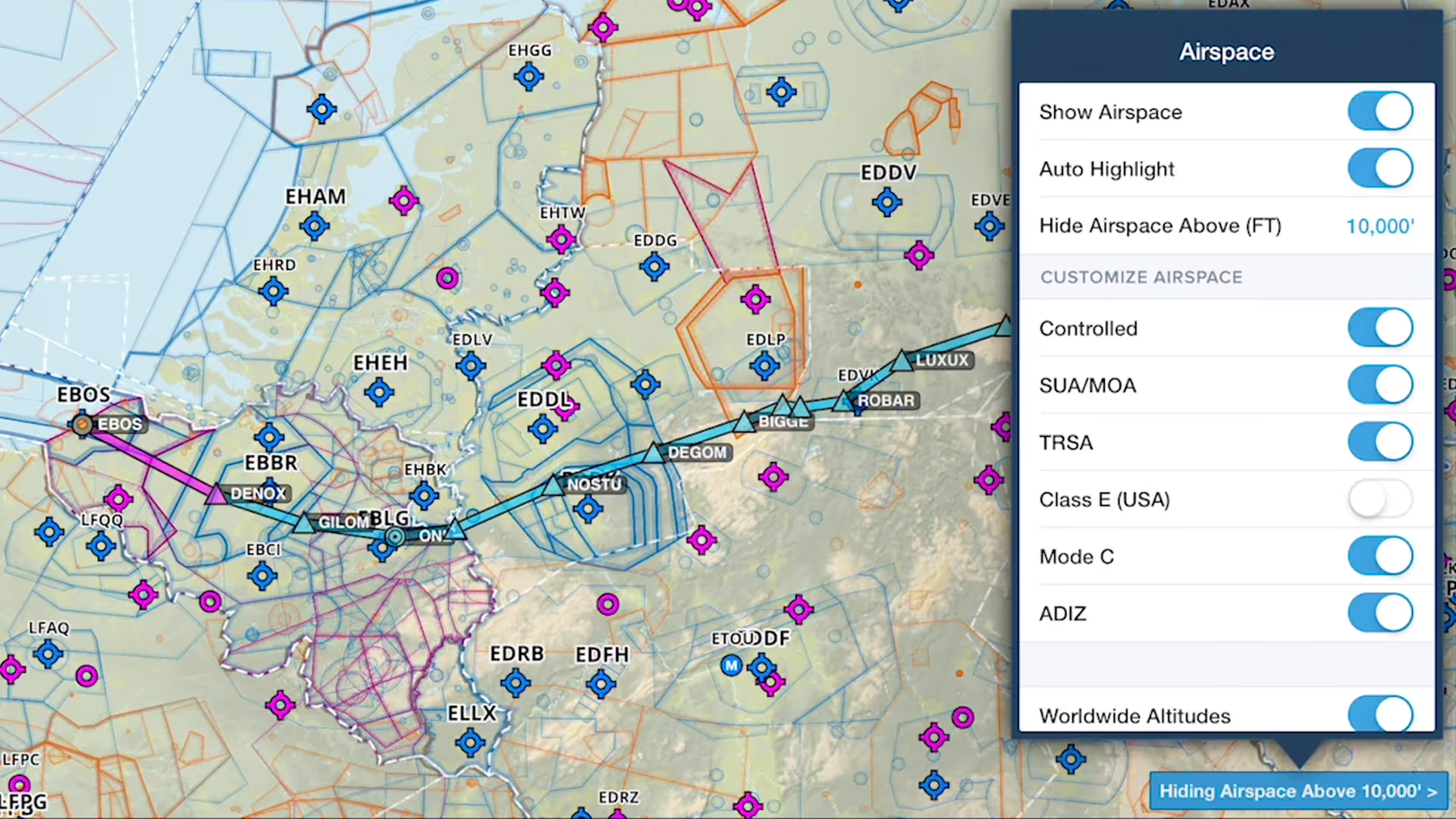
You can declutter ForeFlight's Aeronautical Map by hiding any airspace above a selected altitude, making it easier to focus on airspace closer to you.
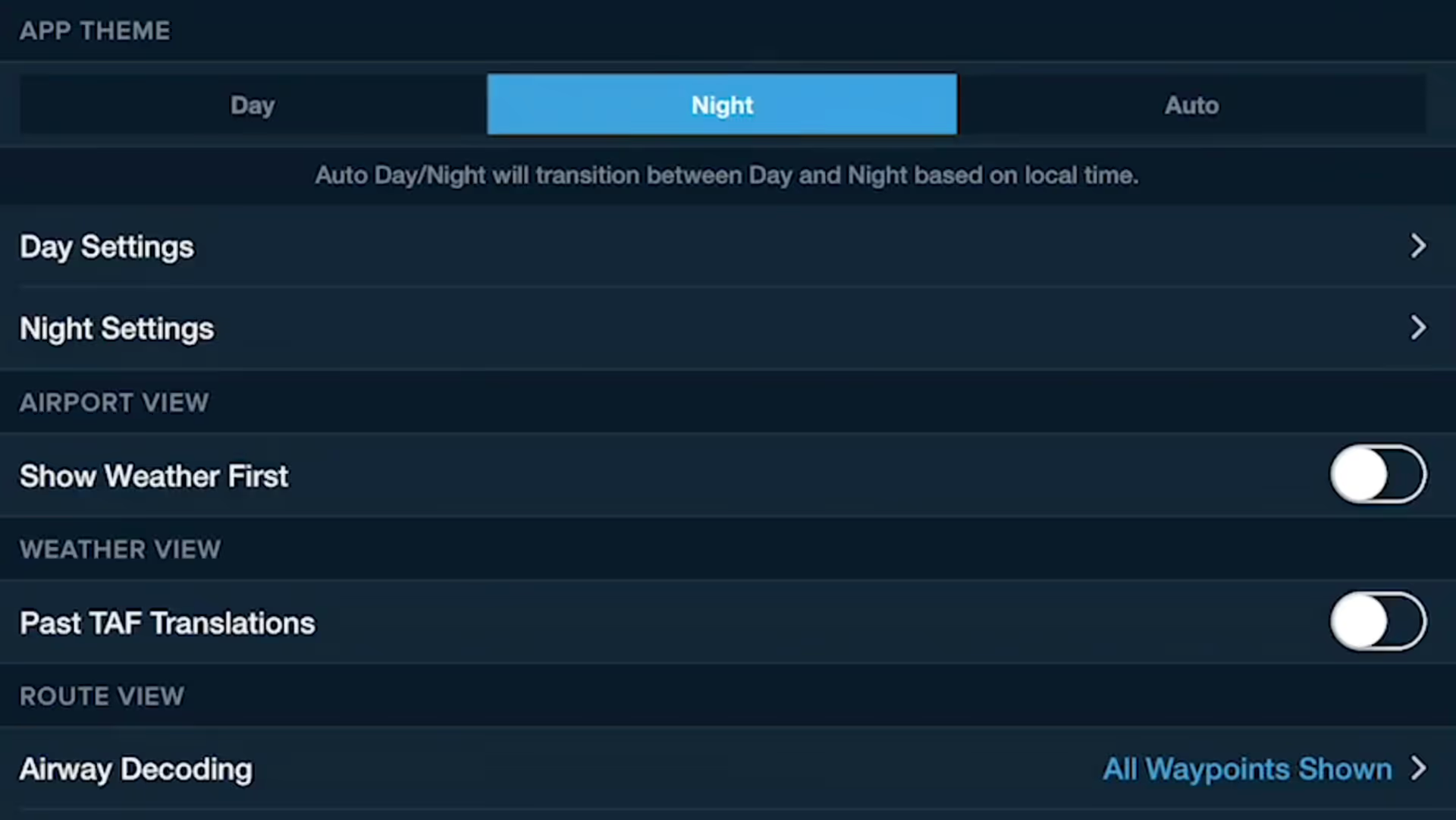
Customizing ForeFlight's look and feel is easier with the App Theme selector, and the Auto Day/Night setting helps your eyes adjust to changing light levels.
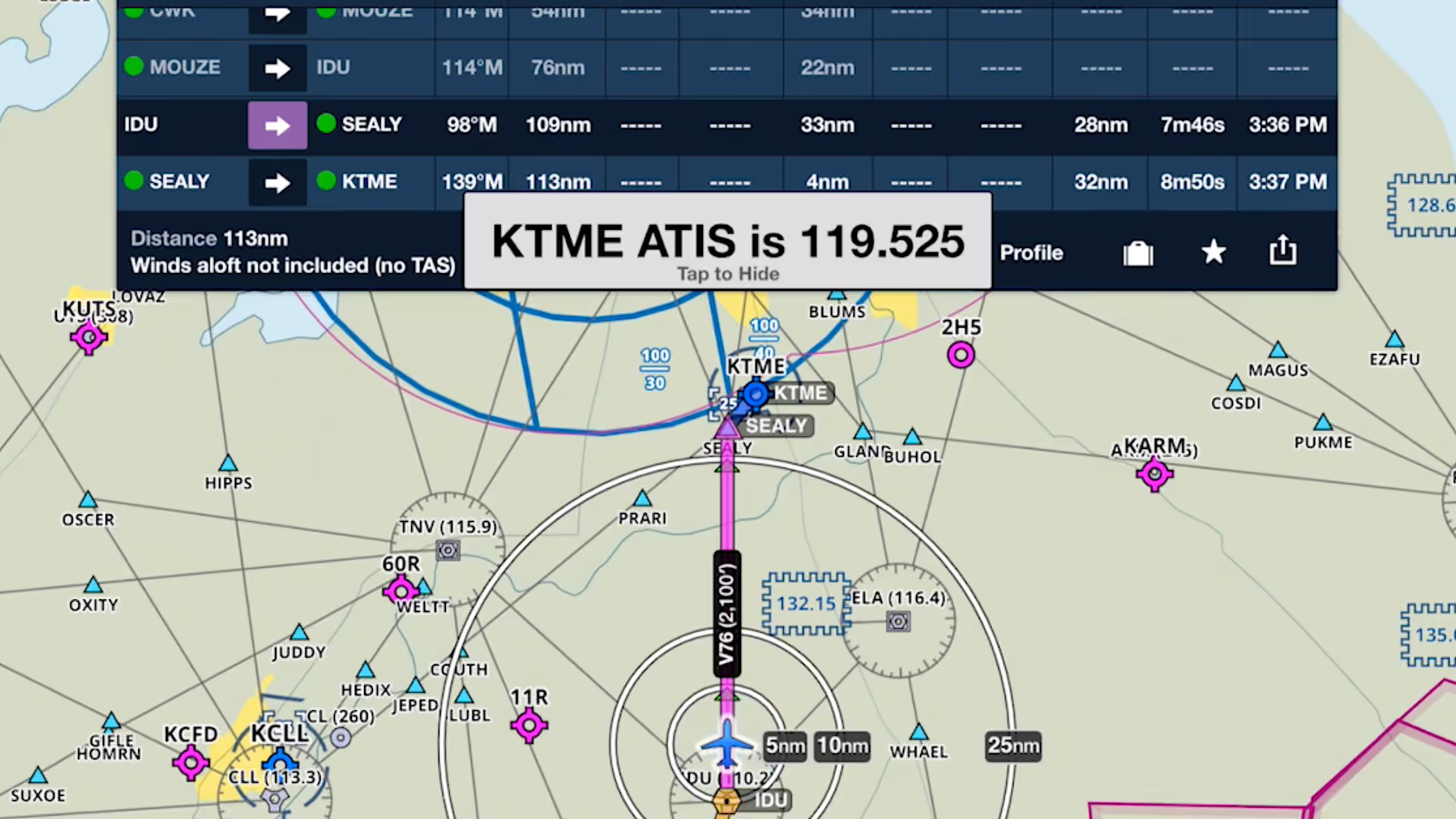
Checking your destination airport's weather is an important step in any pre-landing checklist. Like a helpful co-pilot, ForeFlight automatically displays the weather frequency as you near the airport.