18.7
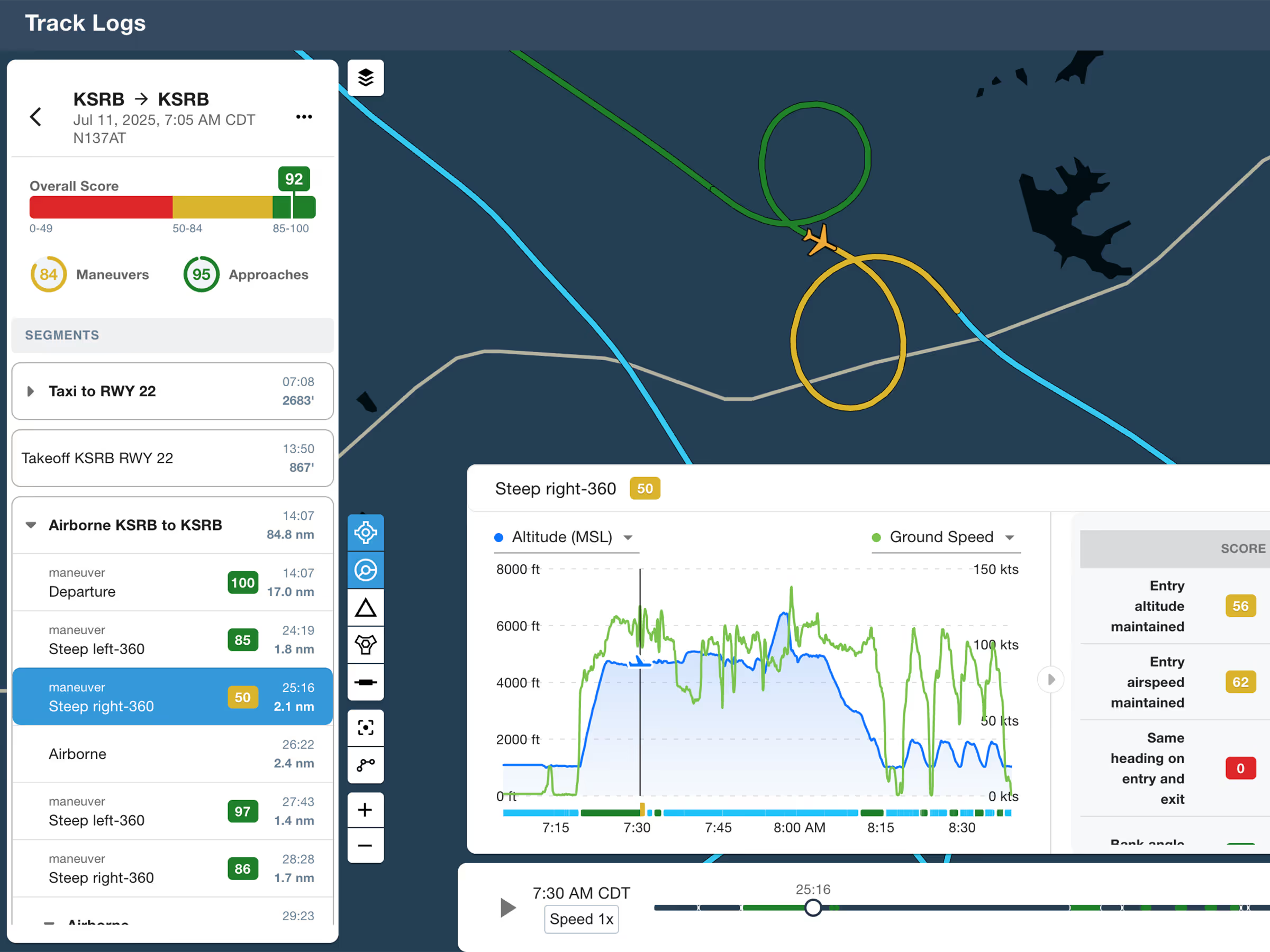
ForeFlight Debrief
Review flights with automatic Track Log segmentation, scoring, and 3D playback on both mobile and web.

Explore the latest ForeFlight features and browse past release notes to stay updated on new tools, enhancements, and improvements.
Review flights with automatic Track Log segmentation, scoring, and 3D playback on both mobile and web.
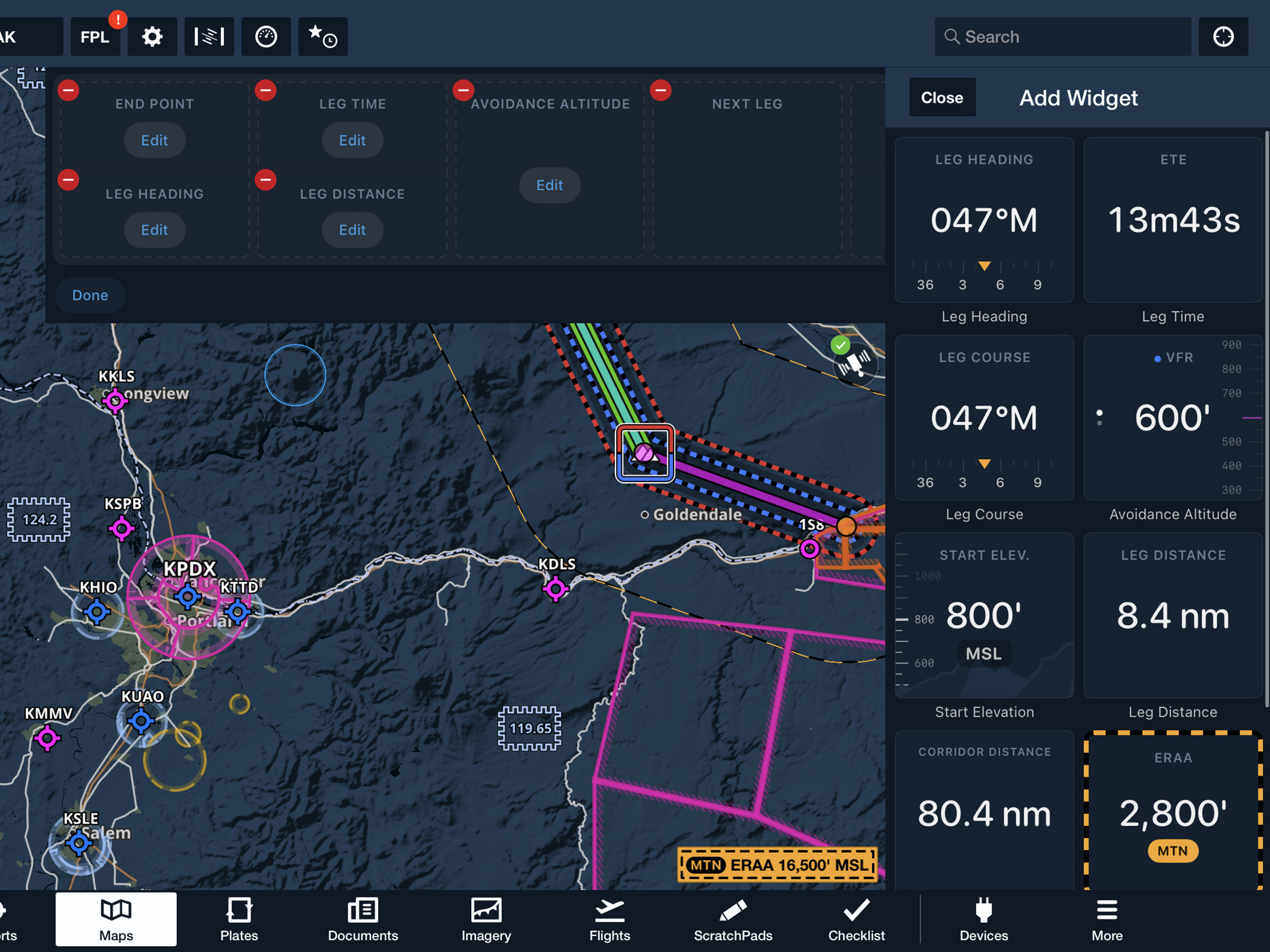
View current-leg details at a glance with a customizable information panel for Low Level Corridors.
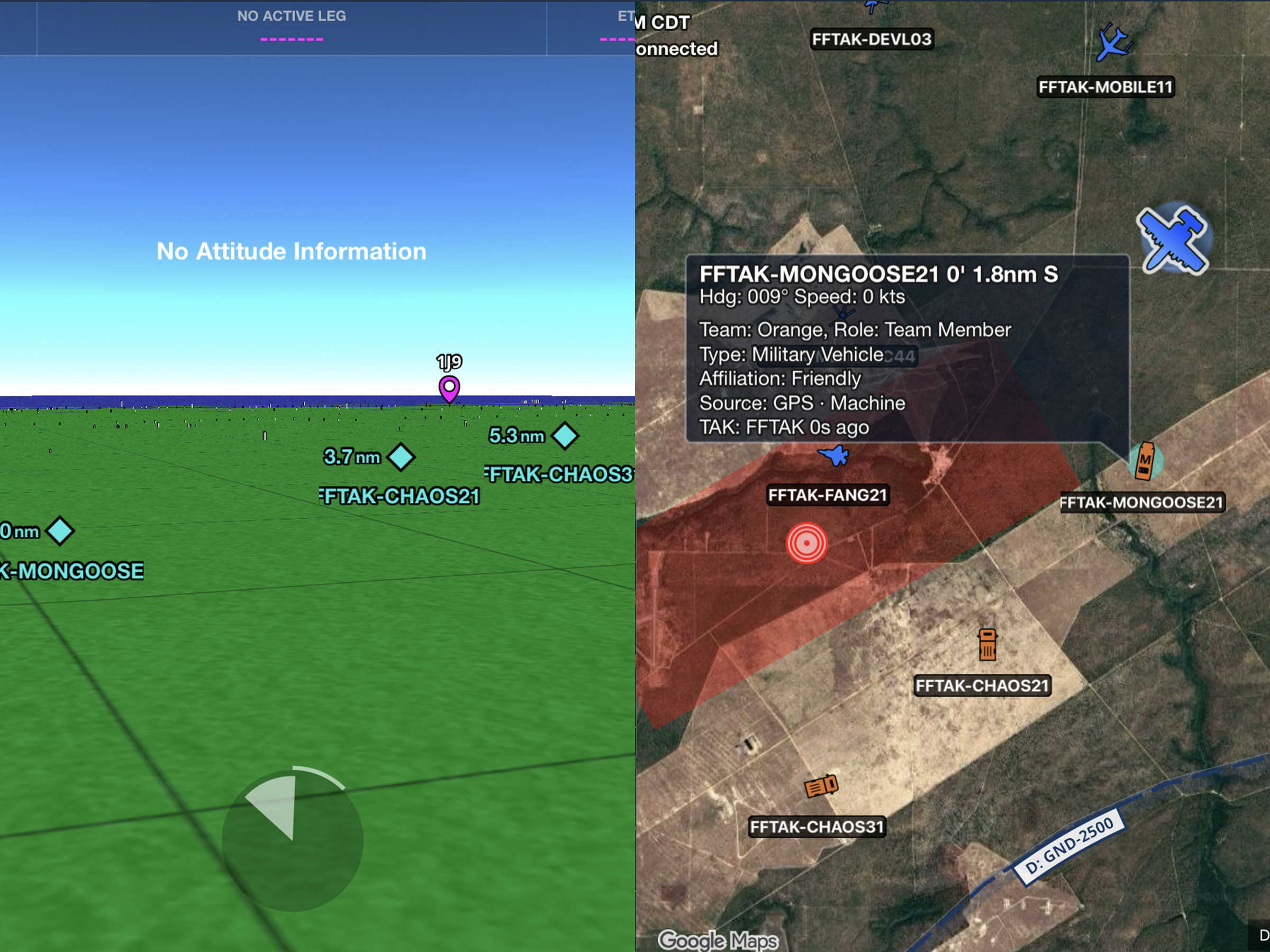
Connect to TAK servers to share your position and view other connected assets as live traffic on the map.
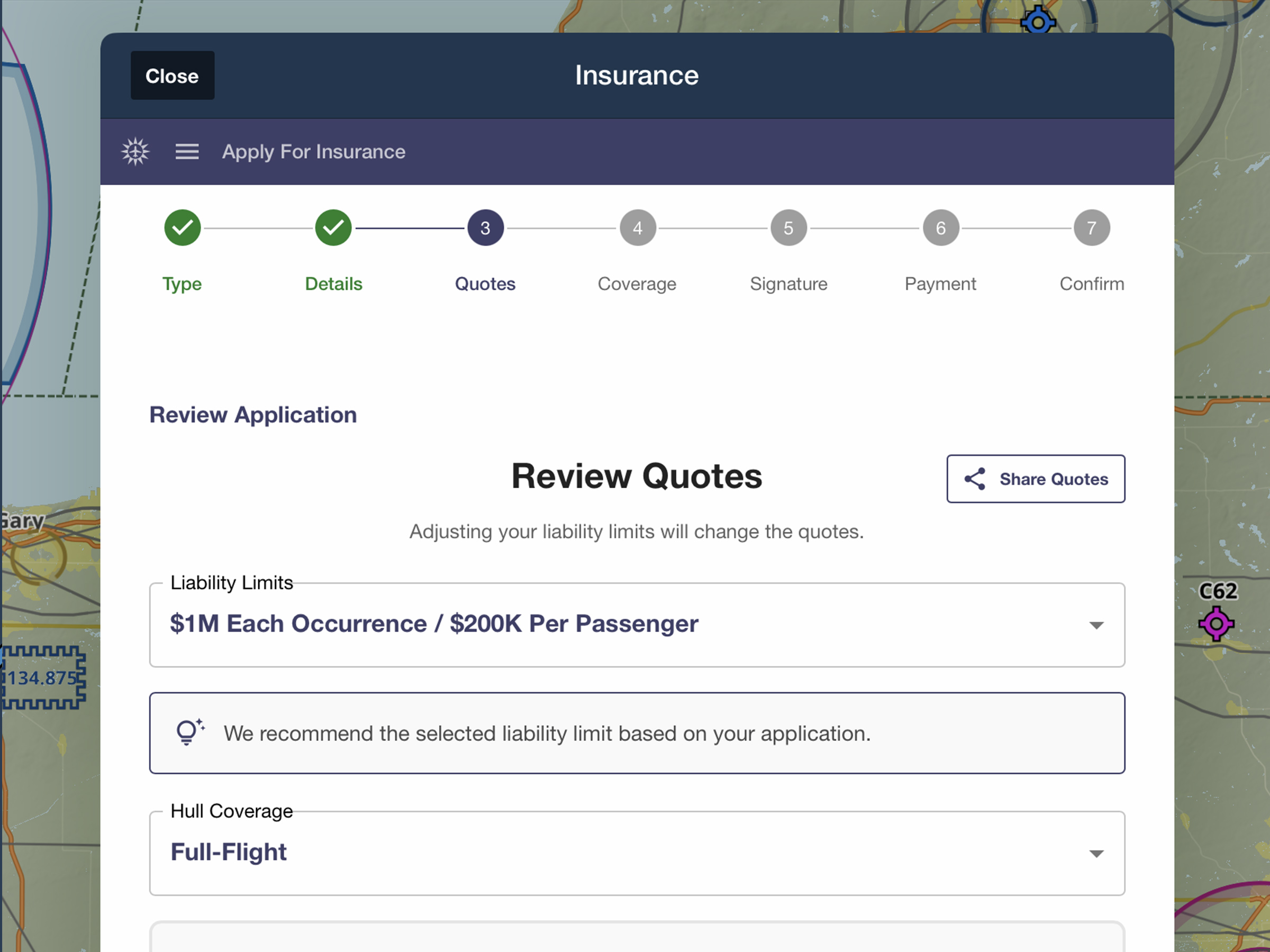
Quote, compare, purchase, and manage aviation insurance directly in ForeFlight.
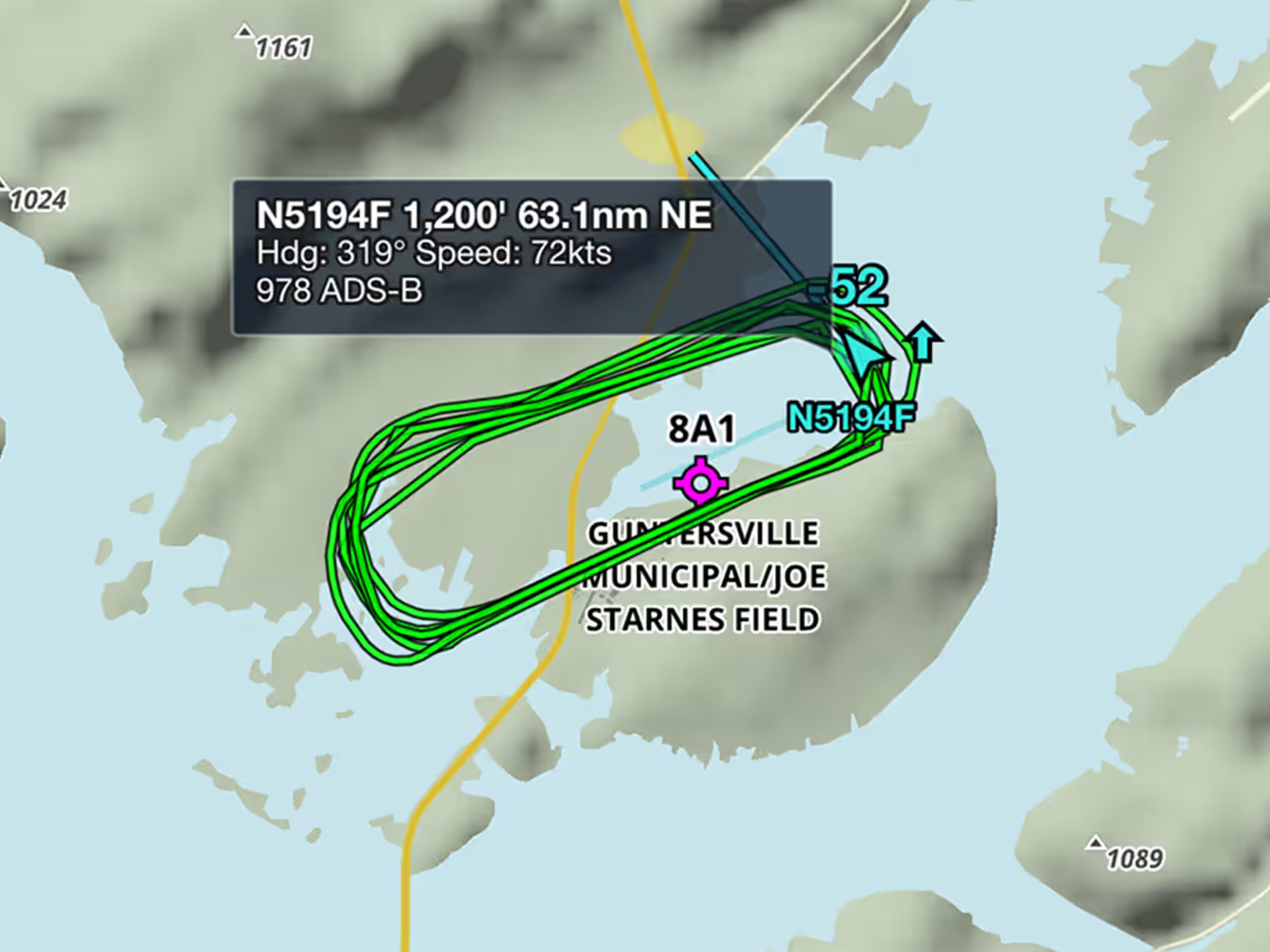
View recent flight paths of nearby aircraft to see which runways and procedures are in use.
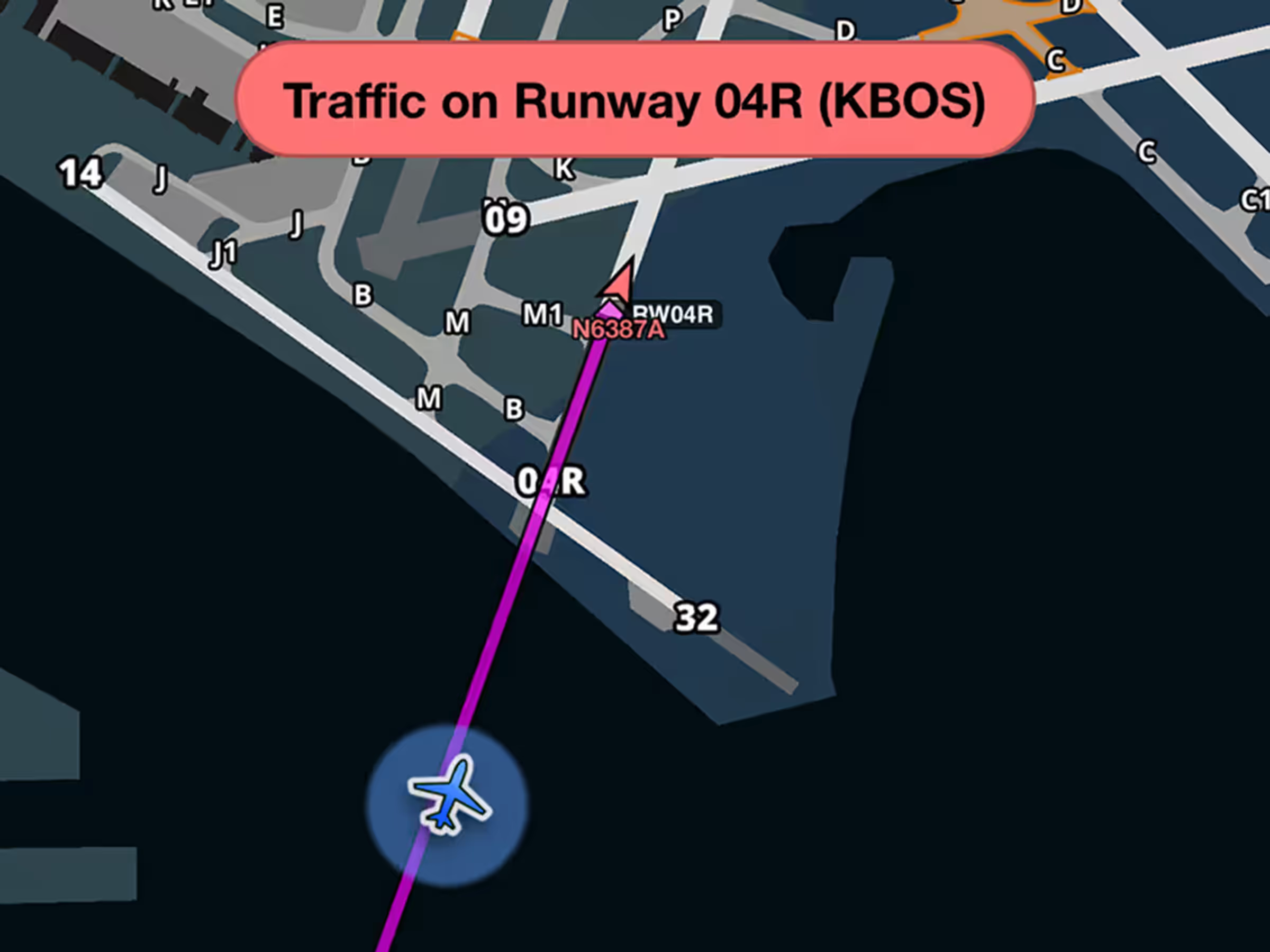
Get runway safety alerts during approach when aircraft are on or approaching your runway.
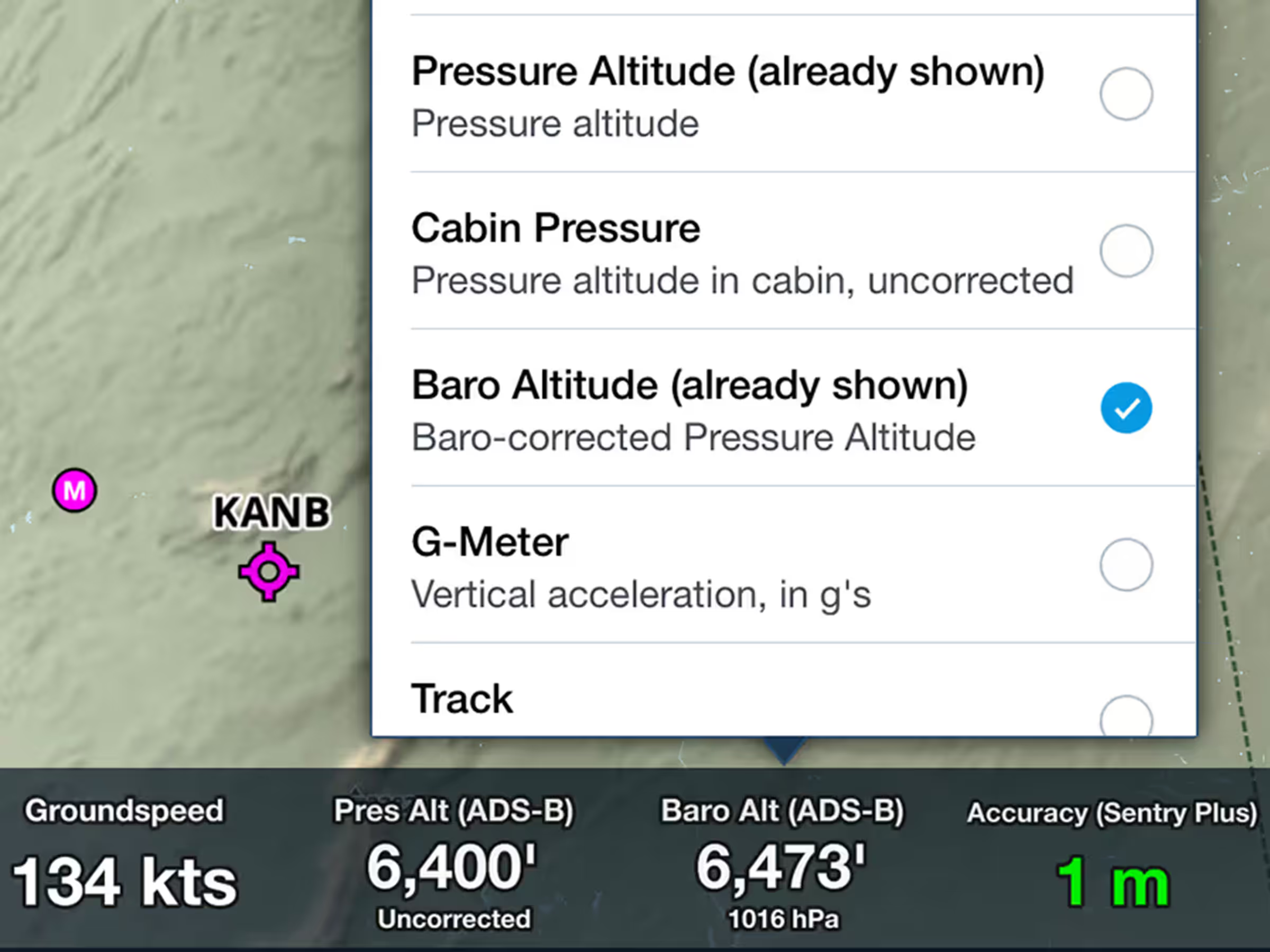
View corrected barometric altitude based on pressure readings and nearby METAR data.

Upload documents wirelessly from Microsoft OneDrive to all your devices.
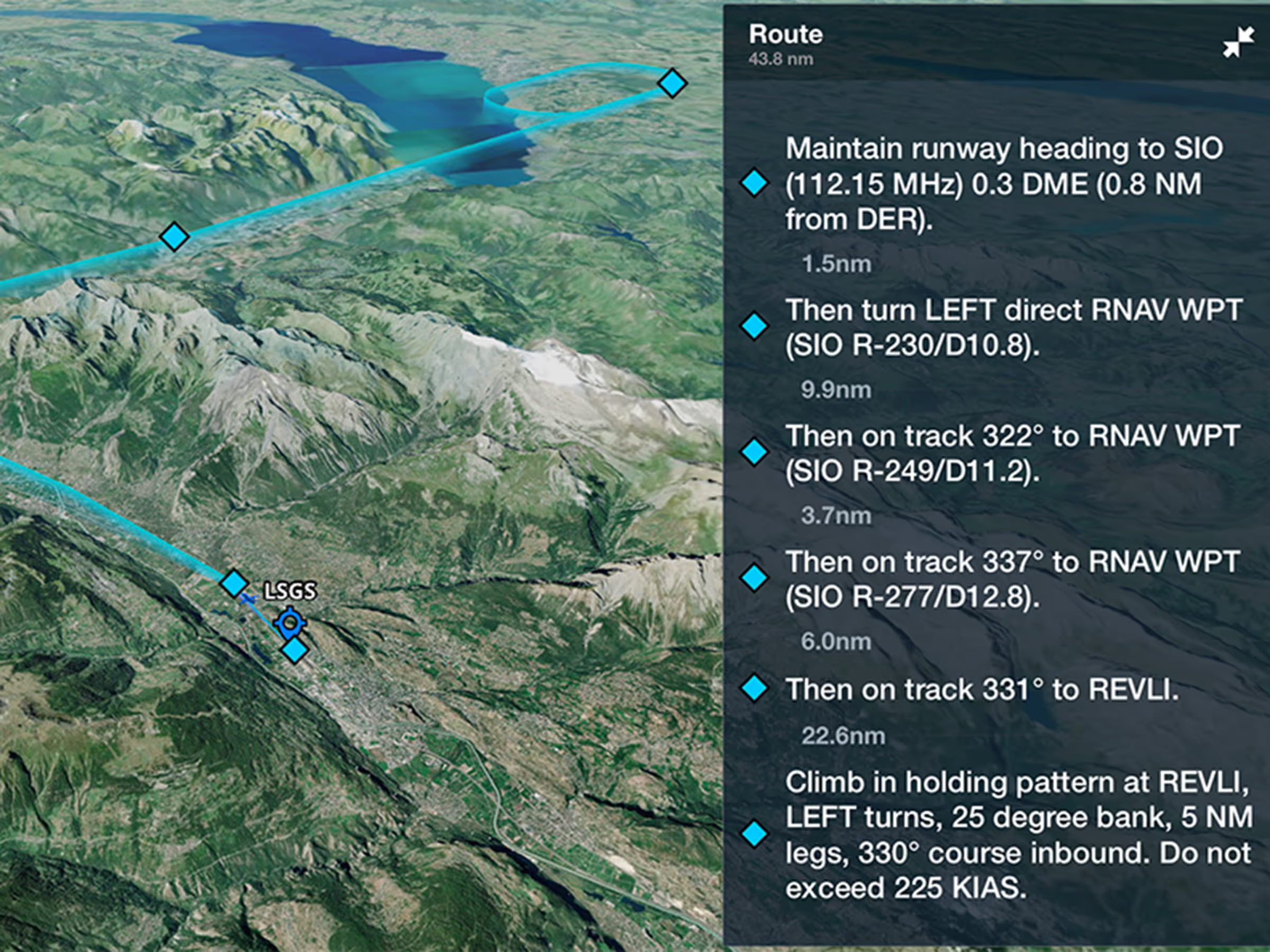
Preview Engine Out Procedures in 3D with terrain and aerial imagery before takeoff.
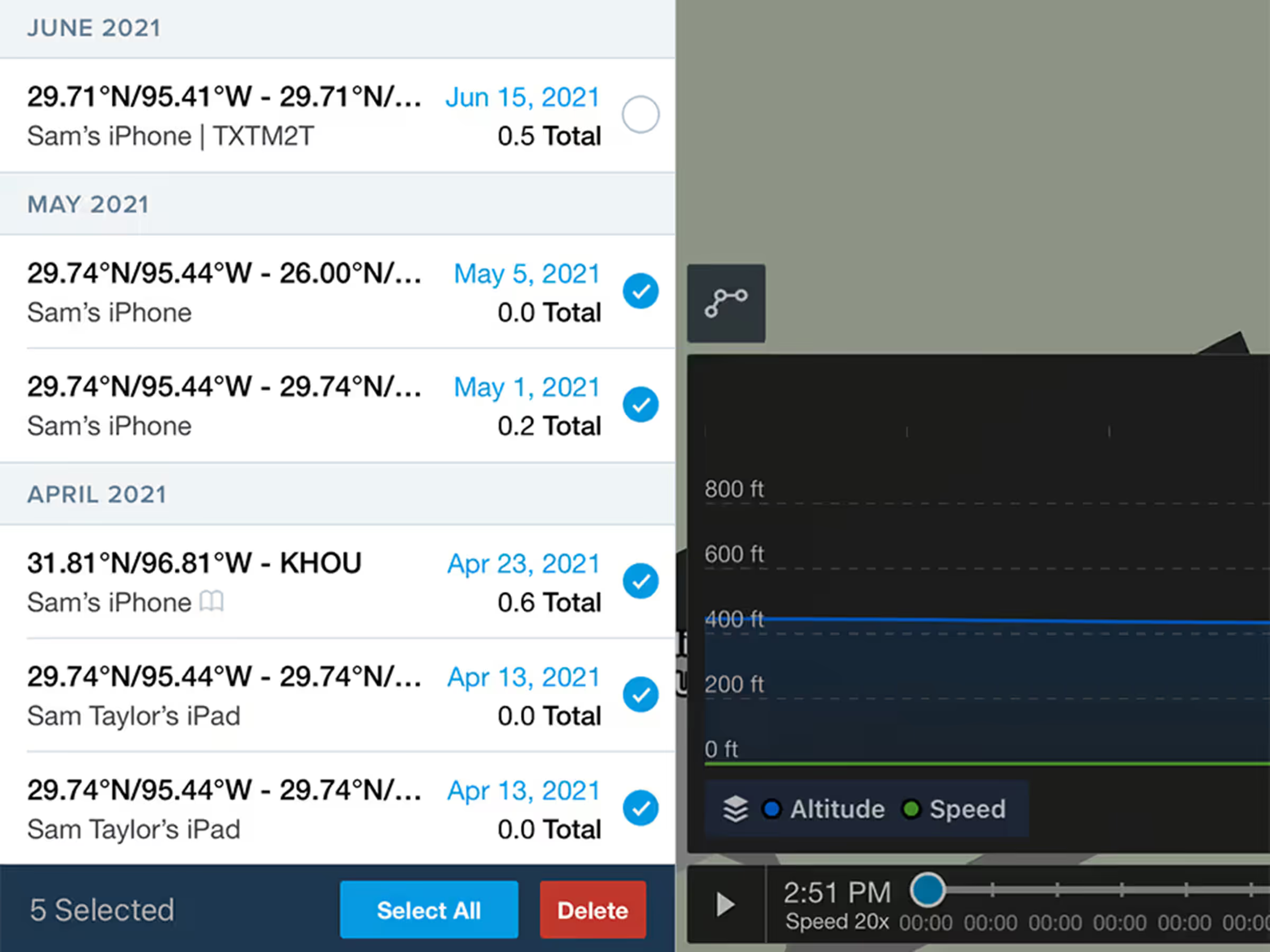
Select and delete multiple track logs at once with warnings for those linked to Logbook entries.
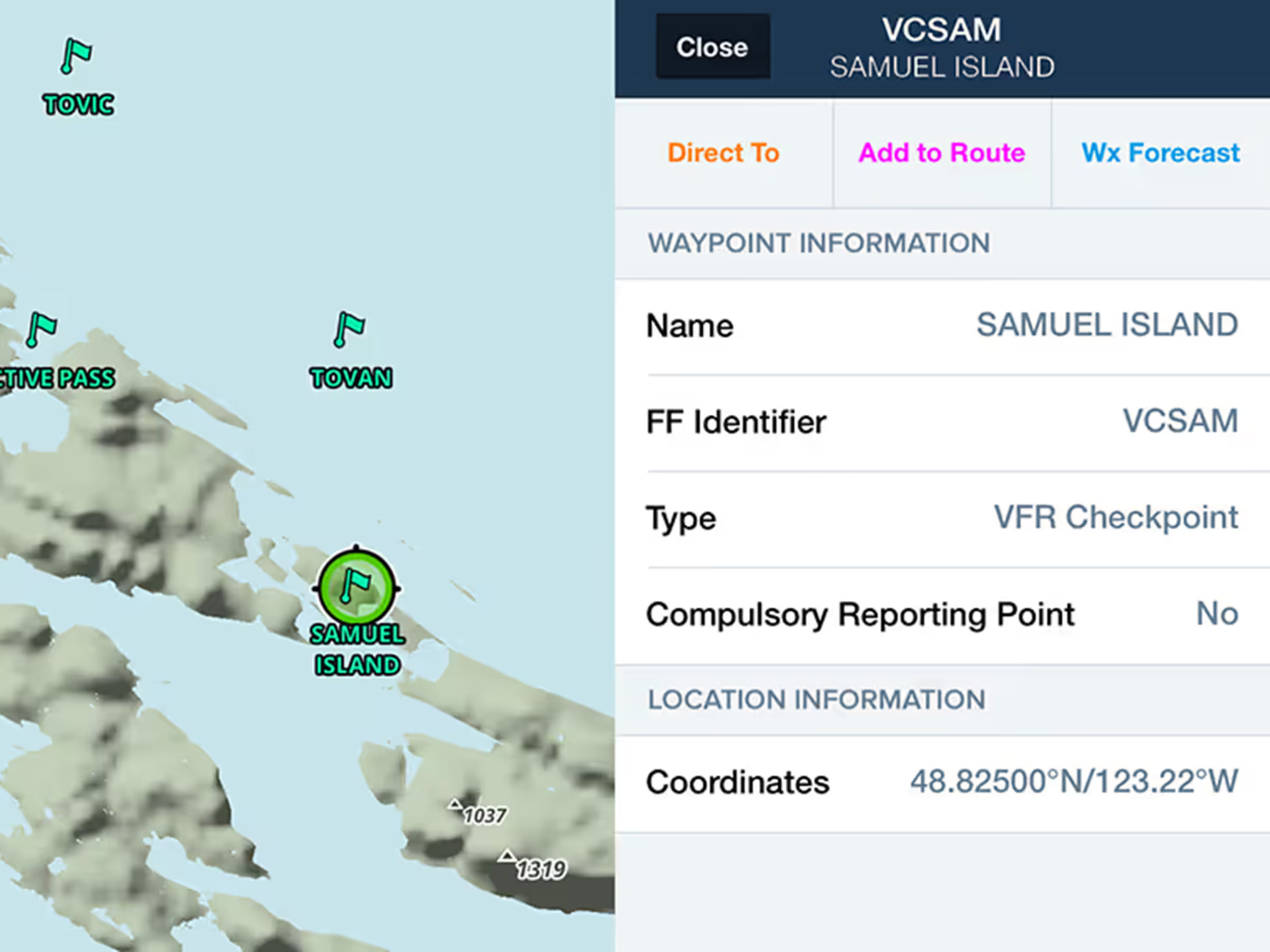
Use VFR checkpoints and call-up points on Canadian and South African Aeronautical Maps.
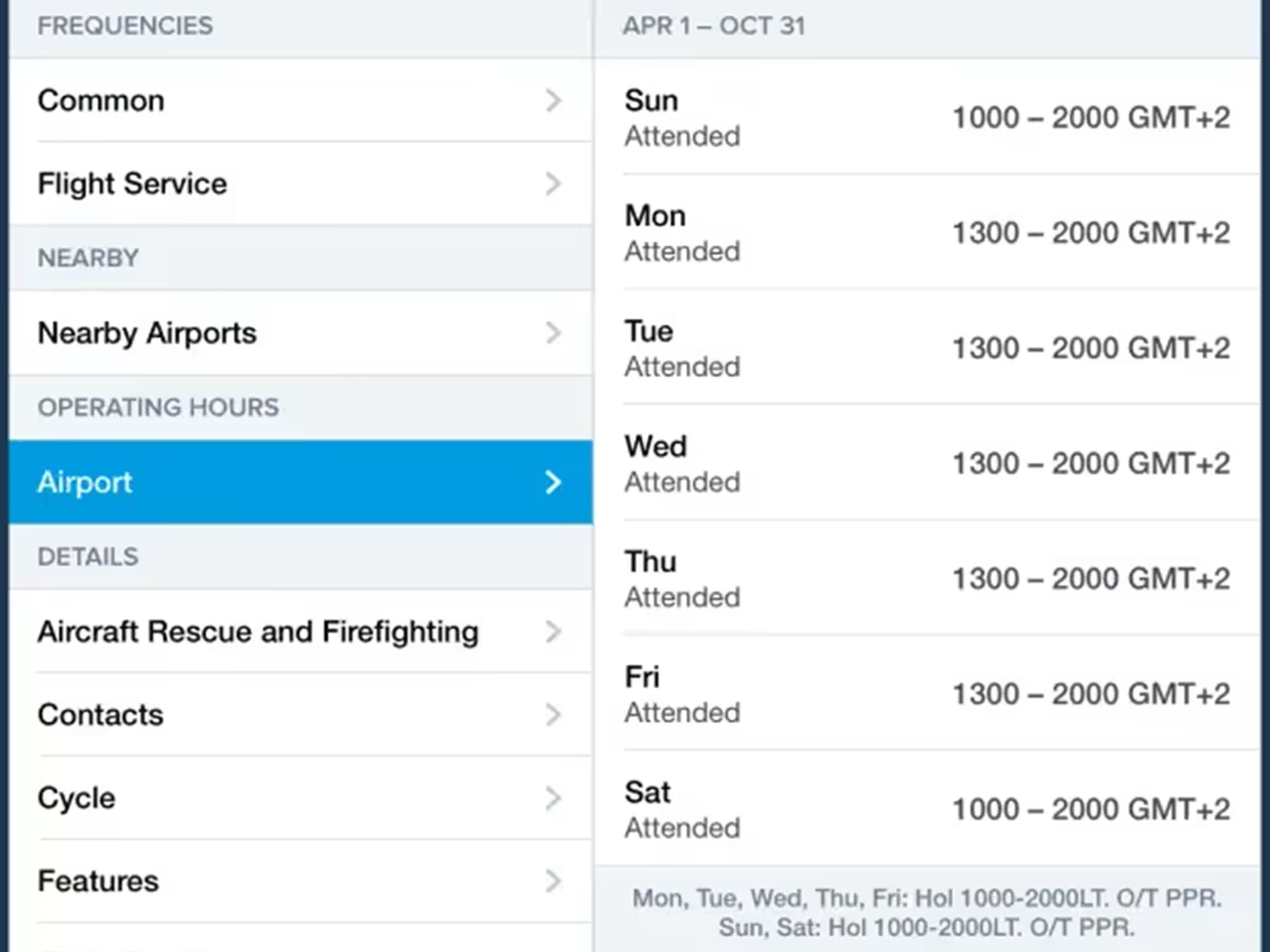
Access more detailed airport operating hours globally with time zones and custom remarks.
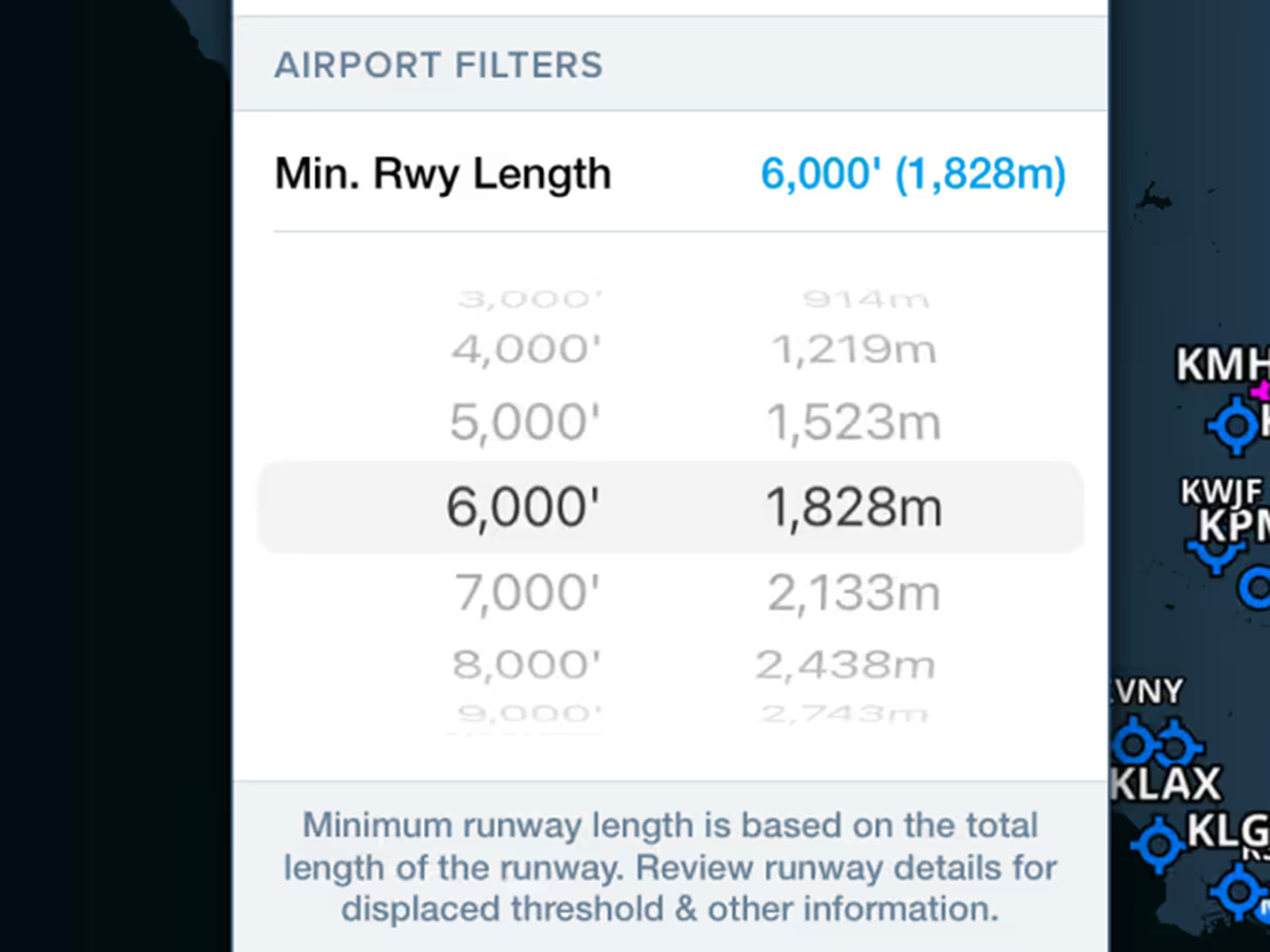
Hide airports with shorter runways by setting minimum runway length filters.
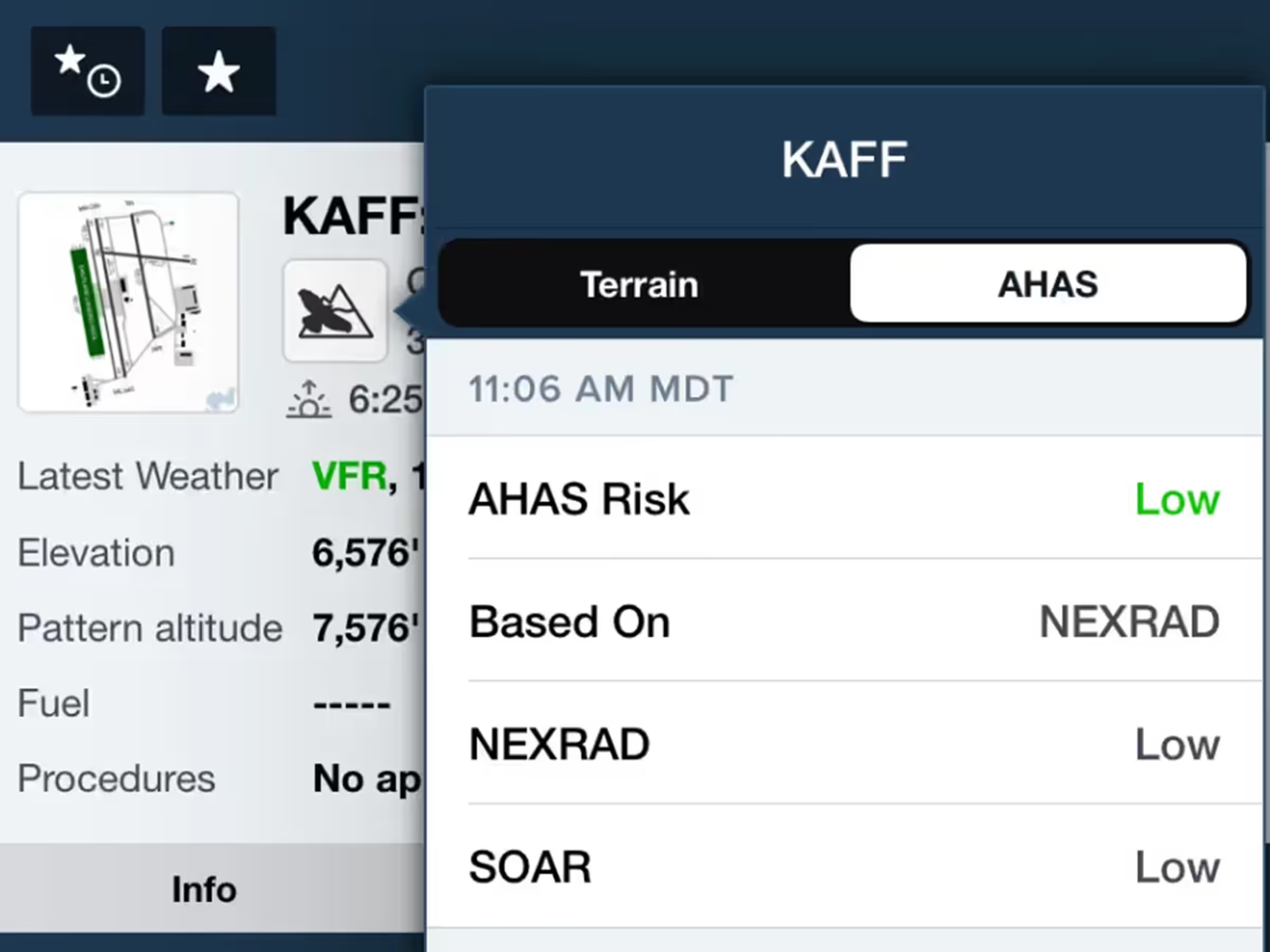
View consolidated military bird forecasts (NEXRAD, BAM, SOAR) for supported airports.
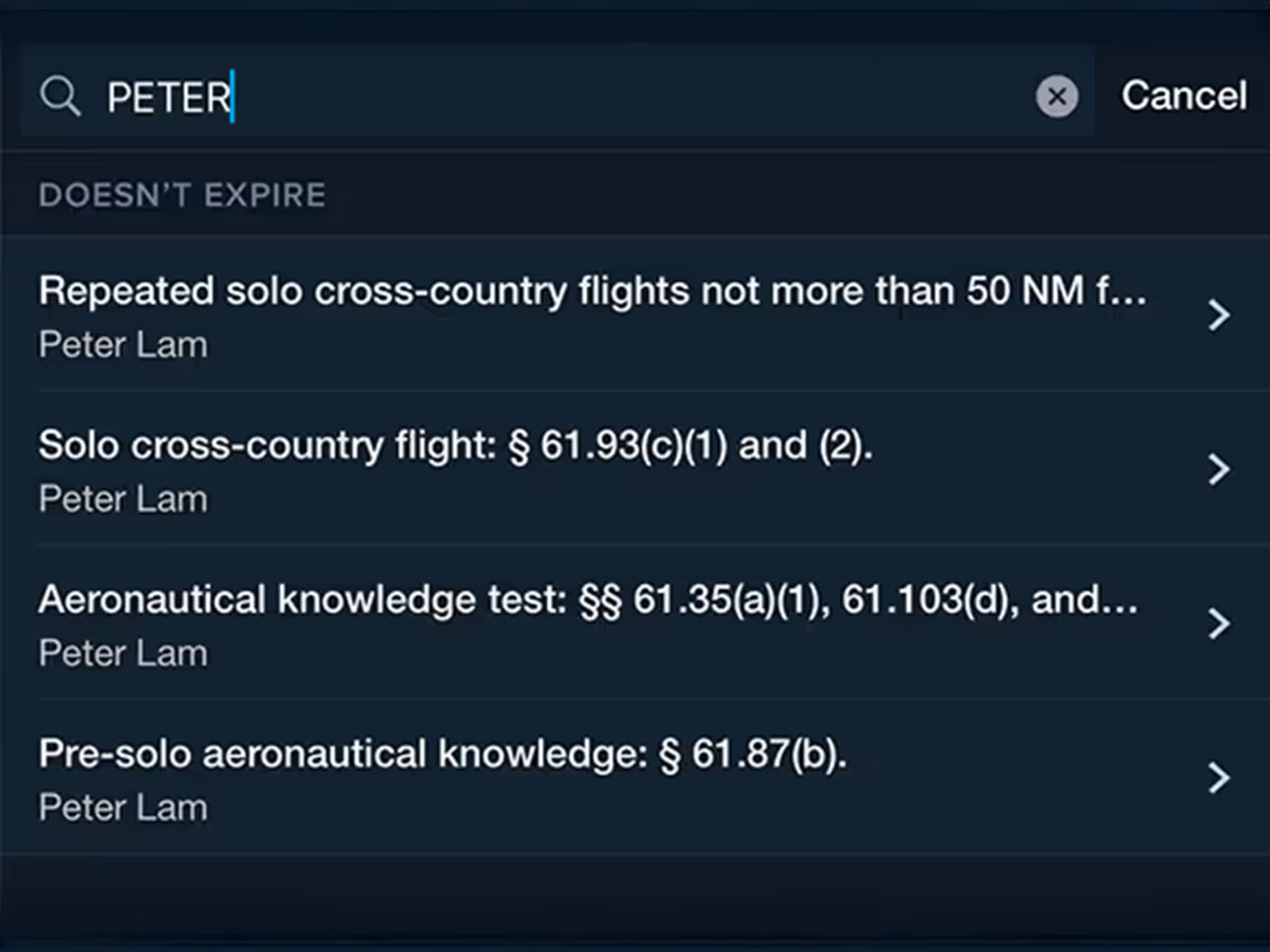
Improved endorsement filters, searches in addition to regulatory references in endorsement titles.

See your Profile View corridor on the map with highest hazards highlighted for each leg.
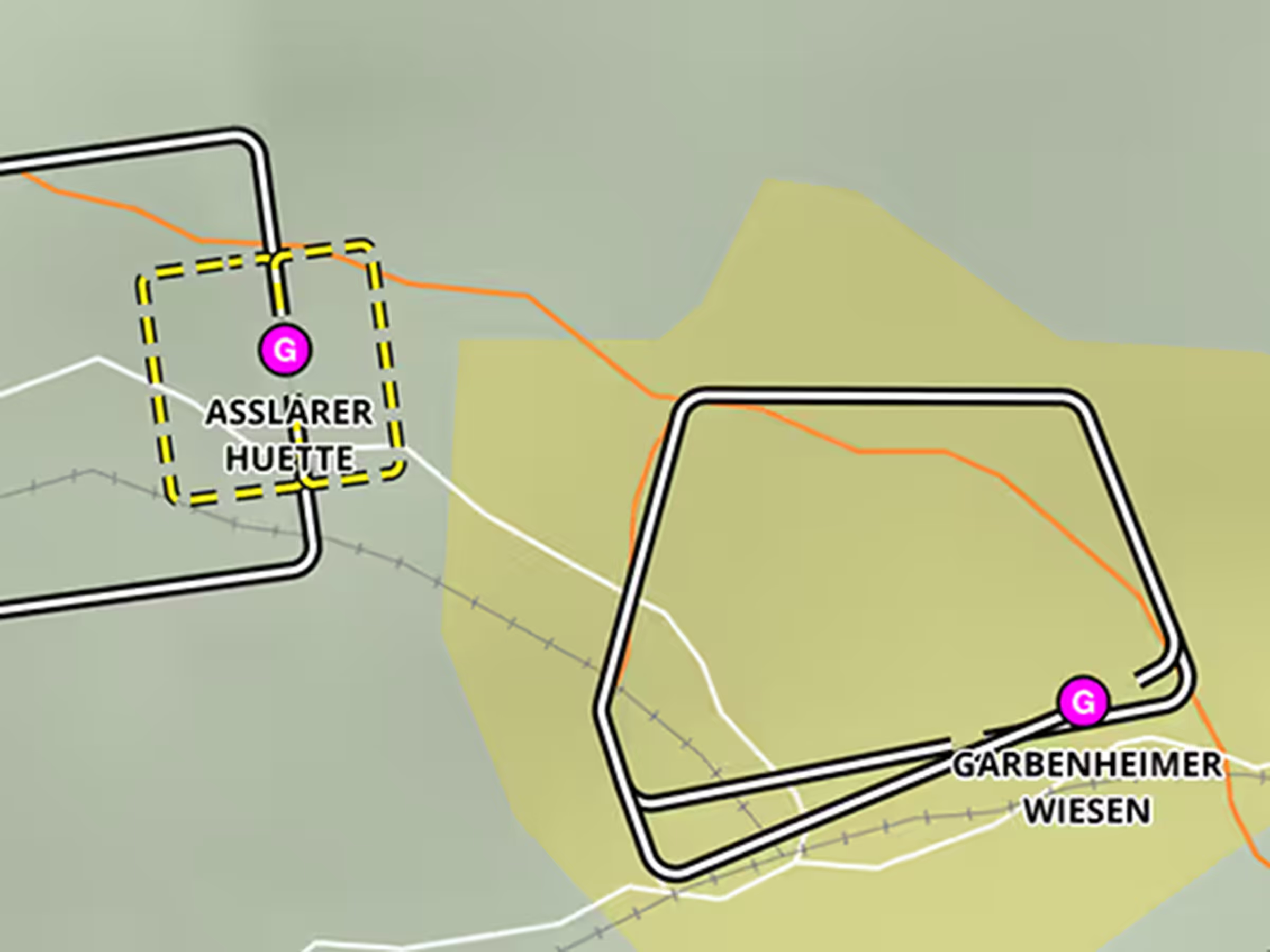
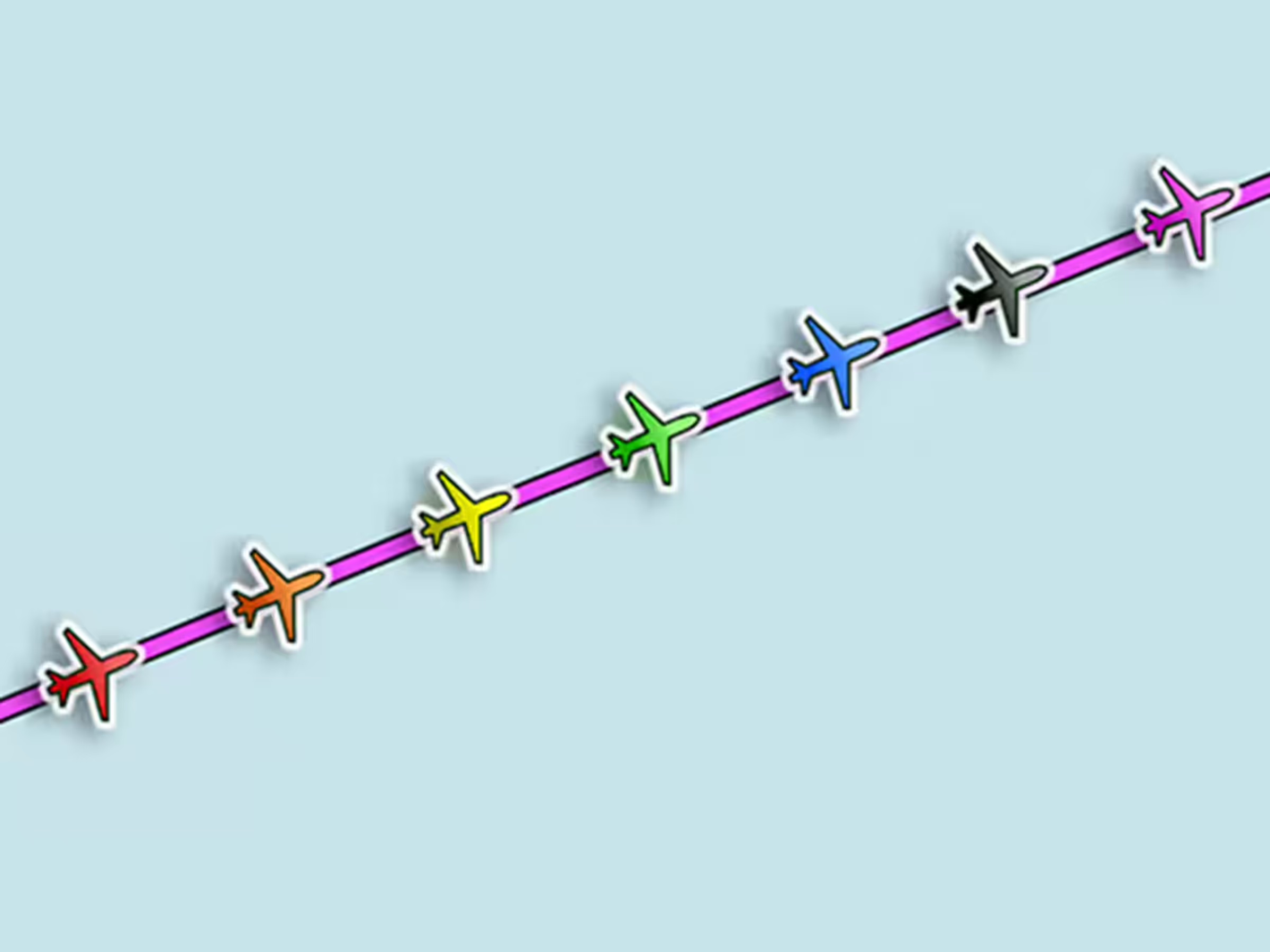
Change your ownship marker color and shape in settings for better visibility.
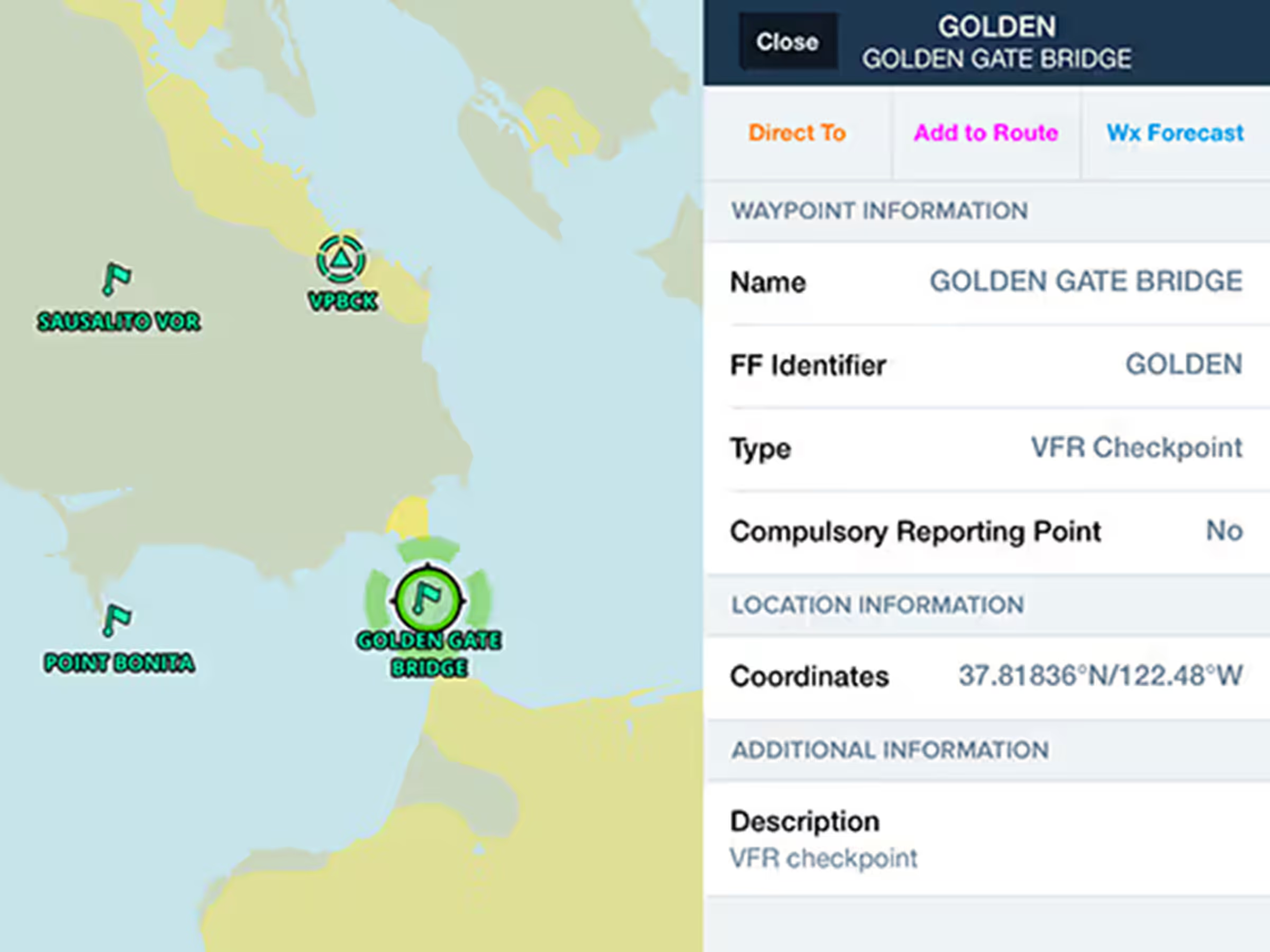
Plan with VFR Checkpoints and Visual Reporting Points in Europe, US, Canada, Australia, and South Africa.
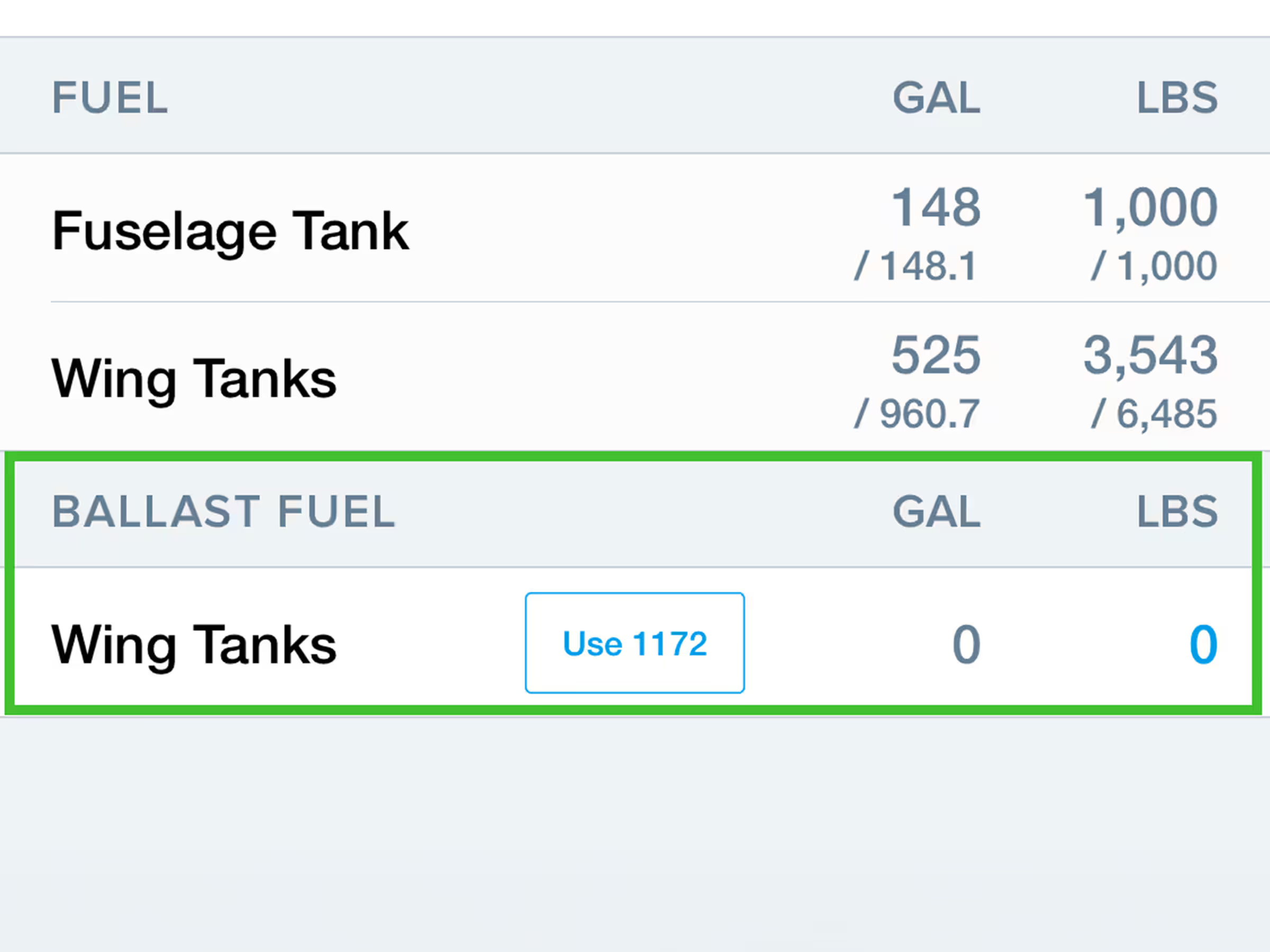
Include Ballast Fuel in W&B calculations for select Citation models.
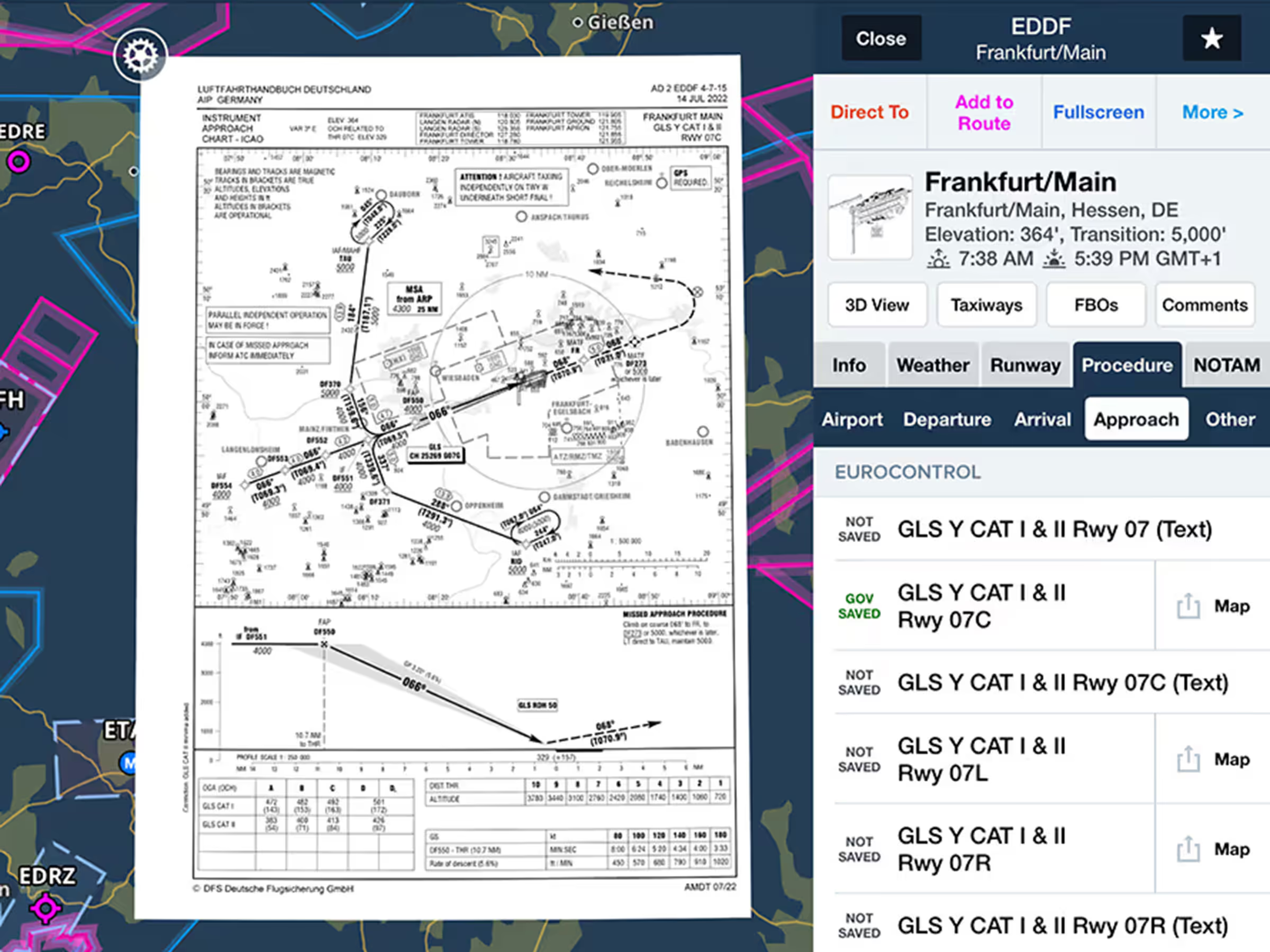
View government procedures and airport diagrams online that download automatically when viewed.
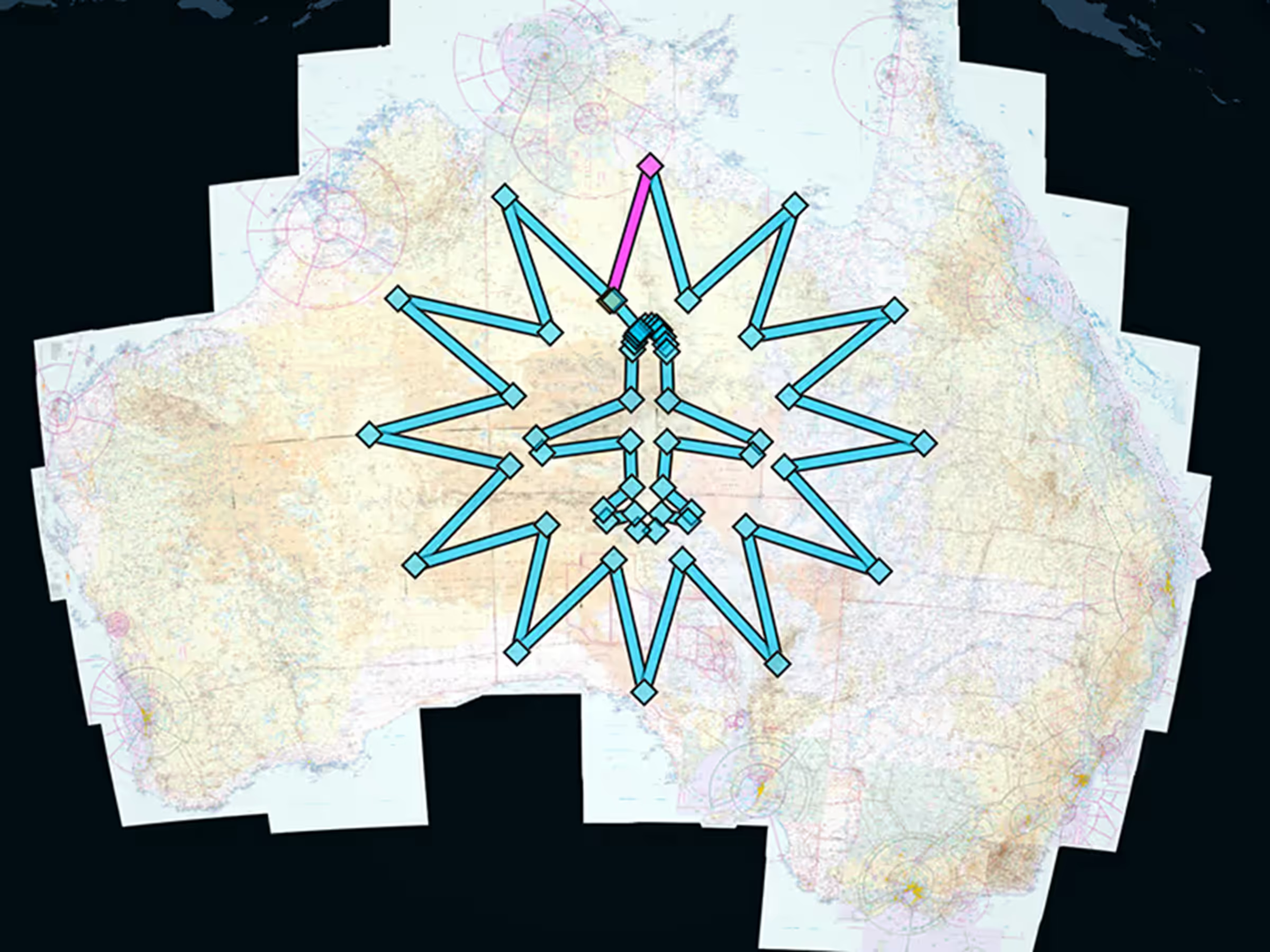
Official Australian support with local charts, procedures, weather, and flight plan filing.