Quick Tips
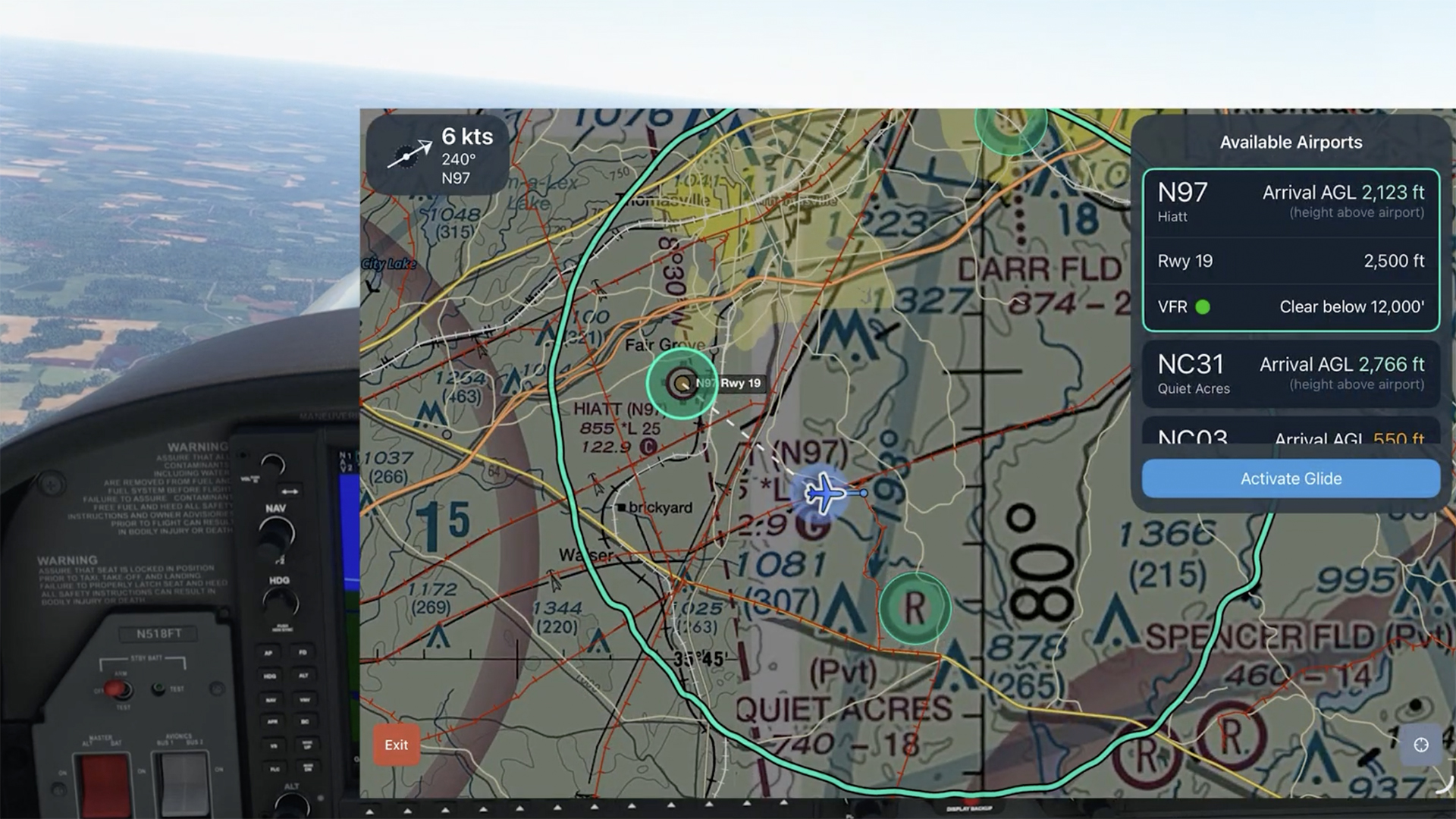
Engine Failure: Finding a Landing Spot with Emergency Glide Mode
See how Emergency Glide Mode helps identify landing options within glide range during an engine-out scenario.
Learn about powerful and underutilized features, whether you're brand new or a ForeFlight veteran.
See how Emergency Glide Mode helps identify landing options within glide range during an engine-out scenario.
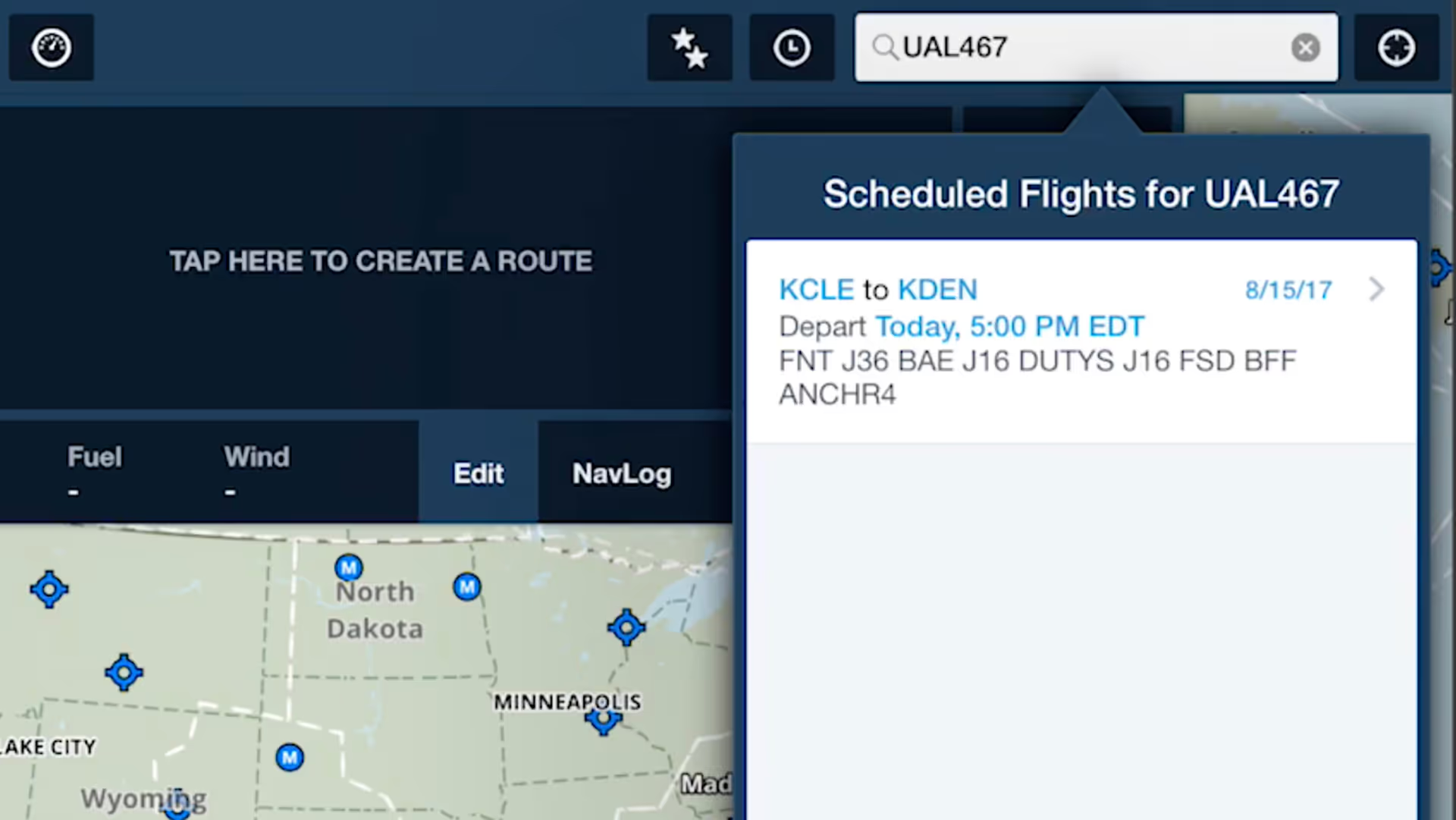
ForeFlight allows you to search for aircraft tail numbers, call signs, and flight numbers on the Maps view to see recently filed flight plans and load them into your route.
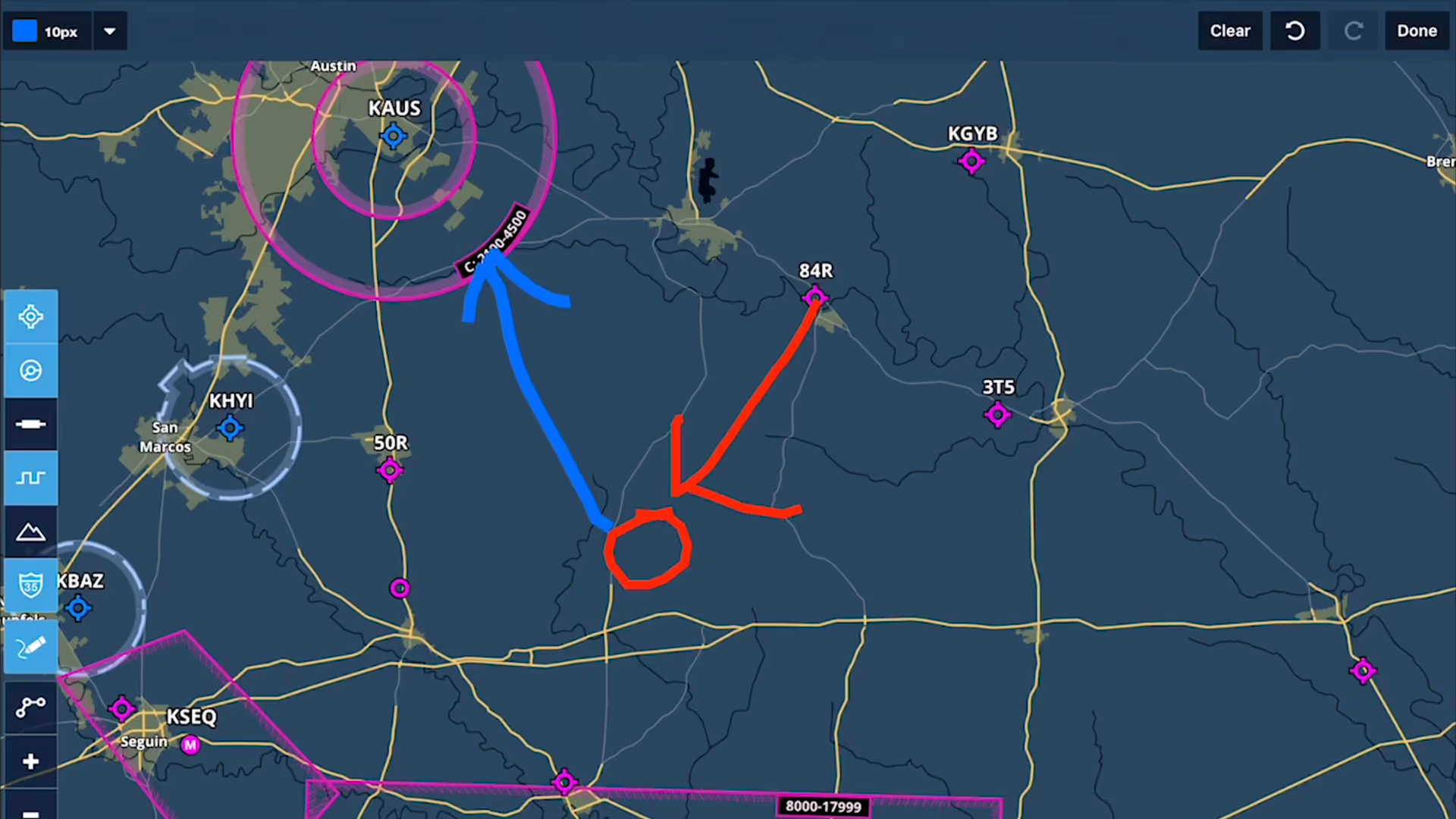
Take notes on the fly and mark up charts using ForeFlight's Map Annotations feature. Tap the Annotations buttons on the Maps view to enter Drawing Mode, and use a finger or stylus to draw on the map.
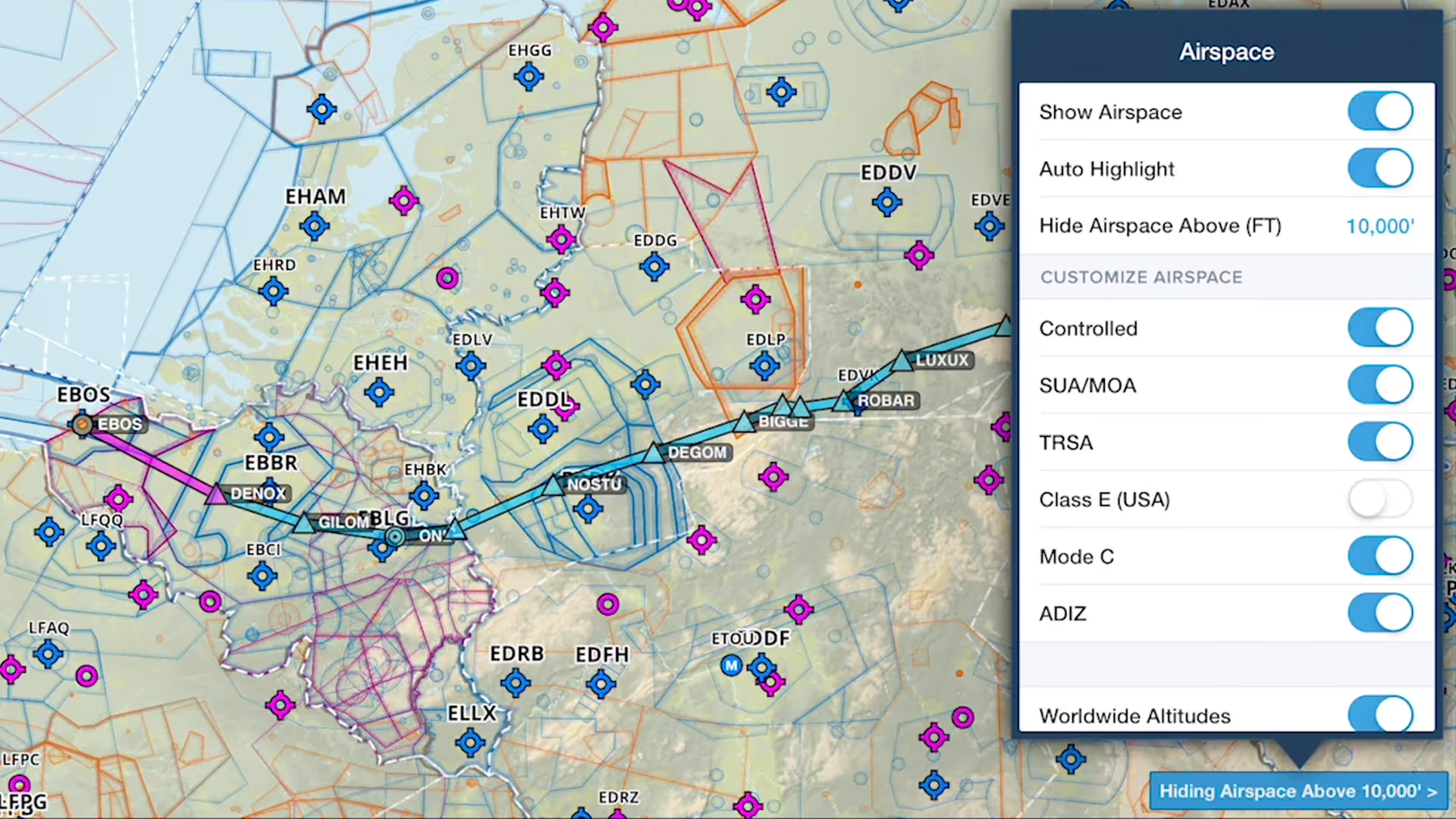
You can declutter ForeFlight's Aeronautical Map by hiding any airspace above a selected altitude, making it easier to focus on airspace closer to you.
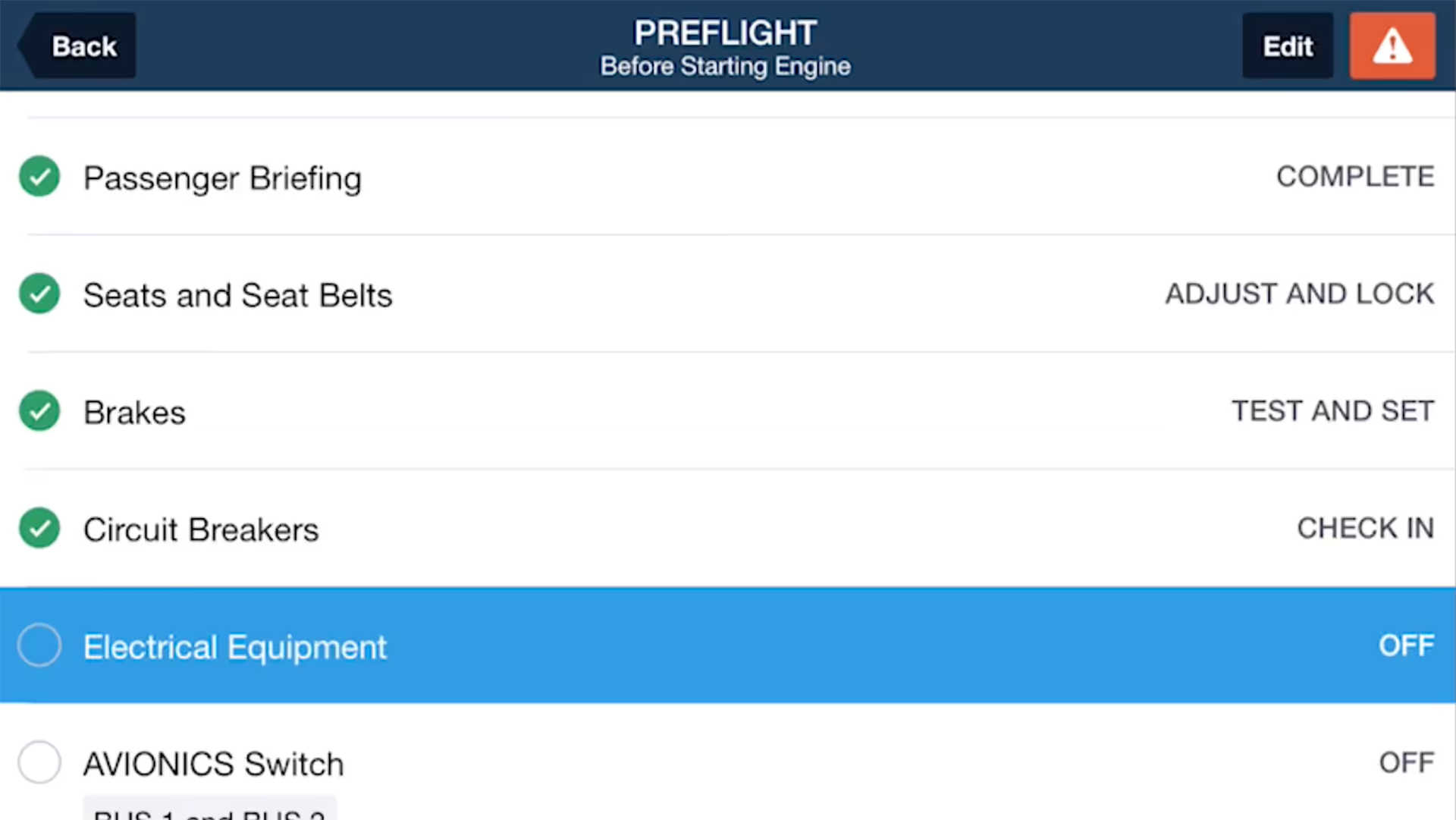
ForeFlight Checklist integrates one of the most important inflight tools into the app you already use for every stage of flight, reducing cockpit clutter and providing an intuitive, simple interface.
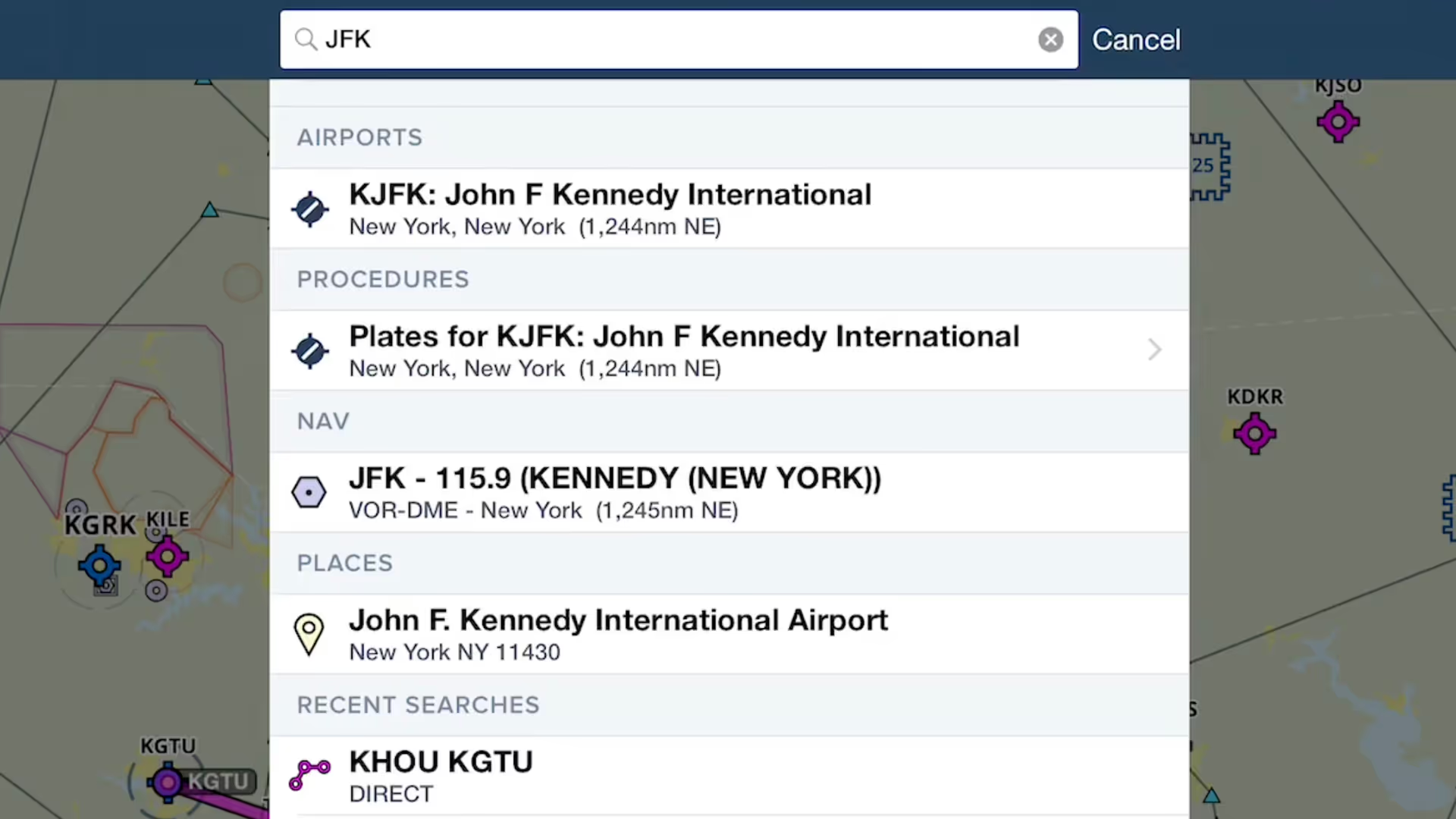
ForeFlight provides an unified search capability that makes it easier and faster to find what you're looking for, and saves past searches for quick access.
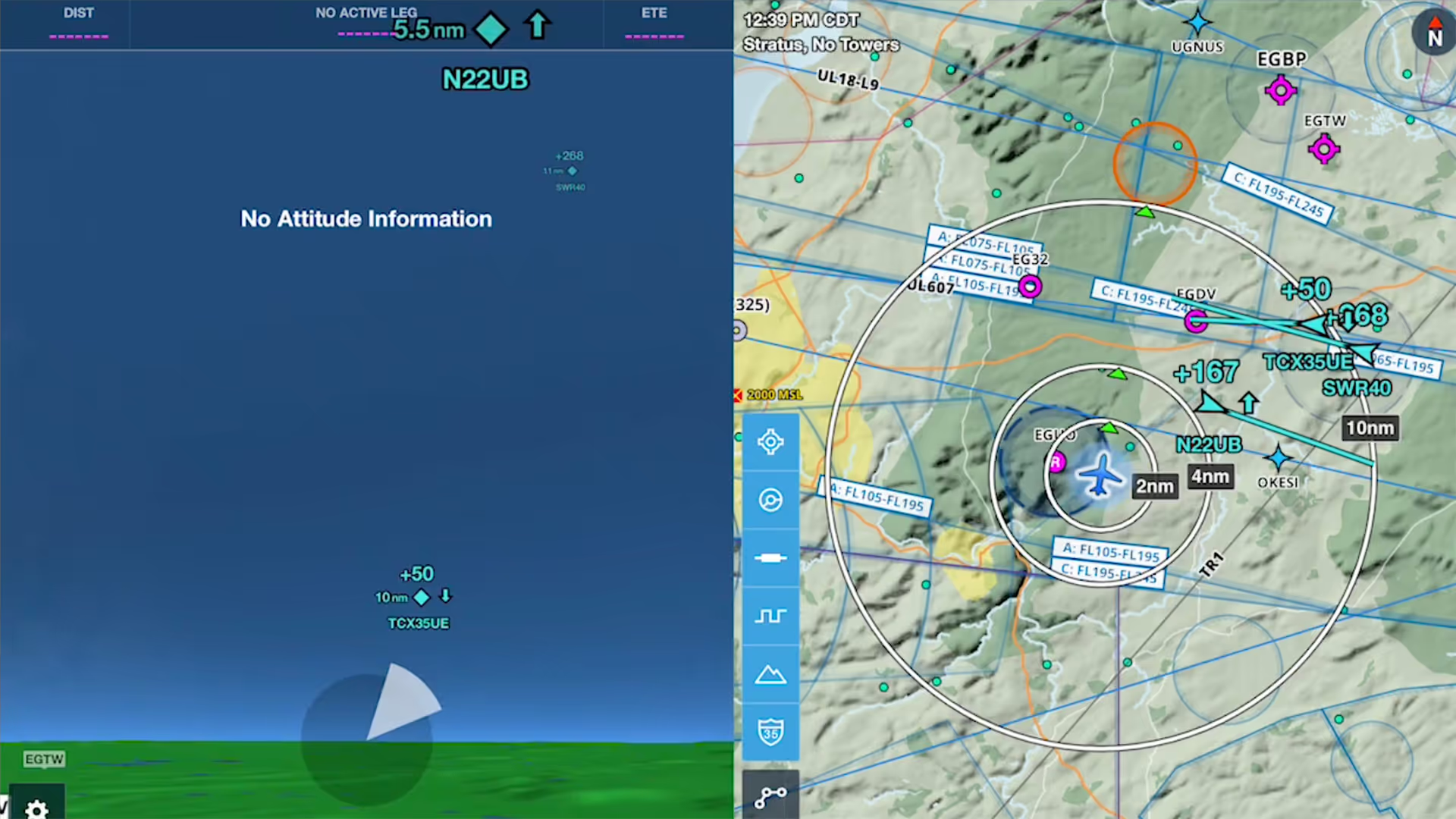
ForeFlight's Synthetic Vision feature now provides even more situational awareness with integrated ADS-B traffic depictions and a 360-degree interactive Glance Mode.
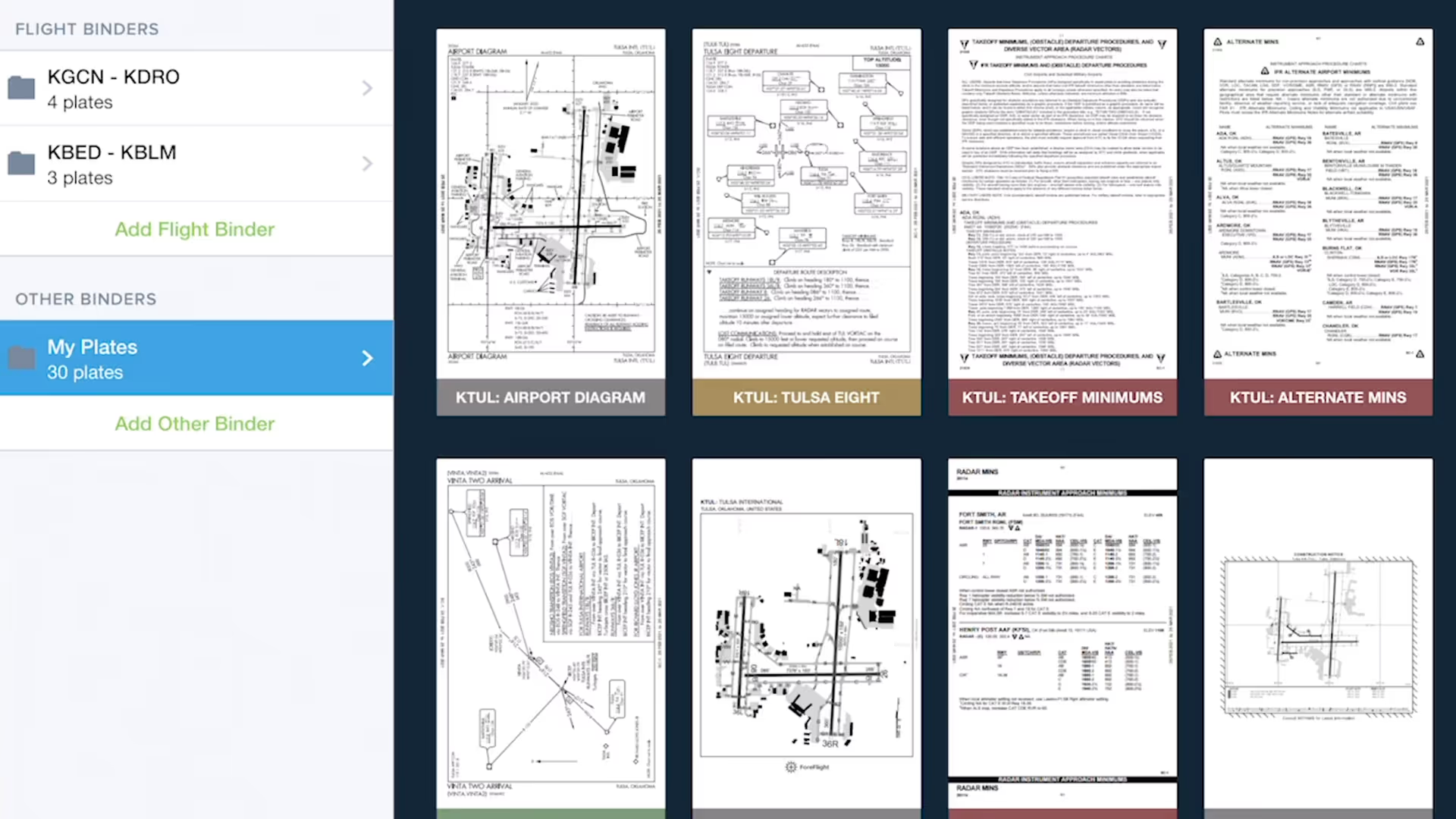
Quickly gather, organize, and access the plates you need for an entire flight using Flight Binders in the Plates view.
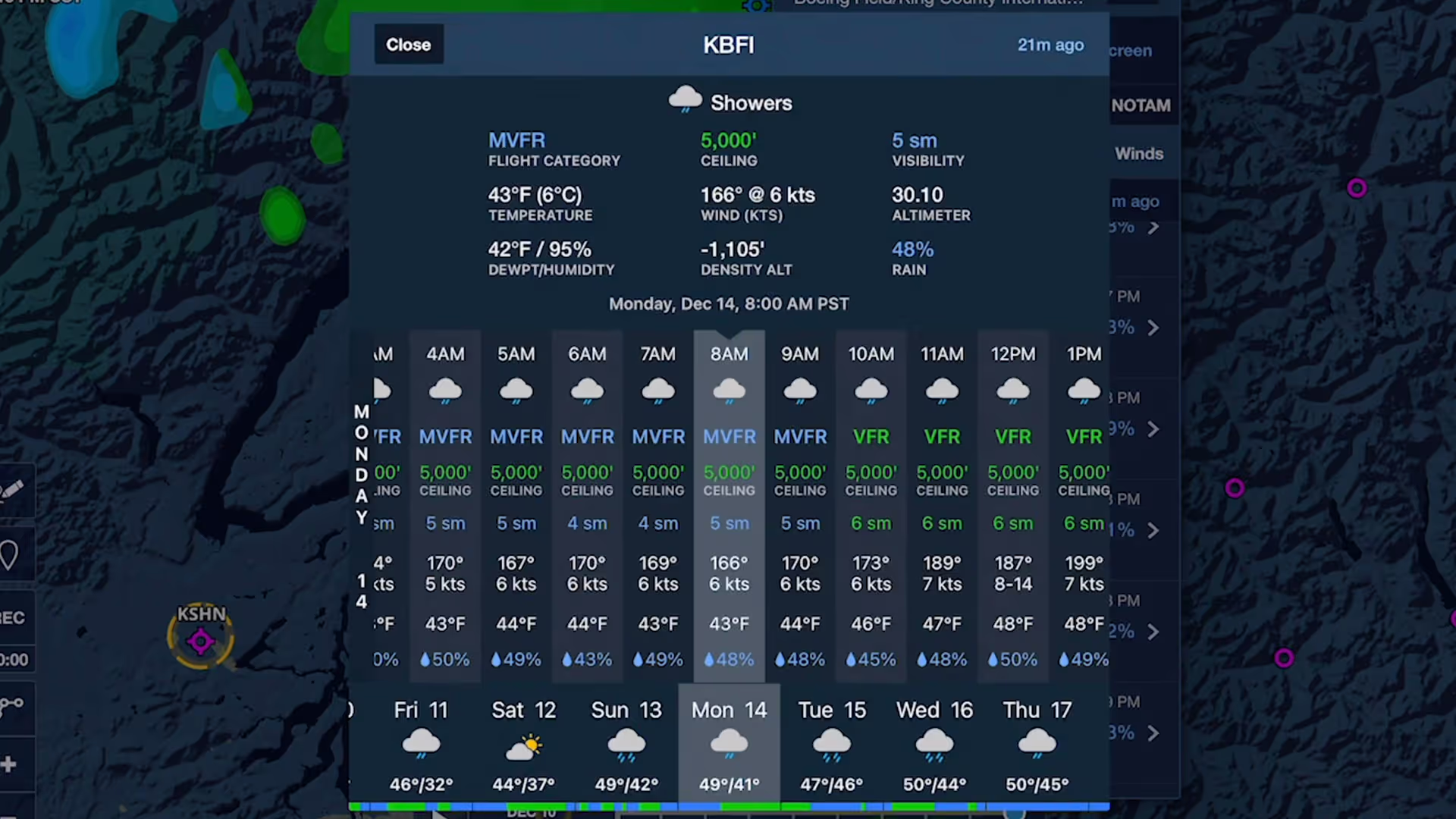
Stay on top of weather today or next week with Daily and Hourly Forecasts - an all-purpose, 10-day, hour-by-hour forecast for any location on Earth.
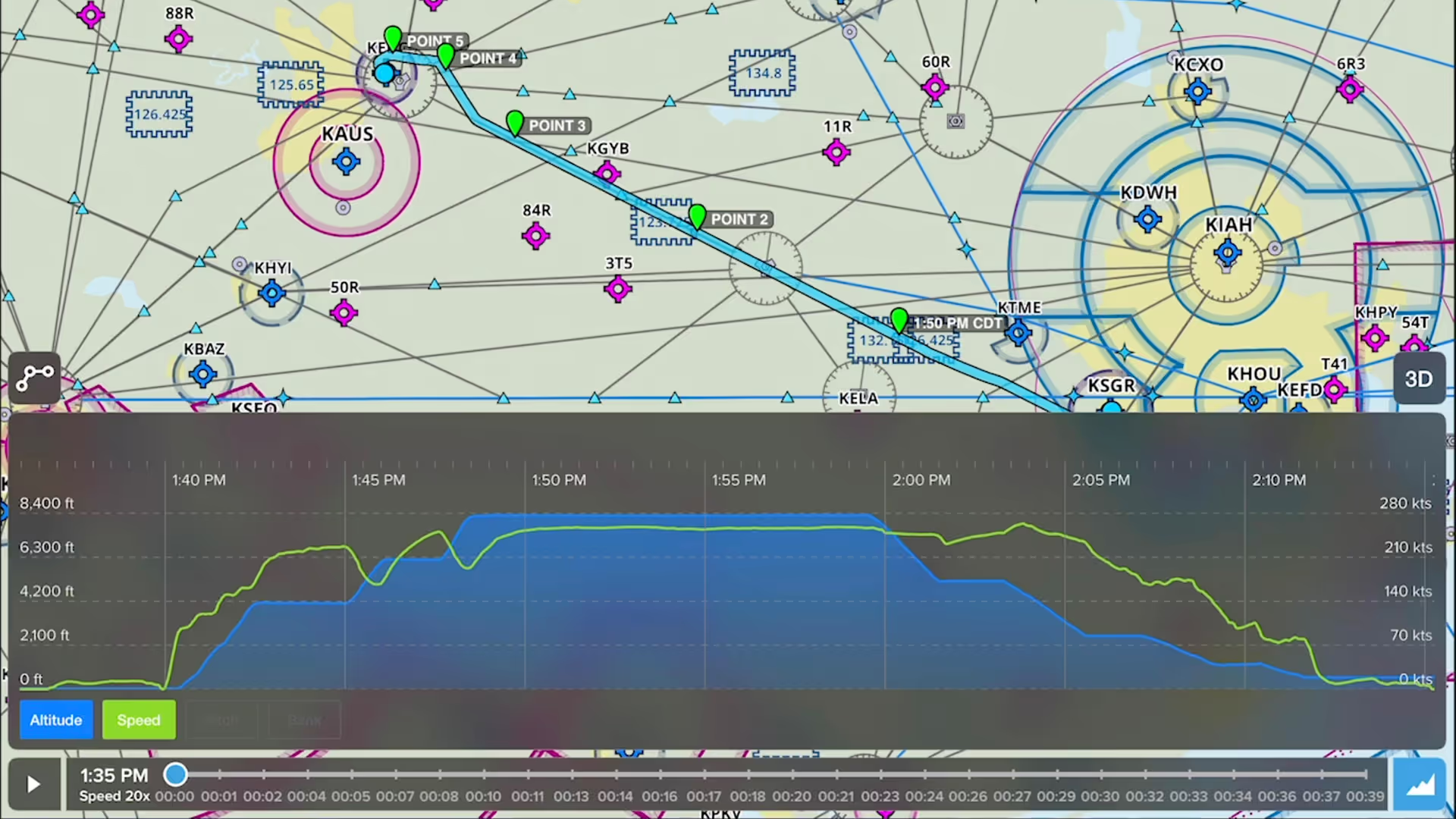
Drop detailed markers along your route and view or share them after the flight using ForeFlight’s Marked Positions feature.
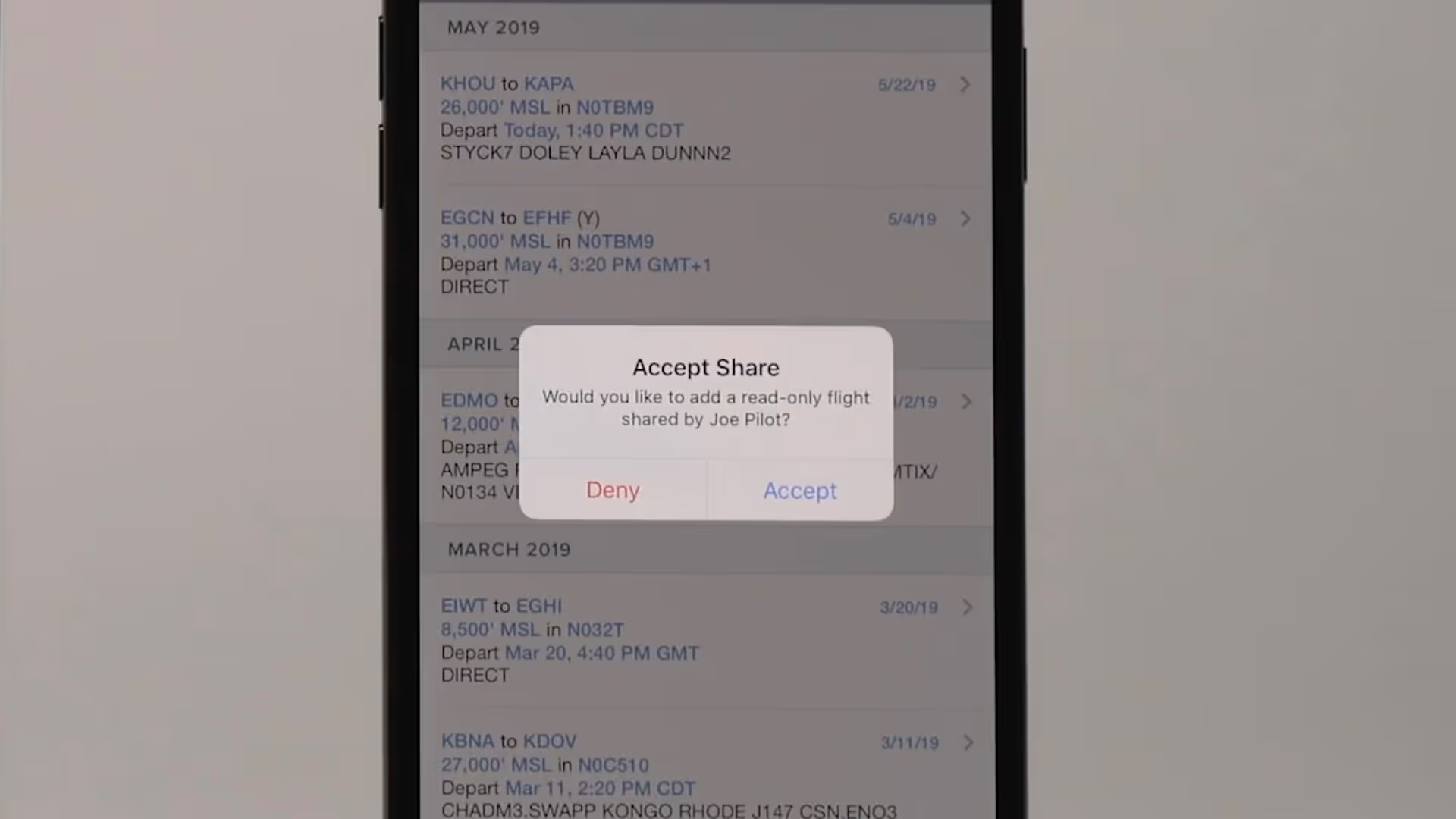
Flight Sharing in ForeFlight allows you to easily share your planned and filed flights with fellow pilots, co-pilots, or crew members for improved collaboration and more efficient flight planning.

Breadcrumbs allow you to see a track log as it’s recorded, leaving a continuous line that you can reference for maneuvers, Search and Rescue and survey work, or just to see where you’ve been.