Feature Focus
Document Enhancements
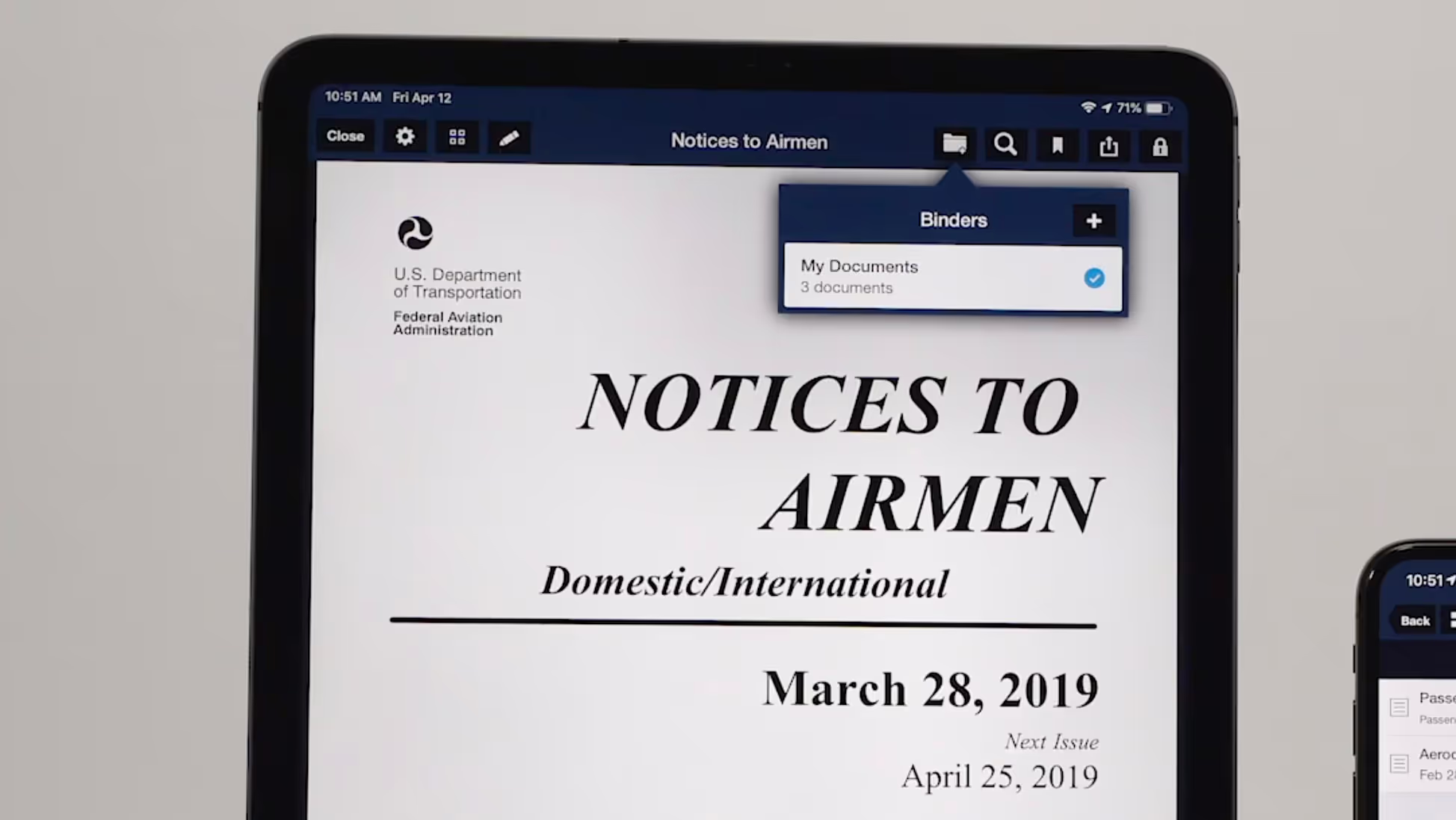
ForeFlight’s Documents view has an enhanced layout that makes it easier to find, download, and access documents.
Customize ForeFlight to meet your planning and flying needs
ForeFlight’s Documents view has an enhanced layout that makes it easier to find, download, and access documents.
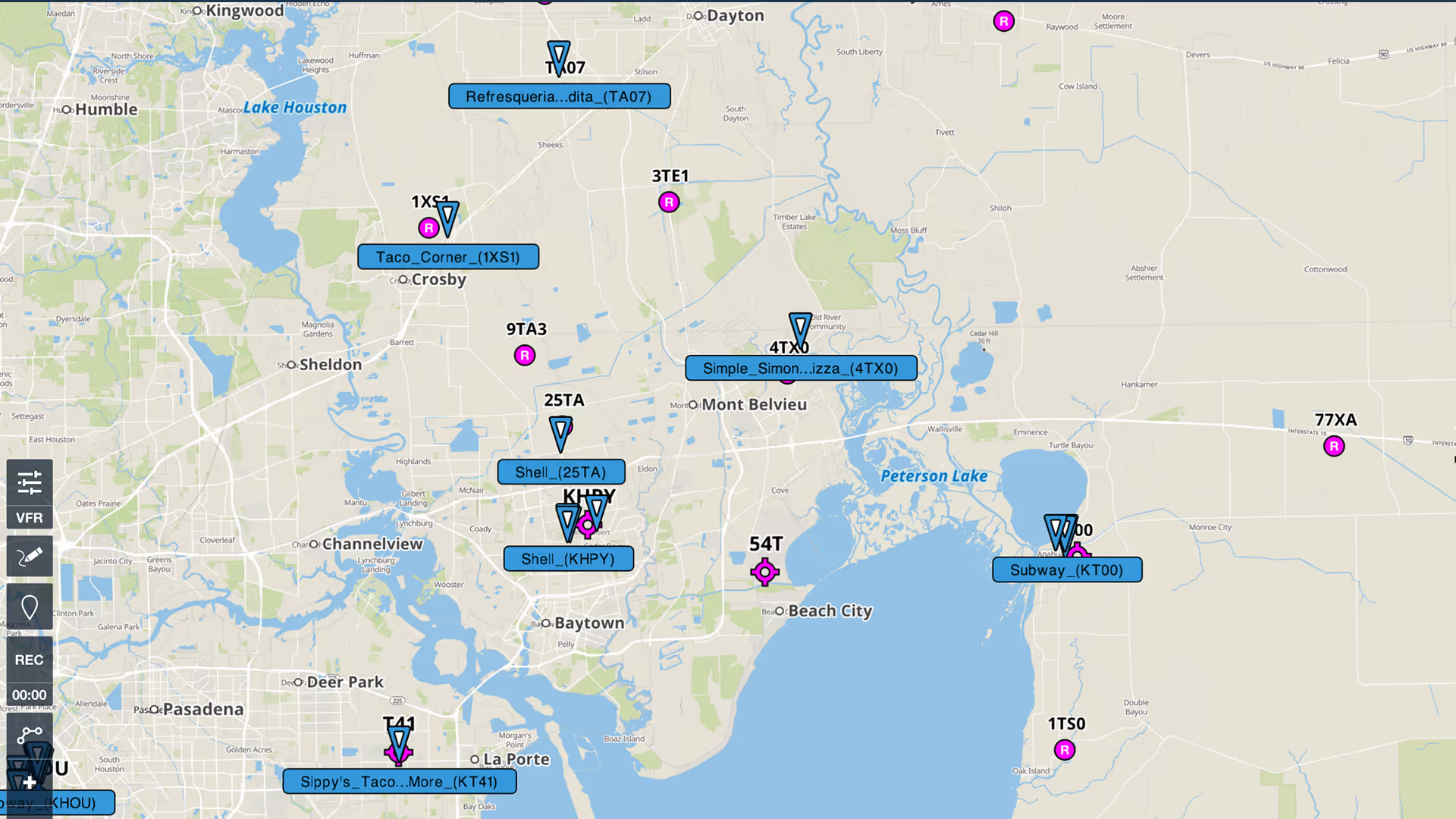
Content Packs in ForeFlight provide an easy way to import, use, and share sets of custom content.
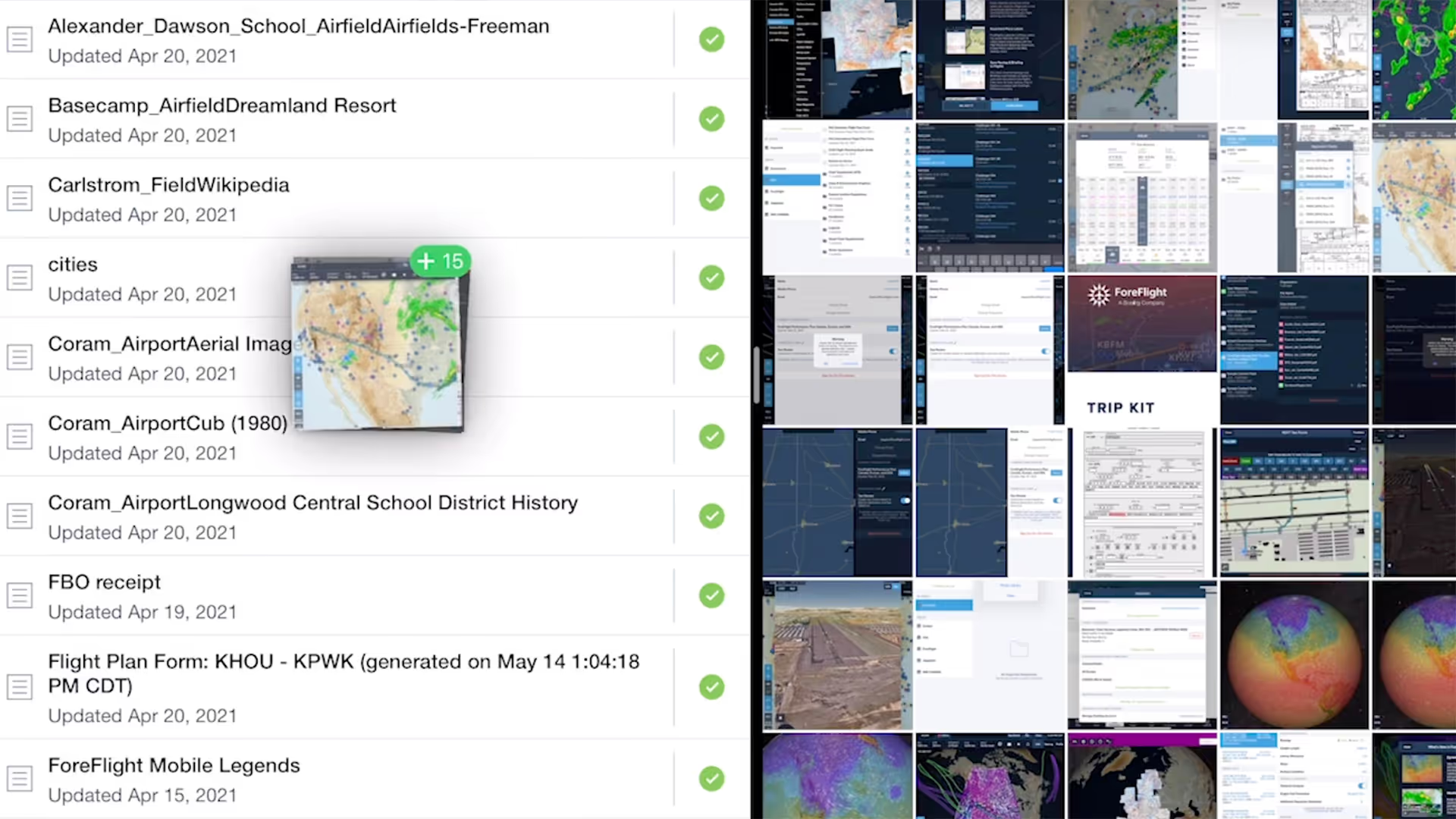
Easily import documents into ForeFlight and add them to custom binders using a dedicated Import button and flexible drag-n-drop gestures from other apps.
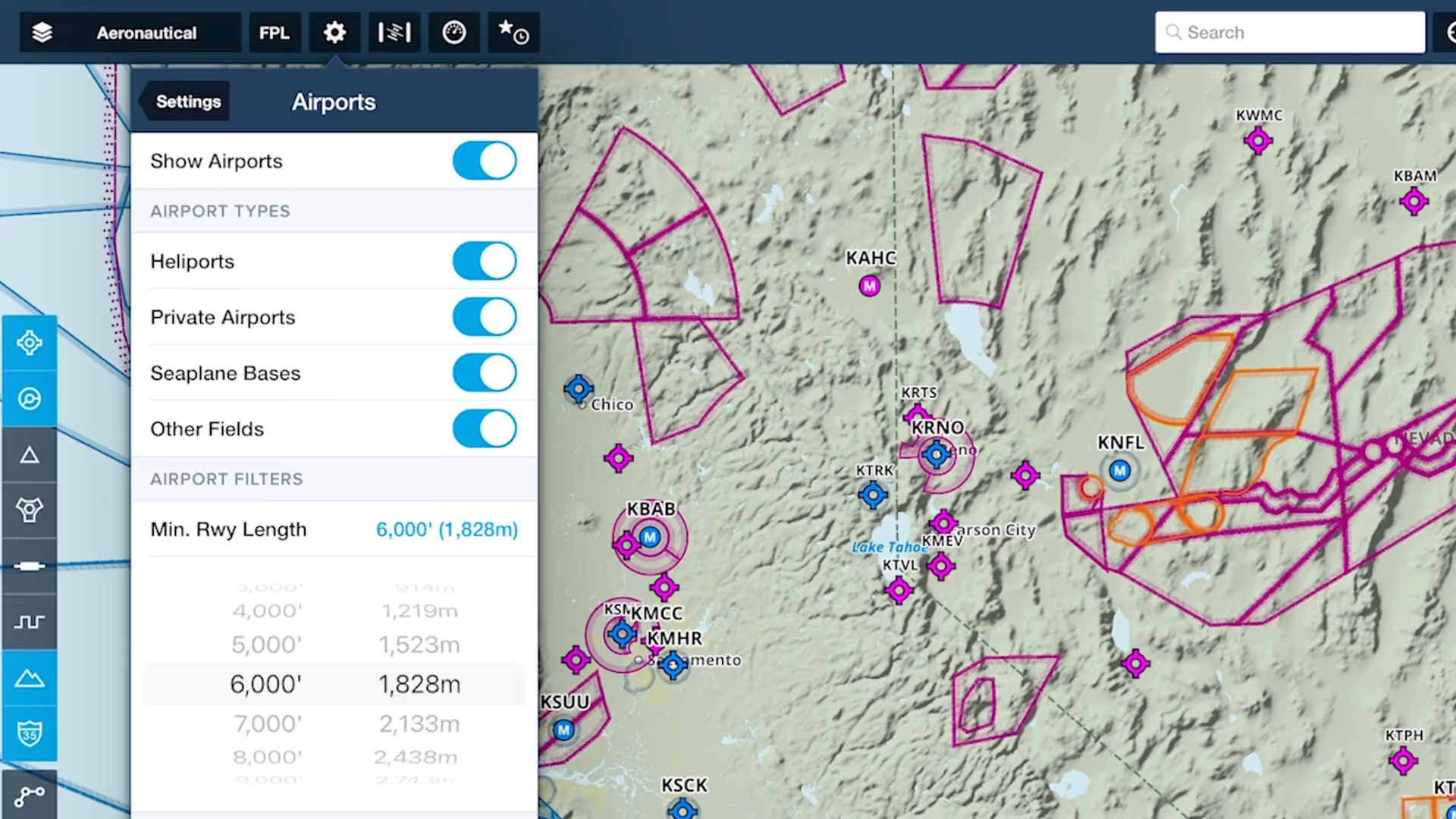
Customize ForeFlight’s Aeronautical Map by hiding airports with runways shorter than a set length with the Minimum Runway Length filter.
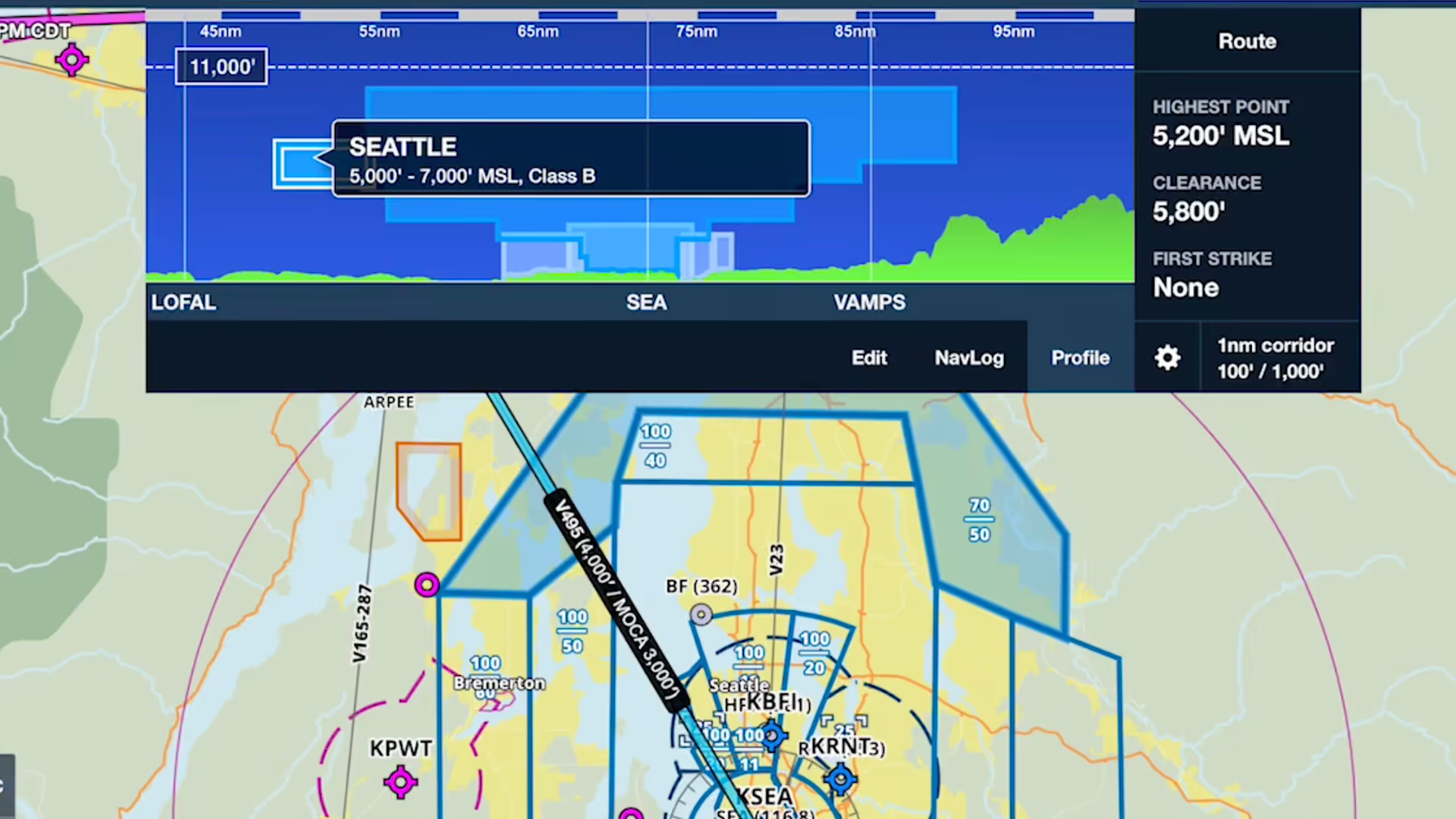
Profile view in ForeFlight now depicts airspace along your route, providing you with valuable information for flight planning and inflight use beyond terrain and obstacle avoidance.
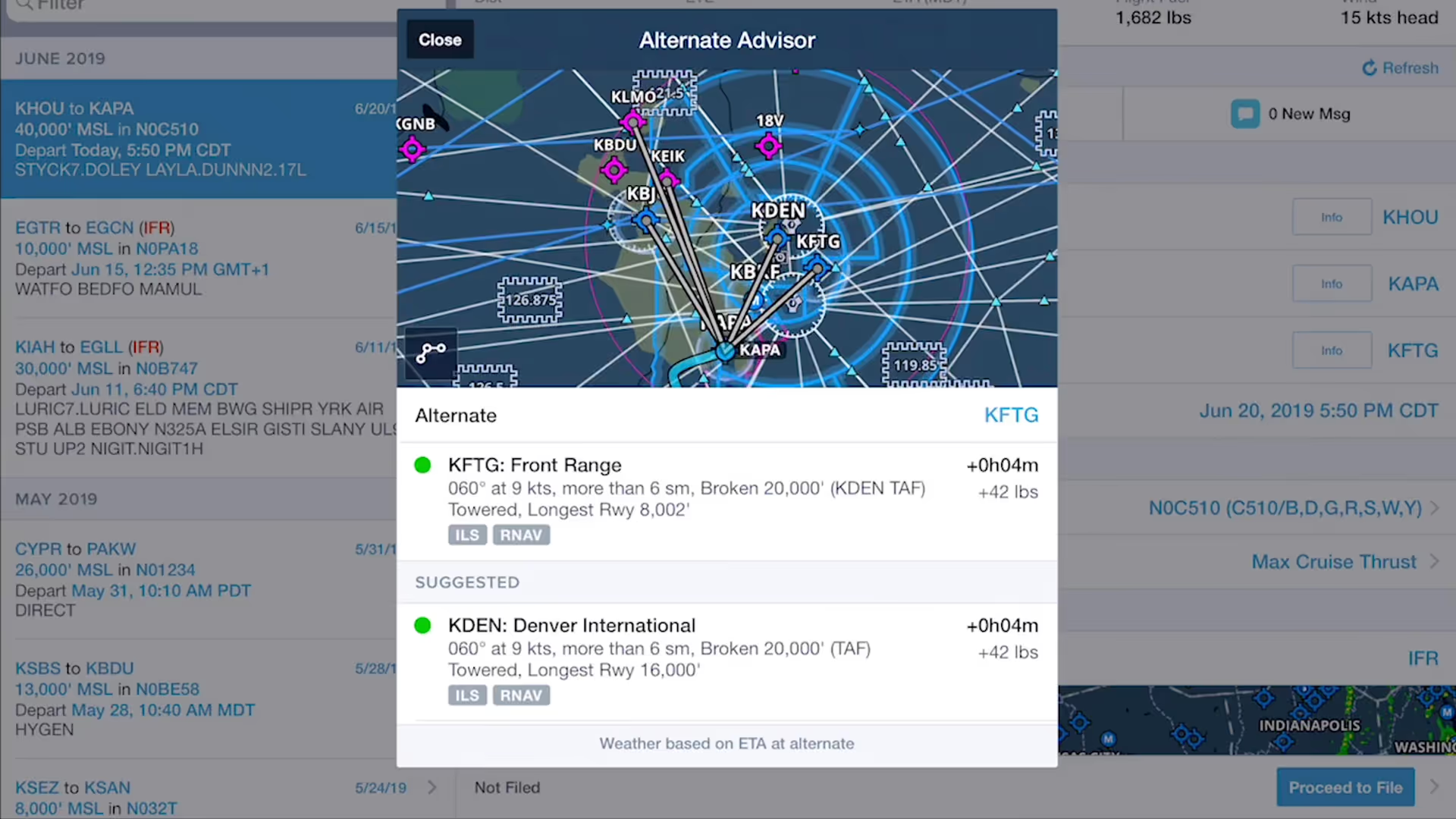
ForeFlight’s Alternate Advisor simplifies the process of choosing a good alternate airport by providing a list of suggestions to help you narrow your options.

Complete aircraft profile information is critical to accurate flight currency reporting - ForeFlight Logbook highlights missing information to help your currencies stay on track.
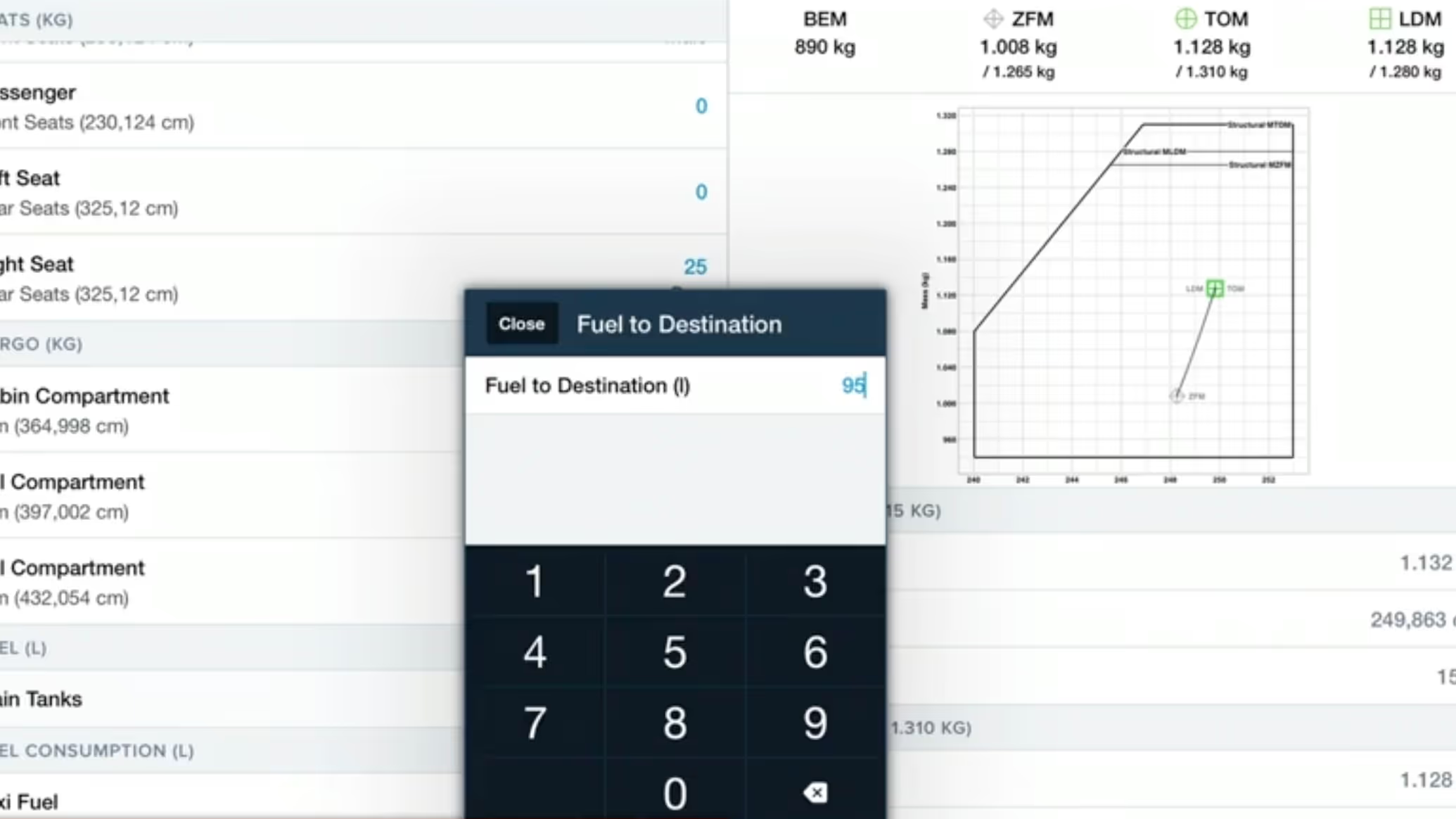
Our second webinar in this series for pilots in Europe focuses on crucial aspects of setting up your aircraft in ForeFlight.

Increase the accuracy of ForeFlight’s time and fuel flow calculations by adjusting your aircraft’s climb, cruise, and descent performance profiles based on observed performance.