Flying & Navigation
Hazard Awareness
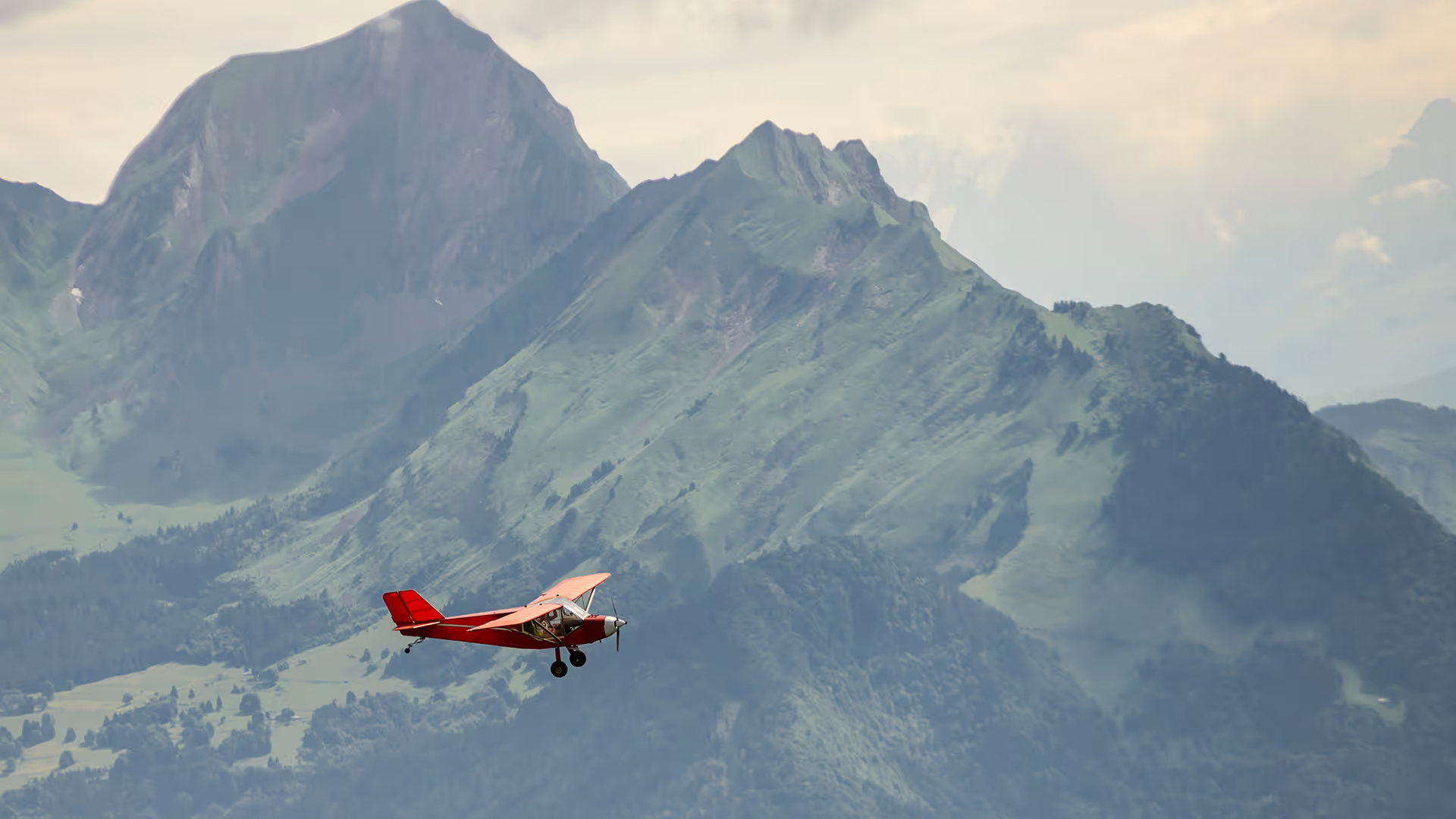
No sneak peaks with ForeFlight's powerful terrain and obstacle avoidance features.

Watch our latest videos and featured playlists to learn tips, tricks, and best practices for using ForeFlight like a pro.
No sneak peaks with ForeFlight's powerful terrain and obstacle avoidance features.

Plan and fly with industry-leading IFR charts, airport diagrams, and more in ForeFlight.

Get the full weather picture, from up-to-the-minute radar and satellite to global forecast layers.

Learn about powerful and underutilized features, whether you're brand new or a ForeFlight veteran.
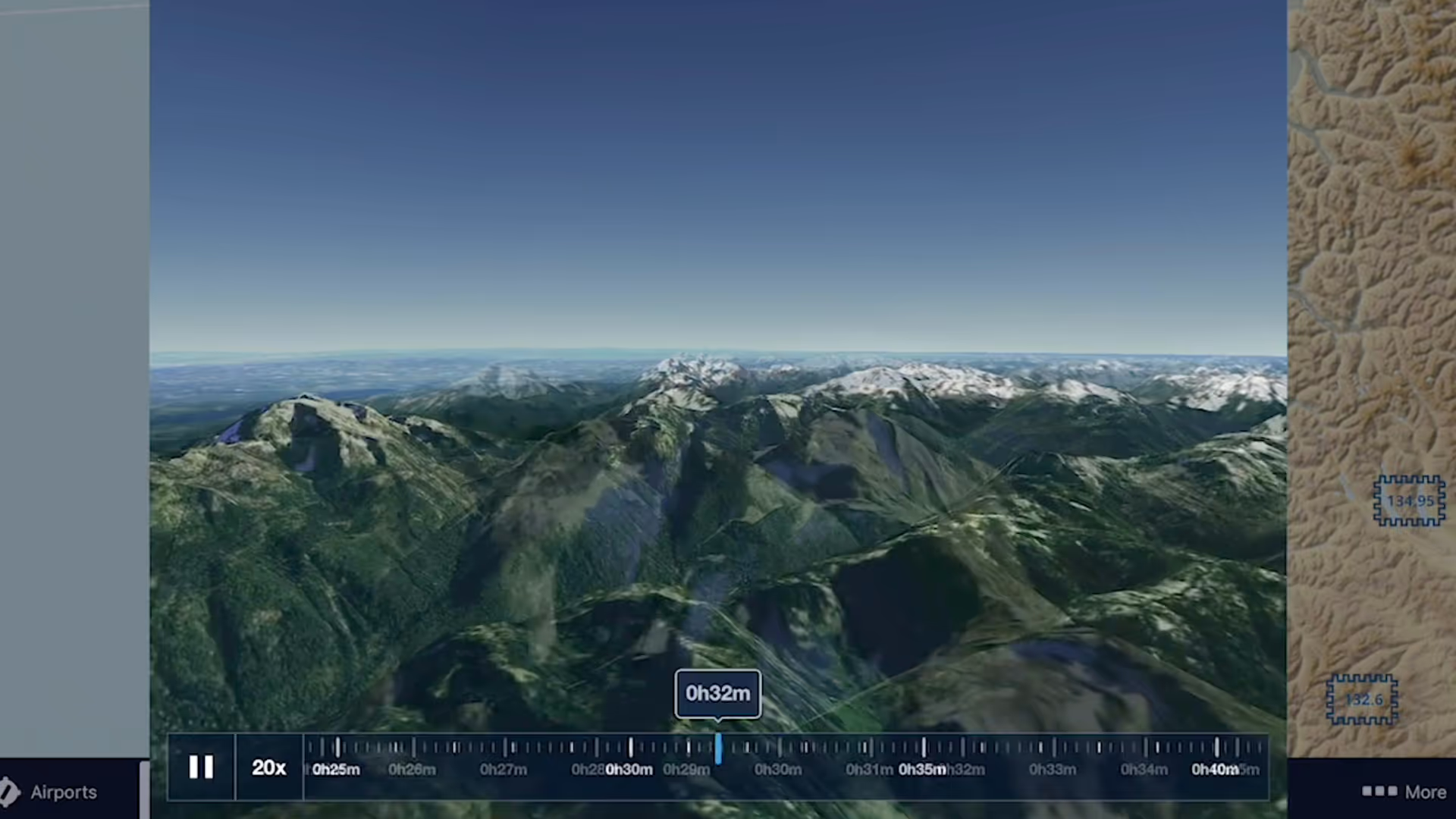
3D Review is a flight planning and debriefing capability that allows you to review planned and recorded flights with immersive 3D terrain and aerial imagery.
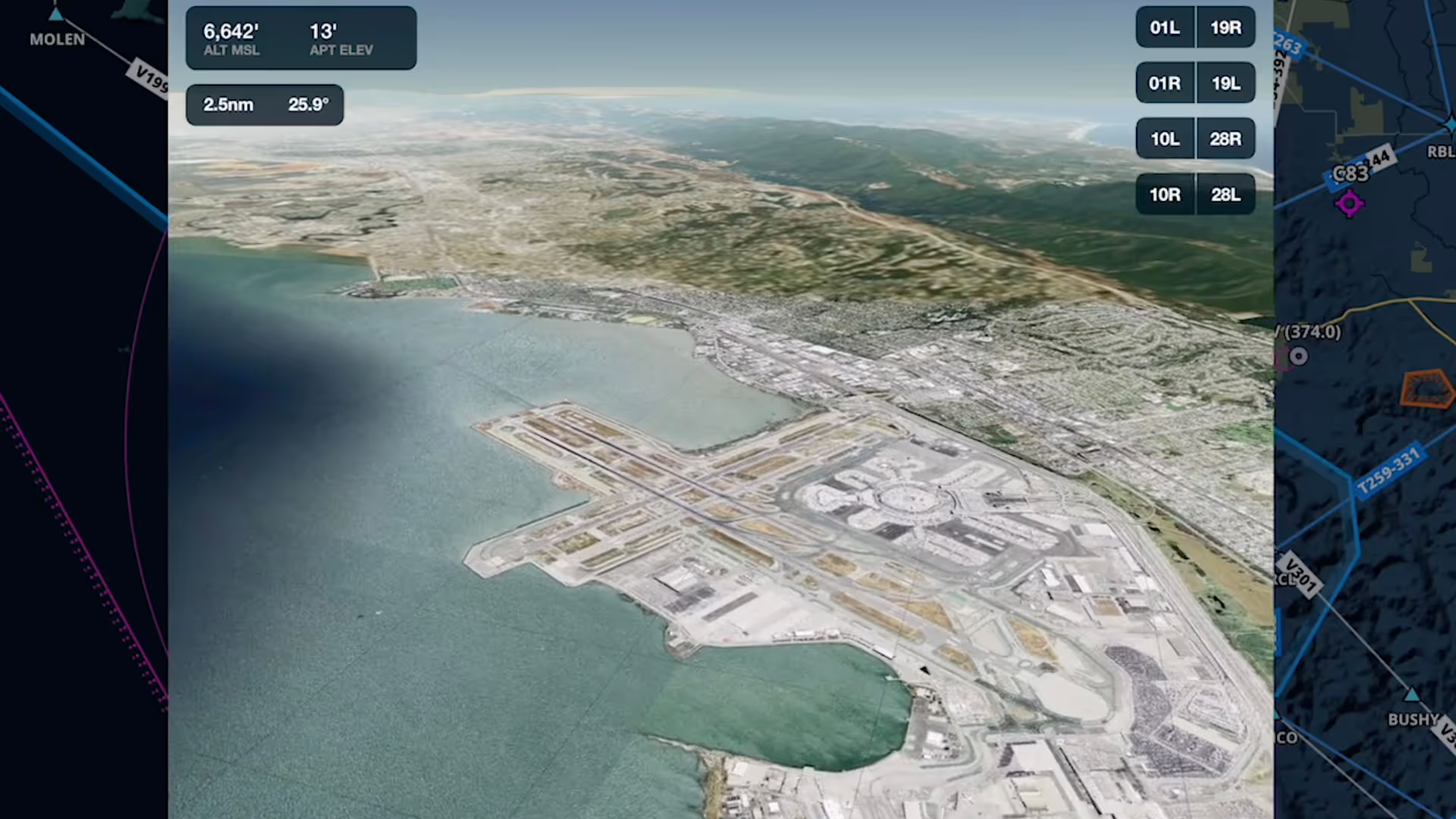
Airport 3D View is an interactive preview that combines terrain and aerial imagery to help you get familiar with new airports anywhere in the world
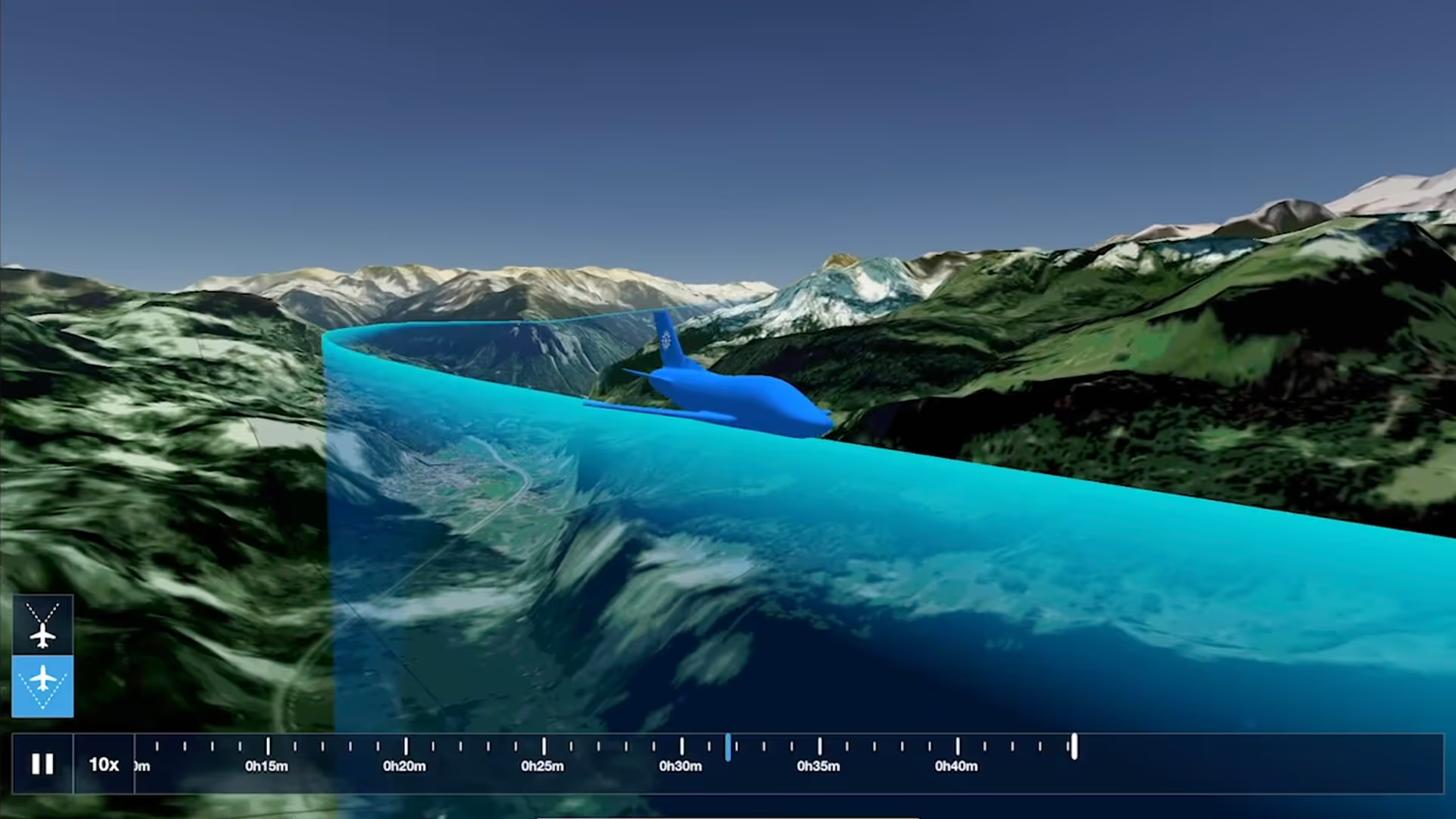
Switch between different camera modes while replaying a flight in 3D for a fully interactive experience
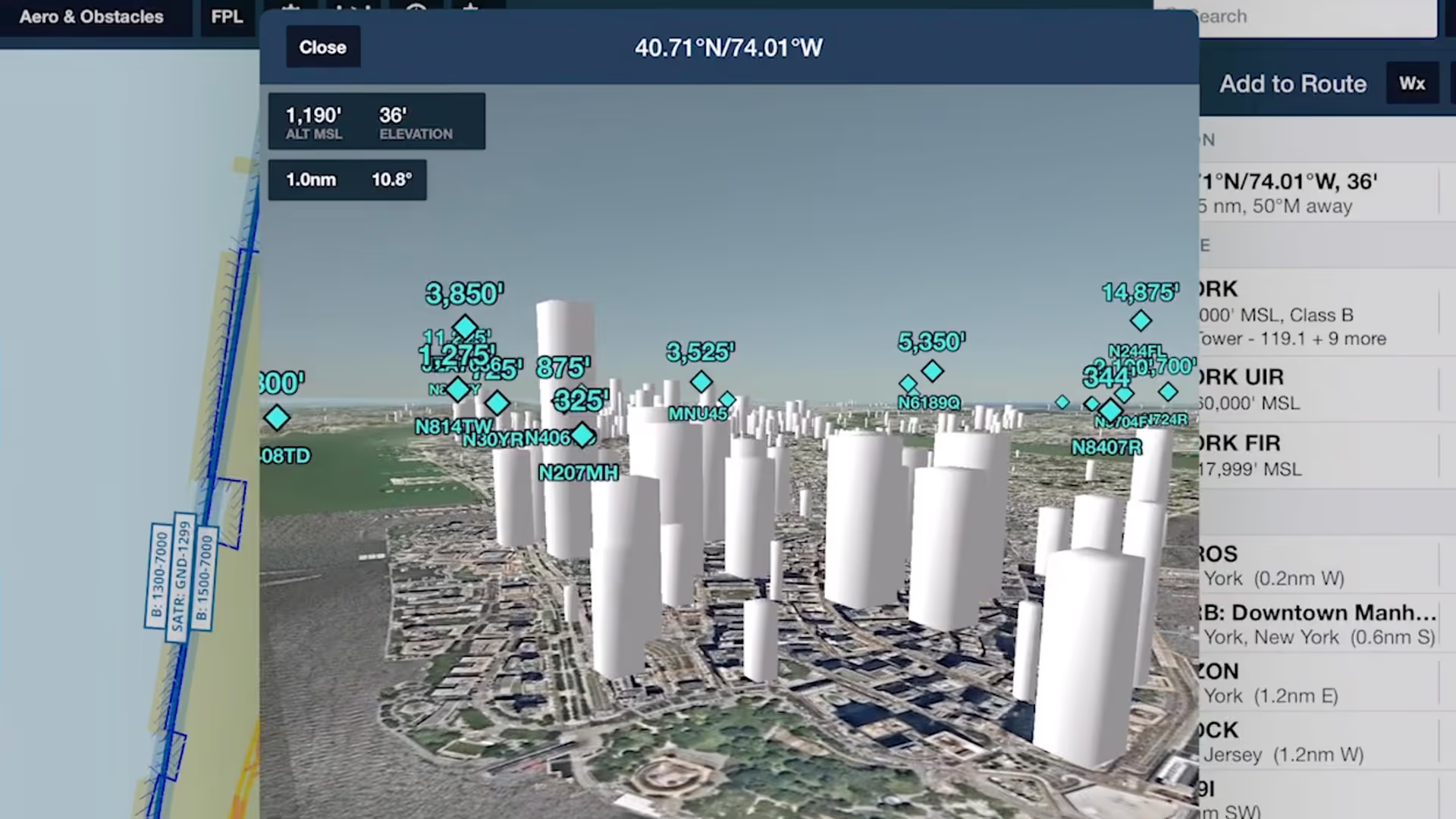
Spot potential hazards along your route and establish a mental picture of final approach with the help of Obstacles in ForeFlight's 3D View suite
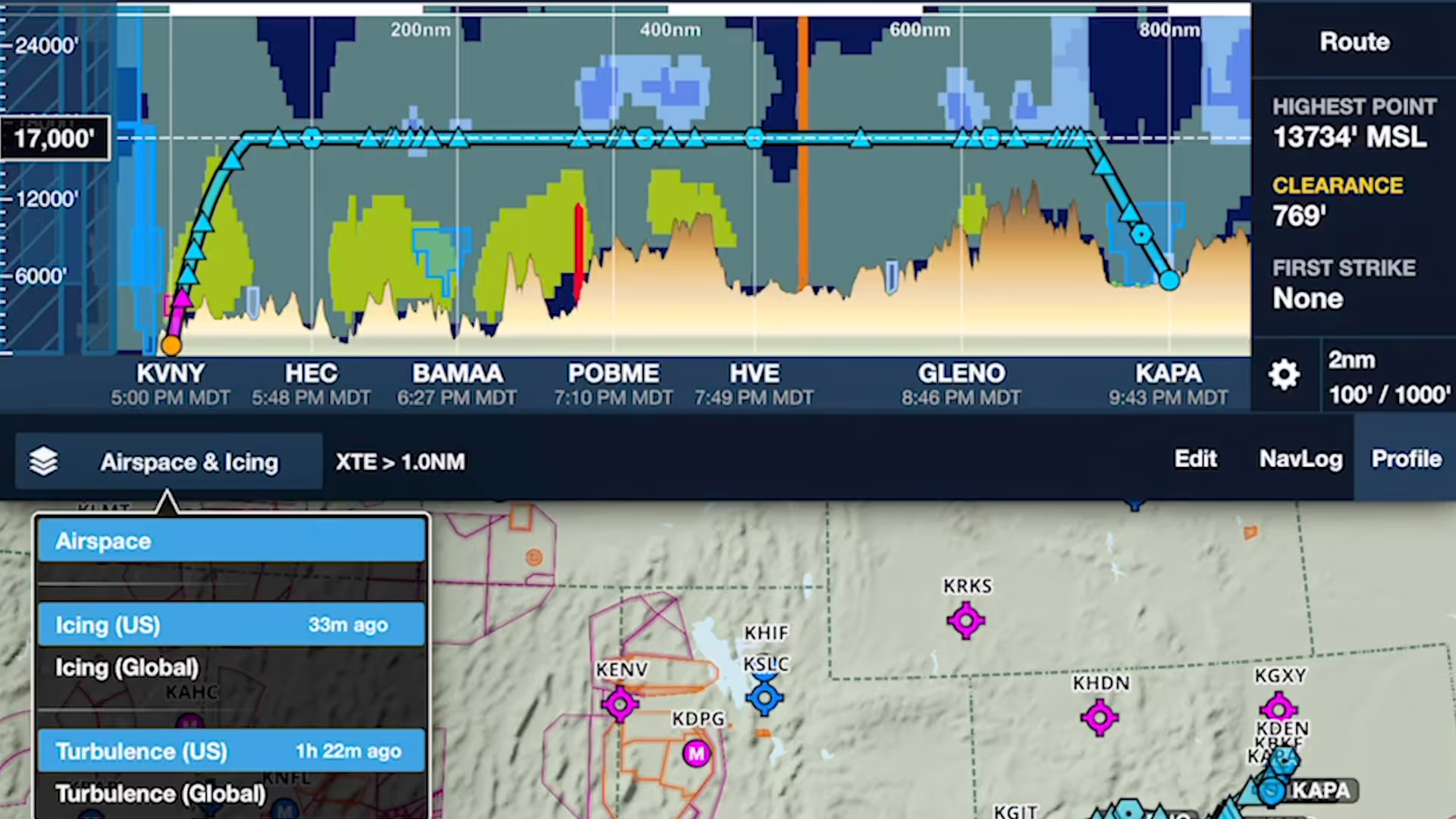
ForeFlight's Profile View includes selectable Icing and Turbulence forecast layers, providing a cross-section of weather in addition to terrain, obstacles, and airspace along your route.
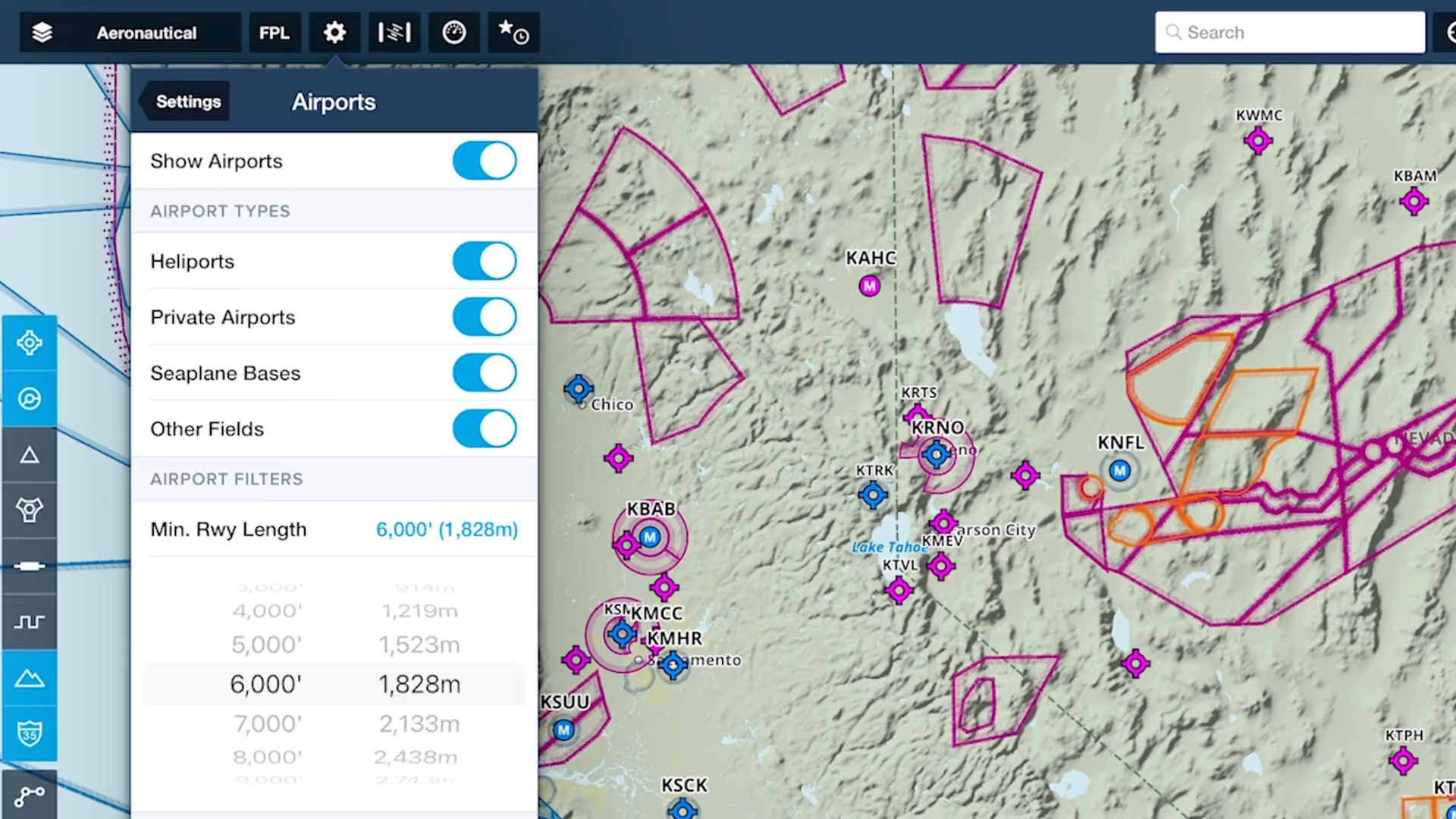
Customize ForeFlight’s Aeronautical Map by hiding airports with runways shorter than a set length with the Minimum Runway Length filter.
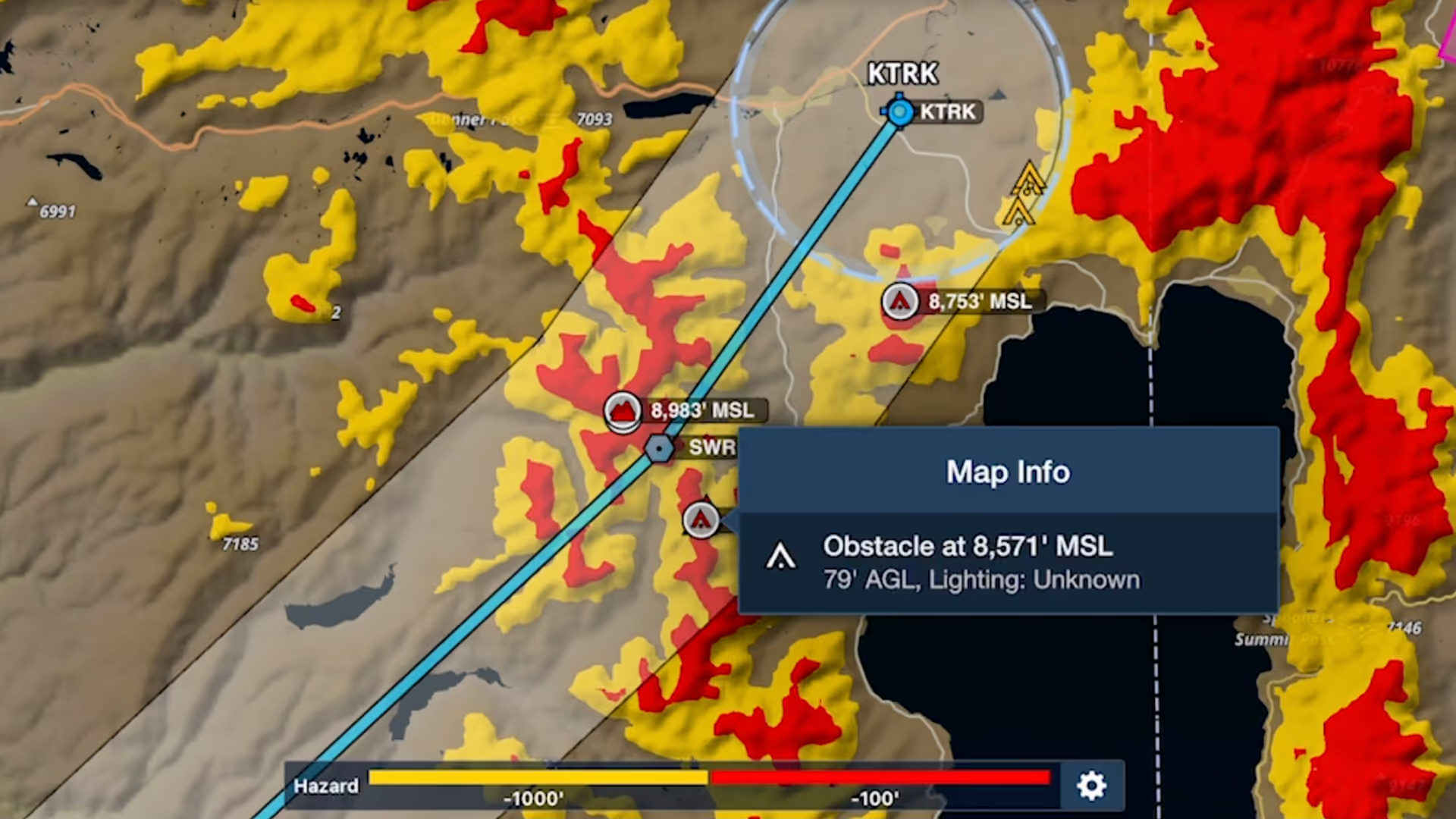
Bolster your preflight and inflight hazard awareness and get a fresh perspective on Profile View with Profile Corridor, available with ForeFlight’s Pro Plus subscription plan and above.

Join ForeFlight Pilot Support Team Manager Josh Berman and Senior iOS Engineer Atlas Wegman to learn how ForeFlight can help you stay safe and aware during winter flying.

Manually control Hazard Advisor’s altitude before a flight to find a minimum altitude route around terrain, then revert to Auto mode during a flight to lock Hazard Advisor to your actual altitude.
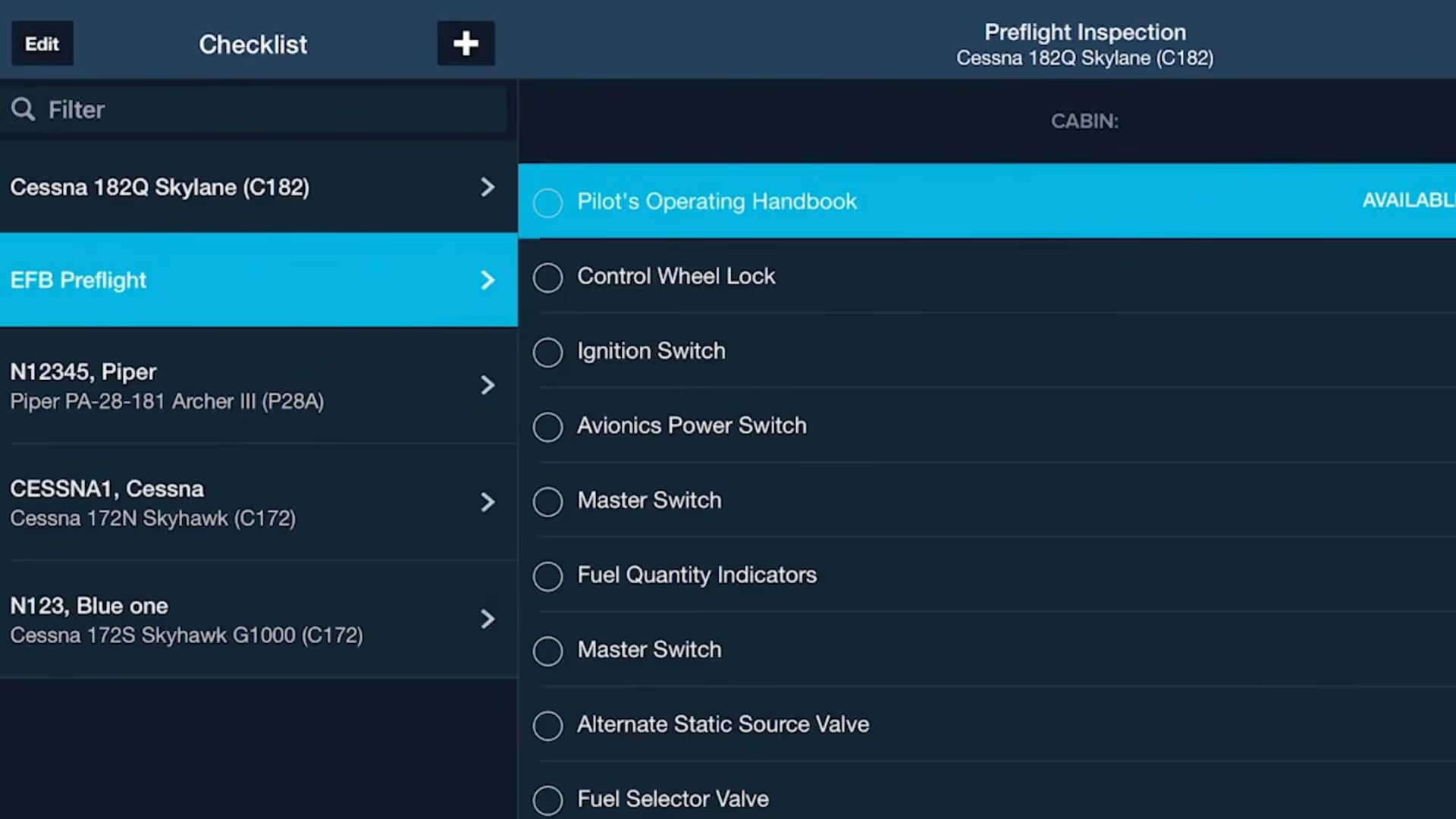
Join Susan DeCastro and Chris Mauser as they discuss the benefits of incorporating ForeFlight into flight training from the student’s perspective.
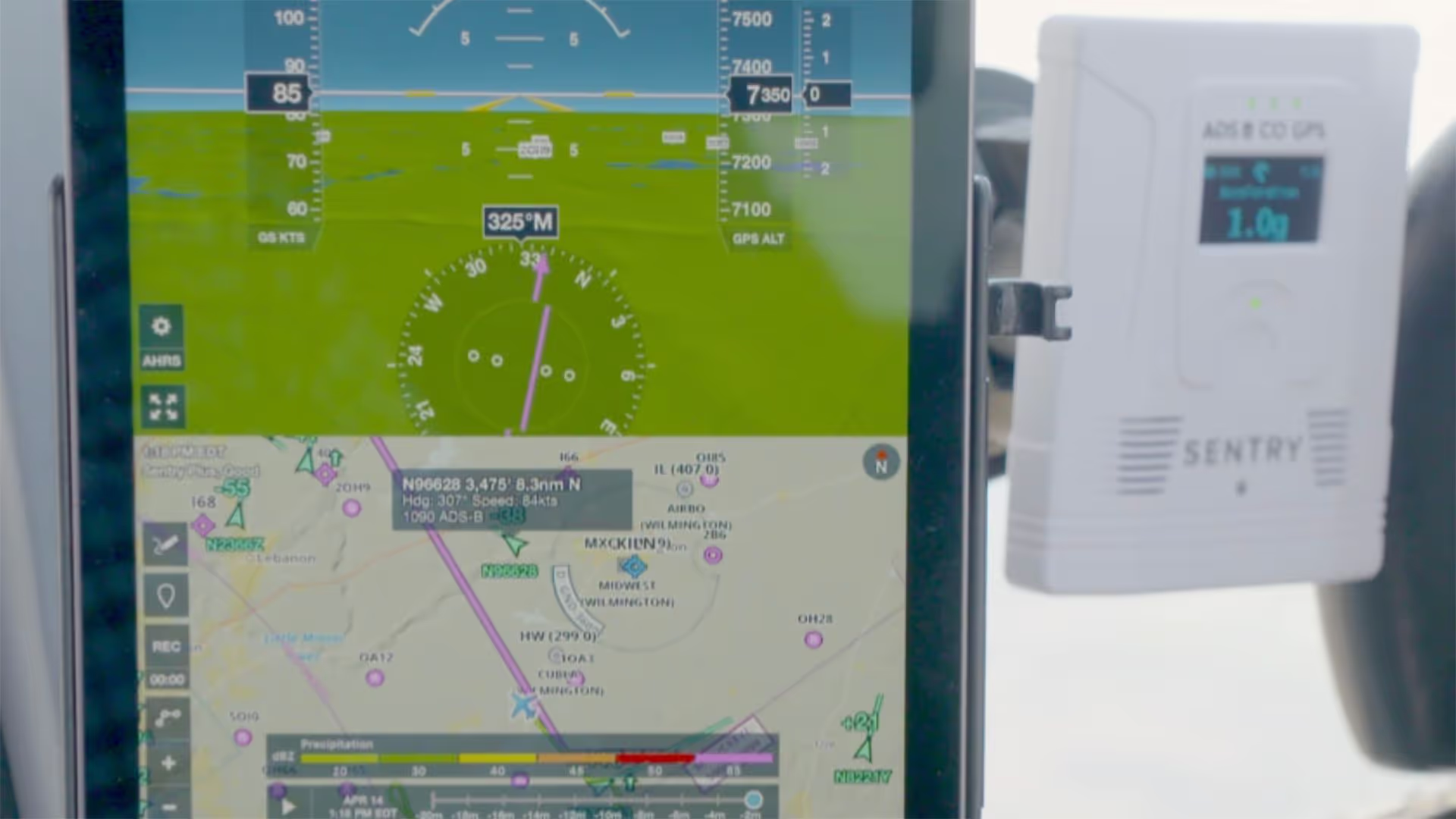
Join Cole Crawford of ForeFlight, John Zimmerman of Sporty’s, and Ryan Braun of uAvionix to learn about Sentry Plus, the latest in portable ADS-B receivers from ForeFlight.
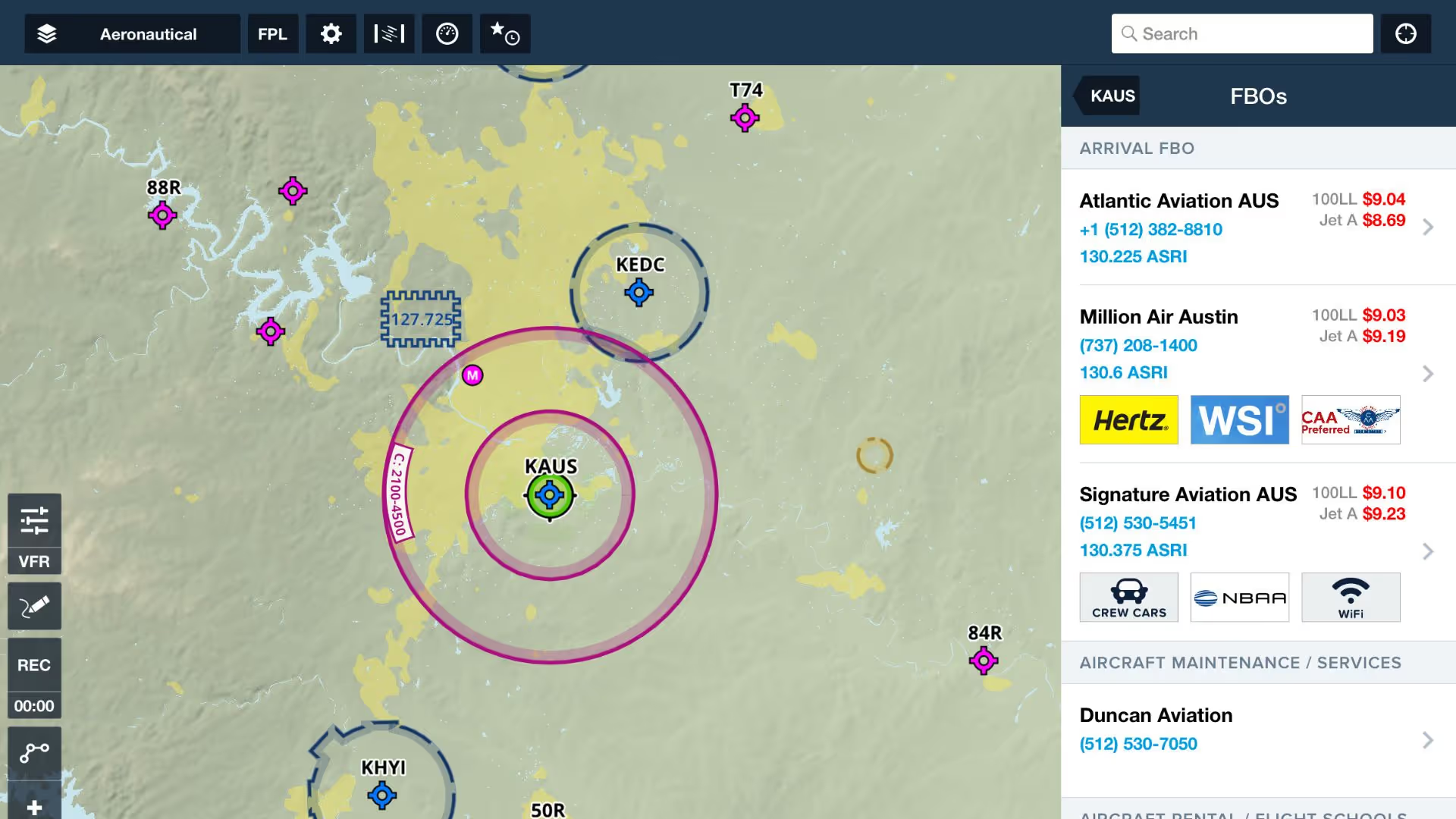
ForeFlight product lead Thomas Daugherty leads you through getting current again and back in the air with the help of ForeFlight.

Quickly find the appropriate minimum for an approach procedure and display it as part of your route to supplement the plate and reduce the risk of errors with Augmented Procedures.

Plan enroute altitude changes around terrain, weather, or airspace and visualize them in Profile View, with the option to start or end a climb or descent at a specified waypoint.
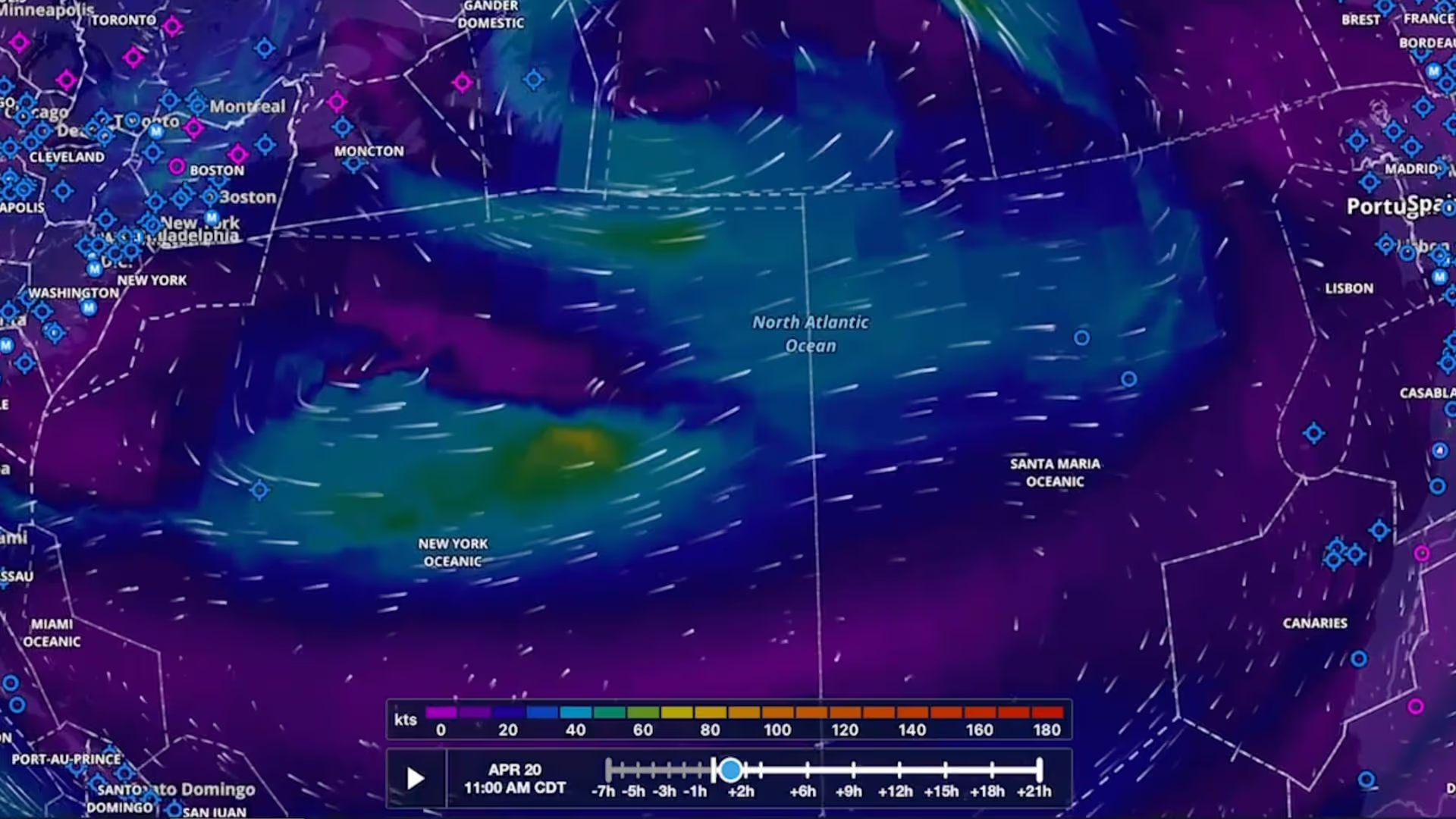
Plan flights with global forecast wind speed, direction and temperatures at multiple altitudes and times using two animated weather layers. Both layers are available with ForeFlight Performance plans.
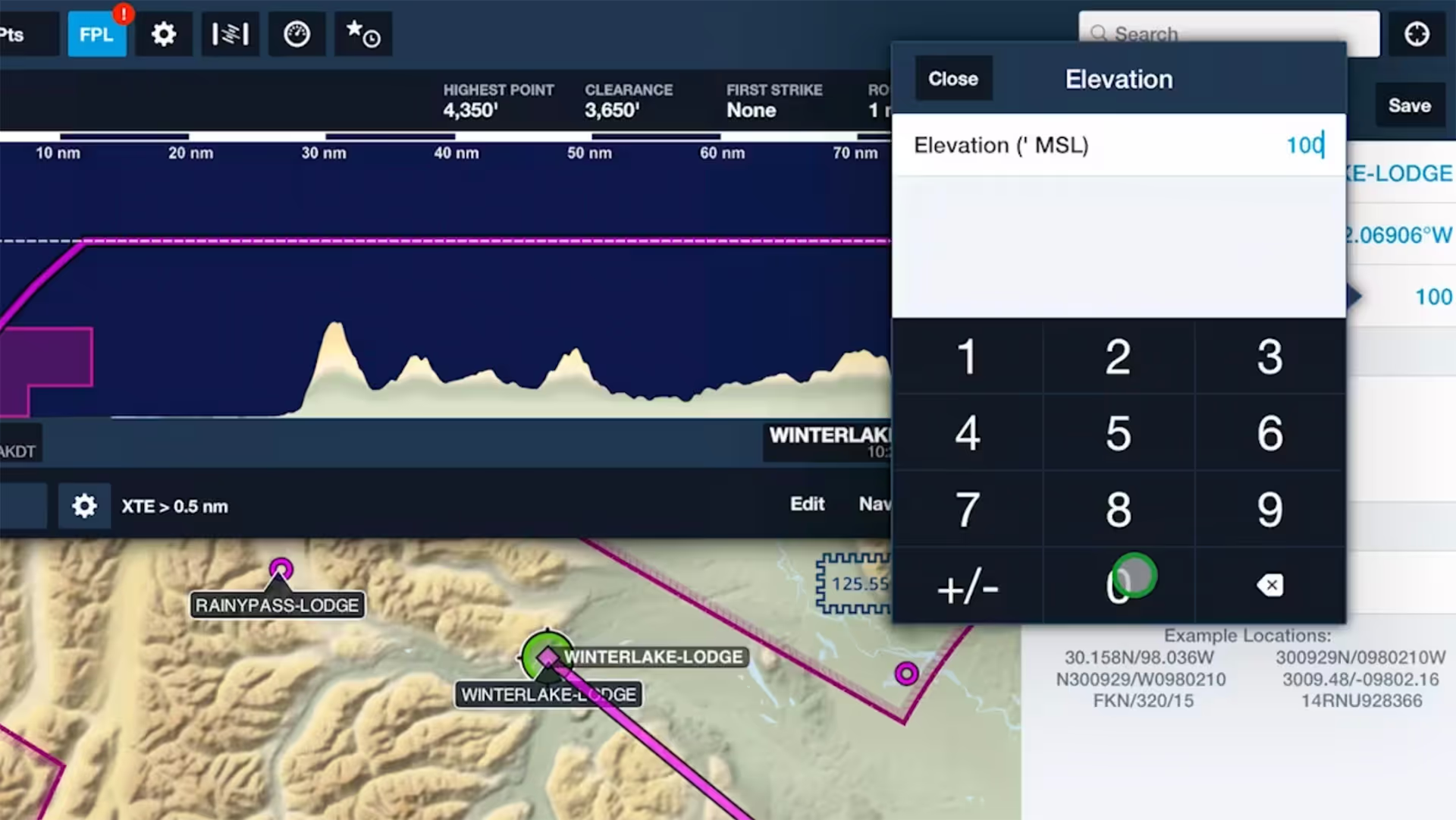
Specify elevations for custom waypoints to plan flights to and from them like you would airports, complete with accurate climb and descent performance calculations and depictions in Profile View.

Increase the accuracy of ForeFlight’s time and fuel flow calculations by adjusting your aircraft’s climb, cruise, and descent performance profiles based on observed performance.

Trim your recorded track logs using non-destructive editing to accurately line them up with the beginning and end of your flights and automatically update Logbook entries to match.

See how easy it is to view and organize Jeppesen procedure plates, airport diagrams, and documents in ForeFlight compared to Jeppesen Mobile FliteDeck (JeppFD).

Easily insert a holding pattern anywhere in your route with flexible parameters and automatic pattern entry selection. Hold Advisor is included with ForeFlight Pro Plus subscription plans and above.

ForeFlight can import track logs created by a Garmin G1000 to simplify how you organize and access your recorded flights.

Tap on any Currency Summary in ForeFlight Logbook to see detailed information about your progress towards that currency.
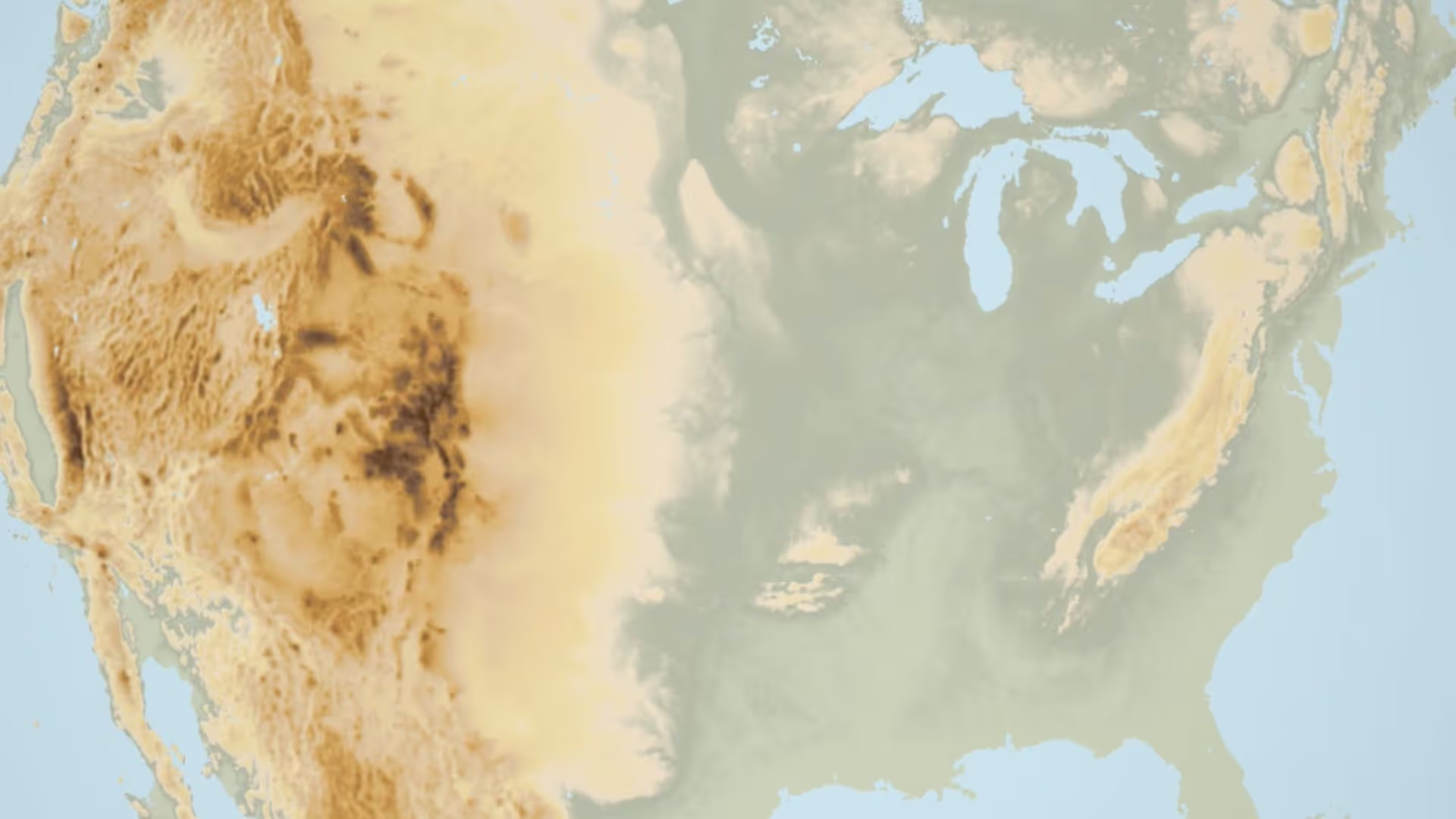
Having trouble finding the Terrain layer in ForeFlight 8? It just moved next door to the Map Settings menu. You can also recreate the World Map from the Map Settings menu by turning on Place Labels.

ForeFlight now allows you to add a call sign to flight plans. Since most pilots don’t use call signs, the setting is disabled by default; you can enable it in More, Settings, File & Brief.